

The best LMS for your training team is the one that passes four tests before anyone opens a feature list: you can buy it at your headcount, it prints a price and says what it counts, your courses and completion records come back out when you leave, and it’s built for the people you train. Fail one of those and the features don’t matter, because the demo was never going to become a contract, or the contract was never going to end cleanly.
That matters more to you than to anyone else in the building. You’re the person whose name is on the shortlist, and a twelve-month auto-renewal with a seat count you can’t lower is a hard thing to explain in year two.
This guide runs all four tests on fifteen well-known platforms from their own pricing pages and agreements. It groups them by who they’re built for, works one shortlist through for a 180-person company, and points to narrower comparisons by use case and industry.
If most of the training you need already exists as documents, an AI LMS can turn them into assigned, tracked courses the same week you pick a platform.
Key Takeaways
- Docebo, 360Learning, TalentLMS and Moodle describe SCORM import or playback and no export of courses built inside them.
- Skilljar’s two documents give 30 and 60 days to get your data back, and Intellum’s give 30 and 90.
What Makes an LMS the Best One for Your Team
Every LMS on a shortlist will assign a course, track who finished it and produce a report. That’s why feature comparisons are so hard to act on. The differences that decide a purchase sit in four places the feature grid doesn’t reach.
- Can you buy it at your headcount? Some vendors print a floor, others advise one, and a few sell to five people.
- Is there a price, and what does it count? Registered users, active users, learner bands, a flat fee or a cut of your sales.
- Do your courses and completion records come back out? In what format, inside what window, after how much notice.
- Who is it built for? Staff, customers and partners, buyers of courses, or your own server.
Features are the fifth question. Ask them of the three platforms that survive the first four, and the demos get shorter because you already know what you’re buying.
The rest of this guide takes the four tests in order, then applies them to fifteen platforms. If the question you’re really asking is what the bill will be at 25, 100 or 250 users, the monthly cost across twenty vendors is worked out separately. If your security team will ask where the records sit and whose certificate is whose, the hosting and security comparison covers that ground. And if you’re earlier than a shortlist, how to choose an LMS sets out the whole process from requirements to signature.
Test 1: Can You Buy It at Your Headcount?
This test removes more names than any other, and it costs nothing to run. Every vendor below either prints a floor, advises one, or prints nothing and routes you to a demo.
The floors vendors publish
| Platform | What it says about size |
|---|---|
| Docebo | At least 250 learners, as fit guidance on its pricing FAQ rather than a contract floor |
| LearnUpon | “From 100 Users” for employees, “From 150 Users” for associations, “From 300 Users” for customer education |
| iSpring LMS | Its lowest published price is the 100-user tier, with nothing shown below it |
| Tovuti | “$7,500 / year for your first 100 learners, then scales” |
| Learn:Up by Confirm | Its starting price is “Based on a 200-person company” |
| 360Learning | “There is no minimum number of users required”, with the Team plan capped at 100 users |
| TalentLMS | A free plan for 5 users and 10 courses, then Core for 1 to 40 users |
| Absorb | A pricing form that starts at a 1-50 learner band and publishes no figure for any band |
Read the table as three groups. Docebo and LearnUpon will talk to you, but a company under their line is a small account for them and will be priced like one. iSpring and Tovuti print prices that start at 100, so a smaller team pays for 100 or asks for a quote. TalentLMS and 360Learning are the two that price down to a handful of people on a public page.
Docebo’s 250 is advice, not a contract floor, but it tells you how the product is sized. LearnUpon’s floors are printed per product, so one company can qualify for employee training at 100 users and be too small for customer education at 300.
The rule
If you train fewer than 100 people, start with the platforms that print a price below 100 and treat everything else as a later conversation. The platforms that will sell to a 25-person company are a separate and much shorter list. If a free plan is the real constraint, every permanent free LMS and the number that ends it is compared on its own.
Between 100 and 250, almost everything is open to you, and the next two tests do the sorting. Above 250, the sales-led suites start treating you as their core buyer, and the contract terms in Test 3 matter more than the list price.
Test 2: Is There a Price, and What Does It Count?
Eight of the fifteen platforms print a price you can put in a budget without a call. Six print none on their own site. One is free software. The ones that print a price are mostly built to sell to a team without a procurement process.
What each vendor counts
The unit on the invoice decides your bill more than the rate does. A rate of $8 means one thing when it counts everyone with an account and another when it counts only people who logged in this month.
- Docebo lets you choose the unit in the contract: monthly active users, yearly active users or registered active users. Two companies with the same headcount can end up paying on different bases.
- 360Learning bills active users on its Team plan and, above it, offers “registered users, monthly active users, or a mix of both in one contract.”
- iSpring LMS defines its unit in writing: “A user will be considered active if s/he has logged in at least once during a month.”
- Skilljar charges a plan fee plus “an active user fee based on the number of active users taking lessons in your Academy in one year”, where an active user is “someone who consumes or interacts with a lesson.”
- Absorb sorts you into learner bands, from 1-50 up to 25,000+, and prices the band.
- Thinkific and Kajabi charge by plan and take a share of payments. Thinkific’s is 2.9% through Thinkific Payments on every self-serve plan. Kajabi’s processing runs from 2.9% plus $0.30 on Basic to 2.7% plus $0.30 on Pro.
If you train a seasonal or high-turnover workforce, an active-user meter is usually kinder than a registered-user one. The exception is a compliance deadline that pulls everyone in during the same month, which turns an active-user bill into a registered-user bill for that month.
The prices that do get published
When a vendor won’t print a license price, it often prints something else, and that something else is worth reading.
Absorb publishes seven hourly professional-services rates in its Terms and Conditions: $200 an hour for consultation, branding changes after approval, extra admin setup, integration programming, additional training and backup restores, and $275 an hour for customization. Retraining a replacement system administrator is named as chargeable.
Skilljar publishes its add-ons rather than its plans. As of September 2026, Content Syndication is $10,000, the Data Connector starts at $25,000, and Language Packs start at $10,000 for five languages. Tovuti prices its WayPoints AI authoring add-on separately, from $999 a year for one creator as of August 2026.
What to do with this. Ask every vendor for two numbers in one email: the price at your headcount on their counting unit, and the hourly rate for the three services you’ll need in year one.
Test 3: Do Your Courses and Completion Records Come Back Out?
This is the test almost nobody runs before signing, and the one that decides whether you can ever change your mind. It has three parts: what format your courses leave in, what happens to the completion history, and how much notice the contract wants before you go.
Most SCORM support is a way in
SCORM is the format most LMSs import. That’s the half vendors advertise, because it’s the half that wins a migration. The other half is whether a course you build inside the platform can leave as a package another system will play.
| Platform | What it states about SCORM |
|---|---|
| Docebo | Imports SCORM 1.2 and 2004, xAPI and AICC, “making it easy for you to transfer your existing learning materials from your old LMS into Docebo” |
| iSpring LMS | “All SCORM 1.2 and 2004 courses from iSpring Suite or any other tool are fully supported” |
| 360Learning | Imports and delivers SCORM, xAPI, cmi5 and AICC, with no export described |
| TalentLMS | Compatible with SCORM 1.2, and “it’s not possible to create SCORM files directly on TalentLMS” |
| Litmos | “Import and manage your existing SCORM and xAPI content alongside AI-generated courses” |
| Tovuti | Imports SCORM 1.2 and 2004, AICC and xAPI; its paid WayPoints AI add-on produces “SCORM-ready courses” |
| Moodle | “Moodle does not generate scorm content. Moodle presents the content in SCORM packages to learners” |
| Kajabi | “Kajabi does not support LMS formats like SCORM or HTML5 files” |
| Absorb | Absorb Create “allows you to publish courses to SCORM, xAPI, and HTML5 formats” |
| Intellum | Its Evolve authoring tool exports SCORM 1.2 and 2004 |
| Mini Course Generator | “You can export mini-courses as PDF files or SCORM packages at any time” |
Import-only isn’t a flaw, but it changes how you build. A course authored inside a platform that only imports lives there, so build anything you’d want to keep in a tool that exports.
What a SCORM file actually contains explains why a package that plays can still fail to record, and the difference between SCORM and xAPI decides how much of the learner record travels with it.
Completion history is a different export
A course package carries the course, not the record of who finished it, which is what an auditor asks for. That history comes out as a report or data export, described in reporting pages rather than contracts.
Absorb is unusually specific about the effort. Its Terms and Conditions cap included implementation help at 6 hours for a scheduled export and 10 hours for a historical data import. That’s enough for a tidy system. Ten years of completion records from three merged companies is billable past the cap, at the hourly rates in Test 2.
What to do with this. During the trial, export one course and one completion report. Open both. If the report won’t open without the platform, you have a tour, not a record. What LMS reporting should hand you covers what a usable report contains.
Seats that can’t go down
Two of the most common enterprise contracts in this category stop you reducing your seat count until the term ends.
Docebo’s Master Services Agreement, section 5.2(d): “No ‘downgrading’ of the User thresholds will be permitted during the Term.” Absorb’s Terms and Conditions, section 3.1: “the number of User subscriptions purchased cannot be decreased during the relevant subscription term stated on the Order Form.”
Forecast 1,200 learners, hire 900, and you pay for 1,200 until renewal. Buy for the headcount you have today and add seats as you hire. Adding is always allowed.
The notice clock
| Platform | Renewal | Notice to leave | What else the terms say |
|---|---|---|---|
| Docebo | Automatic, 12 months | 60 days before the term ends | Renewal fee is the lower of “then-current fees” or a 10% increase over the prior highest annual fee |
| Absorb | Automatic, 12 months | 30 days, “except as otherwise specified in the applicable Order Form” | Price can rise at renewal on 30 days’ written notice |
| LearnUpon | Automatic, 12 months | 30 days | Plan fees “may change over time” on 30 days’ notice, “generally via email” |
| Skilljar | Automatic, 12 months | 30 days | Ending early means paying “all fees owed for the remainder of the Initial Term” |
Your order form can override any of these, so read it first and the standard terms second.
Two documents, two windows
Skilljar and Intellum each publish two documents that give different answers to the same question.
Skilljar’s Subscription Services Agreement makes your content “available” within 30 days of a termination request. Its Data Processing Agreement says return or deletion is “completed within 60 days.” Intellum’s Terms of Service say your data is available for export on request within 30 days after termination and then deleted. Its Security Summary says account data is purged 90 days after suspension, which can be shortened to 30 on request.
Neither pair is reconciled by the vendor. Ask which clause governs your order form, and put the export request in your calendar on the day you give notice, not the day the contract ends.
Test 4: Who Is the Platform Built For?
Four different products get sold as a learning management system, and a platform built for one job is usually a poor buy for another.
- Employee training: assigning courses to staff, tracking completion and proving it later, which is where most of the fifteen sit.
- Customer and partner education: a branded academy for people outside your company, which is what Skilljar and Intellum are built for.
- Selling courses: checkout, payment plans and a storefront, which is Thinkific and Kajabi.
- Running your own system: Moodle, free software you install and maintain.
The fastest way to tell them apart is the vendor’s homepage. If it talks about assignment, compliance and completion, it’s built for staff. If it talks about adoption, retention and academies, it’s built for customers. If it talks about sales, launches and checkout, it’s built for creators.
The course-selling tools show why this test matters. Thinkific’s terms say that on cancellation “all of your Content may be permanently deleted from the Services.” That’s a reasonable term for a creator who keeps their source files. It’s the wrong term for a training record you may need to produce in an audit three years from now.
Names also move. WorkRamp’s employee LMS is now Learn:Up by Confirm, iSpring Learn is now iSpring LMS, and Litmos is no longer an SAP product. A two-year-old list may name products you’d now buy under another name, and the entries below say which.
The 15 Best LMS Platforms, Grouped by Who They’re Built For
The short answer: for a company with 100 to 1,000 employees training its own staff, TalentLMS, iSpring LMS and Learn:Up are the three to price first, because all three print a number you can budget. Absorb is the sales-led suite to add if you need several portals and courses that export.
If the people you train are customers, start with Skilljar. If you’re past 1,000 seats and need SSO and audit trails, or if audits drive the purchase, the narrower shortlists below are the better starting point.
Every price, plan limit and contract term below comes from the vendor’s own pages and published agreements, quoted as printed; where a vendor publishes nothing, the entry says so.
The platforms are grouped by the job each one does rather than put in order of preference, because the job decides more than any feature.
| Platform | Built for | Buy without a sales call? | Published price | What it counts | What comes back out |
|---|---|---|---|---|---|
| Docebo | Staff, customers and partners, 250+ learners advised | No | None | MAU, YAU or RAU, set in the contract | Import stated, no export stated |
| Absorb | Mid-market and enterprise, many portals | No | None; services from $200/hour | Learner bands | Absorb Create publishes SCORM, xAPI and HTML5 |
| Litmos | Staff, customers and partners | No | None at any of three tiers | Not published | Import stated, no export stated |
| LearnUpon | Three audiences, sold as three products | No | None; floors of 100, 150 and 300 users | Users, floor set by product | Import stated, no export stated |
| TalentLMS | Teams up to about 100 users | Yes | Free for 5 users; $119, $229 and $449/month | Users in bands | SCORM 1.2 import only |
| 360Learning | Expertise held by colleagues | Yes, on the Team plan | $8/user/month, up to 100 users | Active users | Import and delivery, no export stated |
| iSpring LMS | Slide-based L&D teams, 100+ users | Trial yes, price from 100 users | $6.91/user/month at 100 users | Active users, defined in writing | SCORM 1.2 and 2004 import |
| Tovuti | One annual figure from 100 learners | No, demo first | $7,500/year for the first 100 learners | Learners | Import; WayPoints add-on output is SCORM-ready |
| Learn:Up by Confirm | Employee training at fast-growing teams | Price printed, no checkout stated | From $9/user/month, billed annually | Users, modeled on 200 people | “Supports SCORM”, direction not stated |
| Skilljar | Customer education academies | No | None; add-ons from $10,000 | Active users taking lessons, yearly | Content available within 30 days of a termination request |
| Intellum | Enterprise customer and partner education | No | None on its own site | Monthly active users | Evolve exports SCORM; 30-day export window after termination |
| Thinkific | Selling courses to the public | Yes | $40, $82 and $164/month billed annually | Plan plus 2.9% on Thinkific Payments | SCORM import on Plus only |
| Kajabi | Selling courses, coaching and memberships | Yes | $143, $199 and $399/month billed annually | Plan limits on products and contacts | No SCORM in either direction |
| Moodle | Organizations with a sysadmin | Yes, it’s free software | $0 license to self-host | Nothing | The database is yours; it plays SCORM and doesn’t create it |
| Mini Course Generator | Training built from documents you already have | Yes, 14 days of full access | On its pricing page | A yearly learner allowance | SCORM or PDF export at any time |
Dollar figures in the table are the published rates as of September 2026.
Employee Training, Sold Through a Sales Team
Four platforms built for an organization with an L&D function and a procurement process. None publishes a license price. All of them expect a demo before a number, and all of them sell three audiences from one system.
1. Docebo
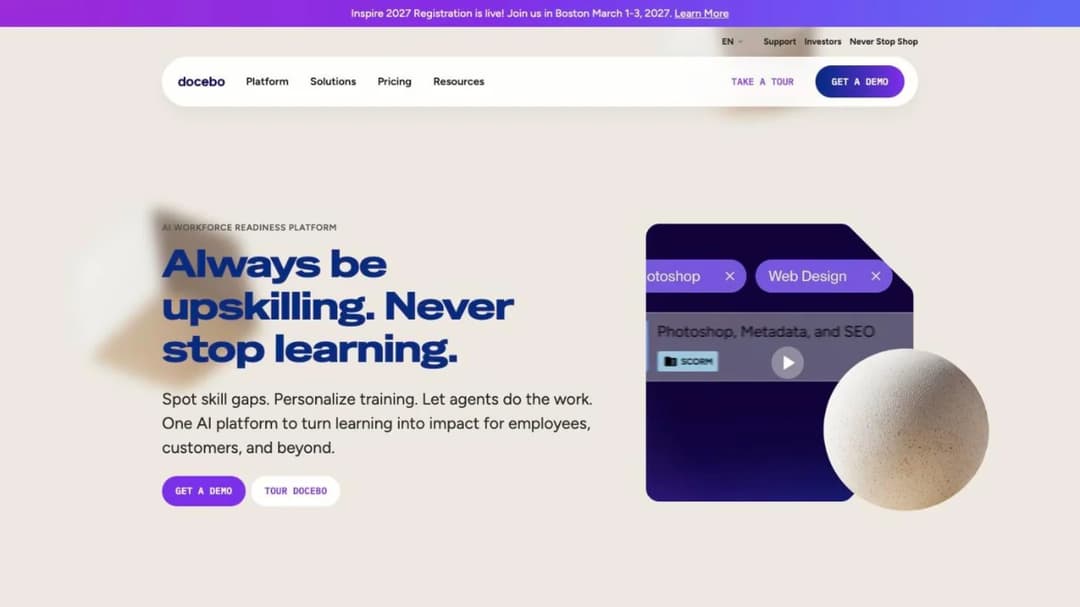
Best for: An organization training 250 or more learners across staff, customers and partners, with an admin team to run it.
Top Features
- Multi-audience learning suite with separate extended enterprise experiences and branding
- A choice of counting unit: monthly, yearly or registered active users
- Enterprise tier with 10 extended enterprise domains, 2 sandboxes and 6 integrations
- AI tooling listed as live, including Creator, AI Roleplay and an MCP connection
Docebo is the biggest name here, and it’s built for a learning team rather than a learning person. Its own pricing FAQ describes its fit as companies training at least 250 learners, and the product shows it: deep configuration, several audiences on one instance, and three separate quote requests if you want Elevate, Enterprise and Skills Intelligence priced.
Read the contract before the demo. It renews for twelve months unless you give sixty days’ notice, the renewal fee can rise by up to 10%, and user thresholds can’t be lowered mid-term. If it’s already on your list, the alternatives worth pricing beside Docebo split by exactly those contract terms.
Pricing: Not published at any tier. The counting unit is chosen in the contract.
Pros
- A public MSA, so the renewal, notice and seat terms are readable before you engage
- Three counting units, which lets a seasonal workforce negotiate an active-user basis
- One system for staff, customers and partners
Cons
- No price at any tier, and at least three quotes to see the full product
- User thresholds can’t be lowered during the term
- No export of courses built in the platform is described
2. Absorb LMS
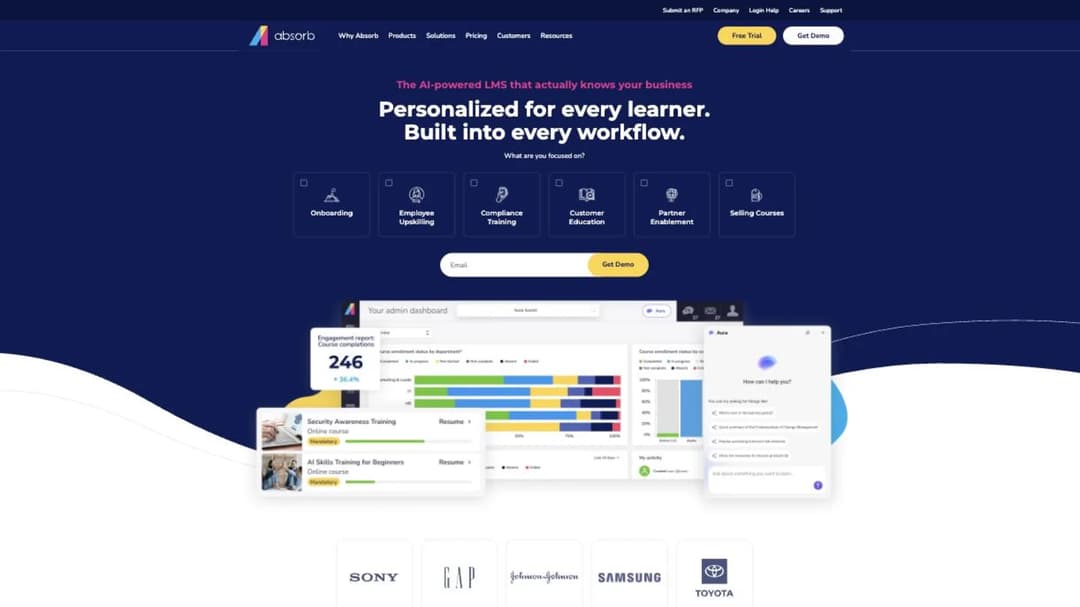
Best for: A mid-market or enterprise company that needs separate learner portals by role, location or language, and wants courses it can take elsewhere.
Top Features
- Multiple learner portals, split “based on any number of criteria, including roles, locations, languages”
- Absorb Create authoring that publishes to SCORM, xAPI and HTML5
- SCORM 1.2 and 2004 support
- A pricing form structured by learner band, from 1-50 to 25,000+
Absorb sits in the same weight class as Docebo and Litmos, and on the exit test it does better than either. Courses built in Absorb Create can leave as SCORM, xAPI or HTML5, which puts it in a short group of LMSs that state an export for their own authored content.
The commercial side is the mirror image. There’s no license price for any learner band, but its terms print hourly services rates of $200 for most work and $275 for customization, and seats can’t be decreased mid-term. Absorb alternatives compares the platforms that print a license price instead.
Pricing: Not published for any learner band. Hourly services from $200, as of September 2026.
Pros
- Courses built in Absorb Create export as SCORM, xAPI or HTML5
- Services rates and implementation caps are published, so year-one extras can be budgeted
- Portals by role, location or language on one platform
Cons
- No license price at any band
- Seat counts can’t be decreased during the term
- Completion-history migration past the included hours is billed hourly
3. Litmos
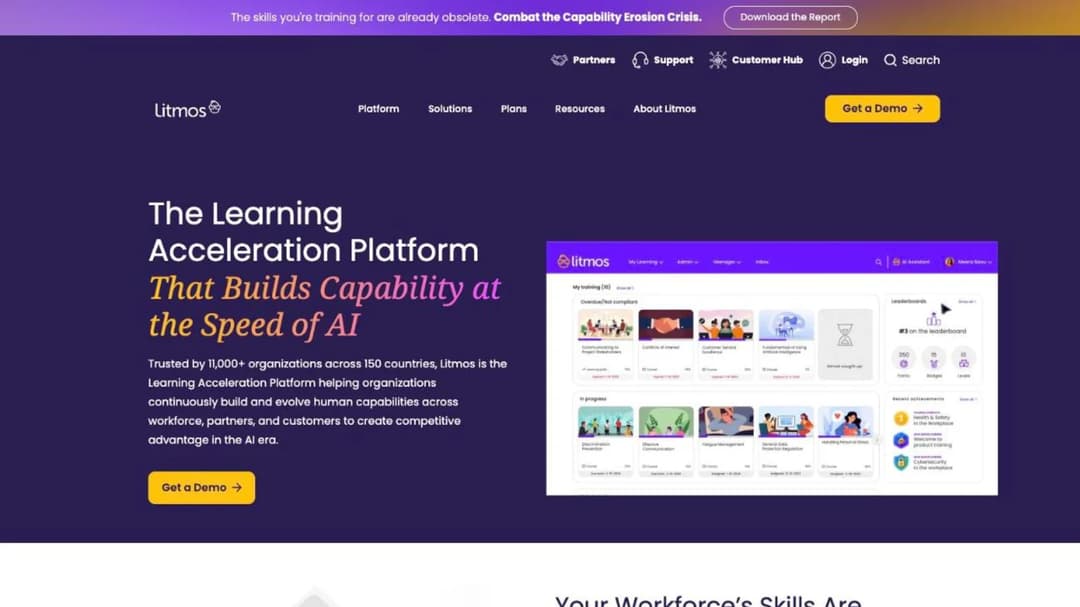
Best for: A company training employees, customers and partners that wants a bundled content library and is comfortable buying through a demo.
Top Features
- Corporate LMS for “employees, customers, and partners”
- Three tiers: Foundation, Platinum and Platinum AI
- Import of SCORM, xAPI, AICC, video, PDF, PowerPoint and HTML5 content
- AI-generated courses alongside imported content
Litmos describes itself as “The Learning Acceleration Platform”, and it’s a mainstream corporate LMS with a long enterprise track record. SAP sold it to Francisco Partners in a deal completed December 1, 2022, so older paperwork that says SAP Litmos is the same product.
On the four tests it’s a conventional sales-led buy. Every tier reads “Contact for Pricing”, every route is a demo, and no contract length or cancellation terms are published. Its SCORM language is about bringing existing content in: “Import and manage your existing SCORM and xAPI content alongside AI-generated courses.” If your plan is to author inside Litmos, ask what those courses export as before you build the library.
Pricing: “Contact for Pricing” on all three tiers, as of September 2026.
Pros
- One platform for internal and external audiences
- Broad import support for existing content formats
- Instructor-led scheduling alongside e-learning
Cons
- No price at any tier, including the entry tier
- No contract length or cancellation terms published
- No export of courses built in the platform is described
4. LearnUpon
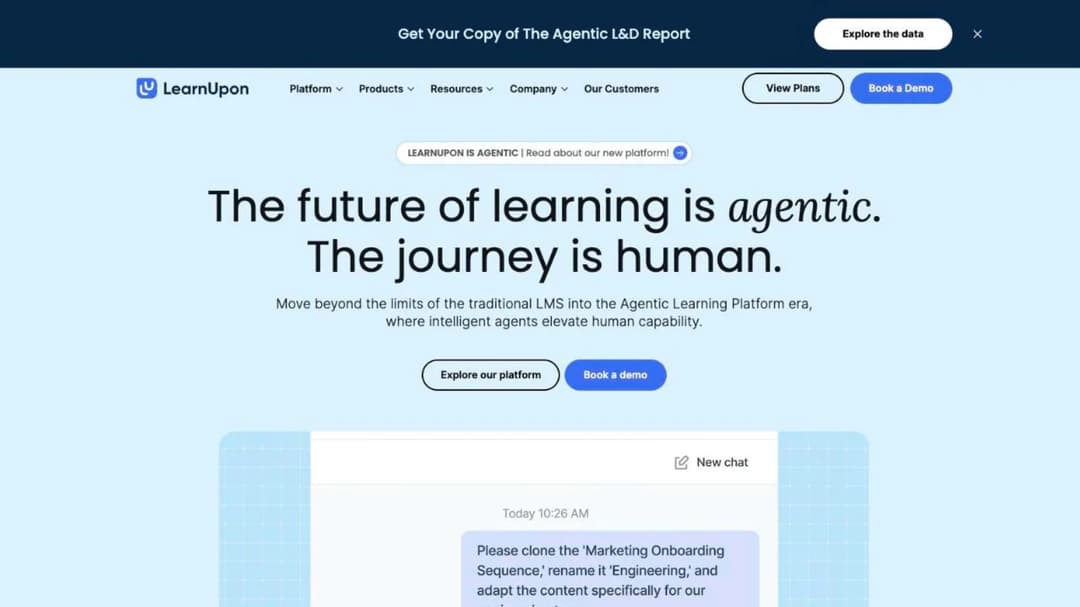
Best for: A company of 100 or more training employees now, and planning to add customers or members later.
Top Features
- Three separate products: Employees, Associations and Customer Education
- Published user floors for each product
- Multi-audience delivery from one administrative layer
- SCORM and xAPI import
LearnUpon is the most honest of the sales-led group about who it’s for, because it prints a floor per product: “From 100 Users” for employees, “From 150 Users” for associations, “From 300 Users” for customer education. That customer-education floor is the useful number. A company with 80 customers in a training program is below it.
Its Terms of Service renew for twelve months unless you give 30 days’ written notice. You can terminate with 30 days’ notice, but the current period’s payment is non-refundable, and plan fees can change on 30 days’ notice, “generally via email.” It states SCORM and xAPI import with no version and no export. LearnUpon alternatives splits along the same audience lines.
Pricing: Not published for any product. Floors of 100, 150 and 300 users.
Pros
- Published floors by product, so eligibility is clear before a call
- Three audiences sold as distinct products rather than bolted-on portals
- Short, readable renewal and termination terms
Cons
- No price for any of the three products
- Price changes can arrive by email with 30 days’ notice
- No SCORM version or export is stated
Employee Training You Can Price Yourself
Five platforms that print a number. Two will sell to a handful of people without a call, two start at 100, and one models its price on a 200-person company.
5. TalentLMS
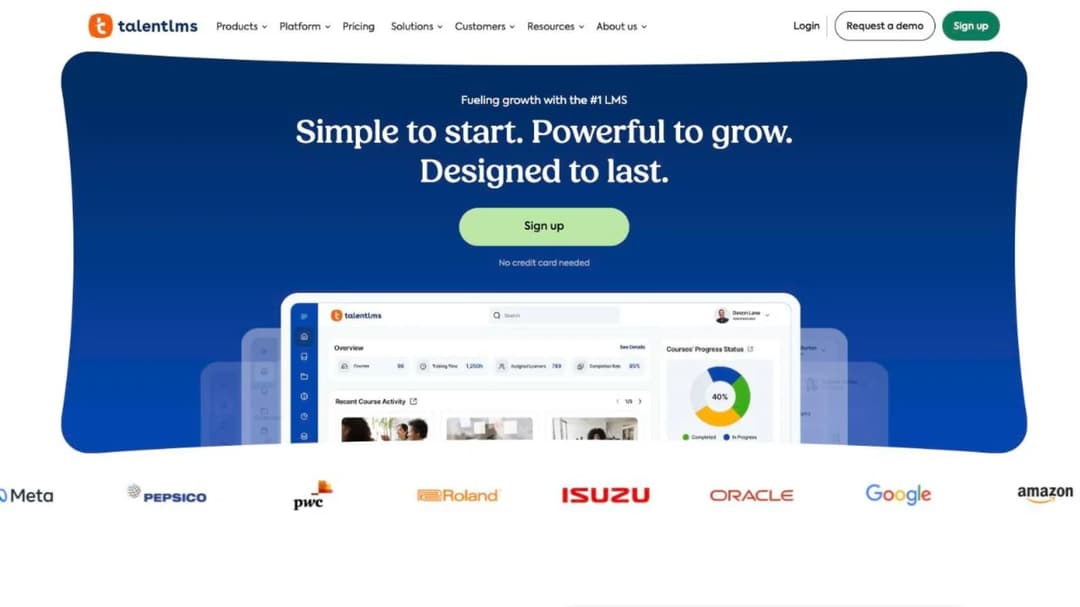
Best for: A team of up to about 100 users that wants a conventional LMS it can buy this afternoon.
Top Features
- A free plan for 5 users and 10 courses, with no card and no expiry
- A published price ladder with the user ceiling and overage rate on each plan
- Branches for separate departments or subsidiaries, from 1 on Core to 15 on Pro
- Certificates with configurable expiry and automatic re-assignment
Of the platforms built for staff training, TalentLMS is the one you can buy without talking to anyone. As of September 2026, Core is $119 a month for 1 to 40 users, Grow is $229 for 1 to 70, and Pro is $449 for 1 to 100 with $6 per additional user. Annual billing takes 20% off. Enterprise is quoted from 1,000 users, with a flexible option from 500.
The exit test is where it’s weakest. TalentLMS is compatible with SCORM 1.2, and its own documentation says “it’s not possible to create SCORM files directly on TalentLMS.” Courses you build there stay there. For a team that mostly assigns finished content and tracks completion, that’s a fair trade for a price you can read.
Pricing: Free for 5 users. Core $119, Grow $229 and Pro $449 a month, as of September 2026.
Pros
- Every plan price, user ceiling and overage rate is published
- A genuinely free plan to test with
- Certificate expiry with automatic re-assignment, which covers most recertification
Cons
- Courses built in TalentLMS can’t be exported as SCORM
- SCORM 1.2 only on import
- Grow caps at 70 users, so a 71st hire moves you a plan
6. 360Learning
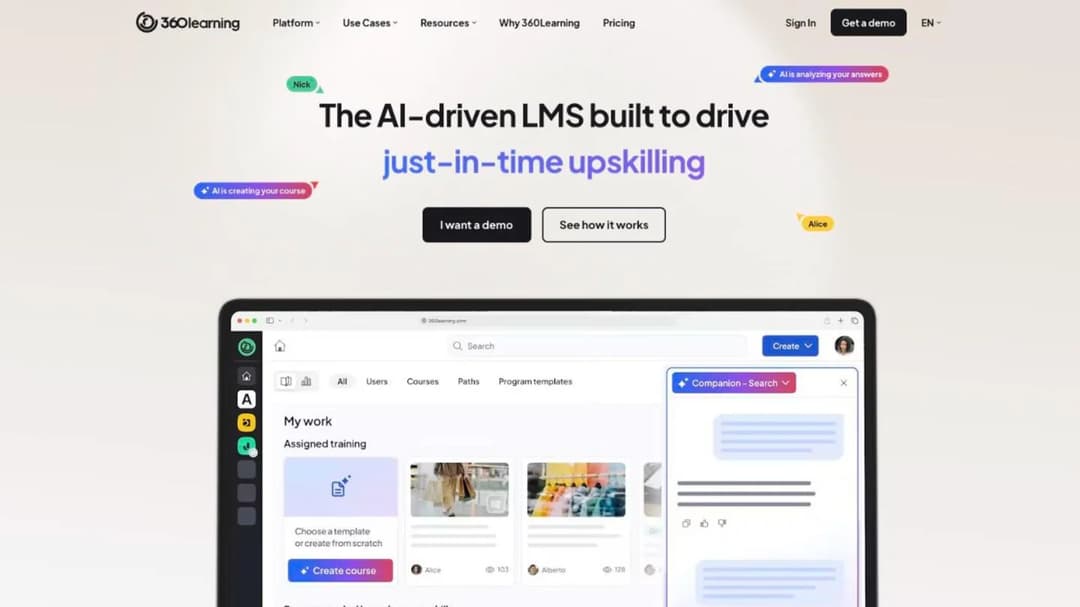
Best for: A company where the knowledge lives in experienced colleagues rather than in documents, and L&D reviews what they write.
Top Features
- Collaborative authoring, where subject experts draft and colleagues comment
- A Team plan with a published per-user price and monthly billing
- “No minimum number of users required”
- Registered and monthly active users combinable in one contract above Team
360Learning is built on a different idea of where training comes from. The person who knows the process writes the first draft, colleagues improve it, and L&D keeps the standard. That works well in a sales team or a technical support floor, and less well where the source of truth is a regulator’s manual.
The Team plan is $8 per user per month for up to 100 users, billed monthly with “no annual commitment, so you can cancel anytime”, as of September 2026. Above 100 you move to Business or Enterprise, which are custom and “generally” annual.
It imports and delivers the major formats and describes no SCORM export. 360Learning alternatives is the place to compare it on authoring.
Pricing: Team $8/user/month up to 100 users, as of September 2026. Business and Enterprise custom.
Pros
- No user minimum and no annual commitment on Team
- Flexible counting above Team: registered, active or both
- An authoring model that fits expertise held by people
Cons
- Team caps at 100 users, and the next step is a quote
- No SCORM export is described
- The collaborative model needs contributors, which a one-person L&D team may not have
7. iSpring LMS
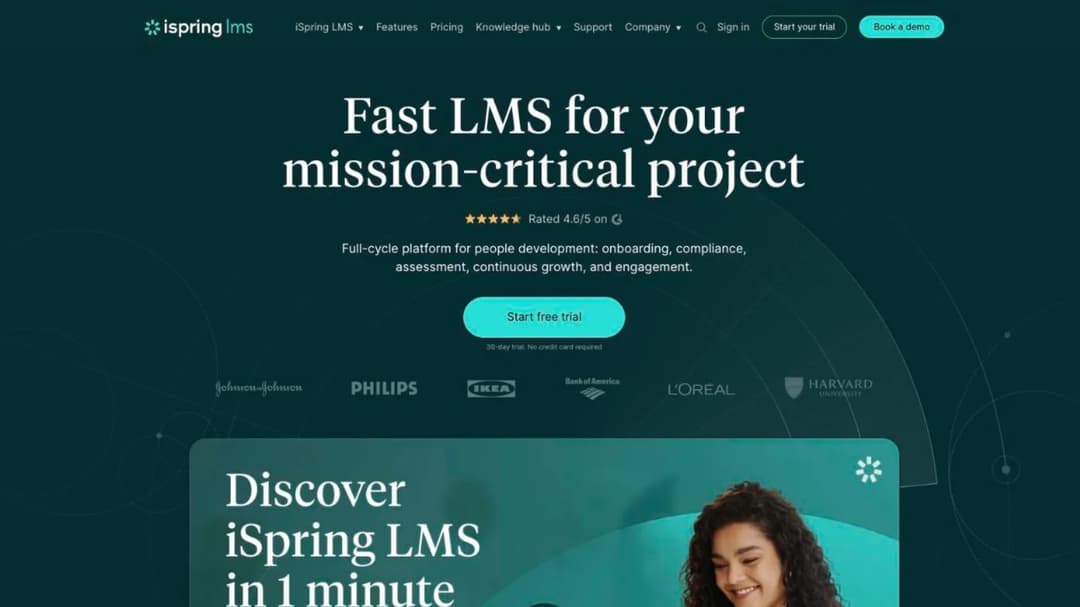
Best for: An L&D team of one or two at a company with 100 or more people, whose training already exists as slide decks.
Top Features
- Corporate LMS paired with the iSpring Suite authoring tool
- Active-user billing with the definition in writing
- Volume rates published with the annual totals they produce
- A 30-day trial with no credit card
iSpring is authoring-first. The LMS exists to deliver what iSpring Suite builds from PowerPoint, which is the right fit for a team whose source material is a deck. The product was called iSpring Learn until October 22, 2025, so older quotes and reviews may use that name.
It’s one of the few platforms that prints both a per-user rate and the invoice it produces. As of September 2026, that’s $6.91 per user per month at 100 users, or $8,286 a year, falling to $3.97 per user at 500. The unit is an active user, “logged in at least once during a month.” It states SCORM 1.2 and 2004 import from iSpring Suite or any other tool.
Pricing: $6.91/user/month at 100 users ($8,286 a year), as of September 2026. Nothing published below 100.
Pros
- A per-user rate and the annual total it resolves to, both published
- A written definition of the active user it bills
- Authoring and delivery designed to work together
Cons
- No published price below 100 users
- No SOC 2 claim; only ISO 27001 and ISO 27701 are published
- Authoring is a separate product with a separate bill
8. Tovuti
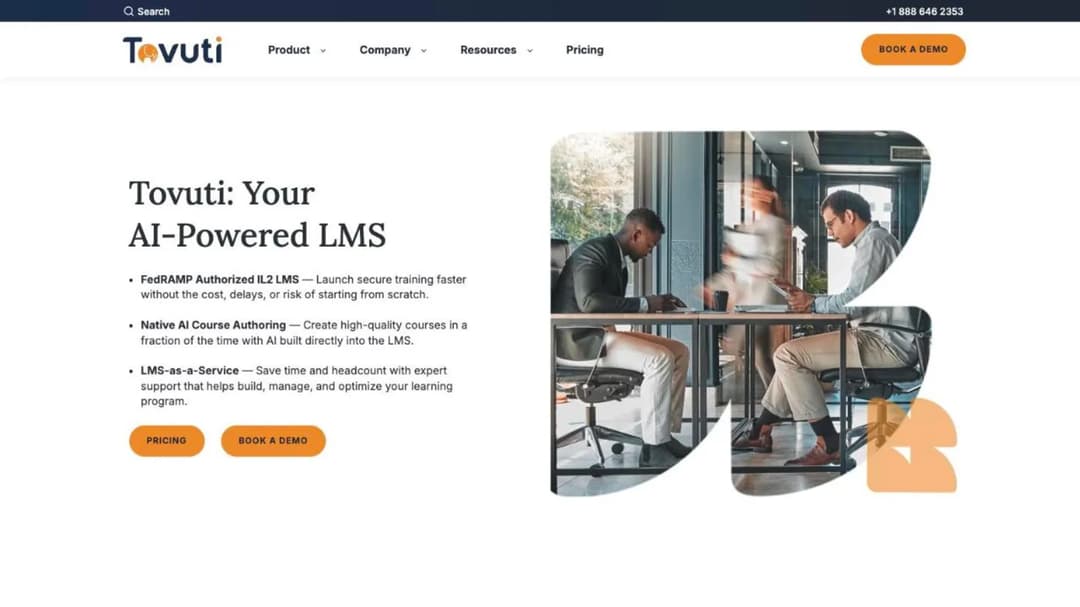
Best for: An organization training close to 100 learners that wants one annual figure with everything in it.
Top Features
- One published plan with no feature tiers
- Interactive H5P content authoring built in
- Certifications, compliance tracking, automated assignments and reminders
- Branded portals and a native mobile app with offline access
Tovuti prints an annual number you can put in a budget: “$7,500 / year for your first 100 learners, then scales”, as of September 2026. Everything on the feature list is in the plan, from e-commerce to events. The rate above 100 learners isn’t published, and the route in is a demo rather than a trial.
The all-inclusive plan covers the LMS but not the AI authoring layer. WayPoints AI, which turns “SOPs, PDFs, and decks into structured, SCORM-ready courses”, is a separate purchase from $999 a year for one creator, as of August 2026. On the exit test, Tovuti states import of every major format. The WayPoints output is the part described as SCORM-ready, so ask what courses built in the core authoring tool export as.
Pricing: $7,500 a year for the first 100 learners, as of September 2026. Rate above 100 not published.
Pros
- One annual figure with no feature gates
- Broad import support, including SCORM 2004 and xAPI
- Mobile app with offline access in the plan
Cons
- A 25-person team pays for 100 learners
- No published rate above the first 100
- AI authoring is a separate add-on
9. Learn:Up by Confirm
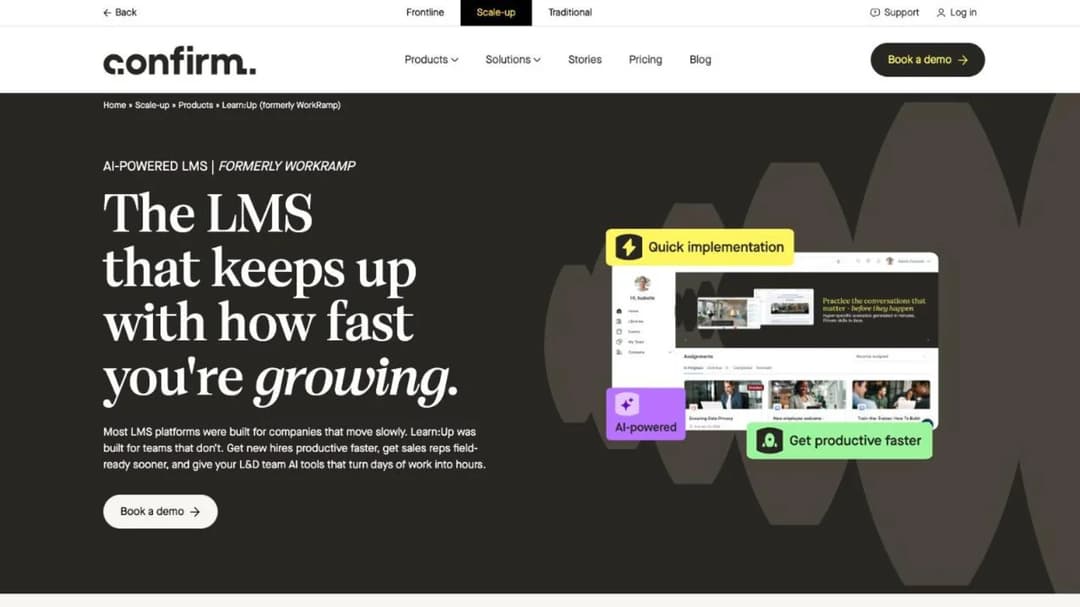
Best for: A fast-growing company of around 200 people that wants employee training and practice tools from one vendor.
Top Features
- Employee LMS with AI simulations, a skills engine and personalized learning
- A published starting price per user
- AI Assist for content drafting
- A separate Practice product for voice and text roleplay
Learn:Up is what WorkRamp’s employee LMS is now called. Learning Pool acquired WorkRamp in a deal announced October 15, 2025, Learning Pool now trades as Confirm, and WorkRamp’s product was split into Learn:Up for employees and Academy for customers and partners. If WorkRamp is on a list in front of you, this is the product you’d buy.
Its price is printed but conditional: “Starting from $9 / £7 per user per month”, billed annually and “Based on a 200-person company”, as of September 2026. That makes it a sensible anchor for a company near 200, and a question for anyone much smaller or larger. No minimum contract length or cancellation terms are published, and its SCORM line, “Learn:Up supports SCORM, videos, PDFs, documents, and more”, doesn’t say which direction.
Pricing: From $9/user/month billed annually, modeled on a 200-person company, as of September 2026. Academy is quote-only.
Pros
- A printed per-user starting price in a category where most don’t print one
- Employee LMS and practice tools from one vendor
- A clear successor to WorkRamp, with the acquisition on record
Cons
- The price is modeled on 200 people, not a flat rate at any size
- No contract length or cancellation terms published
- SCORM direction and version aren’t stated
Customer and Partner Education
Two platforms built for an academy people outside your company sign into. Both are priced for organizations where education is tied to retention or revenue, and both publish contract terms worth reading before the renewal date arrives.
10. Skilljar
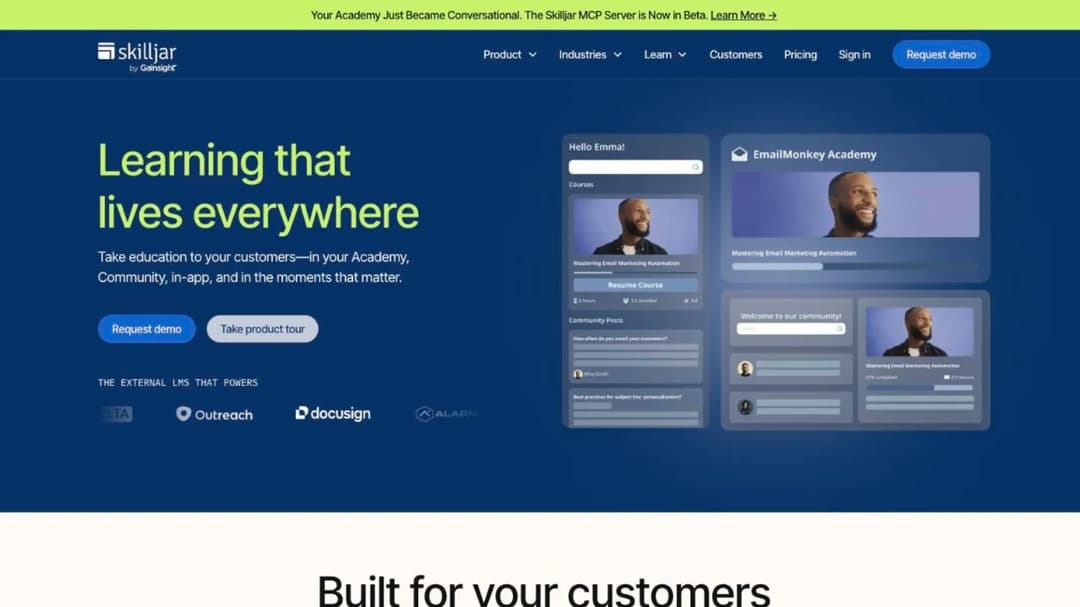
Best for: A B2B software company building a customer academy it will measure against adoption and retention.
Top Features
- External LMS for customer education, now owned by Gainsight
- Up to 1, 2 or 3 academy sites by plan
- An active-user fee that counts people who take lessons, not people who register
- Priced add-ons for content syndication, a data connector and language packs
Skilljar is built for one job, customer education, and its bill is shaped around that job. You pay a plan fee plus an annual active-user fee, and an active user is “someone who consumes or interacts with a lesson”, counted once per calendar month. A customer who registers and never opens a lesson doesn’t count, which is the right unit for an academy.
Its agreement renews for successive twelve-month terms unless you give 30 days’ notice, and ending early means paying “all fees owed for the remainder of the Initial Term.” Getting out is where its documents disagree: the agreement makes content available within 30 days of a termination request, and the DPA says return or deletion is completed within 60 days. Skilljar alternatives compares the academies that publish a plan price.
Pricing: Plans not published. Add-ons from $10,000, as of September 2026.
Pros
- An active-user definition built for customers who register and drift away
- Priced add-ons, so the expensive extras are visible up front
- Built for academies rather than adapted from employee training
Cons
- No price for any plan, and no trial
- The initial term length isn’t public
- Two documents give two windows for getting your data back
11. Intellum
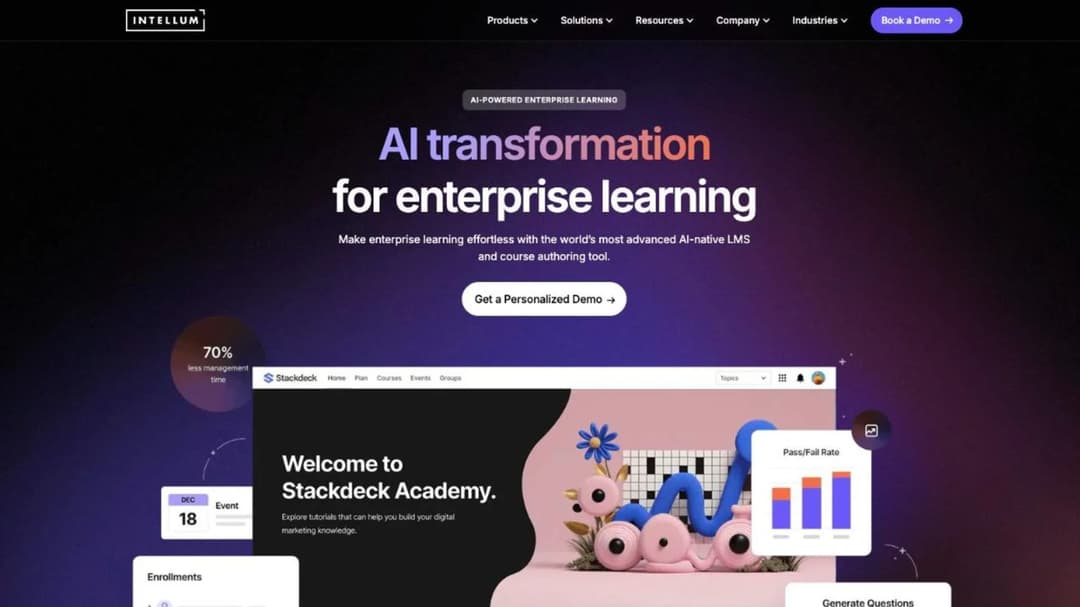
Best for: An enterprise running customer and partner education at scale, with a budget measured in tens of thousands a year.
Top Features
- Enterprise customer and partner education platform
- Separate branded organizations for each audience
- Evolve authoring tool, which exports SCORM 1.2 and 2004
- Automated recertification with expiry tracking and reminders
Intellum prices its authoring tool and not its platform. Evolve is $49 per user per month on Personal and $65 on Team, billed annually, as of September 2026. The platform itself has no price on Intellum’s own site, and its Terms of Service defer pricing to a private service order.
The one public platform price sits on Intellum’s AWS Marketplace listing: $124,771 for 500 monthly active users on a 36-month agreement, roughly $41,590 a year, as of August 2026. The listing’s fees are “non-refundable and non-cancellable except as required by law.” Exit terms come from two documents again: a 30-day export window after termination in the Terms of Service, and a 90-day purge after suspension in the Security Summary. Intellum alternatives covers the platforms that start below five figures.
Pricing: Platform not published on its own site. Evolve $49 or $65/user/month, as of September 2026.
Pros
- Courses authored in Evolve export as SCORM 1.2 and 2004
- Monthly active user billing suits a partner base that goes quiet
- Recertification is automated rather than tracked by hand
Cons
- The only platform price is a 36-month marketplace listing
- Two documents give two windows for data after the contract ends
- Priced for enterprise budgets from the first year
Selling Courses to the Public
Two platforms that show up on LMS lists constantly and are built for a different buyer: a creator taking payment from strangers. They’re here so you can take them off your list with a reason.
12. Thinkific
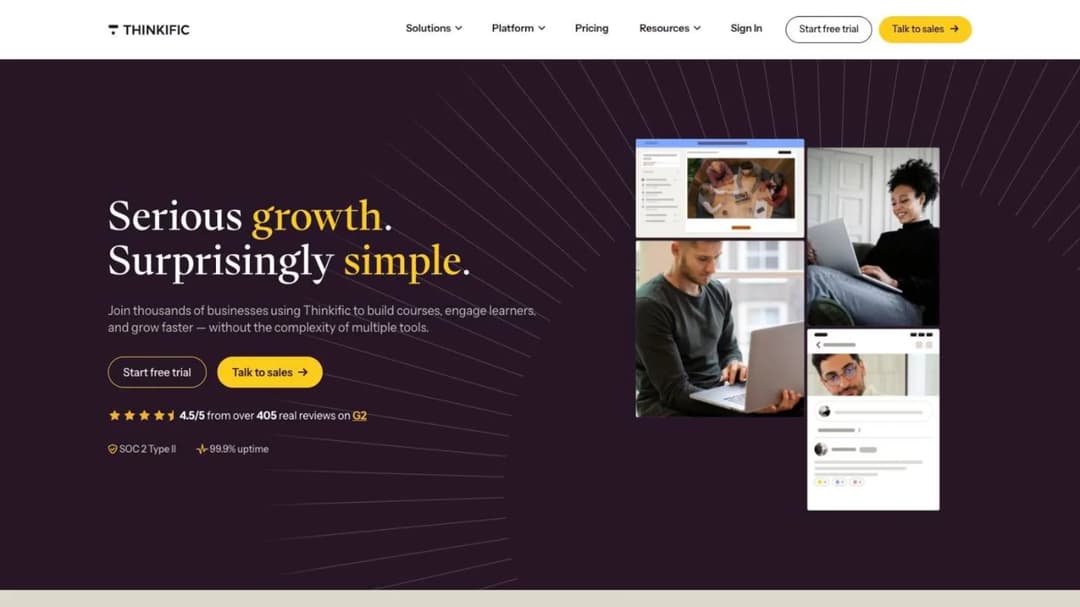
Best for: A training provider selling courses to individuals, not an employer assigning training to staff.
Top Features
- Course storefront with payment plans, bundles and memberships
- Communities and live cohorts
- Completion certificates from the Start plan
- Branding removal from the Grow plan
Thinkific is a good course-selling platform, and its pricing shows who it’s for. As of September 2026, Basic is $40 a month, Start $82 and Grow $164, billed annually, with 2.9% taken on every sale through Thinkific Payments. The self-serve plans can be cancelled “without charge or other penalty.”
For staff training, two things rule it out. SCORM appears only as a Plus inclusion, described as import. And its terms say that on cancellation “all of your Content may be permanently deleted from the Services.”
A creator keeps source files. An employer needs completion records that outlast the platform. Thinkific alternatives is the better read if you’re selling courses.
Pricing: $40, $82 and $164 a month billed annually, plus 2.9% on Thinkific Payments, as of September 2026. Plus is quoted.
Pros
- Published prices and cancel-any-time self-serve plans
- Strong storefront and community tools for selling
- Certificates from the second plan up
Cons
- Content may be permanently deleted on cancellation
- SCORM only on Plus, and only as import
- A payments fee on every self-serve plan
13. Kajabi
Best for: A coach or creator selling courses, coaching and memberships from one site.
Top Features
- Courses, coaching, communities, memberships, newsletters and podcasts
- A free customer mobile app on every plan
- Kajabi Payments with tiered processing rates
- API access on every plan
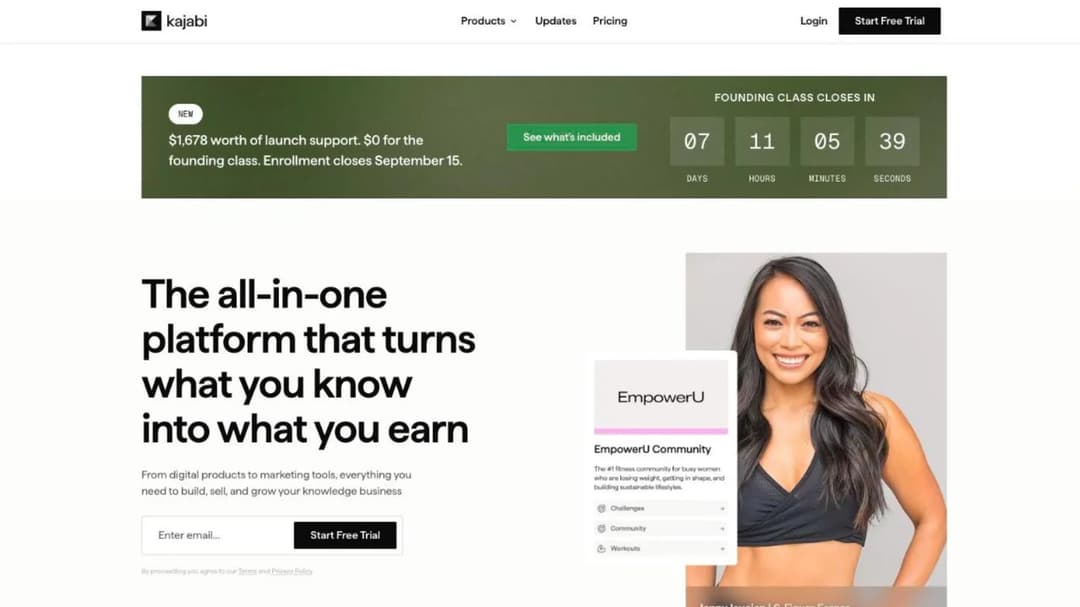
Kajabi calls itself “the operating system for human expertise”, and it’s built to run a knowledge business rather than a training program. As of September 2026, Basic is $143 a month, Growth $199 and Pro $399, billed annually. Kajabi Payments processing runs from 2.9% plus $0.30 on Basic to 2.7% plus $0.30 on Pro.
The exit test ends the conversation for an employer. Its help center says “Kajabi does not support LMS formats like SCORM or HTML5 files.” Nothing comes in as a package and nothing goes out as one, so a compliance course built elsewhere can’t be loaded and a course built in Kajabi can’t move to your LMS later. Kajabi alternatives compares it with the platforms that do handle SCORM.
Pricing: $143, $199 and $399 a month billed annually, as of September 2026.
Pros
- Everything a solo expert needs to sell, on one bill
- Published prices on every plan
- Free learner app and API included
Cons
- No SCORM in either direction
- Basic caps at 5 products and 2,500 contacts
- Built around sales, not assignment and completion tracking
Running Your Own System
One platform for teams that would rather own the server than rent the software.
14. Moodle
Best for: An organization with a sysadmin who has capacity, and a reason to control the data and the code.
Top Features
- Free software under the GPL, with no license fee at any size
- Full source code to install, modify and extend
- SCORM 1.2 and AICC playback and tracking
- MoodleCloud as a vendor-hosted option, priced by user cap
Moodle has no license fee and no seller. You install it, you run it, and every one of the four tests becomes yours to answer.
The floor is zero. The price is your server and the person who maintains it. The exit is easy, because the database is already yours.
Two limits matter for a corporate buyer. Its SCORM FAQ says “Moodle does not generate scorm content”, so it plays packages but doesn’t build them. Native SCORM 2004 support has also stopped.
If your content is SCORM 1.2 and you have someone to run it, Moodle is a real option. Moodle alternatives covers what teams move to when that person leaves.
Pricing: Free to self-host under the GPL. MoodleCloud is priced by user cap.
Pros
- No license fee and no vendor contract
- Complete ownership of data and completion records
- Customizable to any workflow with the right developer
Cons
- Hosting, upgrades, backups and security are your job
- Native SCORM 2004 support has stopped
- Doesn’t build courses, only plays them
Training Built From Documents You Already Have
One platform for a situation none of the fourteen above is designed around: a team of one who has the policies, handbooks and process documents, and needs them to become assigned, tracked courses this month.
15. Mini Course Generator
Mini Course Generator is our product; it’s listed for the job it does, not ranked above the others.
Best for: A small L&D or HR team that needs training built from existing documents and live the same week, without an implementation project.
Top Features
- AI Course Creator and PDF to Course Creator, which draft a structured course from a document you already have
- AI Interaction Builder for branching scenarios, simulations, interactive quizzes and drag-and-drop activities
- Gateways that control who can open a course, from named learners to a password wall
- Sharing by link and embed widgets, plus SCORM and PDF export
- Learning analytics, learner tracking, and Certificates & Badges
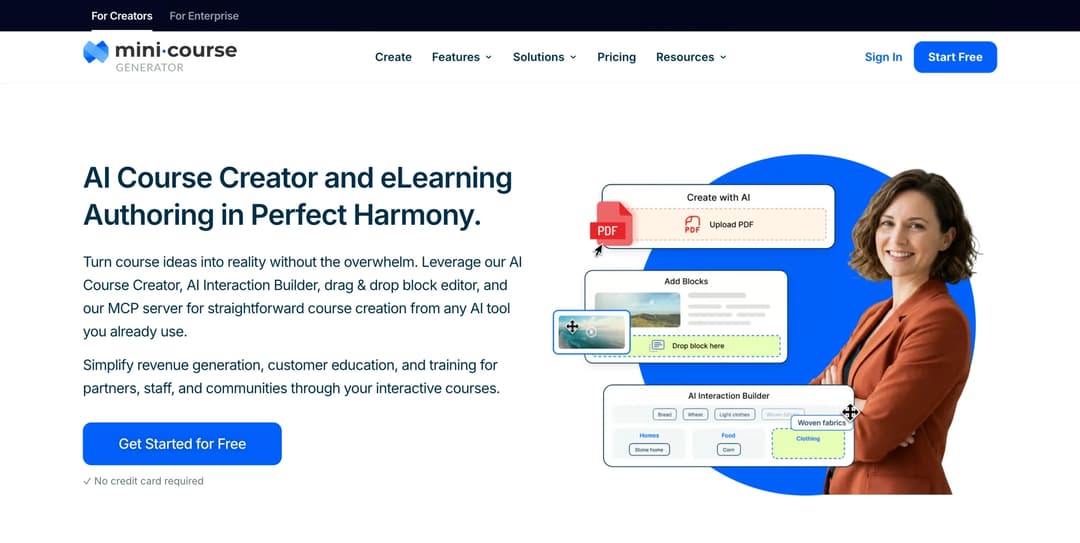
Mini Course Generator is an AI course creator with an LMS attached. A document goes in, a structured course comes out, you edit it, and it’s assigned behind a link or embedded where your people already work. The job it’s built for is training that has to exist by Friday, run by someone whose main role is something else.
On the four tests it answers three on a public page. You can buy it without a call, and every plan opens with 14 days of full access and no credit card. The price is published on the pricing page, with “zero implementation or onboarding fees” and no minimum annual commitment, and plans count a yearly learner allowance “so occasional visitors don’t force you into a bigger plan.” On exit, the pricing FAQ says “Your content is always yours, whatever your subscription status. You can export mini-courses as PDF files or SCORM packages at any time.” It also accepts SCORM packages from another LMS or authoring tool through its SCORM Upload Block.
Where it stops matters for this reader. It connects through Zapier, Make, webhooks and an Intercom app rather than a native HRIS connector. SSO for learners and the REST API are on the Custom plan. And it’s a course platform with tracking, not a training-records system.
Pricing: Published on the pricing page. 14 days of full access, no credit card.
Pros
- Courses built from documents you already have, which removes the blank-page stage
- Courses export as SCORM or PDF at any time, whatever your subscription status
- No implementation fee and no minimum annual commitment
Cons
- Publishes no SOC 2 report and no ISO 27001 certificate
- No role-based recertification schedule, overdue register or audit export workflow
- No native HRIS connector, and learner SSO only on the Custom plan
A Worked Shortlist: 180 People, Onboarding and Compliance
Here’s the four tests applied once, to one company, so you can see how fifteen names become three. The company is an example: 180 employees, an HR generalist who owns training, new-hire onboarding plus an annual compliance refresher, and no instructional designer.
Test 4 first, because it’s the fastest. The job is staff training. Skilljar and Intellum are built for customers, and Thinkific and Kajabi for selling courses. Moodle needs a sysadmin the company doesn’t have. That leaves ten.
Test 1: the headcount. Docebo advises 250 or more learners, so it’s sized for a larger buyer. 360Learning’s Team plan stops at 100 users, and above that the price is a quote. Eight remain.
Test 2: the price at 180. Using list prices as of September 2026:
| Platform | How the price works at 180 users | Indicative monthly figure |
|---|---|---|
| TalentLMS | Pro at $449 for 100 users, plus 80 users at $6 each | $929 |
| iSpring LMS | The 100-user rate of $6.91 is the ceiling, 180 x $6.91 | About $1,244 |
| Learn:Up | $9 per user, modeled on 200 people, 180 x $9 | $1,620, billed annually |
| Tovuti | $7,500 a year covers the first 100 learners | Rate for the other 80 not published |
| Absorb, Litmos, LearnUpon | No published price at any band | Quote required |
These are list figures before discounts, a way to order the conversation rather than a quote. Three platforms can go in a budget today and five can’t.
Test 3: the exit. TalentLMS courses can’t leave as SCORM, and iSpring’s authoring lives in the separate iSpring Suite product rather than the LMS, so build the onboarding courses in a tool that exports and load them in. Absorb states an export for courses built in its own authoring tool, and its seat clause says to contract for 180, not the 250 you might reach.
The shortlist. TalentLMS and iSpring LMS to price this week, Absorb as the sales-led comparison, with a note to author the onboarding courses somewhere that exports. Three names, one reason each, and a question for every demo that came out of the exit test.
By Use Case and by Industry: The Narrower Shortlists
When the job or the industry is already fixed, a narrower comparison saves a round of demos. Each of these runs a test built for that buyer.
By use case
- Employee training. Employee training software sorts eleven tools into three jobs: proving training happened, teaching the job, and building skills.
- Onboarding. Onboarding LMS platforms are compared on what counts as a user when new hires arrive every month.
- Customer education. Customer training platforms are judged on academies, adoption and where customers actually learn.
- Partner training. Partner training software is tested on what each vendor counts for a partner base that churns.
- Several external audiences. Extended enterprise LMS platforms are compared on what “active user” means and what a second audience costs.
- Sales teams. LMS platforms for sales training separate training systems from enablement and roleplay tools.
- Nonprofits. LMS platforms for nonprofits are compared on how each prices volunteer turnover.
- Frontline and phone-first teams. Mobile LMS platforms are sorted on how training reaches someone without a desk.
- Someone else’s branding. White-label LMS covers what reselling a platform under your brand actually requires.
- Large enterprises. Enterprise LMS platforms are compared on SSO, audit trails and what 5,000 seats really cost.
- Compliance-driven teams. Compliance LMS platforms are tested on audit-ready records and recertification.
By industry
- Manufacturing. Manufacturing LMS platforms are compared for shift-based, safety-critical training.
- Healthcare. Healthcare LMS platforms are tested on CE credit, patient data and whether a clinic can buy without a sales cycle.
- Automotive. Automotive LMS platforms are compared for dealership and technician training.
- Call centers. Call center training software is judged on agent onboarding and QA.
- Hospitality. Hospitality LMS platforms are compared on seasonal staff and shift-based delivery.
- Restaurants. Restaurant LMS platforms are sorted for front-of-house and kitchen training at location scale.
- Retail. Retail LMS platforms are compared on store headcount and training that reaches the floor.
- Government. Government LMS platforms are compared on procurement paperwork and accessibility requirements.
- Financial services. LMS platforms for financial services are compared on regulator-driven recertification.
- Safety-critical teams. Safety training LMS platforms are compared on sign-off records, not just completions.
Now Over to You: Three Names and Four Questions
Write the four tests into one email before you book a demo:
- What’s the smallest contract you’ll sell, and does it count registered or active users?
- What’s the price at our headcount, and what are your hourly rates for setup, integration and training?
- What format do courses built in your platform export as, and how do we get completion history out?
- How much notice does the renewal clause want, and can we lower seats mid-term?
Send it to the names that match your job and keep the three that answer all four in writing. Take the questions that expose a weak platform into those demos, and put the notice date in your calendar the week you sign. If procurement wants it formal, an LMS RFP template turns the same questions into scored sections.
Then run the one test you can do without them. Take a policy or onboarding document you already have, build a course from it, and export it. If you’re building for your own staff, employee training software is the place to see how that document becomes a course people are assigned and finish.
Frequently Asked Questions
What is the best LMS for a company with fewer than 100 employees?
Start with the platforms that print a price below 100 users, because most sales-led vendors are sized above that line. TalentLMS prices from a free plan for 5 users up to 100 on a public ladder, and 360Learning’s Team plan has no minimum and runs to 100 users. iSpring LMS and Tovuti publish prices that start at 100, so a 40-person company would be paying for capacity it won’t use.
Which LMS platforms publish their prices?
Of the fifteen here, TalentLMS, 360Learning, iSpring LMS, Tovuti, Learn:Up, Thinkific, Kajabi and Mini Course Generator publish a price. Moodle is free software. Docebo, Absorb, Litmos, LearnUpon, Skilljar and Intellum publish no license price on their own sites. Absorb and Skilljar still publish useful numbers: hourly services rates and add-on prices.
Can I move my courses to another LMS later?
Only if they leave as a package another system can play, and many platforms don’t say they can. Docebo, 360Learning and TalentLMS describe SCORM import and no export, and Kajabi supports no SCORM at all. Absorb Create, Intellum’s Evolve and Mini Course Generator state that courses export. Test it in the trial by exporting one course and loading it somewhere else.
What’s the difference between an LMS and a course platform like Thinkific or Kajabi?
An LMS assigns training to people, tracks completion and proves it later. A course platform sells courses to the public, with checkout, payment plans and marketing tools. Thinkific’s terms allow content to be permanently deleted on cancellation, and Kajabi doesn’t support SCORM, which is fine for a creator and a problem for an employer who needs records to outlast the platform.
How many LMS platforms should I demo?
Three. Run the four tests from vendor pages first, send the same questions to every survivor in writing, and demo the three that answer.
Sources
Vendor pricing pages, product pages and published agreements, read September 2026 except where a price is dated otherwise in the text.
- Docebo Master Services Agreement (sections 5.2 and 12.2), pricing FAQ and SCORM feature pages
- Absorb Software Inc. Terms and Conditions (sections 2.2 to 2.6, 3.1 and 4.1), pricing form, SCORM and Absorb Create pages
- LearnUpon pricing page and Terms of Service (sections 8.2, 9.1 and 10.1)
- Litmos plans page, content-authoring page and company pages
- TalentLMS pricing page and SCORM documentation
- 360Learning pricing page and FAQ
- iSpring LMS pricing, features, FAQ and rename notice
- Tovuti pricing page, SCORM page and WayPoints AI page
- Confirm Learn:Up product page and the Learning Pool and WorkRamp acquisition announcement
- Skilljar customer LMS pricing page, Subscription Services Agreement and Data Processing Agreement
- Intellum Terms of Service, Security Summary, Evolve pricing and AWS Marketplace listing
- Thinkific pricing page and terms of service
- Kajabi pricing page and help center
- Moodle SCORM FAQ
- Mini Course Generator pricing


