

Most people looking for Absorb LMS alternatives aren’t chasing a missing feature. They’re stuck at a wall: Absorb publishes no platform price at all, so the only way to learn what next year costs is another demo cycle, and the subscription renews itself while that conversation is being scheduled. The pricing form asks how many learners you have and then asks for your phone number.
That’s why the date matters more than the feature list. Absorb’s master terms renew the agreement for another twelve months unless you give written notice at least thirty days before the term ends, and a price increase needs only thirty days’ written notice of its own. Those two windows can land on top of each other.
This guide reads Absorb’s published contract, states the only dollar figures Absorb prints anywhere, and lines up ten replacements sorted by whether they’ll give you a number before the call.
Build the modules your rollout needs without an agency budget – the policy document goes in, the course comes out.
The Short Answer: Renew, or Start Looking?
Switching an LMS costs a quarter, not a weekend. The question isn’t whether something newer exists, but whether one of these four things is true for you right now.
If your problem is that you can’t get a price, the wall is real and the shape of it is published. Absorb’s pricing page carries no figure of any kind. What it does carry is a learner-count form with eight bands: 1 to 50, 51 to 150, 151 to 250, 251 to 500, 501 to 1,000, 1,001 to 5,000, 5,001 to 25,000, and 25,000 or more. So the mechanic scales on learner count, and you can see where your next step-up sits if you’re at 480 people and hiring. Six of the ten below publish a figure you can read without a form. Four of them print a rate for the platform itself: TalentLMS at $119, $229 and $449 a month, 360Learning at $8 per user per month, Tovuti at $7,500 a year for the first hundred learners, and Mitti at $24 per seat per month. MoodleCloud prints an annual hosting ladder from $170 for software that costs nothing to licence, and our own ladder sits on our pricing page. All figures as of September 2026.
If your problem is the renewal, put the date in your calendar first. The agreement renews for another twelve months unless you give thirty days’ written notice, and the renewal price can change on thirty days’ notice too. The deadline is the only lever you hold, and it expires. Our breakdown of what an LMS really costs covers the line items that turn up after signature.
If your problem is seats you can’t hand back, read the fee clauses before the feature comparison. Absorb’s terms state that subscription counts can’t be decreased during the term, that fees paid are non-refundable, and that a seat added in the middle of a month is billed for that whole month plus every remaining month of the term. A January hiring wave on a term that ends in November is eleven months of billing per person.
If none of those describes you, renew. Absorb includes 24/7 support at no extra cost, with published response targets of two hours for an outage, four for significant impairment, eight for minor impairment and 24 for everything else. That’s a real thing to give up for a platform whose support terms you haven’t read.
What Absorb LMS Does Well, and Where It Stops
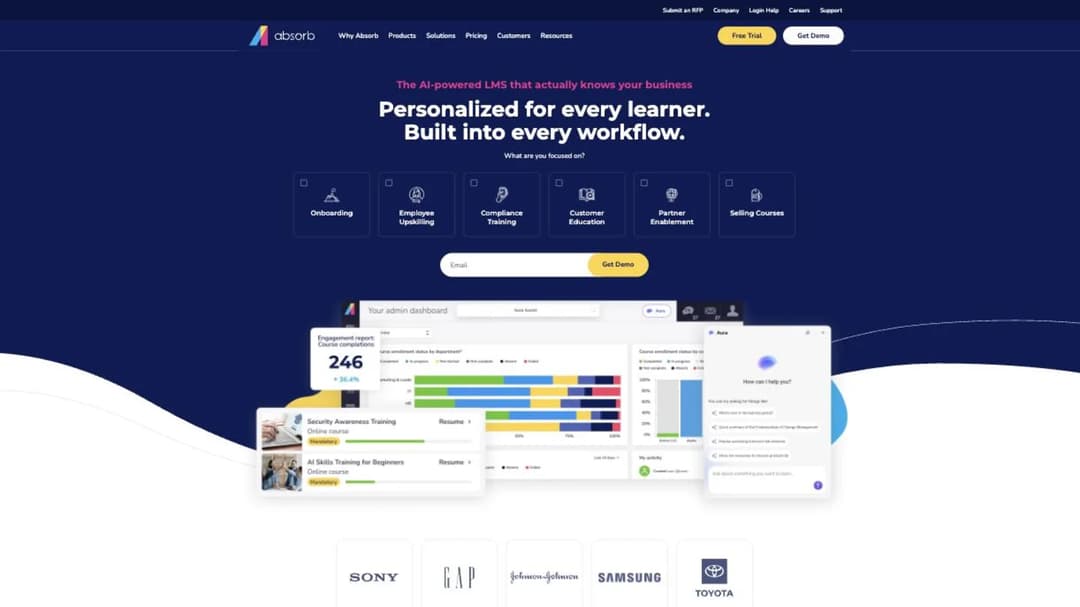
Start with what you’d be handing back, because a decision made on frustration alone tends to get reversed six months later.
The Name on the Contract Hasn’t Changed
Absorb now serves its site from absorbai.com. The product is still called Absorb LMS, and the company you sign with is still Absorb Software Inc.
That distinction matters for one practical reason. An existing agreement is unaffected, because the contracting entity is the same one that’s always been on the order form. Nothing about the move reopens the contract.
What it does affect is paperwork. Your bookmark, the vendor record in procurement, and the link in last year’s business case all point at the old address. Fix those three and the change is finished.
What You’d Be Giving Up
Support is the strongest item on the list. Absorb’s terms commit it to providing what it calls Premium support at no cost, 24/7, by web, email and phone, for your administrators, in English, with the four response targets written into the same document. Elite Support is the paid upgrade, adding strategic support, business reviews and an SSL certificate for a custom domain.
The product line was reframed around Absorb Aura, launched in May 2026 and described by Absorb as a coordinated system of specialized AI agents. The named agents are the Aura Learner Agent, the Discovery Agent, the Q&A Agent, Aura Admin Assist and Aura Create. If you’re evaluating that seriously, treat it as a roadmap four months old rather than a settled capability, and ask in the demo which agents your tenant actually has switched on. The same question applies to every AI-native learning platform currently repositioning around agents.
Content portability is better than most switching articles admit. Absorb supports SCORM 1.2 and SCORM 2004, and Absorb Create publishes courses out to SCORM, xAPI and HTML5 as well as directly into Absorb LMS. So the courses you’ve built can leave. If SCORM packaging is new to whoever inherits this project, that’s the part to hand over first.
Three more items are hard to replace. Absorb publishes a 21 CFR Part 11 e-signature capability, which matters if you’re in life sciences and your validation lead has that number in an SOP. And it’s multi-tenant, so separate learner portals by role, location or language come as standard. Absorb states the learner experience is available in 25 languages, which is worth checking against any replacement if your staff aren’t all English-speaking.
Where It Stops
There’s no published price of any kind, and no published trial. Every route into the product is a form.
There’s also no uptime commitment. Absorb’s terms promise commercially reasonable efforts to keep the service available 24 hours a day, seven days a week, with no percentage attached and no service credits anywhere in the document. Planned downtime gets seven days’ advance notice and is scheduled for weekends, between 18:00 MST on Friday and 03:00 MST on Monday. Backups run hourly, daily and weekly, held offsite for up to 30 days. If your risk register needs a contractual uptime number, it isn’t in there.
The compliance list stops in a specific place too. Absorb publishes SOC 2 Type 2, WCAG 2.1, GDPR, 21 CFR Part 11 and PCI. It publishes no ISO 27001, no HIPAA, no FedRAMP, and no WCAG conformance level, so a buyer who needs AA has to ask for it in writing. A compliance team settles a shortlist faster than an L&D team does, which is why compliance training requirements belong at the front of the evaluation.
What Absorb’s Contract Says About Your Renewal
Absorb publishes its master Terms and Conditions in full, and that document is the most useful thing about evaluating Absorb, because it carries every number the pricing page doesn’t. Below are the clauses that change a budget, with what each means for money and nothing more.
The Twelve-Month Clock and the Thirty-Day Window
This is the sentence the whole decision hangs on. Absorb’s terms state:
“Except as otherwise specified in the applicable Order Form, this AGREEMENT shall automatically renew for additional periods equal to twelve (12) months, unless CLIENT provides COMPANY written notice of non-renewal at least thirty (30) days before the end of the applicable subscription term.”
Read the opening clause first, because it decides whether the rest applies to you. Your own order form can set a different term, and where it does, the order form wins. Treat the twelve-and-thirty rule as the default that applies when your order form is silent.
Then do the arithmetic once. If your term ends in four months, this is an urgent evaluation with a hard stop. If it ends in ten, it’s a diary entry.
The Price Can Move at Renewal
The same clause continues:
“The per-unit pricing during any such renewal term shall be the same as that during the prior term unless COMPANY has provided written notice of a pricing increase at least thirty (30) days before the end of such prior term.”
Both notices live in the same thirty days. Absorb can tell you the new price on day 29 of your notice window and still be inside its obligation, leaving you a day to decide. Ask for the renewal figure in writing 60 days out rather than 30, and the collision disappears.
Seats Go Up Mid-Term, Never Down
Three clauses work together here, and together they’re the reason to buy for the headcount you have rather than the headcount in the plan.
On refunds and reductions, the terms state that “payment obligations are non-cancellable and Fees paid are non-refundable,” and that “the number of User subscriptions purchased cannot be decreased during the relevant subscription term stated on the Order Form.”
On additions, they state that fees for subscriptions added mid-month “will be charged for that full monthly period and the monthly periods remaining in the subscription term.” Forty people hired in March on a term that ends in December is ten months of billing each, starting from the month they’re added.
One clause runs the other way, and most people assume the opposite. Employee seats are named rather than concurrent, but they “may be reassigned to new Users replacing former Users who no longer require ongoing use of the SERVICE and have been deleted from the User Database.” A leaver doesn’t permanently consume a seat, as long as the record is deleted. That rule and the external-user rule below differ, which is the detail that catches people out.
Customer and Partner Seats Work Differently
If you train customers or partners in the same tenant as employees, this is the clause to read twice:
“External User Fees are comprised of either a monthly or annual hosting fee, plus a one-time per user charge as defined in the Order Form. External User licenses may not be transferred from one user to another.”
A separate clause adds that “External User Fees are non-refundable.” Put those together and the economics are clear: every external user you onboard is a one-time charge on top of hosting, and when that customer churns, the licence can’t be pointed at the customer who replaces them. You pay again.
If the audience you’re training is customers rather than staff, that single clause decides more than any feature comparison will, and the platforms built specifically for customer education price external learners on a completely different model.
The Hours You’ll Be Billed For
Absorb publishes no licence price. It does publish seven hourly rates, and between them they cover most of what a rollout asks for after go-live.
| Work | Published rate |
|---|---|
| Customization | $275 per hour |
| Consultation | $200 per hour |
| Branding changes after the initial approval | $200 per hour |
| Additional administrative setup or changes after setup | $200 per hour |
| Integration programming with third-party applications or external data sources | $200 per hour |
| Additional training | $200 per hour |
| Client-requested backup restores | $200 per hour |
All seven are as of September 2026, and the training line carries a detail that belongs in every budget: Absorb’s terms state that additional training services “include any training of replacement system administrators.” You’re probably the administrator. When you move on, your successor’s training is a line item at $200 an hour.
The included allowances are published in the same place, which is what turns these rates from trivia into a number you can forecast. Standard training is “up to six (6) hours of scheduled telephone/webinar training” across onboarding, pre-live and post-live sessions. Initial branding is “up to eight (8) hours of design, including changes and approval, and up to two (2) custom certificates.” The add-on work has its own caps: single sign-on gets three hours of consulting, the REST API three hours, a historical data import ten hours, a scheduled import ten hours, and a scheduled export six hours.
Six hours of training is two administrators learning the system once. It isn’t a new administrator next year, and it isn’t the second brand refresh. Ten hours of historical import covers a clean export from a tidy system, not a decade of completion records across three legacy tools. Total your own likely overage before the demo and you’ve built the closest thing to a published price Absorb offers.
Two Clauses That Run Your Way
Two of Absorb’s clauses are genuinely good terms that nobody quotes.
Storage is unlimited. The terms state that “the SERVICE includes unlimited storage for Client Content,” so a video-heavy catalogue doesn’t generate a capacity conversation halfway through the year.
And mid-term growth doesn’t reprice what you already hold. Seats added during a term are charged “at the same pricing as that for the pre-existing subscriptions, prorated for the remainder of the subscription term.” So if you hire forty people in March, you pay the rate you already negotiated, prorated, rather than a new rate for the new people.
Which Absorb You’re Actually Contracting With
Your billing currency decides which company you’re signing with and which document governs it. Absorb publishes separate Terms and Conditions for Absorb Software Inc. (USD and CAD), Absorb Software UK Ltd. (GBP), Absorb Technology Ltd. (EUR), and Absorb Software Australia Pty Ltd. (AUD), plus separate data-processing addendums for two of those entities.
A UK or EU buyer reading the US terms in a review meeting is quoting the wrong document, and the data-processing terms differ as well. The USD and CAD entity prints its own address on its terms: Calgary, Alberta, Canada. If your procurement or data-residency reviewer asks where the contracting entity sits, that’s the answer.
What to Check Before You Switch
The same five checks that make Absorb’s contract legible work on every replacement quote. Run them in this order, because the first two settle more money than the other three combined.
Can You Get a Number Before the Call?
A shortlist you can put in a budget line this week beats a shortlist you can only put in a calendar. Six of the ten platforms below publish a figure you can read without a form: TalentLMS, 360Learning, Tovuti and Mitti print a platform rate, MoodleCloud prints an annual hosting ladder for software that is itself free, and Mini Course Generator’s ladder sits on its pricing page. Four publish nothing at all: Docebo, LearnUpon, Cornerstone and Litmos.
That split is the fastest filter you have. It doesn’t tell you which product is better, and isn’t meant to. It tells you which evaluations start this afternoon and which need a slot in somebody’s calendar. The wider category view is worth a scan if your requirements are still moving.
What Does the Notice Clause Say, and When Does It Start?
Ask for the renewal and notice language in writing before you sign, not at renewal. Three questions cover it: how long is the initial term, how many days of notice does non-renewal need, and how much notice does the vendor owe you before a price increase.
Then compare the answers against what you have now. Escaping a twelve-month auto-renewal into another twelve-month auto-renewal with a shorter notice window is a worse position, not a better one, and the pricing page never mentions it.
Can Seats Go Down as Well as Up?
Match the seat mechanic to your actual headcount pattern. A seasonal workforce that peaks in summer needs a model that lets the count fall again. A company that’s flat after a restructure needs to know whether it’s paying for the people who left until the next renewal.
Ask it in plain terms: can the contracted user count be reduced during the term, and if not, when. Vendors that price on active users answer differently from vendors that price on registered seats.
Does the Compliance List Cover Your Actual Obligation?
Name the obligation you’re actually under before you look at anyone’s badge wall. If it’s 21 CFR Part 11, Absorb publishes that capability and most of this list doesn’t. If it’s FedRAMP, Tovuti and Cornerstone both publish an authorization and Absorb doesn’t, Cornerstone at Moderate and Tovuti through a partner’s authorized cloud. If it’s a WCAG conformance level rather than WCAG in general, ask for the letter, because “WCAG 2.1” without A, AA or AAA isn’t an answer you can put in a procurement pack.
Then ask for the document rather than the logo. A SOC 2 Type 2 report, an ISO 27001 certificate and a VPAT are all files a vendor can email you.
What Leaves With You?
Courses export more easily than records do. Absorb supports SCORM 1.2 and 2004, and Absorb Create publishes to SCORM, xAPI and HTML5, so content is portable.
Completion history is the harder half, and it’s what eats the published allowance: a scheduled data export gets six hours, and past that it’s $200 an hour. Decide early what you need to keep. Regulated completion records usually have to come across in full, while engagement data from a platform you’re leaving rarely earns the hours. If your reporting is more detailed than pass or fail, the difference between xAPI and SCORM decides what survives, and your HRIS integration gets rebuilt on the other side either way.
The 10 Best Absorb LMS Alternatives
Ten platforms, from the ones that replace Absorb like for like to the ones that change the shape of the purchase entirely. Every price, plan limit and contract term below comes from the vendor’s own pages and published agreements, quoted as printed; where a vendor publishes nothing, the entry says so.
One of the ten below is ours, and it’s listed for the job it does rather than ranked above the others. Inside the first group, the ones that publish a price come first.
| Platform | Best for | Published price | Seat model | Compliance published | What you can take with you |
|---|---|---|---|---|---|
| TalentLMS | Reading the number before the call | $119, $229 and $449 a month by tier | Banded users per plan, then $6 per extra user on Pro | Not published on the pricing page | SCORM 1.2 import |
| 360Learning | A unit price for a budget line | $8 per user per month on Team | Per user, up to 100 on Team, no stated minimum | SOC 2 Type II, ISO 27001, GDPR | SCORM, xAPI, cmi5 and AICC delivery |
| Docebo | The buyer who wants more platform, not less | None | Active users, with the counting method chosen in the contract | SOC 2 Type II, ISO 27001, 27017, 27018, 27701, 21 CFR Part 11 | SCORM 1.2 and 2004, xAPI, AICC |
| LearnUpon | Employees plus customers in one tenant | None | Per-product user floors of 100, 150 and 300 | ISO 27001, ISO 27701, SOC 2, GDPR | SCORM and xAPI import |
| Cornerstone OnDemand | Learning bought as part of a talent suite | None | Not published | SOC 2 Type 2, ISO 27001, ISO 42001, FedRAMP Moderate, DoD IL4, 21 CFR Part 11 | SCORM 1.2 and 2004 3rd edition, AICC 3.5, xAPI 1.0.3 |
| Litmos | Regulated delivery with a large catalogue | None | Not published | SOC 2 Type II, ISO 27001:2022 | SCORM, xAPI and AICC import |
| Tovuti LMS | One named annual number, and public-sector buyers | $7,500 a year for the first 100 learners | Per learner above the first 100 | SOC 2 Type 2, ISO 27001, PCI, WCAG 2.1 AA, VPAT 508, FedRAMP | SCORM 1.2 and 2004, AICC, xAPI import |
| Moodle | No licence fee, with technical help in-house | MoodleCloud from $170 a year | Per site, by registered-user cap | WCAG 2.1 Level AA accreditation | SCORM 1.2 and AICC playback |
| Mini Course Generator | Small teams turning documents into modules | On the pricing page | Yearly learner allowance per plan | None published | SCORM or PDF export at any time |
| Training by Mitti | Deskless teams already running checks in one tool | $24 per seat per month | Per seat, free up to 10 users | Not published on the pricing page | Not published |
1. TalentLMS
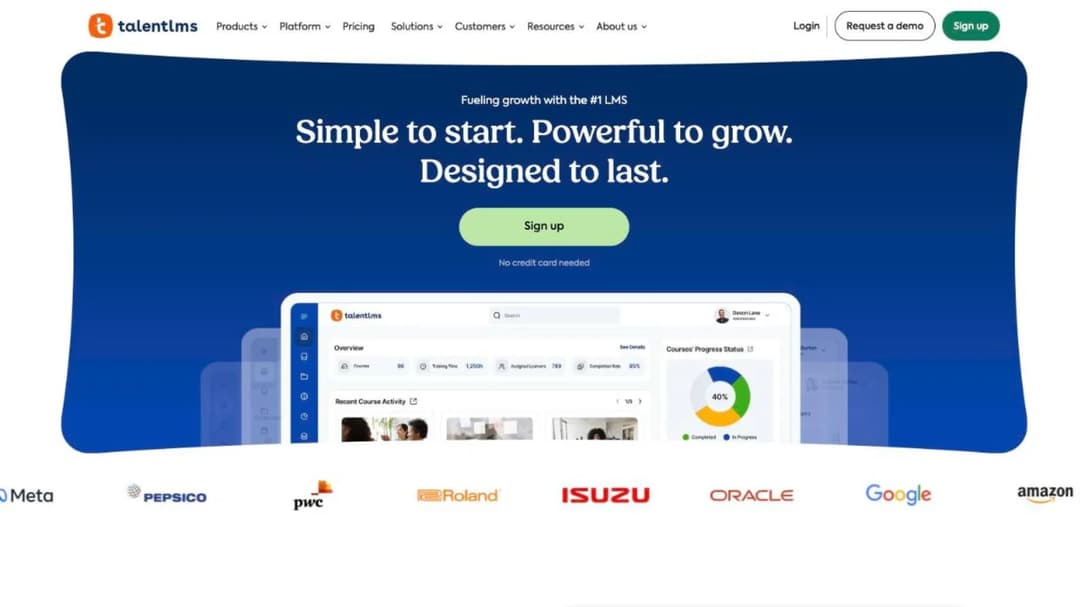
Best for: the team that wants the number before the call and can live inside a published seat ladder.
Top features
- A published seat ladder from a free tier to enterprise, with user caps stated per plan
- Branches, for running separate portals for departments, customers or partners
- Built-in course authoring plus SCORM 1.2 import for content built elsewhere
- Automations for enrolment, notifications and certification renewal
- A ready-made course library sold alongside the platform
TalentLMS is the name most people hear first in any conversation about leaving Absorb, and it opens the list for a plainer reason: it’s one of only two platforms here that publishes a full seat ladder rather than a starting point. You can size your own plan in five minutes without speaking to anyone.
The caps are where the attention belongs. Core covers 1 to 40 users, Grow 1 to 70, and Pro 1 to 100, after which extra users are $6 each. Enterprise starts at 1,000 users, so between 100 and 1,000 the published ladder stops being a self-serve answer and becomes the opening of a quote.
Pricing (as of September 2026): Free for up to 5 users and 10 courses. Core $119 a month for 1 to 40 users. Grow $229 a month for 1 to 70. Pro $449 a month for 1 to 100, then $6 per additional user. Enterprise is custom from 1,000 users. All tiers are billed yearly against a stated “Save 20%” discount on the monthly rate.
Pros
- Publishes the whole ladder, including the per-user overage rate, where Absorb publishes nothing
- A free tier means you can see the administration experience before any commitment
- Branches give you multi-audience portals without an enterprise upgrade
- Billing is monthly or yearly, so there’s a version of this with no annual lock-in
Cons
- The published plans stop at 100 users, so a mid-size company lands in a quote conversation anyway
- SCORM support is import only, so you can’t package a TalentLMS course for a client’s system
- No compliance certifications are stated on the pricing page, so that list has to be requested
2. 360Learning
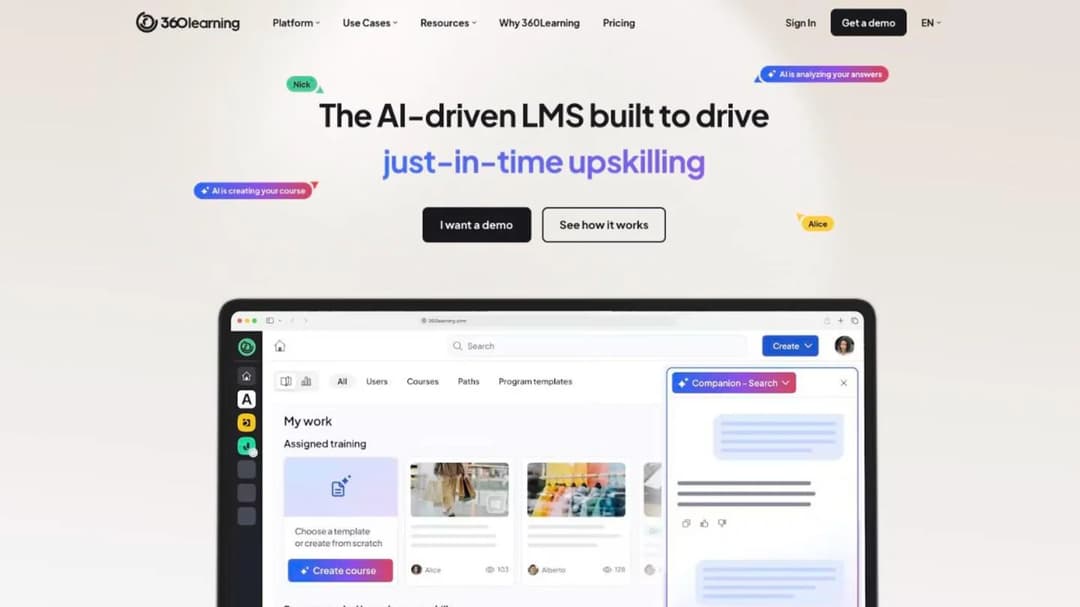
Best for: an L&D team of one that needs subject-matter experts co-authoring and a unit price it can put in a budget line today.
Top features
- Collaborative authoring, where subject-matter experts draft and L&D keeps editorial control
- AI Content Builder, which generates a course from uploaded documents or a prompt
- SCORM, xAPI, cmi5 and AICC delivery with a native SCORM player
- Native iOS and Android apps with offline access and shared-device mode
- Named HRIS and identity integrations including Workday, SAP SuccessFactors, BambooHR, UKG and Okta
Team is $8 per user per month for up to 100 users, and the pricing FAQ states that “there is no minimum number of users required” and that you pay only for active users “with no hidden fees or minimum volume commitments.” Billing on that tier is monthly, so there’s no annual commitment to escape later. A printed unit rate, no floor and no lock-in is about as far from the quote wall as this category gets.
The model is the thing to test, not the price. Courses get built by the people who know the subject, with L&D reviewing rather than authoring, which works when you have willing experts and stalls when you don’t. Above 100 users the pricing goes custom and contracts are, in 360Learning’s own words, “generally” annual, so the transparency at Team scale doesn’t carry upward automatically. Our 360Learning comparison runs its field through the same price and contract questions.
Pricing (as of September 2026): Team $8 per user per month, up to 100 users, billed monthly with no annual commitment. Business and Enterprise are custom and generally annual. No minimum user count is stated on the Team tier.
Pros
- A published per-user rate you can multiply by headcount without a call
- No minimum user count and no volume commitment stated on the entry tier
- Publishes ISO 27001 alongside SOC 2 Type II and GDPR, and ISO 27001 is the one Absorb doesn’t publish
- A 99.8% uptime SLA is stated for enterprise customers, where Absorb commits to no percentage
- A 30-day free trial, so you can see the administration experience before committing
Cons
- The published price stops at 100 users, so a 500-person rollout is a custom quote like any other
- SCORM export isn’t described anywhere on the site, only import and delivery, so packaging a course for a client’s system isn’t a documented capability
- Several AI features are labelled “coming soon” on the product pages, so check what’s live in your tenant
- The headline integration count isn’t a reliable stand-in for the connector you need, so ask for that one by name
3. Docebo
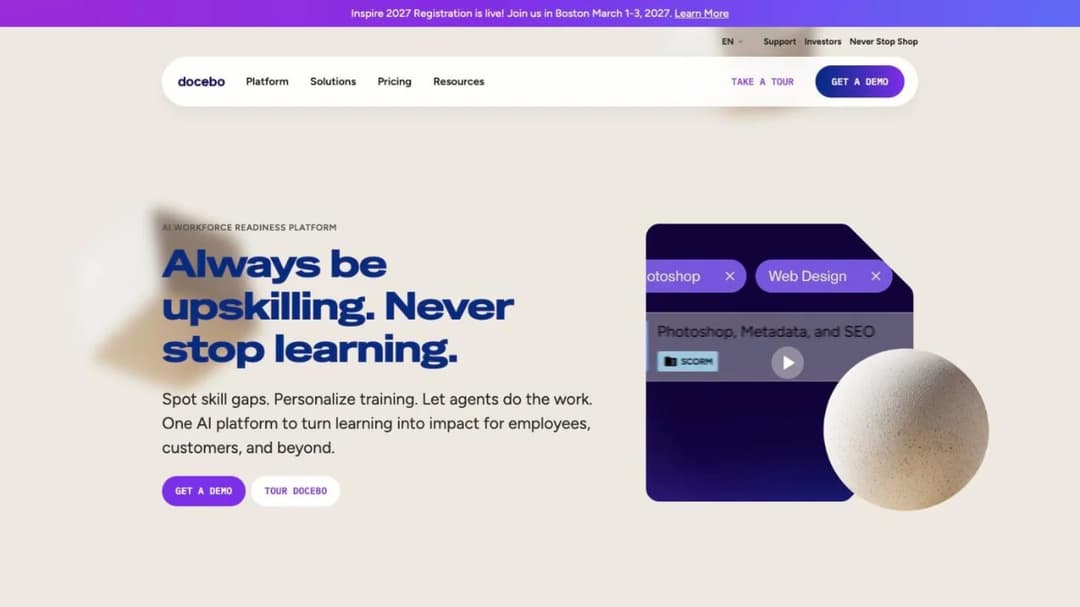
Best for: the buyer who wants more platform rather than less, and has the budget cycle to survive another quote process.
Top features
- AI Content Creator, plus AgentHub for no-code autonomous agents
- Skills intelligence with automated skills inference and gap analysis
- Enterprise Knowledge search across connected systems including SharePoint, Confluence, Drive and Slack
- Extended-enterprise delivery across multiple branded domains
- SCORM 1.2 and 2004, xAPI and AICC support, plus a headless delivery option
Docebo is the heaviest AI-and-analytics suite in this category, and the honest framing is that it’s an upgrade in capability and a repeat of the experience you’re leaving. It publishes no figure. Both named tiers route to a quote form, and the only hard numbers on the pricing page are limits: four included integrations on Elevate and six on Enterprise, a ten-domain cap on extended enterprise, and an API capped at 100 calls per minute.
Its public master agreement is worth reading beside Absorb’s, because the mechanics rhyme and the numbers don’t. Subscriptions auto-renew for twelve months unless you give written non-renewal notice at least 60 days before the term ends, and the renewal fee can rise by up to ten percent. The contracted user threshold can’t be downgraded during the term, and usage above it is billed monthly as overage. The Docebo comparison goes through those clauses in detail.
Pricing (as of September 2026): no published figure for any tier. Elevate, Enterprise and the 365Talents skills product all route to a quote form. Cost is driven by the product tier and the active-user count, with the counting method chosen in the contract from monthly, yearly or registered active users.
Pros
- The deepest AI and analytics feature set in this comparison, with agents and skills inference built in rather than bolted on
- Publishes SOC 2 Type II, ISO 27001, 27017, 27018 and 27701, plus support for FDA 21 CFR Part 11
- A public master agreement, so contract terms can be read before a sales conversation starts
Cons
- No price anywhere, so an evaluation can’t start without a sales cycle
- The renewal notice window is 60 days, twice as long as Absorb’s, and a renewal increase of up to ten percent is written into the agreement
- The contracted user count can’t be reduced during the term, the same one-way ratchet you’re leaving
4. LearnUpon
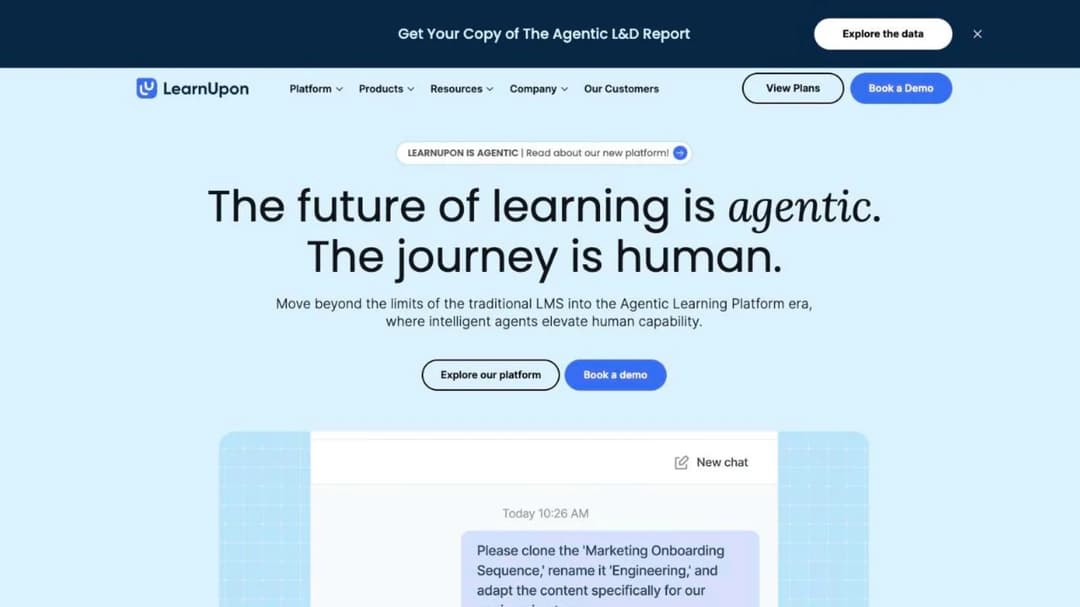
Best for: organisations at or above a hundred seats that need employees and customers trained in one tenant, which is Absorb’s exact shape.
Top features
- Learning portals, for running separate branded environments per audience
- Create+ authoring with AI drafting, and SCORM and xAPI import for existing content
- Dynamic learning journeys that assemble a path per learner
- LearnUpon Anywhere, for delivering training inside your own product
- HRIS and stack integrations plus an API, with SAML single sign-on
Employees, customers and associations each get their own product line inside one platform, which is the shape you already have. That makes LearnUpon the clearest test of whether the shape of Absorb is the problem or just the price of it.
It also repeats the wall. There’s no dollar figure anywhere on the pricing page, only user floors: from 100 users for employees, 150 for associations and 300 for customer education. There’s no trial and no free plan. Its terms auto-renew the subscription period for a further twelve months unless either party gives 30 days’ written notice, and plan fees can change on 30 days’ notice. If those floors are the sticking point, the LearnUpon comparison covers what sits below them.
Pricing (as of September 2026): no dollar figure published. Minimum user counts only, stated as “From 100 Users” for employees, “From 150 Users” for associations and “From 300 Users” for customer education. No free trial and no free plan are published.
Pros
- Employees, customers and partners in one tenant, with separate portals per audience
- Publishes ISO 27001:2022, ISO 27701:2019, SOC 2 and GDPR, plus a 99.99% uptime claim where Absorb commits to no percentage
- Data residency offered in the EU, the US or Australia, which Absorb doesn’t publish
Cons
- No price published anywhere, so the quote cycle you’re trying to escape happens again
- User floors of 100, 150 and 300 rule it out entirely below those counts
- No trial and no free plan, so you can’t see the administration experience before committing
5. Cornerstone OnDemand
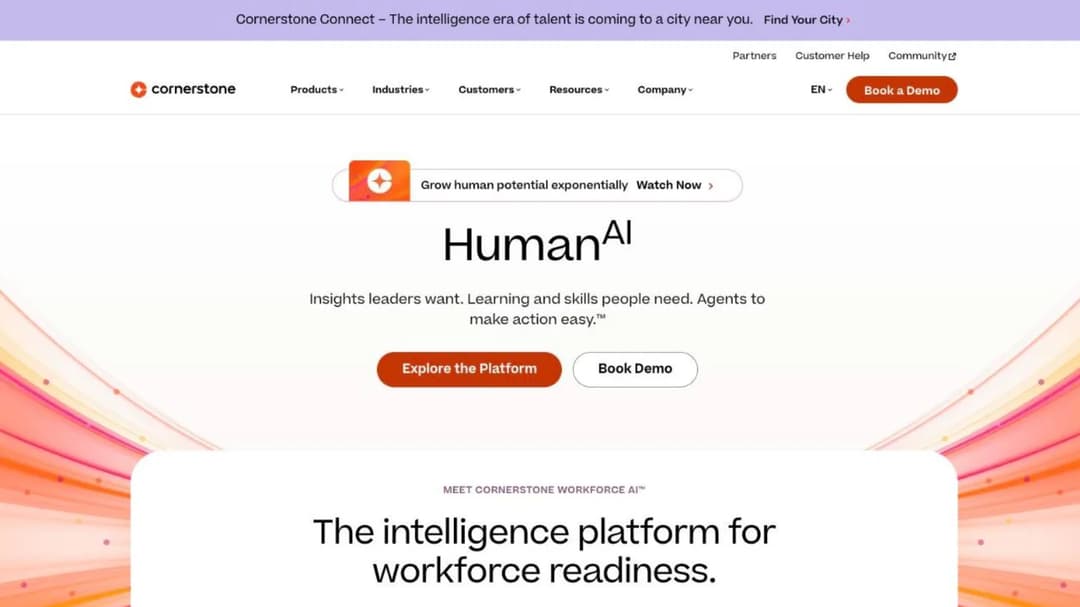
Best for: enterprises buying learning, performance and succession together, usually because the requirement originated in HR rather than L&D.
Top features
- Learning as one module of a talent suite covering performance, succession, recruiting and a talent marketplace
- Compliance management with auto-assignment by role, location and policy, plus audit-ready proof
- AI readiness agents for reskilling plans, learning journeys and skills architecture
- Content Subscriptions in three stacking tiers, from 6,800 to 28,500 courses
- Mobile app with offline access, and a platform UI available in 50 languages
Cornerstone is the answer when the real requirement came from HR rather than L&D, and learning has to sit inside a talent platform rather than beside one. It’s heavier than Absorb, not lighter, which is worth saying plainly, because it’s often recommended as an escape from enterprise complexity and it isn’t one.
On price, its own FAQ is as direct as it gets: “Each organization will have a different cost depending on needs and size.” Content Subscriptions are published as Silver at 6,800-plus courses, Gold at 27,500-plus and Platinum at 28,500-plus, with no price on any of them. It’s the only platform here that publishes a defense authorization, which is why a public-sector or defense buyer shortlists Cornerstone first.
Pricing (as of September 2026): no figure published for the platform or for any Content Subscription tier. Quote only, through a sales demo. No minimum seat count, minimum spend or contract length is published.
Pros
- FedRAMP Moderate and DoD IL4 authorizations for government and defense buyers, alongside ISO 27001, ISO 42001 and 21 CFR Part 11
- ISO 42001 certification specifically for its AI management system, which no other entry here publishes
- Learning, performance and succession in one contract, so the HR stack consolidates rather than multiplies
Cons
- No price, no minimum and no contract term published anywhere, so budgeting starts with a sales conversation
- No self-serve trial at all, only a demo: its own FAQ answers “can I try it for free” by pointing at the demo form
- Bigger than the problem for most L&D teams of one or two, and the modules you don’t need still shape the implementation
6. Litmos
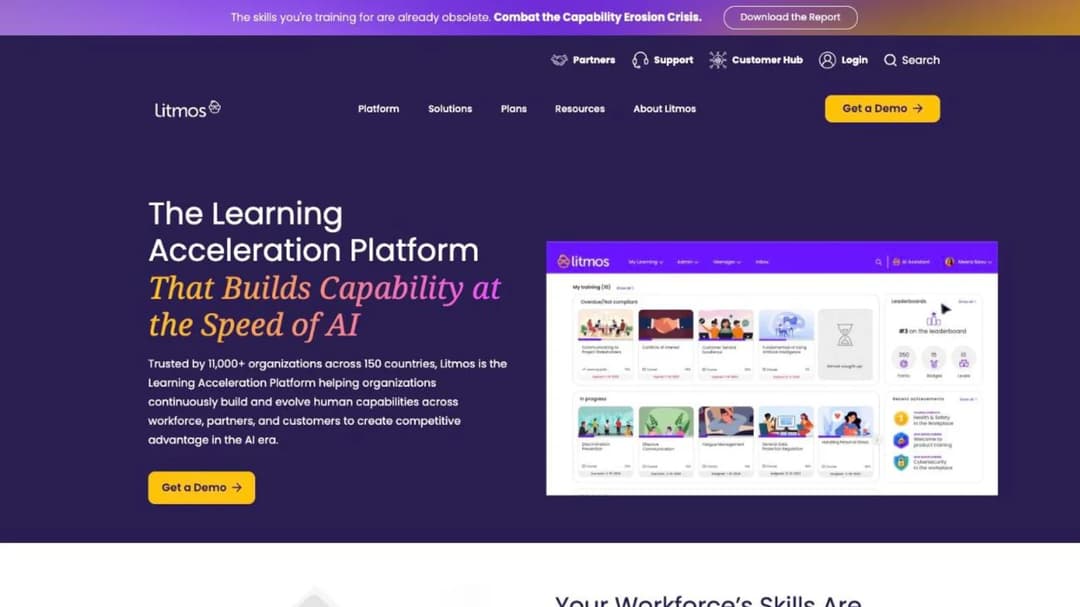
Best for: regulated industries that want a large off-the-shelf catalogue and delivery in the same subscription.
Top features
- A curated content library covering compliance, leadership, safety, DEI and customer service
- AI Course Builder that drafts a structured course with assessments from a topic or objective
- SCORM, xAPI and AICC import and management
- Single sign-on, custom roles and permissions, and a custom domain with SSL
- Named HRIS and stack integrations including Workday, ADP, BambooHR, Salesforce, Okta and Microsoft Entra ID
If half your annual plan is off-the-shelf mandatory training, buying the catalogue and the delivery together removes a procurement exercise. That’s the swap Litmos is for: a compliance-led programme where the content matters as much as the platform.
It’s also the last of the quote-only group. All three tiers show only “Contact for Pricing,” and no seat minimum, contract length or trial is published anywhere. Where Litmos is unusually good is the security paperwork: it publishes a downloadable SOC 3 report and an ISO 27001 certificate rather than describing them in prose, and it offers data hosting in the EU, Australia or the United States.
Pricing (as of September 2026): no figure published. Foundation, Platinum and Platinum AI each show only “Contact for Pricing.” No seat minimum, contract term, trial or free plan is published.
Pros
- Publishes an ISO 27001:2022 certificate and a SOC 3 report as downloadable documents, not just claims
- Regional data hosting in the EU, Australia or the United States
- A large first-party compliance catalogue included with delivery rather than sourced separately
Cons
- No price, no minimum and no trial published, so it’s the same wall in a different colour
- No SCORM version is stated anywhere, so confirm 1.2 and 2004 support in writing if you’re migrating packages
- It publishes no HIPAA, FedRAMP or PCI status at all
7. Tovuti LMS
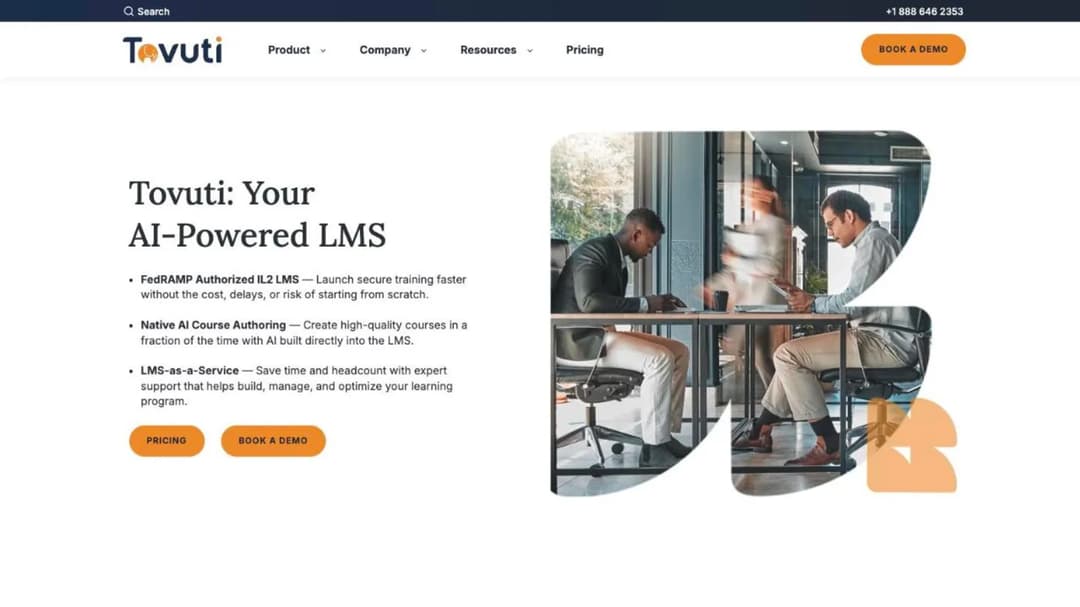
Best for: a small learner base that wants one named annual number, and public-sector buyers who need a FedRAMP-authorized platform.
Top features
- More than 40 interactive and gamified content types built into the authoring tool
- Dizi AI for generating quizzes, lessons and full courses, plus WayPoints AI as a separate add-on
- Branded portals and a native mobile app with offline access
- Ecommerce, events and instructor-led training in the core platform
- Named SAML single sign-on with Azure AD, Google Workspace, Okta and OneLogin
Instead of a per-seat quote, Tovuti publishes one whole-platform annual figure, which changes the shape of the purchase rather than the size of it: “the full platform $7,500 / year for your first 100 learners, then scales,” billed annually with “No hidden fees.”
Two caveats travel with it. The per-learner rate above the first hundred isn’t published, so the figure is a floor rather than a forecast, and both WayPoints AI and its managed LMS-as-a-Service are priced separately with no figure attached. The other reason Tovuti is here is compliance: it publishes a FedRAMP authorization, delivered through Knox Systems’ authorized cloud infrastructure rather than held in Tovuti’s own name. Ask for the authorization letter and the boundary it covers if that box is load-bearing for you.
Pricing (as of September 2026): “$7,500 / year for your first 100 learners, then scales,” billed annually, with no hidden fees stated. The per-learner rate beyond 100 isn’t published. WayPoints AI and LMS-as-a-Service are add-ons with no published fee. No trial or free plan is published.
Pros
- One named annual figure for the whole platform instead of a per-seat quote, so the first hundred learners are a budget line before any call
- FedRAMP authorization for public-sector buyers, which Absorb doesn’t publish
- A deep list of published certifications including SOC 2 Type 2, ISO 27001, PCI, WCAG 2.1 AA and VPAT 508
Cons
- The overage rate above 100 learners isn’t published, so the real annual cost at 400 learners is unknown until you ask
- No trial and no free plan, so evaluation starts with a demo call
- The FedRAMP authorization runs through a partner’s cloud rather than Tovuti’s own, so the letter and its boundary are the things to ask for
8. Moodle
Best for: a team with technical help in-house, or a partner on retainer, that wants no licence fee and full control of the platform.
Top features
- Free, open-source LMS software under the GPL, self-hosted on your own infrastructure
- MoodleCloud as the managed hosting option, priced annually per site by user cap
- A pluggable AI subsystem that connects to external providers using your own API keys
- LTI 1.1 and LTI Advantage support for external tools, plus H5P interactive content
- A free official mobile app for iOS and Android with offline course download
The software is free under the GPL, and what you pay for is hosting, administration and whoever keeps it running. That’s a different purchase from everything above it, and the trade fits in one line: the licence costs nothing and the administration costs somebody’s time.
MoodleCloud publishes an annual ladder by registered-user cap: Starter $170 for 50 users, Mini $280 for 100, Small $510 for 200, Medium $1,220 for 500 and Standard $2,160 for 750. One detail belongs in the budget before you compare those to anything. MoodleCloud subscriptions are “charged and invoiced in Australian dollars only” whichever currency the page shows, so a US buyer takes a conversion on every renewal and the figures move with the rate. There’s no permanent free hosted tier, only a 28-day trial. Our Moodle comparison covers what self-hosting really costs once you price the hosting and the administrator.
Pricing (as of September 2026): Moodle LMS is free open-source software. MoodleCloud is an annual per-site subscription by user cap, displayed as Starter $170 (50 users), Mini $280 (100), Small $510 (200), Medium $1,220 (500) and Standard $2,160 (750), and invoiced in Australian dollars. Subscriptions renew annually and are cancelled by stopping the recurring payment. A 28-day trial is available, capped at 50 users.
Pros
- No licence fee at all if you self-host, which no other entry here can match
- WCAG 2.1 Level AA accreditation is stated for the software itself
- Full control of the platform, including plugins and customization, with no vendor gate on either
Cons
- SCORM 2004 isn’t natively supported, and Moodle’s own documentation says development on it has stopped, so full 2004 compliance needs a commercial third-party plugin
- Moodle never generates a SCORM package, only plays one back, so it’s a destination rather than a source
- MoodleCloud is invoiced in Australian dollars, so the published US figures shift with the exchange rate
- Administration, upgrades and security patching are yours unless you pay a certified partner for them
9. Mini Course Generator
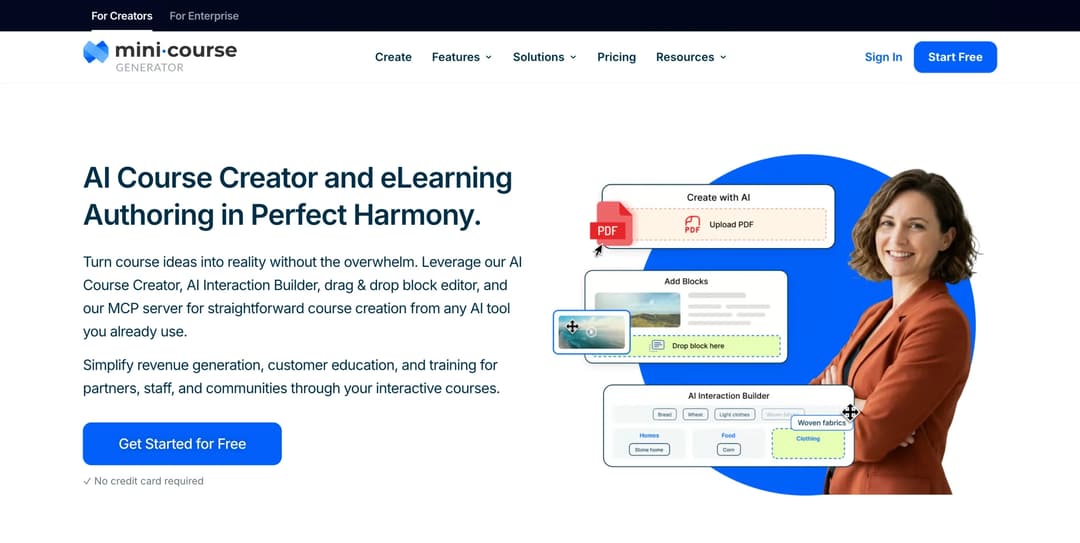
Mini Course Generator is our product.
Best for: the team of one or two whose bottleneck is production rather than platform, where the material exists and nothing has reached a learner this quarter.
Top features
- AI Course Creator and PDF to Course Creator, which draft a course from documents you already have
- AI Interaction Builder for branching scenarios, flashcards, interactive quizzes and drag-and-drop activities
- SCORM and PDF export at any time, plus a SCORM Upload Block that accepts a package built elsewhere and reports on how learners interact with it
- Gateways for learner access, including pay-wall, double opt-in and password-less magic links
- Headless delivery, share links and embeds, so a course opens without an account wall
Mini Course Generator is an AI course creator and LMS built around a document-in, module-out loop. The test for putting it on this shortlist is narrow and worth stating plainly: if the reason you’re leaving Absorb is that you use a tenth of what you pay for and still can’t get a course built this quarter, the replacement is an authoring tool with delivery attached, not a smaller version of the same suite. Absorb assumes you have a platform and need to fill it. This assumes the material already exists as a policy document, a deck or a handbook, and the bottleneck is turning it into something people finish this month.
That test is true at the small-team end and false at the other end. A 3,000-seat tenant with a Workday integration, a multi-region compliance calendar and an audit due in March isn’t the situation this replaces. For a team of one or two running onboarding and a handful of refreshers, it’s the shortest route from a document to a live module.
Content leaves the way it came in. Export as SCORM or PDF at any time, with dynamic SCORM export on the Launch plan and above, and the SCORM Upload Block works in the other direction. For teams already working inside Claude or ChatGPT, the MCP server builds and updates courses from the assistant itself, and the [AI Role-play](/skills/role-play/) Agent Skill builds rubric-graded practice conversations.
Pricing: published in full on the pricing page, with 14 days of full access and no credit card, zero implementation or onboarding fees, and no minimum annual commitment. Plans are sized by a yearly learner allowance rather than a permanent seat count, which is the mechanic to compare against Absorb’s learner bands.
Pros
- A published price ladder you can read without a form, next to four platforms here that publish no figure at all
- No implementation or onboarding fee and no minimum annual commitment
- SCORM works in both directions: export at any time, and an upload block that accepts packages built elsewhere
- Courses open from a link or an embed, so learners don’t need an account to start
- Badge removal is included on every paid plan rather than gated to a branding tier
Cons
- Publishes no SOC 2 report, no ISO 27001 certificate, no HIPAA or FedRAMP claim, and no 21 CFR Part 11 e-signature capability
- No HRIS-grade automated seat provisioning or de-provisioning against Workday, ADP or UKG
- REST API, headless LMS, single sign-on for learners, an enterprise SLA and a dedicated customer success manager all sit on the Custom plan
- Built for short courses, so a twenty-hour blended curriculum with instructor-led sessions isn’t what it’s designed around
10. Training by Mitti
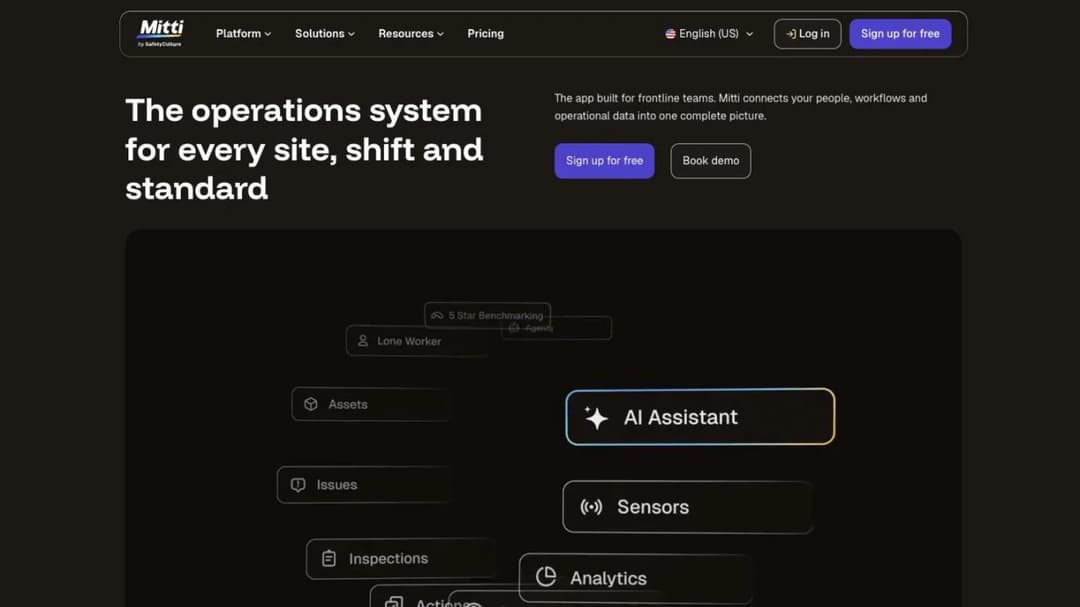
Best for: deskless teams already running inspections, checks or incident reports in the same tool, where training is one more thing the frontline app does.
Top features
- Training delivered inside an operations platform rather than a standalone LMS
- Mobile-first course delivery built for shift workers on shared devices
- Courses created from existing procedures and checklists
- A free tier for small teams, stated as always free up to 10 users
- Seat-based pricing with the whole platform included rather than training alone
If your learners are on a shop floor, in a kitchen or in a van, the question isn’t which LMS reports better. It’s whether training belongs in the app they already open at the start of every shift. That is the furthest this list gets from an LMS purchase, and it’s the point of including Mitti.
The pricing detail that trips people up: $24 per seat per month buys the Mitti platform, of which training is one module. It isn’t a training-only seat price, so comparing it straight against a per-seat LMS rate flatters it. EdApp now trades as Mitti, worth knowing if that name is still on a shortlist from last year. For frontline training without the operations platform attached, eduMe’s field is the closer match.
Pricing (as of September 2026): Free $0, with the training page stating “Always free up to 10 users.” Premium $24 per seat per month billed annually, or $29 billed monthly. Enterprise is custom. Training is a module of the platform, not a separately priced product.
Pros
- A published per-seat price with a genuinely free tier for very small teams
- Training sits in the tool deskless staff already use, which removes the adoption problem entirely
- Mobile-first delivery designed for shared devices and shift patterns
Cons
- Not an LMS replacement if your training programme is the main event rather than an add-on to operations
- The seat price buys a platform you may only partly need, so the cost per training seat is higher than it looks
- No compliance certifications are published on the pricing page
Which Absorb LMS Alternative Fits Your Situation
Five rules, and the first one that describes you is the one to act on.
If you need a number this week, start with the six that publish one. TalentLMS, 360Learning, Tovuti and Mitti print a platform rate, MoodleCloud prints an annual hosting ladder, and our own is on the pricing page. Put the number in the budget line first, then book the demo, and you’ll have a different conversation than the one you’re used to having. If you’re under a hundred staff, the small-business shortlist narrows it further.
If you’re replacing the whole suite, expect the same wall and plan around it. Docebo, Cornerstone and Litmos all route to a quote, which isn’t a reason to exclude them. It’s a reason to start the notice clock before the evaluation rather than after it. Give yourself four months from first demo to signature, counting backwards from your notice date.
If you’re in a regulated industry, name your obligation before you shortlist. Absorb’s 21 CFR Part 11 e-signature capability is hard to replace, and Cornerstone and Docebo are the two here that also publish it. Tovuti and Cornerstone are the two here that publish a FedRAMP authorization, which is the public-sector answer. A cloud-hosted platform that can’t produce the certificate your auditor asks for isn’t a shortlist candidate, whatever its feature list says.
If you use a tenth of what you pay for, the replacement isn’t a smaller suite. It’s an authoring tool with delivery attached, a different purchase with a different failure mode: it works when the material exists and the bottleneck is production, and fails when you need HRIS-driven provisioning and audit reporting across three thousand people. If authoring is genuinely the whole problem, compare the dedicated authoring field and the SCORM authoring tools too.
If your people don’t sit at desks, buy the shape rather than the category. Training inside an operations platform is a different purchase from an LMS, and Mitti’s price buys the platform of which training is one module. Get the comparison right before you compare the numbers.
Two situations fall outside this list. If you’re running a branded customer academy with its own commerce, look at customer education platforms and our LearnWorlds comparison. If you’re selling courses to the public rather than training staff, that’s the creator market, covered in the Thinkific field and the Teachable one.
How to Leave Absorb LMS Without Paying for Another Year
Six steps, in order, starting from a date rather than an opinion.
-
Find the subscription term end date on your order form. Not the contract signature date, not the go-live date, the term end date on the order form itself. Everything below counts back from it, and if your order form sets a term different from twelve months, it’s the order form that governs.
-
Mark the date thirty days before it, and watch that window. That’s your non-renewal deadline under Absorb’s default terms, and it’s also the last day Absorb can notify a price increase for the renewal term. Both notices live in the same thirty days, so treat the whole window as live.
-
Budget the full remaining term, and don’t plan on shrinking seats to soften it. Fees paid are non-refundable and the subscription count can’t be decreased during the term. Whatever you’ve committed to is what you’re paying, so build the replacement’s cost on top of it rather than instead of it.
-
Export the courses while the account is live. SCORM 1.2 and SCORM 2004 are supported, and anything built in Absorb Create publishes out to SCORM, xAPI and HTML5. Do this before the notice goes in, not after, because a live tenant is a five-minute job and a closed one isn’t a job at all.
-
Book the completion-history export against the published hour allowance. A scheduled data export carries six hours, a historical data import ten, and past those caps it’s $200 an hour. Decide first what records you’re legally obliged to keep, because that decision is what sets the hours.
-
Line the replacement’s implementation window up against your notice date. An overlap month is normal and often necessary for a clean cutover, but it should be a month you chose rather than one you discovered. If new-hire training runs continuously, plan the switch around your onboarding calendar.
If branding is part of why you’re moving, note that the initial allowance is eight hours and two custom certificates, and changes after approval are billed at $200 an hour. A company rebrand mid-term is a cost to forecast now rather than discover in an invoice, and a white-label approach prices it differently.
Turn the policy document you already have into a module this week – and see what it costs before you book anything.
Frequently Asked Questions
How much does Absorb LMS cost?
Absorb publishes no price. There’s no per-seat rate, no starting figure and no minimum spend on any of its pages, and the pricing form asks how many learners you have and then collects your contact details. The learner bands on that form are the only public signal of the mechanic: 1 to 50, 51 to 150, 151 to 250, 251 to 500, 501 to 1,000, 1,001 to 5,000, 5,001 to 25,000 and 25,000 or more, so pricing scales on learner count. The only dollar figures Absorb publishes anywhere are professional-services rates: $275 an hour for customization and $200 an hour for consultation, additional training, branding changes after approval, administrative setup changes, integration programming and client-requested backup restores.
Has Absorb LMS changed its name?
No. The site now sits at absorbai.com, but the product is still called Absorb LMS and the company you contract with is still Absorb Software Inc. The contracting entity named on your order form is unchanged, so an existing agreement is unaffected. Update the bookmark and the vendor record in procurement, and that’s the whole of it.
Does Absorb LMS renew automatically?
Yes, by default. Absorb’s terms state the agreement renews automatically for further twelve-month periods unless you give written notice of non-renewal at least thirty days before the end of the subscription term, except where your order form specifies otherwise. The same clause lets Absorb raise the per-unit price at renewal on thirty days’ written notice before the term ends. Check your order form first, then work to that clause.
Can I get my courses out of Absorb LMS?
Yes, with a caveat about records rather than courses. Absorb supports SCORM 1.2 and SCORM 2004, and Absorb Create publishes courses to SCORM, xAPI and HTML5 as well as into Absorb LMS itself. Completion history is the harder part: a scheduled data export is allowed up to six hours of service, and work past the cap is billed at $200 an hour.
Is Absorb LMS good?
It’s strong on support and weak on transparency. The support terms are genuinely good: 24/7 at no extra cost, with published response targets of two, four, eight and 24 hours by severity, plus 21 CFR Part 11 e-signatures for regulated industries. Against that, there’s no published price, no published trial, no uptime percentage or service credits, and no ISO 27001, HIPAA or FedRAMP claim.
What are the top 5 LMS systems?
The right one is set by who you’re training and what you’re obliged to prove. For staff training in a mid-size company, five worth knowing are TalentLMS for a published seat ladder, 360Learning for a published per-user rate and expert-led authoring, Docebo for the deepest AI and analytics, Cornerstone for learning inside a full talent suite, and Moodle for no licence fee if you have technical help.
What is the best free LMS platform?
Moodle is the honest answer if free means no licence fee: the software is open source and free to download and host yourself, though MoodleCloud hosting is displayed from $170 a year, invoiced in Australian dollars, and the free trial runs 28 days. TalentLMS runs a permanently free tier capped at 5 users and 10 courses, which is enough to test the administration experience and not enough to run a company on. The trade-offs across the whole category are in our free LMS comparison.
Sources
- Absorb Software Inc. Terms and Conditions, sections 2.2, 2.3, 2.4, 2.5, 2.6, 3.1, 4.1, 4.3 and 8
- Absorb pricing, compliance and legal pages, and the newsroom release announcing Absorb Aura
- TalentLMS pricing page
- 360Learning pricing page and pricing FAQ
- Docebo pricing page and public master services agreement
- LearnUpon pricing page and terms of service
- Cornerstone OnDemand LMS pricing FAQ, content subscriptions page, security and privacy page, and developer documentation
- Litmos plans and pricing page and trust and security page
- Tovuti LMS pricing page, compliance page and newsroom
- MoodleCloud standard plans page and Moodle SCORM documentation
- Mitti training and pricing pages
- Mini Course Generator pricing page and product documentation


