

The reason teams leave LearnUpon is almost never a feature, and the LearnUpon alternatives worth shortlisting are the ones that fix the shape of the deal instead. LearnUpon publishes no price, sells its employee product only from 100 users up, and auto-renews for 12-month periods unless you send written notice at least 30 days before your term ends. This page compares eleven platforms on the three checks that decide whether you can buy one at all: the seat floor, the renewal and notice terms, and whether your content comes back out.
If the training you need is already written down somewhere, employee training software turns that policy document into a course your team can finish before the renewal date lands.
What LearnUpon Does Well, and Where It Stops
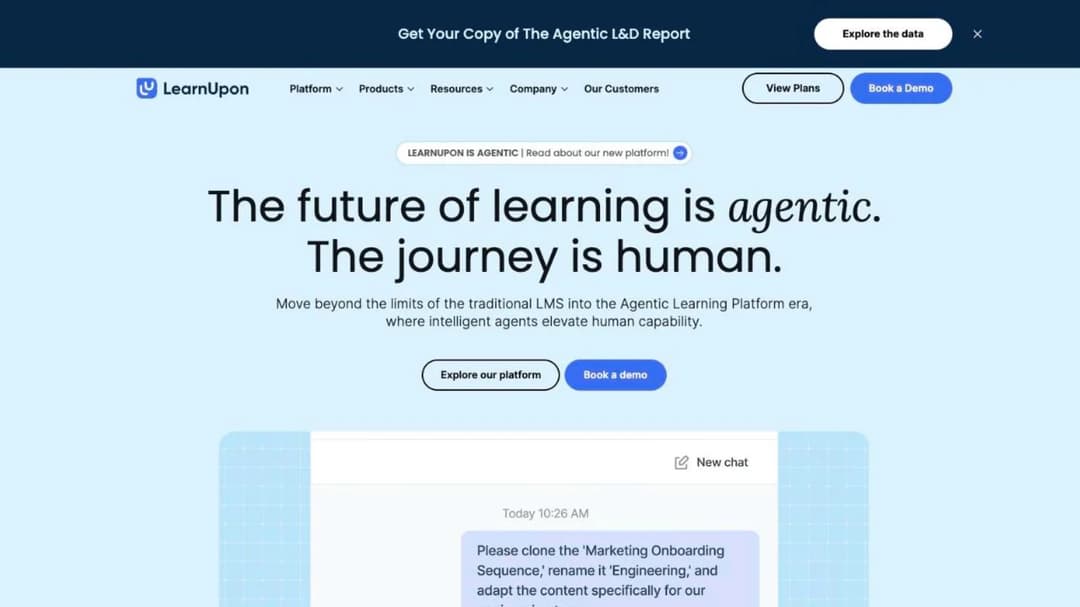
LearnUpon is a cloud LMS sold in three separate product lines: LearnUpon for Employees, LearnUpon for Customer Education, and LearnUpon for Associations. It is a competent platform. Learning Portals give each audience its own branded environment, Learning Journeys sequence multi-step programs, and the reporting suite does what an L&D team needs it to do. Its named customers include The Adecco Group, Transamerica and Henry Schein.
None of that is why people go looking for something else.
It publishes no price, only a floor
LearnUpon’s pricing page carries no dollar, euro or pound figure anywhere. What it carries is three minimum user counts: “From 100 Users” for the employee product, “From 150 Users” for associations, and “From 300 Users” for customer education.
Every button on the page is “Book a Demo” or “Contact Sales”. No trial length is published anywhere. No free plan either.
That combination is the whole problem for a company of 100 to 1,000 people. If you have 60 employees who need training, the employee line isn’t sold to you. If you run customer education for a product with 200 active accounts, neither is that one. And because no price sits beside any floor, you can’t work out what clearing it would cost before you commit to the sales cycle.
Per-user figures for LearnUpon circulate elsewhere, and at least one of the guides quoting a range labels its own number an estimate. Treat it as one. Before you book the demo, ask for a written price at your exact headcount and at the next tier up, because the second number is the one that arrives at renewal.
The contract renews itself, and you have 30 days to stop it
LearnUpon’s Terms of Service are public, and three clauses decide most of what happens after you sign.
Auto-renewal, section 9.1. The Subscription Period “will automatically renew for subsequent 12-month period(s)” unless one party sends written notice of non-renewal “at least thirty (30) days prior to the expiration of the then-current Subscription Period”. Miss the window by a day and you have bought another year.
Cancellation, section 10.1. You may terminate “at any time with 30 days’ prior written notice”, but payment for the current Subscription Period “shall be non-refundable”. Leaving early costs you the rest of the year you already committed to.
Price changes, section 8.2. Plan Fees “may change over time”, with “thirty (30) days prior notice, generally via email”, applying from the next renewal. There’s no published cap on the size of the change, only a notice period.
Put the non-renewal deadline in your calendar on the day you sign, 45 days before the period ends, and treat the email address on the order form as the one that receives price-change notices. Do it on day one. A renewal window nobody wrote down is the most expensive administrative miss in this category.
Its AI ships, with one gap worth knowing
Most of what LearnUpon names under the AI heading is live rather than roadmap. Create+ builds a first draft from video, PDF, PowerPoint or a web link, adds AI audio narration, and offers translation into “120+ languages”. LearnUpon says Create+ produces courses “90% faster, at 10% of the cost”, a figure it repeats across its own pages with no baseline attached.
Ask Lia answers learner questions, the Agentic Editor drafts by conversation, and Journey Agent is marked Beta. A LearnUpon MCP Server connects learning data to ChatGPT, Claude and Gemini, which puts it beside the other MCP-capable learning platforms and makes the agentic label more than marketing.
One thing on that page is not shipped. Scenario-based role-plays are marked “COMING SOON” on the Create+ page. If practice conversations are on your requirements list, that’s a demo question with a date attached, not a feature you can plan a rollout around. Two platforms below ship role-play today.
Two absences to raise in the demo
LearnUpon’s product pages don’t mention a mobile app. For a platform whose named buyers include distributed frontline teams, that’s a question to put to the vendor in writing before you sign. If most of your people work away from a desk, the frontline-first platforms treat mobile as the whole product rather than a line item.
Its SCORM support has no version number. LearnUpon says you can drag and drop content in “using SCORM and xAPI” and manage it there. No page states SCORM 1.2 or 2004, and neither AICC nor cmi5 is mentioned. That matters when your library was authored against a specific version, and it matters more when you want the content back out.
Where LearnUpon does publish detail is security: ISO 27001:2022 and ISO 27701:2019 certification, “SOC 2 compliant” without a stated type, GDPR compliance, SAML single sign-on, data residency in the EU, US or Australia, and WCAG 2.0 AA with the learner experience meeting WCAG 2.2 AA since June 2026. There is no HIPAA claim and no business associate agreement.
So the decision comes down to this: if the floor, the auto-renewal or the missing mobile answer is what’s driving you, keep reading. If none of the three bothers you and your headcount clears 100, renewing is a defensible choice and the rest of this page is a price-benchmarking exercise.
What to Check Before You Switch
Five checks separate the platforms below, and they bite in this order. Run all five on every quote you collect, including LearnUpon’s.
Seat floor and price mechanic
Two different things hide behind the word “minimum”. A contract floor is the smallest deal a vendor will sign. A price breakpoint is the smallest number you can see a price for.
LearnUpon publishes floors. iSpring publishes a breakpoint at 100 users and nothing below it. Docebo publishes neither, and only advises the platform for organizations “Training at least 250+ learners”.
Then there’s what a user is. SkyPrep bills per active user, “a person who actually logs into your platform”, with the quota resetting each billing cycle and an overage fee if you go past it. Continu counts monthly active users and says inactive users “don’t count toward your plan limit”. Skilljar charges an annual plan fee plus an active-user fee, with allocations that roll forward.
Docebo lets you pick monthly active, yearly active or registered active users. TalentLMS and iSpring sell bands.
If your headcount is stable, per registered seat is predictable and cheap to forecast. If half your people log in twice a year, an active-user meter is worth real money, so ask which definition of “active” is in the order form and get the answer in writing. The wider pricing picture, including what these mechanics cost in practice, is in the guide to what an LMS actually costs.
Renewal, notice and the escalator
This is the check nobody runs until the second year, and it’s the one that produces the invoice nobody budgeted for. Here is what these vendors publish in their own agreements.
| Platform | Renews for | Notice you have to give | What the price can do at renewal |
|---|---|---|---|
| LearnUpon | 12 months | 30 days, in writing | Changes on 30 days’ notice, from the next renewal |
| Docebo | 12 months | 60 days, in writing | Then-current fees, or up to 10% over the previous term, whichever is lower |
| SkyPrep | A term the same length as the first | 60 days, in writing | Up to 15% over the preceding term |
| Skilljar | 12 months | 30 days, in writing | Not published |
| iSpring LMS | The same term again | Required, length set in the order | Not published |
| 360Learning (Team) | Monthly | Cancel anytime | Not published |
| TalentLMS | Monthly, or annual at 20% off | Not published | Not published |
| Continu, Litmos, Absorb, Thought Industries | Not published | Not published | Not published |
| Mini Course Generator | No minimum annual commitment | Not published | Not published |
Two clauses deserve attention beyond the table. Docebo’s Master Services Agreement, section 5.2(d), states that “no ‘downgrading’ of the User thresholds will be permitted during the Term”, so a headcount you over-forecast is a floor you pay for until the term ends. Skilljar’s Subscription Services Agreement makes early termination cost the remainder of the initial term, and the only no-penalty exit is an uptime failure below 99% for two consecutive months.
The rule to carry into every negotiation: the notice window belongs in your calendar, not the vendor’s. Sixty days is now as common as thirty, so a reminder set by the old 30-day habit is already late for half the platforms on this page.
Export, and which SCORM version
Ask two questions, and they’re different questions. Which SCORM version comes in, and does anything come out. The first one decides whether your existing library survives the move, and the second decides whether you can ever make the move again.
Coming in, the field splits cleanly. Docebo takes SCORM 1.2, 2004, xAPI and AICC. Absorb and iSpring take 1.2 and 2004. 360Learning delivers SCORM, xAPI, cmi5 and AICC, and TalentLMS takes SCORM 1.2 only.
LearnUpon, Litmos, Skilljar and Thought Industries name SCORM without a version. Continu’s own pages disagree: the pricing page says “SCORM 1.2 and 2004 package support” and the integrations FAQ says “SCORM 1.2 and xAPI compliant”. Ask which one your instance runs.
Coming out is where the field thins. Only three platforms here describe getting a course back out as a package.
Absorb Create publishes to SCORM, xAPI and HTML5. Thought Industries exports through SCORM Connect, described as moving content “to a third-party domain or LMS without losing valuable data”. Mini Course Generator exports SCORM or PDF at any time.
TalentLMS states plainly that “it’s not possible to create SCORM files directly on TalentLMS”. Everyone else describes import and says nothing at all about export.
That asymmetry is the switching cost. If the difference between the standards matters to your library, xAPI versus SCORM covers what each one actually records.
Compliance, and what type
“SOC 2 compliant” is a sentence. A SOC 2 Type II report with a named audit period is a document. The gap between them is where procurement gets stuck.
Litmos publishes the most complete version in this group: SOC 2 Type II with the audit period stated as 4/1/2024 to 3/31/2025, audited by Aprio LLC with “no exceptions noted”, plus ISO 27001:2022 issued in January 2025 by an ANAB-accredited body, and a downloadable SOC 3. Docebo publishes ISO 27001, 27017, 27018 and 27701 with a certificate number, SOC 2 Type II, and PCI DSS Level 2 Service Provider status. 360Learning publishes SOC 2 Type II, ISO 27001 and a stated EU AI Act alignment. SkyPrep publishes SOC 2 Type II, TX-RAMP and a 21 CFR Part 11 page.
Three need a closer read. Skilljar holds SOC 2 Type II, but its ISO 27001 is inherited from AWS rather than scoped to Skilljar, and its VPAT rates the learner experience “Partially Supports” for WCAG 2.2. Continu’s pages disagree with each other: a badge and a “certified to the standards that matter” heading say ISO 27001, while the body copy and the FAQ on the same page say “built around ISO 27001 principles” and “aligned with ISO 27001”. Thought Industries lists SOC 2 Type 2, ISO 27001, GDPR, HIPAA, PCI DSS and TX-RAMP on its trust center as document categories, with no status text beside any of them.
iSpring publishes ISO 27001 and ISO 27701 and makes no SOC 2 claim at all.
Ask for the report and its period, not the badge. If your training touches patient data, ask for the business associate agreement in writing. Thought Industries lists HIPAA documentation on its trust center. LearnUpon, Docebo, Skilljar, Litmos, SkyPrep and 360Learning publish no HIPAA claim or BAA at all. Where the training itself is the regulated thing, compliance training software is the category page that covers what evidence you have to keep.
What connects to your HRIS
Most of the staff-training platforms here name the big HR systems, and a long integration count tells you nothing on its own. Two things do. Whether your own system is named, and whether joiners and leavers sync without a spreadsheet. The customer-education platforms, Skilljar and Thought Industries, name no HRIS at all, because their audience is not on your payroll.
LearnUpon’s list is long. It names Paycor, ADP Workforce Now, Gusto, Paylocity, Dayforce and SAP SuccessFactors, and supports SAML single sign-on. Docebo names ADP Workforce Now and BambooHR, and caps its Enterprise API at 100 calls a minute. Litmos names Workday, ADP, BambooHR and Microsoft Entra ID, with its API capped at 100 requests a minute per site.
SkyPrep publishes the deepest HR list here, from ADP, Workday and SAP SuccessFactors down to Paycom, Deel and iSolved. Continu adds SCIM provisioning on top of SAML 2.0, which is the difference between a nightly sync and a manual CSV.
If your HRIS is the system of record for who works here, make automatic deprovisioning a scored requirement, not a nice-to-have, because a leaver who keeps a license is a line on next year’s invoice. The order to connect things in, and what to leave until later, is in the guide to LMS integration.
The 11 Best LearnUpon Alternatives
Every price, plan limit and contract term below comes from the vendor’s own pages and published agreements, quoted as printed; where a vendor publishes nothing, the entry says so.
The order runs from the platforms that sell the way LearnUpon sells, by quote with a user floor, to the ones that publish a price and will sell to a team of ten, because whether you want another LearnUpon or something smaller is the first fork in this decision.
| Platform | Sells to teams of | Price published | Renewal and notice | SCORM in and out | Native mobile app |
|---|---|---|---|---|---|
| LearnUpon | From 100 users, 150 for associations, 300 for customer education | No | 12 months, 30 days’ notice | SCORM and xAPI in, version not stated | Not mentioned on its pages |
| Docebo | No contract floor; advises 250+ learners | No | 12 months, 60 days’ notice | 1.2, 2004, xAPI, AICC in | Go.Learn; branded app on Enterprise |
| Litmos | No published minimum | No | Not published | SCORM, xAPI, AICC in, version not stated | iOS and Android |
| Absorb LMS | Bands start at 1 to 50 learners | No, form only | Not published | 1.2 and 2004 in; SCORM, xAPI and HTML5 out | iOS and Android, offline |
| Continu | Growth tier is under 1,000 monthly active users | No | Not published | 1.2 and 2004 on one page, 1.2 and xAPI on another; in only | Not confirmed |
| SkyPrep | 100+ active users; 1,000+ for Enterprise | No | Same length again, 60 days’ notice | A SCORM 2004 player; no version elsewhere | App named, no store listing |
| Skilljar | No floor published | No; three add-ons are priced | 12 months, 30 days’ notice | SCORM, LCMS and AICC delivery; version not stated | Not confirmed |
| Thought Industries | No floor published | No | Not published | SCORM, xAPI, LTI in; SCORM Connect out | Not stated |
| 360Learning | No minimum; Team caps at 100 users | Yes, for the Team tier | Team is monthly, cancel anytime | SCORM, xAPI, cmi5, AICC delivery | iOS and Android, offline |
| iSpring LMS | Lowest published tier is 100 users | Yes | Auto-renews; fees non-cancelable | 1.2 and 2004 in; no export stated | iOS and Android, offline |
| TalentLMS | Free to 5 users; paid from 1 | Yes | Monthly, or annual at 20% off | 1.2 in only; no export | iOS and Android, offline |
| Mini Course Generator | Any size, no seat minimum | Yes, on its pricing page | No minimum annual commitment | SCORM or PDF export any time; no SCORM import published | Web, no app claim |
1. Docebo
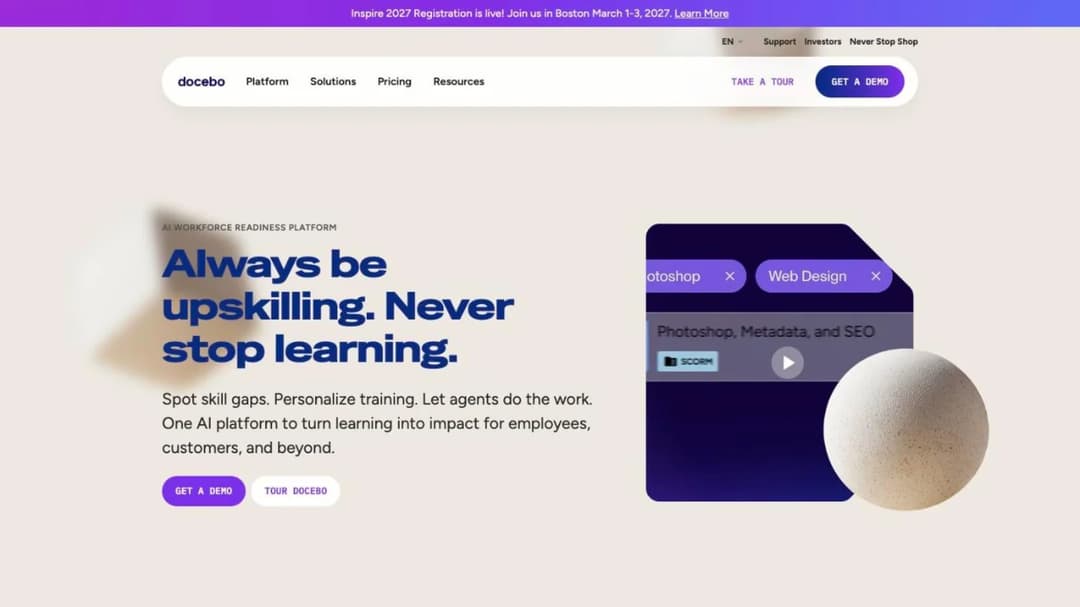
Best for: enterprise L&D teams that want LearnUpon’s shape with a bigger platform behind it, and can run a procurement cycle.
Top features
- Two LMS tiers, Elevate and Enterprise, plus Skills Intelligence quoted as a separate product
- AI Content Creator, AgentHub no-code agents, and AI Roleplay
- Enterprise Knowledge, an AI search across SharePoint, Confluence, Drive and Slack
- Content marketplace with 30,000+ courses from external providers
- Go.Learn mobile app, with a branded app on the Enterprise tier
Docebo repeats LearnUpon’s commercial shape almost exactly: no published price, a separate quote if you want Skills Intelligence too, and per-active-user billing with a choice of monthly, yearly or registered counting. Its pricing page publishes no floor, only advice that the platform suits organizations “Training at least 250+ learners”, and there’s no self-serve trial.
What it does publish is the contract. The Master Services Agreement auto-renews for 12-month periods with 60 days’ written notice, and fees at renewal move to “Docebo’s then-current fees, or a ten percent (10.0%) increase over the highest level of annual fees charged during the previous Term or Renewal Term, whichever is lower”. Section 5.2(b) says Docebo notifies you at roughly 90% of your active-user limit, and anything above the contracted count is billed monthly as an Extra User. If Docebo is your incumbent rather than your escape route, the Docebo alternatives comparison runs the same checks from that side.
Pros
- The renewal escalator is capped in writing at 10%, which LearnUpon’s terms do not do
- SCORM 1.2, 2004, xAPI and AICC all import
- Published ISO 27001, 27017, 27018 and 27701 certification with a certificate number, plus SOC 2 Type II
- AI Roleplay ships today, and a Docebo MCP server connects external AI tools
Cons
- No published price at any tier, and Skills Intelligence is a separate quote
- Section 5.2(d) bars downgrading user thresholds during the term, so an over-forecast headcount is locked in
- Docebo’s own pages give two customer totals, “3,500+” on the homepage and “4000+” on the demo page, so buy on the contract rather than the logo wall
- Overage above the contracted user count is billed monthly with no published cap
2. Litmos
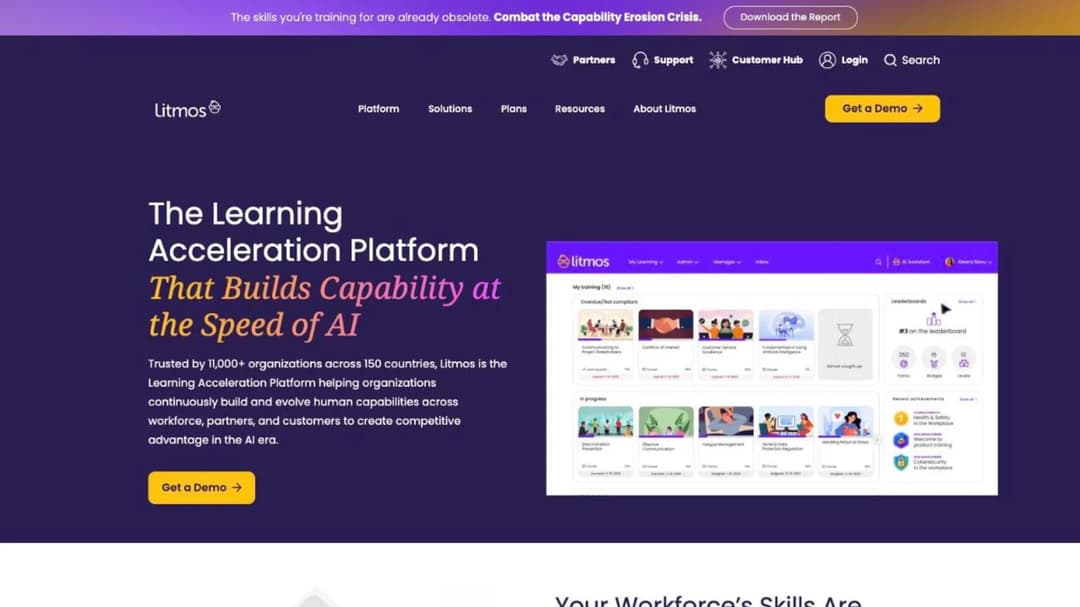
Best for: buyers whose security review is the hardest gate, and who want an audit trail rather than a badge.
Top features
- Three tiers, Foundation, Platinum and Platinum AI, with AI authoring on the top tier
- AI Course Builder that turns a topic or learning objective into a structured course with assessments
- SCORM, xAPI and AICC import and management
- Curated library of ready-made compliance, leadership, safety and customer-service courses
- Mobile on iOS and Android as a named plan feature
Litmos publishes no price. All three tiers show the same two words, “Contact for Pricing”, and no seat minimum, contract length or trial appears anywhere on the pricing page.
What it does publish is the strongest audit detail in this group. Its SOC 2 Type II covers a full 12-month period, 4/1/2024 to 3/31/2025, performed by Aprio LLC with “no exceptions noted across in-scope controls”. Its ISO 27001:2022 certificate was issued in January 2025 by an ANAB-accredited body, after Stage 1 and Stage 2 audits. It also publishes a sub-processor list and a downloadable SOC 3.
SAP acquired Litmos and then divested it to Francisco Partners in December 2022, so quotes and older comparisons naming SAP Litmos describe the same product. Its standard API is capped at 100 requests a minute per site, which is a number to check against your integration plan.
Pros
- The most complete published audit evidence here: SOC 2 Type II with a named period and firm, plus ISO 27001:2022
- Named HR integrations covering Workday, ADP, BambooHR and Microsoft Entra ID
- A ready-made content library, so day one does not start with an empty catalog
- Mobile named as a plan line item rather than left to inference
Cons
- No price, no seat minimum, no contract term and no trial published, so every commercial question is a sales call
- Litmos’s own pages give three customer totals, “11,000+ organizations” on the homepage and “3,000+” then “4,000+” on its company page
- No SCORM version is stated anywhere on its public pages, and cmi5 support is not confirmed on any of them, so ask for both in writing
- No HIPAA, FedRAMP or PCI DSS claim, and no uptime figure on its trust page
3. Absorb LMS
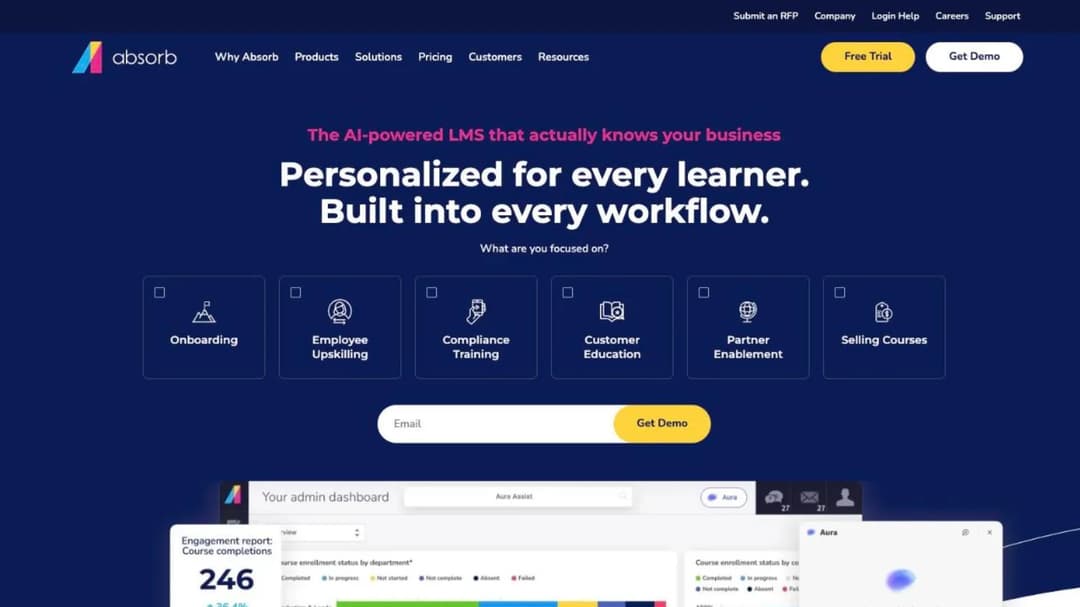
Best for: teams that want multi-tenant portals per audience and need the content to leave with them.
Top features
- Multi-tenant learner portals split by role, location, language or any other criterion
- SCORM 1.2 and 2004 import, with Absorb Create publishing to SCORM, xAPI and HTML5
- Native iOS and Android apps with offline download and progress sync
- Content partners including Go1, Traliant, SkillSoft and MedTrainer alongside its own Absorb Amplify library
- Named HR connections including ADP, Workday, SAP SuccessFactors, UKG Pro and Dayforce, plus Deputy for scheduling
Absorb now trades as Absorb AI, so a quote or an older comparison naming Absorb LMS describes the same company. Its pricing sits behind a form: you choose a learner band, starting at 1 to 50 and running to 25,000+, and submit your email and company before a number appears. No tiers, no trial length, no free plan and no contract term are published.
It earns a place on a page about switching because of export. Absorb is one of only three platforms here whose own pages describe getting a course out as a package rather than only bringing one in, and Absorb Create names three formats. With the multi-tenant portal model on top, that makes it the closest structural replacement for LearnUpon’s Learning Portals if you run separate audiences on one contract. Its own named result is A&W Canada standardizing training across 900 locations and 45,000 employees.
Pros
- SCORM 1.2 and 2004 both import, and Absorb Create exports to SCORM, xAPI and HTML5
- Learner bands begin at 1 to 50, so small teams are inside the model rather than outside it
- Native apps on both platforms with confirmed offline access and sync
- Multi-tenant portals give each audience its own environment on one account
Cons
- You cannot see any price without submitting your contact details
- No contract term, renewal clause or notice window is published anywhere
- The learner experience covers 25 languages, so a rollout into a market outside that set has no interface in the local language
- Only Deputy is named for scheduling, which matters if your rosters live elsewhere
4. Continu
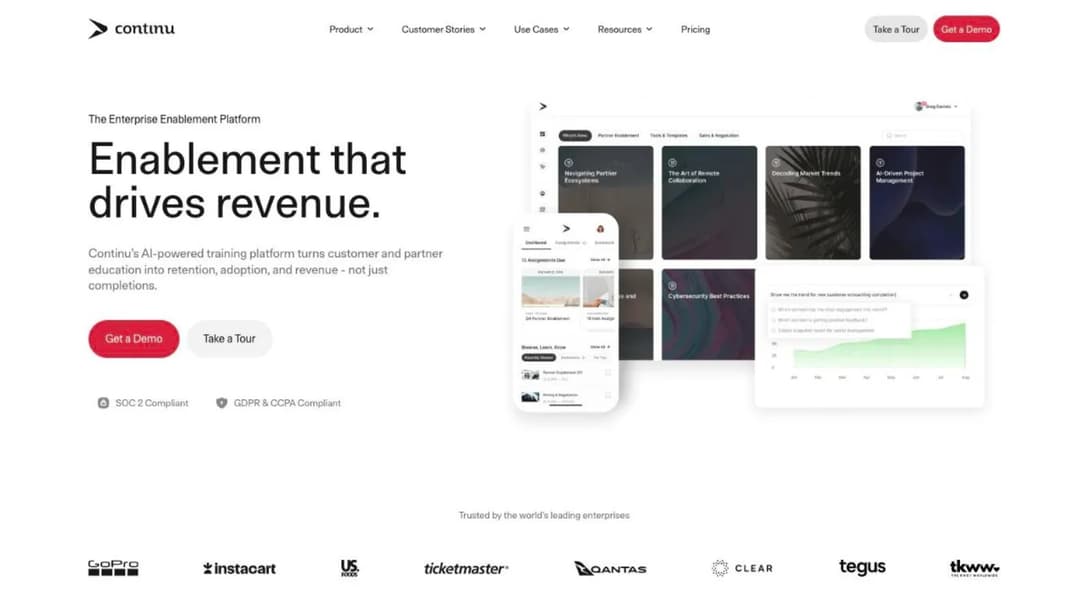
Best for: enablement teams training employees, customers and partners from one platform, where most accounts are dormant most months.
Top features
- Three tiers gated by monthly active users: Growth under 1,000, Professional 1,000 to 5,000, Enterprise above 5,000
- Eddy, an AI learning agent that answers in Slack, Microsoft Teams and SMS
- Extend, branded external portals for partners and customers, from the Professional tier
- Continu Insights with plain-English reporting, no SQL required
- SSO with SCIM provisioning on SAML 2.0
Continu publishes no price, but it publishes the mechanic, and the mechanic is the reason to look. Monthly active users are defined on its own pricing FAQ as “any unique user who logs into or interacts with Continu during a calendar month”, with the note that “inactive users don’t count toward your plan limit, so you only pay for the people actually learning”. For a company where 300 of 800 employees touch training in a given month, that’s a different bill from a per-seat license.
It also publishes something almost nobody else does: implementation is priced at “10% of the first-year contract value”, with a recommended 60-day window and the instance available immediately. That number belongs in your first-year budget, and the 60 days in your switching timeline.
Pros
- The active-user definition is published in plain words, so you can model the bill before the demo
- Implementation cost is a stated percentage rather than a surprise line on the order form
- SCIM provisioning alongside SAML 2.0, so leavers can be deprovisioned automatically
- Named e-commerce built on Stripe for selling courses to customers or partners
Cons
- No price at any tier, and no contract term, renewal or notice clause is published; its public terms are a website-use agreement
- Its own pages disagree on SCORM: “SCORM 1.2 and 2004” on the pricing page, “SCORM 1.2 and xAPI” in the integrations FAQ
- ISO 27001 is presented as a badge in one place and as “aligned with ISO 27001” in another on the same page
- No native mobile app is confirmed, and no free trial is published
5. SkyPrep
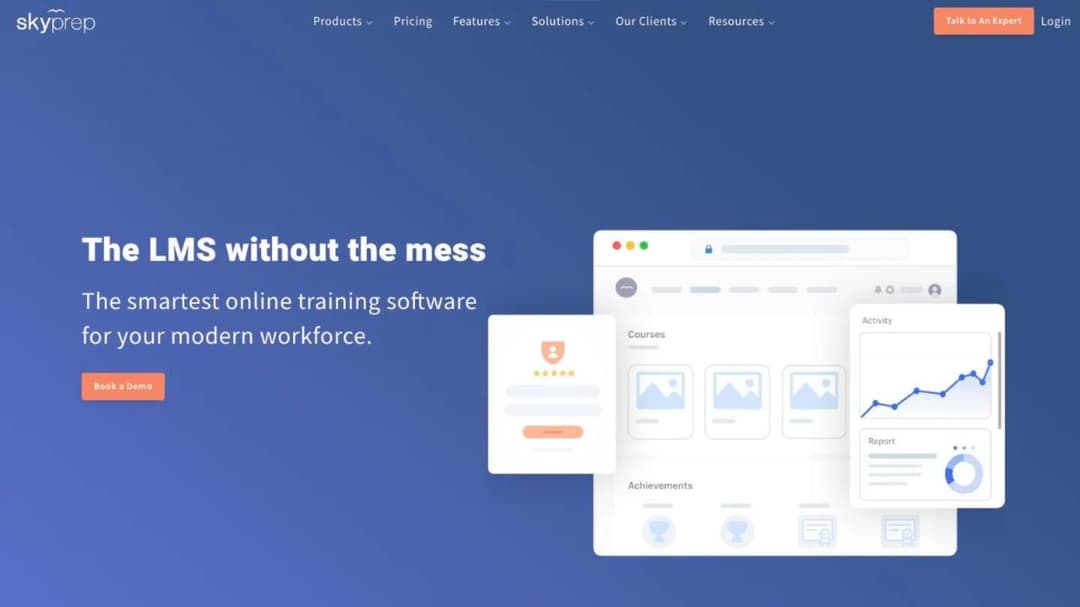
Best for: buyers who want LearnUpon’s commercial shape with the contract visible before the sales call.
Top features
- Three tiers, Lite and Premium from 100+ active users, Enterprise Learning Suite from 1,000+
- Per-active-user billing with a monthly reset and a published overage rule
- Multi-tenant setup: separate platforms for clients, brands and branches under one account
- A named SCORM 2004 player, plus an offline SCORM player on the mobile app at the Enterprise tier
- A 14-day free trial, which most quote-only platforms here do not offer
SkyPrep sells the way LearnUpon sells and publishes what LearnUpon doesn’t. Its floors are on the pricing page, 100+ active users for Lite and Premium and 1,000+ for the Enterprise Learning Suite, and its Terms and Conditions spell out the renewal in full. The agreement “will automatically renew for additional terms of the same duration as the Initial Term” unless either party gives 60 days’ written notice, SkyPrep may “increase Fees for the Services by up to 15% of the Fees payable under the preceding Term”, and there’s no refund on early termination, though you keep access to the end of the term.
That 15% cap is the number to carry into any negotiation, in either direction: higher than Docebo’s 10%, and more than LearnUpon publishes at all. Its definition of an active user is equally plain: “a person who actually logs into your platform”, with later logins in the same cycle not counting again.
Pros
- The full contract is public: renewal, notice, escalator cap and refund position
- A 14-day free trial, and active-user metering with a stated overage rule
- Published SOC 2 Type II, TX-RAMP and a 21 CFR Part 11 page, plus a downloadable accessibility report
- The deepest named HR list here, from ADP and Workday down to Deel and iSolved
Cons
- No dollar figure at any tier; every plan says “Talk to an expert”
- The 100+ active-user floor rules out a team of 60, the same way LearnUpon’s does
- Only a SCORM 2004 player is named, with no SCORM 1.2, xAPI or AICC mention and no export statement
- Its own pages name two different AI feature sets, four capabilities on the pricing table and seven on the AI page
6. Skilljar
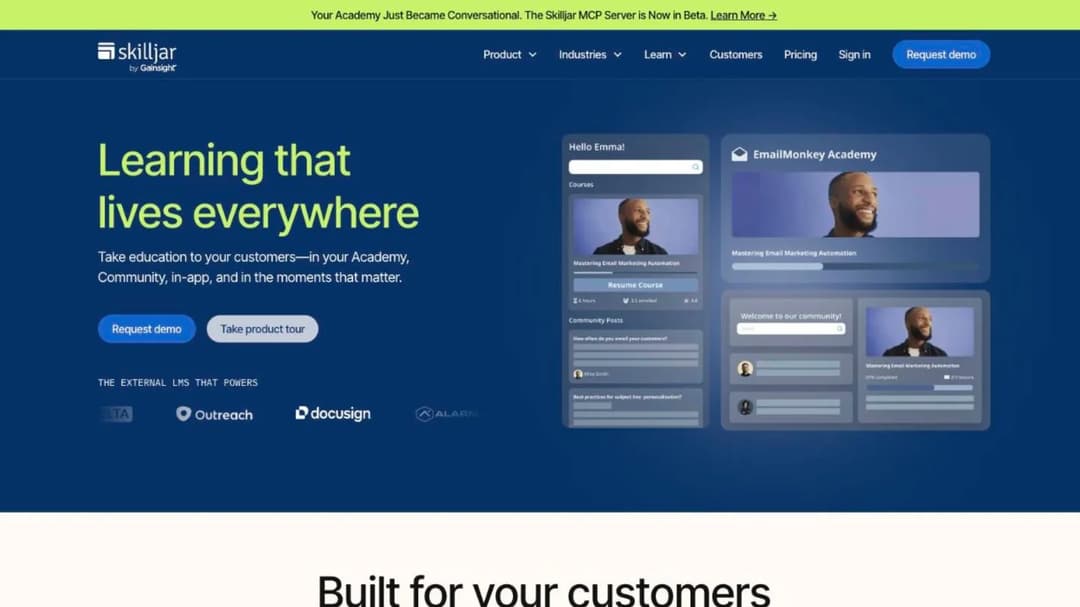
Best for: customer and partner academies, and the direct replacement for LearnUpon’s 300-user customer education line.
Top features
- Three tiers, Essentials, Professional and Enterprise, gated by academy sites and premium integrations
- Two-part pricing: an annual plan fee plus a tiered active-user fee
- Yearly active-user allocations that roll forward, with no monthly caps
- Content syndication, external management and multi-currency selling on the higher tiers
- SSO for learners on every tier, and for admins from Professional up
Skilljar trains customers and partners rather than staff, and it says so: it isn’t positioned for mandatory compliance training. That makes it the fork if you arrived here because LearnUpon’s customer education product starts at 300 users. Skilljar publishes no floor at all, in either its pricing page or its agreement, which is the biggest difference for a smaller academy.
It’s now part of Gainsight and brands itself that way, which matters if vendor stability is on your scorecard. Three add-on prices are published even though the subscription is not: content syndication at $10k, the data connector from $25k, and language packs from $10k for five languages. The Subscription Services Agreement auto-renews for successive 12-month terms with 30 days’ notice, early termination pays out the remainder of the initial term, and the only no-penalty exit is uptime below 99% for two consecutive months. The wider comparison of customer education platforms covers the same buyers. If Skilljar is the platform you’re already on, the Skilljar alternatives comparison runs these same checks from that side.
Pros
- No published seat floor or minimum spend in either the pricing page or the agreement
- Active-user allocations are yearly and roll forward, which suits seasonal product launches
- Three add-on prices are published, so part of the quote is checkable in advance
- SOC 2 Type II, a published VPAT, and a named sub-processor list
Cons
- The initial term length is set in a private service order, so the one number that decides your exit is not public
- Its ISO 27001 comes from AWS infrastructure rather than a Skilljar-scoped certificate
- SCORM is named without a version, xAPI is not mentioned, and export is not described
- Its own two contracts give different data-return windows, 30 days in the agreement and 60 in the data-processing addendum, so pin the number in the order form
7. Thought Industries
Best for: associations, membership bodies and software companies that sell training, and the fork for LearnUpon’s 150-user association line.
Top features
- Three tiers, Starter, Professional and Enterprise, with e-commerce from Professional up
- Monetization across 150 currencies, five tax providers and four payment gateways
- SCORM Connect, which exports content to a third-party domain or LMS
- A BI Connector syncing 90 tables into Power BI, Tableau, Looker or Domo on a 5 to 10 minute refresh
- A first-party Claude plugin that authors and updates the catalog from inside the assistant, staging every change as a draft
Thought Industries trains customers, partners and members rather than staff. It publishes no figure at any tier, and all three tiers carry the same “Let’s talk” button pointing at the same demo form. The only contract-duration evidence anywhere on its site is one line about services: “Onboarding services are a one-time cost for the first year of your contract.”
It earns a place for two reasons. Export is a named product rather than an afterthought, which matters more than usual when the content you’re moving is content you sell. And its monetization stack is the deepest here, which is the difference between running dues-plus-courses for an association and bolting a payment link onto an LMS. If you’re weighing it as the incumbent, the Thought Industries alternatives comparison takes the other side.
Pros
- SCORM Connect exports content out, which most platforms here never describe
- 150 currencies, five tax providers and four payment gateways for selling training
- A trust center listing SOC 2 Type 2, ISO 27001, GDPR, HIPAA, PCI DSS and TX-RAMP documentation, with a 2-hour RTO and RPO
- A Claude plugin that stages catalog changes as drafts rather than publishing them
Cons
- No price, no mechanic, no seat floor and no contract term published anywhere
- The trust center lists compliance labels with no status text beside them, so ask which are certifications and which are documents
- No SCORM version is stated for import or for SCORM Connect
- Its homepage attributes a 74% figure to onboarding time while its customer-training page attributes the same number to training staff time
8. 360Learning
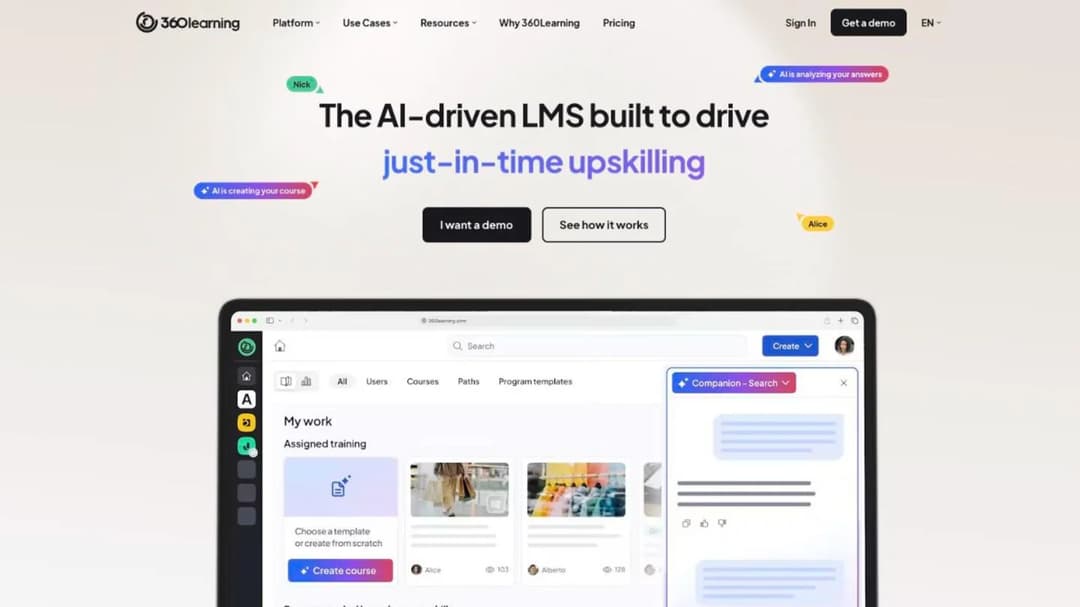
Best for: the team that wants an enterprise-grade LMS but refuses to buy a floor it will not fill.
Top features
- Team tier at $8 per user per month, up to 100 users, billed monthly with no annual commitment
- A published answer on minimums: “there is no minimum number of users required”
- A 30-day free trial before any commitment
- SCORM, xAPI, cmi5 and AICC delivery with a native player, plus one-click course translation
- Native iOS and Android apps with offline access and shared-device mode
360Learning is the cleanest answer to LearnUpon’s floor. Its pricing page publishes $8 per user per month for the Team tier up to 100 users, billed monthly, and its FAQ says you can “cancel anytime”. Business and Enterprise are custom and “generally” annual.
On minimums the FAQ is unambiguous: “No, there is no minimum number of users required with 360Learning. You only pay for the active users on your platform, with no hidden fees or minimum volume commitments.” That’s the sentence LearnUpon doesn’t have.
Its mobile answer is the most complete here: native apps on both platforms with offline access, shared-device mode where one downloaded course tracks separate learners, progress sync and automatic right-to-left layout. It also ships an MCP server connecting ChatGPT, Claude, Gemini, Microsoft Copilot and SAP Joule to learning data.
Pros
- A published per-user price at the tier a 100-person company actually buys, with monthly billing and no lock-in
- No minimum user count, stated in the vendor’s own words
- Shared-device mode and offline access solve the deskless case that LearnUpon’s pages never address
- SOC 2 Type II, ISO 27001 and a stated EU AI Act alignment
Cons
- The Team tier stops at 100 users, so growth pushes you into a custom quote with no published price
- Its own pages give two integration totals, “50+” on the product page and “80+” on the homepage
- No SCORM version numbers are stated, and no export capability is described
- Two features on the AI Content Builder, suggested activities and audio mode, are marked coming soon
9. iSpring LMS
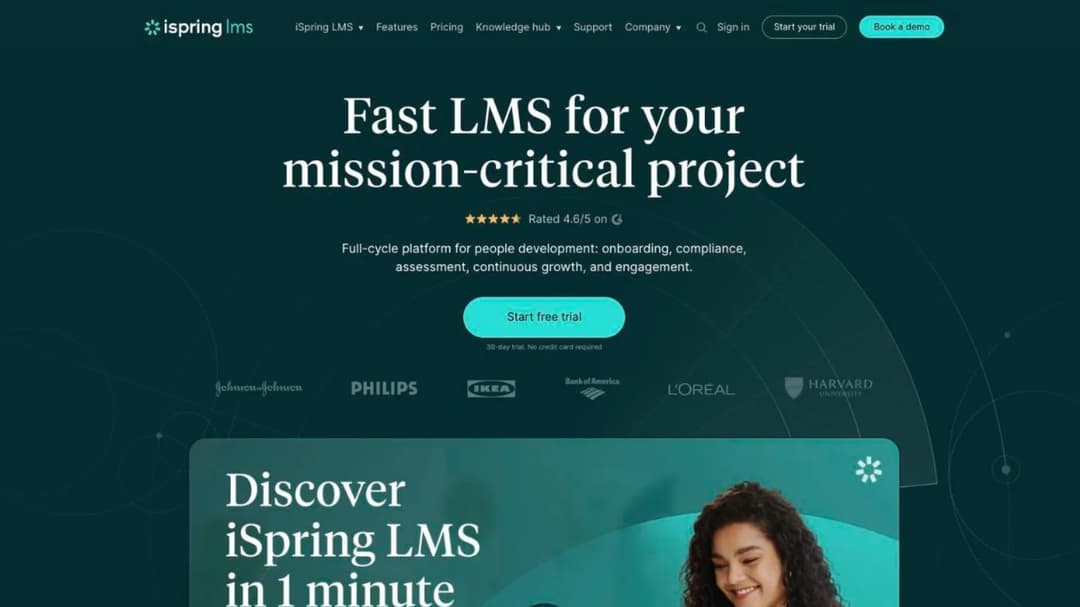
Best for: the buyer who wants to know what LearnUpon’s own 100-user floor should cost.
Top features
- Published prices at three breakpoints: $6.91 per user a month at 100 users, $4.46 at 300, $3.97 at 500
- Annual totals published beside them: $8,286, $16,050 and $23,790
- Pay-per-active-user billing, where a user counts once they log in during a month
- SCORM 1.2 and 2004 import from any authoring tool
- Native iOS and Android apps with offline download and auto-sync
iSpring is the price benchmark on this page. It sells at exactly the headcount LearnUpon uses as its employee floor, and it publishes the number. If a LearnUpon quote for 100 employees comes in above $8,286 a year, iSpring’s published 100-user annual price is the question you put back to the sales team. Its 30-day trial needs no credit card, though the form asks for a phone number as well as an email.
The contract is less generous than the price list. The Services Subscription Agreement auto-renews at the end of the initial term and each renewal term, “payment obligations are non-cancelable and fees paid are non-refundable” except under the early-termination clauses, service is suspended after 7 days’ notice on an overdue invoice, and availability is explicitly disclaimed rather than guaranteed. The product was renamed from iSpring Learn to iSpring LMS in October 2025, so older quotes using the previous name describe the same platform. Automated compliance assignment with certificate-expiry re-enrollment is built in, which is the feature that keeps a training matrix honest.
Pros
- Real published prices with annual totals, at the exact seat counts a mid-size company buys
- Active-user metering: register everyone, pay for the ones who log in
- SCORM 1.2 and 2004 both import, and native apps work offline
- Certificate expiry triggers automatic re-enrollment, which few platforms here claim
Cons
- Nothing is published below 100 users, so a team of 60 is still outside the price list
- Fees are non-cancelable and non-refundable, and there is no numeric uptime commitment
- No SCORM export, no xAPI and no cmi5 on any of its own pages
- Its pricing FAQ rules out government, non-profit and academic discounts while the page’s own summary advertises educational discounts, and its mobile-app statistics differ between two of its pages
10. TalentLMS
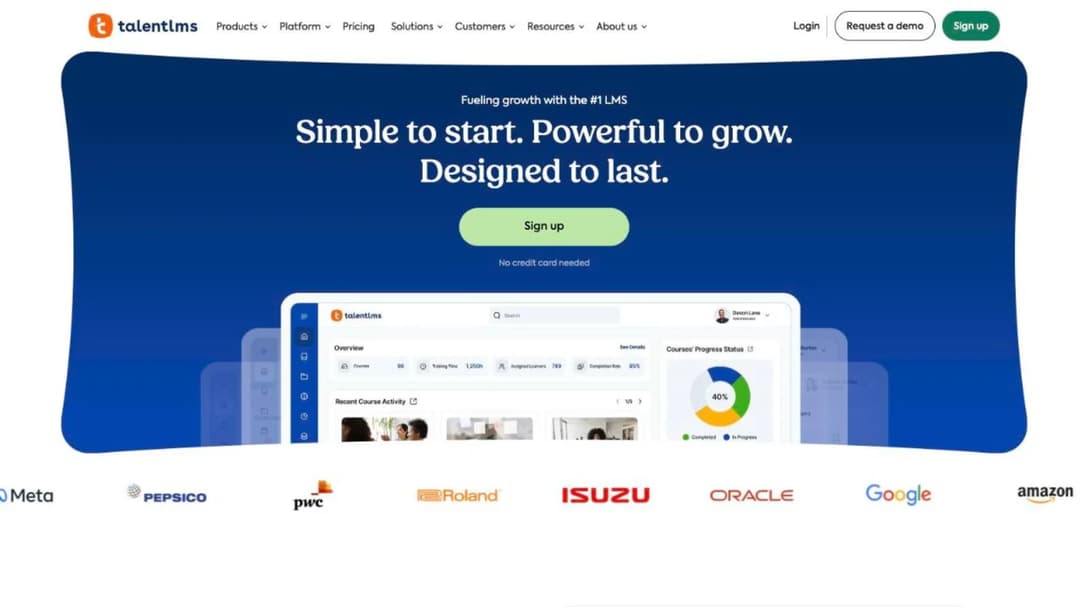
Best for: a team well under LearnUpon’s floor that wants the whole price list on one page today.
Top features
- A free plan for up to 5 users and 10 courses, with no credit card
- Core at $119 a month for 1 to 40 users, Grow at $229 for up to 70, Pro at $449 for up to 100
- $6 per additional user above 100 on Pro, scaling toward 500
- A 14-day premium trial, and 20% off on annual billing
- SCORM 1.2, xAPI and cmi5, plus LTI 1.3 and 1,000+ connections through Zapier
TalentLMS publishes the full ladder with no form in front of it, the exact opposite of how LearnUpon sells. For a 70-person company, the entire commercial conversation is a pricing page and a card. Certificate handling is configurable rather than assumed: a checkbox controls whether a course is reassigned when a certification expires, and certificate duration runs from a set period to “Forever”. If the free tier is what caught your eye, what free actually means across the market is the reality check.
The trade-off is portability. TalentLMS is compatible with SCORM 1.2 only, not 2004, and its own documentation states that “it’s not possible to create SCORM files directly on TalentLMS”. Anything you build there stays there. Its enterprise threshold is described two ways on the same page, “Starts at 1000 users” and “Flexible starts at 500 users”, so confirm which applies before you plan for growth.
Pros
- The full price ladder is public, with a free plan and a 14-day premium trial
- Monthly billing with 20% off annual, so there is no 12-month lock to escape
- Automatic reassignment when a certification expires, configurable per course
- Native apps on iOS and Android with offline access for compatible content
Cons
- SCORM 1.2 only, import only, and no way to package a course you built there for another system
- The Pro tier tops out at 100 users before per-user charges start, which is where LearnUpon’s floor begins
- Its own page gives two enterprise thresholds, 1,000 users and 500 users
- Separate audiences run on branches, and branches are capped by tier: one on Core, three on Grow, 15 on Pro
11. Mini Course Generator
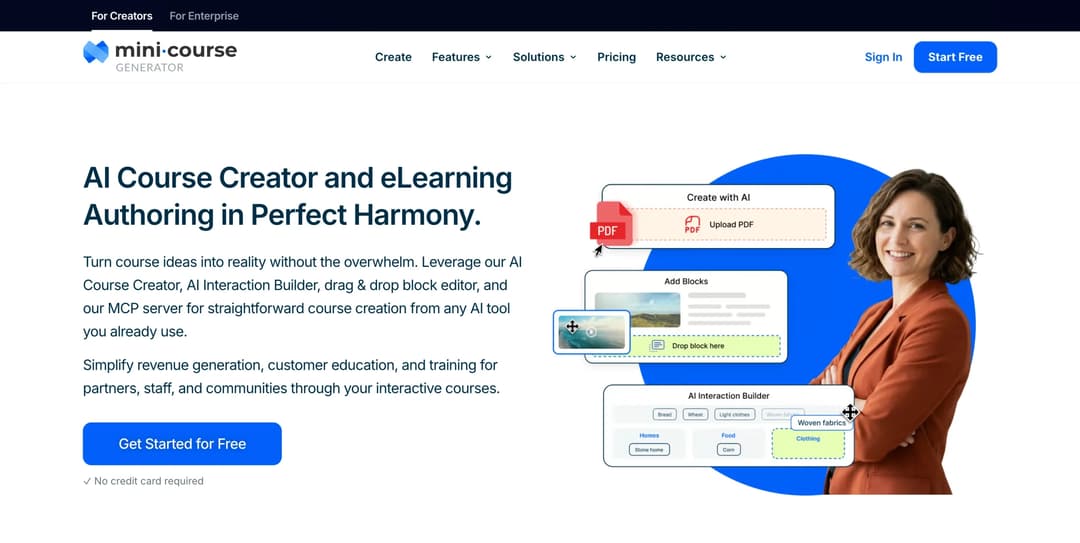
Mini Course Generator is our product.
Best for: the team below LearnUpon’s floor that needs the training it already has written down turned into courses this week, without a sales cycle.
Top features
- No seat minimum; plans are sized by a yearly learner allowance instead
- AI Course Creator and PDF to Course Creator, which draft a course from a document you already have
- Six Gateways and magic links, so a course can open from a link with no learner account
- SCORM or PDF export at any time, with dynamic SCORM export on higher plans
- A live Mini Course Generator MCP Server for Claude, ChatGPT, Manus and Cursor
Most of this page is written for people who clear a floor. This entry is for the ones who don’t. Mini Course Generator sells with no seat minimum, and its pricing FAQ defines the unit as a yearly learner allowance: “A learner is anyone who takes your courses. Each plan includes a yearly learner allowance, so occasional visitors don’t force you into a bigger plan.”
Every plan opens with 14 days of full access and no credit card, there are “zero implementation or onboarding fees”, and there’s no minimum annual commitment. The plans sit on the pricing page, where the numbers stay current.
Two things it does that LearnUpon doesn’t. Content leaves whenever you want it to: “Your content is always yours, whatever your subscription status. You can export mini-courses as PDF files or SCORM packages at any time.”
And practice conversations ship today. AI Role-play is an Agent Skill that grades against your rubric and exports as SCORM 1.2 into whatever system you run. That’s the thing LearnUpon marks coming soon. Branching scenarios, simulations and quizzes are built in the AI Interaction Builder, and Zapier, Make and webhooks carry course events into the rest of your stack.
Pros
- No seat minimum, and plans sized by a yearly learner allowance rather than permanent seats
- 14 days of full access with no credit card, zero implementation or onboarding fees, and no minimum annual commitment
- SCORM or PDF export at any time, so the content leaves when you do
- A course can open from a share link with no account for the learner, which suits staff who have no company email address
Cons
- No HRIS is named. Zapier, Make, Intercom, a WordPress plugin and webhooks are the integration set, and the REST API, Headless LMS and learner SSO sit on the Custom plan only. LearnUpon names Paycor, ADP Workforce Now, Gusto, Paylocity, Dayforce and SAP SuccessFactors directly.
- It publishes no SOC 2 report, no ISO 27001 certificate, no HIPAA statement and no accessibility conformance report. If procurement needs one of those, it does not publish it.
- No ready-made content library. You author it, or you bring it.
- No multi-tenant learning portals per audience and no per-client sub-accounts, which is what LearnUpon’s Learning Portals and Absorb’s portal model are for.
- Team seats are limited by plan, from three on the mid tier to unlimited on Custom, and account-based reporting arrives near the top of the ladder.
- Instructor-led session management and virtual classroom scheduling are not part of the product.
- The yearly learner allowance has a ceiling before a Custom plan, so a 1,000-person company also serving customers and partners on one account should check the allowance first.
Which LearnUpon Alternative for Which Situation
Four questions narrow eleven platforms to two or three, faster than any feature comparison does.
How many people are you training?
Under 100. LearnUpon won’t quote you at all for its employee product. Four platforms here will still sell to you. TalentLMS publishes a free tier and a ladder above it, 360Learning charges $8 per user a month on monthly billing, and Absorb’s learner bands start at 1 to 50 behind a form.
Mini Course Generator sells with no seat minimum. The wider view of that end of the market is in the comparison of LMS options for a small business.
100 to 500. This is the contested middle. iSpring publishes $6.91 per user a month at 100 users and $4.46 at 300, which is the benchmark to hold a LearnUpon quote against. 360Learning’s Team tier stops at 100, so above that you’re into a custom quote. SkyPrep sells here on quote, with the contract public.
Above 500, or with a security review to clear. Docebo and Litmos will both meet an enterprise procurement process on its own terms, and Docebo is the closest structural match to what you have. Expect a quote, a sales cycle and, with Docebo, a written 10% cap on the renewal increase.
Are you training staff, customers or members?
Staff. Docebo, Litmos, Absorb, SkyPrep, 360Learning, iSpring and TalentLMS are all built for it. Compliance evidence, HRIS provisioning and completion reporting decide it, and the onboarding-first platforms sit inside that same set.
Customers. If you arrived because LearnUpon’s customer education line starts at 300 users, Skilljar and Thought Industries are the two purpose-built options, and Continu’s Extend portals do the job from the Professional tier. What you’re buying is a public-facing academy rather than an internal LMS, which is a different product with different economics: customer education covers the shape of the program, and customer training software covers the platform side. The specialist comparisons run deeper on the product-adoption end of the market.
Members or an association. LearnUpon’s association line starts at 150 users. Thought Industries is the strongest fit here on monetization alone, with 150 currencies and four payment gateways, and Docebo sells e-commerce and certification to the same buyer.
Is the contract the reason you’re leaving?
If your problem is the auto-renewal, buy monthly. TalentLMS bills monthly with 20% off annual, and 360Learning’s Team plan is monthly with cancel-anytime in its own FAQ. Neither renews a year at you.
If your problem is the escalator, buy the cap. Docebo’s Master Services Agreement caps the renewal increase at 10% over the highest annual fee of the previous term. SkyPrep’s caps at 15%. LearnUpon publishes no cap at all, only 30 days’ notice of a change.
Neither cap is generous. But a number your finance team can multiply beats a notice period you can only react to, and it’s the one clause procurement can argue about before signature.
If your problem is the floor, buy a published price. 360Learning states in its own FAQ that there is no minimum number of users, and Skilljar publishes no floor in either its pricing page or its agreement. Mini Course Generator has no seat minimum. Everything else here either starts at 100 active users or won’t say.
Can you get your content back out?
Three platforms describe export as a product feature: Absorb, Thought Industries and Mini Course Generator. Docebo, Litmos, Skilljar, SkyPrep, Continu, 360Learning and iSpring describe import and stop. TalentLMS says outright that you cannot create a SCORM file there.
If a second migration in three years would be unaffordable, make export a scored requirement now and ask for the answer in writing before you sign. The difference between a platform you can leave and one you can’t is not visible in a demo.
How to Leave LearnUpon Without Paying for Two Platforms
The overlap is where switching costs get out of hand. Six steps, in this order, keep it to one month.
-
Find your Subscription Period end date. It sits on the order form, not on the invoice and not in the admin console, and every other date in this plan keys off it.
-
Set the notice deadline 45 days before it. The contract requires written non-renewal notice at least 30 days prior under section 9.1. Fifteen days of margin covers a holiday, a resignation and a missed inbox.
-
Send the notice in writing, to the contact named in the agreement. Telling your account manager on a call is not notice. Keep the sent copy.
-
Do not cancel mid-term expecting a refund. Section 10.1 makes payment for the current Subscription Period non-refundable, so the cheapest exit is running to the end of a period you’ve already paid for.
-
Export before access ends. Pull your SCORM and xAPI packages, completion and certification reports, and learner records while the account is live. Anything you authored in the platform’s own editor may not travel, so check that first and rebuild what doesn’t.
-
Line the two timelines up before you sign the new deal. Continu recommends allowing 60 days for implementation and prices it at 10% of the first-year contract value. Docebo’s own notice window is 60 days, so an incoming annual contract carries the same shape you’re escaping. Start the new platform one month before the old one ends and run the first cohort on it while the old system is still there as a fallback.
Do step one this week. Everything else in this article is theoretical until you know how many days you have.
The Move to Make This Week
Pull the order form and find the Subscription Period end date, then count back 45 days and put that in the calendar. With the deadline fixed, run the five checks on your current quote and on two alternatives: seat floor, price mechanic, renewal and notice, export, and compliance with its type.
If your headcount is under 100, start with the platforms that publish a price. A floor you can’t clear is a shortlist of one. If you’re above 500 with a security review to clear, start with the two that publish a full audit trail. Get every commercial answer in writing before the notice deadline, not after it.
Once the shortlist is written, an onboarding LMS is what turns that first policy document into a course every new hire gets identically, whichever platform ends up running the rollout.
Frequently Asked Questions
Is LearnUpon a good LMS?
For a company above its user floors, yes. It runs multi-audience training well through Learning Portals, its authoring tool ships rather than being promised, and it publishes ISO 27001:2022, ISO 27701:2019 and WCAG 2.0 AA conformance. The problems are commercial rather than technical: no published price, a 100-user minimum on the employee product, a 12-month auto-renewal with a 30-day notice window, and no cap on what the price can do at renewal.
How much does LearnUpon cost?
LearnUpon publishes no price. Its pricing page carries three user floors and nothing else: from 100 users for employees, from 150 for associations, from 300 for customer education, with every plan routing to a demo booking or a sales contact. Per-user figures circulate elsewhere, and at least one of the guides quoting a range labels its own number an estimate. The nearest published benchmark at the same size is iSpring, at $6.91 per user a month for 100 active users, or $8,286 a year.
Does LearnUpon have a minimum number of users?
Yes, and it is per product line. LearnUpon for Employees starts at 100 users, LearnUpon for Associations at 150, and LearnUpon for Customer Education at 300, and those are the only numbers on the pricing page. Of the alternatives here, 360Learning states in its own FAQ that there is no minimum number of users, Skilljar publishes no floor in its pricing page or its agreement, and Mini Course Generator has no seat minimum.
Can I export my courses if I leave LearnUpon?
LearnUpon describes importing SCORM and xAPI content and managing it in the platform, and states no SCORM version and no export capability on its own pages. Ask for that answer in writing before you sign, and ask specifically about content authored inside Create+ rather than uploaded. Across this comparison, only Absorb, Thought Industries and Mini Course Generator describe getting a course out as a package.
What is the easiest LMS to use?
For a buyer, the easiest is the one you can buy without a sales cycle: TalentLMS, 360Learning’s Team tier, iSpring and Mini Course Generator all publish a price and open with a trial. For an administrator, ease is decided by how training gets assigned and how a course gets built, so run the same task in every trial: take one policy document, build a course from it, assign it to five people, and pull a completion report. The platform where that takes an afternoon is the easy one.
What are the top 5 LMS systems?
There is no single five, because the requirement changes with headcount and audience. On the evidence here: Docebo for enterprise staff training with a capped renewal increase, Litmos for the hardest security review, 360Learning for a team of 100 or fewer that wants no minimum, iSpring for a published price between 100 and 500 users, and Skilljar or Thought Industries when the audience is customers or members. TalentLMS and Mini Course Generator sit below all of them, for teams under LearnUpon’s floor.
Which alternatives ship AI role-play today?
Docebo names AI Roleplay as a live capability, and Mini Course Generator ships AI Role-play as an Agent Skill, exportable as SCORM 1.2 into another system. LearnUpon marks scenario-based role-plays “COMING SOON” on its Create+ page. If practice conversations are a requirement rather than a nice-to-have, the comparison of AI role-play tools for corporate training goes deeper on what separates them.
Do any of these deliver training inside our own product?
LearnUpon Anywhere embeds learning into a customer’s product experience, Thought Industries delivers to external domains through SCORM Connect, and Continu’s Extend builds branded portals. If in-product delivery is the requirement rather than a portal, embedded learning covers the architecture choices first.
Sources
- LearnUpon pricing page, security page, accessibility page, platform and Create+ pages, and Terms of Service, sections 8.2, 9.1 and 10.1
- Docebo pricing page and public Master Services Agreement, sections 5.2 and 12.2, plus its Trial Environment Agreement and compliance page
- Litmos plans and pricing page, trust and security page, and company page
- Absorb LMS pricing request form, product pages and Absorb Create documentation
- Continu pricing page and pricing FAQ, integrations FAQ, features page and security page
- SkyPrep pricing page and pricing FAQ, Terms and Conditions, security page and accessibility report
- Skilljar pricing page, Subscription Services Agreement, data processing addendum, security page and VPAT
- Thought Industries pricing page, platform create and deliver pages, services page and trust center
- 360Learning pricing page and pricing FAQ, LMS features page, enterprise page and security page
- iSpring pricing page and pricing FAQ, features page, Services Subscription Agreement and data security page
- TalentLMS pricing page and support documentation on SCORM support and certification expiry
- Mini Course Generator pricing page and pricing FAQ


