

Leaving Docebo is a contract decision before it’s a feature decision, so the Docebo alternatives worth a demo are the ones that publish their own price and terms before you talk to sales: 360Learning, TalentLMS, iSpring LMS, Learn:Up, MoodleCloud, and Mini Course Generator, with LearnUpon, SkyPrep, and Continu behind them for printing a seat floor if not a price. It matters because Docebo’s own Master Services Agreement renews for twelve months unless you give sixty days’ written notice, lets the renewal fee rise by up to ten percent, and never lets the contracted user count go down during the term. This guide reads that contract clause by clause, puts twelve alternatives through the same seven questions, and ends with the steps that get you out without paying for two platforms at once.
Before any demo, put one of your own policy documents through employee training software that builds the course from it and tracks who finished. That’s the job most of the twelve platforms below are being asked to do, and the one a Docebo quote is priced against.
What Docebo Does Well, and Where It Stops
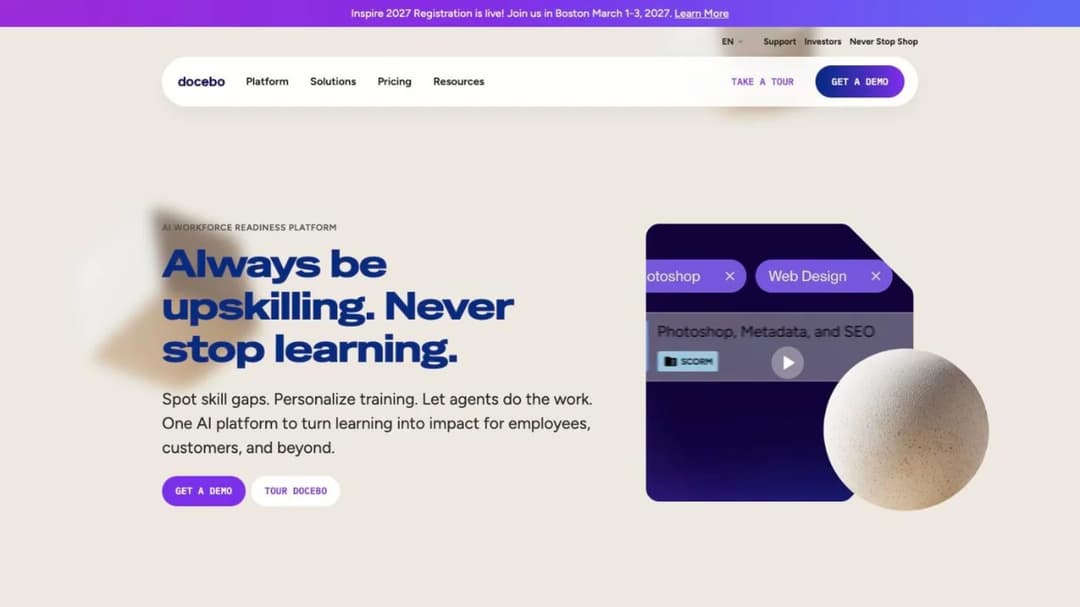
Docebo calls itself an “AI Workforce Readiness Platform,” and for a company of several thousand people it earns the description. The Learning Platform is the LMS you know: SCORM 1.2 and 2004, xAPI, and AICC import, a Content Marketplace of 30,000-plus courses from OpenSesame and Go1, compliance training in 50-plus languages, the Go.Learn mobile app, e-commerce, and a headless option for teams building their own front end. Around it sit Skills Intelligence, Enterprise Knowledge (AI search across 25-plus systems including SharePoint, Confluence, Drive, and Slack), and AgentHub, no-code agents that run tasks on their own.
The AI is shipped, not announced: Creator, AI Roleplay, AgentHub, Enterprise Knowledge, a browser extension called Companion, and an MCP connection to outside AI tools are all listed as live. Its published compliance is broad, in Docebo’s own statement: SOC 2 Type II, ISO 27001, 27017, 27018, 27701, and 9001, support for FDA 21 CFR Part 11 and EU Annex 11, and PCI DSS Level 2. If your requirement is a regulated, multi-audience learning suite with an integration list running from ADP Workforce Now and BambooHR to Salesforce and Shopify, Docebo does the job.
Where it stops is the order form, not the feature list
Docebo publishes no price. Elevate and Enterprise each route to a “Get Your Pricing” request, and Skills Intelligence is quoted separately as 365Talents, so a “Docebo price” is at least three quote requests, not one.
The tier ceilings are printed even though the prices aren’t: Enterprise caps extended enterprise at 10 domains, includes 2 sandbox environments and 6 integrations against Elevate’s 4, and limits the API to 100 calls per minute. You also choose how users are counted, Monthly, Yearly, or Registered Active Users, and that choice decides the bill more than the tier does. Docebo recommends itself for organizations training at least 250 learners, which is advice, not a contract floor.
There’s no self-serve trial either. Trial access runs under a separate Trial Environment Agreement that states no fixed duration, provides the environment “AS IS” and “AS AVAILABLE,” and lets Docebo “add, remove, replace, suspend, or discontinue any Third-Party Solution included in the Trial Environment at any time.” Treat it as a sales-managed evaluation, not something you start on a Tuesday and run for a quarter.
The contract is where the Docebo competitors below get sorted. Three clauses in the public Master Services Agreement decide whether leaving is possible at all:
- Section 12.2, renewal. Subscriptions “will automatically renew for subsequent twelve (12) month periods” unless either party gives written notice of non-renewal “at least sixty (60) days prior to the end of the then current Term.” On each renewal the fee becomes “Docebo’s then-current fees, or a ten percent (10.0%) increase over the highest level of annual fees charged during the previous Term or Renewal Term, whichever is lower.” Ten percent is a cap, not a certainty, and missing the sixty days renews the subscription and charges the fees automatically.
- Section 5.2(d), the one-way seat count. “No ‘downgrading’ of the User thresholds will be permitted during the Term.” Forecast 1,200 users, hire 900, and you pay for 1,200 until the term ends. Section 5.2(b) has Docebo notify you at about 90% of the active-user limit, and anything above the contracted count bills monthly as “Extra User” overage with no published cap.
- The money terms around them. Late payment carries “a late fee of up to one and one-half percent (1.5%) per month,” and Docebo’s liability is capped at “twelve (12) months of fees for Services” (section 10.2).
Two of Docebo’s own figures disagree, and each is a question for your account manager rather than a reason to walk. The homepage says “3,500+ Global organizations trust Docebo” and the demo page says “Join the 4000+ companies.” One page says “hundreds of pre-built and custom integrations” and two others say “400+ secure integrations,” so ask which list applies to your tier.
Docebo’s pages carry no HIPAA statement, no business associate agreement, and no WCAG level or VPAT. If any of those sits in your procurement checklist, ask for it in writing before the demo.
If your headcount is stable, the ten percent is in next year’s budget, and you use the marketplace, the skills product, or the regulated-industry certifications, renew. If your headcount is falling, the no-downgrade clause is the reason to start the notice clock now, and the ten percent cap is your renegotiation lever whether you leave or stay.
What to Check Before You Switch
Seven questions decide the switch, in the order they’ll cost you money if you skip them. Each one goes to the vendor in writing; the answers below are what their own pages and agreements already say.
What do you pay per learner, and who counts as one?
The unit decides the bill. Docebo lets you pick Monthly, Yearly, or Registered Active Users. SkyPrep counts “a person who actually logs into your platform” during the billing cycle, resets the count monthly, and charges an overage fee for every user over the limit “unless you choose to upgrade” before the invoice.
iSpring counts anyone who “has logged in at least once during a month,” Continu’s monthly active user is “any unique user who logs into or interacts with Continu during a calendar month,” and 360Learning lets you “combine registered and monthly active users in a single contract.” Mini Course Generator sizes plans by a yearly learner allowance instead.
If a third of your people touch training in any given month, an active-user model costs you less than a registered count. If everyone logs in every month because compliance requires it, a registered count is the cheaper contract and the active-user model is a true-up waiting to happen. Ask for the definition of “active” in the order form, not in the FAQ; the LMS pricing guide has the arithmetic.
What is the seat floor, and can it go down?
Docebo’s only number is advisory (250-plus learners), but its no-downgrade clause means whatever count you sign is the floor for the term. The alternatives print their floors more plainly.
- 360Learning: “there is no minimum number of users.”
- TalentLMS: bands of 1 to 40, 1 to 70, and 1 to 100 users, then $6 per extra user above 100 on Pro.
- MoodleCloud: caps of 50, 100, 200, 500, and 750 users by plan.
- iSpring LMS: lowest published breakpoint is 100 users, at $8,286 a year.
- LearnUpon: from 100 users for employees, 150 for associations, 300 for customer education.
- SkyPrep: 100-plus active users on Lite and Premium, 1,000-plus on the Enterprise Learning Suite.
- Continu: bands break at 1,000 and 5,000 monthly active users.
Under 100 seats, the whole enterprise group here is mis-sized for you and the small-business LMS comparison is the better shortlist. Between 100 and 1,000, ask two things in writing before you sign: whether the count can go down at renewal, and what happens the month you exceed it.
When does it renew, how much notice, and how much can the price rise?
This table comes from the terms pages, not the feature pages, which is why it reads differently from the sales deck.
| Platform | Term and renewal | Notice to leave | Renewal price change | Early exit |
|---|---|---|---|---|
| Docebo | 12-month auto-renewal (MSA 12.2) | 60 days, written | Up to 10% over the previous term’s highest fee, or the then-current fee, whichever is lower | Not provided for in the renewal clause |
| SkyPrep | Auto-renews for a term equal to the initial term | 60 days, written | Up to 15% of the preceding term’s fees | No refund; access continues to term end |
| LearnUpon | 12-month auto-renewal (ToS 9.1) | 30 days, written | Fees can change on 30 days’ email notice, applied at the next renewal, no cap | Current period non-refundable (10.1) |
| iSpring LMS | Auto-renews each term | Notice required, period not stated | Not stated | “Non-cancelable and non-refundable” except on proper early termination |
| MoodleCloud | Annual auto-renewal | Stop the recurring payment in the portal | Not stated | Not stated |
| 360Learning | Team: monthly, “cancel anytime.” Business and Enterprise: annual contracts | Not stated for annual plans | Not stated | Not stated |
| Continu | Not published | Not published | Not published | Not published |
| Learn:Up | “Billed annually” | Not published | Not published | Not published |
| TalentLMS | Monthly or annual (20% off annual) | Not published | Not published | Not published |
| Absorb LMS, Litmos, Cornerstone | Not published | Not published | Not published | Not published |
| Mini Course Generator | No minimum annual commitment; annual billing is a discount, not a lock-in | Not applicable on monthly billing | Not stated | Zero implementation or onboarding fees to write off |
Read it as a rule. If a vendor prints its notice period and its price-rise cap, you can budget the renewal on the day you sign. If it prints neither, the renewal is whatever your account manager proposes in month eleven, and your only protection is the clause you negotiate into the order form now.
SkyPrep’s 15% cap is higher than Docebo’s 10%, but it’s printed, and LearnUpon’s 30-day notice is half of Docebo’s. Whichever platform you choose, put the notice date in your calendar the day the contract is countersigned.
What leaves with you if you go?
Docebo imports SCORM 1.2 and 2004, xAPI, and AICC, and its own words describe the direction: “making it easy for you to transfer your existing learning materials from your old LMS into Docebo.” Far fewer platforms say what they export, and the difference between SCORM versions decides whether your library survives a second move.
Absorb LMS is the enterprise platform that states both directions: SCORM 1.2 and 2004 in, and SCORM, xAPI, and HTML5 out through Absorb Create. TalentLMS is SCORM 1.2 import only, and its documentation states that “it’s not possible to create SCORM files directly on TalentLMS.” Moodle plays SCORM 1.2 natively, has stopped native SCORM 2004 development, and never authors a package.
iSpring, 360Learning, Litmos, LearnUpon, and Learn:Up describe import and no export, and three of them name no version. Mini Course Generator exports every course as SCORM or PDF at any time, with dynamic SCORM export on the Launch plan and above.
The rule: if you author inside the platform, ask in writing whether a course built there exports as a SCORM package, which version, and whether the export survives cancellation. If the answer is “you can download the source files,” that isn’t a SCORM export, and a five-year library will cost you a rebuild the next time you move.
Which compliance claims does the vendor publish?
Compliance is where a procurement team stops a purchase, so read what each vendor prints rather than what its deck implies. The compliance training software you buy for a regulated workforce has to survive an auditor’s question about the vendor, not only about the courses.
- Docebo: SOC 2 Type II, ISO 27001, 27017, 27018, 27701, and 9001, FDA 21 CFR Part 11 and EU Annex 11 support, PCI DSS Level 2 (its own statement). No HIPAA or business associate agreement, no WCAG level or VPAT.
- Cornerstone: SOC 2 Type 2, ISO 27001, 27017, 27018, 27701, and 42001, FedRAMP Moderate, DoD IL4, 21 CFR Part 11, Cyber Essentials Plus, a VPAT.
- Litmos: SOC 2 Type II with a stated audit period of April 2024 to March 2025 and “no exceptions noted,” ISO 27001:2022 issued January 2025, regional data hosting. No HIPAA, FedRAMP, or PCI statement.
- LearnUpon: ISO 27001:2022, ISO 27701:2019, “SOC 2 compliant” with no type stated, WCAG 2.2 AA for the learner experience with a VPAT. No HIPAA statement.
- 360Learning: SOC 2 Type II, ISO 27001, GDPR, a stated alignment with the EU AI Act, and a 99.8% uptime SLA on its enterprise page only. No HIPAA or FedRAMP statement.
- SkyPrep: SOC 2 Type II, 21 CFR Part 11, PCI-compliant storage, TX-RAMP named without detail, a downloadable VPAT. No HIPAA statement.
- iSpring LMS: ISO 27001 and 27701. No SOC 2 statement, and its subscription agreement disclaims any availability warranty.
- Continu: SOC 2 Type II audited annually, and ISO 27001 described as “aligned” rather than certified.
- Moodle: WCAG 2.1 Level AA accreditation for the software.
- Learn:Up (Confirm): ISO 27001 certificate published, Cyber Essentials, SOC 2 Type 2 “available on request.”
- Mini Course Generator: publishes no SOC 2, ISO, or HIPAA statement and no business associate agreement.
If procurement needs a SOC 2 report on file, the shortlist is Docebo, Cornerstone, Litmos, 360Learning, SkyPrep, and Continu, and LearnUpon once you’ve asked which type. Of the platforms that publish a compliance statement at all, only Cornerstone prints FedRAMP.
Of those same platforms, none publishes a business associate agreement, so if patient data is in scope the healthcare LMS comparison is where that question gets answered properly. Two of the twelve, Absorb LMS and TalentLMS, aren’t in the list above; ask each of them for its security documentation in the same message that requests the demo. If your compliance evidence lives in a spreadsheet today, the training matrix template gives it an expired state before any platform does.
What connects to your HRIS and SSO?
Name your HRIS in the RFP and ask which tier its connector sits in, because the order in which you integrate starts with the system that knows who was hired this week. Docebo names ADP Workforce Now and BambooHR and lists SSO as a category without naming an identity provider.
SkyPrep names the longest HR list here, from ADP and Workday to Paycom, Paylocity, Dayforce, and Paycor, but its API and SSO sit on the Premium tier and above. Absorb LMS names three ADP products, BambooHR, Namely, Workday, SAP SuccessFactors, UKG Pro, and Dayforce. LearnUpon, Litmos, 360Learning, iSpring, and Continu each name between three and six HR systems and an identity provider or SAML 2.0. Cornerstone names Workday and no identity provider, and Learn:Up names Okta with its integrations directory marked “Coming soon.”
Mini Course Generator has no native HRIS sync: Workday, ADP, or BambooHR connect through Zapier, Make, or webhooks, and SSO for learners is a Custom-plan feature. If a nightly HRIS sync is a hard requirement, that’s a plain reason to shortlist elsewhere. If your new hires arrive by spreadsheet and a Zapier step, it isn’t.
Which AI features have shipped?
Every vendor here sells AI. The question is what’s live on the day you sign, and on which tier, because a feature marked “coming soon” is priced into your quote and delivered on the vendor’s schedule. Docebo lists Creator, AI Roleplay, AgentHub, Enterprise Knowledge, Companion, and MCP as shipped.
LearnUpon’s Create+ is live and its scenario-based role-plays are marked “COMING SOON.” 360Learning’s AI Content Builder is live while its writing assistant, suggested activities, audio mode, and adaptive coaching are each marked “Coming soon.” Continu’s AI authoring starts on its Professional tier, Litmos groups its AI features under a Platinum AI tier, and SkyPrep’s pricing table puts its AI features on the Enterprise Learning Suite tier, which starts at 1,000-plus active users.
Four platforms here publish an MCP server, the connection that lets Claude, ChatGPT, or another assistant work inside the LMS, and it is the piece that separates a chatbot from an agentic LMS: Docebo, 360Learning, LearnUpon, and Mini Course Generator, whose MCP Server has been live since June 2026. What each one lets the assistant do differs, and the questions to ask about an LMS MCP server separate answering from authoring.
If AI authoring is the reason you’re leaving Docebo, ask for the release date and the tier of every AI feature in the demo, and price anything marked “coming soon” at zero. Where AI has landed in L&D is the wider view.
Seven questions, then: price and unit, floor, renewal terms, export, published compliance, HRIS and SSO, shipped AI. Get each answer in writing, and the platforms that already answered them in public are the ones at the top of the list below.
The 12 Best Docebo Alternatives
The best Docebo alternative for an L&D team is the one that publishes what Docebo doesn’t. 360Learning, TalentLMS, iSpring LMS, Learn:Up, MoodleCloud, and Mini Course Generator print a price and their terms; LearnUpon, SkyPrep, and Continu print a seat floor but no price; Absorb LMS, Litmos, and Cornerstone print neither. The twelve run in those three groups, and inside each group the platforms that cover more of what Docebo does come first. Every price, plan limit, and contract term below comes from the vendor’s own pages and published agreements, quoted as printed, and where a vendor publishes nothing, the entry says so.
| Platform | Publishes | Price as you meet it | Seat floor | Renewal and notice | SCORM export | AI authoring shipped |
|---|---|---|---|---|---|---|
| 360Learning | Price and terms | $8 per user per month (Team, up to 100 users); Business and Enterprise custom | None | Team monthly, cancel anytime; Business and Enterprise annual | Not stated (delivers SCORM, xAPI, cmi5, AICC) | Yes; four sub-features “Coming soon” |
| TalentLMS | Price | $119, $229, $449 per month by user band; free plan to 5 users | None (bands 1-40, 1-70, 1-100) | Not published | No (SCORM 1.2 import only) | Not covered here |
| iSpring LMS | Price and terms | $6.91 per user per month at 100 users, $3.97 at 500, per active user | 100 users | Auto-renews; non-refundable | Not stated (imports 1.2 and 2004) | Yes (AI Course Creator, AI Quiz Generator) |
| Learn:Up | Price | From $9 per user per month, billed annually, modeled on 200 people | None stated | Annual billing; nothing else published | Not stated (“SCORM,” no version) | Yes (AI Simulations, AI Assist) |
| MoodleCloud | Price and terms | $170 to $2,170 per year by user cap | Caps of 50 to 750 | Annual auto-renewal; stop the payment to leave | No (plays SCORM 1.2, never authors) | Bring your own AI provider key (Moodle 4.5 and later) |
| Mini Course Generator | Price and terms | Published in full; 14-day full-access trial, no credit card | None (yearly learner allowance) | No minimum annual commitment; zero implementation fees | Yes (SCORM or PDF, any time; dynamic SCORM on Launch and above) | Yes (AI Course Creator, PDF to Course Creator, AI Interaction Builder) |
| LearnUpon | Floor and terms | Not published | 100, 150, or 300 users by product | 12-month auto-renewal, 30 days’ notice, fees changeable on 30 days’ notice | Not stated (SCORM and xAPI import) | Create+ live; role-plays “COMING SOON” |
| SkyPrep | Floor and terms | Not published | 100-plus active users; 1,000-plus for Enterprise | Auto-renews for the same term, 60 days’ notice, up to 15% rise, no refund | Not stated (SCORM 2004 player) | Yes, on the Enterprise tier (1,000+ active users) |
| Continu | Floor | Not published | Bands under 1,000, 1,000 to 5,000, 5,000-plus MAU | Not published; implementation at 10% of first-year value | Not stated (import; 2004 contradicted) | Continu AI on Professional and above |
| Absorb LMS | Neither | Not published; form by learner band | None published | Not published | Yes (SCORM 1.2 and 2004 in; SCORM, xAPI, HTML5 out) | Yes (Absorb Create) |
| Litmos | Neither | Not published; three tiers “Contact for Pricing” | None published | Not published | Not stated (SCORM, xAPI, AICC import) | AI Course Builder; AI tools on Platinum AI |
| Cornerstone | Neither | Not published | None published | Not published | Not stated (imports SCORM 1.2, 2004 3rd edition, AICC 3.5, xAPI 1.0.3) | Yes (Galaxy AI, three agents) |
1. 360Learning
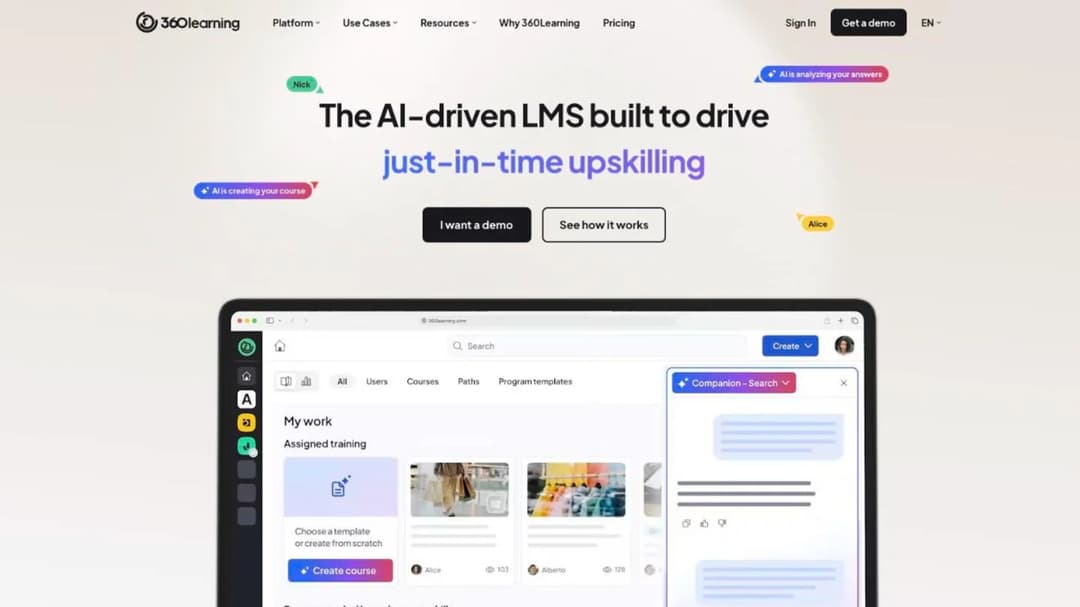
Best for: mid-size L&D teams that want a published entry price, no seat minimum, and a way for subject-matter experts to write courses without an authoring queue.
Top Features
- AI Content Builder drafts a course from your documents or a prompt, with AI-suggested quiz questions
- Collaborative authoring: experts write, L&D reviews, and a per-course forum stays open after publish
- Native iOS and Android apps with offline access and shared-device mode
- Instructor-led and virtual sessions with self check-in, e-signature, and waitlists
- An MCP server connecting ChatGPT, Claude, Gemini, and Microsoft Copilot to your learning data
360Learning is the closest published-price peer to Docebo’s multi-audience job. Its Team plan is $8 per user per month for up to 100 users, billed monthly, and its pricing FAQ says “you can cancel anytime.” Business and Enterprise are custom and run on annual contracts. There’s no minimum: “You only pay for the active users on your platform, with no hidden fees or minimum volume commitments.”
Two things to ask before you sign. 360Learning’s own pages give two integration totals, “50+” and “80+,” so ask for the list. And enterprise onboarding is sold as Professional Services “rather than a flat implementation fee,” with no figure printed, so ask for that number in the order form.
Pros
- No minimum user count, and the Team plan cancels monthly
- 30-day free trial before any commitment
- SOC 2 Type II and ISO 27001 published, plus a 99.8% uptime SLA on its enterprise page
Cons
- Business and Enterprise prices are custom, and annual notice terms aren’t published
- No SCORM version stated and no SCORM export described
- Writing assistant, suggested activities, audio mode, and adaptive coaching are all marked “Coming soon”
2. TalentLMS
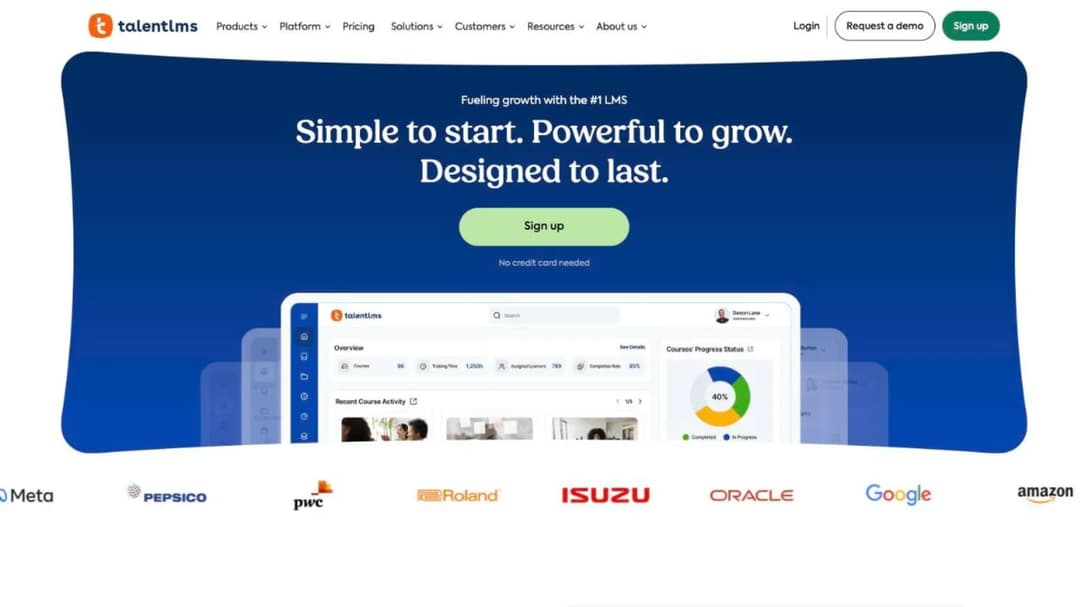
Best for: teams under 100 users who want the whole price ladder on the screen and a platform that needs no admin training to run.
Top Features
- Four plans printed with their user bands, plus a free plan for up to 5 users and 10 courses
- Certificate expiry with automatic re-assignment when a certification lapses
- SSO through SAML 2.0, Okta, OneLogin, and LDAP, plus BambooHR, ADP Workforce Now, and Sage People
- Native iOS and Android apps with offline completion for compatible content
- Zapier connection to “1000+ other tools,” plus Salesforce, Intercom, HubSpot, and Zendesk
TalentLMS is the alternative most guides name first, and its pricing page explains why: Core is $119 a month for 1 to 40 users, Grow is $229 for up to 70, and Pro is $449 for up to 100, then $6 per additional user toward 500. Annual billing takes 20% off, and a 14-day premium trial runs alongside the free plan. It isn’t an enterprise suite and doesn’t claim to be, which is the point for a team paying enterprise prices for a rollout of eighty people. The free LMS comparison covers what the free plan includes.
Two limits matter for a Docebo refugee. SCORM is version 1.2 and import only, and TalentLMS’s own documentation says “it’s not possible to create SCORM files directly on TalentLMS,” so courses built inside it don’t leave as packages. And the Enterprise floor is printed two ways on the same page, “Starts at 1000 users” and “Flexible starts at 500 users,” so ask which applies.
Pros
- The clearest tier-by-tier price ladder in this guide
- Free plan and 14-day premium trial, no credit card
- Expiry-driven re-assignment for compliance courses, with broad SSO and HR connections
Cons
- SCORM 1.2 import only, and no SCORM export at all
- Plan and user band both move the price, and the Enterprise floor is printed as both 500 and 1,000
- No published renewal, notice, or price-rise terms
3. iSpring LMS
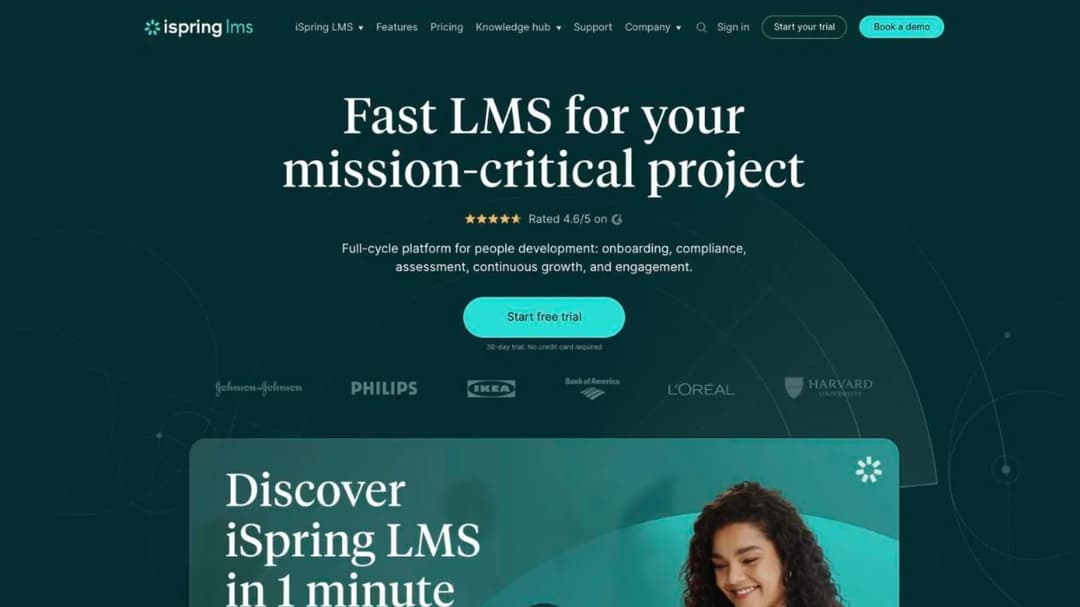
Best for: companies of 100 to 500 people that want a per-active-user price printed by band and an authoring tool in the same subscription.
Top Features
- Business plans priced per active user at 100, 300, and 500 users, with the annual total beside each
- AI Course Creator builds a structure and draft from your files, with an AI Quiz Generator
- iSpring Suite authoring bundled: courses, quizzes, simulations, and video
- Automated compliance assignment with re-enrollment and certificate-expiry tracking
- Native iOS and Android apps with offline learning and auto-sync
iSpring Learn became iSpring LMS in October 2025, so a quote or a review under the old name is the same product. The price is the reason it’s here: $6.91 per user per month at 100 users ($8,286 a year), $4.46 at 300 ($16,050), and $3.97 at 500 ($23,790), counting anyone who “has logged in at least once during a month.” Nothing is published below 100 users, so a 60-person team still meets the 100-user tier as its floor.
The subscription agreement is stricter than the marketing. Subscriptions auto-renew, “payment obligations are non-cancelable and fees paid are non-refundable” except on proper early termination, and the agreement “expressly disclaims any express or implied warranty regarding system and/or software services availability.” If those terms are acceptable, iSpring is the lowest printed per-user price in this guide above 100 users.
Pros
- A per-active-user price by band, with the annual figure beside it
- 30-day trial, no credit card, and ISO 27001 and ISO 27701 published
- Learner portal in 28 languages, AI translation into 70-plus
Cons
- No plan below 100 users, and no discounts for nonprofits or schools
- Non-cancelable, non-refundable subscription with no availability warranty
- No SOC 2 statement, no SCORM export described, no xAPI or cmi5 support stated
4. Learn:Up (formerly WorkRamp)
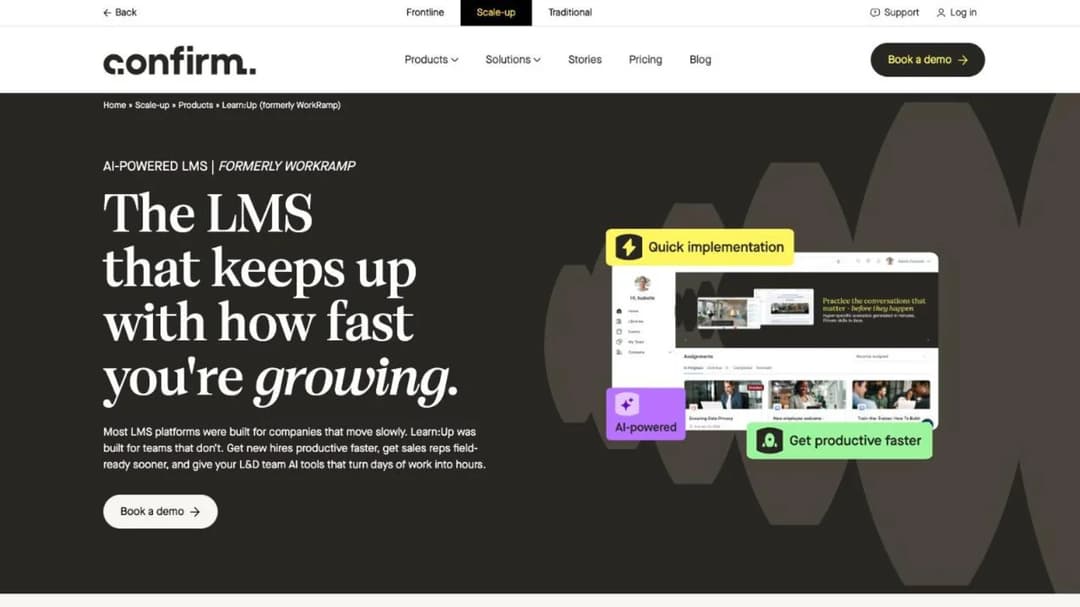
Best for: fast-growing companies of about 200 people whose training started in sales enablement and now has to cover everyone.
Top Features
- AI Simulations that replace live practice, with voice and text role-play in the companion Practice product
- Skills engine and personalized learning by role and skill level
- AI Assist for content drafting, plus AI-prompted data visualizations in reporting
- SCORM, video, PDF, and document support in one library
- Salesforce, Slack, Zoom, Okta, and Google Workspace named as integrations
WorkRamp was acquired by Learning Pool in October 2025, and when Learning Pool rebranded as Confirm in August 2026 the product became Learn:Up, the employee LMS inside Confirm’s Scale-up division. An older WorkRamp quote is the same lineage. The published price is “starting from $9” per user per month, billed annually, and the page states the figure is “based on a 200-person company,” so a 600-person company shouldn’t expect the same rate. Perform ($8) and Practice ($4) are separate products at separate prices.
The gaps are the terms. “Billed annually” is the only contract fact published: no notice period, no price-rise rule, no trial, and no mobile app stated. The integrations directory reads “80+ integrations. Coming soon.” and names none, while the product page names five.
Its enablement roots show in the customers it quotes, and the sales training LMS comparison is where it competes hardest.
Pros
- A published starting price for a mid-market employee LMS
- AI simulations and role-play practice built in
- ISO 27001 certificate published, with Cyber Essentials
Cons
- The “from $9” figure is modeled on 200 people and billed annually, with no other term published
- No trial, no mobile app stated, and an integrations directory still marked “Coming soon”
- SOC 2 report on request rather than published
5. MoodleCloud
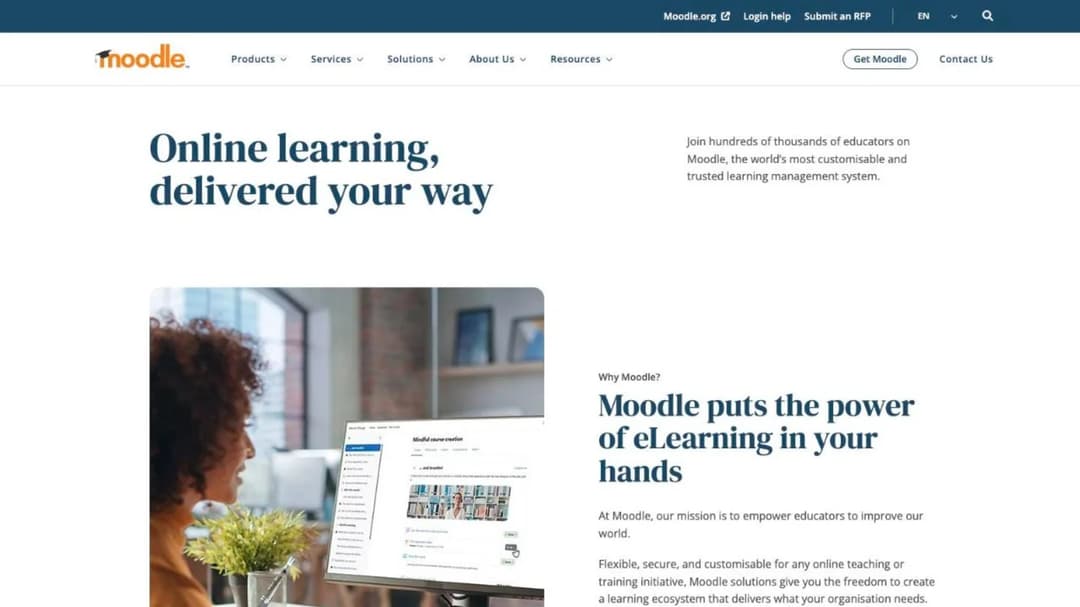
Best for: teams that want the open-source platform every guide names, hosted by the company that maintains it, without running a server.
Top Features
- Five plans priced per year by user cap, from 50 to 750 users, with unlimited courses on every plan
- Premium Mobile App bundled on every paid plan (Moodle values it at 499 euros a year)
- BigBlueButton video conferencing for up to 100 users, H5P interactive content, quizzes, and gradebooks
- Stripe course sales from the Small plan up, PayPal on all plans
- A provider-agnostic AI subsystem: plug in Azure AI, Amazon Bedrock, DeepSeek, Gemini, Ollama, or OpenAI with your own key
Moodle is free software under the GPL, and MoodleCloud is the hosted version with a price: Starter at $170 a year for 50 users, Mini at $280 for 100, Small at $510 for 200, Medium at $1,230 for 500, and Standard at $2,170 for 750 users. Subscriptions “are automatically renewed annually” and you opt out “by stopping recurring payments in the portal.” Whatever currency the page shows, they are “charged and invoiced in Australian dollars only,” so expect exchange movement on the invoice.
Two facts change the fit for a Docebo team. Moodle plays SCORM 1.2 and states that “development on native SCORM 2004 support in Moodle has stopped,” pointing to a commercial plugin. And “Moodle does not generate scorm content,” so nothing you build there leaves as a package. If you’d rather self-host, the cost of running your own LMS is the honest comparison.
Pros
- The lowest published annual price in this guide, printed by user cap
- Mobile app included, WCAG 2.1 AA accreditation, 120-plus interface languages
- Bring-your-own-model AI with six named providers
Cons
- Invoiced in Australian dollars regardless of the currency displayed
- SCORM 1.2 only natively, and no authoring of SCORM packages
- No HRIS or SSO connection stated on the plan pages, and no Moodle Workplace price
6. Mini Course Generator
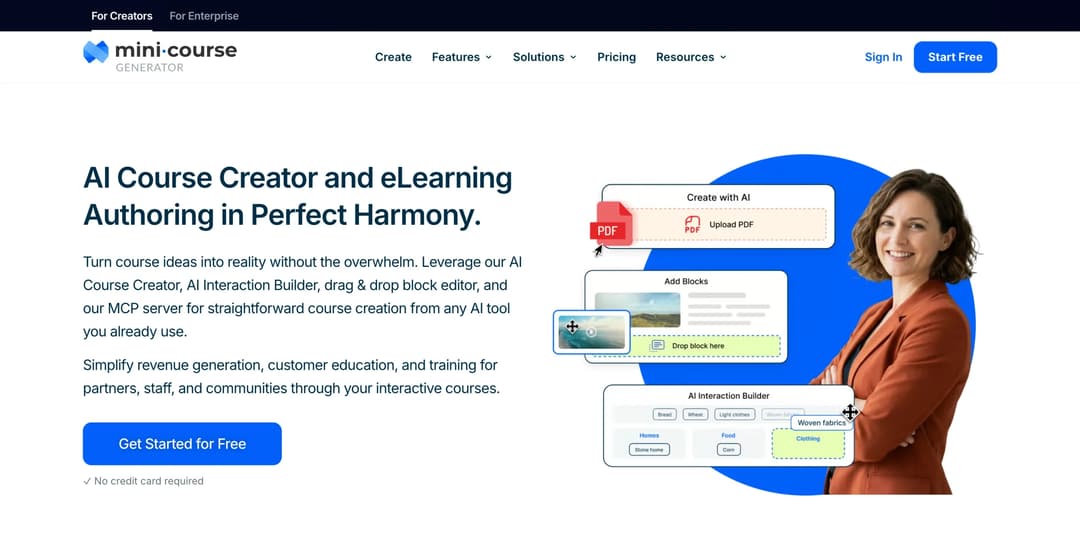
Mini Course Generator is our product.
Best for: L&D teams whose next course already exists as a policy PDF, a procedure, or a Confluence page, and who want a platform whose terms they can read before a sales call.
Top Features
- AI Course Creator and PDF to Course Creator draft a course from your own documents, with Hallucination-Proof generation that MCG reports as 95% hallucination-free from your own resources
- AI Interaction Builder adds Branching Scenarios, Simulations, Dialogue Simulations, and Drag-and-Drop Activities, with the AI Quiz Builder for scored checks
- The Mini Course Generator MCP Server lets Claude, ChatGPT, Manus, or Cursor create, edit, and publish courses from Confluence, Slack, Notion, or Google Drive material, live since June 2026
- Six Gateways and magic links, so a new hire opens a course without an account being provisioned first
- Learning analytics and learner tracking, Certificates & Badges, Micro-credentialing, and account-based reporting on Scale
The comparison against Docebo is the contract, stated flat. Every plan opens with 14 days of full access and no credit card, and the pricing FAQ states “zero implementation or onboarding fees,” no minimum annual commitment, and that annual billing is a discount rather than a lock-in. Plans are sized by a yearly learner allowance, so the seat count is a plan choice, not a clause, and the figures are on the pricing page.
Content leaves with you: SCORM or PDF export at any time, dynamic SCORM export on the Launch plan and above, and “Your content is always yours, whatever your subscription status.”
For the work itself, it’s built for a rapid authoring loop: policy document in, course out, same day. A compliance update becomes a re-issued course rather than a rebuild, and the AI can act on results after publish, which is what running courses with AI agents looks like in practice. For guided practice, the AI Role-play skill grades practice conversations against your rubric; the wider role-play field is compared separately.
Connections run through Zapier, Make, and webhooks, a WordPress plugin, and the MCG App for Intercom; the REST API, Headless LMS, and SSO for learners are Custom-plan features.
Pros
- Price, trial, and commitment terms published, with no implementation fee
- Export as SCORM or PDF at any time, whatever the subscription status
- Courses drafted from the documents you already have, with interactions and quizzes in the same tool
- A live MCP Server for assistants that already hold your source material
Cons
- Not an enterprise suite: no native HRIS sync (Workday, ADP, and BambooHR connect through Zapier, Make, or webhooks), no content marketplace, no skills intelligence, no instructor-led session scheduling
- Publishes no SOC 2, ISO 27001, or HIPAA statement and no business associate agreement, so procurement gets no certification on paper
- SSO for learners and the REST API are Custom-plan features, and team seats are 3 on Growth and 10 on Scale
- Built around short courses, so a fifty-hour certification curriculum with instructor sessions isn’t what it’s for
7. LearnUpon
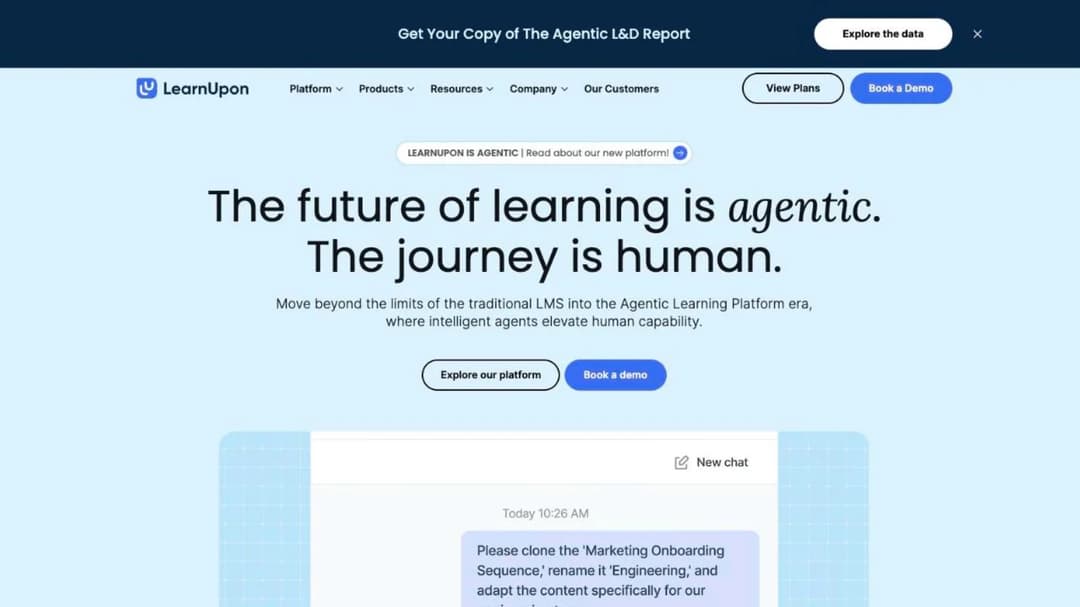
Best for: companies training employees, customers, and association members from one system, with a floor they can read before the call.
Top Features
- Create+ builds a first draft from video, PDF, PowerPoint, or a web link, with translation into 120-plus languages
- LearnUpon IQ across the platform, with Ask Lia for learners and a Journey Agent in beta
- Learning Portals for separate audiences, and LearnUpon Anywhere to embed training in your own product
- A LearnUpon MCP Server for ChatGPT, Claude, and Gemini questions and actions on learning data
- HRIS connections named for Paycor, ADP Workforce Now, Gusto, Paylocity, Dayforce, and SAP SuccessFactors
LearnUpon publishes no price, but it prints the floors and the terms, which puts it ahead of the quote-only enterprise platforms; the LearnUpon alternatives comparison measures it against its own peers. LearnUpon for Employees starts “From 100 Users,” Associations from 150, and Customer Education from 300.
Its Terms of Service auto-renew for 12 months on 30 days’ notice (section 9.1), let it change plan fees on 30 days’ email notice (8.2), and make the current period non-refundable (10.1). Against Docebo, that’s half the notice period and no cap on the increase.
Pros
- Seat floors and contract terms printed, with a 30-day notice period
- Create+ authoring is live, with 120-plus language translation
- WCAG 2.2 AA for the learner experience, with a VPAT, and an MCP server published
Cons
- No price at any tier, and fees can change on 30 days’ notice with no cap
- Scenario role-plays “COMING SOON,” and no mobile app stated anywhere on its pages
- “SOC 2 compliant” without a report type, and no SCORM version stated
8. SkyPrep
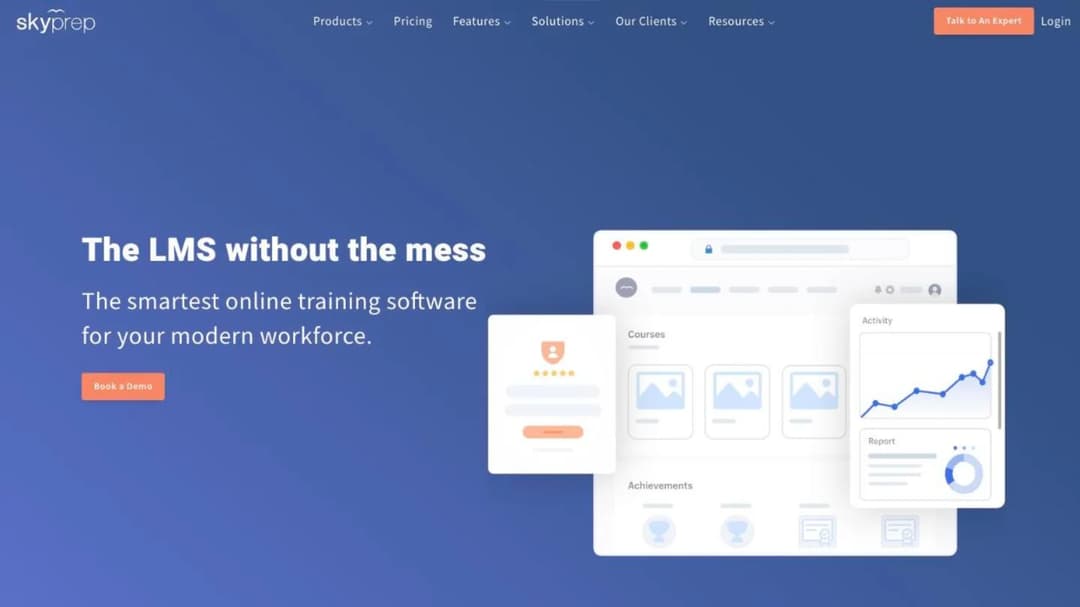
Best for: buyers who want Docebo-shaped contract terms printed in full, including the cap, and the longest list of named HR systems in this guide.
Top Features
- Priced per active user, defined as someone who logs in during the billing cycle, with a monthly reset
- Multi-tenant platforms for clients, brands, and branches under one account
- AI course creation (Creator), AI Assessment Builder, AI voiceover, and an AI Knowledge Assistant, gated to the Enterprise Learning Suite tier
- SSO through SAML 2.0, Okta, Active Directory, Azure AD, and OneLogin, on Premium and above
- HRIS connections named for ADP, Workday, SAP SuccessFactors, BambooHR, UKG, Oracle HCM, Paycom, Paylocity, Dayforce, and Paycor
SkyPrep publishes no dollar figure, but its Terms and Conditions are the most Docebo-like in the group and they’re printed. The agreement renews “for additional terms… of the same duration as the Initial Term” unless either party gives “written notice of non-renewal no less than sixty (60) days prior to the expiration.”
At renewal SkyPrep may “increase Fees for the Services by up to 15% of the Fees payable under the preceding Term,” and “Customer will not be entitled to a refund of Fees upon early termination,” though access continues to term end. Lite and Premium start at 100-plus active users, the Enterprise Learning Suite at 1,000-plus, and there’s a 14-day free trial.
Check the tier the AI sits on before you sign. SkyPrep’s AI feature page names seven capabilities and its pricing table names four different ones, so ask which set your quote includes. On that table the AI features sit on the Enterprise Learning Suite tier, so a 300-seat team is buying Lite or Premium and none of the AI.
Pros
- Renewal, notice, and the price-rise cap printed in the terms
- Active-user pricing with a monthly reset and a stated overage rule
- SOC 2 Type II, 21 CFR Part 11, a VPAT, and a 14-day free trial
Cons
- Up to 15% at renewal and no refund on early exit
- No price, and a 100-plus active-user floor on every plan
- Two different AI feature lists, both gated to the 1,000-plus-user Enterprise tier
- No SCORM 1.2 or xAPI stated
9. Continu
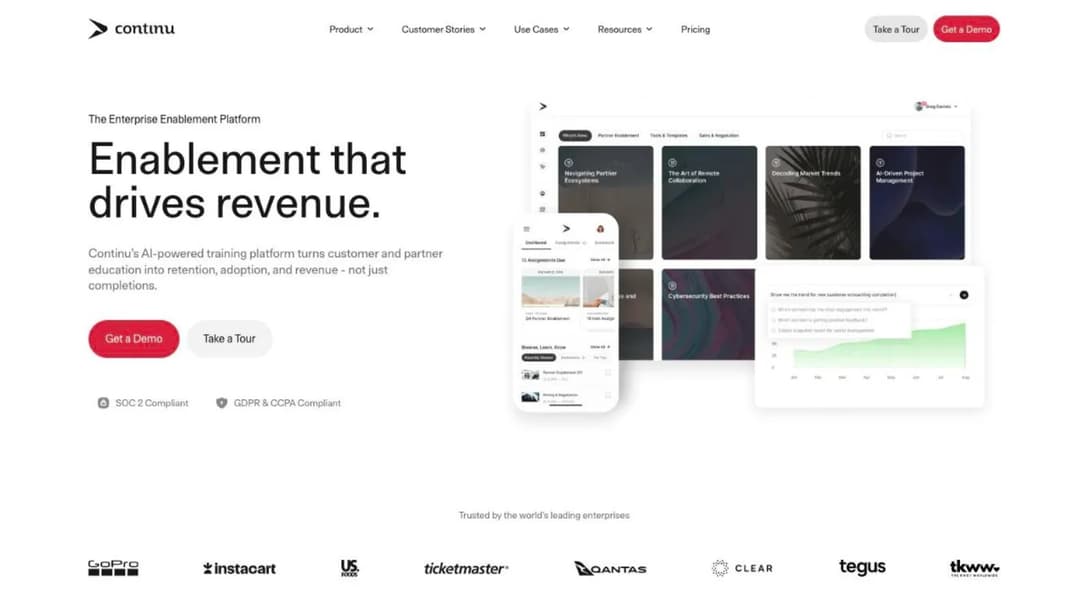
Best for: companies training employees, customers, and partners together, counted by monthly active users rather than seats.
Top Features
- Tiers banded by monthly active users at 1,000 and 5,000, with inactive users excluded
- Eddy, an AI agent that answers in Slack, Teams, and SMS from Notion, Confluence, Drive, and PDFs
- Continu Insights with “Prompt-to-Report,” plain-English questions over your learning data
- Extend, branded external portals for partners and customers, on Professional and above
- SAML 2.0 SSO with SCIM provisioning included from the entry tier
Continu publishes no price, no trial, and no contract term, but it prints one figure most vendors hide: implementation costs “10% of the first-year contract value,” with a recommended 60-day implementation. A monthly active user is “any unique user who logs into or interacts with Continu during a calendar month,” so a workforce with a long tail of occasional learners pays only for the people who show up. AI authoring, Stripe e-commerce, and multi-language support start on Professional, while API access, webhooks, and a sandbox arrive on Enterprise.
Two contradictions to resolve in the demo. The pricing page says “SCORM 1.2 and 2004 package support” while the integrations FAQ says “Continu is SCORM 1.2 and xAPI compliant,” and the security page shows an ISO 27001 badge while describing itself as “aligned with ISO 27001” rather than certified.
Pros
- Monthly-active-user pricing with inactive users excluded
- Implementation fee printed as a percentage of contract value
- SSO and SCIM at the entry tier, with SOC 2 Type II audited annually
Cons
- No price, no trial, and no published renewal or notice terms
- SCORM 2004 support stated on one page and absent on another
- ISO 27001 “aligned,” not certified, and no native mobile app confirmed
10. Absorb LMS
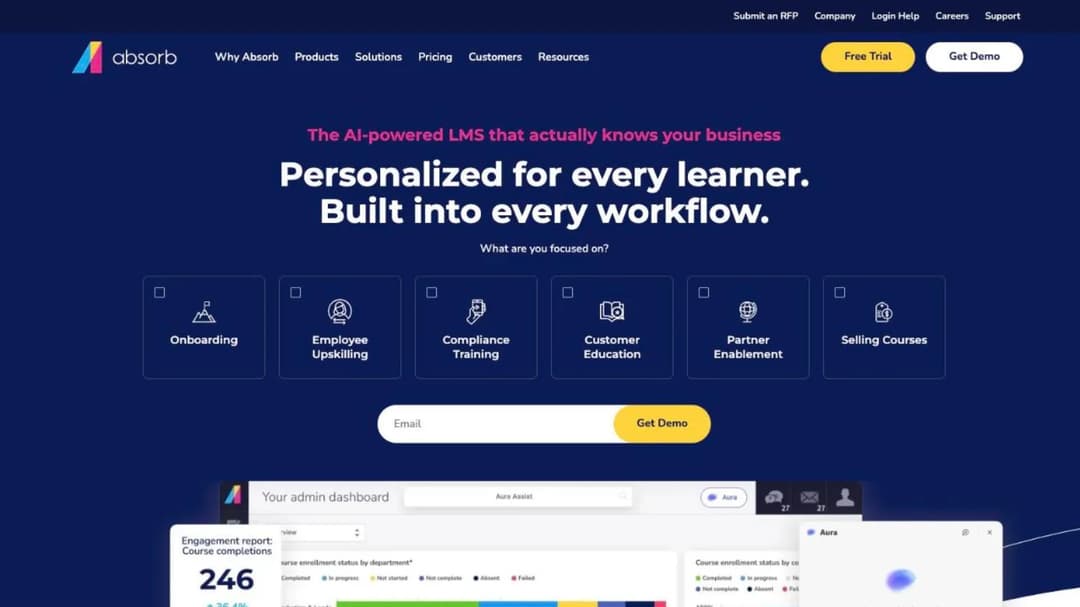
Best for: enterprise groups that need separate branded portals per brand or region and a documented export path if they ever move again.
Top Features
- A multi-tenant LMS: “unique learner portals based on any number of criteria, including roles, locations, languages and more”
- SCORM 1.2 and SCORM 2004 import, and Absorb Create publishing to SCORM, xAPI, and HTML5
- Native iOS and Android apps with offline access and progress sync
- HRIS connections named for three ADP products, BambooHR, Namely, Workday, SAP SuccessFactors, UKG Pro, and Dayforce
- Content partners including Absorb Amplify, Traliant, Go1, MedTrainer, and Skillsoft
Absorb now trades as Absorb AI, so an older quote that says Absorb LMS is the same company. It’s the enterprise peer that publishes its export position: SCORM 1.2 and 2004 in, and SCORM, xAPI, and HTML5 out, which is the fact a Docebo team with a five-year library should care about most. The user experience is available in 25 languages, and Absorb reports standardizing training for A&W Canada across “900 locations, 45,000 employees and thousands of admins.”
The commercial side publishes nothing. Both pricing pages are lead forms that ask which learner band you fall into, from 1 to 50 up to 25,000-plus, and take an email and company name before showing a figure. Ask for the security documentation, the renewal clause, and the notice period in the same message before the demo.
Pros
- Both SCORM versions in, and SCORM, xAPI, and HTML5 out
- Multi-tenant portals for brands, regions, and audiences
- Named HRIS connectors and a native offline mobile app
Cons
- No price without giving up your contact details, and no trial
- No published contract term, notice period, or price-rise rule
- 25 interface languages, half of Docebo’s 50-plus
11. Litmos
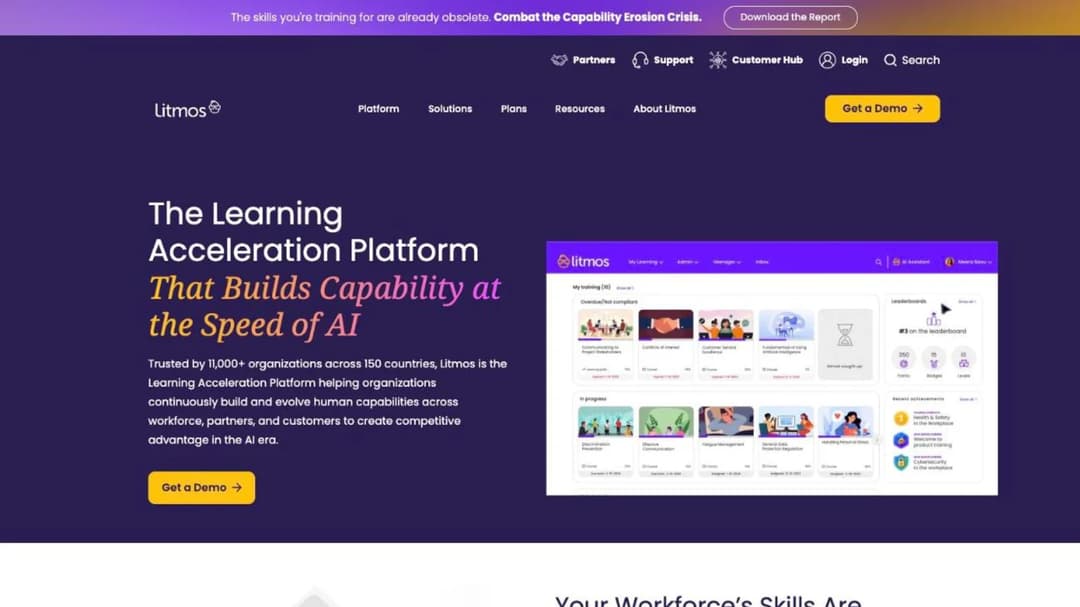
Best for: compliance-heavy employers who want a ready-made course library and a SOC 2 report with a date on it.
Top Features
- AI Course Builder generates a structured course with module content and assessments from a topic
- A curated library of “hundreds of ready-made courses” across compliance, leadership, safety, and service
- SCORM, xAPI, and AICC import alongside AI-generated courses
- Data hosting selectable in the EU, Australia, or the United States
- HRIS and identity connections named for Workday, ADP, BambooHR, Okta, and Microsoft Entra ID
Litmos publishes no price. Foundation, Platinum, and Platinum AI each show “Contact for Pricing,” and no minimum, term, trial, or renewal rule appears on the plans page. What it does publish is the most precisely dated security statement in this guide: a SOC 2 Type II audit covering April 2024 to March 2025 with “no exceptions noted across in-scope controls,” and ISO 27001:2022 certification issued in January 2025, both by Aprio.
Standard API access is capped at “100 RPM per site,” the same ceiling Docebo prints for its Enterprise tier. Litmos was divested by SAP to Francisco Partners in December 2022, so older quotes say SAP Litmos. Its AI sits in the top tier: AI Assistant, AI Content Authoring, video assessments, and AI playlists are grouped under Platinum AI.
Pros
- SOC 2 Type II with a stated audit period and no exceptions, plus ISO 27001:2022
- Ready-made compliance library and AI course building in one platform
- Regional data hosting, and mobile apps for iOS and Android
Cons
- No price at any tier, no trial, and no published terms
- AI features live only on Platinum AI
- No SCORM version stated, and three different customer counts on its own site
12. Cornerstone
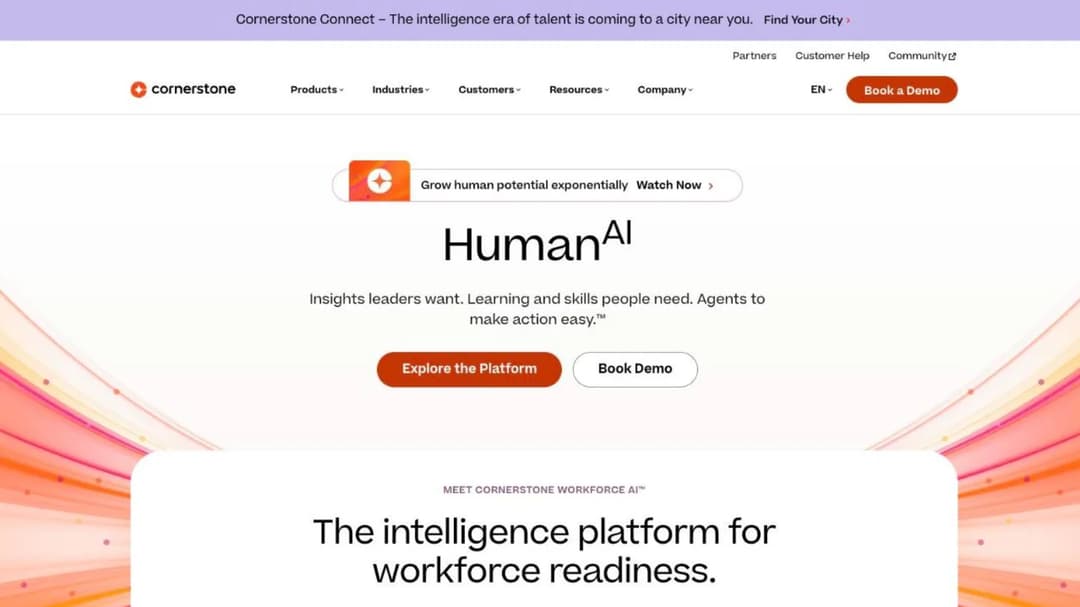
Best for: the buyer whose real question is “bigger than Docebo”: government-grade authorization and a talent suite around the LMS.
Top Features
- Cornerstone Galaxy AI with three named agents: Future of Work, Embark Navigator, and Skills Architect
- Content Subscriptions in three tiers, Silver (6,800-plus courses), Gold (27,500-plus), and Platinum (28,500-plus)
- SCORM 1.2, SCORM 2004 3rd edition, AICC 3.5, and xAPI 1.0.3 stated precisely in its developer documentation
- Learning embedded inside Microsoft Copilot and Salesforce Agentforce
- A mobile app with offline access, and a platform available in 50 languages
Cornerstone is the other enterprise suite, and it publishes the widest compliance list here: SOC 2 Type 2, ISO 27001, 27017, 27018, 27701, and 42001 for its AI management system, FedRAMP Moderate, DoD IL4, 21 CFR Part 11, Cyber Essentials Plus, and a VPAT. It states it is “the only software to be authorized with IL4 security in Talent and Learning Management (2024),” its own claim. If your training has to sit inside a public-sector or defense procurement, that list is the reason it’s on the shortlist.
Everything commercial is absent. Its LMS FAQ answers “How much does Cornerstone LMS cost?” with “Each organization will have a different cost depending on needs and size,” and offers a demo rather than a trial. No term, no notice period, no seat floor, no named identity provider, and no price on any content tier. If you’re replacing Docebo to escape a quote-only contract, Cornerstone moves you into a larger one.
Pros
- The broadest published compliance list in this guide, including FedRAMP Moderate and DoD IL4
- SCORM and xAPI versions stated exactly
- 50 platform languages, offline mobile, and talent modules on one platform
Cons
- No price, no term, no trial, and no seat floor published
- A demo is the only route in, and no SSO provider is named on its pages
- A talent suite priced as one, whether or not you need recruiting and succession
Which Docebo Alternative Fits Your Situation
Six rules cover the situations that bring an L&D team to this page. Each is a condition you can check against your own contract and headcount before a demo.
If your headcount is stable and you use the marketplace, the skills product, or the regulated-industry certifications, renew Docebo and negotiate the increase. The ten percent is a ceiling, and a written non-renewal notice sent inside the window is the strongest position from which to ask for less. Send the notice, then negotiate: a notice you can withdraw beats a renewal you can’t.
If you have between 100 and 1,000 employees and want the price before the call, shortlist 360Learning, iSpring LMS, and Mini Course Generator. 360Learning for a no-minimum monthly Team plan, iSpring for a per-active-user price by band with authoring bundled, Mini Course Generator for turning existing documents into courses with no implementation fee and export at any time. Below 100 people, TalentLMS and MoodleCloud print the ladder.
If you’re leaving because of the contract rather than the product, pick the platform whose terms you can read. SkyPrep and LearnUpon publish their renewal clauses, and LearnUpon’s 30-day notice is the shortest in the group. Absorb LMS, Litmos, and Cornerstone publish nothing, so negotiate the notice period and the price-rise cap before anything else.
If your Docebo question is about a customer academy rather than employees, the shortlist changes. Start with the customer education platforms compared and the Skilljar alternatives page, then price the job against customer training software rather than an employee LMS. Continu and LearnUpon are the two here that sell to that audience by name. If you sell courses to the public rather than train staff, Docebo was never your shelf.
If your real requirement is bigger than Docebo, go to Cornerstone and stop pretending it’s a like-for-like swap. FedRAMP, DoD IL4, a talent marketplace, and a 28,500-course content tier are a different purchase with a different procurement cycle. For partners, the partner training software comparison sorts platforms by what each one meters.
If the driver is onboarding and the content is your own, the authoring loop matters more than the suite. Mini Course Generator, 360Learning, and iSpring all draft from your documents, and the employee onboarding software comparison sorts the wider field by whether a tool delivers tracked courses or only checklists.
Leaving Docebo Without Paying Twice
The exit is a calendar exercise before it’s a migration. Work through the steps in order.
- Find the end date of your current term and count back sixty days. That is the last day Docebo will accept written non-renewal notice under section 12.2. Put it in your calendar today, with a reminder thirty days before it. Done looks like a date, a named person who will send the notice, and the address it goes to.
- Compare your contracted user count with your real one. The count can’t fall during the term, so if you’ve been paying for seats you don’t fill, that overpayment ends only at renewal. Pull your active-user report, note the gap, and contract next time at the low end of your forecast: overage bills monthly and can be upgraded away, and a floor can’t.
- Export before you notify. Download every SCORM package you own, every certificate record, and the completion reports your auditor will ask for in two years, and ask support for the export path in writing while you’re still a customer in good standing.
- Send the notice, then negotiate. A written non-renewal notice inside the window costs you nothing and can be withdrawn. Ask for a renewal below the ten percent cap, a right to reduce the user count at renewal, and a shorter notice period. If the answer is good enough, withdraw the notice; if it isn’t, you’re already out.
- Run the replacement in parallel inside a trial with a fixed length. The alternatives that print theirs give you a clock: 30 days at 360Learning and iSpring, 28 at MoodleCloud, 14 at TalentLMS, SkyPrep, and Mini Course Generator. Import one SCORM package, build one course from a policy document, connect your HRIS or your Zapier step, and run one cohort of real new hires through it before the notice date.
- Sign the new contract with the seven answers in the order form. The pricing unit and its definition, the floor and whether it can fall, the term and notice period and price-rise cap, the export path, the compliance documents, the HRIS connector and its tier, and the AI features with their release dates. Anything that’s only in a FAQ is a promise, not a term.
Do the first step today, whatever you decide about the other five. Then take one policy document you’d have to rebuild anyway and put it through employee training software that turns it into a tracked course the same afternoon: the cost of leaving is measured in the courses you’d rebuild, and that is the number you can change before the notice date.
Frequently Asked Questions
What are the top 5 LMS systems?
There’s no neutral top five, only the five that fit a stated need. For a published price with no seat minimum, 360Learning; for a full price ladder under 100 users, TalentLMS; for a published SCORM export, Absorb LMS; for the widest published compliance list, Cornerstone; and for terms you can read before you sign, Mini Course Generator.
Is Docebo a big company?
Yes. Docebo is a public company listed on the Toronto Stock Exchange since 2019 and NASDAQ since 2020 under the ticker DCBO, founded in 2005 in Italy, with offices in the United States, the United Kingdom, Canada, France, and Italy. Its own pages put the customer count at either “3,500+” or “4000+” depending on which page you read.
Is Docebo a good LMS?
For a company of several thousand people that needs SCORM and xAPI import, a 30,000-course marketplace, 50-plus languages, and support for FDA 21 CFR Part 11, it’s a strong one, and its AI features are shipped rather than announced. The trade-off is commercial: no published price, three separate quotes, and a renewal clause that runs on Docebo’s terms rather than yours.
What is the top 10 learning platform?
The platforms named most often as Docebo alternatives are TalentLMS, Absorb LMS, LearnUpon, Cornerstone, Moodle, 360Learning, Litmos, iSpring LMS, Learn:Up (formerly WorkRamp), and SkyPrep. That’s a list of who is talked about, not who fits. Sort them by what each publishes before a sales call and the ten become three groups: those that print a price, those that print a floor, and those that print neither.
How much does Docebo cost?
Docebo publishes no price. Elevate, Enterprise, and Skills Intelligence (365Talents) each route to a separate pricing request, and the cost is set by your tier and your active users. A figure of $7 to $10 per user per month circulates in third-party guides and appears nowhere on Docebo’s site, so treat it as a benchmark, not a quote.
Does Docebo have a free trial?
Not a self-serve one. Trial access runs under a Trial Environment Agreement that states no fixed length and lets Docebo change the bundled third-party tools at any time. If you need a hands-on trial with a clock on it, 360Learning and iSpring offer 30 days, MoodleCloud 28, and TalentLMS, SkyPrep, and Mini Course Generator 14.
Can we cancel Docebo mid-term?
The exit its published agreement provides is non-renewal, not cancellation, so plan on paying to the end of the current term and treat the sixty-day notice date as the one that decides everything else. If your order form says otherwise, the order form governs, and that’s the document to read first.
Sources
- Docebo Master Services Agreement, sections 5.2, 10.2, and 12.2
- Docebo Trial Environment Agreement
- Docebo pricing page, Learn LMS product page, integrations pages, and compliance and security page
- SkyPrep Terms and Conditions, pricing page, and security page
- LearnUpon Terms of Service, sections 8.2, 9.1, and 10.1, pricing page, security page, and accessibility page
- iSpring Services Subscription Agreement, pricing page, and data security page
- MoodleCloud standard plans page and Moodle SCORM documentation
- 360Learning pricing FAQ, enterprise FAQ, and privacy and security page
- Continu pricing FAQ, integrations FAQ, and security page
- Litmos plans page and trust and security page
- Cornerstone LMS page, security and privacy page, and developer documentation
- Confirm Scale-up pricing page and Learn:Up product page
- Absorb LMS pricing, integrations, and platform pages
- TalentLMS pricing page and SCORM support documentation
- Mini Course Generator pricing page


