The course landing page builder that's as flexible as you need and as simple as you want.
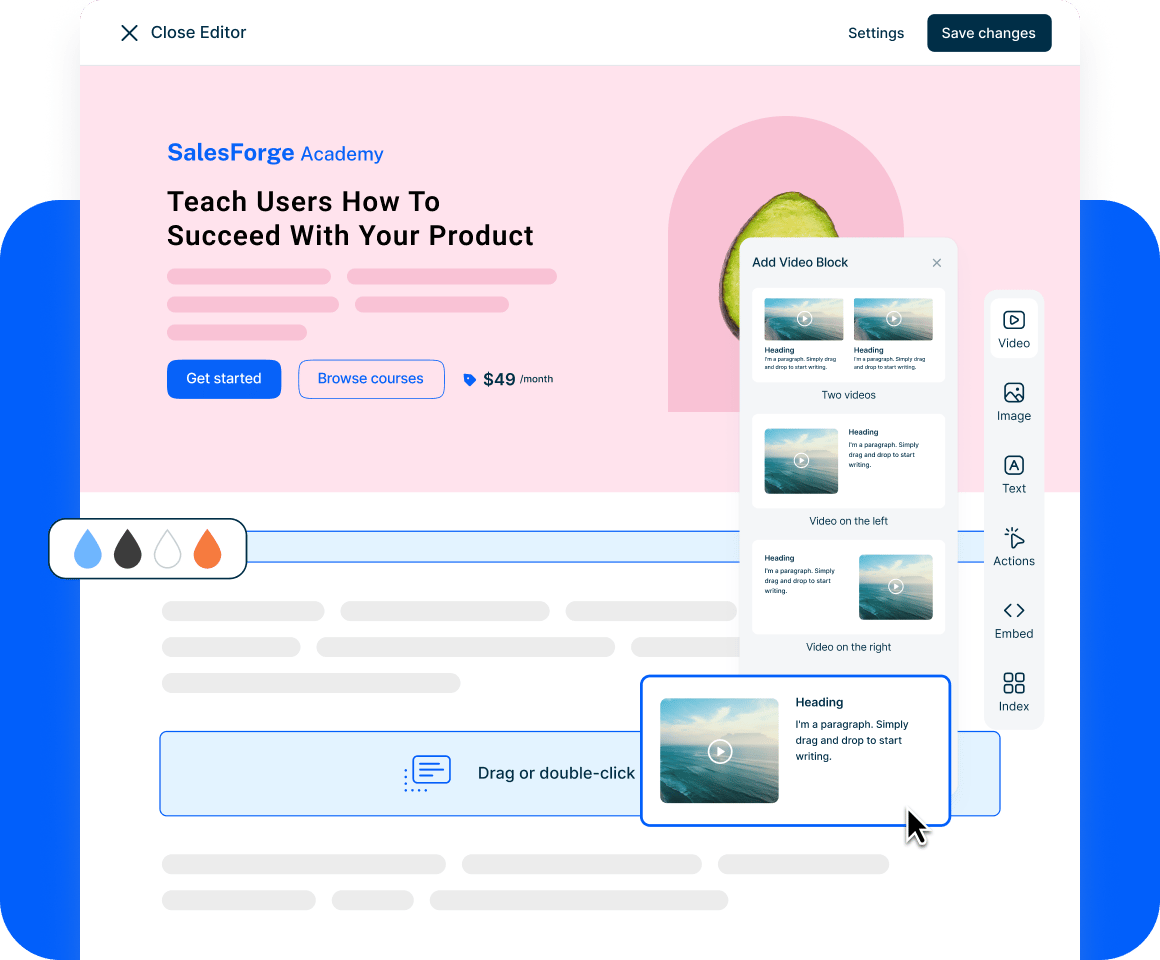
Use our intuitive drag-and-drop block editor to launch high converting online course landing pages, whether you're selling courses, building customer academies, or launching partner training hubs.
✓ No credit card required
Trusted by over 20,000 Training Providers























Finally, creative freedom without the 'tech headache'.
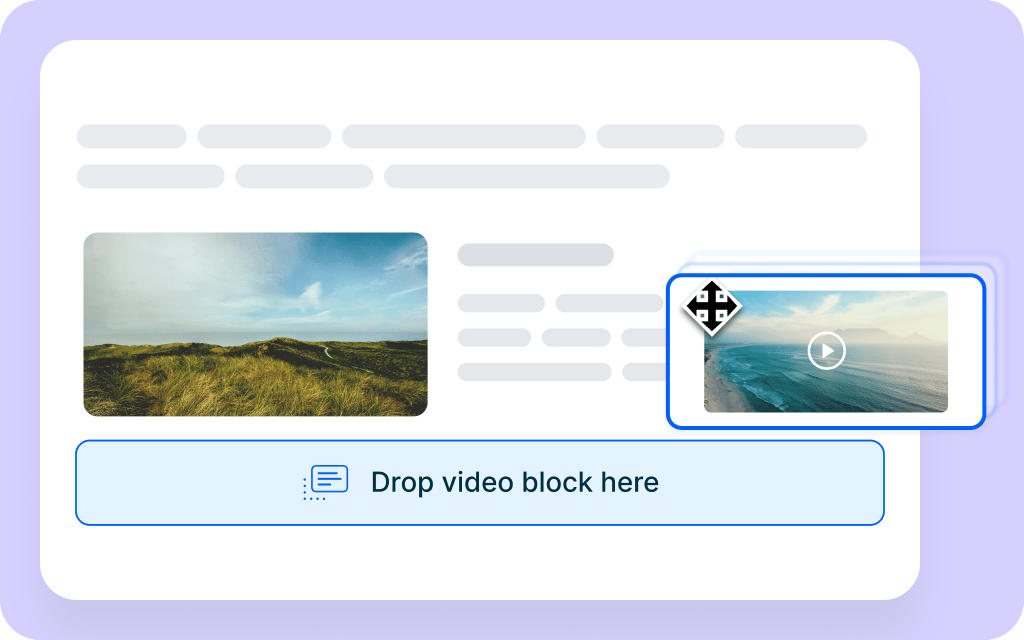
A true drag-and-drop experience
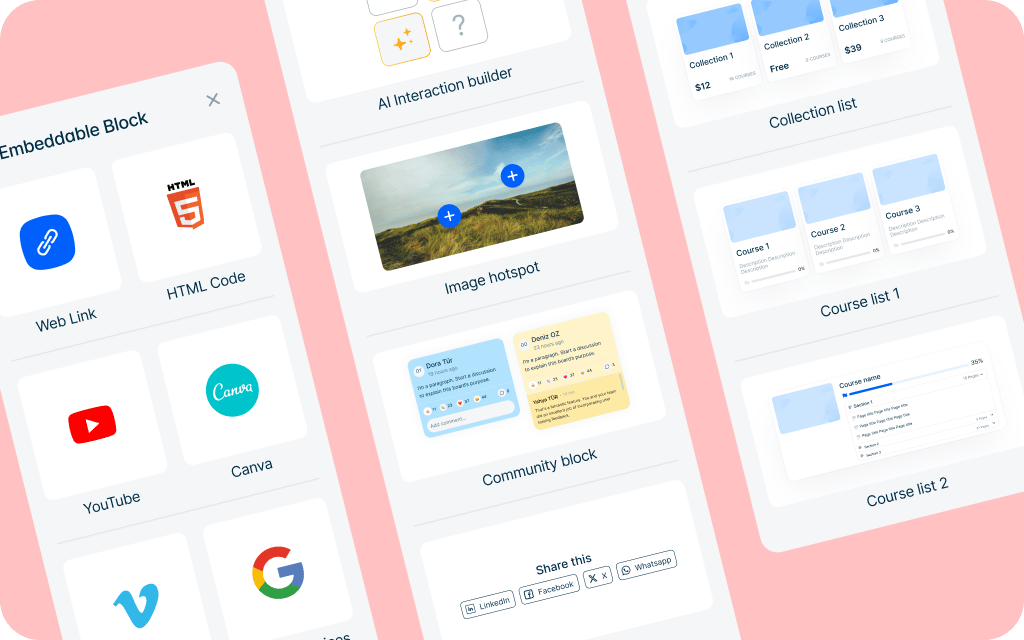
Rich set of blocks
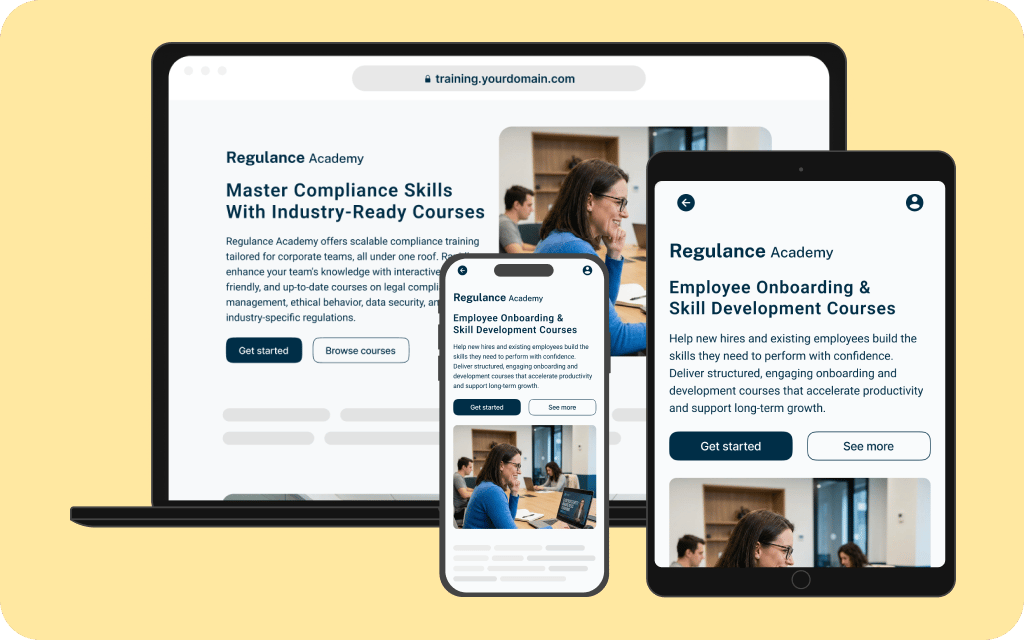
Optimized for mobile & SEO
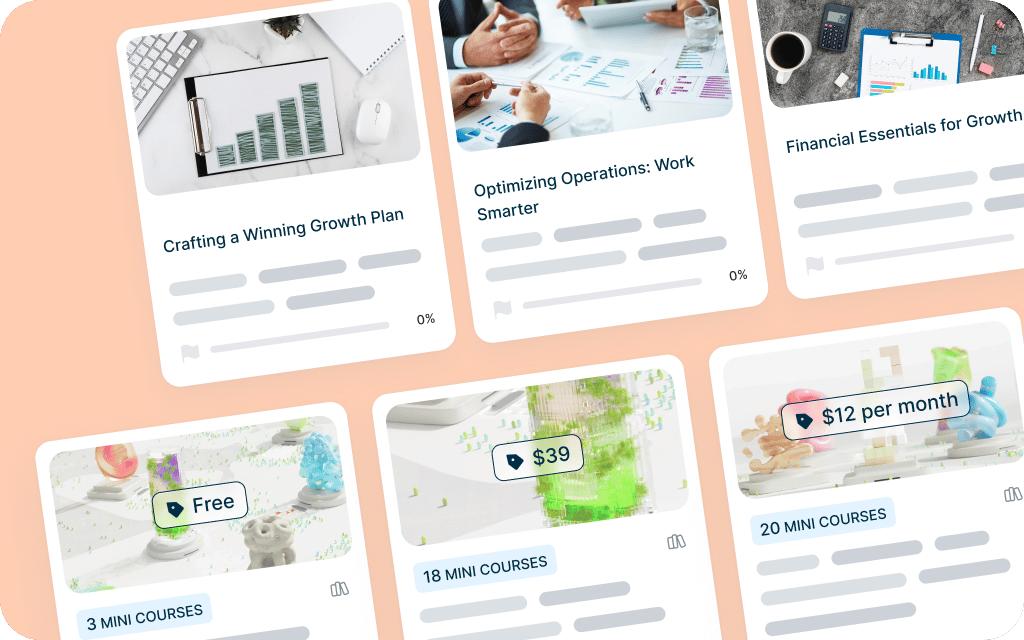
Landing pages at every level
One builder, endless possibilities.
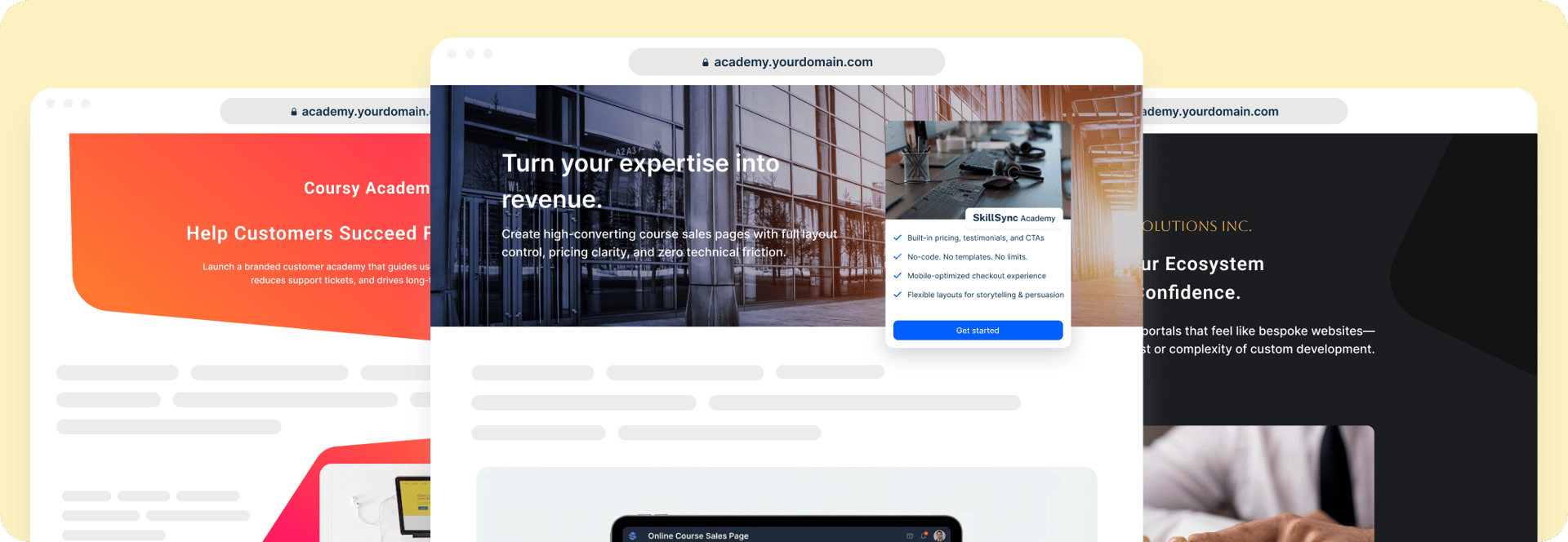
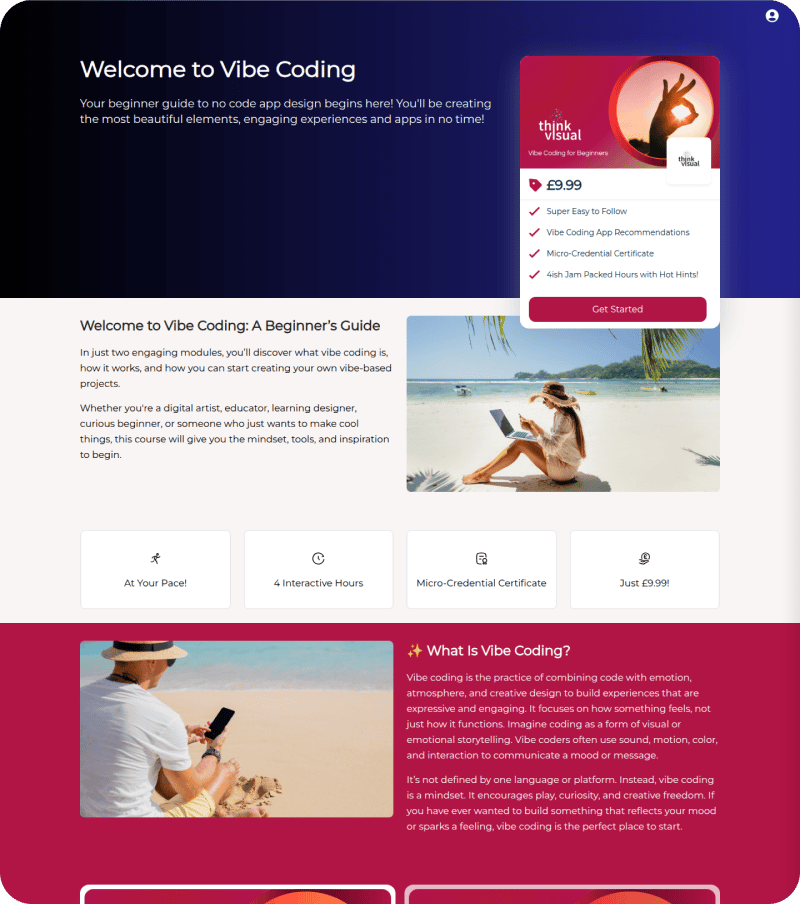
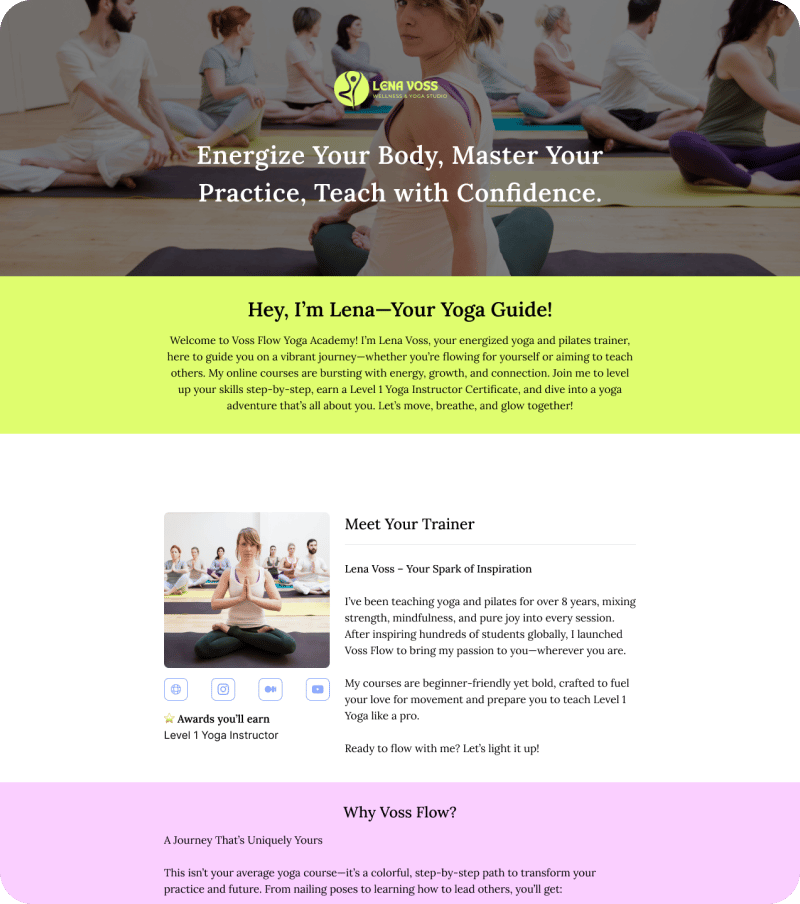
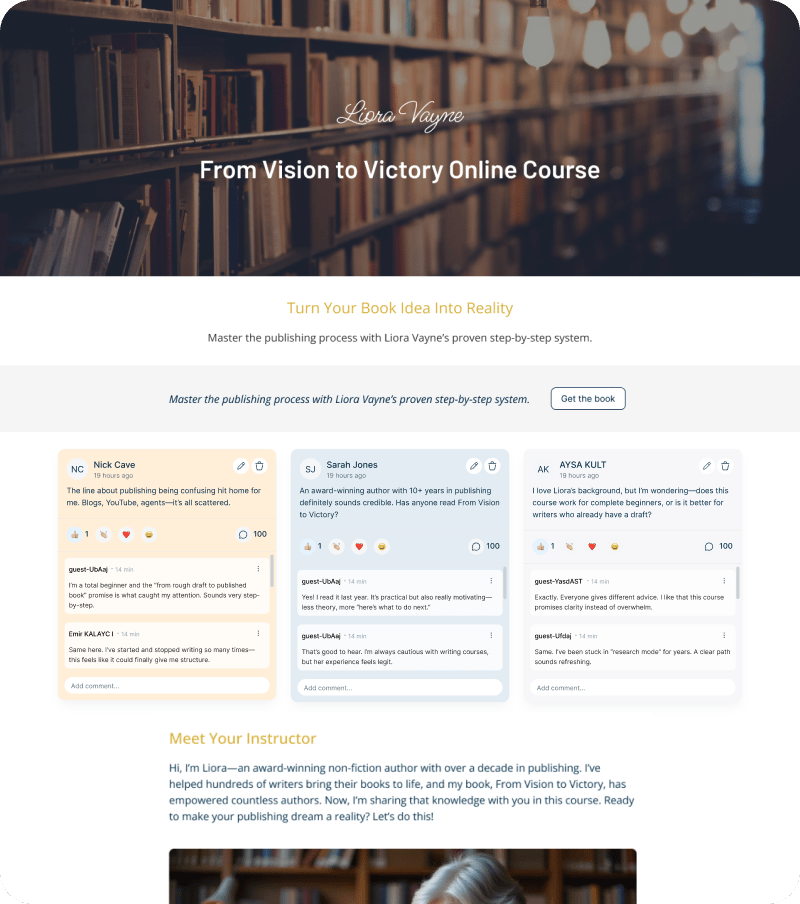
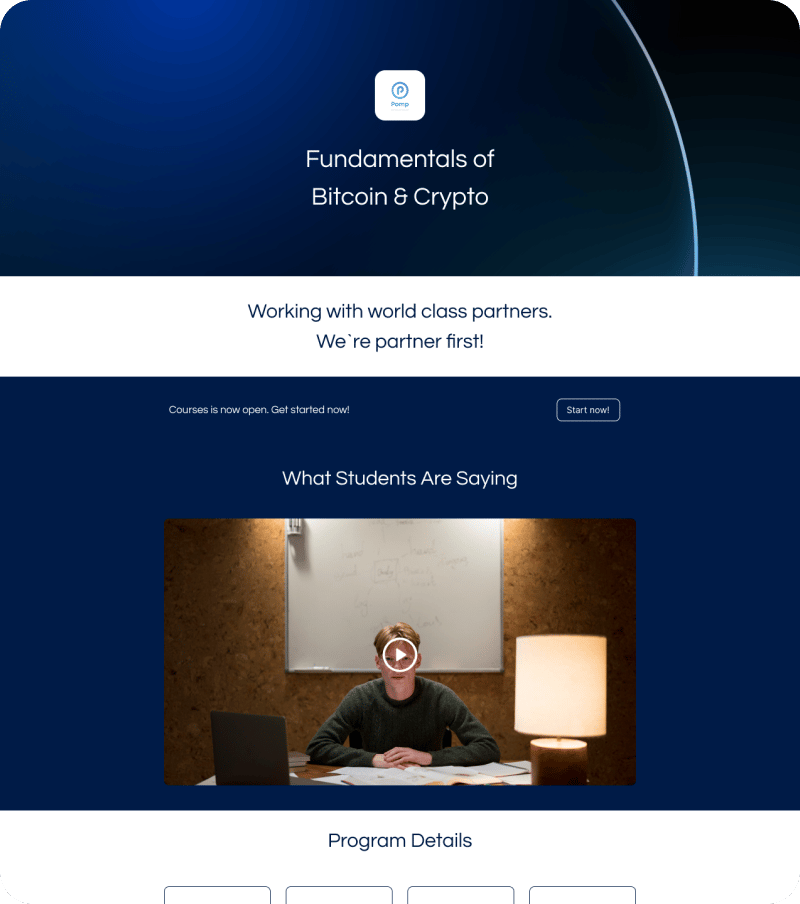
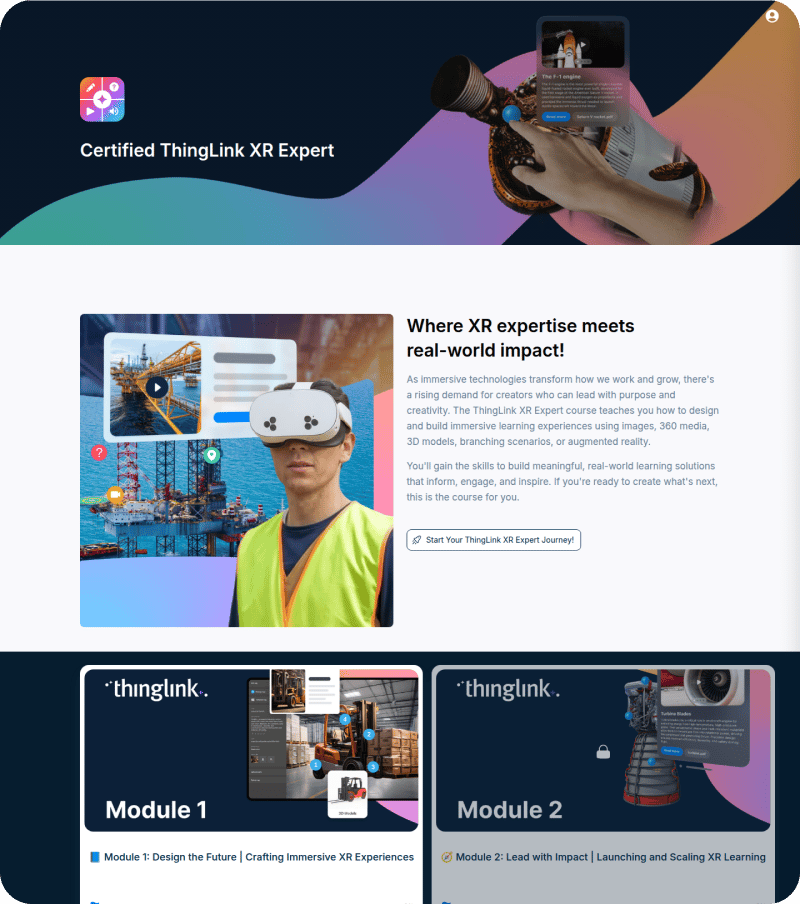
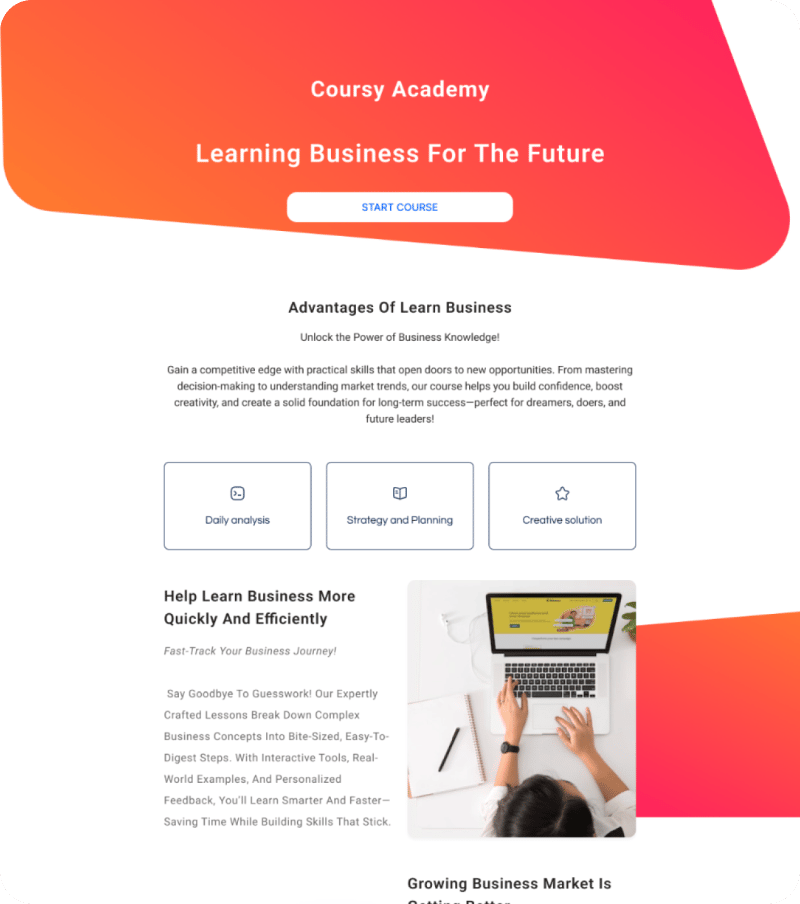
Sell courses to individuals
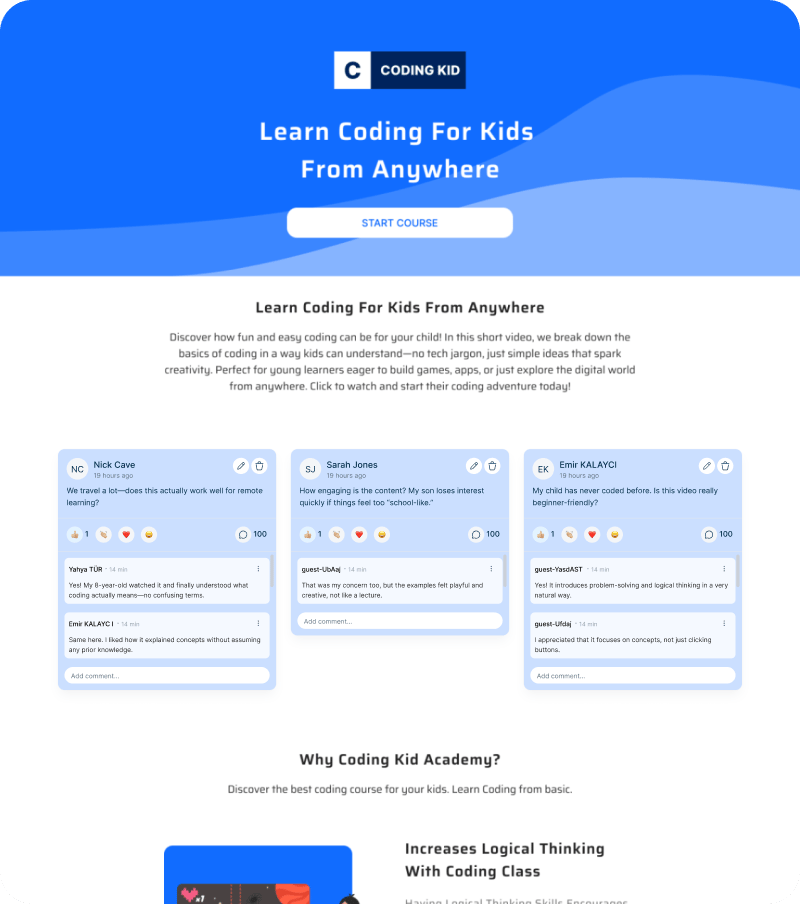
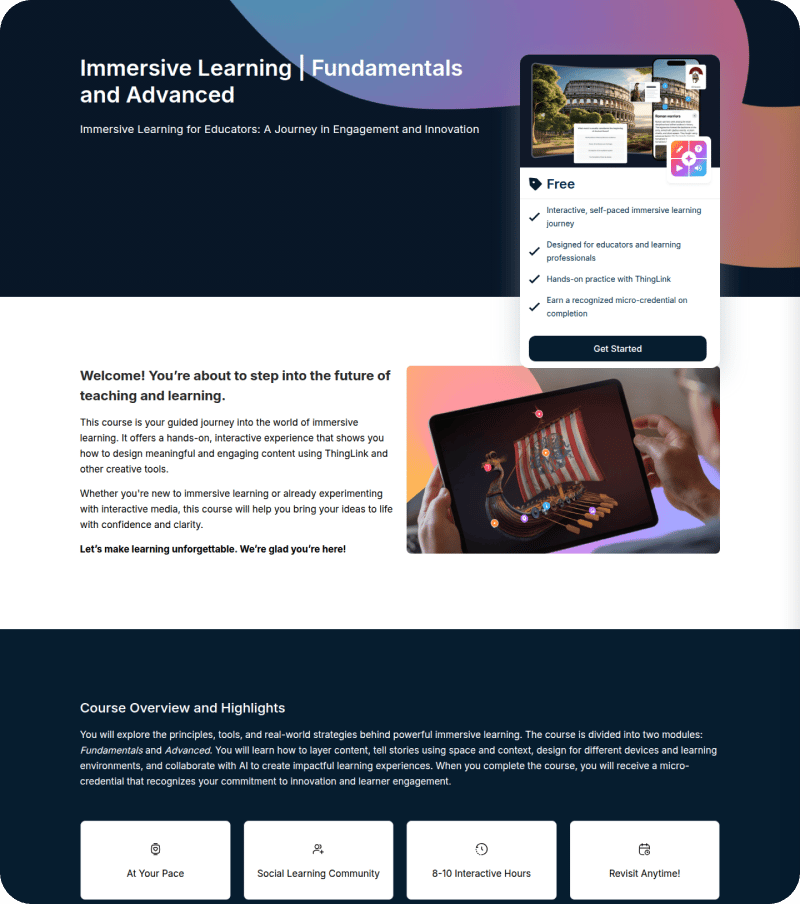
Onboard customers with academies
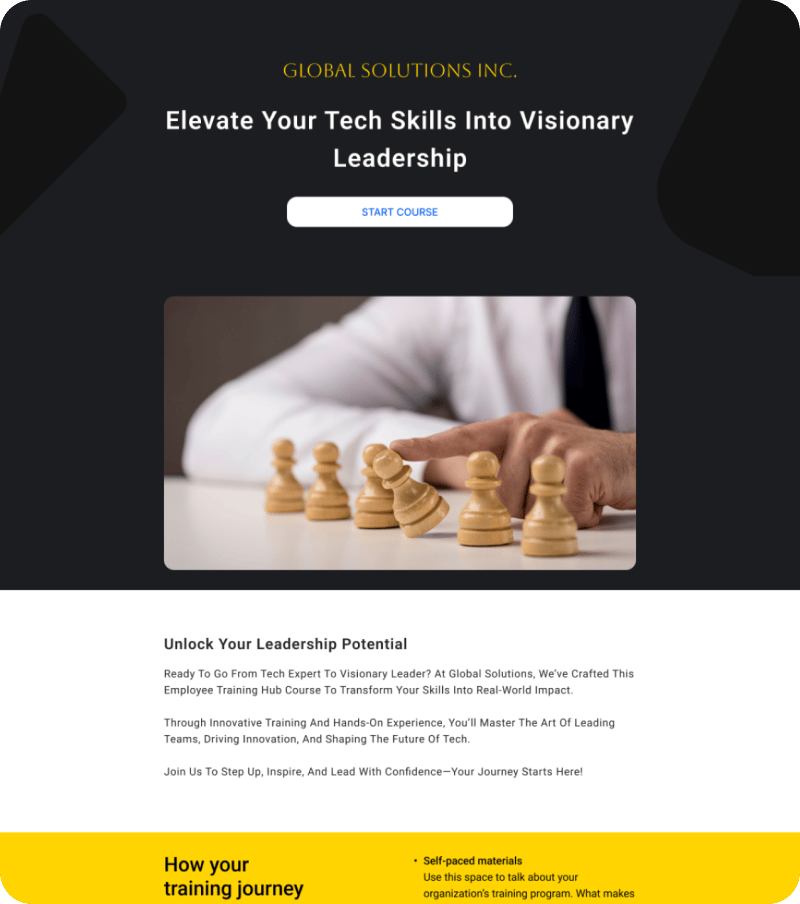
Train partners and communities
Frequently Asked Questions About Creating Course Landing Pages
To create an online course landing page, you need a builder that combines course delivery with web design. Start by choosing a platform like Mini Course Generator that offers a drag-and-drop block editor. Define your course's value proposition, add a compelling hero section, embed a trailer video or sample lesson, and include a clear “Enroll” button. Because our landing page builder uses the same blocks as our course authoring tool, you can build your page in minutes without needing separate web design expertise.
The most effective way to sell a course is to use a high-converting landing page that bridges the gap between your marketing and your content. First, capture interest with a strong headline. Second, use conversion-ready blocks to showcase testimonials and pricing tiers. Finally, integrate your payment gateway directly into the page. A dedicated landing page builder ensures that your sales funnel is seamless, mobile-responsive, and optimized for “Buy Now” actions.
The best builder is one that balances flexibility with simplicity. While many platforms offer rigid templates, Mini Course Generator provides a block-based course landing page builder that allows for total customization without coding. It is ideal for creators who want to launch quickly without the steep learning curve of complex LMS platforms or the limitations of standard templates.
No, you do not need a separate website or hosting service. Mini Course Generator allows you to build and host your landing pages directly on our platform. You can use our intuitive editor to create a professional presence that functions as a standalone sales page, a customer academy, or a partner training hub, all under one roof.
Yes. Our builder is designed for “zero-code” customization. By using a drag-and-drop block editor, you can move, stack, and edit elements like images, text, videos, and buttons exactly how you want. This gives you the flexibility of a professional web designer with the simplicity of a standard text editor.