Customer Self-Service Portal: What to Include (a SaaS Guide)
A customer self-service portal needs 7 parts: search, articles, courses, walkthroughs, community, account actions, and a clear human path. See how each works.
First LMS where AI agents create, run & update your courses. Explore →
Insights, product updates, and how-to guides on building interactive mini-courses, AI-powered e-learning, and customer training.

A customer self-service portal needs 7 parts: search, articles, courses, walkthroughs, community, account actions, and a clear human path. See how each works.

You have tried AI on a module or two, and the results were mixed. This stage-by-stage guide shows where AI genuinely helps instructional designers, where it quietly invents facts, and a 30-minute workflow to test it on a real project.

Tag any collection by client, language, status, or team, then filter your dashboard down to exactly what you need. It takes about ten seconds to set up.

Translate an entire collection into 30 languages in one click. Every course and every page is rebuilt as a brand-new collection, while your original stays exactly as it is.
Add AI-generated lesson pages to any existing course at any time, drawing content from your original PDF, a freshly uploaded document, or a simple text prompt.
Meet the SCORM Upload Block: let the MCP generate a custom interactive SCORM activity, drop it straight into your course or import files from another LMS, and track how learners engage.

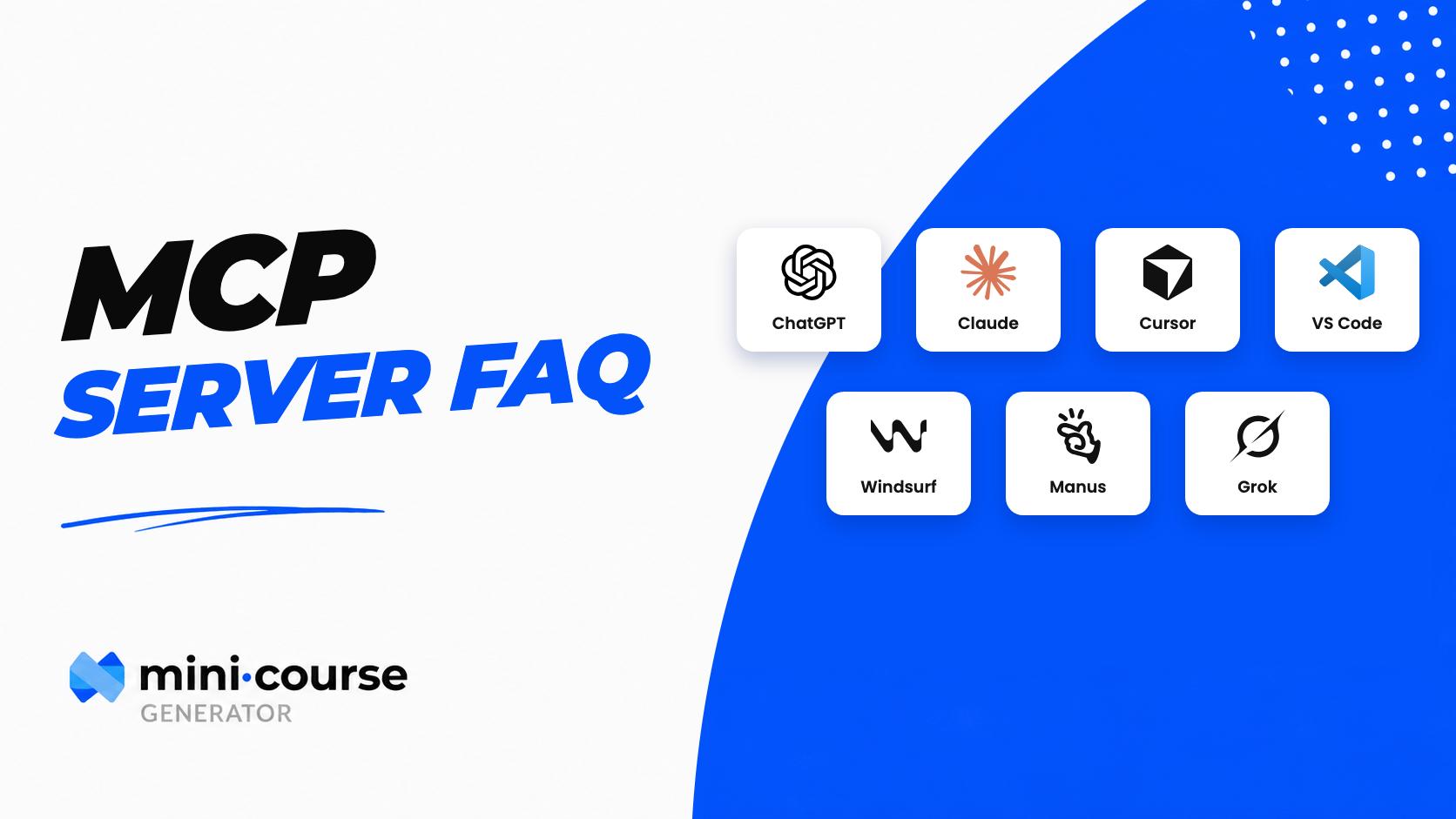
Connect Claude, ChatGPT, or Cursor to the new MCG MCP Server, describe what you want to teach, and your assistant builds and publishes a full course — structured lessons, quizzes, and interactive blocks.

A practical guide to blended learning: what it is, the five core models, examples from companies like Deloitte, and a step-by-step process for building your own blended training program.

Paste a YouTube link to convert videos into structured courses, combine them with PDFs, auto-extract screenshots, and add quizzes and games to turn passive viewers into certified, active learners.

Two new blocks under the Image category: the Carousel for sequential visual storytelling, and the Hotspot Carousel, which lets you pin clickable touchpoints that trigger nested videos, images, or audio right on the slide.