
























First LMS where AI agents create, run & update your courses. Explore

Mini Course GeneratorxMCP

Mini Course Generator MCP Server

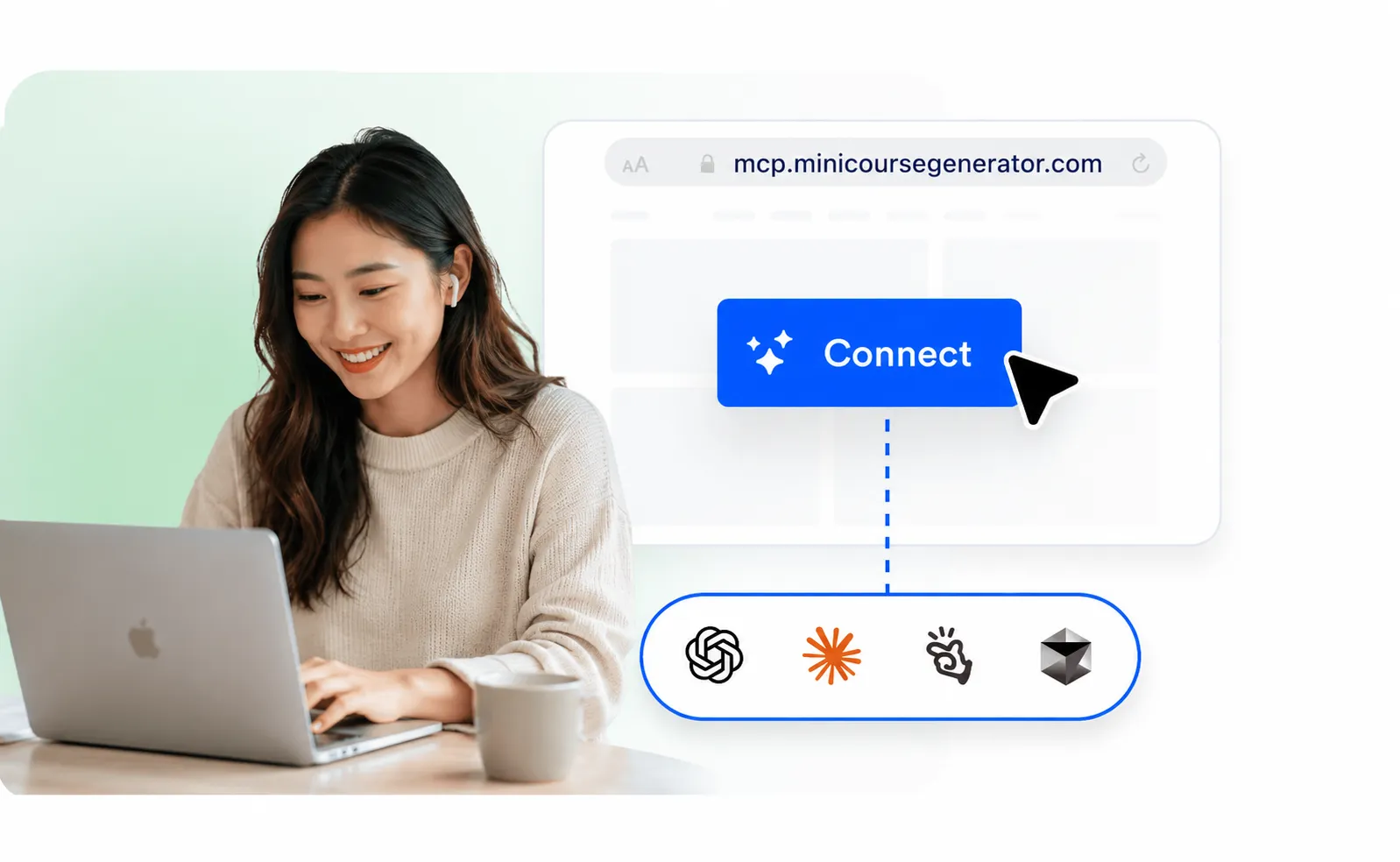
Build courses without leaving your AI tool. Mini Course Generator MCP lets Claude, ChatGPT, and other clients create and manage training content using everything they already know about your team and projects.

Trusted by over 20,000 Training Providers

A course built from your AI chatbot's context

Courses that sound like you, not a template

You already brief Claude on your product, your customers, and how your team talks. When it builds a course through MCP, that context comes with it, so lessons read like your best subject-matter expert wrote them, not a generic AI draft.

It doesn't stop when the course is published

Ask your assistant to review how a quiz is performing and it can act on the answer: hardening a question every learner aces, rewording a confusing lesson, or emailing learners who haven't finished. Running a course becomes one more prompt.

Adapting a course from learner results
A finished course with lessons, quizzes, and interactive blocks

It builds a course, not an outline

Most AI tools hand back a wall of text for you to format. Through MCP, Mini Course Generator returns a real course: structured lessons, quizzes after each one, and interactive blocks like flip cards, hotspot images, and accordions, ready to publish.

Bring the knowledge you already have

MCP's real power is composition. Your AI chatbot can read from the other tools it's already connected to and turn that material into a finished course, with no copy-paste.

Read our employee onboarding space in Confluence and turn it into a 6-section course.
Show thinking · 12 sources
  • Reading the Onboarding Hub space Onboarding Hub · 18 pages
  • Grouping pages into section topics
  • Drafting sections with a quiz after each one
Claude

Done. I turned your Confluence Onboarding Hub into a 6-section course, with a short quiz after every section. Want me to add a final assessment or assign it to the new-hire group?

What you can build with Mini Course Generator MCP

Real ways teams put Mini Course Generator MCP to work, day to day.

Turn our employee handbook PDF into an onboarding course

Mini Course Generator

Onboarding Course

Start CourseSee more

Discover, Learn, and Grow

Welcome to your learning journey! Gain new skills, expand your knowledge, and explore fresh perspectives. Engage with interactive content designed to help you learn in a meaningful and enjoyable way.

A course built from an existing document
Build from your docs

Point your AI chatbot at a PDF, Confluence space, or help center and get a structured course back in minutes.

Our refund policy changed, update the lesson that covers it.
Mini Course Generator
Core Principles and Timeframes
A lesson screen inside a refund processing course

Welcome to Refund Processing

Welcome to the Step-by-Step Refund Processing course. As a support professional, processing a refund is rarely just a financial transaction; it is a critical moment of truth in the customer journey. Handled poorly, it permanently damages trust. Handled well, it can turn a frustrated user into a lifelong advocate.

Before we dive into the technical system steps, we must establish the foundational rules of refund eligibility and timing.

Lessons refreshed after a product change
Keep training current

Ask your assistant to refresh lessons whenever a product or policy changes, so courses never go stale.

Clone our safety course and translate it into Spanish for the Mexico team
Mini Course Generator
A safety course lesson shown in Spanish

Bienvenidos a la Seguridad Química

En cualquier entorno laboral, interactuamos con diversas sustancias, desde simples productos de limpieza hasta complejos reactivos industriales. La seguridad química no es solo un conjunto de reglas de cumplimiento normativo; es la garantía de que cada empleado regrese a casa con la misma salud con la que llegó al trabajo.

Antes de profundizar en etiquetas y documentos técnicos, debemos establecer una base sólida sobre qué hace que una sustancia sea peligrosa y cuáles son sus derechos fundamentales como trabajador.

A course cloned and rebranded for a new team
Localize and rebrand

Clone a course, translate it, and reskin it for a new region or team without rebuilding from scratch.

Add an AI role-play to my sales course where the customer pushes back on price.
Mini Course Generator
Role Play Exercise

Scenario

Objectives

MBMarcus BellDirector of Procurement00:31Finish

I have reviewed the quotes for the contract we have been discussing, and I have to say, your price is giving me pause. We have a competitor who came in roughly 20% cheaper, so I am struggling to see why we should pay more for your solution. Can you walk me through what specific benefits or value-added services your company provides that would justify the higher cost?

Your turn. How would you like to respond? Try to uncover what is really driving his objection, reframe the price around value, and hold your number.
Type your response here ...
An AI-graded role-play added to a course
Practice with role-play

Drop in AI-graded role-plays and branching scenarios so learners rehearse real conversations, not just read.

Show me how learners do on the safety quiz.
Mini Course Generator
Analytics
Eligible learners
51
Engaged learners
41
Learners who completed
30
Learners with badges
30
Average success score
91.06
Quiz scores and completion rates in a chart
Track performance

Pull quiz scores and completion rates in a single prompt, then act on them right away.

List every course created this month, grouped by creator
Mini Course Generator
Course Report

Grouped by creator This month

SKSarah K. 4 courses
Workplace Safety EssentialsPublished
Incident Prevention FundamentalsPublished
Emergency Response TrainingDraft
Fire Safety AwarenessPublished
JTJames T. 2 courses
Customer Service ExcellencePublished
Difficult Conversations at WorkDraft
PMPriya M. 3 courses
Time Management MasteryPublished
Remote Work Best PracticesPublished
Focus and ProductivityDraft
A report of courses across a team
Report across your team

See who built what, what is still in draft, and what is ready to publish, all from one question.

Enhance MCP with our built-in Skills

Skills are pre-built, AI-graded interactive activities: the kind of training that takes days to build by hand. Through MCP, your AI chatbot can drop any of them straight into a course. Just ask.

AI Role-play

Rubric-graded conversation practice for sales, support, management, and compliance.

Add a customer-objection role-play to my sales course

Branching Scenarios

Decision-tree training where every choice changes the path and the outcome.

Turn lesson 3 into a branching scenario with three outcomes

Adaptive Quizzes

Difficulty adjusts in real time to each learner, per-objective mastery scoring.

Replace the final quiz with an adaptive one

Eleven Skills available, with more on the way.

Explore all Skills →

Connect in under a minute

1

Turn on Developer Mode

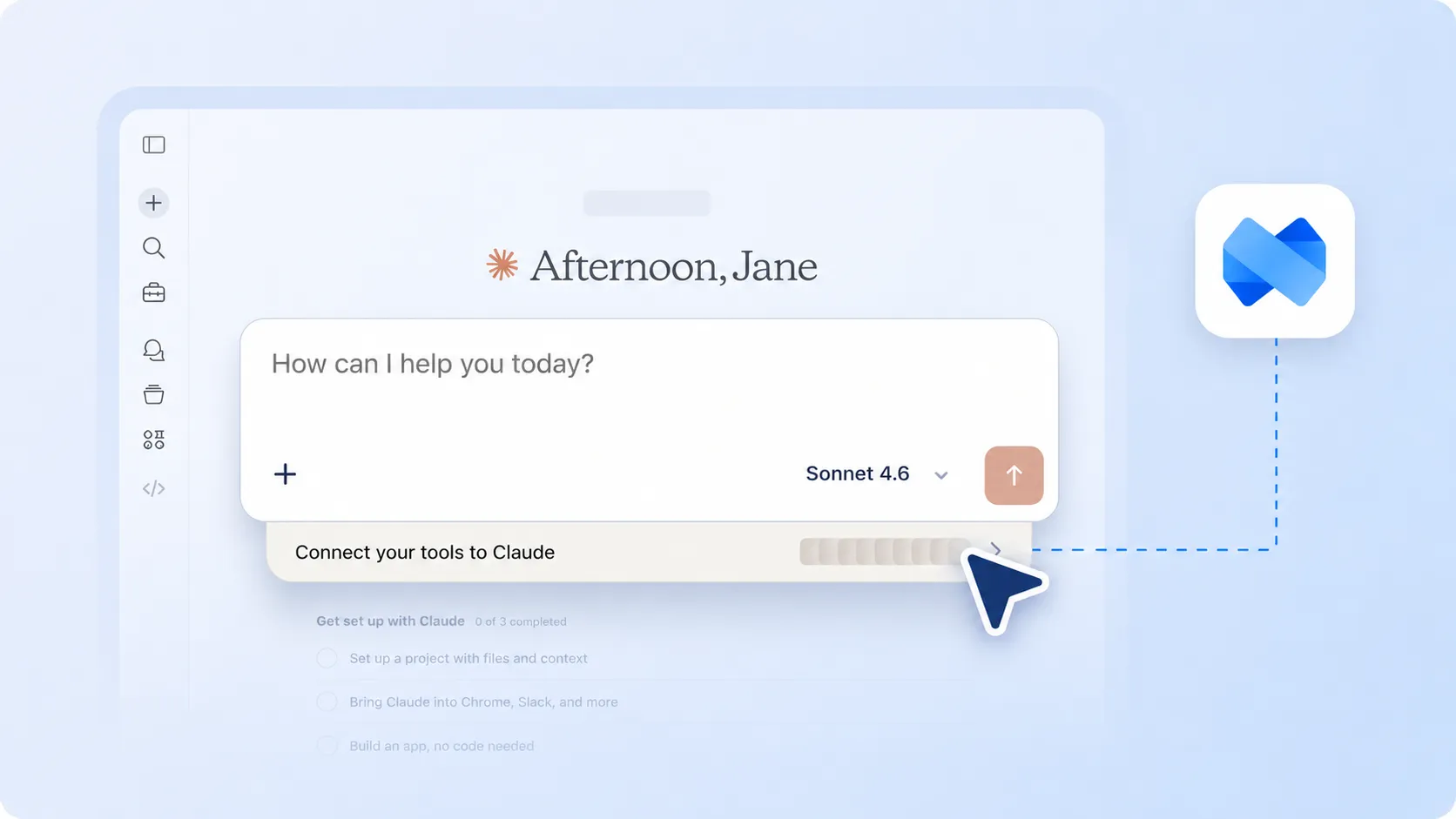
In ChatGPT, enable Developer Mode from your Apps settings. Workspace availability depends on your plan and admin permissions.

2

Create a New App

Go to Settings, open Apps, and choose Create to add a custom MCP app.

4

Sign In and Use It

Complete the OAuth sign-in, then enable Mini Course Generator from the chat tools menu before prompting ChatGPT.

Frequently asked questions

What is Mini Course Generator MCP?

Mini Course Generator MCP is a Model Context Protocol server that lets compatible AI chatbots connect to your MCG workspace and create, edit, and manage learning content through natural-language prompts.

Which AI tools can connect to it?

You can use it with MCP-compatible clients such as ChatGPT, Claude, Manus, Cursor, and other tools that support remote MCP servers.

What URL should I use to connect?

Use https://mcp.minicoursegenerator.com/mcp as the remote MCP server URL, then authorize the connection with your Mini Course Generator account.

Can it pull from my other tools, like Confluence or Notion?

Yes. If your AI chatbot is connected to other tools through their own connectors, it can read that material (Confluence pages, Notion docs, Google Drive files) and turn it into a course in MCG, all in one prompt.

What kinds of content can it build?

Courses, lessons, quizzes, and surveys, plus interactive blocks like flip cards, hotspot images, accordions, and SCORM embeds. It can also add Skill-built activities such as an AI role-play directly into a lesson.

Can it update courses based on learner results?

Yes. Your assistant can review quiz and completion data and act on it: adjusting question difficulty, rewording lessons learners struggle with, or emailing learners who haven't finished.

Do I need to code to use it?

No. Most users connect from an MCP-compatible AI client and work entirely through conversational commands. Developers can also use it as part of agent and automation workflows.

Is my workspace protected?

Yes. The connection uses OAuth authorization, and every action happens through your Mini Course Generator account permissions.