 x
x ChatGPTOfficial plugin
Create courses inside ChatGPT
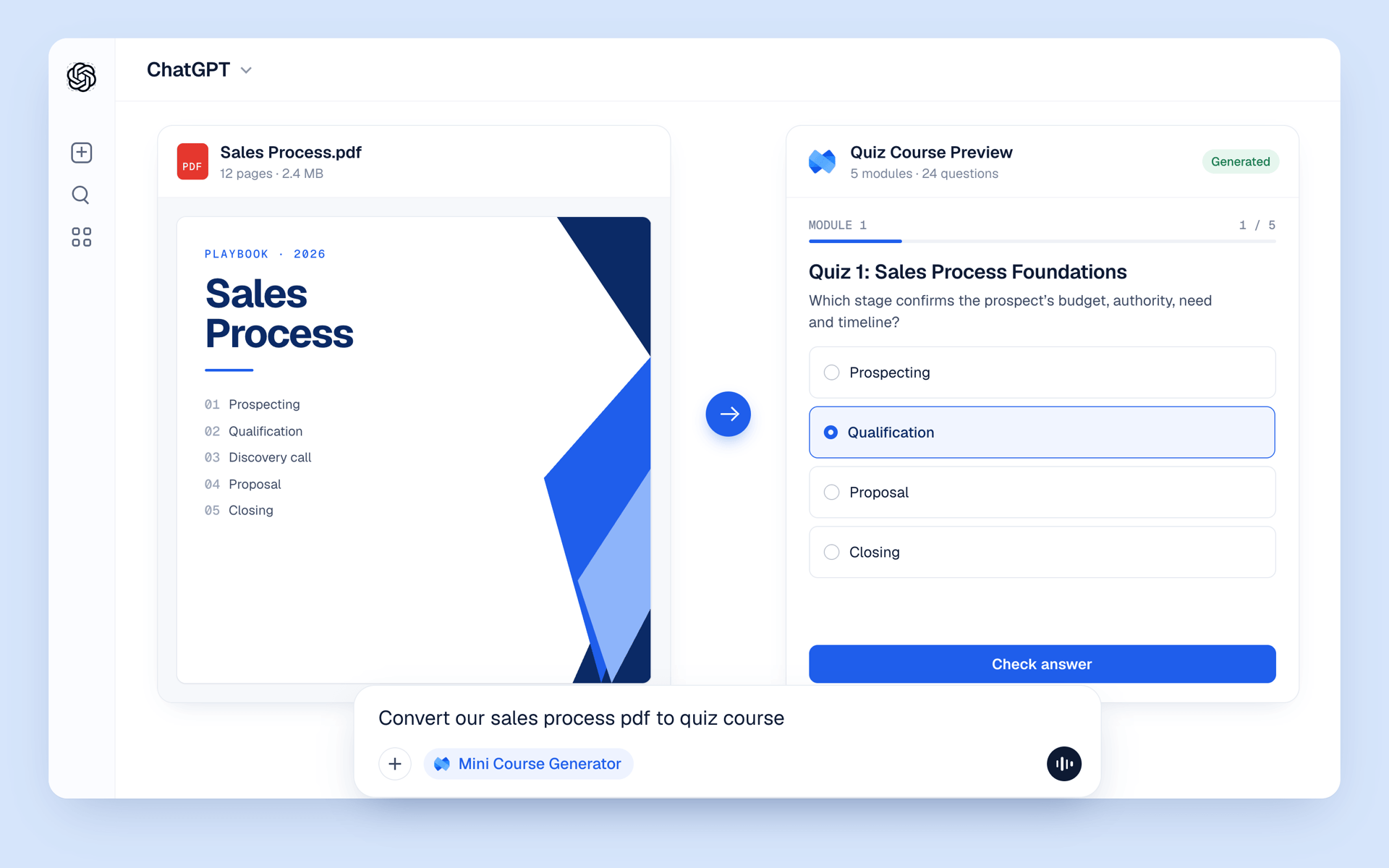
Turn a prompt, PDF or doc into an interactive course with quizzes, then publish it and track results without leaving the chat.
Trusted by over 20,000 Training Providers





















Set up in under a minute
Open the plugin
Connect and sign in
Use it in any chat
Create
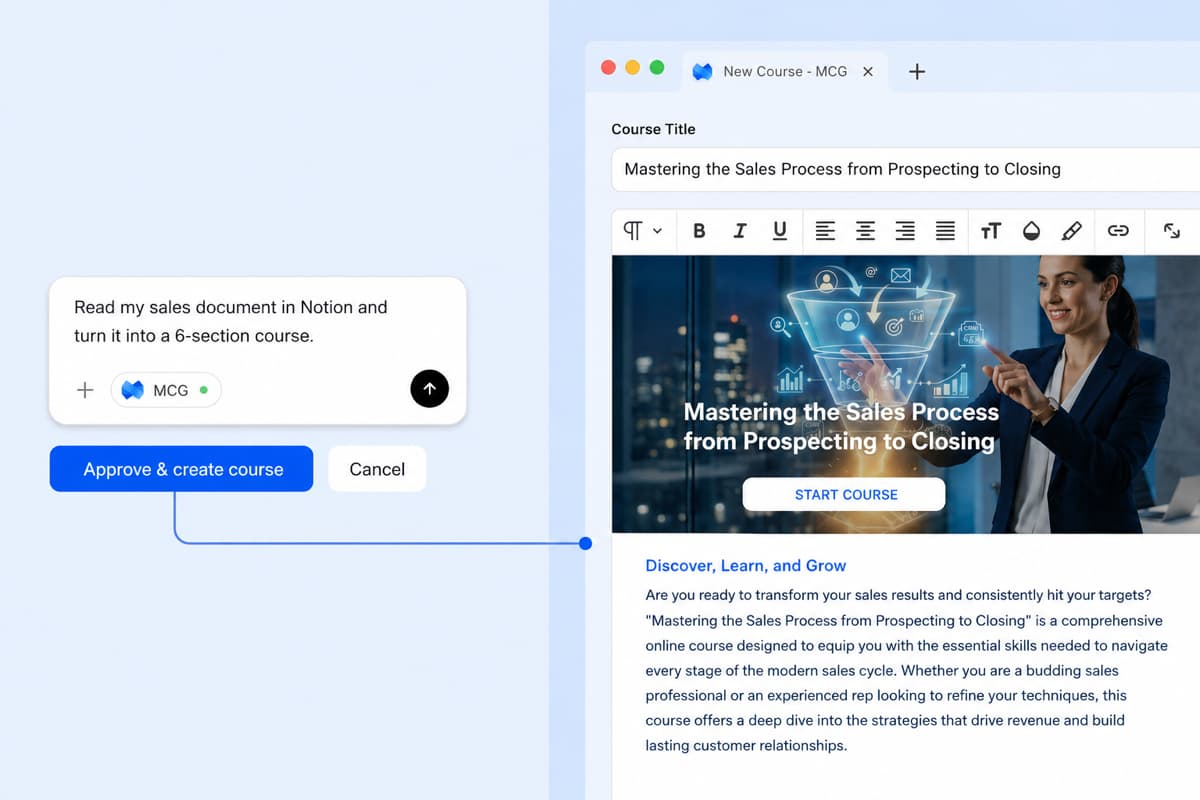
From a prompt or PDF to a finished course
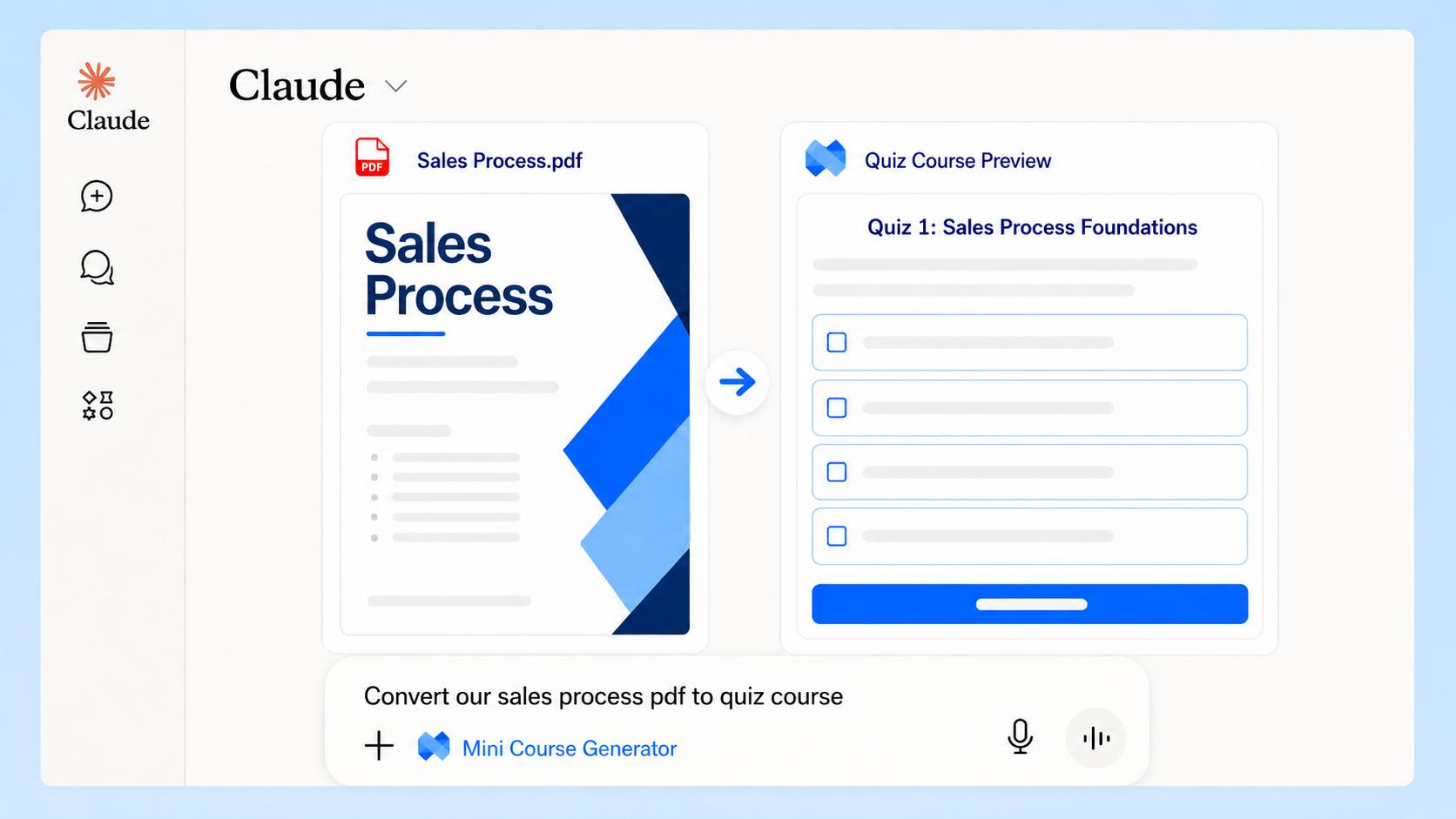
Attach a document or describe what you need. ChatGPT builds a real course in Mini Course Generator, with sections, lessons, quizzes and interactive blocks, not a wall of text to copy and paste.
Update
Keep training current from the chat
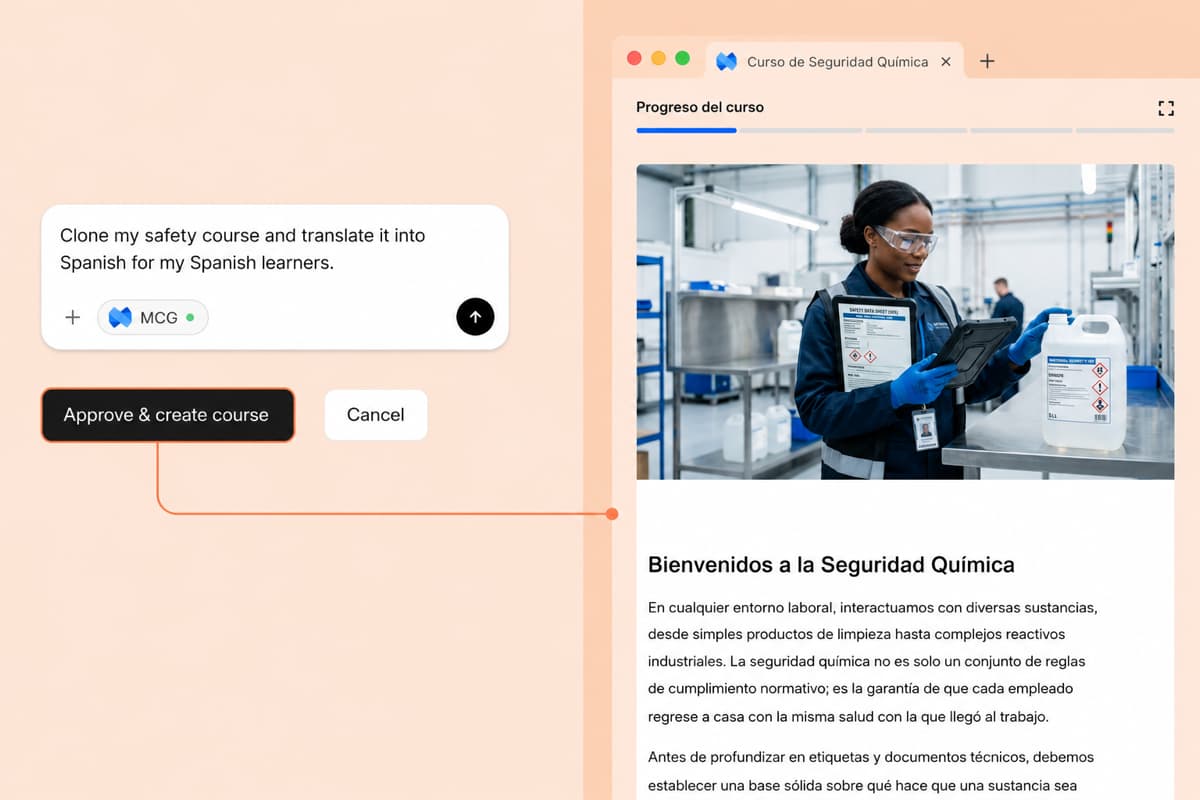
Rewrite a lesson after a policy change, add a quiz, or translate a whole course for another team. Lesson edits stay as drafts until you publish them.
Measure
Ask how your learners are doing
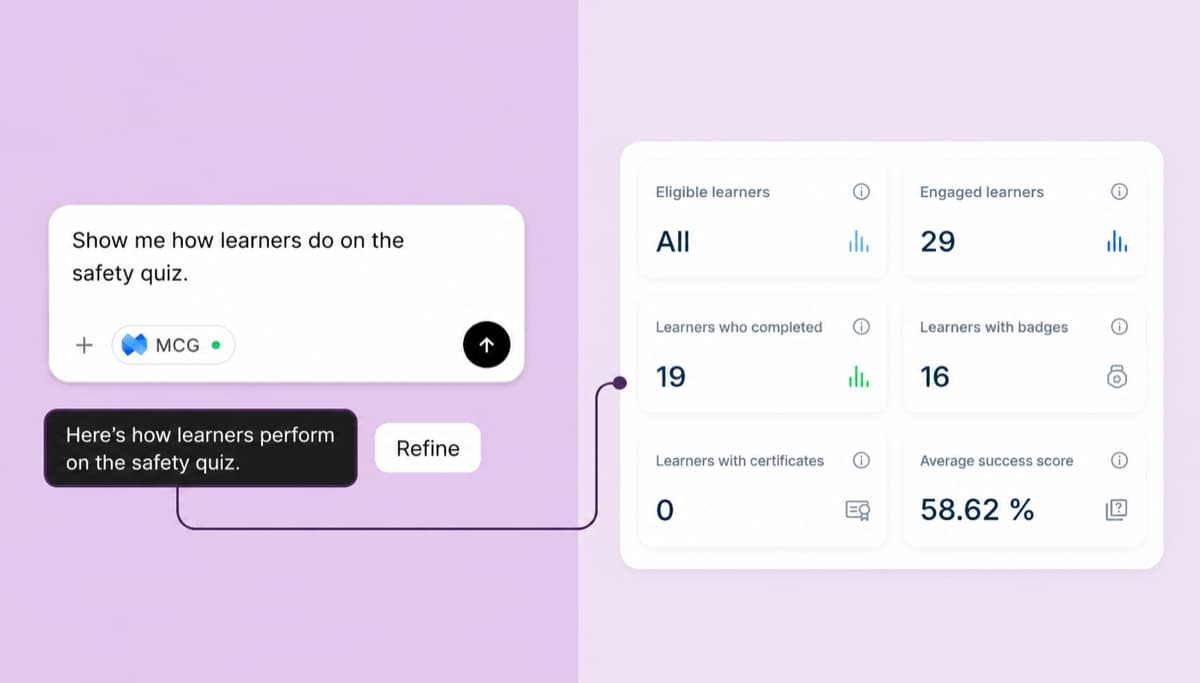
Get completion rates, see who finished and review quiz answers in plain language. Then ask ChatGPT to improve the lesson people struggle with.
What to ask the Mini Course Generator plugin
Turn a document into a course
@Mini Course Generator turn this onboarding PDF into a 5-lesson course with a short quiz after each lesson.
Start from a topic
@Mini Course Generator create a short course on our refund policy for new support agents, with a final quiz.
Update after a change
@Mini Course Generator our return window is now 60 days. Update the lesson that covers returns.
Translate for another team
@Mini Course Generator translate my Safety Basics course into Spanish for the Mexico team.
Publish and certify
@Mini Course Generator publish my Sales Basics course and add a completion certificate.
Check learner results
@Mini Course Generator how many learners finished Onboarding Essentials, and how did they score on the quiz?
Using Claude, Cursor or Manus too? Connect them to Mini Course Generator the same way.
Frequently asked questions
Yes. Mini Course Generator was reviewed and approved by OpenAI and is listed in the ChatGPT Plugin directory, so you can add it without developer settings.
Yes. You sign in to Mini Course Generator when you connect the plugin, and a free account is enough. Paid plans add more AI credits and features; see pricing.
The plugin works in ChatGPT on the web and in the ChatGPT desktop app. Whether Connect is available depends on your ChatGPT plan, your region and, in a workspace, your admin's settings. If you can't connect, our MCP page explains the manual setup.
Create courses from a prompt or a document, edit and translate lessons, add quizzes, publish courses and group them into collections, upload videos and SCORM packages from a link, add or remove learners, and check completion and quiz results. It can also add Skills such as AI role-plays to a lesson.
Yes. Every course lives in your Mini Course Generator workspace, so you can open it in the editor at any time. Lesson edits made through ChatGPT stay as drafts until they are published.
ChatGPT connects through a secure sign-in to your own Mini Course Generator account and can only do what your role in the workspace allows. You can disconnect the plugin at any time in ChatGPT's settings.
Yes. The same connection works with Claude, Cursor, Manus and other tools that support MCP. See our MCP page for the setup steps, or read how this makes Mini Course Generator an agentic LMS.