

Skilljar publishes no price for any of its three plans, and its contract renews itself for twelve months unless you give thirty days’ written notice. That makes the first test for Skilljar alternatives commercial rather than technical: whether you can see the pricing mechanic, the seat floor and the contract term before you book a call. This guide puts that test to ten platforms, prices each one from its own pages, and ends with the rules for choosing between them.
Your help-center articles and onboarding call recordings are already the course. Customer training software is what turns them into one your customers finish without another login.
What Skilljar Does Well, and Where It Stops
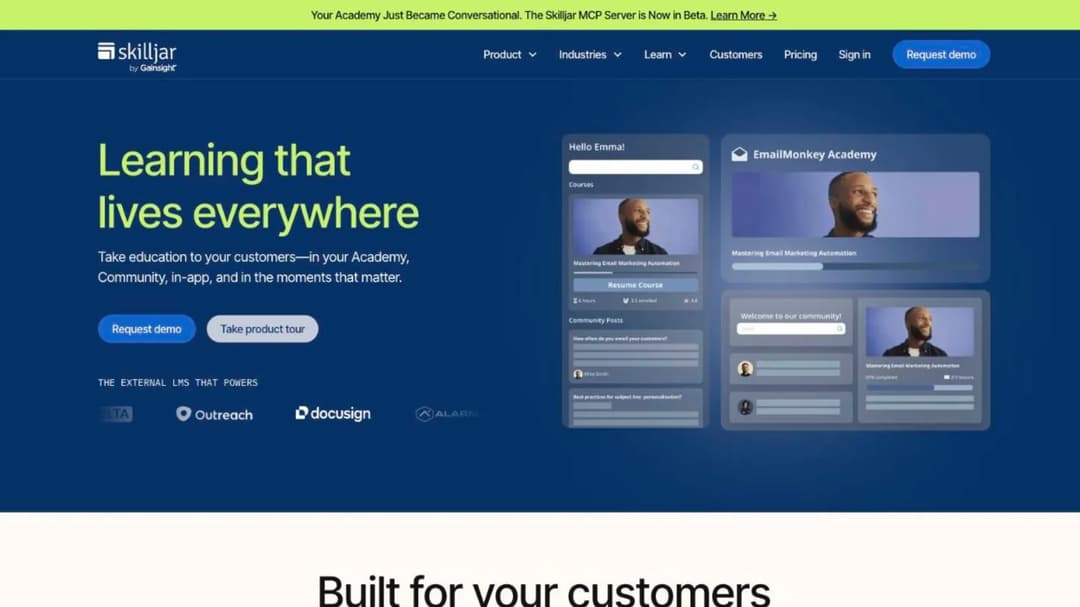
Skilljar is built for external audiences and says so. Its own copy draws the line most general platforms blur: “An LMS designed for compliance is simply not the best fit for customer training.” Customer training is voluntary, so the platform is organized around a branded academy site, learning paths, certification and commerce rather than assignment and due dates.
Its published customer results are specific enough to argue with. Clever reports a 25% reduction in support tickets. Automox reports a 75% reduction in customer onboarding time. Jamf reports 60% adoption of a key feature. MasterControl reports a 10% reduction in support volume, and Handshake 50% faster time to value for trained customers. Those are the numbers to borrow for a business case, paired with your own customer education metrics.
Two of its headline figures mean less than the homepage implies. The “$1M+ in training revenue” attached to Smartsheet is described in the case study as being on track to reach a $1M annual target. The “+19pt NPS” attached to Asana is a gap between customers who engage with training and customers who don’t, not a measured lift. Both are real findings. Neither is a promise about your academy.
Where Skilljar stops is the commercial surface, and the parts that are public are the ones most buyers never think to ask about.
What the bill is made of
The bill has two parts. You buy an annual plan (Essentials, Professional or Enterprise), and on top of it you pay an “active user fee based on the number of active users taking lessons in your Academy in one year,” tiered downward: “the more active users you have, the lower the cost per user.”
The definition of an active user decides the rest. Skilljar counts “someone who consumes or interacts with a lesson in your Academy,” once per calendar month, against a yearly allocation that rolls forward, with no monthly caps. That suits a customer academy: an account that logs in once during onboarding and never returns consumes one month of allocation, not a seat for a year.
No figure is published for any of the three plans. Three add-ons are priced, and they are the only real numbers on the page: Content Syndication at $10,000, the Data Connector starting at $25,000, and Language Packs starting at $10,000 for five languages. Multi-language delivery is a five-figure add-on, not a plan feature.
The tier gates matter as much as the price you can’t see. Essentials gives you one Academy site and three premium integrations; Professional two sites and five; Enterprise three sites and seven. Essentials bills in a single currency; multiple currencies start at Professional. Learner single sign-on is on Essentials, but single sign-on for your own admins starts at Professional, and so do Content Syndication and External Management, the two features a partner or reseller academy needs.
So ask for two numbers in writing before anything else: the plan fee and the active-user rate at your expected band. Without both, a quote is not comparable to anything below.
What the contract says
Skilljar’s Subscription Services Agreement is public, and three clauses in it decide how much room you have.
Renewal is automatic: “each Service Order will automatically renew for additional successive twelve-month terms unless at least 30 days before the end of the then-current term either party provides written notice to the other party that it does not want to renew.” Thirty days is the whole of your leverage.
Leaving early is expensive. If the agreement or a Service Order ends before the Initial Term does, “Subscriber will pay all fees owed for the remainder of the Initial Term.” The single exception is a service-level failure: you may terminate without penalty if uptime falls below 99% for two consecutive months, or three months in a rolling twelve.
The length of the Initial Term is not public. The agreement says only that it is “Specified in each Service Order,” which is the private document you sign. Payment is Net 30, with a 1.5% monthly late fee.
So the renewal date is the only date that matters. Diarize it ninety days out, not thirty, so you have time to price an alternative before the notice window closes.
Two names on older lists
Skilljar now trades as Skilljar by Gainsight, and Gainsight’s own acquisition list dates the deal to 2025. Northpass is now part of Skilljar by Gainsight; the Northpass login survives inside Gainsight’s navigation as “Gainsight CE.” If you are comparing Skilljar against Northpass, you are comparing one product decision, not two.
Take this into the security review: Gainsight publishes SOC 2 Type 2, ISO 27001:2022, HIPAA and GDPR at company level, and its trust site does not break those certifications out by product. Ask for the report scoped to the academy product you are actually buying.
WorkRamp, the other name that still appears on older comparisons, is now Learn:Up inside Confirm, formerly Learning Pool. Its employee product publishes a rate; its customer and partner academy product, called Academy, is quote-only.
What Skilljar does not publish
Four gaps show up when you read the site as a buyer.
There is no trial and no self-serve plan. There is no seat floor or minimum spend stated anywhere, on the pricing page or in the agreement, which cuts both ways: nothing stops a small team buying, and nothing tells them what small costs.
Standards support is confirmed but unspecified. The integration page says only that Skilljar “can deliver content created with web package authoring tools, including: SCORM, LCMS, and AICC.” No version is named, xAPI is not mentioned, and whether you can export a package out is not stated. If your content has to move later, get that answer in writing, and read the difference between xAPI and SCORM first so you know which answer you want.
There is no native authoring. Skilljar delivers; the content is built somewhere else, through its integrations with Articulate, Captivate, Camtasia and Iorad. That is a real cost line for a two-person team, and the reason so many end up turning help-center articles into courses instead of buying an authoring suite.
Security posture is mostly strong with one hard edge. Skilljar completes a SOC 2 Type II audit annually. Its security page attributes ISO 27001 to the AWS infrastructure it runs on rather than to a Skilljar-scoped certificate. GDPR is handled through Standard Contractual Clauses and a UK addendum, and data is processed in the United States only, with no regional residency option. Its published accessibility report rates overall conformance as “Partially Supports” for WCAG 2.2 Level A and AA, and applies to the learner experience only. HIPAA and a business associate agreement are absent from the security page and from its healthcare page.
What to Check Before You Switch
Seven questions separate the ten platforms below. Skilljar’s answer to each is in brackets, so you can see which ones you are actually trading away.
1. How is the bill counted? Four mechanics are in play, and they suit different academies. A flat tier by user band (TalentLMS, LearnWorlds). An annual learner block (Tovuti, at $7,500 for the first 100 learners). Per active user per month, resetting monthly (Eurekos; Continu, by monthly-active-user band). And Skilljar’s own plan plus annual active-user fee. [Skilljar: plan plus annual active users, neither figure published.]
2. Is there a floor? LearnUpon publishes “From 300 Users” for its customer education product, against 100 for employees and 150 for associations. Trainn’s academy exists only from its Scale plan up, capped at 100 monthly active users. Tovuti anchors at the first 100 learners. [Skilljar: none published.]
3. What is the term, and how long is the notice window? Twelve months with thirty days’ notice is the pattern (Skilljar, LearnUpon). Eurekos runs twelve months non-terminable, then ninety days’ notice. Trainn runs twelve months with ninety days’ notice. Intellum defers term length entirely to a private Service Order. [Skilljar: twelve months, thirty days, Initial Term length private.]
4. What do you pay to leave early? This is the clause nobody reads until it bites. [Skilljar: all fees for the remainder of the Initial Term.] LearnWorlds lets you cancel any time but refunds nothing for the current period. Trainn’s fees are non-refundable, and a vendor-initiated termination for your breach accelerates the rest of the term. LearnUpon’s current subscription period is non-refundable too.
5. What comes back when you leave, in what format, and by when? Ask for the format and the window as two separate answers, because vendors answer them in two separate documents. [Skilljar: content made available within thirty days of a request; its data processing agreement says return or deletion completes within sixty days. Export format unconfirmed.] Only three platforms below confirm they hand content back as a standards package: Intellum through its Evolve authoring tool, Thought Industries through SCORM Connect, and Mini Course Generator as SCORM or PDF on every plan. The rest import but do not state an export.
6. What will your own customers’ security reviews ask for? If you sell to enterprises, your academy inherits their questionnaire. SOC 2 Type II is close to universal here. ISO 27001 is not: LearnUpon, Eurekos, Tovuti and Thought Industries publish it; Intellum does not; Continu shows the badge while describing itself as “aligned with ISO 27001”; Skilljar and LearnWorlds attribute it to their cloud provider. Data residency outside the United States is available from LearnUpon (EU, US or Australia) and Intellum (US or Ireland); Skilljar processes in the United States only. Eurekos publishes no data-center location but offers an on-premise deployment on your own infrastructure.
7. What does it connect to? For a customer academy the list is short: Salesforce, Gainsight, Zendesk, Intercom and HubSpot. Skilljar names Salesforce, Gainsight and Zendesk as premium integrations and Intercom and Marketo as standard ones. Check which tier your quote includes, because the premium count is capped at three, five or seven by plan. Most alternatives name Salesforce; fewer name Zendesk or Intercom. Work out which one your health scores live in before you weigh the rest, and see what an LMS integration is really doing on each side.
Settle one thing internally before you shortlist: whether the academy is a cost line or a revenue line. If it sells courses, commerce and tax handling move up fast. If it exists to cut tickets, ticket deflection reporting and in-product delivery matter more than a storefront, and the platform is measured against support headcount rather than course sales. The full cost picture for an LMS covers the lines that never appear on a pricing page.
The 10 Skilljar Alternatives, Compared
The direct answer to “cheaper for a small customer education team” is a mechanic, not a discount. Five of the ten below publish a full price you can act on today; three publish the mechanic without a figure; two publish neither. If you need a number this week, your list is the first five.
Every price, plan limit and contract term below comes from the vendor’s own pages and published agreements, quoted as printed; where a vendor publishes nothing, the entry says so.
The ten run in order of how much of the bill you can see before a sales call: full published prices first, a published mechanic with no figure next, quote-only last. Inside each group, the platforms built for customer education come before the general ones.
| Platform | Built for | Price published | Seat floor or minimum | Contract term published | Trial | Your content leaves as |
|---|---|---|---|---|---|---|
| Skilljar (the incumbent) | Customer and partner academies | No, add-ons only | None published | 12-month auto-renew, 30 days’ notice | None | Not stated |
| 1. Trainn | SaaS product video, guides and a small academy | Yes, four tiers | Academy from the Scale plan, 100 MAU | 12 months, 90 days’ notice | 3 or 14 days | No SCORM stated, either direction |
| 2. LearnWorlds | A branded academy site with commerce | Yes, three tiers | None published | No minimum term published | 30 days | SCORM import only, 1.2 |
| 3. TalentLMS | A small academy live this week | Yes, full ladder | None; free up to 5 users | Not published | 14 days | SCORM 1.2 import only |
| 4. Tovuti | One all-inclusive annual number | Yes, one figure | First 100 learners | Billed annually | None | Import only; add-on outputs SCORM |
| 5. Mini Course Generator | Turning help-center and onboarding material into short courses; in-app and Intercom delivery | Yes, on its pricing page | None published | No minimum annual commitment | 14 days, no card | SCORM or PDF, any time |
| 6. Eurekos | Customer academies where accounts go quiet | No, mechanic only | None published | 12 months non-terminable, then 90 days | None published | Import only, all versions |
| 7. LearnUpon | Academies already past 300 users | No, floors only | From 300 users | 12-month auto-renew, 30 days’ notice | None published | SCORM and xAPI import, no version |
| 8. Continu | Academies with a small active minority | No, MAU bands only | None; bands at 1,000 and 5,000 MAU | Not published | None | Import only, version stated two ways |
| 9. Thought Industries | Certification programs and partner portals | No, tiers only | None published | Not published | None | SCORM Connect syndication |
| 10. Intellum | Large academies that need authoring to publish out | Authoring tool only | None published | Deferred to a private Service Order | 21 days, authoring tool | SCORM 1.2 and 2004, via Evolve |
1. Trainn
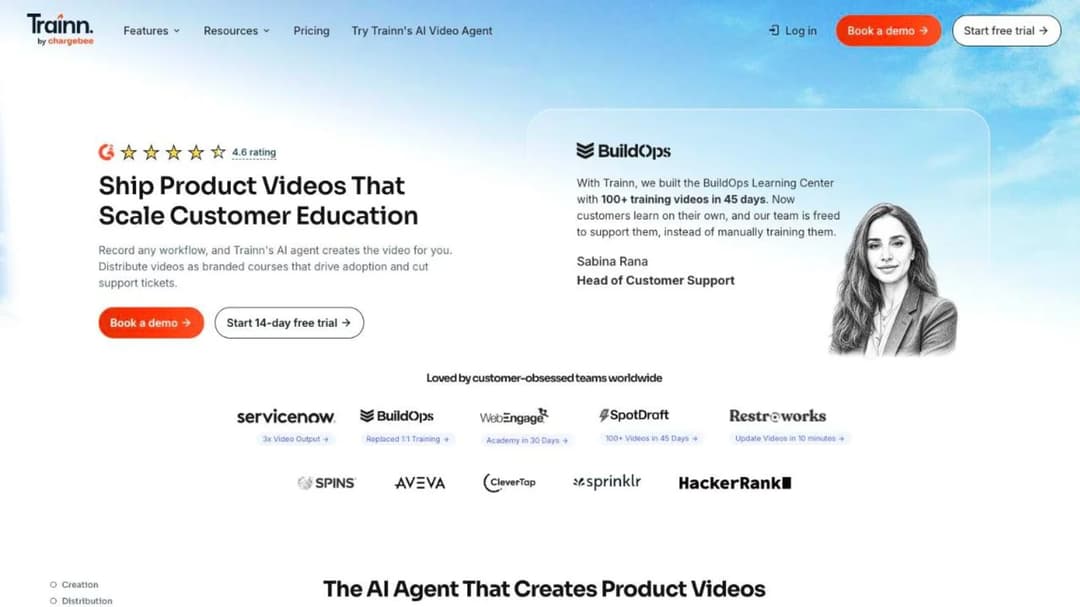
Best for: SaaS teams whose customer education is mostly product video and step-by-step guides, with a modest academy attached.
Top Features
- AI agent that turns a screen recording or webinar into an edited product video
- Step-by-step and interactive guides for workflows and SOPs
- Branded Knowledge Hub, and in-app tutorials embedded without code
- Academy (LMS) with courses, quizzes and certifications, from the Scale plan up
- One-click translation to 30 languages and 100+ AI voice styles
Trainn is the closest thing to a like-for-like swap for a SaaS customer education team, and it puts a figure on every tier including Enterprise, which almost nothing at that end of the market does. Creator is $19 a month for one user and 15 videos and guides. Launch is $2,400 a year for three users and 120 videos and guides. Scale is $10,000 a year for five users, 250 videos and guides, and an academy capped at 100 monthly active users. Enterprise is $39,900 a year for 25 users, 1,000 videos and guides, an academy capped at 250 monthly active users, and SAML single sign-on. The struck-through higher figures beside each tier are promotional, as of September 2026.
Its monthly-active-user definition is unusually precise: a learner counts if they log in or sign up to your academy and watch course content for at least five seconds inside the app. If Trainn is the incumbent rather than the alternative, the Trainn alternatives comparison runs the same test the other way. Trainn was acquired by Chargebee on March 26, 2025, and the contract you sign is now with Chargebee Inc: a twelve-month term, automatic renewal, cancellation only with written notice ninety days before expiry, and fees payable in full and non-refundable.
Pros
- A published figure at every tier, Enterprise included, so you can budget without a call
- The academy, knowledge hub and in-app tutorials are one purchase, not three
- Trials on every tier, no credit card, 14 days on everything above Creator
- SOC 2 Type II, ISO 27001 and EU-US Data Privacy Framework, inherited from Chargebee and stated on its own security page
Cons
- SCORM appears nowhere on its site, in either direction, so content portability is an open question
- The academy is capped at 100 monthly active users until $39,900 a year, which is a hard ceiling for a growing customer base
- Its own comparison pages contradict its pricing page, offering “plans starting from $499” and “a free account to test everything” when the pricing page says the only free option is a 14-day trial
- Video and guide counts are capped per tier, and overages are bought as bundles through sales
- No HIPAA or business associate agreement anywhere
2. LearnWorlds
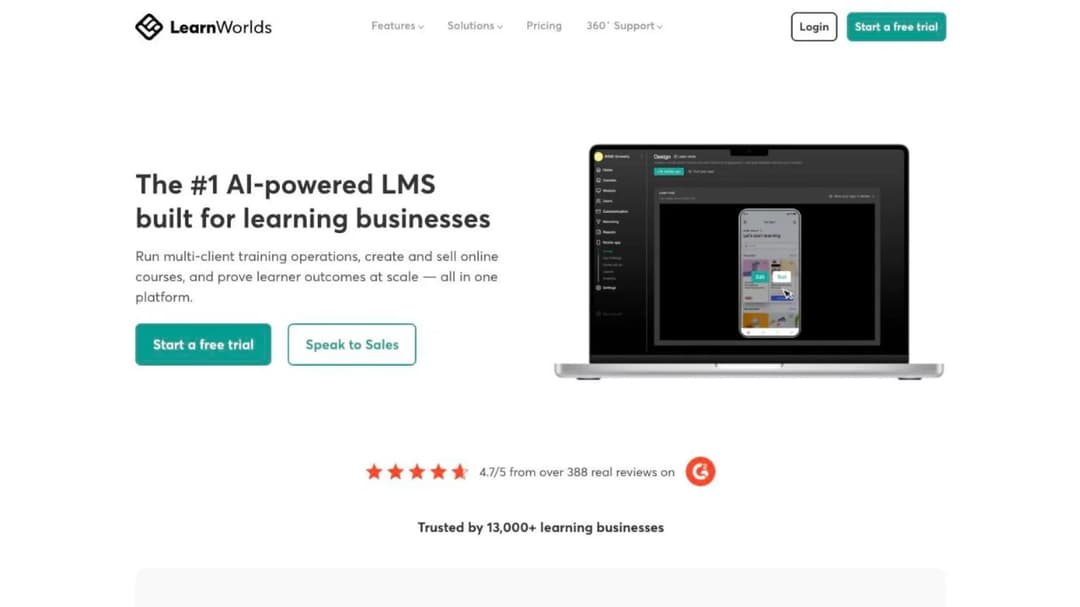
Best for: a branded academy that sells courses, priced on the page and launched without a procurement cycle.
Top Features
- Website and landing-page builder with white-label output
- Interactive video, assessment builder and live sessions through Zoom, Teams, Webex and Google Meet
- AI outline, ebook, assessment and image generation, metered by plan credits
- Commerce with Stripe, PayPal, Shopify, Klarna, Apple Pay and Stripe Tax
- SCORM and HTML5 import, LTI, and a separately priced native mobile app builder
LearnWorlds publishes everything. Starter is $24 a month billed annually ($29 monthly) with 1,000 active learners a month, one admin, 20 SCORM packages inside a 2 GB limit, and a $5 fee on every course enrollment. Pro Trainer is $79 a month annually ($99 monthly), drops the enrollment fee, and gives 2,000 active learners and five admins. Learning Center is $249 a month annually ($299 monthly) with 25 admins and automatic video transcription capped at six hours a month. Corporate is custom. A branded mobile app is $149 a month on top of any plan.
Read the terms before you migrate a library in. There is no published minimum term; auto-renewing subscriptions can be canceled at any time, with no refund and access to the end of the current period. Price changes require thirty days’ notice and apply at renewal. And section 18.6 lets LearnWorlds keep a copy of your school and end-user content for nine months after termination. If LearnWorlds is the platform you are leaving rather than the one you are joining, the LearnWorlds alternatives comparison puts its field through these same seven questions.
Pros
- A full published ladder with a 30-day trial, so you can price and pilot without a call
- Strong commerce for an academy that sells, including tax handling and a dozen payment methods
- Data centers in the United States, Frankfurt, São Paulo and Singapore
- Named customer results with the mechanism attached: Blip onboards customers 41% faster and reports 15% fewer support tickets
Cons
- SCORM 1.2 support is confirmed only inside a customer quotation on its own standards page, and SCORM 2004 and xAPI are not confirmed at all
- The Starter plan’s $5 per-enrollment fee makes a free onboarding academy expensive: you pay per enrollment on courses you give away
- SOC 2 and ISO 27001 are attributed to Google Cloud, not held by LearnWorlds; its accessibility page self-rates as “currently partially compliant” with WCAG 2.2 AA
- It is built for learning businesses first, so the customer-education framing is one solution page among ten
- Its own site carries two customer totals at once, 13,000+ on the homepage and 12,000+ on the about page
3. TalentLMS
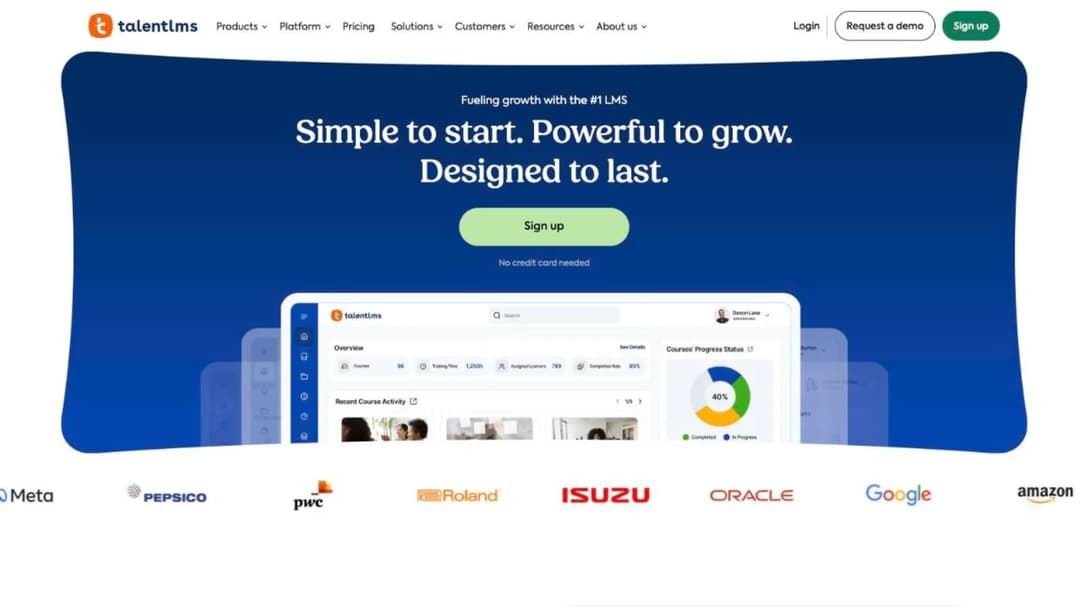
Best for: the smallest workable academy, live this week, at a price you can read off the page.
Top Features
- Full published ladder including a permanently free level for up to five users
- Branches for separate portals per customer segment or brand
- Certification with configurable expiry and automatic re-assignment
- Integrations with Salesforce, Intercom, Zendesk Chat, HubSpot, BambooHR, ADP, Stripe, Shopify and Zapier
- SCORM 1.2, xAPI, cmi5 and LTI 1.3 support
TalentLMS is the literal answer to “cheaper for a small team,” and the only caution is that both the plan and the user band move the price. Core is $119 a month at 1 to 40 users and $219 at 71 to 100. Grow is $229 a month at 1 to 70. Pro is $449 a month at 1 to 100, then $6 for each additional user as it scales toward 500. Enterprise is custom. Annual billing takes 20% off, and there is a 14-day premium trial on top of the free level.
Certification expiry is handled properly, which matters if your academy issues credentials your customers have to keep current. A checkbox controls whether a course is automatically re-assigned when a certification expires, and certificate duration runs from a fixed period to “Forever.”
Pros
- A published price at every band, free level included, so a pilot costs nothing and a quote is never needed
- Configurable certificate expiry with automatic re-assignment, stated as a setting rather than a promise
- The broadest self-serve integration set, including Intercom and Zendesk Chat
- No sales call required at any point
Cons
- SCORM 1.2 only, import only: its own documentation states it is not possible to create SCORM files inside the platform, so content does not leave as a package
- It is an employee-training product first, and nothing on the platform is shaped around a customer academy
- Its own page states the enterprise band two ways, as starting at 1,000 users and as flexible from 500
- The price moves on both plan and headcount, so a growing customer base changes the bill twice
- Commerce is bolted on through payment integrations rather than built for selling courses
4. Tovuti
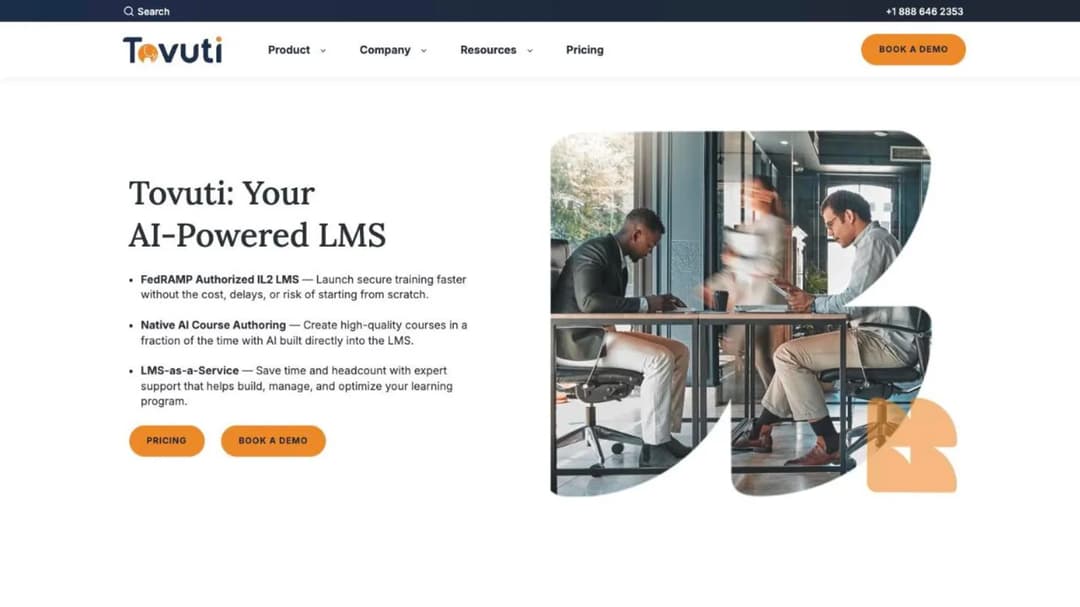
Best for: teams that want one all-inclusive annual number and a learner block rather than a seat count.
Top Features
- Interactive and gamified authoring with 40+ content types, built on H5P
- Branded portals and a native mobile app with offline access
- Commerce, events and instructor-led training in the base plan
- Certification and compliance tracking with automated assignments and reminders
- Import of SCORM 1.2, SCORM 2004, AICC and xAPI
Tovuti prices the whole platform as one annual figure: $7,500 a year for your first 100 learners, then scaling with additional learners. The per-learner rate above 100 is not published, which is the question to ask first. Billing is annual, a multi-year commitment lowers the rate, and nonprofit, government, education and healthcare buyers may qualify for a discount. Two add-ons sit on top with no figure attached: WayPoints AI, which turns SOPs, PDFs and decks into SCORM-ready courses, and a managed service that covers content migration, portal setup and program management.
Its certifications page is broad: SOC 2 Type 2, ISO 27001, PCI, CCPA, GDPR, WCAG 2.1 AA and a Section 508 accessibility report. The homepage adds FedRAMP Authorized at IL2, delivered through Knox Systems’ approved cloud infrastructure rather than as an independent Tovuti authorization, and that claim does not appear on the certifications page itself.
Pros
- A real annual number on the page, anchored to learners rather than seats
- Named integrations across HR, CRM and support: Workday, ADP, BambooHR, Salesforce, HubSpot, Intercom, Zendesk, Stripe and Zapier
- 101 pre-built micro-courses bundled as Tovuti Stream, plus BizLibrary and OpenSesame libraries
- Partners in Health runs unified training for 18,000 staff across 11 countries on it
Cons
- No trial of any kind; the only entry point is a demo and a discovery call
- The per-learner price above the first 100 is not published, so the figure on the page is a floor rather than a quote
- SCORM export is not stated for native courses, only for the paid WayPoints add-on
- Customer education is one stated use case among many rather than the whole product
- The language count is given only as “dozens,” with no number
5. Mini Course Generator
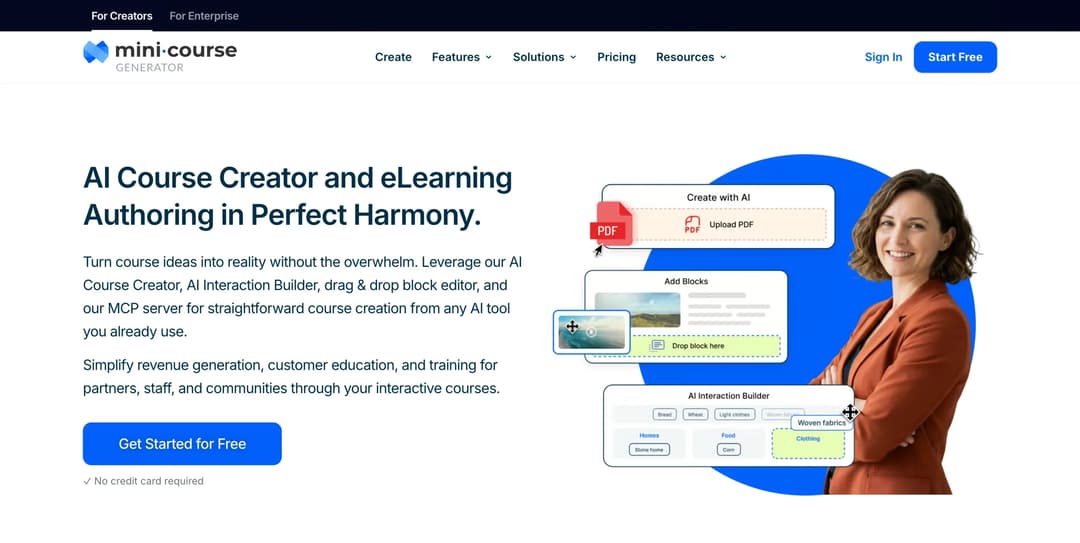
Mini Course Generator is our product.
Best for: turning help-center articles, onboarding call recordings and release notes into short courses customers open without an account.
Top Features
- AI Course Creator and PDF to Course Creator, building courses from your own material
- Six Gateways plus magic links, so customers open a course without creating an account
- MCG App for Intercom, embed widgets and a Headless LMS with REST API
- SCORM or PDF export on every plan, with dynamic SCORM export from Growth up
- Learning analytics, Certificates & Badges, and account-based reporting for your customers’ admins on Scale
The gap it fills is authoring. Skilljar publishes no native authoring and points you at Articulate, Captivate, Camtasia and Iorad; the release-notes course you need on Thursday has to be built somewhere. MCG drafts it from the material you already have, and the pricing page carries the actual figures: every plan opens with 14 days of full access with no credit card, there are no implementation or onboarding fees, and there is no minimum annual commitment. Learners are counted as a yearly allowance rather than permanent seats, so an account that logs in once during onboarding does not hold a license for a year.
Delivery is the second difference. Courses run inside the Intercom Messenger on Growth and above, which puts the lesson where a stuck customer already is rather than behind a separate academy login. The Headless LMS and REST API on the Custom plan do the same job inside your own product, and embed widgets cover the help center and marketing site. Access is controlled by six Gateways including double opt-in, pay-wall, specific learners and a Password Wall, so a public quick-start and a gated partner track can live on the same platform. Content leaves as SCORM or PDF at any time, on any plan.
Ask about this in the demo. MCP access is on every plan through the Mini Course Generator MCP Server, so an assistant such as Claude or ChatGPT can create, publish and update a course conversationally; Skilljar’s own MCP server is in beta. The [AI Role-play](/skills/role-play/) Agent Skill adds AI-graded practice conversations. If that matters to how your team works, the MCP servers these platforms ship are compared separately.
Pros
- Publishes its price, opens with a 14-day full-access trial with no card, and charges no implementation fee or minimum annual commitment
- Authoring is built in, so a course can be drafted from an existing document the same day
- No-login access through Gateways and magic links, which suits customers who will not create another account
- Content exports as SCORM or PDF on every plan, so nothing is trapped if you move
Cons
- Publishes no SOC 2, no ISO 27001 and no HIPAA statement, and no accessibility conformance report; a buyer whose own security review needs one will not find it
- No published Salesforce, Gainsight, Zendesk, Marketo or HubSpot integration; connections run through Zapier, Make, webhooks, the WordPress plugin and the Intercom app
- REST API, Headless LMS and single sign-on for learners sit on the Custom plan, and the Intercom app needs Growth or above
- No multi-tenant academies: no sub-accounts and no separate learner portal per customer, only custom domains, one on Plus, three on Pro, Launch and Growth, unlimited on Scale
- No proctored exams and no content syndication into a customer’s own system; credentials are Certificates & Badges and Micro-credentialing
- No pre-built content library, and AI generation is metered by monthly credits per plan
6. Eurekos
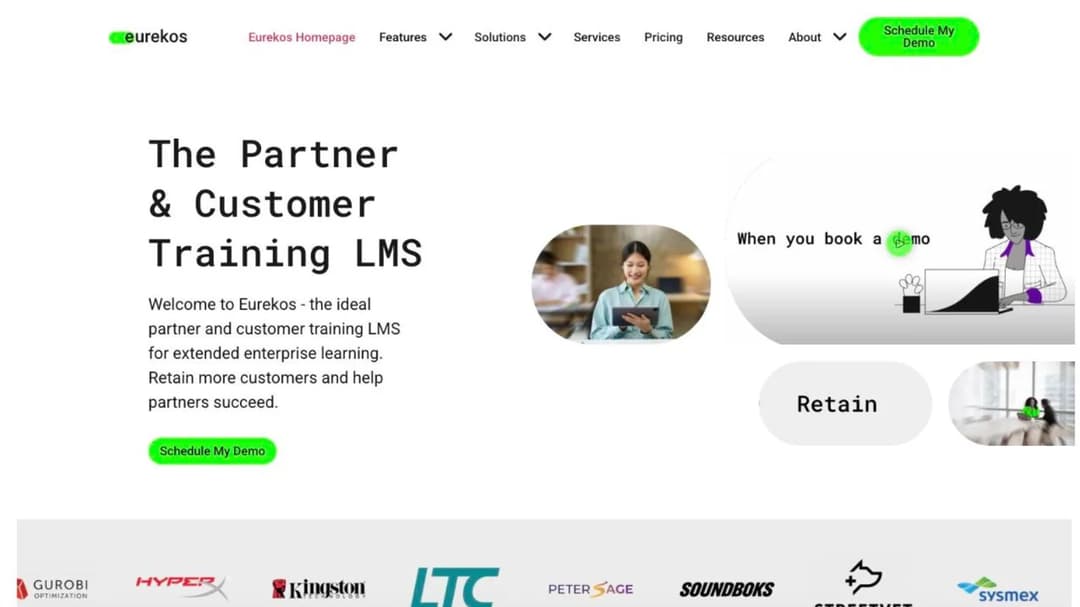
Best for: a customer or partner academy where most accounts go quiet for months, and the buyer wants contract terms in writing before the demo.
Top Features
- Consumption pricing on active users per month, resetting monthly
- Unlimited branded portals with individual single sign-on, included rather than tiered
- Authoring tool with 40+ interactive tools, plus certification management with audit exports
- 130+ languages through a built-in translation interface covering the platform, emails and notifications
- Cloud or on-premise deployment, with iOS and Android apps and offline access
Eurekos publishes no figure, but it publishes the mechanic in plain terms: “Eurekos pricing is based on your actual consumption and not guesswork. You pay for your number of active users per month and each month it resets.” Fixed pricing can be locked for up to a year on request. It also calls itself all-inclusive, and lists unlimited portals, unlimited video streaming, unlimited premium support, languages, commerce and authoring as included at no extra cost.
Its published terms are the fullest here, which is unusual and useful. The initial term is twelve months and non-terminable, after which either party may terminate with ninety days’ written notice before month-end. Invoices are due 14 days from date, with 1.5% monthly late interest. Liability is capped at the greater of twelve months’ fees or $200,000. The service level is 99.9% monthly availability with credits of 10% to 100% of the monthly fee depending on severity, and maintenance runs the third Sunday of each month, 8am to 12pm CET.
Pros
- The pricing mechanic fits a customer academy better than a seat count: you pay for the month a customer actually shows up
- ISO 27001:2022, ISO 27701:2019 and ISO 27017:2021, with GDPR handled through Standard Contractual Clauses
- A numeric service level with credits, published rather than negotiated
- Named results with figures attached: Sysmex reaching 100,000+ customers, Abrigo 10,000+ learners, Gencat €2.2M in fuel cost savings
Cons
- No figure anywhere, so the mechanic still has to be priced through a call
- No trial published on its own site
- No SOC 2, which will stall some enterprise security reviews even with three ISO certificates
- The first twelve months cannot be terminated, and the exit window afterwards is ninety days, three times Skilljar’s
- SCORM import covers all versions, but no export is described
7. LearnUpon
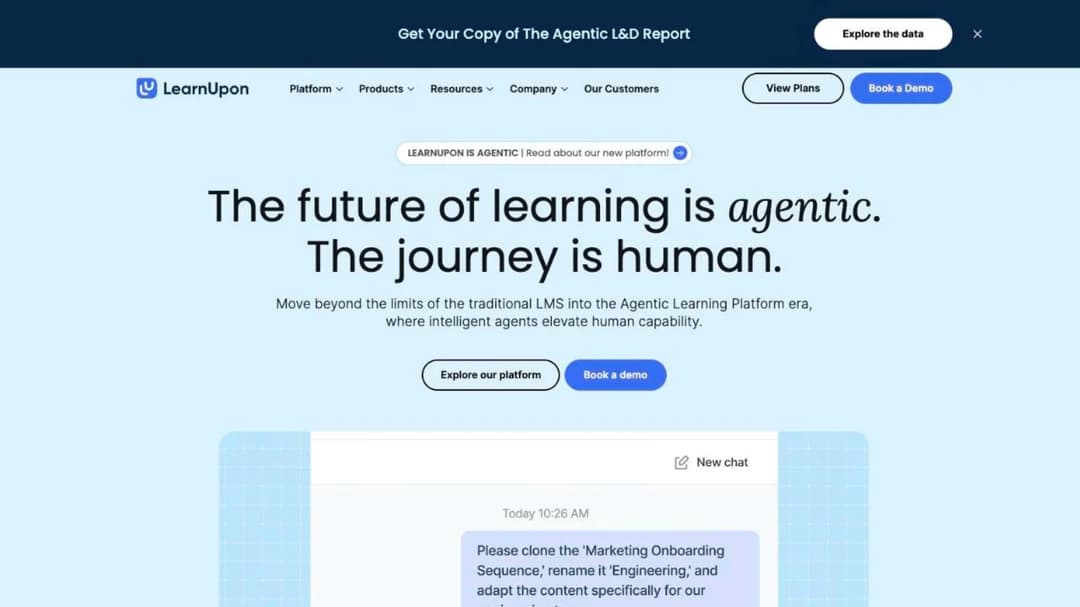
Best for: an academy already past 300 users that needs data residency options and a security page an enterprise customer will accept.
Top Features
- Separate products for employee, customer education and association audiences
- LearnUpon Anywhere, which embeds courses inside your own product or portal
- Create+ AI authoring, an orchestration layer called LearnUpon IQ, and an MCP server
- SCORM and xAPI import with drag-and-drop content management
- Data residency in the EU, the United States or Australia
LearnUpon publishes no price and no trial. What it does publish are floors, and the one that matters is the customer education floor: “From 300 Users,” against 100 for its employee product and 150 for associations. Below 300 users there is no self-serve path at all, only a demo. If you are already on LearnUpon and that floor is what sent you looking, the LearnUpon alternatives comparison runs the same tests from that side.
Its terms are close to Skilljar’s, with one extra clause to price in. The subscription period renews automatically for twelve months unless either party gives thirty days’ written notice. You may terminate access at any time with thirty days’ notice, but the current period’s fees are non-refundable. And fees themselves may change on thirty days’ email notice, applying at the next renewal rather than mid-term, so a multi-year budget needs a cap negotiated into the order form.
Pros
- ISO 27001:2022 and ISO 27701:2019 certified, SOC 2, GDPR, and continuous penetration testing with independent third-party testing at least annually
- Data residency choice across three regions, which Skilljar does not offer
- Its learner experience has met WCAG 2.2 AA since June 2026, with a published exceptions report
- LearnUpon Anywhere makes in-product delivery a first-class option rather than an integration project
Cons
- The 300-user floor for customer education prices out exactly the 20-to-500-employee SaaS company reading this
- No price, no trial and no self-serve path anywhere on the site
- The SOC 2 report type is not stated, which a strict security review will query
- No SCORM version is specified in either direction
- No mobile app is mentioned anywhere on the site
- Fees can rise on thirty days’ notice at renewal, with no published cap
8. Continu
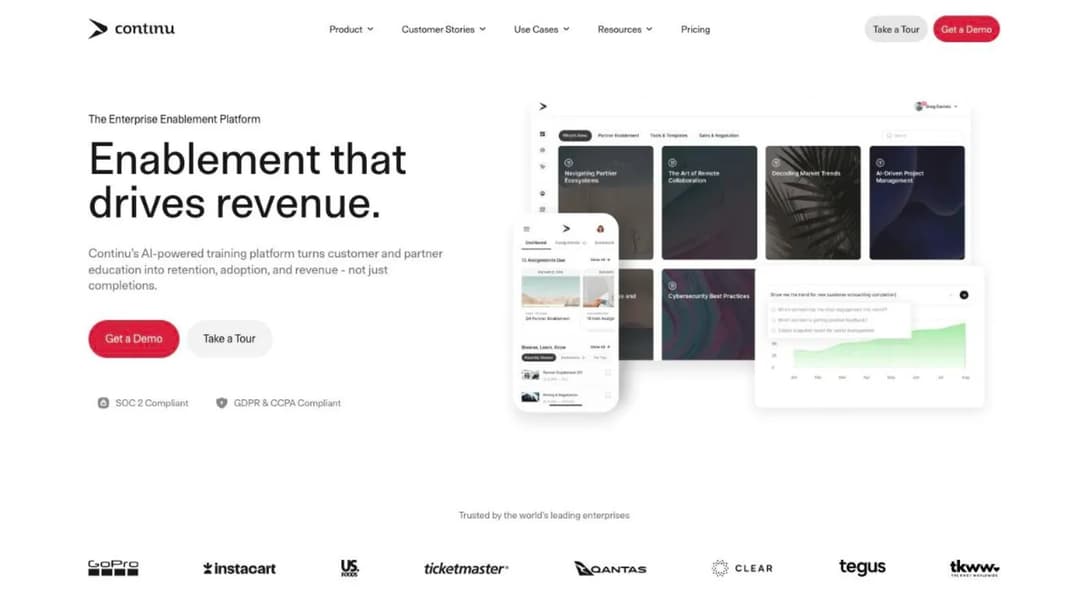
Best for: an academy where a minority of your accounts are active in any given month, and you want the meter to reflect that.
Top Features
- Pricing by monthly active users rather than licenses, with inactive users excluded
- Extend, for branded external portals aimed at customers and partners
- Eddy, an AI agent answering in Slack, Microsoft Teams and SMS from content outside the platform
- Smart Segmentation for rules-based delivery by tier, region or product line
- SAML 2.0 single sign-on with SCIM provisioning, plus commerce on Stripe
Continu’s mechanic is the clearest statement of the active-user idea on this list: a monthly active user is “any unique user who logs into or interacts with Continu during a calendar month. Inactive users don’t count toward your plan limit, so you only pay for the people actually learning.” Tiers break at 1,000 and 5,000 monthly active users: Growth below 1,000, Professional from 1,000 to 5,000, Enterprise above.
No figure is attached to any tier, but one cost is published and it is the one buyers forget: implementation is priced at 10% of the first-year contract value, with a recommended 60-day window. That is a real line for budgeting, and it is a percentage of a number you cannot see until you are in the process.
Pros
- A monthly-active-user meter that matches how customer academies are actually used
- The implementation fee is published as a formula, which almost nobody in this category does
- SOC 2 Type II audited annually, with GDPR and CCPA
- Named results with figures: Instacart at an 82% completion rate, The Knot Worldwide at +67% engagement, GoPro at $1M in productivity savings across 20 countries
Cons
- No price at any tier, and no trial or free level
- Extend, the external-portal feature a customer academy needs, and commerce both start at Professional, above 1,000 monthly active users
- API access and webhooks sit at Enterprise, above 5,000 monthly active users
- Its SCORM version is stated two ways on its own site: 1.2 and 2004 on the pricing table, 1.2 and xAPI in the integration FAQ, and no export either way
- ISO 27001 appears as a badge, while its own FAQ says only that it is “aligned with ISO 27001,” never that it passed an audit
9. Thought Industries
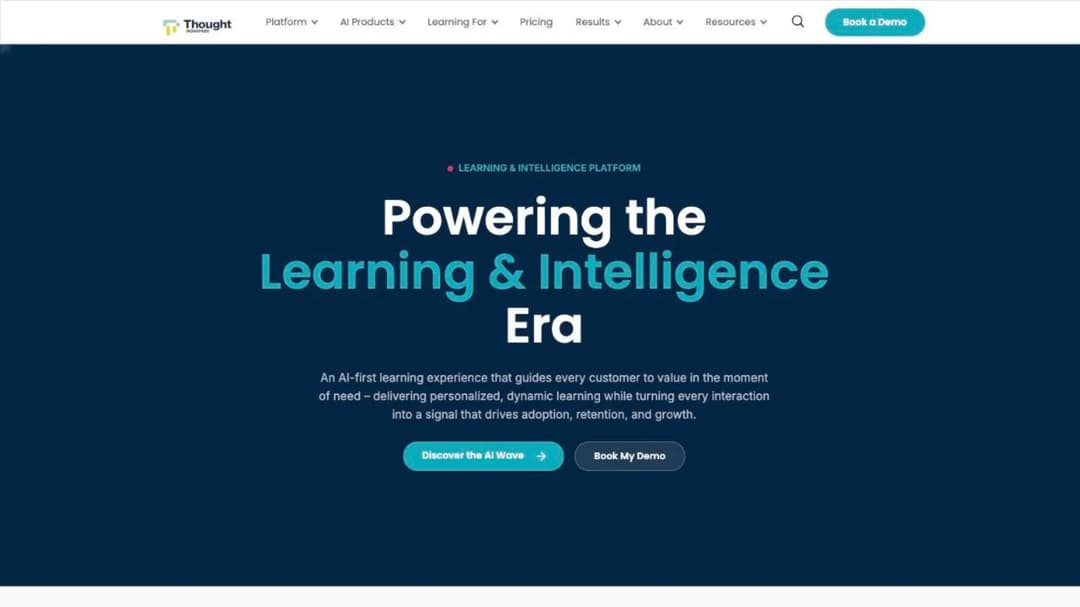
Best for: certification programs and partner or reseller portals where content has to travel into a customer’s own system.
Top Features
- SCORM Connect, which exports content to a third-party domain or LMS
- Certification pathways, assessments, and live plus on-demand delivery
- Commerce with 150 currencies, five tax providers and four payment gateways
- BI Connector syncing 90 tables into Power BI, Tableau, Looker or Domo on a 5 to 10 minute refresh
- A first-party Claude plugin for authoring and catalog management, with every change staged as a draft
Thought Industries is the closest positional match to Skilljar on this list: an external-audience platform built for customers, partners and members rather than employees. It names three tiers, Starter, Professional and Enterprise, and every one of them carries the same “Let’s talk” link to the same demo form. Starter includes assessments, certification pathways, custom learning portals, audience segmentation, Salesforce integration, single sign-on and unlimited administrator licenses. Professional adds multi-language and commerce. Enterprise adds advanced analytics, data integration, gamification and API workflows.
Its trust site publishes the full set: SOC 2 Type 2, ISO/IEC 27001 with its statement of applicability, GDPR, HIPAA, CCPA, the EU-US Data Privacy Framework, PCI DSS and TX-RAMP, with recovery time and recovery point objectives both stated at two hours, hosted on AWS. The only contract-duration signal anywhere on the site is a line about onboarding services being “a one-time cost for the first year of your contract.” If it is Thought Industries you are leaving rather than Skilljar, the Thought Industries alternatives comparison covers that direction.
Pros
- SCORM Connect is a stated export path, which matters if a customer wants your course inside their own system
- SOC 2 Type 2, ISO 27001, HIPAA, PCI DSS and TX-RAMP documentation, with recovery objectives stated at two hours
- Unlimited administrator licenses on the entry tier, which is rare and removes a hidden cost
- Commerce infrastructure deep enough to run a paid certification program in multiple markets
Cons
- Not a single figure at any tier, and no trial; the only path is a demo form
- Multi-language and commerce both sit above the entry tier
- No contract term, notice window or minimum is published anywhere
- No SCORM version is stated for import or for SCORM Connect export
- Accessibility documentation is listed as a category on its trust site but no conformance level is published
- Several of its headline results are not attached to a named customer, so ask which account each figure came from
10. Intellum
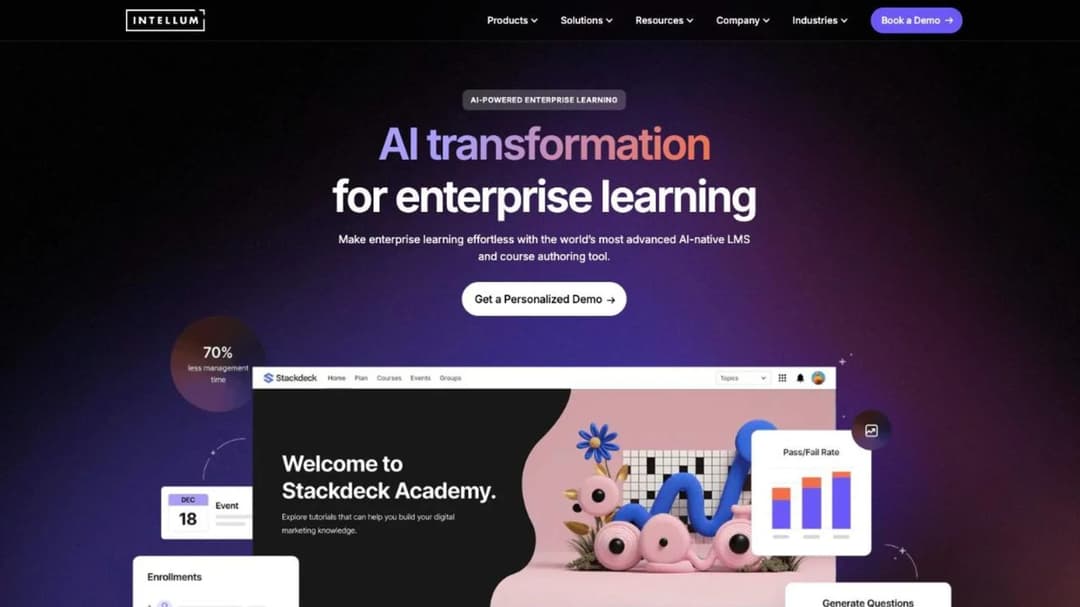
Best for: large customer and partner academies where the authoring tool has to publish a standards package out.
Top Features
- Evolve, a separately sold authoring tool that exports SCORM 1.2 and SCORM 2004
- Creator, Manager and Learner AI agents across authoring, administration and delivery
- Integrations with Salesforce, Marketo, Workday, Okta, Credly, Honorlock and BigQuery event streaming
- US or EU (Ireland) hosting
- Certification at scale, with proctoring through Honorlock
Intellum runs the largest named academies in this comparison: Google Retail Training, Facebook Blueprint, Pinterest Academy, Gusto Academy and Titleist University. Those are the reference points if you want to see what a mature academy looks like before you build one, and several of them appear in our write-up of customer education program examples.
Pricing splits in an unusual way. The core platform publishes nothing; every route is a demo booking or an RFP submission. The Evolve authoring tool publishes in full: $49 per user per month billed annually, or $588 a year, for Personal, and $65 per user per month, or $780 a year, for Team, with a 21-day free trial on Team and a custom Enterprise tier. So you can price the add-on precisely and cannot price the platform at all.
Its public terms cover the basics. Payment is Net 30 with a 1.5% monthly late fee; termination for cause requires an uncured breach after thirty days’ written notice; liability is capped at twelve months of fees; and a change-of-control clause lets an acquirer inherit the contract on five business days’ notice. Term length, renewal and any escalator are deferred entirely to a private Service Order.
Pros
- The clearest export story here: Evolve publishes SCORM 1.2 and 2004, and the platform imports SCORM and AICC with the services team handling migration
- SOC 2 Type II described as a clean, no-exceptions audit, plus a third-party HIPAA attestation and Data Privacy Framework certification
- EU hosting in Ireland as an option, which LearnUpon and Eurekos also offer and Skilljar does not
- The deepest set of named enterprise academies to benchmark against
Cons
- The core platform is quote-only, and its terms defer every commercial mechanic to a document you only see in the sales process
- The authoring tool is a separate per-user purchase on top of the platform
- No ISO 27001, and no business associate agreement published alongside the HIPAA attestation
- Two of its own pages give different exit windows: a 30-day export window after termination in the terms, and a 90-day purge after suspension in the security summary
- Its service level pays a 10% credit against future fees and never a refund, and a claim must be filed within 30 days
- Its flagship conversational analytics feature is labeled early access rather than generally available
Which Alternative for Which Situation
Six pairings come up again and again, and each has a clean rule.
Skilljar vs Northpass: is there still a choice?
No. Northpass now sits inside Gainsight as the same product, so this is one product decision, not a comparison. If you have an old Northpass quote or an old Northpass contract, treat it as a Skilljar contract: check the Initial Term in your Service Order, and diarize the thirty-day notice date.
Trainn vs Skilljar for customer onboarding and education
If most of what your customers need is short product video and step-by-step guides, and the academy is a place to organize them, choose Trainn: it publishes every price and bundles the knowledge hub and in-app tutorials into the same purchase. If you need more than 250 monthly active learners in the academy itself, or your content has to arrive as or leave as a standards package, stay with Skilljar or look at Thought Industries, because Trainn’s academy is capped at 250 monthly active users at $39,900 a year and its site does not mention SCORM at all.
Skilljar by Gainsight vs Thought Industries for certification programs and partner portals
If you are running certification with proctoring and selling it in multiple currencies, both work, and the decision falls on syndication. Thought Industries publishes SCORM Connect as a stated export path into a customer’s own system; Skilljar sells Content Syndication as a $10,000 add-on from the Professional tier. If your partners insist on hosting your course inside their LMS, price both against that one requirement. If your program is really about resellers rather than customers, start instead with partner training software and the partner enablement sequencing, which is a different buy from a customer academy.
Skilljar vs Intellum
If your academy is going to look like Facebook Blueprint or Pinterest Academy in three years, Intellum is the stronger platform and the harder purchase: no published price, no trial, and every commercial term inside a private Service Order. If you need to be live in a quarter and defensible in a security review, Skilljar’s published agreement is easier to plan against, because at least the renewal and remainder-of-term clauses are readable before you sign. The one place Intellum wins outright is content portability: Evolve publishes SCORM 1.2 and 2004, and Skilljar’s export is not stated at all. Our Intellum alternatives comparison goes further into that trade.
Skilljar vs LearnWorlds
If the academy sells courses, LearnWorlds is the cheaper and faster start: three published tiers, a 30-day trial, tax handling and a dozen payment methods. If the academy is free to your customers and its job is activation and deflection, LearnWorlds’s $5-per-enrollment fee on Starter works against you from the first cohort, so move up a tier or choose differently. And if you have an existing SCORM library to migrate, check the 20-package cap on Starter before you commit.
Who chooses Continu over Docebo and Skilljar
Teams whose active population is a small share of their account base. Continu’s tiers break at 1,000 and 5,000 monthly active users, and inactive users do not count, which is a better fit than a license count for an academy that spikes at onboarding and quiets down between releases. The trade is that external portals and commerce start at Professional and the API starts at Enterprise, so a small team that needs a branded customer portal is pushed above the entry tier immediately. If a general enterprise LMS is really what you are shopping for, our Docebo alternatives comparison covers that side.
Which pricing mechanic fits your academy
This is the rule the other six depend on, and it takes ten minutes to answer from your own numbers.
- Pull the number of distinct customer accounts that opened any lesson in each of the last twelve months.
- Divide the average monthly figure by the total number of accounts with academy access.
- If that share is under a third, pay per active user per month: Eurekos and Continu meter that way, and Skilljar’s annual active-user fee is a slower version of the same idea.
- If a stable cohort returns every release and the share is over half, a flat tier by user band is cheaper: TalentLMS and LearnWorlds price that way.
- If you cannot forecast at all, take the published ladder over the quote. A number you can model beats a discount you have to negotiate every renewal.
- Whichever you choose, ask what happens when you cross the band mid-term, in writing, before you sign.
A team that has never run an academy usually cannot answer step one. In that case, start smaller than the platforms suggest: build the first three courses, put them in front of customers, and use the actual login pattern to pick the mechanic. There is a walkthrough of that first build in launching a customer academy without a developer, and the broader program design in the customer education guide.
Leaving Skilljar: What the Contract and the Data Terms Say
If you decide to move, the sequence matters more than the destination, because two of these steps have deadlines attached and one of them is thirty days wide.
- Find the Initial Term in your Service Order. The public agreement does not state it; your signed order does. Everything else depends on that date.
- Diarize the notice date, and set the reminder ninety days out. Written notice must reach Skilljar at least thirty days before the end of the current term, or the term renews for another twelve months.
- Price the remainder before you consider leaving mid-term. Terminating early means paying all fees owed for the rest of the Initial Term, unless uptime has fallen below 99% for two consecutive months or three in a rolling twelve.
- Request your content inside the termination window. The agreement makes subscriber content available within thirty days of a request made in that window; the data processing agreement says return or deletion completes within sixty days. Ask which document governs your case, and get the answer in writing.
- Confirm the export format before you rely on it. Skilljar states SCORM, LCMS and AICC delivery, with no version and no confirmation that a package can be exported rather than only played. Ask for a sample export of one live course, not a description of one.
- Take the learner records and the certificates too. Completions, enrollment dates and issued certificates are the part nobody remembers until the new platform asks for them. Agree the file format for those separately from the course content.
Run steps 1 and 2 this week even if you are staying. The thirty-day window is the only leverage you have at renewal, and it expires quietly.
Then build one course before you shortlist anything. Take the three help-center articles your customers ask about most, turn them into short lessons, and put them inside the Intercom Messenger where the question actually gets asked – the login pattern that follows tells you which pricing mechanic you are buying.
Frequently Asked Questions
How much does Skilljar cost?
Skilljar does not publish a price for any of its three plans. The bill has two parts: an annual subscription to Essentials, Professional or Enterprise, plus an annual active-user fee based on the number of active users taking lessons in your academy over a year, tiered so the per-user cost falls as volume rises. Three add-ons do carry published figures: Content Syndication at $10,000, the Data Connector starting at $25,000, and Language Packs starting at $10,000 for five languages. Ask for the plan fee and the active-user rate at your expected band as two separate numbers.
Who owns Skilljar?
Gainsight. The product trades as Skilljar by Gainsight, and Gainsight’s own acquisition list dates the deal to 2025. Privacy and data requests route to Gainsight rather than to Skilljar. Northpass, which appears on older comparisons as a separate product, is now the same product inside Gainsight.
Is Skilljar safe and legit?
Yes, on the evidence it publishes. Skilljar completes a SOC 2 Type II audit annually with independent third-party evaluation, incorporates GDPR Standard Contractual Clauses and a UK addendum, holds the Cloud Security Alliance Trusted Cloud Provider trustmark and has completed a Salesforce security review. Two caveats for a security questionnaire: its security page attributes ISO 27001 to the AWS infrastructure it runs on rather than to a Skilljar-scoped certificate, and neither HIPAA nor a business associate agreement appears anywhere, including on its healthcare page. Data is processed in the United States only.
What are the top 5 LMS platforms for customer education?
For an external customer academy specifically, the five worth shortlisting are Thought Industries and Intellum at the enterprise end, LearnUpon once you are past 300 users, Eurekos if you want an active-user meter with published contract terms, and Trainn or TalentLMS if you need a published price today. Which one wins depends on whether you are buying a storefront, an authoring tool or a delivery layer. Our wider comparison of customer education platforms covers the category rather than the switch.
What is better than Skillshare?
Skillshare is a consumer marketplace where individuals subscribe to take creative classes, so nothing on this page competes with it. If you landed here looking for a platform to train your own customers on your own product, the ten above are the relevant set. If you want to sell courses to a general audience instead, that is a different category and a different decision entirely.
Does Skilljar offer a free trial?
No. Skilljar publishes no trial and no free plan, so every route in is a sales conversation. Among the alternatives here, TalentLMS has a free level for up to five users plus a 14-day premium trial, LearnWorlds offers 30 days, Trainn offers 14 days on every tier above Creator with no credit card, Intellum offers 21 days on its Team authoring tier, and Mini Course Generator opens every plan with 14 days of full access with no card. Tovuti, Continu, Eurekos, LearnUpon and Thought Industries publish none.
How do I prove the academy is worth the renewal?
Tie it to ticket volume and time to value rather than to completions, and measure both per course rather than in aggregate. Completions are a leading indicator, never the case on their own, and the retention argument has limits; know them before you make it in a board deck: see customer education statistics and the practical version in customer training for B2B SaaS.
Sources
- Skilljar customer LMS pricing page, Subscription Services Agreement, data processing agreement, security page, accessibility conformance report, integrations directory and customer case studies
- Gainsight company and security pages, and the Northpass product pages
- Trainn pricing page and its FAQ, Chargebee terms of service, Chargebee trust and compliance page, and Trainn’s own acquisition announcement
- LearnWorlds pricing page, terms of use, data security page and accessibility statement
- TalentLMS pricing page, integrations directory and support documentation on certifications and SCORM
- Tovuti LMS pricing page, compliance certifications page and integrations directory
- Eurekos pricing page, terms page, security page and course-authoring page
- LearnUpon pricing page, terms of service, security page and accessibility page
- Continu pricing page and its FAQ, security page and integrations page
- Thought Industries pricing page, platform pages and its published trust center
- Intellum Evolve pricing page, platform terms of service, service level agreement, security and architecture summary and sub-processors page
- Confirm product and pricing pages for Learn:Up, formerly WorkRamp
- Mini Course Generator pricing page and feature documentation


