The best LMS for financial services is the one that can hand an examiner a clean training record. That record shows who had to take what, on which version, and by which date. It also proves they did.
For a broker-dealer, that record has a legal shape. FINRA Rule 1240 tells a firm to “maintain records” of what its training covered and which registered persons completed it. Miss the December 31 Regulatory Element deadline, and a rep has to stop work as a registered person.
Banks and credit unions get less. Their anti-money laundering rules ask for “training for appropriate personnel.” The rest is up to your written program.
Every platform in this market says it keeps you compliant. Far fewer show how. This guide sets out what the rules say about training. Then it groups 13 platforms by the evidence each one publishes.
Key Takeaways
- The Regulatory Element is due every December 31: miss it and the registration is “deemed inactive”, and two inactive years in a row end it.
- The Firm Element needs a yearly written plan, plus content and completion records kept at least six years under FINRA Rule 4511 unless another period applies.
- The OCC, FDIC, NCUA and FinCEN rules say only “training for appropriate personnel”, so your program defines who that is.
- Only 360Learning prints a platform price; four platforms publish 21 CFR Part 11 support.
Turn your own BSA or conduct procedure into a course, then pick the system that holds its completion record.
What an LMS for Financial Services Is, and the Other LMS in Banking
An LMS for financial services is compliance training software built around a regulator’s calendar, not a course catalog. It assigns required training to the people a rule covers. It logs each completion against a date and a version. It renews the requirement and exports a file an outsider can read.
A general LMS proves a course was finished. This one has to prove the right person finished the right version on time, and show who hasn’t. That second half is where most platforms are weakest.
One naming trap first. In lending, LMS also stands for loan management system, the software that services loans. If a vendor call drifts toward loan servicing, you’re on the wrong shelf.
This guide describes software, not the law. It isn’t legal advice. It covers the FINRA rules and the federal bank and credit union AML rules. If you work at an insurer, ask counsel which rules set your training duty before you use the tests below.
Ask your compliance officer, BSA officer or counsel three things, and get the answers in writing before any vendor sees your requirements. Which rules cover you? Who counts as appropriate personnel? How long must records be kept?
Before the first demo, write one line per obligation: who it covers, when it’s due, and what you’d hand an examiner. Your training plan template is a good home for that list.
What FINRA Rule 1240 Requires, and on What Calendar
Rule 1240 splits continuing education into two duties. The Regulatory Element belongs to each registered person. The Firm Element belongs to the firm. They work very differently, so test a platform on both.
The Regulatory Element: a personal deadline you track
Anyone registered before 2023 must complete the Regulatory Element “annually by December 31.” Newer registrants join the same cycle. Their first deadline is December 31 of the year after they register. Content comes per registration category. Someone who holds two categories completes both.
Missing it isn’t a finding you fix later: the registration is “deemed inactive” until the person completes it.
The person “shall cease all activities as a registered person.” They may not take or seek business, or be paid for any purchase or sale of securities. Two years like that and FINRA ends the registration.
Here’s the detail that changes the software question. FINRA sets how the Regulatory Element is delivered. The rule says it runs “through Web-based delivery” in the “manner and format as specified by FINRA.” Your firm doesn’t set the format. Your platform owns the deadline and the proof.
So your LMS has to record a completion that happened somewhere else. Docebo publishes one way to do it. Its certifications can be earned through courses, learning plans “or external training activity.” Ask every vendor to log an outside completion against one person’s December 31 deadline. Have them attach a document to it.
Worked example. Take a firm with 40 reps, all registered before 2023. All 40 share one December 31 deadline, but the course lives with FINRA, not in your platform. If reminders only fire from courses assigned inside the platform, nobody gets one.
What works is a requirement for each rep, due December 31. Reminders start in October. Your chief compliance officer sees an overdue list in early December.
The Firm Element: a written plan and the records behind it
The Firm Element covers every registered person at the firm, including those “permissively registered.” Each firm must review and rank its training needs “at least annually.” It must also “develop a written training plan.”
The training must fit each person’s role and duties, and cover professional responsibility. Then comes the sentence your platform has to satisfy. The firm “must maintain records documenting the content of the programs and completion of the programs.”
That’s content and completion. A log that can’t say which version of which course a rep finished is half a record.
Training that can count twice
Rule 1240 lets a firm count two other obligations toward the Firm Element. A member “may consider” a person’s AML compliance training “under Rule 3310(e).” It may also count “annual compliance training under Rule 3110(a)(7).”
Rule 3110(a)(7) is the annual compliance meeting. Each registered rep and principal takes part in one “no less than annually.” It can be “an interview or meeting” on the compliance matters tied to their work.
So one AML course can meet two requirements, and a live meeting belongs in the record. In the demo, complete one AML course. Ask the vendor to show it counting against both. Then ask how attendance at a live meeting gets into the same file.
How long the records have to last
Rule 1240 names no retention period for Firm Element records. FINRA Rule 4511(b) fills the gap. Where no other period is set, members “shall preserve” books and records “for a period of at least six years.” Rule 4511(c) adds a format test. Records must be kept “in a format and media that complies with SEA Rule 17a-4.”
Take two questions to your compliance lead. Does the six-year default apply to your training records? And does an LMS export count as the kept record, or must it go into your books-and-records archive?
Then check the leaver problem. Many platforms bill per named user. The easy way to free a seat is to delete someone who’s left. Absorb’s terms pass a seat on only once the former user has “been deleted from the User Database.” Ask whether turning a user off frees the seat and keeps the history.
| Obligation | Rule | Who it covers | When | The platform’s job |
|---|---|---|---|---|
| Regulatory Element | 1240(a) | Each registered person | Every December 31 | Track the deadline, log an outside completion, flag who’s overdue |
| Firm Element | 1240(b) | Every registered person at the firm | Written plan at least yearly | Assign by role, version courses, export content with completion |
| AML training | 3310(e) | “Appropriate personnel” | “Ongoing” | Assign by role, renew, count toward Firm Element |
| Annual compliance meeting | 3110(a)(7) | Registered representatives and principals | At least annually | Record attendance at a live session |
| Retention | 4511(b) and (c) | The firm | At least six years where no period is set | Keep leavers’ history and export it on request |
Put that table in front of every vendor. Some can’t do the last column for your reps. They can still train the rest of your staff. They just can’t hold the record FINRA asks for.
What the Bank and Credit Union AML Rules Say About Training
Banks and credit unions have a shorter text. The OCC, FDIC and NCUA rules each list four program elements. FinCEN’s rule adds customer due diligence as a fifth. Training gets one line in all of them.
| Institution | Rule | The training requirement, verbatim |
|---|---|---|
| National banks and federal savings associations (OCC) | 12 CFR 21.21(d)(4) | “Provide training for appropriate personnel” |
| FDIC-supervised institutions | 12 CFR 326.8(c)(4) | “Provide training for appropriate personnel” |
| Federally insured credit unions (NCUA) | 12 CFR 748.2(c)(4) | “Provide training for appropriate personnel” |
| Banks, under FinCEN’s program rule | 31 CFR 1020.210 | “Training for appropriate personnel” |
| FINRA member firms | FINRA Rule 3310(e) | “Provide ongoing training for appropriate personnel” |
That’s the whole requirement in the rule text. It doesn’t say who is appropriate, how often, or what the record contains. Those answers come from your written BSA program and the risk assessment behind it. Examiners work from the FFIEC BSA/AML Examination Manual, and your BSA officer should own how your program meets it.
Two things follow for the purchase. First, a vendor’s “BSA-compliant course” can’t be checked against the rule, because the rule doesn’t describe a course. Second, the same rules require independent testing of the program. FINRA Rule 3310(c) makes that test “annual (on a calendar-year basis).” So your training records sit inside something that gets tested.
The rule: define “appropriate personnel” as roles, not names. Then the platform can assign training by job title from your HR system. That makes connecting the LMS to your HRIS part of the purchase. A list of names means someone edits it by hand each time a teller becomes a loan officer.
Before You Buy a Ready-Made Compliance Course
Libraries are easy to demo and hard to evaluate. Docebo’s financial services page features a course called “Bank Secrecy Act: Information Sharing.” Litmos names “FINRA, SEC, FDIC, AML, KYC” among its training topics. Cornerstone names anti-money laundering and know-your-customer. Its Silver content subscription, 6,800-plus courses, covers corporate compliance management.
A library course is written for every firm. Your BSA program is written for yours, with your escalation contacts, your red flags and the fix from your last exam.
Ask four questions about any course you’d license:
- Can we edit it to add our own procedures, or only assign it as published?
- Does an edit create a new version that re-assigns people who took the old one?
- Who updates the course when a rule changes, and how are we told?
- When was it last revised?
License courses for topics that read the same everywhere, like general AML awareness and privacy basics. Write the rest yourself. If a licensed course can’t be versioned, keep your own procedure module beside it. Then the examiner sees the general topic and how your firm applies it.
What Proves the Record: A Mechanism, Not the Word “Compliant”
Docebo’s page promises you’ll “stay compliant with FINRA, CPE, and more.” It credits “automated audit trails, tracking, and recertification reminders.” Every platform here says something like it. None of them makes you compliant. They track and report, and your program does the rest.
What separates them is whether they publish how the record is built. Four mechanisms matter.
Versioning: which course they actually took
Intellum’s claim is the most direct. It “version-controls training and tracks completion and certification.” That way, it says, “firms can prove compliance and spot gaps before they become findings.” D2L says Brightspace “supports automated version control and export-ready logs.” SkyPrep lists versioning on its 21 CFR Part 11 page. 360Learning lists course versioning.
Ask each one: if I publish a new version of the AML course today, what happens to people who took the old one?
Audit trails and e-signatures
21 CFR Part 11 is the FDA’s rule for electronic records and signatures. Banks and broker-dealers aren’t regulated under it. But its controls are the ones a disputed training record needs. Those are a change history, a signature tied to one person, and unique logins.
Four platforms here publish 21 CFR Part 11 support: Absorb, Cornerstone, Docebo (which adds EU Annex 11) and SkyPrep. SkyPrep’s page is the most specific. It names audit-trail reports, versioning, configurable e-signatures, lockout controls and unique user IDs.
360Learning publishes a narrower version: self check-in “with audit-proof e-signature” for live sessions, which covers the annual compliance meeting. Litmos lists DocuSign among its integrations. Ask what it signs and where the signature lands.
Records on demand
Litmos promises “time-stamped training records for every learner,” on demand and “in any format.” OnCourse Learning offers “15 reporting templates to choose from.” CYPHER Learning lists 50 pre-built reports and credit-hour tracking. SkyPrep schedules reports as CSV, XLSX or PDF files.
The test is simple. Open the exported file on a machine that has never touched the platform. It should show name, requirement, course version, due date, completion date and status. LMS reporting covers what else belongs in it.
Renewal that runs without an admin
Docebo lets admins “set expiration dates for certifications to manage renewals.” CYPHER Learning publishes “compliance validity windows and countdown reminders.” Cornerstone auto-assigns “required training based on role, location, and policy.”
Litmos describes “automated assignments, renewal tracking, and audit-ready reporting.” D2L promises “a single view of completion status and recertification needs.”
The rule: ask for all four in one demo. Publish a new course version, expire one certificate, log one outside completion and export the result. Any step that needs a workaround counts as missing. The compliance LMS comparison runs the same test for employers outside finance.
What IT and Vendor Risk Will Ask the Platform For
SOC 2, ISO 27001 and FedRAMP describe how a vendor protects its own systems. They don’t tell you whether your training meets FINRA’s rules or your BSA program. Vendor risk will still ask for them. Collect the documents early.
| Platform | What the vendor publishes about itself | Not in its published statements |
|---|---|---|
| Cornerstone | SOC 2 Type 2; ISO 27001, 27017, 27018, 27701, 42001; FedRAMP authorized; DoD IL4; 21 CFR Part 11; DORA; a VPAT | Hosting region, uptime figure |
| Docebo | SOC 2 Type II; ISO 27001, 27017, 27018, 27701, 9001; 21 CFR Part 11 and EU Annex 11 support; PCI DSS Level 2 | HIPAA; WCAG level or VPAT |
| D2L Brightspace | ISO/IEC 27001:2022, 27017, 27018, 27701; SOC 1 Type II and SOC 2 Type II; TX-RAMP; CSA STAR | FedRAMP and HIPAA, on its compliance page |
| Litmos | SOC 2 Type II with audit period and auditor named; ISO 27001:2022 | HIPAA, FedRAMP, PCI |
| SkyPrep | SOC 2 Type II; a 21 CFR Part 11 page; PCI-compliant storage; TX-RAMP; a VPAT | HIPAA |
| Absorb | SOC 2 Type 2; WCAG 2.1; GDPR; 21 CFR Part 11; PCI | ISO 27001, HIPAA, FedRAMP |
| CYPHER Learning | SOC 2 Type 2; FIPS 140-2; PCI; TX-RAMP; WCAG 2.1 AA | ISO 27001 |
| 360Learning | SOC 2 Type II; ISO 27001; GDPR | HIPAA, FedRAMP |
| Intellum | SOC 2 Type II “with a clean, no-exceptions audit”; a HIPAA attestation examination; a WCAG 2.1 evaluation | ISO 27001, VPAT |
| LearnUpon | ISO 27001:2022; ISO 27701:2019; “SOC 2 compliant” with no type; WCAG 2.2 AA with a VPAT | HIPAA; the SOC 2 report type |
| Continu | SOC 2 Type II, audited annually; ISO 27001 described as “aligned” | An ISO 27001 certificate |
OnCourse Learning and Totara don’t name a security certification on their platform pages. Ask each for its documents when you request the demo.
Three details matter more in finance than elsewhere. Cornerstone is the only platform here that lists DORA, the EU’s Digital Operational Resilience Act. D2L is the only one listing a SOC 1 Type II report beside SOC 2, so ask internal audit whether they want both. And “SOC 2 compliant” with no type, as LearnUpon prints it, is a question to put in writing.
If you need federal or state authorization
Most banks and credit unions won’t. But if your vendor-risk policy asks for one, the list narrows to a single name: Cornerstone is the one platform here that states FedRAMP and DoD IL4 authorization in its own name.
At state level, D2L, CYPHER Learning and SkyPrep list TX-RAMP, the Texas program. CYPHER Learning also lists FIPS 140-2, the federal standard for cryptographic modules. The government LMS comparison goes deeper. For the review itself, use the LMS security checklist and the guide to LMS SSO.
Where Your Training Records Live
Where the data sits matters for regional privacy rules and for the retention question above. Five platforms publish something specific.
- Litmos lets customers “host data in several regions including the EU, Australia, or United States.”
- LearnUpon offers data residency in the EU, the US or Australia.
- SkyPrep hosts in “AWS-powered Canadian and U.S. facilities.”
- 360Learning runs on Microsoft Azure, with data housed “in locations non subject to the Patriot Act.”
- Totara takes a different route: open code. Its own article says “you will always own your data and your LMS code.”
CYPHER Learning names its clouds, Amazon or Microsoft Azure, but no region. The other seven platforms here don’t publish a hosting region. Ask each where your records would sit.
Totara changes who controls the record. Say a hosting partner lets you down. Its article says you “can easily bring your learning platform in-house or move to another service provider.” You’d choose and manage that partner yourself. Hosted versus self-hosted LMS sets out the decision.
Before signing, get two answers in writing. Where will the records be stored? And how do you export the full completion history, leavers included, on the contract’s last day? If you ever move, LMS migration covers what gets lost.
What It Costs, and What to Ask Instead of a Price
One platform here prints a platform price. 360Learning’s Team tier is $8 per user per month for up to 100 users, as of September 2026. It’s billed monthly with no minimum.
For 100 users, that’s $8 × 100 × 12 = $9,600 a year. Business and Enterprise are custom.
The other twelve publish no price for the tier a bank or broker-dealer would buy. What they publish instead is the shape of the deal.
| What’s published | Platform and wording |
|---|---|
| A seat floor | LearnUpon: from 100 users for employees, 150 for associations, 300 for customer education. SkyPrep: 100 active users on Lite and Premium, 1,000-plus on its Enterprise Learning Suite. Docebo recommends itself for 250-plus learners, as guidance rather than a floor |
| A meter | SkyPrep: an active user “actually logs into your platform,” and the quota resets each billing cycle. Continu: bands of under 1,000, 1,000 to 5,000 and 5,000-plus monthly active users |
| An implementation fee | Continu: “10% of the first-year contract value” |
| Renewal and notice | SkyPrep: renews unless notice comes “no less than sixty (60) days prior,” with fees up “by up to 15%.” LearnUpon: 12 months, 30 days’ notice. Litmos: one year, 90 days’ notice. Docebo: 12 months, 60 days’ notice |
| Seats that can’t go down | Docebo: “no ‘downgrading’ of the User thresholds will be permitted during the Term.” Absorb: seats “cannot be decreased during the relevant subscription term” |
The meter bites in finance. Send the annual AML refresher to everyone in one month, and everyone logs in that month. An active-user plan counts all of them. Size the plan on that month, or stagger due dates by hire month.
Worked example. A renewal escalator compounds. Say a SkyPrep contract costs $30,000 in year one and renews each year at the full 15% the terms allow.
Year two costs $34,500 and year three $39,675. That’s $104,175 over three years against $90,000 flat, or up to $14,175 more.
The rule: before any demo, send one email. Ask for the seat floor, the active-user definition, the notice window, the renewal cap, and whether seats can go down. For figures across 20 vendors, see what an LMS costs.
13 LMS Platforms for Financial Services, Grouped by the Evidence They Publish
The best LMS for financial services depends on what your examiner’s file is missing.
For a platform built only for banks and credit unions, OnCourse Learning. For published audit trails and e-signatures at mid-market scale, SkyPrep. For FedRAMP or DORA on file, Cornerstone. For control of the code and the host, Totara.
Every certification, price and contract term below comes from the vendor’s own pages and published agreements. Where a vendor publishes nothing, the entry says so.
The thirteen fall into five groups. One is built for banks and credit unions, four publish an evidence mechanism, five are certified suites, one is open code, and two serve several audiences.
| Platform | Built for | Evidence mechanism, as published | Where records live | Price |
|---|---|---|---|---|
| OnCourse Learning | Banks and credit unions | 15 reporting templates; assignment by job role | Not published | Not published |
| SkyPrep | 100+ active users | Audit trails, versioning, e-signatures | Canada and US | Quote; floors of 100 and 1,000 |
| Cornerstone | Enterprises buying a talent suite | Auto-assign by role, location, policy | Not published | Quote only |
| Docebo | 250+ learners | Certification expiry; outside training counts | Not published | Quote only |
| Absorb | Mid-market regulated employers | 21 CFR Part 11; observation checklists | Not published | Quote only |
| Litmos | Firms wanting a ready-made library | Time-stamped records on demand | EU, Australia or US | Contact for pricing |
| Intellum | Staff plus outside audiences | Version control with completion | Not published | Quote only |
| 360Learning | Experts writing the training | Versioning; e-signature at check-in | Azure | $8/user/month up to 100 users |
| D2L Brightspace | Paths by department or region | Version control, export-ready logs | Not published | Not published |
| CYPHER Learning | Mid-market, several audiences | Validity windows, 50 pre-built reports | Amazon or Azure | Quote only |
| Totara | Code and hosting control | Recurring assessments | Open code, your host | Not published |
| LearnUpon | Employees plus customers | A portal per audience | EU, US or Australia | Quote; floors of 100 to 300 |
| Continu | Several audiences, strict IT | SSO on entry tier; SCIM | Not published | Quote; user bands |
Built for Banks and Credit Unions
One platform sold only to this industry. Its focus is the case for it. Its thin published detail is the risk.
1. OnCourse Learning
Best for: community banks and credit unions that want a vendor that sells only to them.
Top Features
- A platform built for “banks and credit unions”
- “15 reporting templates to choose from”
- Assignment “by job roles, assignment, location, and learning style”
- HRIS integration with “Real-time data syncing”
- GoToWebinar and Zoom for live sessions
OnCourse Learning sells “Learning Management System Solutions For Financial Services” to banks and credit unions. It’s the only platform here built for that one customer. It isn’t a general LMS with a finance page attached. It promises “tools that help you manage oversight, automate tracking, and prove compliance.”
The published detail is thin for so focused a vendor. Its platform page doesn’t name a regulation or a security certification. Assignment by job role is the right start for “appropriate personnel.” The reporting templates show someone thought about the examiner’s file. You’ll still need to see both run.
It also lists an NMLS provider number (#1400013), which matters only if you train mortgage loan originators.
Pricing: not published, and no trial is listed.
Pros
- Built for banks and credit unions from the start
- Assignment by job role and location
- Reporting templates for the compliance file
Cons
- No regulation named on its platform page
- No security certification published there
- No price or trial
Platforms That Publish a Named Evidence Mechanism
Four platforms that describe how the record is built, in terms a vendor-risk reviewer can check. All four publish 21 CFR Part 11 support.
2. SkyPrep
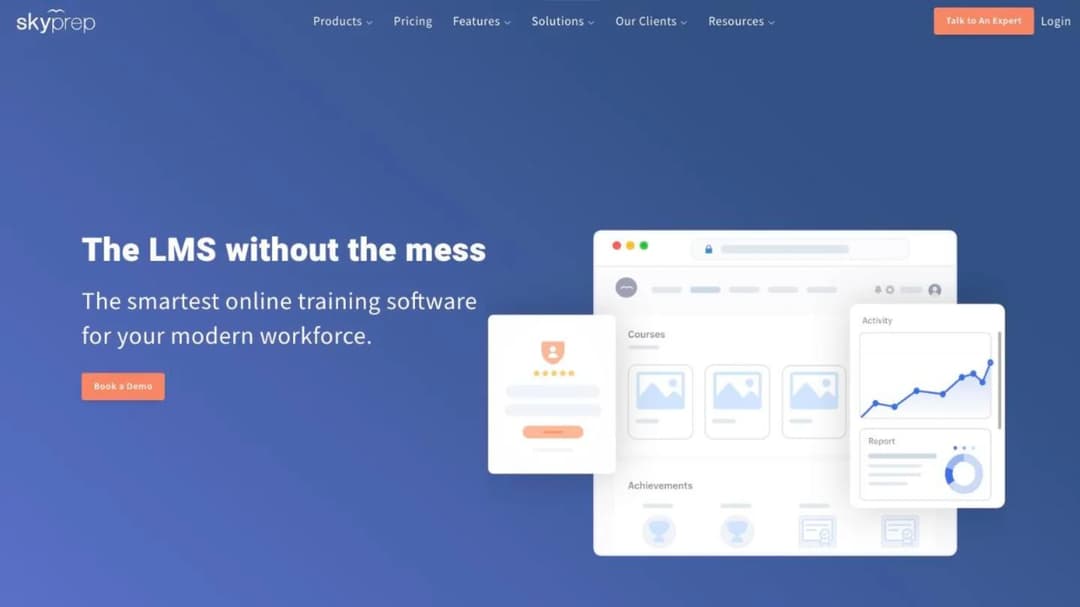
Best for: firms of 100-plus active users that want audit trails, versioning and e-signatures described in one place.
Top Features
- Audit-trail reports, versioning and configurable e-signatures
- Login and inactivity lockout controls and unique user IDs
- Course auto-enrollment and automated alerts
- Scheduled reports as CSV, XLSX or PDF
- Connectors for ADP, Workday, SAP SuccessFactors, BambooHR and UKG
SkyPrep gives the most specific published account of how a training record is protected. Its 21 CFR Part 11 page lists what a disputed record needs: audit-trail reports, versioning, e-signatures, lockout controls and unique user IDs. Scheduled exports cover the examiner’s file.
It also answers the residency question, hosting in “AWS-powered Canadian and U.S. facilities.” It publishes SOC 2 Type II, PCI-compliant storage, TX-RAMP and a VPAT.
The contract is the other half. Terms renew unless you give notice “no less than sixty (60) days prior” to the end of the term. Fees can rise “by up to 15%” at renewal, with no refund if you leave early. Billing counts active users, with an overage fee above your limit.
Pricing: not published. Floors are 100 active users on Lite and Premium and 1,000-plus on the Enterprise Learning Suite. A 14-day free trial is offered.
Pros
- Audit trails, versioning and e-signatures described together
- A stated hosting location
- A free trial before any sales call
Cons
- No price at any tier
- Up to 15% more at renewal
- An active-user meter in refresher month
3. Cornerstone
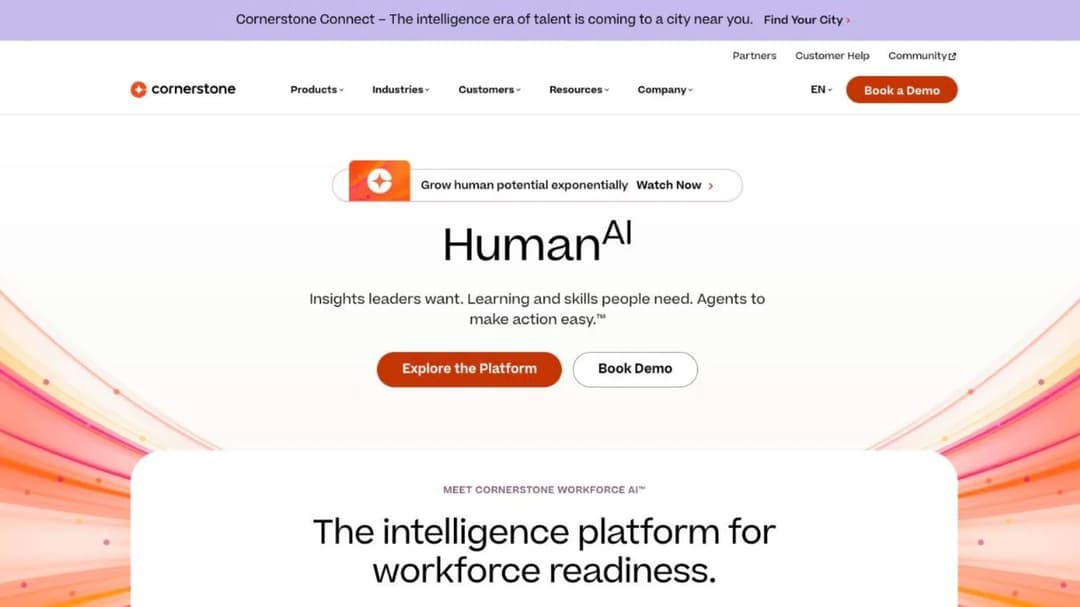
Best for: large banks, insurers and card networks buying a talent suite, above all if FedRAMP or DORA must be in the vendor file.
Top Features
- Auto-assign “required training based on role, location, and policy”
- Connects systems to “show auditors real-time proof of compliance”
- 21 CFR Part 11, FedRAMP authorization and DoD IL4
- DORA on its compliance list
- Content subscriptions from 6,800 to 28,500-plus courses
Cornerstone builds compliance around assignment, which is where “appropriate personnel” lives. Requirements attach to role, location and policy. A new hire at a branch gets that branch’s training without anyone assigning it. It says connecting your systems lets you “show auditors real-time proof of compliance.”
Its financial services page names American Express, E*TRADE, Nationwide, H&R Block, PayPal, Visa, Aflac and Columbia Bank as customers. Its security list is the widest in this guide.
The trade-off is scope. Learning is one module in a suite with performance, recruiting and succession. Its FAQ answers the price question with “Each organization will have a different cost depending on needs and size.”
Pricing: quote only. Content subscriptions are Silver (6,800-plus courses), Gold (27,500-plus) and Platinum (28,500-plus), none priced.
Pros
- Assignment by role, location and policy
- FedRAMP authorization, DoD IL4 and DORA published
- Customers across banking, cards and insurance
Cons
- No price for platform or content
- A talent suite may exceed a training team’s brief
- No hosting region published
4. Docebo
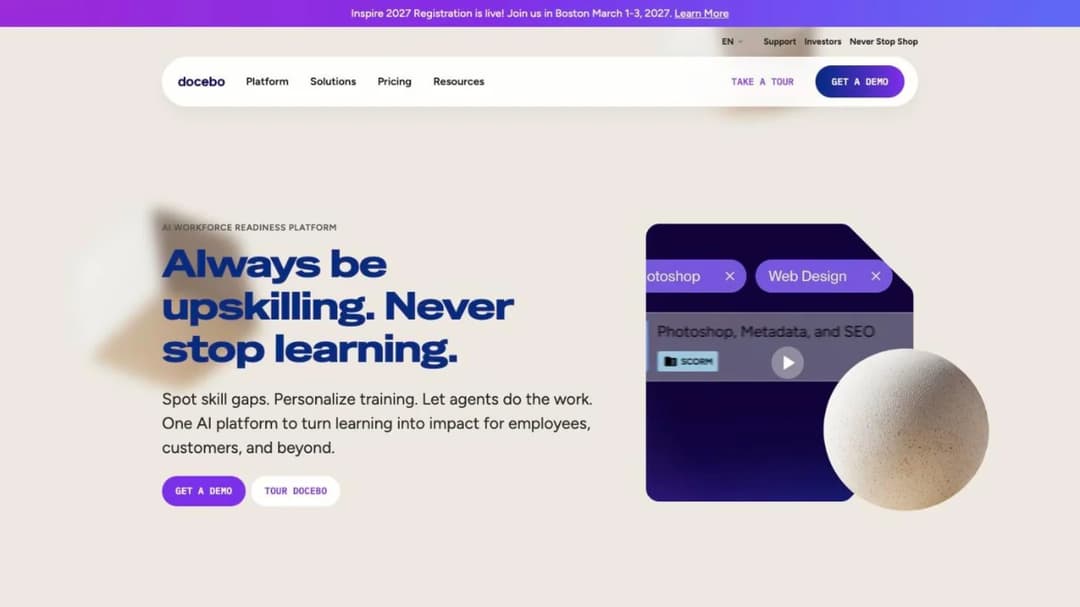
Best for: firms of 250-plus learners that need certification expiry and outside completions in the same record.
Top Features
- Admin-set certification expiry and renewal workflows
- Certifications earned through courses “or external training activity”
- “Bank Secrecy Act: Information Sharing” among its featured courses
- 21 CFR Part 11 and EU Annex 11 support
- SOC 2 Type II and five ISO certificates
Docebo’s financial services page names FINRA directly. Its certification app handles the part of Rule 1240 that happens outside the platform. A certification can be earned through “external training activity.” So an outside Regulatory Element completion can sit beside the Firm Element. Admins set expiry dates, and renewals run from there.
Treat the library with the four questions above. A course called “Bank Secrecy Act: Information Sharing” suits general awareness, not your own procedure.
The boundary is commercial. Docebo recommends itself for at least 250 learners. It publishes no price. Its agreement says “no ‘downgrading’ of the User thresholds will be permitted during the Term.” The Docebo alternatives go through that contract clause by clause.
Pricing: quote only, billed on monthly, yearly or registered active users, with 12-month terms on 60 days’ notice.
Pros
- Outside training can count toward a certification
- Expiry and renewal in one app
- 21 CFR Part 11 and EU Annex 11 support
Cons
- Recommended for 250-plus learners
- User thresholds can’t go down mid-term
- No WCAG level or VPAT
5. Absorb
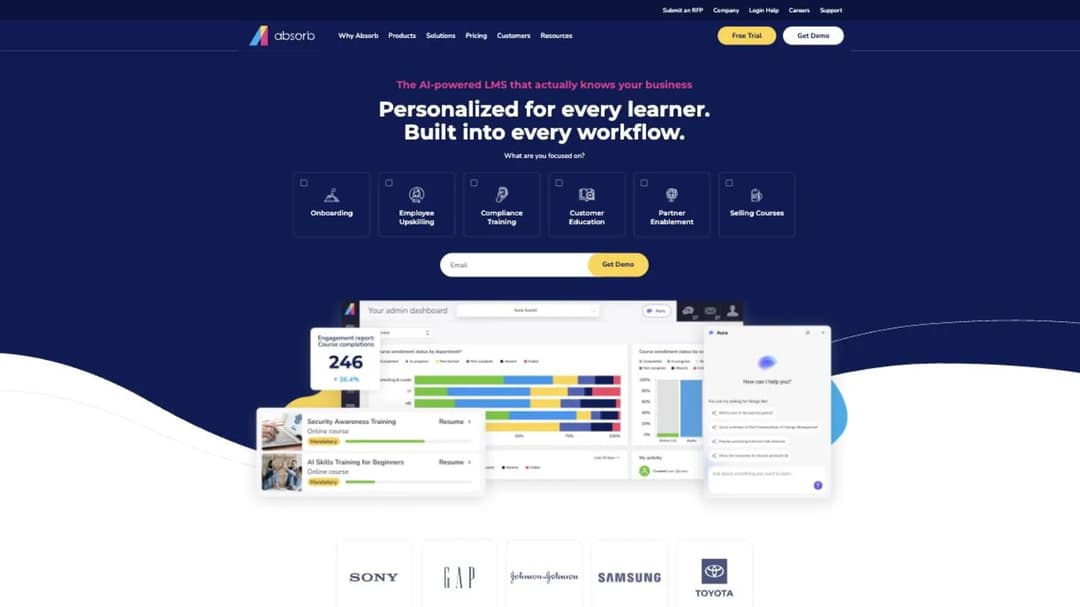
Best for: mid-market firms that need e-signatures and supervisor-watched checks in a mainstream corporate LMS.
Top Features
- 21 CFR Part 11 support, with SOC 2 Type 2 and PCI
- An observation checklist for tasks a supervisor must watch
- Absorb Create, publishing to SCORM, xAPI and HTML5
- Connectors to Workday, UKG, ADP and SuccessFactors
- 24/7 support at no extra cost
The product is Absorb LMS, its website now sits at absorbai.com, and you contract with Absorb Software Inc. It earns a place here on two things. One is 21 CFR Part 11 support for electronic signatures. The other is an observation checklist, which records a supervisor watching a task, such as a cash-handling check.
Read its terms before signing. Seats “cannot be decreased during the relevant subscription term.” Buy for the headcount you have. A seat passes on only once the former user is deleted, which is the leaver problem above. Historical data import is capped at 10 hours, and most services beyond that cost $200 an hour.
It doesn’t publish an ISO 27001, HIPAA or FedRAMP statement. The Absorb alternatives cover the full terms.
Pricing: not published. The pricing form asks for a learner band, from 1-50 up to 25,000-plus.
Pros
- 21 CFR Part 11 plus observed skill checks
- SCORM out as well as in
- 24/7 support included
Cons
- Seats can’t be reduced mid-term
- Reusing a seat means deleting a user
- No ISO 27001 statement
Certified Suites With Records Claims
Five platforms with security certifications and a clear claim about the record. None publishes 21 CFR Part 11 support like the four above.
6. Litmos
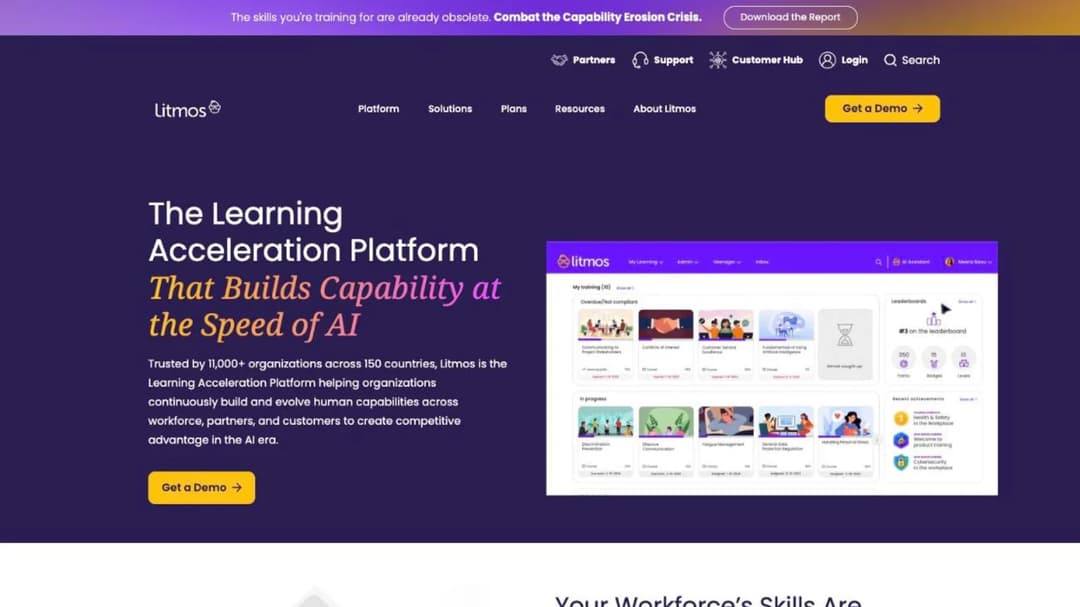
Best for: mid-market banks and broker-dealers that want a ready-made library, time-stamped records and a choice of hosting region.
Top Features
- Training topics named for “FINRA, SEC, FDIC, AML, KYC”
- “Time-stamped training records for every learner”
- “Automated assignments, renewal tracking, and audit-ready reporting”
- Hosting in the EU, Australia or the United States
- Integrations including Workday, ADP, BambooHR, Okta and DocuSign
Litmos speaks the industry’s language and backs it with records claims. It says more than 250 financial services organizations use it. Its page names none of them.
Its security documents are the most detailed here. The SOC 2 Type II report covers a “full 12-month audit period 4/1/2024-3/31/2025.” Aprio audited it, with “no exceptions noted across in-scope controls.” Its ISO 27001:2022 certification was issued in January 2025.
Two contract facts matter. Subscriptions auto-renew for a year on 90 days’ notice. And excess seats cost 1.5 times the per-user fee if the order form sets no other rate.
One product fact matters too. Litmos renews training by expiring a course and sending it again. That suits an annual AML refresher, but an outside credential gets no record of its own.
Francisco Partners has owned Litmos since December 2022. An older quote that names SAP Litmos is for the same product.
Pricing: three tiers, Foundation, Platinum and Platinum AI, each listed as “Contact for Pricing.”
Pros
- Finance regulators named in its training topics
- SOC 2 Type II with audit window and auditor
- Three hosting regions
Cons
- Course recurrence rather than a credential record
- Excess seats at 1.5 times the fee
- No price at any tier
7. Intellum
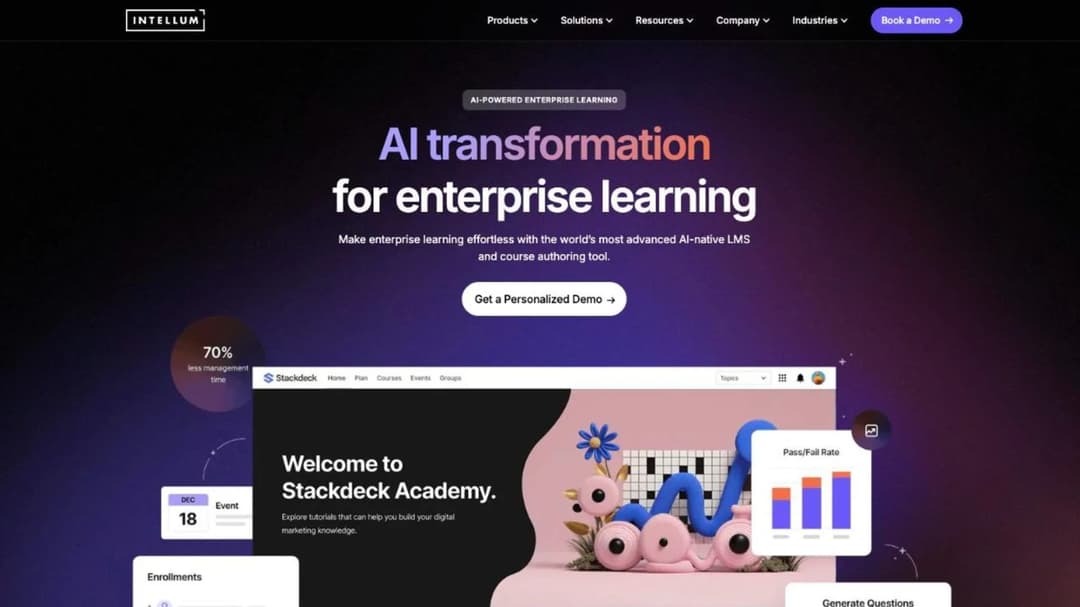
Best for: firms that train staff and also run programs for advisors, clients or accountants, and want version history in the record.
Top Features
- Version control on training, with completion and certification tracking
- “Track completions, certifications, and version history”
- SOC 2 Type II “with a clean, no-exceptions audit”
- A completed third-party HIPAA attestation examination
- Evolve, a separately priced authoring tool
Intellum makes the clearest versioning claim in this guide. It sells the content-and-completion record Rule 1240 asks for as a feature.
The customers on its finance page teach outside audiences. It names FreshBooks and Gusto. It says NASBA approved FreshBooks’ certification two weeks after FreshBooks moved over. That’s the fit if your firm runs outside education beside internal compliance, which the customer education platforms comparison covers.
Its finance page doesn’t name a regulation. Price, term and renewal sit in a private service order, and the Intellum alternatives set those terms beside eleven other platforms.
Pricing: the core platform is quote only. Evolve authoring is $49 per user per month on Personal and $65 on Team. Both are billed annually, as of September 2026.
Pros
- Version control stated with completion and certification
- A SOC 2 Type II result with no exceptions
- Internal and external programs together
Cons
- No platform price or published term
- No ISO 27001 or VPAT
- No regulation named on its finance page
8. 360Learning
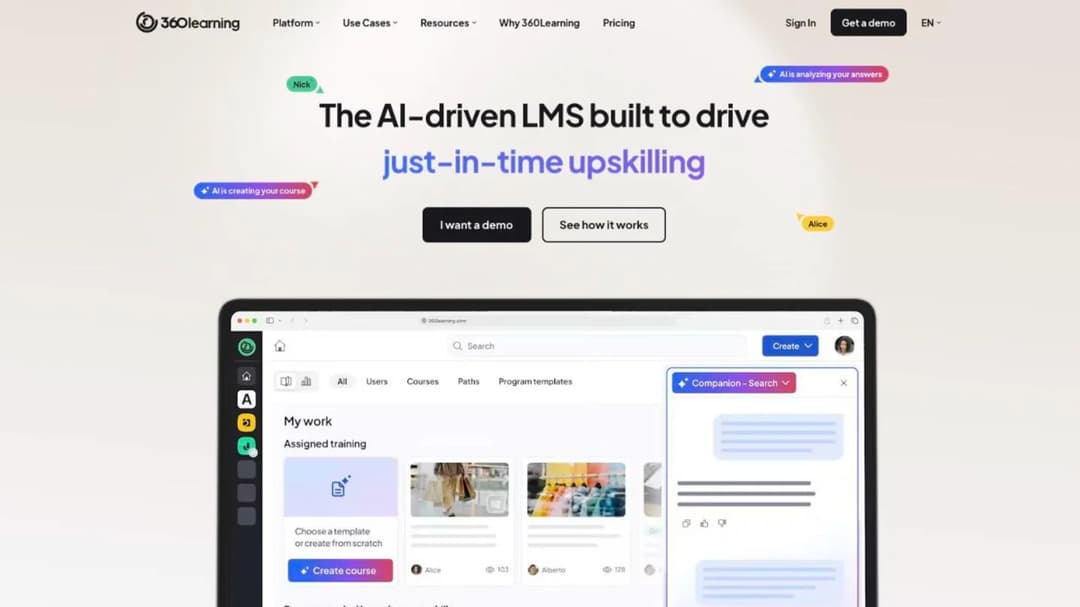
Best for: teams whose procedure owners write the compliance training and who need signed records of live meetings.
Top Features
- Self check-in “with audit-proof e-signature” for live sessions
- Course versioning, plus SCORM, xAPI, cmi5 and AICC
- Collaborative authoring: experts write, L&D reviews
- Azure hosting “in locations non subject to the Patriot Act”
- SOC 2 Type II and ISO 27001
360Learning answers the content question differently. The person who owns the procedure writes the course. A BSA officer or branch operations lead drafts it, and L&D reviews it. For training that names your own escalation steps, that’s often the right author.
On evidence, the check-in e-signature covers the annual compliance meeting. Versioning covers content. Renewal is the gap. It publishes no certificate-expiry or re-enrollment feature, so ask to see renewal run before it makes your shortlist.
It’s also the only platform here with a published price. The 360Learning alternatives split along the line between writing training and buying it.
Pricing: Team is $8 per user per month for up to 100 users, as of September 2026. It’s billed monthly with no minimum. Business and Enterprise are custom, and a 30-day trial is offered.
Pros
- A published price with no minimum
- E-signature at live-session check-in
- Procedure owners can write the course
Cons
- No published certificate-expiry feature
- No owned course library
- Team stops at 100 users
9. D2L Brightspace
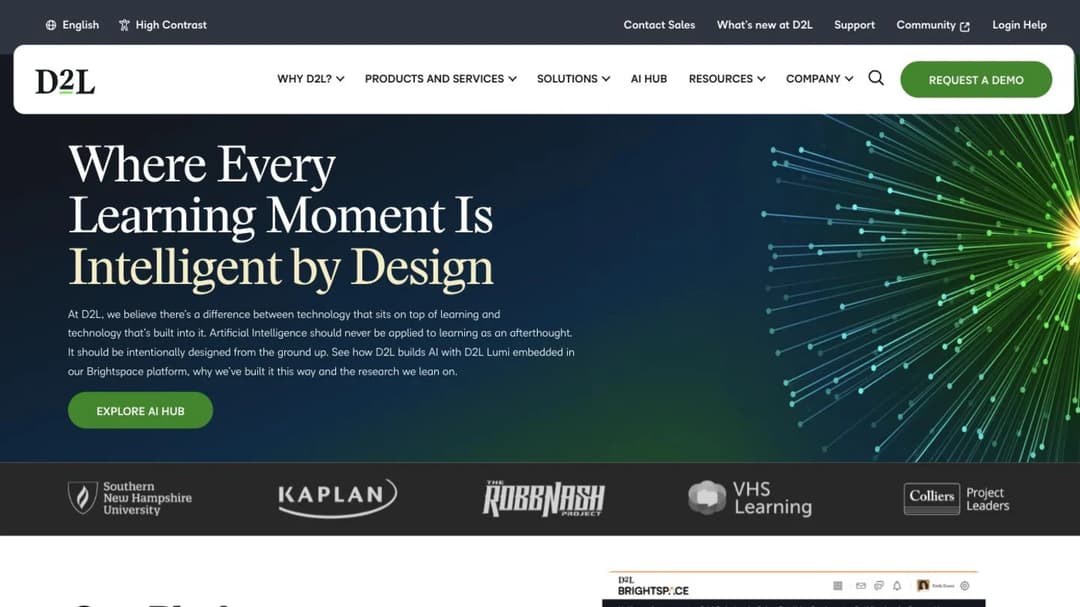
Best for: banks that want paths by department or region, export-ready logs, and SOC 1 plus SOC 2 for internal audit.
Top Features
- “Automated version control and export-ready logs”
- Learning paths “by department or region”
- One view of “completion status and recertification needs”
- ISO/IEC 27001:2022, 27017, 27018 and 27701
- SOC 1 Type II, SOC 2 Type II, TX-RAMP and CSA STAR
D2L pitches Brightspace to banks in its own banking article. Two of its claims matter for the examiner’s file. Brightspace “supports automated version control and export-ready logs.” That way, it says, “you can show a clean training history without pulling data manually.” And it gives compliance and HR teams “a single view of completion status and recertification needs.”
Its compliance page is unusually complete on audit reports. It lists SOC 1 Type II beside SOC 2 Type II, plus four ISO certificates. Ask for references at a bank or firm your size.
D2L also offers “dedicated implementation teams” for “complex financial use cases.” Put that in the statement of work.
Pricing: not published.
Pros
- Version control and export-ready logs stated together
- SOC 1 Type II and SOC 2 Type II both published
- Paths by department or region
Cons
- No price published
- No FedRAMP or HIPAA on its compliance page
- References at a bank worth asking for
10. CYPHER Learning
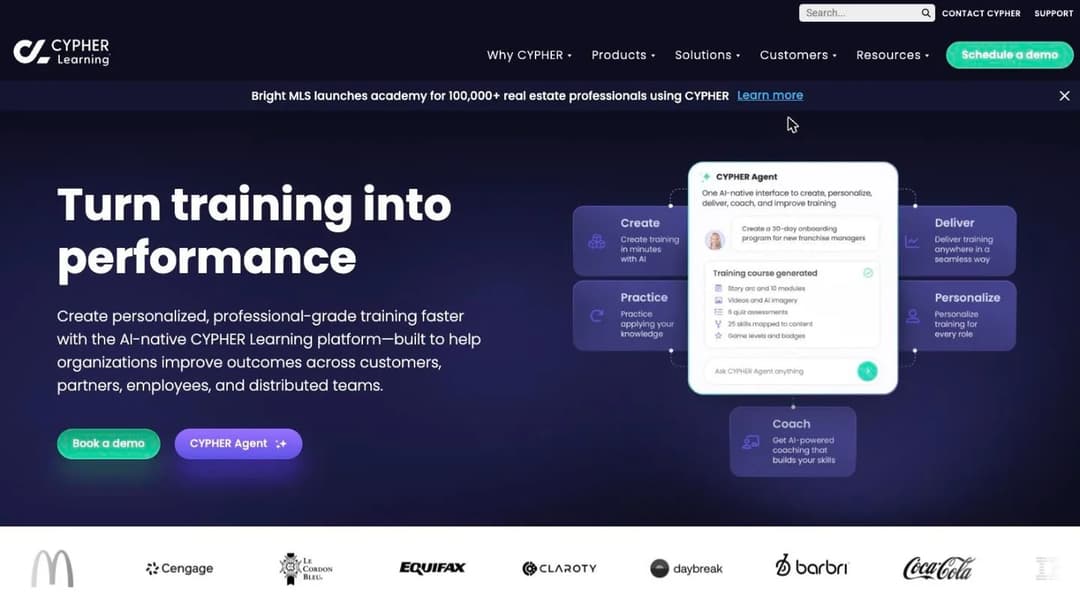
Best for: mid-market firms that want renewal windows and many pre-built reports, and will bring or license their own courses.
Top Features
- “Compliance validity windows and countdown reminders”
- Automated course expiration and renewal, with dashboards
- 50 pre-built reports, scheduled reports and credit-hour tracking
- FIPS 140-2, PCI, SOC 2 Type 2 and TX-RAMP
- 15-plus assessment types
CYPHER Learning describes compliance in this guide’s terms. Validity windows set how long a completion counts, and countdown reminders warn before it lapses. Courses expire and renew on their own. Credit-hour tracking helps when a requirement is counted in hours.
Plan for the content gap. There’s no bundled library. Its pricing table says “Content not included.” The renewal engine works on day one. The courses it renews are yours to build or license.
It doesn’t publish an ISO 27001 claim, which vendor risk may ask about. Hosting is “Amazon cloud or Microsoft Azure,” with no region stated.
Pricing: not published. Two tiers, Enhanced and Enterprise, both behind “Get pricing,” and no self-serve trial.
Pros
- Validity windows, reminders and auto-renewal together
- 50 pre-built reports plus scheduling
- FIPS 140-2 and PCI published
Cons
- No content included
- No ISO 27001 claim
- No price or self-serve trial
The Open-Code Option
One platform for firms whose policy puts control of the code and the host first.
11. Totara
Best for: larger firms whose IT or data policy wants to own the code and choose, or change, who hosts it.
Top Features
- “Fully customisable open code”
- Recurring assessments and compliance management
- BuildAI, which “transforms policies and documents into engaging, trackable learning”
- A global partner network for implementation and support
- The option to change host or bring the platform in-house
Totara pitches itself for “mission-critical learning.” It makes a claim no other platform here makes. The code is open, and you keep it, along with the choice of who hosts it.
If a vendor exit has burned you before, that’s a real difference. Your records don’t depend on one company’s renewal terms.
The trade-off is that you become the integrator. You pick a partner and hold them to your security standards, and Totara’s home page doesn’t name a security certification. Ask your partner, not only Totara, for the documents vendor risk needs.
Pricing: not published. Demo on request.
Pros
- Open code the institution keeps
- A choice of hosting partner, or in-house
- Policy documents turned into trackable courses
Cons
- No security certification on its home page
- A partner to manage as well as a platform
- No price published
Platforms That Train Several Audiences
Two platforms built for employees, customers and partners on one system. They suit firms whose training reaches beyond their own staff.
12. LearnUpon
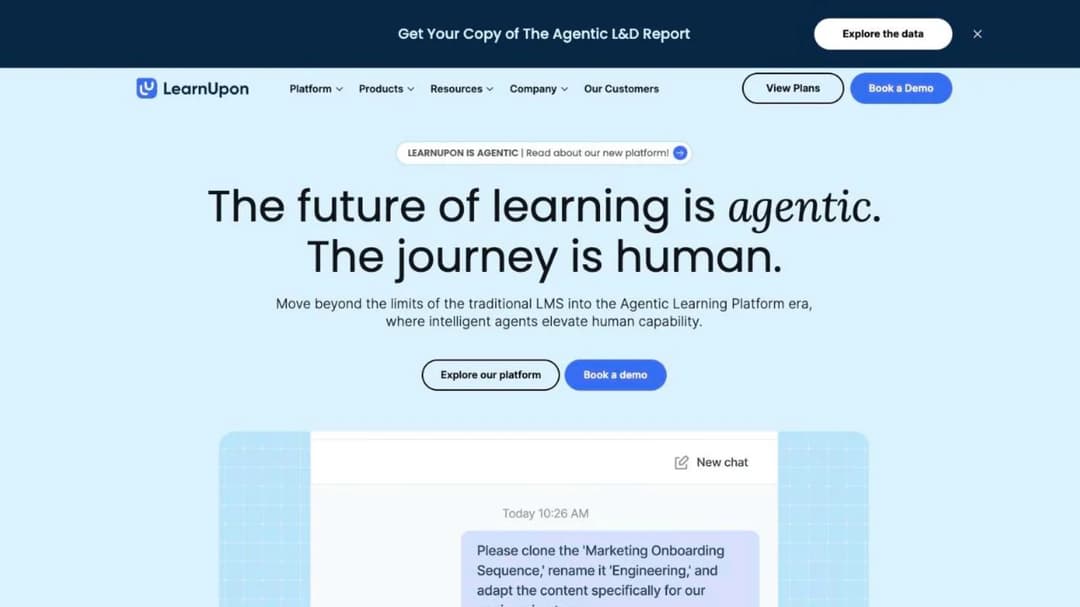
Best for: firms of 100-plus employees that also train customers or advisors and need a portal per audience.
Top Features
- Learning Portals: a branded environment per audience
- Data residency in the EU, US or Australia
- ISO 27001:2022 and ISO 27701:2019
- WCAG 2.2 AA for learners, with a VPAT
- SAML single sign-on
LearnUpon sells separate products for employees, associations and customer education. It names Transamerica among its customers. Its Learning Portals put internal compliance training and an advisor program behind separate front doors.
For the examiner’s file, it says less than the platforms above. Its SOC 2 statement gives no report type. Ask for the report. In the demo, ask to see certificate expiry and an exported completion record.
Terms renew for 12 months unless you give written notice at least 30 days before the end. The LearnUpon alternatives compare those terms. For training outside audiences, see the extended enterprise LMS comparison.
Pricing: not published. Floors instead: from 100 users for employees, 150 for associations and 300 for customer education.
Pros
- Three hosting regions
- A portal for each audience
- WCAG 2.2 AA with a VPAT
Cons
- No SOC 2 report type stated
- Floors of 100 to 300 users and no price
- Auto-renewal on 30 days’ notice
13. Continu
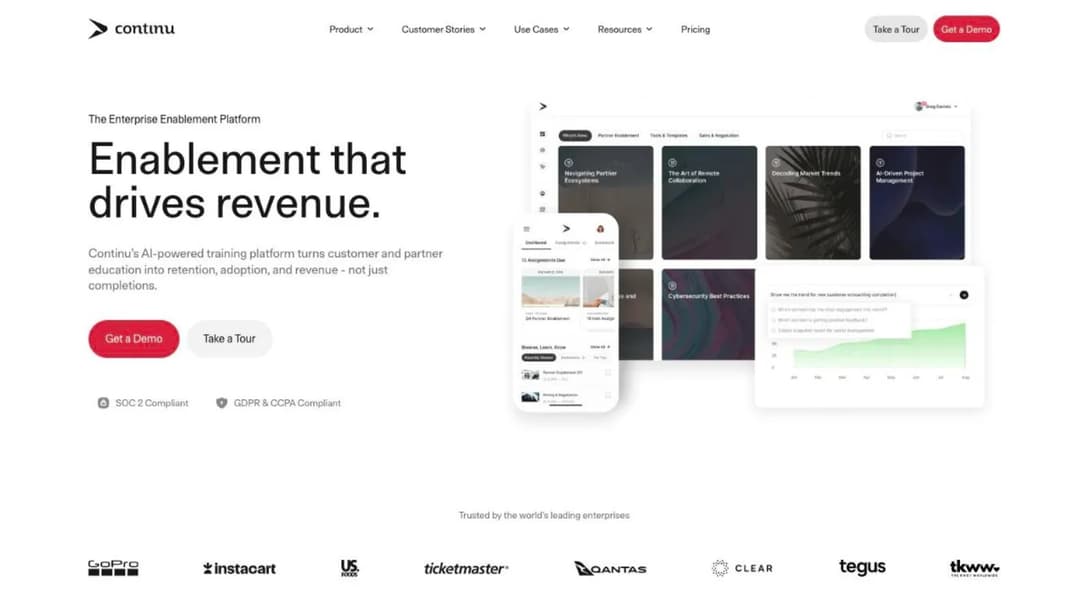
Best for: firms whose IT team wants SAML SSO from the entry tier and automated provisioning, with training that reaches sales and partners too.
Top Features
- SAML 2.0 single sign-on on the entry Growth tier
- SCIM provisioning, published without a tier attached
- Smart Segmentation to target training by rules such as region
- SOC 2 Type II, audited annually
- Integrations with Workday, BambooHR and Okta
Continu’s strength for a regulated firm is identity. SAML single sign-on sits on Growth, the entry tier. SCIM provisioning is published too. That means a leaver’s access can close from your directory, not by hand.
Ask which tier includes SCIM. The pricing page doesn’t say.
It calls its ISO 27001 status “aligned,” not certified. It doesn’t publish a finance-specific evidence mechanism, so run the four-part demo test in full.
Plans are banded by monthly active users: Growth under 1,000, Professional 1,000 to 5,000 and Enterprise 5,000-plus. Implementation costs “10% of the first-year contract value.” Read what an LMS integration involves before the provisioning call.
Pricing: not published. Three user bands, all quote only, and no trial.
Pros
- SAML SSO on the entry tier
- SCIM provisioning published
- SOC 2 Type II audited annually
Cons
- ISO 27001 aligned, not certified
- No tier stated for SCIM
- A 10% implementation fee
Where Mini Course Generator Fits
The training an examiner names is often one no library sells. It’s your procedure, your escalation contacts and the fix from your last exam.
Mini Course Generator
Best for: a training or compliance manager who has to turn a changed procedure or exam finding into a course this week.
Top Features
- AI Course Creator and PDF to Course Creator for policies and procedures
- SCORM or PDF export at any time
- Gateways that restrict a course to specific learners
- Certificates & Badges with learner tracking
- Automations through Zapier, Make and webhooks
Mini Course Generator is our product. It isn’t one of the thirteen, because it doesn’t keep the record this guide is about.
What it does is write the course. Point the AI Course Creator at a procedure document, edit the draft, and it’s ready the same day. The pricing FAQ says “You can export mini-courses as PDF files or SCORM packages at any time.” So the course can run inside whichever platform above holds your evidence. Read what a SCORM file carries first.
Gateways limit a course to the people a requirement covers. SSO for learners is on the Custom plan, and every plan opens with 14 days of full access and no credit card.
Pricing: plans and what each includes are on the pricing page.
Pros
- Turns a procedure document into an editable course in one sitting
- SCORM export into the platform that keeps the record
- Gateways limit a course to the people it covers
Cons
- Not a records system: no recertification by role, no overdue register, no audit-trail export
- No e-signature or policy attestation step
- No financial regulation course library and no native HR system connector
How to Choose an LMS for Financial Services
Four questions, in the order they settle the purchase. Features come after all four.
Is the job registered-rep education, AML training, or both?
A broker-dealer needs the Rule 1240 calendar. That means outside completions logged against December 31, content with completion, and AML training counted twice. A bank or credit union needs “appropriate personnel” assigned by role and renewed.
A bank with a broker-dealer affiliate needs both in one record, which rules out any platform that can’t log an outside completion.
List your obligations before you contact a vendor. The general how to choose an LMS process covers every step after that.
Can you buy it at your headcount, and what does it count?
The floor ends more conversations than any feature does. LearnUpon starts at 100 users and SkyPrep at 100 active users, while Docebo recommends itself for 250-plus learners. 360Learning’s published tier stops at 100.
Then the meter. An active-user plan counts everyone in refresher month. A named-user plan charges for leavers’ seats unless you delete them, and your retention rules may not allow that.
So price every plan at your busiest compliance month, plus the year’s leavers. The LMS RFP template lays out the pricing questions.
Where must the records live, and for how long?
If your compliance lead confirms a six-year retention default, the export and the exit terms become your evidence plan. Litmos and LearnUpon publish EU, US and Australian hosting. SkyPrep hosts in Canada and the US, and Totara lets you move the platform itself.
Ask three things before signing. Where are the records stored? In what format do they export? When is your last export date?
If the contract can end before your retention period does, the export goes into your own archive.
Do you build the policy training or buy it?
Buy the general topics. Build anything that names your procedures, systems or escalation path, and use the four library questions above when a course could go either way.
When the training is a judgment call, a branching scenario tool lets staff practice the decision. The LMS demo questions turn this section into a script.
The rule: list your five most-examined training topics. Any that mention your own procedures are courses you’ll write yourself, whichever platform ends up holding the record.
Now Over to You: A Shortlist That Survives the Exam
Don’t start with vendors. Start with the obligations table. Then send every vendor the four-part demo. They should publish a new course version, expire a certificate, log an outside completion and export the result.
Put the floor, the meter, the notice window and the renewal cap in the same email. Then cross off anyone who can’t sell at your headcount or can’t keep a leaver’s history as long as your compliance lead requires. Aim for three names. For the wider field, see the best LMS platforms, the enterprise LMS comparison and the safety training LMS comparison.
Then handle the part no platform supplies. The procedure that changed last quarter needs a course before your next exam. So does the finding from your last one. Draft them from the documents you already have, and see what an AI LMS builds from a policy PDF.
Frequently Asked Questions
What is the best LMS for financial services?
The one whose published evidence covers the biggest gap in your obligations table. Write that table first, one line per rule.
Then match the gap to a kind of platform. Some are built for one industry and some publish an e-signature and audit-trail mechanism, while one carries a federal authorization and one gives you the code. A broker-dealer should add one check to any of them. Can it log a Regulatory Element completion that happened outside the platform?
Does our LMS deliver the FINRA Regulatory Element?
Plan on it tracking the Regulatory Element, not delivering it. Rule 1240 says the Regulatory Element is administered in the “manner and format as specified by FINRA.” Your platform’s job is each person’s December 31 deadline and the completion record. The Firm Element is what it delivers.
How long do we keep financial services training records?
Ask your compliance lead. It depends on which rules cover you. For broker-dealers, FINRA Rule 4511(b) keeps FINRA records with no set period for at least six years. Rule 1240 sets no period of its own for Firm Element records.
Can our AML training count toward the Firm Element?
Yes, if your firm chooses to count it. Rule 1240 allows both AML training and the annual compliance meeting. The hard part is the record: one completion should show against both requirements, with meeting attendance in the same export.
Is a vendor’s SOC 2 report enough for vendor risk?
It covers how the vendor protects its systems, not whether your training meets your regulator’s rules. Most reviews also ask about ISO 27001, hosting location and, for EU-regulated firms, DORA. Ask for the report itself, not the badge.
Sources
- FINRA Rule 1240, Continuing Education Requirements
- FINRA Rule 3110, Supervision, paragraph (a)(7)
- FINRA Rule 3310, Anti-Money Laundering Compliance Program
- FINRA Rule 4511, General Requirements
- 31 CFR 1020.210, Anti-money laundering program requirements for banks
- 12 CFR 21.21 (OCC), 12 CFR 326.8 (FDIC) and 12 CFR 748.2 (NCUA)
- OnCourse Learning learning management system page
- SkyPrep pricing, security and 21 CFR Part 11 pages and Terms and Conditions
- Cornerstone financial services, LMS, content subscription and compliance pages
- Docebo financial services page, pricing FAQ, compliance page and Master Services Agreement
- Absorb LMS compliance page, product pages and Terms and Conditions
- Litmos financial services, plans and trust pages and Cloud Terms of Service (December 2024)
- Intellum financial services page, security documentation, Evolve pricing and Platform Terms of Service
- 360Learning pricing, enterprise, security and product pages
- D2L compliance page and banking article (March 2026)
- CYPHER Learning pricing, features and security pages
- Totara home page and open source article (May 2026)
- LearnUpon pricing, security and platform pages and Terms of Service
- Continu pricing and security pages
- Mini Course Generator pricing page and product documentation
- Vendor pages and published agreements read September 2026