

Two quotes for the same dealer network, both priced on “active users”, can differ by more than ten times, and neither vendor is lying. One of them means people who are simultaneously logged in. Another means anyone who opened a tracked course this quarter. A third means any account with a working password, whether or not it has ever been used.
That is the decision this purchase turns on, and it is settled before anyone opens a feature grid. Extended enterprise audiences are lumpy by nature. A thousand dealers sign up, eighty log in this quarter, and what you pay depends entirely on which of those two numbers the contract counts.
The second question nobody answers is what a second audience costs. Franchisees are not resellers are not customers, they need separate branded spaces and separate admins, and almost no vendor in this category puts a number on adding one.
This guide compares 13 platforms on both questions: what each one counts, and what the second audience costs. Two of the 13 publish a full answer to the first. Two publish an answer to the second.
Key Takeaways
- “Active user” is at least three different licenses. eFront’s active user is someone simultaneously logged in. Noggin Guru’s is someone who consumed tracked content, until an inactivity period it never publishes. LatitudeLearning’s is an account with working login credentials, used or not.
- eFront publishes both of its floors, so the crossover is public: $720 a month for 300 registered users is $2.40 per registered user per month, and $1,600 a month for 100 concurrent users is $16.00 per concurrent user per month. Above roughly 667 accounts, concurrency is the cheaper instrument.
- LatitudeLearning is the only platform here that publishes both ladders side by side, and the rule falls out of the arithmetic: above about 2.2 course enrollments per account per year, buy the user license; below it, buy the enrollment license.
- Eleven of the 13 do not publish what a second branded audience costs. TalentLMS and AcademyOcean do, and in both cases it is a plan step rather than a line item.
- The company behind Accord LMS is now Noggin Guru, LLC. Same product, same address, new name on the invoice.
Build partner and customer courses with Mini Course Generator – turn the release note into something a dealer can finish on a phone between appointments.
What Is an Extended Enterprise LMS?
An extended enterprise LMS is a learning platform built to train people who do not work for you: resellers, distributors, dealers, franchisees, implementation partners, contractors, association members, and your own customers. The phrase covers all of them at once, which is precisely what makes it a different purchase from an employee system.
Three things change when the learner is external, and all three land on the invoice rather than the feature list.
The audience is lumpy. Employees train on a schedule you set. A dealer network trains when a product launches, when a comp plan changes, and never in between. Any price built on accounts that exist rather than people who show up overcharges you inside a year.
There is more than one audience. Extended enterprise means running franchisees, resellers and customers at the same time, usually with different branding, different admins and different catalogs. That is a structural requirement, not a preference, and it is where the upper tiers hide.
Nobody has to log in. An employee will fight through a portal because it is their job. A partner rep will not. That is why delivery and access design matter more here than anywhere else in learning software.
If your audience is only channel partners, the narrower comparison of partner training platforms covers that one group in more depth. If it is only your own customers, customer education platforms is the right shelf. This page is for the case where it is two or more of them at once.
“Active User” Means at Least Three Different Things
Ask three vendors what an active user is and you will get three incompatible answers. The word has no agreed definition in this category, and the differences are not shades of meaning. They are different products.
Here is what each platform is counting when it uses the words on its own pages.
| Platform | The word it uses | What that actually counts | Does it publish a definition? |
|---|---|---|---|
| eFront | Active user | People simultaneously logged in. It is a concurrency license | Yes, on its pricing page |
| eFront | Registered user | Accounts live in the portal at one time, with room to create five times that many | Yes |
| Noggin Guru (Accord LMS) | Active Learner | Someone who uses learning content that is tracked and recorded, until an unstated period of inactivity passes | Partly. The decay period is never published |
| LatitudeLearning | Active user | An account with working login credentials, used or not | Yes, in its pricing table |
| LatitudeLearning | Enrollment | One person enrolled in one course | Yes |
| Skilljar | Active user | Someone who consumes or interacts with a lesson, counted once per month against a yearly allocation | Yes on the pricing page. The subscription agreement defers to the order form |
| Intellum | Monthly active user | Someone active within the calendar month | Named, not defined |
| Docebo | MAU, YAU or RAU | Depends which of the three you sign. RAU counts registered accounts, not activity | Names all three, defines none |
| CYPHER Learning | Authorized user | An account that has been issued a username and password | Yes, in the master agreement |
| TalentLMS | User | A named seat inside the plan’s band | Yes, as a band |
| AcademyOcean | Learner | Not stated | No |
| Absorb, Cornerstone, Meridian | Learner, user | Not published | No |
Read the top and the bottom of that table together. eFront’s active user and LatitudeLearning’s active user are at opposite ends of the same word. eFront counts the peak number of people logged in at the same moment. LatitudeLearning counts every account that could log in.
The gap between those two definitions, in one network
Take a network of 5,000 dealers. Eighty of them are ever online at the same moment, and about 1,200 touch a course in a given year.
- On eFront’s active plan, you are buying concurrency. Eighty simultaneous users sits inside the published 100-user floor.
- On LatitudeLearning’s user license, you are buying credentials. All 5,000 accounts count.
- On Noggin Guru’s model, the 1,200 who touched tracked content count, minus whoever has since decayed out of the definition, and the decay period is not published.
Same network, same year, three bills that have nothing to do with each other. That is why a shortlist built on features and then priced at the end gets reordered when the quotes arrive.
The two sentences to get in writing
Neither of these belongs in a demo. They belong in the order form, because on several of these platforms the marketing page and the contract say different things.
- What makes a person billable, in the vendor’s own words, with the time window attached. “Active” is not an answer. “Consumed a tracked activity within the calendar month” is.
- What happens when a partner goes dormant or leaves. Does the license free up, when, and does deactivating the account destroy the completion record that proves they were ever certified?
The second question is the one people forget, and it is the expensive one. Some platforms keep billing archived accounts. Some release the seat and delete the evidence with it, which is the worst of both results. If certification is what your partner tiers are built on, that record is the asset.
eFront Publishes Both Prices, So You Can Do the Arithmetic Yourself
eFront is the one platform here that publishes a floor for both models and defines both in the same FAQ, which makes it the worked example for the whole category.
Its own wording is the clearest statement of the concurrency model anywhere on this field: registered users are “the total number of users you can have live in your portal at one time”, with room to create five times the plan limit, while active users are “the total number of users that can be simultaneously logged into your portal”, with room to register 100 times the plan limit. eFront’s own illustration is 150 active users carrying up to 15,000 registered ones.
The two published floors, billed annually, as of September 2026:
| Plan | Floor | Published price | What the price buys |
|---|---|---|---|
| Registered | from 300 registered users | from $720 a month | 300 live accounts, up to 1,500 created |
| Active | from 100 active users | from $1,600 a month | 100 people logged in at once, up to 10,000 registered accounts behind them |
| On-premises | custom | Tailored | Hosted on your own servers |
The crossover, worked
Divide each price by what it buys and the two models stop being comparable on sticker price:
- $720 ÷ 300 = $2.40 per registered user per month.
- $1,600 ÷ 100 = $16.00 per concurrent user per month.
At a glance the concurrency plan looks six and a half times more expensive. Per person who can use the system, it is the opposite. The concurrency floor carries up to 10,000 registered accounts, which is $0.16 per account per month if you fill it, against $2.40 on the registered plan.
The break-even is arithmetic anyone can do before a call. At the registered plan’s floor rate of $2.40, an audience of 667 accounts costs $1,600 a month, which is exactly the concurrency floor. Below 667 accounts, the registered plan is cheaper. Above it, concurrency is cheaper, for as long as your peak stays under 100 people logged in at once.
Both figures are floors rather than a full ladder, so treat 667 as the shape of the answer rather than a quote. The shape is what matters, and it holds across the category.
Which shape of audience each plan suits
Buy the registered model when your audience is small and trains together. A 300-person internal team working through a compliance refresh in the same week will put a large fraction of itself online at once, so concurrency is the expensive unit and headcount is the cheap one. This is the employee-shaped case, and it is why most employee training platforms price this way.
Buy the concurrency model when your audience is large and arrives in a trickle. A 5,000-dealer network where eighty people are ever online together is the canonical extended enterprise shape. You are paying for the door, not for the mailing list.
The mistake in the middle is a launch. Concurrency plans price your worst hour, not your average one. If you send a mandatory product course to 4,000 partners with a Friday deadline, your peak is not eighty. Ask what happens when the concurrency limit is hit: some systems queue, some refuse the login, some bill the overage. Stagger the deadline by region and the number you need to buy drops.
LatitudeLearning Publishes Both Ladders, and the Line Items on Top
LatitudeLearning describes itself as built “for extended enterprise learning, not employee training”, and it is the only platform in this comparison that publishes two complete ladders and lets you choose. Everyone else publishes one, or none.
The definition it attaches matters as much as the numbers. Its active user is a user “with active login credentials”, which is nearer to what everybody else calls a registered user. Read its ladder as a per-account price, not a per-learner price.
User license: unlimited course enrollments, priced per account per year. Pricing is stated as based on a three-year contract billed annually, as of September 2026.
| Accounts | Price per user per year |
|---|---|
| 100 | from $11.25 |
| 101 to 1,000 | from $10.75 |
| 1,001 to 5,000 | from $9.40 |
| 5,001 to 10,000 | from $8.65 |
| 10,001 to 25,000 | from $7.90 |
| 25,001 to 50,000 | from $7.15 |
| Over 50,000 | Quote |
Enrollment license: unlimited accounts, priced per course enrollment.
| Annual enrollments | Price per enrollment |
|---|---|
| 100 to 1,000 | from $5.35 |
| 1,001 to 5,000 | from $4.85 |
| 5,001 to 10,000 | from $4.30 |
| 10,001 to 25,000 | from $3.30 |
| 25,001 to 50,000 | from $2.15 |
| Over 50,000 | Quote |
The decision rule that falls out of the two ladders
Take a network of 1,000 dealer accounts.
- User license: 1,000 accounts at $10.75 is $10,750 a year, and they can take as many courses as you publish.
- Enrollment license: the same $10,750 buys about 2,200 enrollments at the $4.85 band rate.
So the rule is one division. Above roughly 2.2 course enrollments per account per year, the user license wins. Below it, the enrollment license wins.
Now put a real network through it. If 320 of those 1,000 dealers train in a year and each takes two courses, that is 640 enrollments at $5.35, or $3,424 a year: less than a third of the user license. If every account takes three courses, that is 3,000 enrollments at $4.85, or $14,550, and the user license is the better buy by $3,800.
That is the whole extended enterprise pricing problem in one pair of numbers, and it is why the participation rate of your network is a commercial fact rather than a training statistic. Before any of these calls, count what fraction of your partners completed anything last year. What you can measure about that fraction is the input to every quote you will receive.
The line items that sit on top
The platform price is not the bill. LatitudeLearning publishes the rest of it, which is unusual enough to be worth reading as the category’s honest version of what everyone else charges quietly.
| Item | Published price |
|---|---|
| Standard single sign-on | $2,600 a year |
| Standard third-party connector | $2,000 setup plus $2,600 a year |
| New connector | $4,000 setup plus $2,600 a year |
| Implementation, Express, two to four weeks | $5,000 |
| Implementation, Standard, one to three months | $20,000 |
| Implementation, Advanced, three to six months | $40,000 |
| Training administration service | from $3,200 a year |
| Consulting and on-demand services | $245 an hour |
| accessiBe accessibility widget | $1 per user per year |
| Lumina AI platform | $2.00 per user per year, in 500-user blocks |
| Administrator training course | $1,500 each |
Run those against the same 1,000-account network. Single sign-on adds $2.60 per account per year, about a quarter again on the $10.75 platform rate. A Standard implementation at $20,000 is close to two years of the platform fee. The first year with both comes to $33,350 against $13,350 in year two, so the opening invoice is two and a half times the steady-state one.
None of that is a criticism of LatitudeLearning. Every platform on this page charges for identity, connectors and implementation. This is the one that prints the numbers, so budget against these and ask everyone else to match them. If single sign-on and connectors are on your requirement list, price them as separate lines from day one.
What Does a Second Audience Cost?
The defining feature of this category is running more than one external audience at once: franchisees in one branded space, resellers in another, customers in a third, each with its own admins and its own catalog. Every platform here claims it. Two of the 13 publish what it costs.
| Platform | Separate branded space per audience? | What the second one costs |
|---|---|---|
| LatitudeLearning | Yes, structures per network inside one portal | No separate charge published. A dedicated instance is quote only |
| eFront | Yes, multi-tenancy on every plan | No separate charge published. The second audience costs whatever it adds to your registered or concurrent count |
| Noggin Guru | Claims unlimited custom branded portals | Not published. Its pricing page carries no figure of any kind |
| Docebo | Yes, a separate extended enterprise per franchisee, partner, reseller or customer group | Not published. On the entry tier the module is a paid add-on, and the domain entitlement is capped at 10 on Enterprise |
| Cornerstone | Claims an unlimited number of microsites | Not published |
| Skilljar | Yes, and capped: one academy site on Essentials, two on Professional, three on Enterprise | Not published. A second audience is a tier move and no tier carries a price |
| Intellum | Yes, Organizations, each with its own branded subdomain and permissions | Not published per audience. Billing runs on monthly active users |
| Absorb | Yes, multi-tenant, separate portals by role, location or language as standard | Not published. Billing runs on learner-count bands, and counts cannot be reduced mid-term |
| TalentLMS | Yes, branches: one on Core, three on Grow, 15 on Pro | Published. The step from Core to Grow is $110 a month more and buys the second and third branch |
| AcademyOcean | Yes, multiple training portals | Published as a tier. Multiple portals start at Professional, from $500 a month, against a $200 a month entry |
| Meridian | Yes | Not published |
| CYPHER Learning | Yes, in the Enterprise tier | Not published |
| Mini Course Generator | No | Not applicable. There are no sub-accounts to buy |
What the pattern tells a buyer
Eleven of 13 make the second audience a conversation rather than a number, and it is almost always a tier move rather than a line item. That has a practical consequence: the portal requirement moves you up the ladder before anyone has talked about how many people are in the portals. On Docebo the module that delivers multi-domain portals and split authentication is a paid add-on on the entry tier, so a portal requirement lifts the plan and then adds a line to it.
So do the requirement honestly before the demo, because this is the most oversold thing in the category.
You genuinely need separate spaces when partners must not see each other, when two audiences get materially different catalogs, when a franchisor’s brand rules require it, or when each audience has its own identity provider.
You do not need them when everyone sees broadly the same product training. One space with role-based paths is cheaper, simpler, and easier to keep current. A white-label arrangement is a different requirement again, and worth separating from the portal question before you ask for a quote.
Five Capabilities That Stop Being Optional When the Learner Is Not an Employee
Feature grids in this category all look the same, because at this price point everyone has the features. These five are the ones where external audiences break platforms that work fine for staff, and each has a version of the question you can ask in a demo.
Separate identity, not just separate branding
A skinned portal is not the same thing as a separate tenant. The test is authentication: can each audience use its own identity provider, so a franchise group signs in through their system and a reseller signs in through theirs, without you administering both? Docebo publishes “completely separate authentication processes for different user groups”; most platforms will theme a page for anyone. Ask which one you are buying, and ask what single sign-on costs, because it is nearly always a separate line.
Certification that expires on its own
Partner tiers are built on current certification, and this is where external programs quietly rot. The platform issues a badge, nobody renews it, and two years later the certified-partner count is fiction. Automated expiry, reminders and re-enrollment are real on Docebo, Intellum and CYPHER Learning. They are manual or absent almost everywhere else, including on our own product. If tier benefits depend on currency, make it a shortlist criterion rather than a nice-to-have.
Content that can leave, because large partners insist
Your biggest dealer or your biggest customer will want to run your training inside their own system. That is a SCORM question, not a feature-list question, and the answer differs by direction: many platforms import a package and cannot produce one. Ask for export, not support. The standards comparison covers when xAPI is the better ask.
Delivery that does not require a portal at all
The single biggest cause of dead external programs is the login. A partner rep with a quota does not create an account to watch a 12-minute course. Link delivery, embedding inside a portal they already use, and in-product delivery all beat sending someone to a new destination. If your partners live inside a PRM or a community, put the course there instead of next to it.
Completion data that reaches the system holding the tier
Completion is only useful here when it lands somewhere that changes a partner’s status, which means a connector into the CRM or PRM that holds the tier rather than a dashboard inside the LMS. “Integrates with Salesforce” covers everything from a nightly file to a live object sync, so ask to see it run on your own data. If partners pay for certification, check the tier as well: the storefront is the capability most likely to sit one step above the quote you were given.
The 13 Best Extended Enterprise LMS Platforms
Ordered by how well the commercial model fits an audience that does not work for you, which is this page’s test, rather than by feature count or company size. Every price, plan limit and contract term below comes from the vendor’s own pages and published agreements, quoted as printed; where a vendor publishes nothing, the entry says so. Our own product appears at the end, listed for the job it does rather than ranked above the others.
| Platform | Best for | What it counts | Price published | Second audience |
|---|---|---|---|---|
| LatitudeLearning | Dealer and franchise networks that want to choose the unit | Accounts with credentials, or enrollments | Both ladders | Structures inside one portal |
| eFront | Large audiences with a small peak | Registered, or simultaneous logins | Both floors | Multi-tenancy on every plan |
| Noggin Guru (Accord LMS) | Mixed internal, partner and franchise learners | Active learners; registered users are free | No | Unlimited portals claimed |
| Docebo | Enterprises running four audiences under one roof | MAU, YAU or RAU | No | Confirmed, capped at 10 domains on Enterprise |
| Cornerstone | Enterprises that already run Cornerstone for staff | Not published | No | Unlimited microsites claimed |
| Skilljar | Customer education first, partners second | Active users, defined | No | One to three academy sites by tier |
| Intellum | Thousands of partners plus customers | Monthly active users | Marketplace only | Organizations, per audience |
| Absorb | Regulated enterprises with existing Absorb staff training | Learner bands, undefined | No | Portals standard |
| TalentLMS | Programs under 100 people that want a price today | Named seats, by band | Yes | Branches, one to 15 by plan |
| AcademyOcean | Mid-sized programs wanting per-portal branding early | Per learner, undefined | Yes | Professional tier and above |
| Meridian | Government and defense-adjacent programs | Not published | No | Yes |
| CYPHER Learning | Multi-brand programs with legal support to renegotiate | Accounts issued a username and password | No | Enterprise tier |
| Mini Course Generator | One audience, one catalog, training that changes weekly | Yearly learner allowance by plan | Yes | No sub-portals |
1. LatitudeLearning: the only platform that prints both ladders
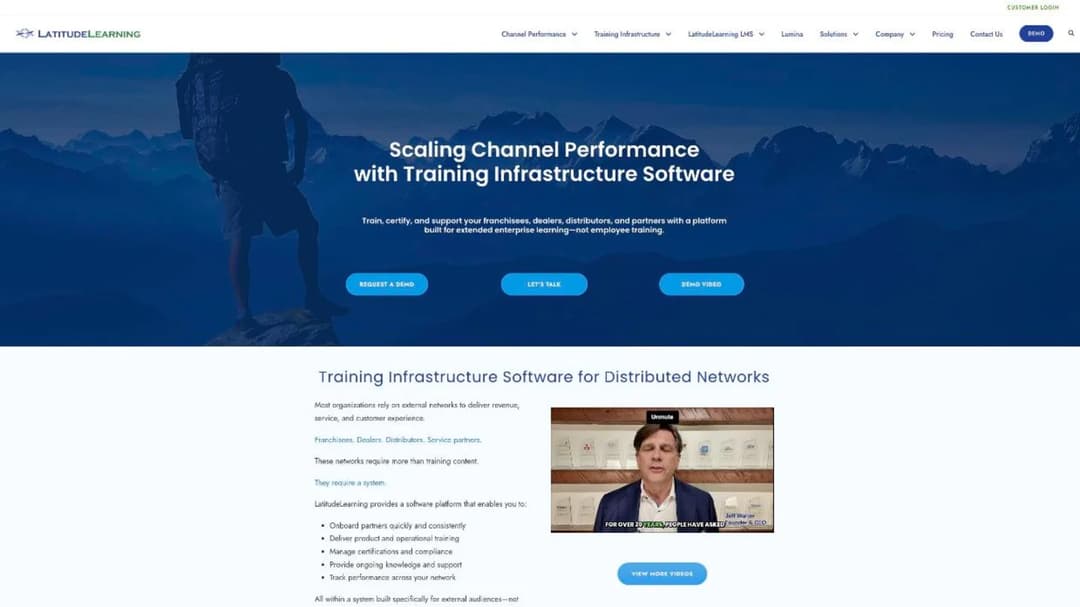
Best for: dealer, distributor and franchise networks that already know their participation rate and want to pick the pricing unit that matches it.
Top features
- Two published license models: per account with unlimited enrollments, or unlimited accounts priced per enrollment
- Network structures for dealer groups, regions and franchise tiers inside one portal
- Certification and recertification tracking built for channel programs
- Published connector, single sign-on and implementation pricing
- Lumina AI as a priced add-on rather than a bundled claim
LatitudeLearning is the rare vendor whose positioning and pricing agree with each other. It says it is built for franchisees, dealers, distributors and partners rather than for employees, and then prices in a way that only makes sense for those audiences.
The catch is in the definition. Its “active user” is an account with working login credentials, which is what most of this category calls a registered user, so the user license is a per-account price. Read the enrollment license as the activity-based option and the user license as the credential-based one, and the choice becomes the arithmetic in the section above.
Pricing (as of September 2026): user license from $11.25 per user per year at 100 users, falling to $7.15 at 25,001 to 50,000. Enrollment license from $5.35 per enrollment at 100 to 1,000, falling to $2.15 at 25,001 to 50,000. Pricing is stated as based on a three-year contract billed annually. Single sign-on $2,600 a year, implementation $5,000, $20,000 or $40,000 by tier.
Pros
- The only platform here that lets you choose the pricing unit and publishes both ladders
- Add-on costs that other vendors quietly quote are printed, so a full budget can be built before a call
- The definition of what counts is on the page rather than in the order form
Cons
- The published pricing rests on a three-year contract, which is a long commitment for a network you have not tested
- The “active user” wording invites a direct comparison with vendors who mean something entirely different by it
- Implementation at the Standard tier is close to two years of platform fee for a 1,000-account network
- Dedicated instances, enterprise environments and language packs are all quote only
2. eFront: concurrency, defined and priced
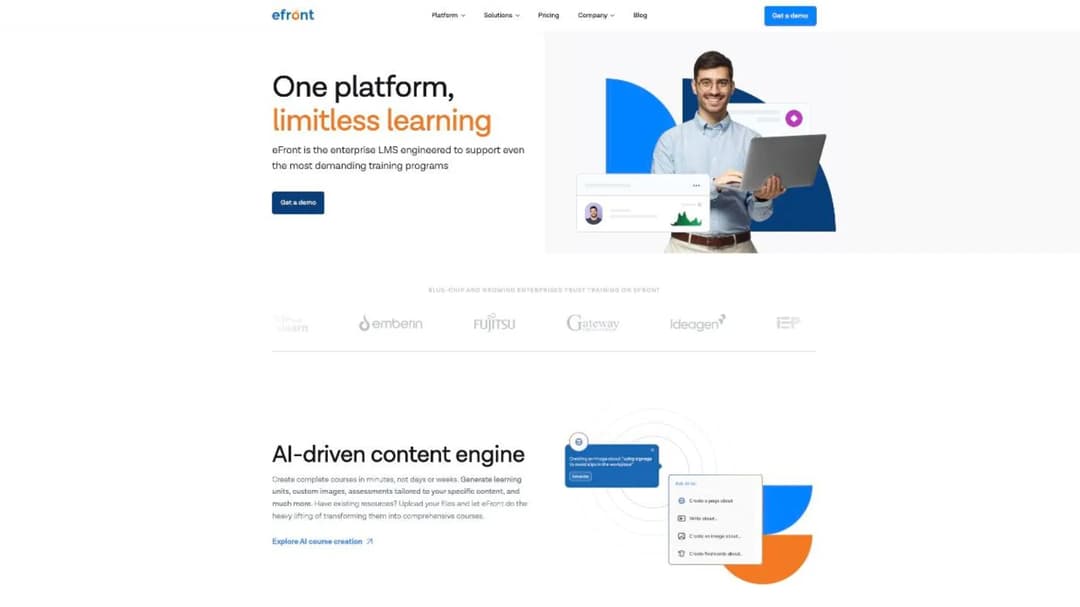
Best for: a large external audience with a small peak, where thousands of accounts exist and dozens are online at any moment.
Top features
- A concurrency license, priced and defined, as an alternative to headcount
- Multi-tenancy listed as included on every plan rather than gated to an upper tier
- SCORM 1.2 and Tin Can support with a native mobile app
- Custom reports and a named customer success manager on every plan
- An on-premises option for buyers who cannot use shared hosting
eFront is the reason this article has a spine. Its pricing FAQ states plainly that active users are those “simultaneously logged into your portal” and that the plan carries 100 times that many registered accounts, and no other vendor on this page commits to a definition that precise.
For a buyer, that precision is the value. You can size a concurrency plan from your own analytics rather than from a vendor’s estimate, and the number you need is the peak, not the population. The risk sits in launches: a mandatory course with one deadline turns a trickle into a spike, so ask what the system does at the limit before you sign.
Pricing (as of September 2026): Registered plan from $720 a month for 300 registered users; Active plan from $1,600 a month for 100 concurrent users; both billed annually. On-premises is tailored. TalentLibrary, the ready-made course catalog, is a paid add-on.
Pros
- Publishes both models with both definitions, so the crossover can be calculated without a sales call
- Multi-tenancy on every plan removes the usual tier jump for a second audience
- The concurrency model fits the lumpy external audience better than any headcount price
Cons
- Concurrency prices your worst hour, so a single deadline across a whole network can breach the plan
- Only the floors are published, not the ladders above them
- The ready-made course catalog is an add-on rather than part of the platform price
3. Noggin Guru: the clearest definition in the category, on a page with no price
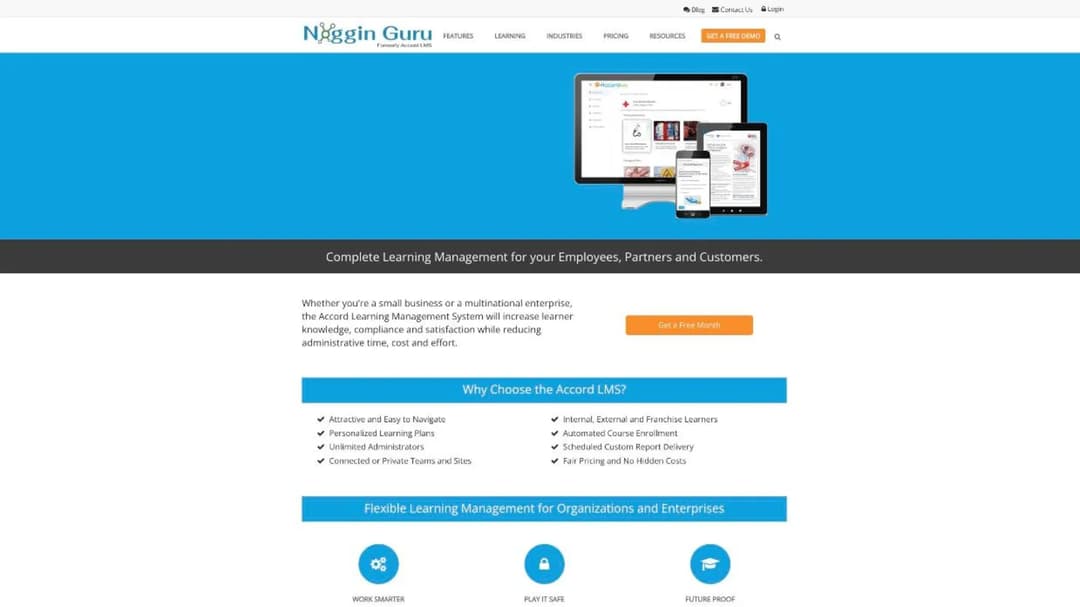
Best for: mixed programs running internal staff, partners and franchisees together, where most registered people never open a course.
Top features
- Active-learner pricing with unlimited registered users at no fee
- Unlimited custom branded portals, teams, administrators and courses
- Commerce for courseware and shippable products
- Salesforce and SharePoint connectors, SAML single sign-on and a REST API
- Access to a third-party catalog the vendor describes as more than 50,000 courses
The company behind Accord LMS is now Noggin Guru, LLC. The product is still called Accord LMS, the address is still Cary, North Carolina, and the website is unchanged, so a quote, an older comparison or a renewal notice may carry either name for the same company.
Its pricing page carries the best published explanation of activity-based pricing on this field: registered users cost nothing and can log in, browse and use untracked resources, and a person only becomes billable when they “utilize learning content that is tracked and recorded”. For a network where the majority of accounts are dormant, that is structurally the right shape.
One number is missing, and it is the number that decides the model. The page says a learner stops counting “after a period of inactivity” and never says how long that period is. Ask for it in writing, because a 30-day window and a 12-month window produce completely different bills for the same network.
Pricing: not published. The pricing page carries no figure of any kind.
Pros
- Registered users are explicitly free, which suits a network where most accounts never train
- The billing definition is published in plain language rather than deferred to the order form
- Unlimited branded portals removes the tier jump that a second audience triggers elsewhere
Cons
- No price, floor or ladder anywhere, on a page whose own bullet promises no hidden costs
- The inactivity period that ends a learner’s billable status is never stated
- Two live brand names for one company makes comparing older quotes harder than it should be
4. Docebo: four audiences confirmed, and three ways to be counted
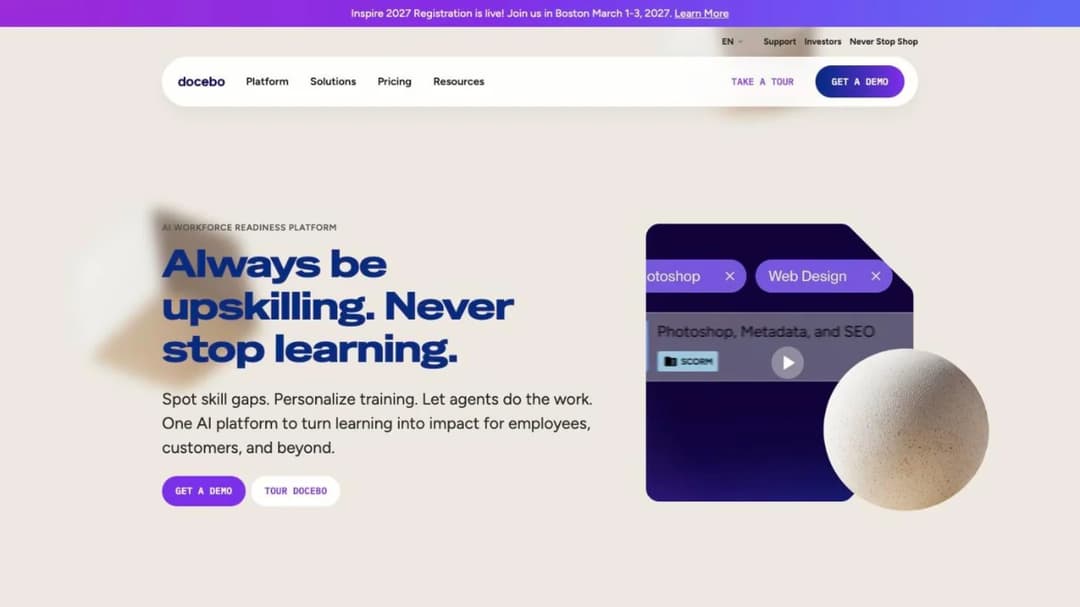
Best for: enterprises that need franchisees, channel partners, resellers and customers running at once, each with its own admins and branding.
Top features
- Multiple extended enterprise environments, one per audience, with distinct branding and administrative rights
- Separate authentication processes for different user groups
- Certification and retraining with configurable expiration policies
- Commerce through Shopify, Stripe and PayPal, in more than 50 languages
- Deep reporting into the systems that hold partner tier status
Docebo answers the multiple-audience question more directly than anyone else. Its own product FAQ says you can create “an extended enterprise for franchisees, one for channel partners, one for resellers, one for customer training”, each with different administrative rights and branding. If your requirement is genuinely four audiences, this is the reference implementation.
The billing question is where the care is needed, and it is specific to this page’s test. Docebo’s pricing material names three units: monthly active users, yearly active users, and registered active users. RAU is not activity-based, so “active user pricing” describes two of the three options and not the third. Which one you sign is a negotiation, not a default, and the difference for a dormant network is the whole bill.
The outcome percentages on Docebo’s own pages are its claims about its customers, not independent findings. Treat them as sales material.
Pricing: not published. Docebo states a fit bar rather than a floor: typically 250 or more learners across customers, partners and employees.
Pros
- The most concrete published answer on running four separate external audiences at once
- Certification expiry and retraining are automated rather than manual
- Separate identity providers per audience, not just separate theming
- Commerce and localization are deep enough for paid partner certification at scale
Cons
- Registered active users is one of the three options, so activity-based billing has to be negotiated for
- The module that delivers multi-domain portals is a paid add-on on the entry tier, and Enterprise caps the entitlement at 10 domains
- Contract norms run to multiple years, which is a long commitment for an untested program
Contract length is usually the sticking point rather than capability, and the Docebo alternatives comparison reads what the rest of the field commits to in writing.
5. Cornerstone: unlimited microsites for an existing Cornerstone estate
Best for: large organizations already running Cornerstone for their workforce that want to add customers, channel partners or association members without a second vendor.
Top features
- An unlimited number of microsites for separate audiences
- Localized and separately branded learning experiences per microsite
- Customized pricing, promotions and catalogs by audience
- Commerce built into the extended enterprise offering
- Personalized learning plans carried across from the workforce product
Cornerstone’s extended enterprise pitch is the enterprise-suite version: launch as many audience microsites as you need, each with its own branding, catalog and pricing, from the platform that already runs your employees. It names customers, channel partners and professional association members as the audiences it serves, and association members are a group most of this field ignores entirely.
The commercial side is closed. There is no price, no floor and no published unit anywhere, and the calls to action are a demo booking and a datasheet. For a buyer whose employee system is already Cornerstone, that may be acceptable because the extended enterprise piece arrives as a contract amendment. For anyone else, it means the whole evaluation happens inside a sales cycle.
Pricing: not published.
Pros
- Unlimited microsites is the least restrictive published claim on separate audiences in this comparison
- Per-audience pricing and promotions are part of the product rather than a commerce add-on
- Localization depth suits a genuinely international partner or member base
Cons
- No price, no unit and no floor published, so there is no way to size it before a call
- The extended enterprise story assumes you are already a Cornerstone customer
- Association members, customers and partners are served by the same microsite mechanism rather than purpose-built structures
6. Skilljar: the definition is good, the site count is the constraint
Best for: software companies where customer education is the main event and partner training rides alongside it.
Top features
- External audiences as the default rather than an extended enterprise module
- Unlimited seats and courses on every tier, with billing on active users
- Per-audience catalogs and delegated partner administration on upper tiers
- Deep integration into the customer systems that hold account health
- Published add-on pricing, which most of this field withholds entirely
Skilljar publishes the most usable active-user definition in the category: someone who consumes or interacts with a lesson, counted once per month even if they return repeatedly, against a yearly allocation. For a network where a fraction trains each year, that is the right unit, and it is the opposite end of the word from eFront’s concurrency or LatitudeLearning’s credentials.
The constraint here is not the billing unit, it is the number of separate spaces. Academy sites are capped at one, two and three across the three tiers, with no unlimited option at any price. For a tiered global program that needs a portal per region or per partner tier, that cap is the deciding fact rather than the pricing model.
Pricing: not published for the platform. The published figures are add-ons: content syndication at $10,000, a data connector starting at $25,000, and language packs starting at $10,000 for five languages.
Pros
- The clearest published definition of an active user on this page
- Unlimited seats and courses on every tier removes the dormant-account problem entirely
- Add-on prices are published, so at least part of the budget can be built early
Cons
- Academy sites are hard-capped at three, and no tier lifts the cap
- No platform price at any tier
- The subscription agreement carries no definition of an active user and defers to the order form
Where the academy-site cap is the blocker rather than the price, the Skilljar alternatives comparison covers which platforms publish an unlimited option.
7. Intellum: monthly active users, at an enterprise entry point
Best for: organizations running thousands of partners and customers together, with the budget and the contract appetite for a multi-year commitment.
Top features
- Billing on monthly active users, so dormant accounts stop consuming the allowance
- Organizations, giving each audience its own branded subdomain, permissions and access
- Automated expiration tracking, reminders and re-enrollment for certifications
- Proctoring and third-party credential issuing through named partners
- Reporting built for tying education activity to account outcomes
Intellum has the best structural fit here and the highest entry point, which is an unusual pair. Monthly active user billing means a partner who certifies in the first quarter and goes quiet for the rest of the year stops consuming the allowance, and growth is absorbed at a rate rather than by buying another block of seats.
The separate-audience answer is strong too. Organizations are real tenants with their own subdomain and permission model, not themed pages, which is what a program running franchisees and customers side by side actually needs.
Pricing: not published on its own site. A cloud marketplace listing shows $124,771 for 500 monthly active users on a 36-month agreement billed annually in advance, which is roughly $41,590 a year, with fees described as non-refundable and non-cancellable.
Pros
- Monthly active users is the right unit for a lumpy external audience, and it is named on the pricing material
- Per-audience tenancy with its own subdomain and permissions
- Certification currency is automated rather than left to a spreadsheet
Cons
- The only published figure sits on a marketplace listing, on a 36-month term
- Non-refundable and non-cancellable terms leave little room if the program underperforms
- “Active” is named but not defined, so the window has to be negotiated into the order form
- Platform terms license your employees plus third-party audiences only where specifically contracted
Third-party licensing rather than the feature list is usually the blocker, and the Intellum alternatives comparison covers which vendors publish their terms before the call.
8. Absorb: portals as standard, counts you cannot hand back
Best for: regulated enterprises already running Absorb for staff that want external audiences on the same platform.
Top features
- Multi-tenancy as standard, with separate learner portals by role, location or language
- SCORM 1.2 and 2004 support, plus authoring that publishes to SCORM, xAPI and HTML5
- A published 21 CFR Part 11 electronic signature capability
- A learner experience stated as available in 25 languages
- Round-the-clock support included, with published response targets
Absorb now trades as Absorb AI. A quote or an older comparison that says Absorb LMS means the same company, and the entity you sign with depends on your billing currency.
For this page’s test, two facts matter and they pull in opposite directions. Separate portals per audience come as standard rather than as a paid module, which is genuinely unusual at this level. But the commercial terms are the least forgiving here for a churning external audience: subscription counts cannot be decreased during the term, fees paid are non-refundable, and a person added mid-month is billed for that month and every remaining month of the term. On a network that grows in waves, that ratchets.
Pricing: not published. The pricing page is a learner-count form with eight bands, from one to 50 up to 25,000 or more, so the unit is learner count without a published definition of what makes a learner count.
Pros
- Separate portals by role, location or language included rather than gated to an upper tier
- Strong content portability in both directions, which matters when partners insist on their own system
- A published electronic-signature capability that most of this field does not carry
- Support is included with published response targets rather than sold as an upgrade
Cons
- No price at any band, and the eight bands only show where the next step-up sits
- Counts cannot be reduced mid-term, which is the wrong shape for an audience that churns
- What makes a learner billable is not defined anywhere on the pricing page
The renewal notice window is usually the thing that decides this, and the Absorb alternatives comparison works through the clauses and the replacements that publish a number.
9. TalentLMS: a published price, and a published branch count
Best for: a partner or customer program under 100 people that wants a conventional LMS, a price today, and a free tier to prototype in.
Top features
- Branches, which give each audience its own portal, branding and administrators
- A published seat ladder including the per-user overage rate
- Built-in authoring plus SCORM 1.2 import for content built elsewhere
- Automations for enrollment, notifications and certification renewal
- A permanent free plan for building and testing before any commitment
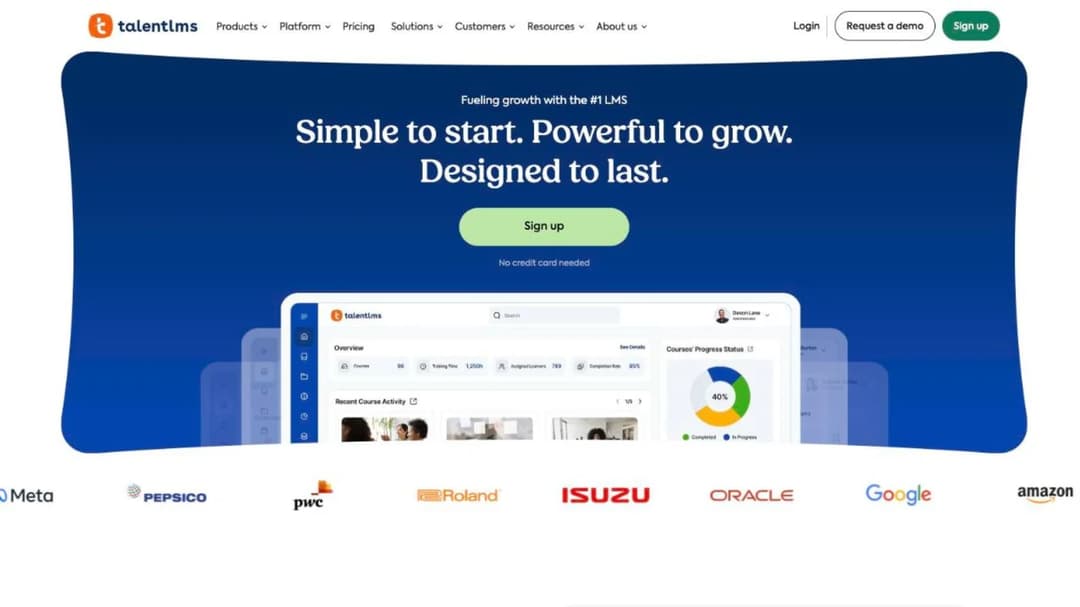
TalentLMS is one of only two platforms here that answers both of this page’s questions with numbers. The unit is a named seat inside a band, which is published, and the second audience is a branch, which is also published: one branch on Core, three on Grow, 15 on Pro.
That makes the second audience a $110 a month decision rather than a sales conversation, and it is the cheapest published answer to the multi-portal question in this comparison. The trade is the unit itself. Named seats mean a dormant dealer bills exactly like an active one, which is the structural problem this whole category exists to solve.
Pricing (as of September 2026): free for up to five users and 10 courses. Core $119 a month for one to 40 users, Grow $229 a month for one to 70, Pro $449 a month for one to 100, then $6 per additional user. Enterprise is custom from 1,000 users. Published rates are billed yearly.
Pros
- Both the seat ladder and the branch count are published, so the whole purchase can be sized in an afternoon
- The free plan lets you build a real partner course before committing anything
- Branches deliver multi-audience portals without an enterprise upgrade
- Monthly billing exists, so there is a version of this with no annual lock-in
Cons
- Named seats bill dormant partners at the same rate as active ones
- The published ladder stops at 100 users, and Enterprise starts at 1,000, so the middle is a quote
- SCORM is import only, so you cannot package a course for a large partner’s own system
10. AcademyOcean: a published ladder, and an undefined learner
Best for: mid-sized programs that need per-audience branded portals early and want to model the cost before talking to sales.
Top features
- A published per-learner ladder with a calculator on the pricing page
- Multiple branded training portals for separate partners, franchises or regions
- SCORM support on the entry tier rather than gated upward
- API, webhooks and SAML on the Professional tier
- Analytics built around per-portal reporting
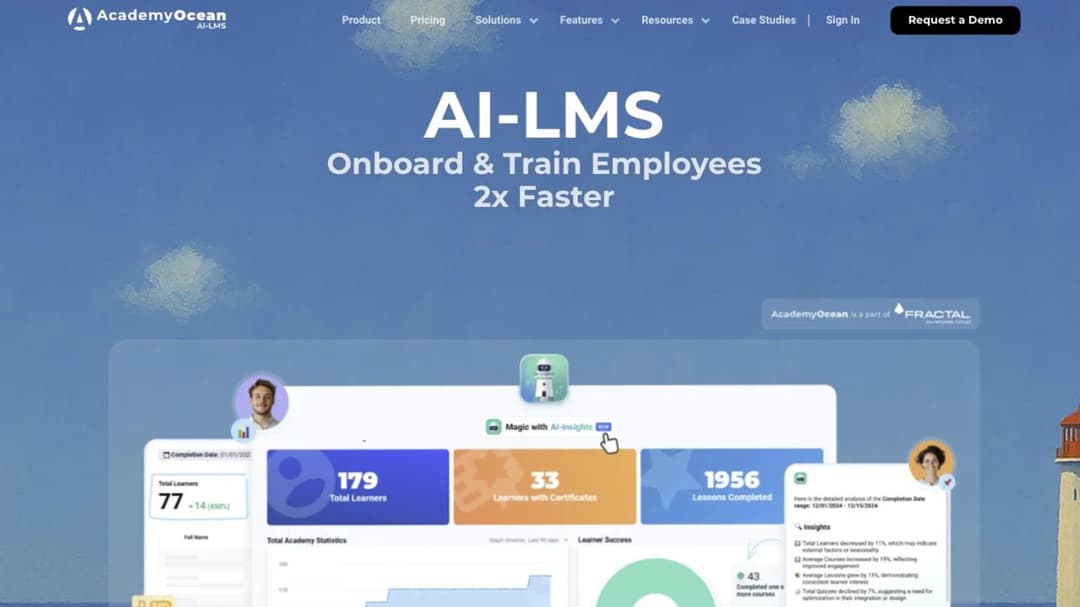
AcademyOcean publishes something almost nobody else in this comparison does: an actual ladder for external training, on the page, with bands you can read. The entry point is $200 a month billed annually for 50 learners, which is $4.00 per learner per month, and the bands run through 100, 150, 200 and 300 or more.
For this page’s second question it also gives a real answer. Multiple training portals start at Professional, from $500 a month, so the second audience costs $300 a month more than the entry tier. That is a number you can put in a budget line today, and only one other platform here offers the same courtesy.
The gap is the definition. The calculator says “per learner” and nothing on the page says what makes a learner billable or whether removing a departed partner frees the slot. On an external audience that is the whole economics, so it belongs in the order form.
Pricing (as of September 2026): from $200 a month billed annually for 50 learners, rising through bands at 100, 150, 200 and 300 or more. Three tiers: Essential, Professional and Enterprise. Multiple portals, API, webhooks and SAML start at Professional, from $500 a month. Enterprise is not priced.
Pros
- One of two platforms here that publishes what a second audience costs
- A per-learner figure you can model before any call
- SCORM is on the entry tier, which is unusual at this price
Cons
- What makes a learner billable is never defined, and neither is what happens when one leaves
- The tier that matters for multiple audiences is two and a half times the entry price
- Single sign-on sits in the unpriced Enterprise tier
11. Meridian: built for the buyers with the hardest compliance bar
Best for: government agencies, defense-adjacent contractors and regulated enterprises whose procurement rules decide the shortlist before training requirements do.
Top features
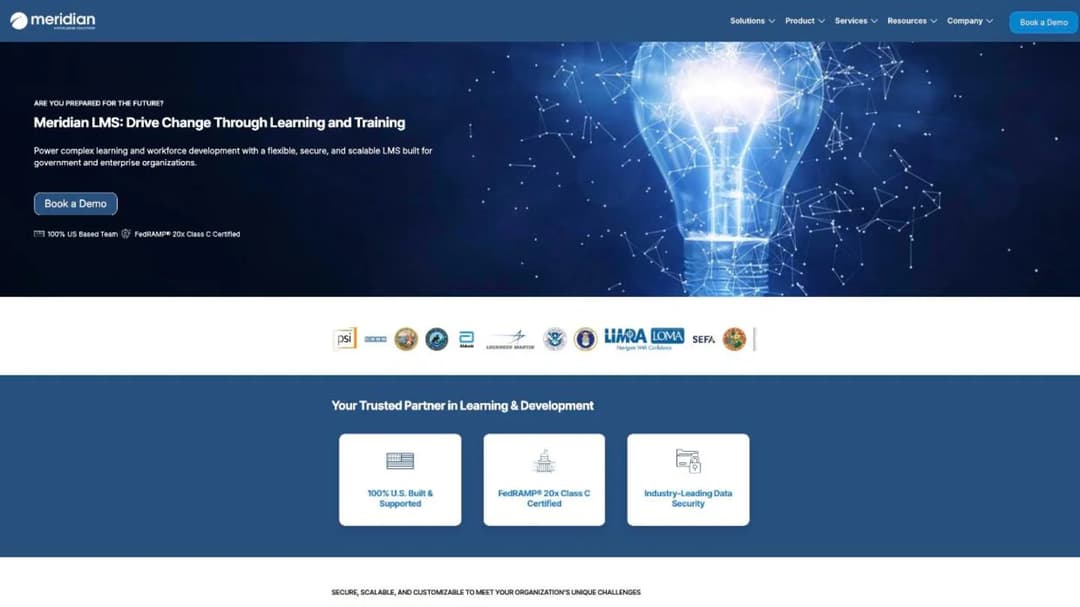
- FedRAMP 20x Class C certification, stated above the fold
- A stated 100% US-based team, which is a procurement requirement for some buyers
- Compliance training, onboarding, extended enterprise and commerce in one platform
- Separate audiences for contractors, partners and the public
- Reporting built for audit evidence rather than dashboards
Meridian is the entry on this page that a compliance or procurement team picks rather than an enablement lead. It describes itself as built for government and enterprise organizations, and it leads with an authorization badge and a US-based-team claim rather than with features. For anyone whose contractors or partner network sits inside a regulated supply chain, that combination shortens the evaluation considerably.
For everyone else it is a heavier purchase than the problem requires. Nothing about the commercial model is published, so both of this page’s questions land in the sales cycle, and the platform is sized for programs where compliance evidence is the deliverable rather than partner activation.
Pricing: not published.
Pros
- A published federal authorization, which almost nothing else in this comparison carries
- A stated all-US team, which satisfies a procurement requirement some buyers cannot waive
- Extended enterprise and commerce sit inside the same platform as compliance training
Cons
- No price, no unit and no floor published anywhere
- The compliance positioning carries overhead that a straightforward dealer network does not need
- Nothing published about how dormant external accounts are treated
12. CYPHER Learning: read the fee clause before the feature list
Best for: multi-brand programs with several audiences under separate identities, and a legal team able to renegotiate the billing clause.
Top features
- Named partner certification tiers with role-based paths for sales, technical and support roles
- Automated renewals and compliance expirations at organization level
- Commerce through nine named gateways, including several outside North America
- Complete white-labelling with no vendor references remaining
- Organization-level analytics by partner or region
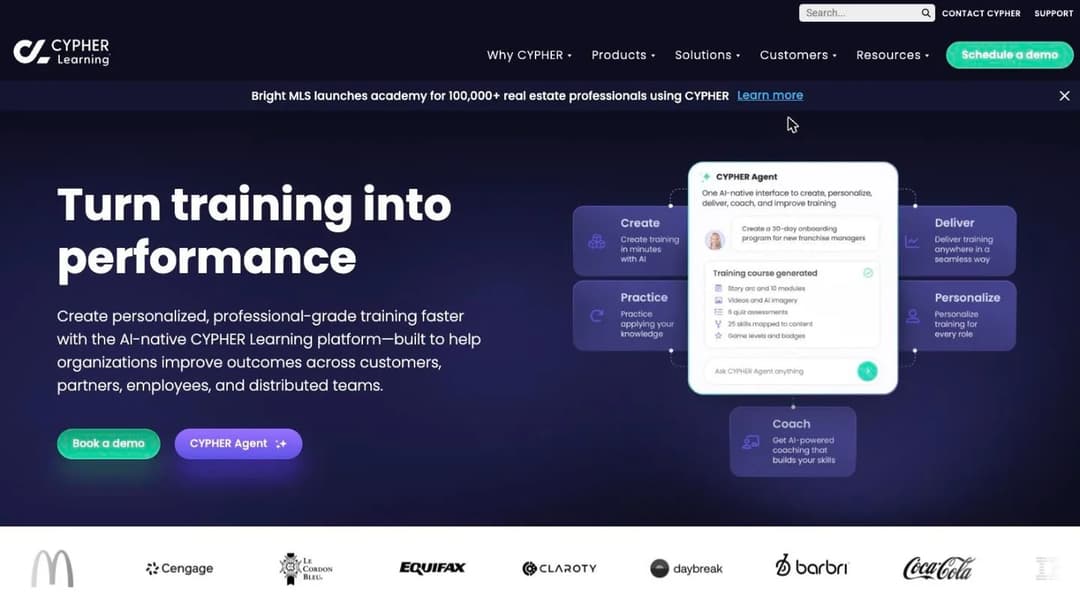
CYPHER Learning writes its partner features in channel language, which is rare and genuinely useful when you are mapping a certification program onto a platform. Tiers, role paths, expirations and per-region analytics are all there as product concepts rather than as configuration you have to invent.
Then there is the definition, and on this page’s test it is the worst shape in the comparison. An authorized user is defined by the issuance of a username and password, not by any activity, and the master agreement states that fees are non-cancellable, non-refundable and payable regardless of actual usage, owed whether or not licenses are actively used. A further clause requires a top-up order form within 30 days of exceeding your count. Every partner you ever provision keeps billing, and counts move in one direction.
Pricing: not published. No figure, trial or floor appears anywhere.
Pros
- Partner certification tiers and role-based paths exist as product concepts, not workarounds
- Nine payment gateways, including several that matter outside North America
- White-labelling is complete rather than badge removal
Cons
- Billing attaches to accounts that were issued credentials, regardless of use
- The master agreement makes fees payable whether or not licenses are used, and counts cannot go down
- Everything that makes it worth choosing, multi-tenancy included, sits in the Enterprise tier
- No price, no trial and no published floor
13. Mini Course Generator: one audience, one catalog, no sub-portals
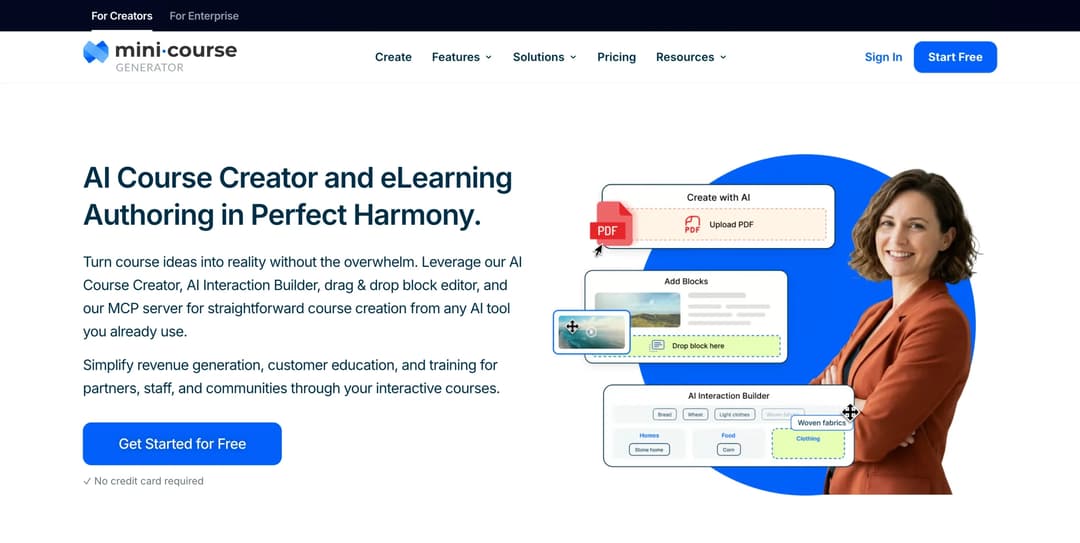
Mini Course Generator is our product. On the question this page is built around, the answer is no: there are no sub-accounts, no per-client instances and no separate branded portal per audience. If your requirement is franchisees in one space, resellers in another and customers in a third, each with its own administrators, stop here and buy one of the 12 above.
Best for: a program with one external audience and one catalog, where the training that matters changes every release and nobody will log into a portal to read it.
Top features
- A branded academy website on the business plans, with custom domains and the product badge removed on every paid plan
- Gateways for learner access: pay-wall, double opt-in, specific learners, in-app authentication and password wall
- Embeddable widgets with learner tracking, so courses run inside a portal partners already use
- SCORM and PDF export, dynamic SCORM on the business plans, plus a block that accepts SCORM built elsewhere
- REST API, Headless LMS and learner single sign-on on the Custom plan
The case for it is narrow and specific. The training a partner most needs is the thing that changed last week, and that is exactly what a heavyweight platform is slowest to produce. Point the course builder at a release note or a positioning document and send the result as a link the same day. Nobody creates an account, nobody learns a portal, and a rep can finish it between appointments. For practice rather than reading, the [AI Role-play Agent Skill](/skills/role-play/) grades a practice conversation against your rubric, which suits objection handling in a channel.
Two other things fit this audience. Content exports as SCORM, which is how a large dealer or enterprise customer runs your material inside their own system without you rebuilding it. And account-based reporting on the upper business plan gives a customer’s own administrators a view of their people, which is the closest thing here to a per-account structure.
Pricing: published. Plans, learner allowances and commercial terms are on the pricing page. Every plan opens with 14 days of full access, no credit card, and there are no transaction fees on what you sell.
Pros
- A published ladder, a free trial, and no implementation or onboarding fee
- Courses can be produced and updated in the same week the product changes
- Delivery by link, embed or export means partners never face a new login
- SCORM in both directions, so material can move into a partner’s own system
Cons
- No multi-tenancy, no sub-accounts, no reseller or agency tier and no per-client instances
- No branded mobile app and no platform rebranding
- Certification currency is manual; there is no automated recertification cycle
- Selling is a pay-wall on a course, not a catalog storefront: no course bundles, no subscriptions and no per-audience catalog pricing of the kind Docebo, Absorb or Cornerstone sell


