

Employee training software is three different products sold under one name, and which one you need is settled before any feature comparison starts. One kind proves the training happened. One kind teaches people how the work is done here. One kind builds skills that didn’t exist before.
They’re priced differently, they’re bought by different people, and two of the three can’t do the third one’s job at all.
That matters because the shortlist usually arrives mixed. The question that comes up most often in operations and IT forums is not which platform teaches best. It is how to prove the training happened. Buy a learning platform to answer that question and you get a system that reports completions beautifully and can’t produce the one document an auditor asks for.
So this article sorts by job instead of by score. Three questions tell you which of the three you’re buying. Then eleven tools, grouped by the job each one was built for, with every price its vendor publishes and a plain statement where a vendor publishes none.
Try Mini Course Generator free – build your first course from a document you already have.
Which of the Three Jobs Are You Buying?
Start here, before anyone books a demo. Three questions, and the answers are usually obvious once they’re asked out loud.
Who asks you for this, and what do they want to see? If the honest answer is an auditor, a regulator, an insurer, a client’s compliance team or your own safety lead, and what they want is a document, you’re buying proof. Call it job one.
Is the problem that people don’t know how we do things here? New starters who can do the work in principle but not the way your company does it, managers repeating the same explanation every month, a process that lives in one person’s head. That’s job two.
Is the problem that people can’t yet do the work? The skill isn’t in the building, the material doesn’t exist, and somebody has to build it. Job three.
| If this is the problem | The job you’re buying | The kind of product that does it |
|---|---|---|
| Someone outside your team will ask you to prove the training happened | Job 1: proof | A training management system, or a training-records database |
| New people don’t know how the work is done here | Job 2: the job itself | Process documentation with training attached, or a self-serve LMS |
| People can’t yet do the work and the material doesn’t exist yet | Job 3: skills | An authoring and delivery platform |
The clearest statement of the split comes from a vendor that only does job one. Employee Training Manager puts it on its own site: “A Learning Management System (LMS) delivers training content. A Training Management System (TMS) manages the evidence of training, competency, compliance and workforce capability.”
If that reads like a distinction without a difference, look at how the two sides are sold. Kaizen Software’s Training Manager, a training-records product, is bought outright: $995 for unlimited users, a one-off purchase rather than a subscription. Every other product in this article is billed monthly or annually, flat or per user, for as long as you use it. Two products that aren’t even sold on the same commercial model are not two versions of the same product.
So what: answering those three questions crosses two of the three lists below off your afternoon. If the answer is job one, a spreadsheet may already be doing most of it, and the training matrix template is a faster first move than a demo. If the answer is job two, start there rather than with a feature grid, and keep in mind that the paperwork half of onboarding is a separate purchase again.
What Employee Training Software Is, and Where the Record Lives
Employee training software is any system a company uses to deliver training to its own staff and account for it: building or importing courses, assigning them to people, and reporting who completed what by when. That definition is broad enough to cover products that behave nothing alike, which is exactly why shortlists come out mixed.
One line separates the two halves. A learning platform’s job ends when the course is finished and the completion is logged. A records system’s job starts there: it holds who was required to do what, by when, what happens when the rule changes, and who’s overdue right now.
That’s the same family of confusion as an LMS versus a content management system. Both hold content. Only one of them holds an obligation.
So what: you now have a sentence to take to your director. “We’re buying a record, not a course library” is a different budget conversation from “we need an LMS”, and it changes the shortlist before a single feature is compared.
The Eleven Tools at a Glance
Within each job the tools run from the one built most narrowly for that job to the most general.
Every price, plan limit and contract term below comes from the vendor’s own pages, quoted as printed. Where a vendor publishes nothing, the entry says so.
Mini Course Generator is our product. It’s listed for the job it does, not ranked above the others.
| Platform | Built for | Billing basis | Entry floor | Published price |
|---|---|---|---|---|
| Employee Training Manager | Job 1: records and compliance evidence | Per-employee band, monthly | Up to 30 employees | From $49/month |
| Training Manager (Kaizen Software) | Job 1: training-records database | Perpetual license, bought once | Single user | $495 single user, $995 unlimited users |
| Connecteam | Job 1: frontline records inside an ops app | Per hub: first 30 users, then per user | 10 users free for life | HR & Skills hub from $29/month |
| iSpring LMS | Jobs 1 and 3: compliance delivery | Per user per month, annual | 100-user minimum | $6.91/user/month at 100 users ($8,286/year) |
| Trainual | Job 2: documented process | Not published | Vendor states 25-1,000 employees | No price published, $1,000 one-time implementation fee |
| TalentLMS | Jobs 2 and 3: self-serve LMS | A plan and a registered-user band | Free plan, 5 users, 10 courses | Core from $119/month |
| Learn:Up by Confirm | Jobs 2 and 3: employee LMS | Per user per month, billed annually | Priced on a 200-person company | From $9 per user per month |
| Mini Course Generator | Job 3: authoring and delivery | Yearly learner allowance | 14 days of full access, no card | See the pricing page |
| 360Learning | Job 3: collaborative authoring | Per user per month, monthly commitment | Team plan capped at 100 users | $8 per user per month |
| Schoox | Job 3: frontline, multi-site delivery | Learner count, internal or external mix, and how often learners log in | Not published | No price published |
| Docebo | Job 3: enterprise learning platform | Monthly, yearly or registered active users | Vendor states 250+ learners | No price published |
The billing basis column is the one to read first, because the mechanic decides more than the headline number does. Per-seat pricing punishes headcount you already have, whether or not those people ever log in. Active-user pricing punishes a workforce that all trains at once, which is every annual compliance cycle ever run. Flat fees punish small teams and reward large ones.
A perpetual license removes the question entirely and buys you nothing that teaches.
So the rule is: match the mechanic to your headcount pattern before you compare any two numbers. A 60-person company with one annual refresher and a 400-person company with constant onboarding should not shortlist on the same basis, even though the feature grids look identical. For the arithmetic at 25, 100 and 250 users, our LMS cost breakdown does the maths platform by platform, and this article doesn’t repeat it.
Job 1: Proving the Training Happened
This is the job most shortlists answer last and the one most buyers are actually doing. It’s also the job with the sharpest failure mode, because you find out you bought the wrong thing on the day somebody external asks for the file.
“Proof” here has a specific shape. It isn’t a dashboard and it isn’t a completion percentage. It’s a document that says this named person was required to complete this named training by this date, that they did, that the requirement renews on this rule, and that nobody currently sits outside it. Somebody who doesn’t work for you has to be able to read it and believe it.
The person buying this is often not in HR at all. When the answer is “prove it happened”, the buyer is usually whoever owns the audit: the plant manager, the safety lead, the IT manager who got handed the register.
The four products below come at that from different directions. Two of them don’t deliver a single course.
1. Employee Training Manager
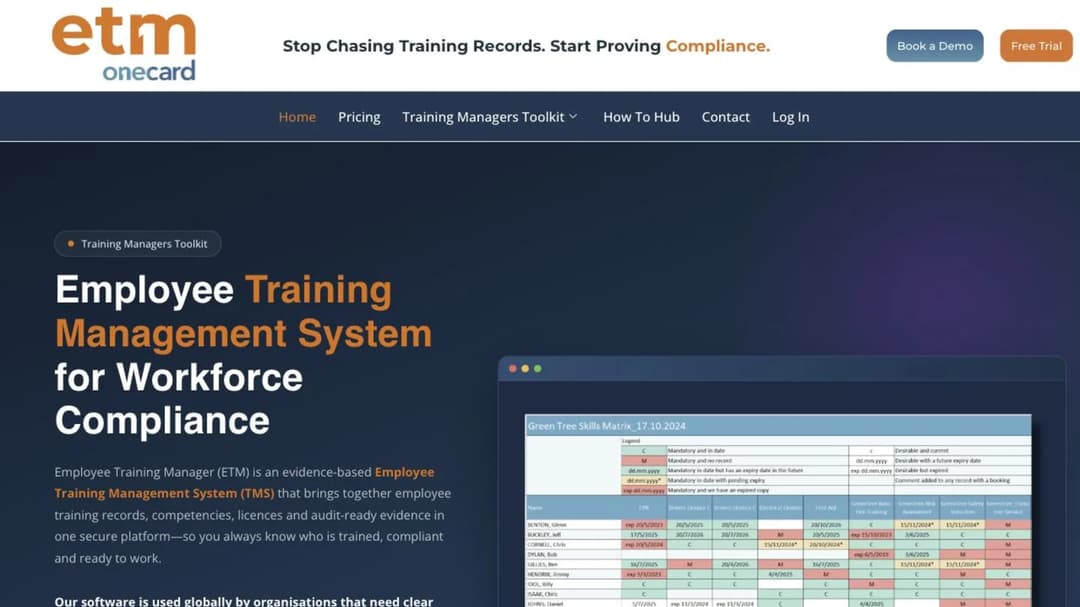
Best for: manufacturing, healthcare, construction, logistics, utilities and public-sector teams whose deliverable is an audit-ready record rather than a course catalog.
Employee Training Manager is a training management system, and it’s unusually direct about what that means. It holds training records, competencies, licenses and compliance evidence, and it says on its own site that delivering the content is the learning platform’s job while managing the evidence is its own. That’s not a limitation it apologizes for. It’s the product.
Practically, that means you’re buying a register rather than a library. Requirements sit against roles and people, renewals sit against dates, and the output is a report somebody outside your team can read. If you already have an LMS and the gap is the paperwork, this sits alongside it rather than replacing it.
It’s the cleanest illustration in this article of why a mixed shortlist goes wrong. Put it next to a mid-market LMS in a feature grid and it looks thin, because it doesn’t do the thing the grid is measuring. Put it next to a spreadsheet at renewal time and it looks like the only serious option in the room.
Pricing: from $49 a month for up to 30 employees, with a 14-day free trial and no credit card required. That is the only figure the vendor puts a number on.
Pros
- Publishes a real starting price for a real headcount, which most of this category doesn’t.
- States plainly that it isn’t a learning platform, so nobody buys it expecting course delivery.
- Built around competencies, licenses and renewals rather than around completions.
- Trial needs no card, so you can load twenty real records before you commit.
Cons
- Delivers no e-learning at all, so a company with no LMS still needs a second system.
- The published figure covers up to 30 employees, so a bigger team has to ask what its own number is.
2. Training Manager by Kaizen Software
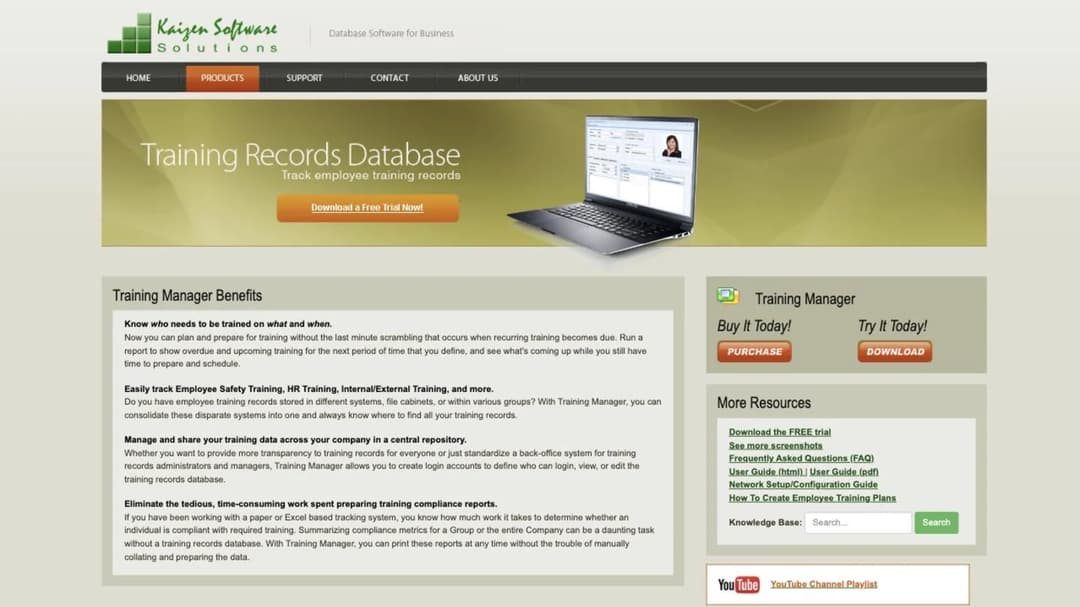
Best for: small and mid-sized operations that need a register rather than a platform, especially safety and certification tracking that has to survive an inspection.
Training Manager is a training-records database, shared on your network or run as a web version. It assigns required training by individual, by job function or by group. It tracks status company-wide and lets you drill into one person. It prints status reports built to demonstrate compliance, and it keeps employee transcripts, training-cost tracking by group, individual, course, category or supervisor, an audit-trail report of data changes, and class-session reminders sent through your own Outlook.
There’s no e-learning delivery anywhere in it. That’s the point.
One capability here is the reason records buyers walk out of learning-platform demos: retraining can be required on calendar time, on course version, or one time only. Version-triggered retraining means that when the policy changes, everyone who took the old version becomes due again automatically. Most LMS reporting can’t express that rule at all, which is how a company ends up with 100% completion against a document nobody has read since it was rewritten.
Pricing: a perpetual license, published. Standard Edition for a single user is $495. Enterprise Edition for unlimited users is $995. The Web Edition is priced “Based on personnel”. It’s bought once rather than subscribed to, and a trial version is available to download.
Pros
- $995 once for unlimited users, with nothing to renew, is a commercial model nothing else here offers.
- Retraining rules can fire on a content version, not just on a date.
- Assignment by job function means the record survives people joining and leaving the role.
- Compliance status reports are built to be printed and handed over.
Cons
- No course delivery, no authoring, no learner experience of any kind.
- The network-shared model assumes IT involvement that a two-person HR team may not have.
- The web edition’s price isn’t published, so the cheapest published option is the desktop one.
3. Connecteam
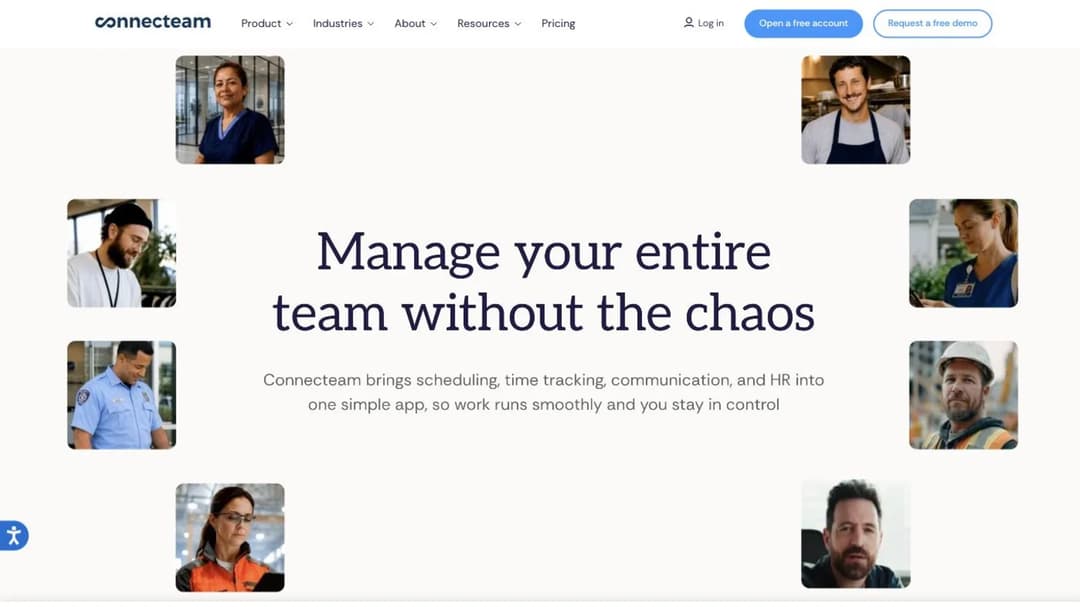
Best for: frontline and shift teams of roughly 10 to 200 people, phone first, where the training record and the shift schedule should live in the same app.
Connecteam isn’t a learning platform that added shift features. It’s a deskless-workforce app suite in which training is one hub among several. Courses and quizzes sit in the HR & Skills hub, alongside Time Off, Documents, Onboarding and Hiring. Operations and Communications are separate hubs, priced separately.
That structure is the thing to understand before you get quoted. If somebody sends you a Connecteam price for the Operations hub because the conversation started with scheduling, training is not in it. Get the hub name that contains courses written into the quote.
For a company whose people don’t have desks, the appeal is that the record and the work live in one place. The same app that shows the shift can carry the safety briefing and log who acknowledged it, which removes the most common failure in frontline compliance: training that happened but was recorded somewhere nobody looks. The same logic drives our comparisons of mobile-first learning platforms and retail training systems.
Pricing: per hub. Basic is $29 a month for the first 30 users, then $0.50 to $0.80 per additional user. Advanced is $49, then $1.50 to $2.50. Expert is $99, then $3.00 to $4.20. Enterprise is custom. Annual billing saves 18%, and the per-user ranges reflect the annual-to-monthly spread. There’s a free-for-life plan for up to 10 users across all hubs.
Pros
- A published training bill under $50 a month for a 30-person frontline team.
- Free for life up to 10 users, with every hub included, so a pilot costs nothing.
- Training, scheduling and documents share one login for people without company email.
- Per-additional-user rates are published, so growth is predictable.
Cons
- Buy the wrong hub and courses aren’t included, which is easy to do when the sales conversation starts elsewhere.
- Courses and quizzes are one part of an operations suite rather than the product itself, so authoring depth is not what you are buying.
4. iSpring LMS
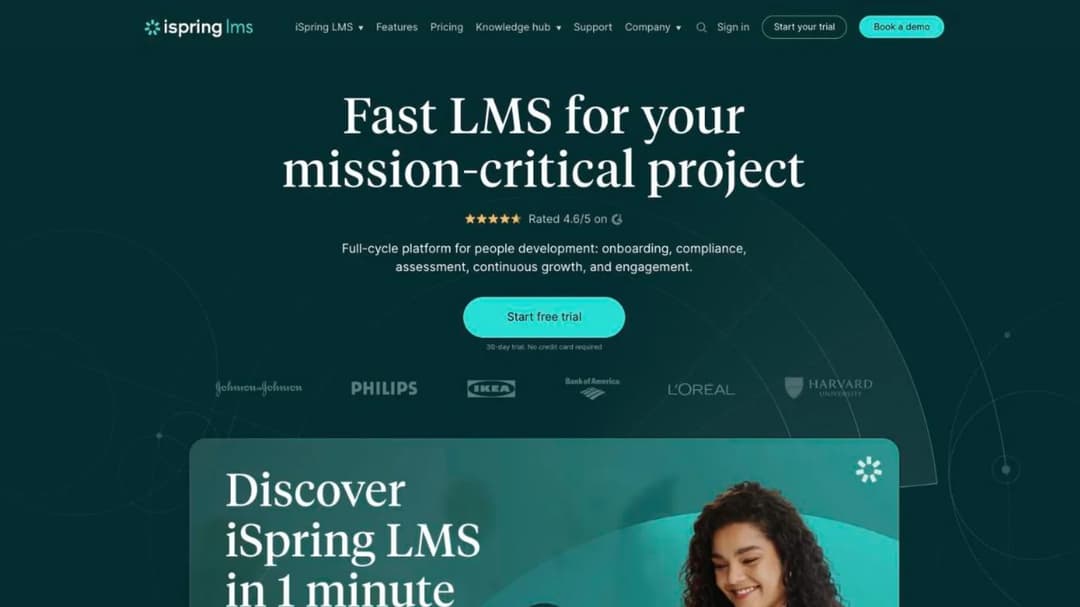
Best for: companies of 100 people and up that want delivery and a certification register from one vendor rather than two.
iSpring LMS is a corporate learning platform, so it belongs to job three by design. It’s here because its compliance and certification line is the strongest on the delivery side of this article. It documents compliance and certification tracking against named regulations – HIPAA, OSHA, FDA, AML, GDPR and ISO – rather than as a generic reporting feature, and it imports SCORM 1.2 and 2004, which matters if you’ve already bought course libraries or had content built for you. If SCORM is new to you, start with what a SCORM file actually is and the authoring tools that produce one.
The catch is the floor, and it’s a hard one.
Pricing: the Business plan doesn’t sell below 100 users. At 100 users it’s $6.91 per user per month, or $8,286 a year. At 300 users it’s $4.46 ($16,050 a year). At 500 users it’s $3.97 ($23,790 a year). Enterprise is a conversation. There’s a 30-day trial.
Pros
- Publishes a full per-user ladder at three headcounts, so you can model the bill without a call.
- Compliance and certification tracking is documented per regulation rather than as a generic feature.
- SCORM 1.2 and 2004 import protects content you already own.
- The unit price nearly halves between 100 and 500 users, which is unusually transparent.
Cons
- Will not sell below 100 users, so a 40-person company can’t buy it at any price.
- The $8,286 annual floor is a real number even if only 30 of those 100 seats are ever used.
What a training record has to carry
Take this into every demo in job one. It’s five things, and a platform that can’t do all five isn’t a records system no matter what its reporting tab looks like.
| What the record needs | What a pass looks like in a demo | Why it fails without it |
|---|---|---|
| Assignment by role or job function | You add a requirement to “forklift operator” and everyone in that role inherits it | Assign by name and every hire, leaver and transfer becomes a manual edit |
| A due date | Each requirement carries a deadline, not just a completion timestamp | Without a deadline there’s no such thing as overdue, so there’s no exception list |
| A renewal rule | A calendar interval, or a trigger when the content version changes | Annual refreshers drift, and a rewritten policy leaves everyone certified against the old one |
| An exception list | One screen showing who’s overdue right now, by name | You can prove who did it and not who didn’t, which is the half the auditor wants |
| An export a third party can read | A file you can hand over without explaining your platform | A login for the auditor isn’t evidence, it’s a tour |
Most learning platforms deliver completions and stop. Completions answer “did they finish it”, which is the easy half. The renewal rule is where the gap is widest: calendar-based refreshers are common, but retraining triggered by a change in the content itself is rare, and it’s the one that matters when a procedure gets rewritten in March and the annual cycle doesn’t come round until November.
So what: run those five questions in the first ten minutes of a demo and you’ll know whether the rest of the hour is worth sitting through. If the answer to the last one is vague, ask specifically what comes out and in what format. Our explainer on xAPI versus SCORM covers what portable training data looks like and where it stops being portable.
In regulated manufacturing, check one thing before you run any selection process at all. The training record often already belongs to the quality system rather than to L&D. Qualityze, a quality-management software vendor rather than a learning vendor, sells training management as a module of its QMS, on the argument that integrating employee training with the existing quality system is what keeps records inspection-ready. Its price scales with the modules, users, sites and services chosen, and no figure is published.
So what: if your plant runs a QMS, ask quality whether this decision is already made. A second system means the record exists twice, in two states of currency, and the auditor will find the older one. The same pattern shows up in clinical settings, which our healthcare learning platform comparison goes through in detail.
One more thing, stated plainly because it decides whether this article is useful to you. Mini Course Generator issues certificates, badges and micro-credentials, and it reports learning analytics and learner tracking. It is not a training-records system. There’s no recertification schedule by job role with due dates, no overdue-exception register, and no audit-export workflow.
If job one is what you’re buying, you need a records system, possibly alongside a delivery platform rather than instead of one. That’s why it isn’t in this group.
Job 2: Teaching People the Job
Job two is the gap between “here is the policy” and “here is how we actually do it here”. The policy exists. The process exists, usually in the head of whoever’s been there longest. What doesn’t exist is a version a new person can follow on a Tuesday afternoon without interrupting anybody.
The tools built for this look nothing like the tools in job one. They’re organized around documented process rather than around requirements and dates, and their reporting answers “have they read and acknowledged this” rather than “is this person compliant”. And once the documented process meets a manager showing somebody how, you are running blended learning whether you call it that or not, which is a scheduling problem as much as a software one.
Three products, from the narrowest to the most general.
5. Trainual
Best for: owner-led companies documenting how the work gets done, where the training problem is really a documentation problem.
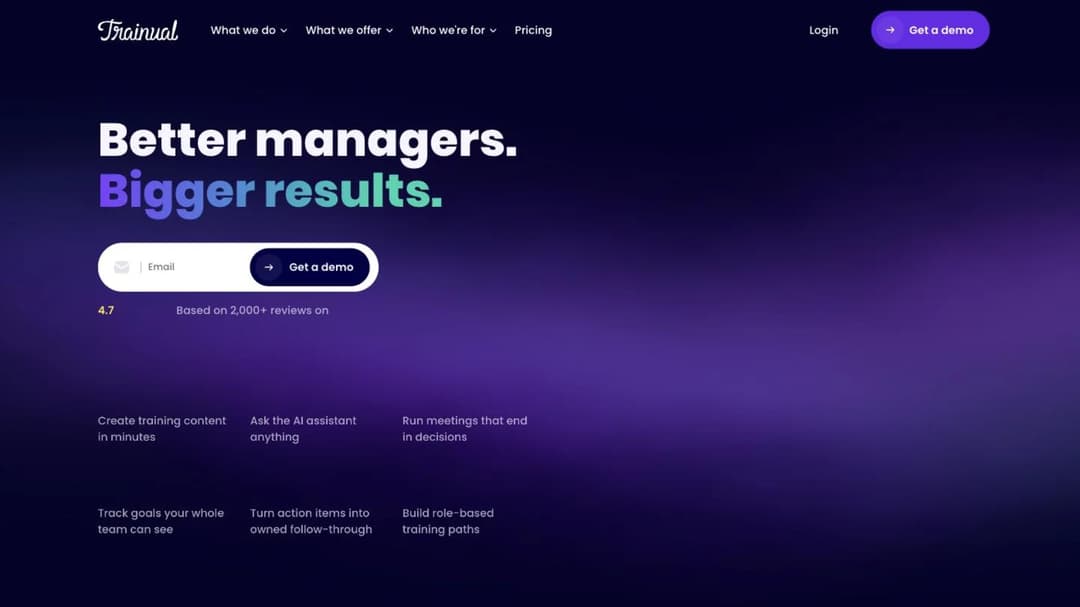
Trainual sells itself as a centralized place for documentation and simplified training, and the order of those two words is the product. You write down the process, assign it to a role, and the person who holds that role gets it. When the process changes you change it once. It’s the tool people reach for when the same question keeps getting asked and the answer keeps being a person.
The vendor states it’s best suited to companies with 25 to 1,000 employees, which is a useful filter, and it runs four tiers: Core, Pro, Premium and Enterprise.
It’s a name that arrives early on most shortlists, and it’s also the one you can’t evaluate on cost without a call. No tier carries a dollar figure. The one published number is a fee rather than a price.
Pricing: no price published on any tier. One figure is published: a one-time $1,000 implementation fee. Courses are a premium add-on, also unpriced.
Pros
- Built around roles, so documentation reaches the right people without manual assignment.
- States its own fit range, which saves a call if you’re outside 25 to 1,000 employees.
- Publishes its implementation fee, which almost nobody in this article does.
- Strong fit when the deliverable is a documented process rather than a course.
Cons
- Publishes no subscription price at all, so budgeting needs a sales conversation.
- Courses are a premium add-on with no published cost, so the training half may not be in your first quote.
- The $1,000 implementation fee is a real line item on top of whatever the subscription turns out to be.
6. TalentLMS
Best for: teams of 5 to 100 who want to buy today without a call, and onboarding that has to be assignable and reportable from week one.
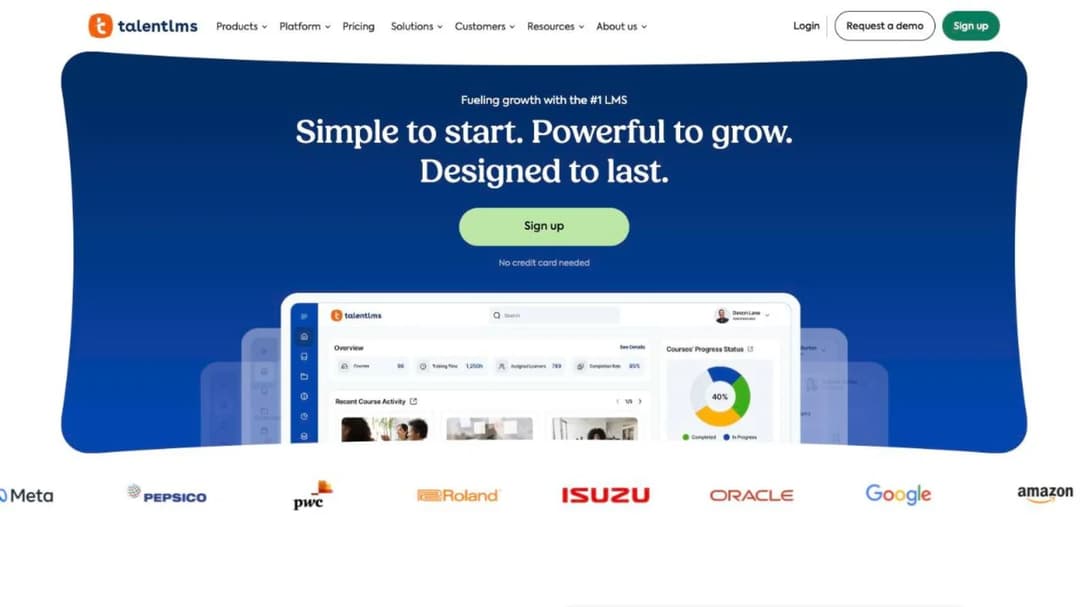
TalentLMS is the self-serve middle of this category. Registered-user bands, unlimited storage, SCORM support, branches for separate audiences, learning paths and AI credits. It’s the product most likely to be running by Friday, because you can sign up and build without talking to anyone.
The free plan is genuinely usable for a pilot rather than a two-week tease: 5 users, 10 courses, 100MB per file, no time limit and no card.
Learn the pricing mechanic before you compare anything, because it’s the one most often misread.
You’re quoted on two axes at once: a plan and a registered-user band. Core starts at $119 a month, Grow at $229 and Pro at $449, with $6 per additional user beyond the plan’s included range. Separately, a band selector runs 1-40, 41-70, 71-100 and upward to 801-1,000. Core caps at 100 users, Grow and Pro reach 500, Enterprise starts at 1,000 with a flexible option from 500.
Annual billing is 20% off.
That means a single “TalentLMS at 100 users” number doesn’t exist. Three plans reach 100 users at three different prices, and which one you need depends on features, not headcount.
Pricing: free plan for 5 users and 10 courses with no time limit. Paid plans start at $119 a month on Core, with $6 per additional user above the included range. Annual billing takes 20% off.
Pros
- A free tier that supports a real pilot, with no card and no expiry.
- Published entry price, so you can budget without a discovery call.
- Buy and configure the same day, with no implementation project.
- Branches let one account serve separate audiences without a second instance.
Cons
- The plan-and-band grid makes two quotes hard to compare until both axes are pinned.
- Moving up a plan for one feature can cost more than adding twenty users.
7. Learn:Up by Confirm
Best for: fast-growing companies of 100 to 1,000 people that want onboarding, performance review and practice from one vendor.
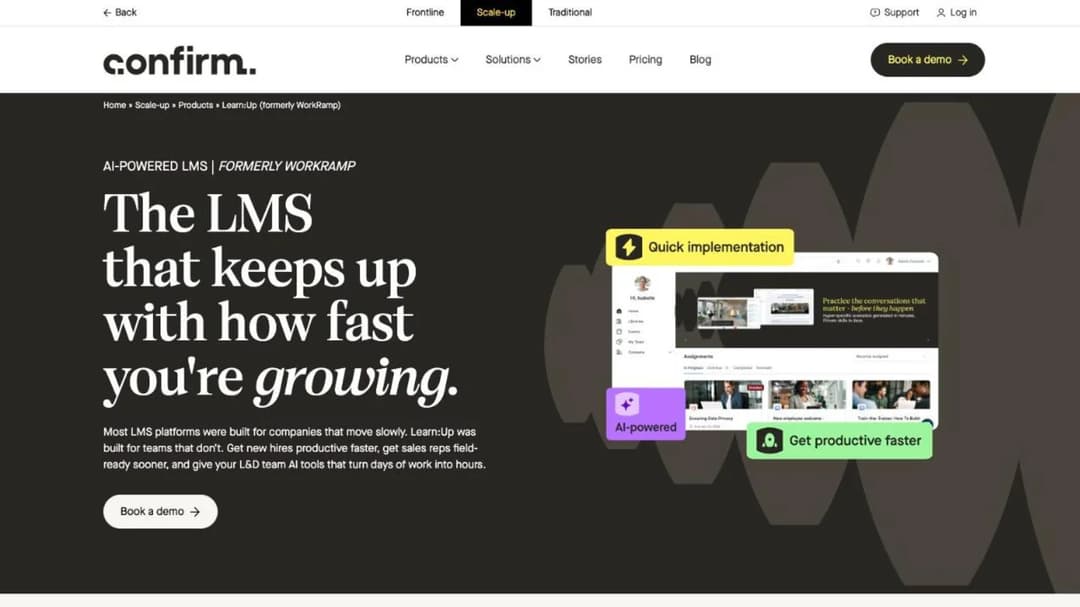
This one comes with a name problem, so start there. WorkRamp was acquired by Learning Pool, announced in October 2025. Learning Pool then rebranded as Confirm in August 2026. The product split in two: Learn:Up is the employee LMS, and Academy is the customer and partner learning product.
If your shortlist says WorkRamp, this is what you’ll actually be sold.
Learn:Up itself is an AI-first employee learning platform sitting inside Confirm’s Scale-up division, next to Perform for reviews and Practice for roleplay. The appeal is consolidation: onboarding, development and review under one contract, which is a real advantage when your HR team is three people and every extra vendor is another renewal to manage.
The published rate is quoted against a worked example – a 200-person company – rather than as a flat rate, which is more honest than most and slightly harder to compare.
Pricing: “Starting from $9 / £7 per user per month”, billed annually, based on a 200-person company. Its siblings are quoted the same way: Perform from $8 / £7, Practice from $4 / £3. The Academy, Create, Library and Custom products carry no published rate.
Pros
- Publishes a per-user rate with the headcount the rate assumes, which makes it checkable.
- Onboarding, review and practice from one vendor reduces the renewal calendar.
- The employee LMS and the customer-facing academy are separate products now, so the employee side is quoted on its own.
Cons
- Annual billing only at the published rate, so there’s no month-to-month entry point.
- Two brand changes in under a year mean older references and quotes may not match what’s on sale.
- Only some of the product line publishes a price at all.
Onboarding has a paperwork half that none of these three tools is built for. Offer letters, right-to-work checks, equipment, accounts and the first-day schedule are a different purchase, and we’ve sorted that category separately, including on the scope question in our onboarding LMS comparison. If the tool is settled and what you actually need is the content, three of our templates do the work: a new hire training plan for the first 30 days, an onboarding checklist for the administrative half, and a method for teaching one task properly when the training is a manager showing somebody how.
Job 3: Building the Skills
Job three is where the deliverable is capability rather than a record. Somebody has to write the training, build the assessment, and keep it current as the work changes. This is the job every general comparison answers by default, which is why the shortlist arrives full of these and empty of the other two.
What changes here is that authoring becomes the bottleneck rather than delivery. Delivery is close to a solved problem. Getting a subject-matter expert’s knowledge into a module that somebody will finish, this quarter, without an agency invoice, is not. AI drafting has moved that line, though not as far as the marketing suggests, and our piece on where AI actually helps in L&D is the honest version of that argument.
Four products, from the one built most narrowly for producing training to the most general platform.
8. Mini Course Generator
Best for: an L&D team of one or two that has to produce the training nobody else can write, and get it in front of people without a rollout project.
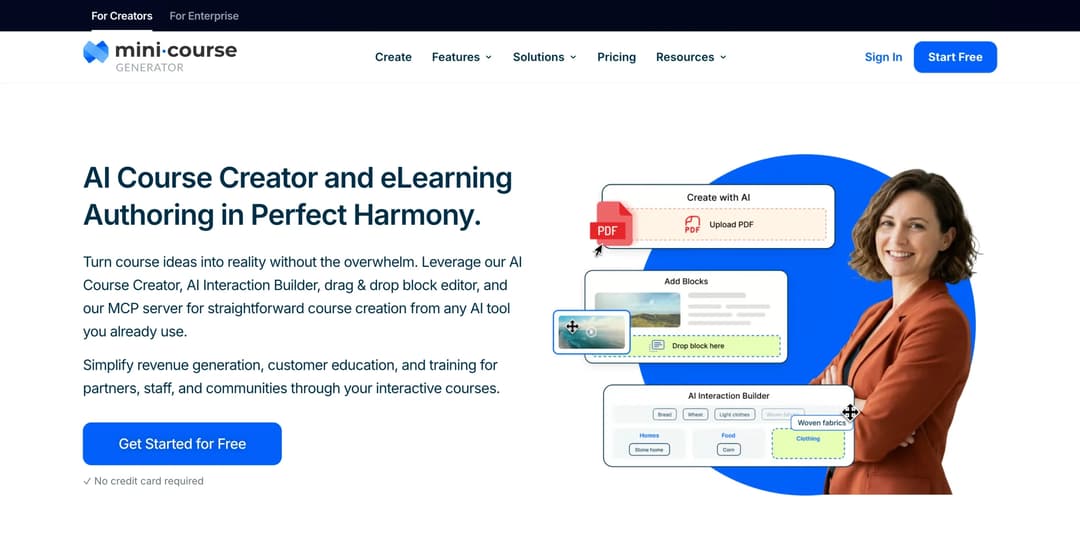
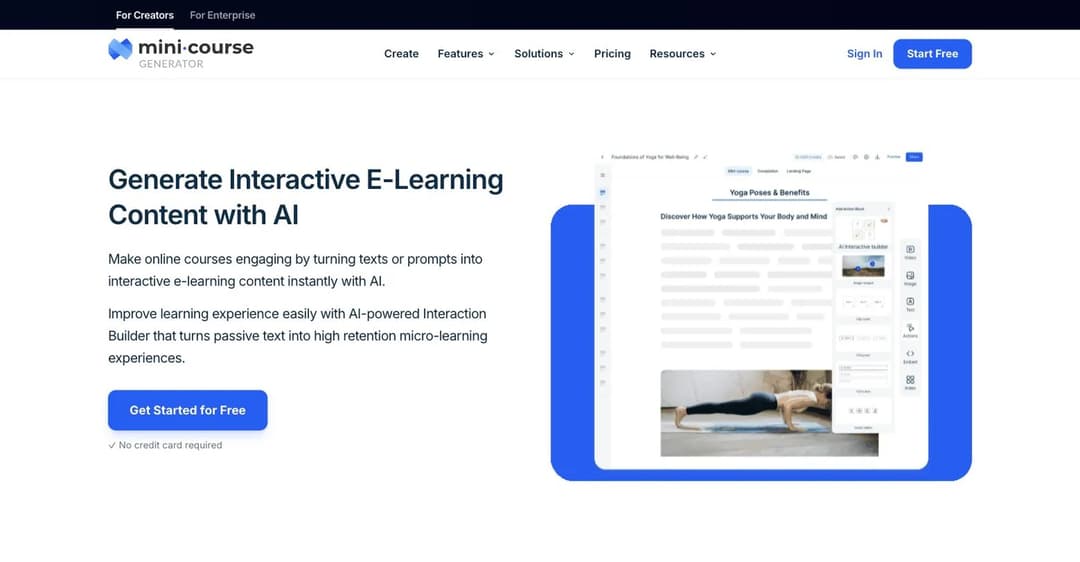
Mini Course Generator is an AI course creator plus LMS. The core loop is document in, module out: feed it a policy, a PDF, a procedure or a set of notes, and the AI Course Creator drafts a course you then edit in a drag-and-drop block editor. The PDF to Course Creator handles the material most companies already have sitting in a shared drive.
The part that matters for skills rather than awareness is the AI Interaction Builder, which produces branching scenarios, simulations, dialogue simulations, interactive quizzes, scenario-based learning, drag-and-drop activities, image hotspots, flashcards and mini-games. Practice is what separates a course somebody finished from a skill somebody has, and building that by hand is what usually doesn’t get done. The AI Role-play Agent Skill adds rubric-graded practice conversations and exports them as a standalone SCORM activity.
Delivery runs through Gateways, six options for controlling who gets in: everyone, double opt-in, specific learners, in-app authentication, a password wall or a pay-wall. Courses go out as share links, as embedded widgets inside a tool people already use, or as a SCORM or PDF export if the training has to live in someone else’s system. Certificates, badges and micro-credentialing are built in, with learning analytics and learner tracking behind them. For short, repeatable modules, the approach we use ourselves is covered in microlearning built with the Interaction Builder, and the practice side in our comparison of AI roleplay tools for corporate training.
Pricing: plans are billed on a yearly learner allowance rather than per seat, so occasional visitors don’t force a bigger plan. Every plan opens with 14 days of full access and no credit card, and there are zero implementation or onboarding fees. Figures are on the pricing page.
Pros
- Turns a document you already have into an editable course in a single sitting.
- Interactive practice, including branching scenarios and roleplay, without a separate authoring tool.
- SCORM and PDF export means content isn’t trapped if you change platforms.
- No implementation or onboarding fees, and no setup project before the first course ships.
Cons
- Not a training-records system: no recertification schedule by job role, no overdue register, no audit export.
- Billed on a yearly learner allowance, so a one-off audience spike can push you up a plan.
9. 360Learning
Best for: companies where the knowledge sits with subject-matter experts and the L&D team of one has become the bottleneck.
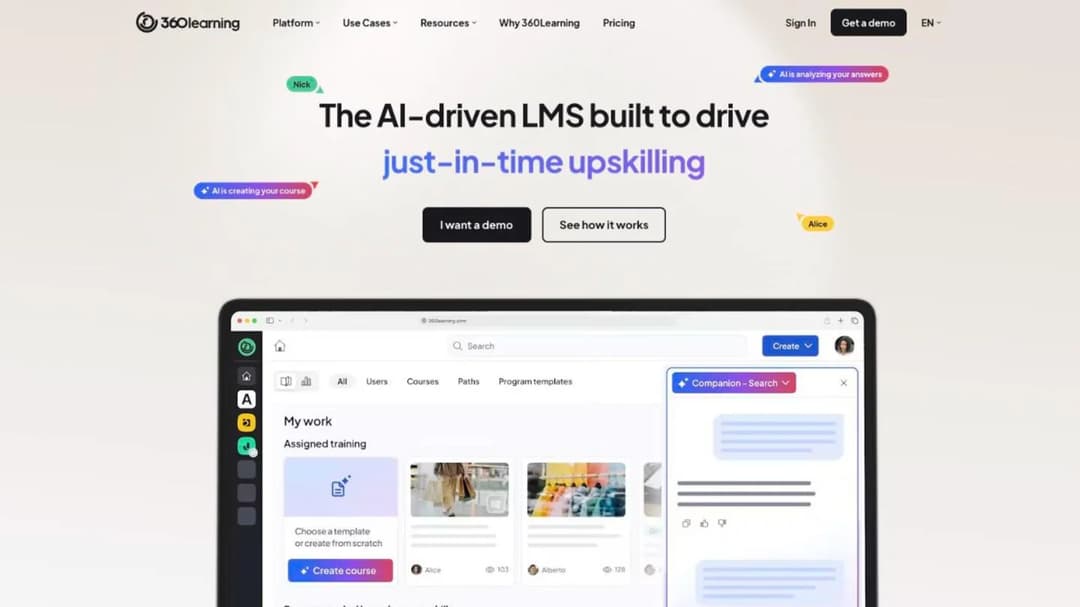
360Learning is built around collaborative authoring. Instead of L&D writing everything, the experts who hold the knowledge build the courses under L&D’s oversight, with review and approval built into the workflow. If your problem is that nine people know things and one person has to turn all of it into training, this is the shape of tool that addresses it directly.
It publishes a per-user rate you can act on without a call, and that rate has a ceiling. The self-serve Team plan is $8 per user per month, capped at 100 users, on a monthly commitment you can cancel any time. Above 100 users you move to Business or Enterprise, which are custom and annual, with what the vendor calls flexible user models: registered users, monthly active users, or a mix of both in one contract to support internal and external learners.
So the number that makes it look cheap is available only to companies small enough not to need most of what it sells. That’s not a criticism of the pricing, but it does mean a 250-person company reading “$8 per user” is reading a rate it can’t buy.
Pricing: Team plan at $8 per user per month, up to 100 users, monthly commitment, cancel any time. Business and Enterprise are custom and generally annual.
Pros
- A published per-user rate with no sales call at the entry point.
- Monthly commitment at the Team plan, so a failed rollout isn’t a year of payments.
- Built for expert-authored content, which is the realistic model for a small L&D team.
- One contract can mix registered and active users for internal and external audiences.
Cons
- The published rate stops at 100 users, and above that there’s no figure at all.
- Collaborative authoring only pays off if experts actually contribute, which is a management problem, not a software one.
10. Schoox
Best for: multi-site operators with uneven login patterns, especially restaurant, hospitality, manufacturing, retail and financial services groups.
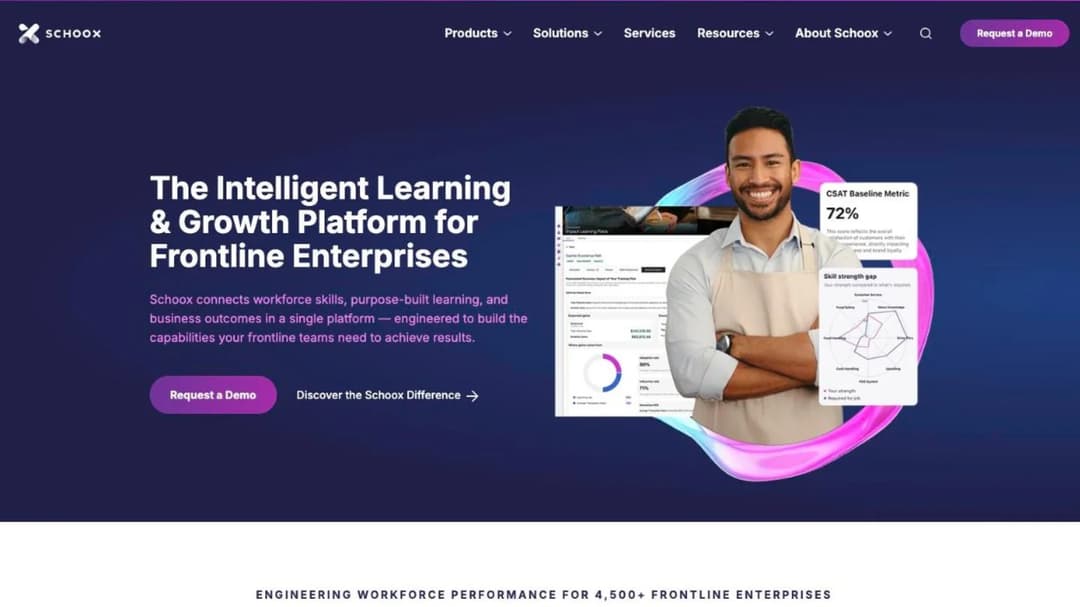
Schoox is a learning platform with stated strength in frontline and multi-location operations, and it reports more than 4,500 companies using it. If your training audience is spread across sites, shifts and franchise lines rather than sitting in one office, it’s built for that shape from the start. The same operating pattern drives our hospitality learning platform comparison, where the multi-site problem is the whole problem.
Its pricing is the most unusual on this list, and the unusual part matters before you ask for a quote. The vendor says pricing depends on how many learners you have, whether they’re internal, external or a combination, and how often learners will access the platform.
That last factor is the one no other product here charges on. For a seasonal or high-turnover workforce it can work strongly in your favor, because the people who never log in cost less than they would on a per-seat contract. For a workforce that all trains in the same two weeks every year, it can do the opposite. Model your actual login pattern before the call, not your headcount.
Pricing: no price published. Pricing depends on learner count, the internal-to-external mix, and how often learners access the platform.
Pros
- Built for multi-site and frontline operations rather than adapted to them.
- Login-frequency pricing can favor a workforce that trains in bursts or turns over fast.
- States its sector strengths plainly, so fit is easy to assess before a demo.
Cons
- No published price, so every comparison needs a sales conversation first.
- Usage-based pricing is hard to forecast, and an annual compliance push is exactly the spike that costs most.
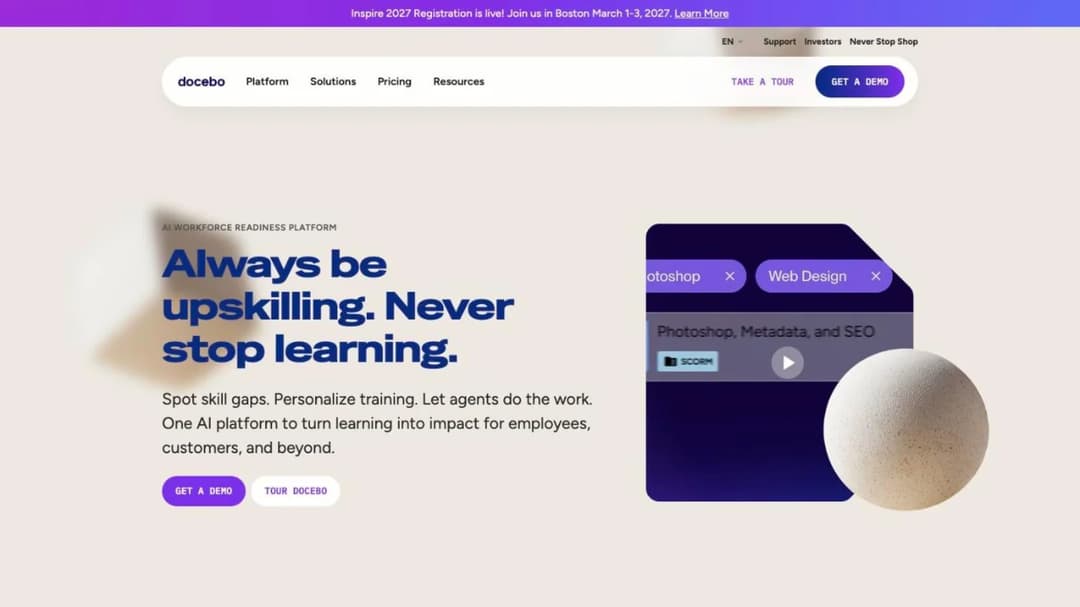
11. Docebo
Best for: companies training 250 or more learners across employees, customers and partners at once.
Docebo is the most general product here and the top of this article’s range. It runs two tiers, Elevate and Enterprise, and it covers internal training, customer education and partner enablement from one platform, which is what buyers at that size usually need.
It publishes no price. What it publishes instead is a fit bar: the vendor states it’s best suited to companies training at least 250 learners. That’s more useful than it sounds, because it’s a decision you can make without a call. Under 250 learners, you sit below the bar the vendor sets for itself.
Over it, you’re in the market it’s built for.
Pin the billing model early. Pricing runs on monthly active users, yearly active users or registered active users, and those three produce very different bills from the same workforce. If you get to a quote here, fix which of the three you’re being priced on before you compare it with anything else. For a shortlist of platforms aimed at a similar buyer, our Docebo alternatives comparison covers who else serves that range.
Pricing: no price published. The vendor states a fit of at least 250 learners and prices on monthly, yearly or registered active users.
Pros
- Handles employee, customer and partner learning in one platform.
- Publishes a clear fit threshold, so you can rule it in or out without a demo.
- Active-user models can suit a large workforce where only a fraction trains in any month.
Cons
- No published price at any tier.
- Three different definitions of a billable user make quotes hard to compare with other vendors.
- Below 250 learners you’re buying more platform than the problem needs.
Seven more platforms come up constantly at larger headcounts, and between them they publish one figure you can act on. Absorb, now trading as Absorb AI, asks which learner band you are in, from 1-50 up to 25,000+, and the band you tick sets the quote. Litmos shows “Contact for Pricing” on all three tiers. Cornerstone prices the platform on request and publishes only content shelves: 6,800+, 27,500+ and 28,500+ courses. Continu sells in monthly-active-user bands and charges implementation at 10% of first-year contract value. SkyPrep bills on active users with floors of 100, 100 and 1,000+. eloomi publishes no pricing page and is sold both on its own and as part of Dayforce’s HCM platform. The one figure is Tovuti’s: $7,500 a year for the first 100 learners, with no overage rate published. Several are cloud platforms worth comparing on deployment rather than on price.
Where the Three Jobs Overlap, and the Two Questions to Ask in a Demo
The three jobs aren’t sealed off from each other. A delivery platform can hold a competency register if somebody configures it properly. A documentation tool can carry a quiz. The overlap is real, and it’s where most of the wrong purchases happen, because a product that can technically do the adjacent job will always demo as though it does it well.
The way through is to stop asking what a platform can do and start asking two questions about what it costs and how it ends. These two matter more than any feature comparison, because features change and contracts don’t.
Question one: what exactly am I being quoted on?
A price without its unit is not a price. TalentLMS is the clearest example because it publishes the whole mechanic: you’re quoted on a plan and a registered-user band at the same time. Core starts at $119 a month, Grow at $229 and Pro at $449, then $6 per additional user, against a separate band selector that runs from 1-40 up to 801-1,000. Three plans can carry the same 100 people at three different prices.
Docebo offers monthly active users, yearly active users or registered active users. Schoox prices partly on how often people log in. Connecteam prices by hub. 360Learning changes model entirely above 100 users.
So the rule is simple: before you compare two quotes, make both vendors state the unit, the count and the commitment in writing. A per-active-user quote and a per-registered-user quote for the same 300-person company are not two prices for the same thing, and the spread between them is usually larger than any discount you’ll negotiate. While you’re there, ask what the HRIS integration actually syncs, because “integrates with Workday” can mean a nightly user import or a full bidirectional feed, and only one of those removes work from your week.
Question two: what does it cost to turn on, and when does year two get decided?
Two vendors in this article charge a published implementation fee. Trainual charges a one-time $1,000 fee. Continu states that implementation is 10% of the first-year contract value and recommends allowing 60 days for a seamless implementation, against an instance that’s available immediately. Most of the rest say nothing about either the fee or the timeline.
Use those two numbers as your benchmark. Ask every vendor for the implementation fee and the go-live date in writing, and hold any “live next month” promise against that 60-day figure. Provisioning an instance and being ready to train people are not the same milestone.
Then read the renewal clause before you sign, not in month eleven. SkyPrep’s terms of service require written notice of non-renewal no less than sixty days prior, against a contract that auto-renews for a term of equal length. That means year two is decided in month ten of year one. Whatever your contract says, put that date in your calendar the week you sign it, with a reminder a month earlier.
So what: these two questions cost ten minutes and routinely change the three-year number more than the headline rate does. If branding comes up in the same conversation, our guide to what “white label” actually means is worth reading first, because four different things get sold under that phrase.
Three Numbers That Do Not Compare
Three published figures in this category look like they belong in the same spreadsheet column. None of them do.
| The number | What it looks like it measures | What it actually measures |
|---|---|---|
| Course-catalog size | How much training you get | How large a library is, not whether anyone finishes anything |
| “Users” | How many people are covered | Whichever of three definitions that vendor happens to use |
| The headline monthly price | How expensive the platform is | How well the pricing model happens to fit your headcount |
Course-catalog size. At the enterprise end, the number of courses is often the only published figure. Cornerstone publishes content shelves of 6,800+, 27,500+ and 28,500+ courses and no platform price at all. A bigger shelf is not more training. It’s more shelf, and the completion rate on a library nobody curates is the number that should worry you.
“Users”. Docebo alone offers monthly active users, yearly active users or registered active users, three definitions of the billable unit from a single vendor. Two quotes from two vendors aren’t comparable until you force a single definition on both.
The headline monthly price. Tovuti publishes $7,500 a year for the first 100 learners. Flat pricing is absurd at 25 people and competitive at 100, which is the exact opposite of how per-user pricing behaves. So “the cheapest platform” isn’t a stable answer. It’s a function of your headcount, and it flips as you grow.
So what: three columns come out of your comparison spreadsheet, and the price stops being a single number you can sort on.
How to Choose
Four questions, in the order that saves the most time. Each one can end a conversation before it starts.
Has your HR system already made this decision?
Check what your HRIS already carries before you run a selection process. eloomi publishes no pricing page and is now available as an integrated part of the Dayforce HCM platform, which means a company already running Dayforce may have bought a training platform without noticing. The same is true of several HR suites with a learning module included.
If your HRIS has one, the question isn’t whether it’s the best platform available. It’s whether it’s good enough to avoid a second vendor, a second login and a second set of user records. Sometimes it is. Ask before you shortlist, not after.
Can you actually buy it at your headcount?
Several of the names in this category have a floor, and it is not always the first thing you’re told.
iSpring will not sell below 100 users, at $6.91 per user per month and $8,286 a year at that floor. Docebo states a fit of 250+ learners. SkyPrep publishes active-user floors of 100 and 1,000+. Tovuti’s one published plan buys the first 100 learners for $7,500 a year, so a 25-person team pays the 100-learner price.
So ask for the minimum before you book the demo. One email saves an hour. If you’re under 100 people, the shortlist is different enough that we sorted it separately in our comparison of platforms a small business can actually buy today.
Does the plan you’re quoted actually include training?
Connecteam sells training inside its HR & Skills hub, alongside Time Off, Documents, Onboarding and Hiring, separate from its Operations and Communications hubs. Buy the wrong hub and courses aren’t in it. Trainual’s courses are a premium add-on rather than part of the base product.
The rule: whenever a suite is priced by module, get the name of the module that contains courses written into the quote, along with what it costs on its own. Otherwise the first renewal is where you find out.
Are you asking for a product that still exists?
WorkRamp was acquired by Learning Pool, which rebranded as Confirm, and the product split into Learn:Up and Academy. Absorb now trades as Absorb AI. eloomi is sold through Dayforce as well as on its own. Ask for a vendor by an old name and you’ll be quoted a different company’s product line on a different price sheet.
Check the current name before the first call, and ask directly what changed in the product, not just in the branding.
Two more things change the answer. The first is the sector you’re in: selling, phone support, clinical care, volunteering, dealerships, partners and customers each move the decision somewhere different, and we’ve sorted them in comparisons for sales training, contact centers, nonprofits, dealerships, partner enablement and customer education. The second is what you’re going to put in front of your director, and a training plan template is a faster route to that than a feature grid.
Frequently Asked Questions
What is the difference between an LMS and a training management system?
A learning management system delivers the training: it hosts courses, assigns them, and records completions.
A training management system manages the evidence: who is required to hold what, when it expires, who’s overdue, and what an auditor can be handed. The two overlap at the reporting layer, which is why they get confused, but the products are built around different objects. An LMS is built around content. A TMS is built around obligations.
A company with strict compliance requirements often ends up running both.
What’s the best way to track employee training progress?
Track five things, not one. Assignment by role or job function rather than by name, a due date on every requirement, a renewal rule that fires either on a calendar interval or when the content version changes, an exception list showing who’s overdue right now, and an export a third party can read without a login. Completion percentages alone tell you who finished and not who’s outstanding, which is the half that gets asked for. If you’re not there yet, a training matrix on a spreadsheet does four of those five.
Is there a free option?
Yes, and two of them are genuinely usable. TalentLMS’s free plan covers 5 users and 10 courses with no time limit and no credit card. Connecteam is free for life for up to 10 users across all hubs, training included. Both are real pilots rather than countdown trials, which means you can test your actual content before you spend anything.
Beyond that, the open-source and permanently free end of the market has its own trade-offs, and we’ve been blunt about them in our guide to free learning platforms.
Is employee management software the same thing?
No. Employee management software is HR administration: records, scheduling, time off, payroll. It’s a different purchase with different buyers, though some HR suites carry a training module, and eloomi being sold as part of Dayforce’s HCM platform is the clearest example of the two arriving together. One more distinction worth making, because the names are one word apart: employee monitoring tools that track screen time, activity or location are a different product again, and nothing in this article does that.
Can we do this on a spreadsheet?
Yes, until you can’t. A spreadsheet handles assignment, due dates and an overdue list perfectly well. What it doesn’t do is enforce a renewal rule, survive the person who maintains it leaving, or produce an export somebody trusts. The usual breaking points are around 30 people or the first time it’s used in an audit.
The floor above it isn’t as high as most teams assume: Kaizen’s Enterprise Edition is $995 once, for unlimited users, with no subscription behind it.
What about onboarding software?
Onboarding splits in two. The paperwork half (offer letters, right-to-work checks, equipment, accounts) is HR administration software. The teaching half is training software, and it’s job two in this article.
Most teams need both and buy one. Our comparison of employee onboarding software sorts the paperwork side by category.
The Short Version
Employee training software is three purchases wearing one name, and the fastest way to a shortlist is to name which one you’re making. Proof of training is a records system. Teaching people the way the work is done here is documentation with training attached. Building capability that doesn’t exist yet is an authoring and delivery platform.
Some products straddle two. None of them does all three well.
Do one thing before you book anything. Write down who will ask you to prove this training happened, and what they’ll want to see when they do. If the honest answer is an auditor, an insurer or a regulator, start with job one and treat delivery as a second decision. If the honest answer is nobody outside the company, you’re free to buy on how good the training is, which is a much more pleasant purchase.
Then take the five-item record checklist and the two demo questions into the first call. Ten minutes of that will tell you more than an hour of the standard walkthrough.
Start free with Mini Course Generator – turn a policy document you already have into a course this afternoon.
Sources
- Vendor pricing and product pages, September 2026: Employee Training Manager, Kaizen Software, Connecteam, iSpring, Trainual, TalentLMS, Confirm, 360Learning, Schoox, Docebo, Absorb, Litmos, Cornerstone, Continu, SkyPrep, Tovuti, eloomi and Qualityze.
- SkyPrep’s sixty-day non-renewal clause is from its terms of service rather than its pricing page. Cornerstone’s course-shelf counts are from its content subscription pages.
- Prices are quoted as the vendors publish them and change without notice. Check the vendor’s own page before you budget.


