

Take a chain running four hundred associate positions. Five paid minutes of training a day across that estate costs about $186,800 a year in wages, against roughly $24,000 for the software that delivers it. So the decision that moves your budget when you choose an LMS for retail isn’t which logo you pick. It’s how many minutes you authorize, and how the contract counts the people who use them.
That matters because the two numbers you’ve probably been handed are both wrong, and both of them make you buy bigger than you need. Retail turnover is not 60% a year. Retailers do not hire 20 to 40% of their headcount in a six-week window. Federal figures put annual separations at about 45% and falling, and the October and November hiring wave at about 8% of the sector’s headcount.
This guide works through what retail training actually costs, what the law says about paying for the time, what a platform has to do inside a store, and then fourteen platforms: what each one counts, what it costs, and which shape of retail operation each one fits.
Turn what you already have into store training with Mini Course Generator – an opening checklist or a product launch sheet becomes a course your associates can take on a phone today.
What Is a Retail LMS?
A retail LMS is employee training software built for people who work in stores rather than at desks: it delivers short modules to a phone, assigns them by store, role, or region, and keeps a completion record you can show an auditor eighteen months later. Written out in full, it’s a retail learning management system, and the retail part is a set of constraints rather than a feature list.
Those constraints are specific. Learners share a device or use their own, they have minutes between customers rather than hours in a classroom, and a meaningful share of them joined this quarter and will leave before the next one.
A general-purpose LMS can do most of that. What it usually can’t do is get a new associate in on day one without an IT ticket, or prove a month later which of your stores completed the age-restricted sales refresher. Those two jobs are where the retail-specific products earn their price, and they’re the two things to test in a trial.
Some of the products sold hardest into retail stores aren’t learning platforms at all, and the border between the two categories is the easiest one to cross by accident.
Is your problem training, or is it execution?
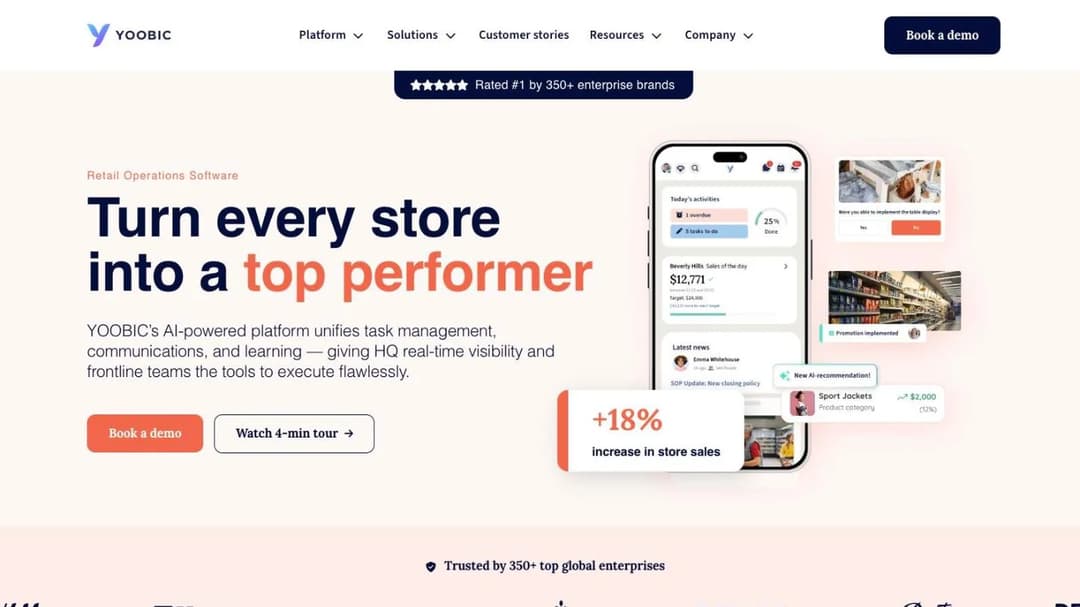
YOOBIC sells itself as “Retail Operations Software. Turn every store into a top performer,” running task management, store communications, and learning as one system across what it says is 350 or more brands, including H&M, Boots, GameStop, Michaels, Morrisons, and Lacoste. Its learning module is real, and it isn’t the product’s center of gravity.
That’s a fork, not a feature preference. If the failure you’re trying to fix is that the planogram reset didn’t happen on Tuesday, a learning module inside the system that assigns the task beats a better LMS that nobody opens. If the failure is that you can’t evidence who passed the alcohol-service module before the inspector arrives, the reverse holds, and an operations app will not save you.
Most multi-site operators end up running both. The expensive version is buying one while describing the other’s problem in the requirements document.
So what: answer this before you book a demo. No amount of feature comparison inside the wrong category will fix the choice.
What the Numbers Actually Say About Retail Churn
Two figures size this purchase in most requirements documents: 60% annual turnover, and a Q4 hiring spike big enough to need its own platform. Both come from the category’s marketing rather than from the employment data, and both are high enough to change what you buy.
Turnover is about 45%, not 60%
Retail trade total separations averaged 3.77% a month in 2025, which annualizes to about 45%. In 2021 the same figure was 5.42% a month, about 65%. It has fallen every year since. Quits alone averaged 2.57% a month in 2025, about 31% a year, down from 4.23% a month in 2021.
Retail’s 2025 quit rate of 2.57% a month sits close to the all-industry average of 2.02%, and well below accommodation and food services at 4.24%. Retail quietly stopped being the extreme-churn sector the category still sells to.
So what: if you size your license, your content refresh cycle, and your retraining budget on 60%, you’re buying roughly a third more than you need. It also means advice imported from hotel and restaurant playbooks over-corrects for churn you no longer have. The economics in our hospitality LMS guide and the restaurant training guide are built on a sector that quits at 4.24% a month against retail’s 2.57%. The call center and healthcare guides start from different constraints again.
The Q4 wave is about 3%, not a doubling
Retail employment, not seasonally adjusted, ran 15,345,600 in September 2025 and 15,807,100 in December: 461,500 jobs, a rise of 3.0%. The two years before that added 510,600 and 541,700. The sector adds about half a million people and three percent of its headcount. It does not double.
So what: a Q4 plan built on a doubling buys seasonal capacity that never arrives, and pays for it for twelve months. Size the seasonal block against three to five percent of your own headcount, then handle it as an onboarding problem rather than a platform problem. Our employee onboarding software guide covers the paperwork side, and a new hire training plan is the part you can write before you’ve picked anything.
Whether the wave applies to you depends on what you sell
The 3.0% is a sector average, and the sector isn’t one thing.
From September to December 2025, general merchandise retailers grew 5.0%, from 3,222,100 to 3,382,000. Other miscellaneous retailers grew 4.5%. Food and beverage retailers grew 1.3%. Motor vehicle and parts dealers were flat.
| Retail format | Employment change, September to December 2025 | What it means for your Q4 plan |
|---|---|---|
| General merchandise retailers | +5.0% | Seasonal onboarding is a real capacity problem |
| Other miscellaneous retailers | +4.5% | Same, at a slightly smaller scale |
| All retail trade | +3.0% | The sector average, and the honest planning number |
| Food and beverage retailers | +1.3% | Seasonal features are close to worthless to you |
| Motor vehicle and parts dealers | Flat | Buy on the audit trail, not on the hiring curve |
So a department store chain and a grocery chain are buying for two different problems, and an auto parts chain has almost no seasonal problem at all. Compliance differs too: age-restricted sales, food handling, and shop-floor safety are three separate curricula with three separate audit trails.
So what: work out which curve you’re on before you pay for seasonal capacity. If you sit in the flat group, most of the seasonality features in a demo are worth nothing to you, and you should be evaluating on the audit trail instead. The automotive LMS guide covers that end of the trade in more detail.
The six-week hiring claim
Axonify’s retail page states that retailers hire 20 to 40% of their headcount in a six-week window. It’s the most repeated sizing claim in this category and it doesn’t survive the hiring data.
Retail hired 665,000 people in October 2025 and 625,000 in November, 1,290,000 across two months against roughly 15.5 million employed. That’s 8.3%. The busiest single hiring month of the whole year was June.
Individual chains absolutely do hire 20 to 40% in six weeks. Seasonal pop-ups, toy retailers, and gift-heavy general merchandise formats really do live that curve. But sector-wide the true figure is three to six times smaller than the one you’re being sold.
So what: get your own number out of your HRIS before the first demo. If your six-week hiring rate is under 10%, a platform priced and configured around a spike you don’t have is an expensive fit. If it’s over 20%, say so in the requirements document, because it changes which counting rule you want.
What Retail Training Actually Costs
Everything below is worked on a chain running four hundred associate positions, roughly 30 to 50 stores, with a per-associate unit so you can scale it to your own headcount.
The minutes cost about eight times the license
Retail production and non-supervisory employees earned an average of $22.45 an hour in August 2026 and worked an average of 30.9 hours a week, according to the Bureau of Labor Statistics. Five minutes a day, five days a week, fifty weeks a year is 20.8 hours per associate. At $22.45 an hour that’s $467 per associate per year in paid training time.
Across four hundred associates, that’s $186,800 a year. The same four hundred people on the per-active-learner rate a chain that size can actually buy, $4.98 per active learner per month, costs $23,904 a year. There is a cheaper published rate in this market, $1.99, but it’s capped at 100 learners, so a four-hundred-person estate can’t reach it.
Cut the daily dose to three minutes and the wage bill is still about $112,000 against the same $23,904. The ratio moves; the conclusion doesn’t.
So what: take $467, multiply it by your own associate headcount, and walk into the budget meeting with that number before the license quote. Then argue about the dose, because the dose is the line item you actually control. Our LMS cost breakdown covers the license side.
Registered seats or monthly actives
At 45% annual separations, a 400-position estate employs roughly 580 distinct people over a year, but never has more than about 400 of them active in any single month. That gap is where the money is.
Take a published market rate of $8 per user per month, which is what 360Learning charges on its Team tier. Bill 580 registered seats and you pay $55,680 a year. Bill 400 monthly actives and you pay $38,400. That’s $17,280 of difference for identical training, every year, decided entirely by a definition in the order form.
One vendor states the release rule in public. ProProfs Training Maker’s pricing page defines an active learner as “anyone currently enrolled in training – employees, contractors, partners,” and says a former employee or past contractor “can be paused to release license (still keeps their reports & completion data) for a new person, without increasing cost.” That’s the whole mechanic in one sentence, and most vendors leave it out.
So what: two vendors quoting “$8 a user” are not quoting the same thing. Put three questions in writing before you sign: does the plan count registered people or people who logged in this month, is a leaver’s license released, and does the leaver’s completion record survive the release. If the answer to the second is “on request,” ask how long the request takes in December.
Seasonal staff are a billing question, not a feature
Run the same arithmetic on a seasonal block. Twenty extra people for the eight weeks to Christmas cost about $320 on monthly-active billing. The same twenty people on a twelve-month registered seat cost $1,920. Six times the money for the same eight weeks of training.
So what: seasonality is sold to you as a feature question, and it’s a counting question settled in the order form rather than the demo. Ask what happens to a seasonal worker’s license on 15 January.
What the published prices actually are
Four of the fourteen platforms below publish a number you can budget from. Two you have already met: 360Learning’s $8 per user per month, and the per-active-learner ladder at ProProfs Training Maker. The other two are TalentLMS and Mitti.
TalentLMS prices on “the monthly number of users that log in to your portal.” Free up to 5 users, Core at $119 a month for 1 to 40 users, Grow at $229 a month for 1 to 70, Pro at $449 a month for 1 to 100 plus $6 per additional user, and Enterprise custom from 1,000 users, flexible from 500. Annual billing takes 20% off.
The caps are the point. At retail headcount, Core and Grow are unreachable, so a chain’s only self-serve option is Pro plus overage: 400 monthly actives is $449 plus 300 times $6, which is $2,249 a month, or $26,988 a year on monthly billing and roughly $21,600 a year on annual.
Mitti, formerly sold as EdApp, publishes $24 per seat per month billed annually, or $29 per seat per month billed monthly, with unlimited users. Four hundred associates on the annual rate is $115,200 a year. Compare like with like: that’s against roughly $21,600 a year for TalentLMS Pro on annual billing, and $23,904 for the per-active-learner rate a four-hundred-person estate can buy.
Litmos names three tiers, Foundation, Platinum, and Platinum AI, with no figure against any of them, and the boundary between the top two is the AI capability set rather than the seat count, so the useful question there isn’t what Litmos costs but what Platinum AI costs over Platinum.
Put the counting rules side by side at the same headcount and the shape of the market becomes obvious.
| What is counted | Example published rate | A year at 400 associates | What moves the number |
|---|---|---|---|
| Paid training time, five minutes a day | $22.45 an hour | $186,800 | The dose you authorize |
| Active learners, uncapped tier | $4.98 per active learner a month | $23,904 | Whether a leaver’s license is released |
| Users who logged in that month | $449 a month plus $6 per user over 100 | $21,600 annual, $26,988 monthly | Your busiest single month |
| Registered users | $8 per user a month | $55,680 registered, $38,400 active | Registrations or logins |
| Seats, unlimited users | $24 per seat a month, annual | $115,200 | Nothing: everyone on the payroll counts |
So what: the spread between published prices in this market is more than five to one, and it isn’t explained by what the products do. It’s explained by what they count. Get every quote restated as a cost per active associate per month before you compare any two of them.
What happens when you ask a vendor who doesn’t publish
Most of this field publishes nothing. Axonify, YOOBIC, Schoox, Intellum, Thrive, EduMe, Bites, and Docebo all route the price question to a contact form.
Absorb does something more specific. It asks which of eight learner bands you’re in – 1 to 50, 51 to 150, 151 to 250, 251 to 500, 501 to 1,000, 1,001 to 5,000, 5,001 to 25,000, or 25,000 and up – and then asks for a business email, first and last name, phone, country, and company. No figure appears anywhere.
So what: you can’t budget from that page, and the quote you get back will be anchored to your band, so know which side of a boundary your headcount sits on before the call. A 505-person estate and a 995-person estate land in the same bucket, and one of them is paying for the other. Our guide to what an LMS costs sets out the rest of the line items.
Do You Have to Pay for the Time?
Every platform in this category sells the same promise: training anywhere, any time, on the associate’s own phone. On the bus. On a break. At home, the night before a shift.
For a non-exempt retail associate, job-related training is paid time. That isn’t a gray area, and it turns the arithmetic above from a budgeting exercise into a payroll obligation.
The four conditions, and why job-related training fails them
The US Department of Labor’s Wage and Hour Division sets out, in its fact sheet on hours worked under the Fair Labor Standards Act, that attendance at lectures, meetings, and training programs need not be counted as working time only if four criteria are met: it’s outside normal hours, it’s voluntary, it’s not job related, and no other work is performed at the same time. All four have to hold.
Read the third one again. Product knowledge, POS procedure, loss prevention, and brand standards are job related by definition. A module about your own planogram cannot be not job related.
So the industry’s central pitch describes unpaid work when the content is job related. Either the minutes go on the schedule or the exposure goes on the balance sheet. That’s also why the arithmetic in the section above is the real budget line: the minutes are payroll, not a free channel.
The exemption question works differently for salaried managers, which is one for your employment counsel. What follows applies to hourly store staff.
So what: decide your policy before the first demo, because it changes which features you want turned on, and write the answer into the rollout plan rather than leaving it to district managers to improvise.
One platform sells the control, and doesn’t say so
Schoox’s retail page states that employees “may only access it when they are within your physical business location or connected to your company’s WiFi network.” That’s a geofence, and it exists precisely to stop the thing the rest of the category advertises.
It’s the feature name to ask for if you want a hard stop on off-clock training. It’s also the feature to avoid if your program genuinely is voluntary study that people can do at home, because it will block the behavior you wanted.
So what: make the policy decision first, then ask for the matching setting by name.
What a Retail LMS Has to Do in a Store
Eight things to test in a trial or put to a vendor in a demo, each with the question that settles it.
Offline delivery, and what happens to the record
Absorb states that its training runs “online or offline at any time, from anywhere” through the Absorb Learn mobile app. Thrive also claims offline access. Absorb is the one whose claim names the mechanism.
Stockrooms, basements, and back corridors are signal dead zones, and that’s exactly where a five-minute module is supposed to happen. Ask for offline in the demo, then ask the harder question: what happens to the completion record when the phone comes back into signal. The mobile LMS comparison goes deeper on delivery.
Access for people with no company email address
A seasonal associate starting on Saturday will not have a corporate identity by Saturday. The question of how they get into training on day one comes up more than any other in retail, and almost no platform answers it in writing.
Ask two things. How does a new associate get in without an IT ticket, and what is their completion record attached to when they leave, so the audit trail survives the person.
Named store accounts, magic links, a shared kiosk login with individual sign-in, and access by employee ID are all real answers. “They’ll have an email address by then” is not. Mini Course Generator’s learner access settings are one worked example of the pattern.
Assignment scoped to a store, a state, a banner, or a franchisee
Absorb describes courses that can be “mandated for all employees in your stores as well as designate certain courses only for those in a particular state, country, store, etc.” Schoox offers separate branded academies, each with “their own branding, content, and user settings,” which is a different question again from putting each banner on its own brand and domain. Thrive describes location-specific Spaces with role-based Pathways and centralized reporting.
Those three are not the same thing. One is a filter on a single environment, one is a set of walled environments, and one sits in between. If you run more than one banner, the demo question is whether the environments are genuinely separated or just filtered, and who can see across them.
A geofence, or a deliberate decision not to have one
Ask for the matching control by name. If your policy is that training happens on the clock, ask whether access can be restricted to the store network or to scheduled hours. If study is voluntary and open, ask whether any such restriction is on by default.
Content you can change on the day the planogram changes
There are two buys here and they are not interchangeable. Mitti sells a library of more than a thousand editable courses across many industries. Bites claims content creation “in under 14 minutes” and an AI Studio that “Transforms existing documents into fully branded, interactive training in minutes.”
If your training is generic, basic customer service or general safety, the library is the cheaper route. If it’s your own planogram, your returns policy, your supplier’s new range, the library is decoration and what you need is an authoring loop your store and area managers can run. Test it in the trial with a real document of yours, not the sample the vendor supplies. Our eLearning authoring software page and the interactive builder show that loop.
Records an auditor will accept, and an export that gets them out
Completion records, dates, certificates, and a way to get all of it out again. The export question is the one buyers skip and then regret at renewal: ask what leaves with you if you switch, in what format, and whether learner history comes with it or only the course content.
If your training has to move into or out of another system, the format matters more than the reporting screens. xAPI versus SCORM covers which one carries what, and a training matrix template holds the requirement until you have a platform.
The compliance library none of them gives you
Not one platform in this group names a loss-prevention, PCI-DSS, age-restricted-sales, or food-handler curriculum as content it supplies. They supply the delivery, the assignment, and the record. The curriculum is yours to write or to buy.
Compliance-content businesses sell those libraries with an LMS attached, and that’s a different purchase. No software can confer an accreditation, whatever a demo implies.
So what: budget content as a separate line from day one, and don’t let a demo of “1,000+ courses” stand in for the four your auditor will ask about. Our compliance training software page covers the record side.
What it connects to, and what that costs extra
EduMe sells a core platform and then sells Automation and Integrations, Advanced Compliance, Frontline AI, Content Add-ons, Preboarding, Checklists, and Broadcasts as modules on top of it. A headline figure, where one exists, understates a bill built that way.
Ask whether the workforce scheduler and HRIS connection is in the plan or is an add-on, and get the add-on price in the same quote. An integration platform instead of a native connector is fine, but it costs your team’s time. LMS integration covers what typically connects and what typically doesn’t.
The 14 Best Retail LMS Platforms
There’s no single best platform here. There are four shapes of retail operation, and the right answer follows the shape: the very large standardized estate, the multi-banner or franchise operator, the brand training staff it doesn’t employ, and the chain that needs its own material turned into training this week.
The order runs from the platforms built for the largest multi-site estates down to the ones a single team can start using this week, because the size and shape of your operation narrows this field faster than any feature does.
Every price, plan limit, and contract term below comes from the vendor’s own pages, quoted as printed; where a vendor publishes nothing, the entry says so.
Mini Course Generator is our product; it’s listed for the job it does, not ranked above the others.
| Platform | Best for | Published price | What it counts | Offline claimed |
|---|---|---|---|---|
| Axonify | Thousands of associates, standardized sites | Not published | Not stated | Not stated |
| Docebo | Large estates with an implementation budget | Not published | Not stated | Not stated |
| Absorb | Several hundred to several thousand, multi-country | Not published: eight learner bands behind a form | Not stated | Yes, via its mobile app |
| Schoox | Several banners or a franchise system | Not published | Not stated | Not stated |
| YOOBIC | Store execution rather than training records | Not published | Not stated | Not stated |
| Intellum | Franchise, partner-owned, and third-party staff | Not published | Not stated | Not stated |
| EduMe | Large deskless workforces on personal phones | Not published: core platform plus paid modules | Not stated | Not stated |
| Thrive | UK and Ireland retailers | Not published | Not stated | Yes |
| Mitti | Buying a library rather than writing your own | $24 per seat per month annual, $29 monthly | Seats | Not stated |
| 360Learning | Mid-market teams that build courses together | $8 per user per month on Team, up to 100 users | Per user, with a registered and monthly-active mix on higher tiers | Not stated |
| ProProfs Training Maker | Mid-market operations with heavy churn | $1.99, $3.99, or $4.98 per active learner per month | Active learners, with a release clause | Not stated |
| Bites | Store and area managers making the training | Not published | Not stated | Not stated |
| TalentLMS | A chain that wants the arithmetic before a call | $119, $229, or $449 a month by tier, plus $6 per extra user on Pro | Users who log in that month | Not stated |
| Mini Course Generator | Turning your own material into a phone course | Plans by yearly learner allowance: see pricing | A yearly learner allowance | No |
1. Axonify
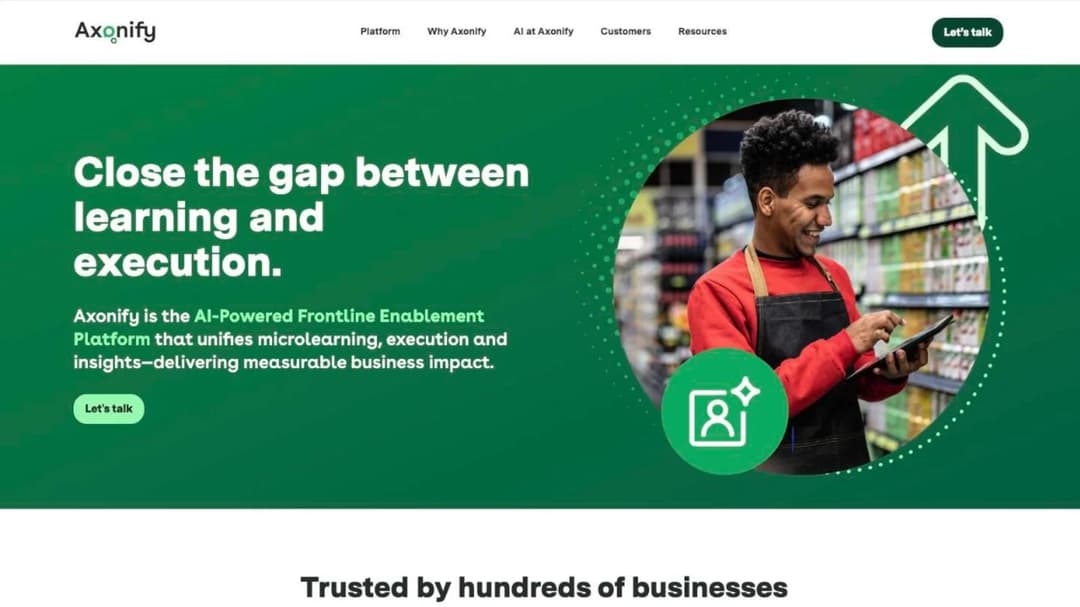
Best for: chains with thousands of associates, standardized hardware, and a district-manager layer to drive participation.
Axonify is built around a short daily habit rather than a course catalog, and it’s sold almost exclusively into large multi-site operations with an implementation team behind it. Its retail page names Foot Locker, Dollar General, Floor & Decor, Sleep Country, Longo’s, goeasy, and Heinens. Axonify says Foot Locker sees “95% of North American employees log in to do their training 12.4 times per month,” that Longo’s moved turnover “from 26% to 19%,” and that Dollar General “reduced same-store shrinkage by 5.7%.” It publishes no price and no pricing mechanic; the route is a contact path.
If you’re running 20 to 200 stores, this is above your range. Axonify sells a behavior-change program with services attached, not a platform you buy on a Tuesday.
Pros
- Named, large-estate retail customers with specific reported outcomes
- A daily-habit model with participation data, rather than a completion-only report
- Built for standardized multi-site operations at scale
Cons
- No published price or pricing mechanic
- Its own sizing claim, that retailers hire 20 to 40% of headcount in six weeks, is well above the sector figure
- Bought with an implementation budget, not self-serve
2. Docebo
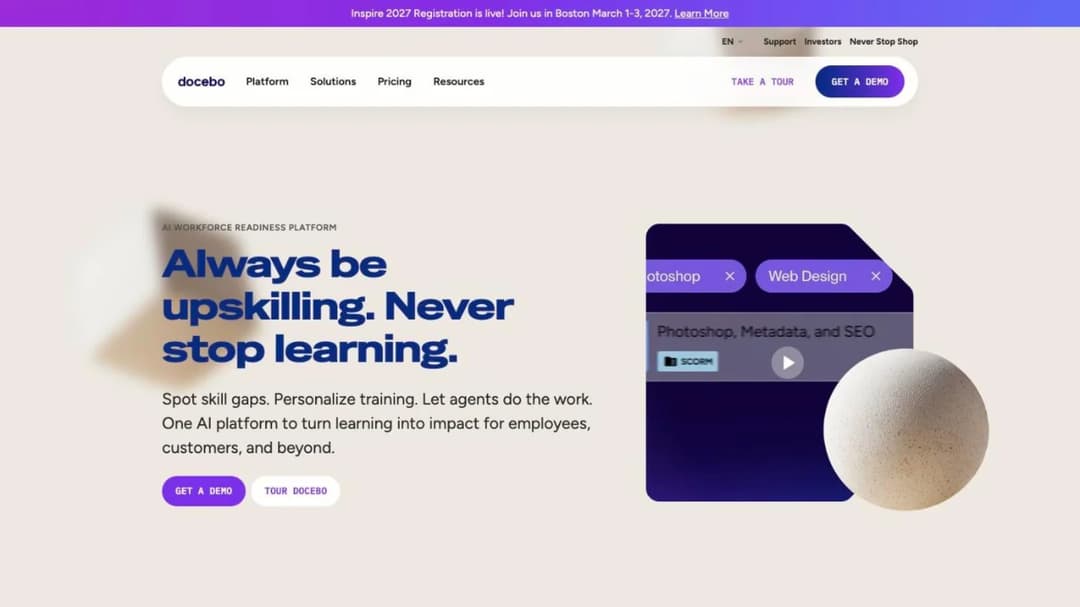
Best for: the top of the mid-market and above, where there’s a dedicated L&D function and an IT owner for the integration work.
Docebo is an enterprise learning suite with a real retail practice, sold with implementation and services rather than self-serve. The customers it names run across grocery, specialty, and big-box: Target, Guitar Center, Advance Auto Parts, Mary Kay, Sonos, Kiehl’s, La-Z-Boy, Batteries Plus, Orangetheory, 1-800 Contacts, Associated Food Stores, Arhaus, Rexel, Kersia, and Bulk. Docebo reports a “100% Adoption rate” at Kiehl’s and “+85% in completions YoY” at La-Z-Boy. No figure is published anywhere.
For a 30-to-50-store operator it’s over-specified. Docebo is the answer when you have an implementation budget and a systems team, not a folder of PDFs and a fortnight. Our Docebo alternatives comparison puts it next to the platforms in its range.
Pros
- A deep retail customer list across grocery, specialty, and big-box formats
- Enterprise reporting and integration depth
- Services and implementation support included in the model
Cons
- No published price
- Requires an implementation project, not a trial
- Over-specified for a chain without a dedicated L&D team
3. Absorb
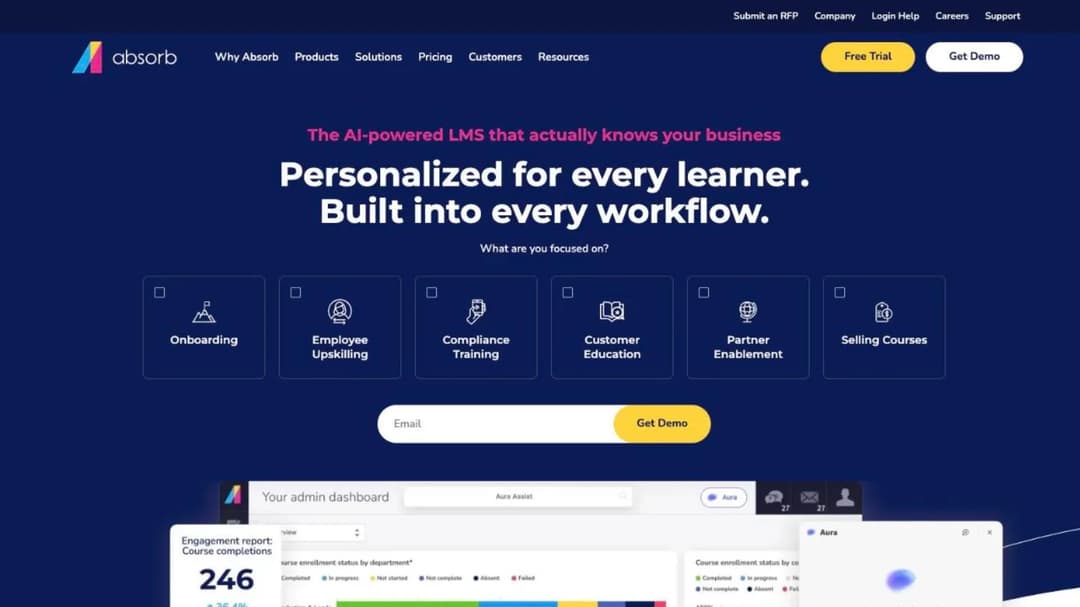
Best for: estates of several hundred to several thousand that need offline delivery, location-scoped mandates, and heavy language coverage.
Absorb is a large general-purpose LMS with a dedicated retail offering and the only offline claim in this group that names its mechanism. It states training runs “online or offline at any time, from anywhere” through the Absorb Learn mobile app, and that courses can be “mandated for all employees in your stores as well as designate certain courses only for those in a particular state, country, store, etc.” It names PGA TOUR Superstore and Rakuten, “across more than 40 countries,” covers 25 languages, and attributes a “490% ROI” figure to a Forrester Total Economic Impact study.
On price, it asks which of eight learner bands you fall into and then asks for your details. Budget from your band, and expect the quote to be anchored to it. The company now trades as Absorb AI; an older quote that says Absorb LMS means the same company.
Pros
- Offline delivery with a named mechanism, not just a claim
- Location, state, and store-scoped mandatory assignment
- 25 languages and extensive interface customization for multi-country estates
Cons
- No published figure anywhere; the band picker gates the conversation before an email does
- Band boundaries mean a 505-person estate is priced with a 995-person one
- General-purpose product, so retail specifics come from configuration rather than from the box
4. Schoox
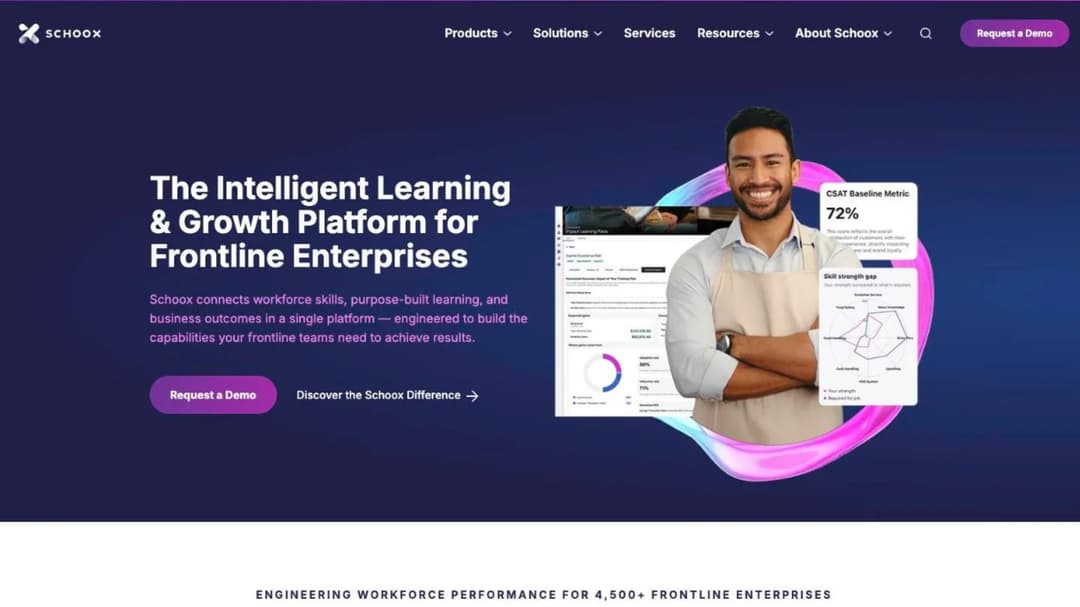
Best for: operators running several banners or a franchise system who need one platform with genuinely separate environments.
A multi-banner group usually has to fake separation inside a single environment. Schoox doesn’t: you can “create multiple ‘academies’ or learning environments, each with their own branding, content, and user settings.” It also carries on-the-job observation for skills that have to be watched rather than tested, and mobile access “at no additional cost.”
The geofence is the feature to ask for by name. Employees “may only access it when they are within your physical business location or connected to your company’s WiFi network.” That’s the control for the paid-time question above, and Schoox is the only platform here that sells it. It names Casey’s, Sport Clips, The Fresh Market, Friedman’s Home Improvement, and Wesco, and reports “63% Faster Onboarding” at Sport Clips and a “20% Increase in Sales” attributed to product knowledge at The Fresh Market. Price is a conversation: nothing is published.
Pros
- Separate branded academies per banner, with their own content and settings
- A network or location restriction that gives you a hard stop on off-clock training
- On-the-job observation for skills that can’t be assessed by quiz
Cons
- No published price or pricing mechanic
- The geofence works against you if your study program is genuinely voluntary
- Multi-academy structure is more administration than a single-banner chain needs
5. YOOBIC
Best for: multi-site chains whose real failure is execution rather than evidence of completion.
This isn’t an LMS.
YOOBIC sells “Retail Operations Software. Turn every store into a top performer,” combining task management, store communications, and learning in one system, and describes its learning module as delivering “learning that works, when and where your team needs it.” It says it works with more than 350 enterprise brands, naming Michaels, H&M, Pilot, Mattress Firm, Morrisons, Qdoba, Boots, GameStop, and Lacoste. No rate is published anywhere.
If your Tuesday problem is that the reset didn’t happen and the promotion went up late, look here rather than at any platform in this list, ours included. If it’s proving who passed which module, this is the wrong category.
Pros
- Task execution, store communication, and learning in one system
- A very large named enterprise retail customer base
- Learning sits next to the task it supports, rather than in a separate app
Cons
- Not a learning platform first; the training record is not its center of gravity
- No published price
- Enterprise-scale product and enterprise-scale buying process
6. Intellum
Best for: brands that sell through someone else’s shop floor, and franchisors training operators they don’t payroll.
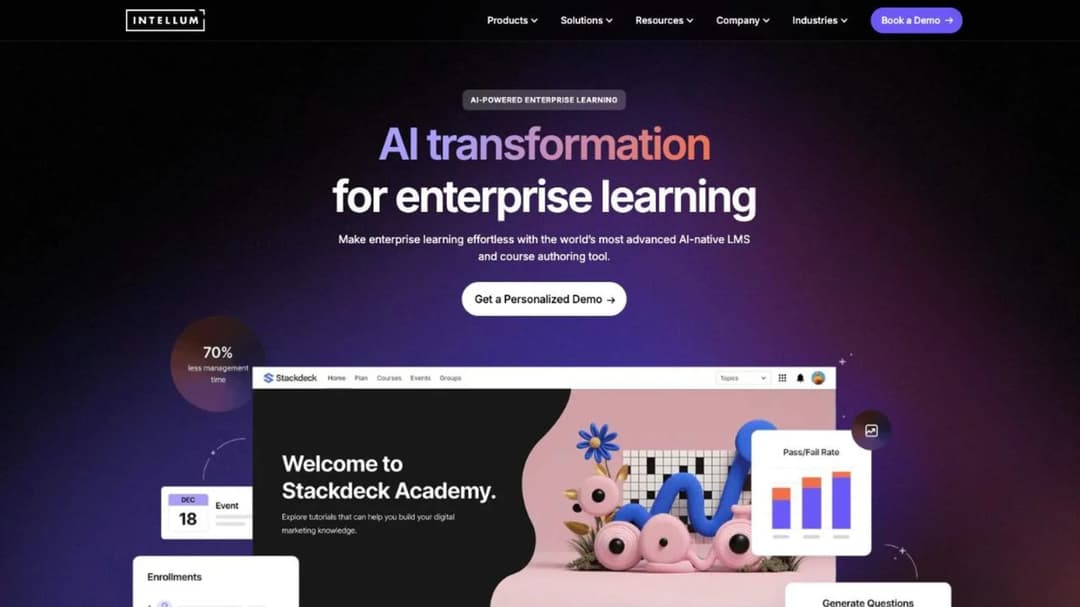
Intellum answers the not-on-your-payroll question in writing. Asked whether retail companies can use it to train franchisees or partner-owned locations, its retail page says yes: it “scales across ownership structures with permissions and segmentation, so corporate, franchise, and partner-owned stores each get the right training.”
Its Google case is that job exactly. Intellum describes Google expanding into global retail without a dedicated store presence, needing to train third-party retail associates quickly, and reports a 10% daily-to-monthly-active ratio on mobile within six months.
It also names Titleist, Cricket Wireless, and Mercado Libre, and publishes no price. Our Intellum alternatives comparison sets out the trade-offs against platforms in a different size class.
Pros
- Permissions and segmentation designed for people you don’t employ
- A named case study for third-party retail associates at global scale
- Built for mixed ownership structures rather than retrofitted for them
Cons
- No published price
- Enterprise scale and an enterprise buying cycle
- Overkill for a single-ownership chain training only its own staff
7. EduMe
Best for: large distributed workforces where training has to reach a personal phone with no corporate identity behind it.
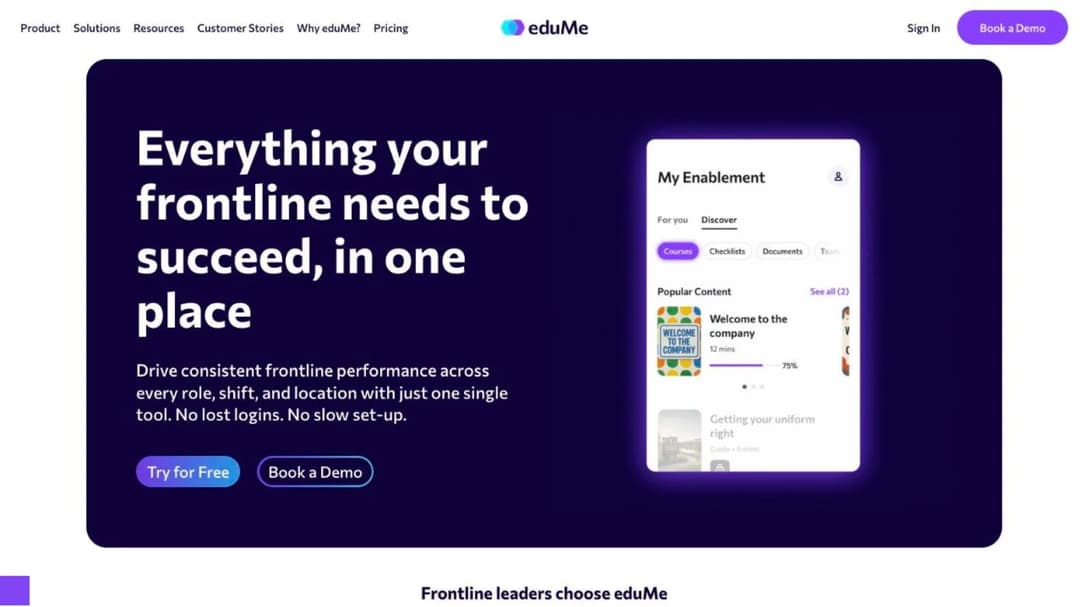
EduMe is built for deskless workers and describes itself as “purpose-built for the frontline.” Its customer list runs across retail and gig-scale operations: 7-Eleven, Home Depot, Crate & Barrel, Uber, Hilton, Grubhub, Marriott, and TaskRabbit. The delivery model assumes a personal phone and a worker who may never have a company login.
The commercial structure matters more here than any feature. EduMe sells a core platform and then sells Automation and Integrations, Advanced Compliance, Frontline AI, Content Add-ons, Preboarding, Checklists, and Broadcasts as separate modules. It publishes no price, and a core figure would understate the bill anyway, so ask for the full stack in one quote. Our EduMe alternatives comparison covers how it lines up against the phone-first field.
Pros
- Designed from the start for workers with no corporate identity
- A large named customer base in distributed, high-churn operations
- Compliance, preboarding, and checklists available as first-party modules
Cons
- No published price, and a modular structure that makes any single figure incomplete
- Add-ons mean the capability set you demo may not be the one in your quote
- Content library is not the product; you bring or build the material
8. Thrive
Best for: UK and Ireland retailers. For a US chain, the framing and the currency don’t match.
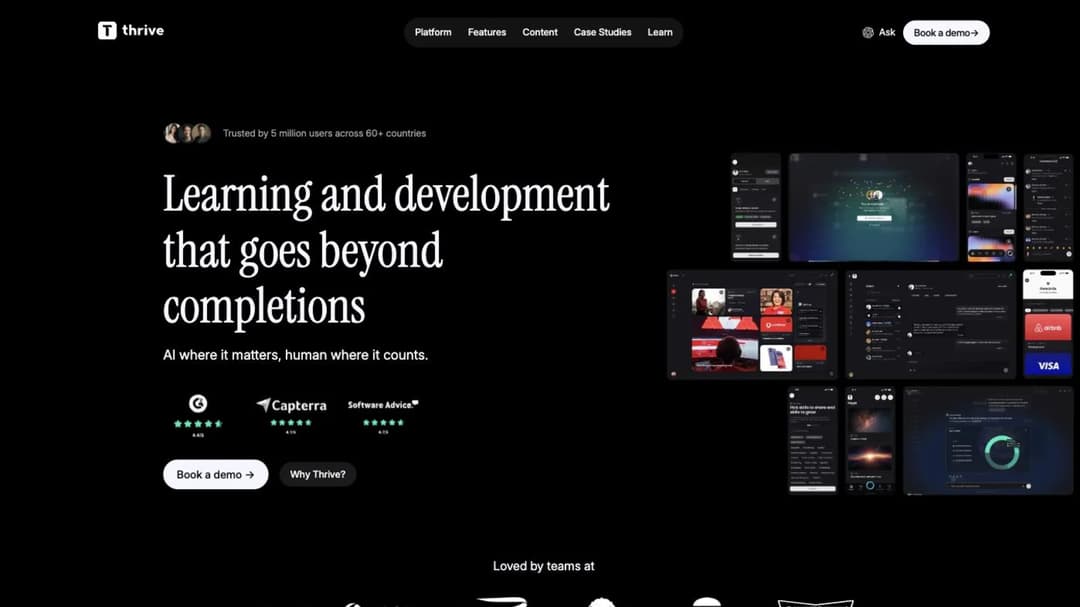
Thrive is a British learning platform with a strong retail list: Next, Reiss, Frasers Group, Ann Summers, DECIEM, Homebase, and the British Retail Consortium, from what it says are more than 500 organizations. It reports a “90% Staff training completion rate” at DECIEM, an “8.2% Increase in overall sales” at Ann Summers, and “35% Higher customer satisfaction scores for stores trained” at Homebase. It claims offline access and handles franchise structures through location-specific Spaces, role-based Pathways, and centralized reporting. It publishes no price on the retail page.
If your estate is in the UK or Ireland, it belongs on your shortlist. If it’s in the US, the compliance framing is built for a different regulator.
Pros
- Deep, named UK retail customer base with reported outcomes
- Offline access and franchise-shaped location structures
- Compliance framing written for UK retail obligations rather than US ones
Cons
- UK and Ireland focus; US compliance framing isn’t its job
- No published price
- Reported outcomes are the vendor’s own figures
9. Mitti
Best for: operations that want a large ready-made library they can edit, and that will pay a full seat price for every person on the payroll.
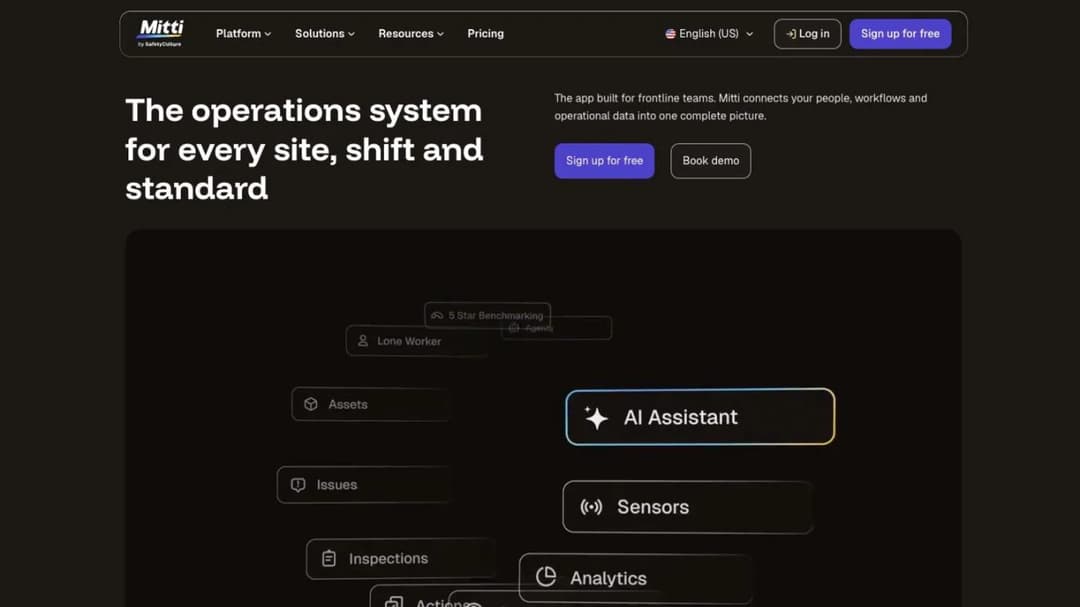
The product many guides still call EdApp now trades as Mitti, inside SafetyCulture. If you’re comparing against an older guide, you’re comparing a name and a price that have both moved. Mitti claims more than 1,000 editable courses across 25 or more industries, 80 or more mobile-first microlearning templates, a five-minute average microlesson, an “82% average completion rate,” and content “17% more efficient than traditional, longer-duration courses.” Its retail material names Dunhill, Pandora, Marley Spoon, and Mizuno, and says Pandora sees completion rates above 80%.
Its price is published, and it’s the highest per-seat figure in this market.
Free covers up to 10 team members with up to 300 AI credits per seat per month. Premium is $24 per seat per month billed annually, or $29 billed monthly, with unlimited users and at least 500 AI credits per seat. Enterprise is a custom price. Four hundred associates on Premium annual is $115,200 a year, which is roughly five times what the per-active-learner rate in this market costs at the same headcount.
Pros
- The largest ready-made editable library in this group
- A published price you can budget from without a call
- Mobile-first templates and a short-lesson format that fits shop-floor minutes
Cons
- The highest published per-seat price in this market by a wide margin
- Per-seat billing charges the same for a seasonal 30-hour associate as for a ten-year manager
- Two name changes mean older comparisons and quotes refer to a different product identity
10. 360Learning
Best for: mid-market operations where store and area managers are expected to build courses alongside the L&D team.
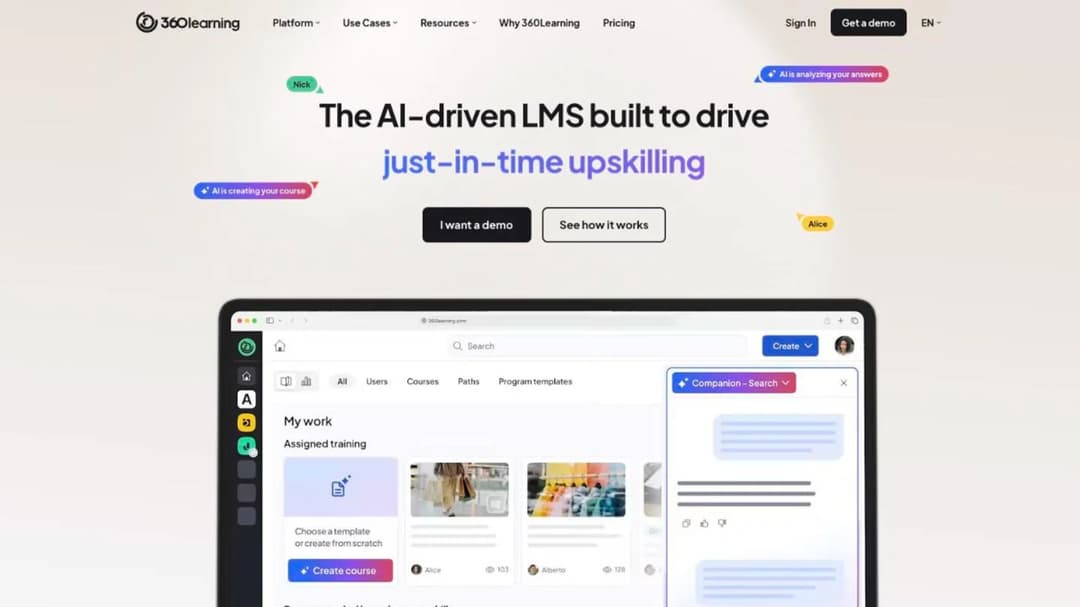
The authoring model at 360Learning assumes the subject-matter experts inside the business write and maintain the content, with L&D curating rather than producing. For a chain whose product knowledge lives with its buyers and its best store managers, that’s the right shape.
Its Team tier is published at $8 per user per month, up to 100 users. Above that, the Business and Enterprise tiers advertise the ability to combine registered and monthly active users in a single contract, which is a vendor conceding in public that the two counting rules are different money. Take that into every other negotiation: if one vendor will price a mix, ask the rest why they won’t.
Pros
- A published entry rate you can budget from
- Collaborative authoring built for experts inside the business
- Higher tiers will combine registered and monthly-active counting in one contract
Cons
- The published Team rate caps at 100 users, so a chain is priced above the published band
- The Team rate is quoted per user with no counting rule against it, so what “user” means is a question for the order form
- No retail-specific content or store-scoped structures out of the box
11. ProProfs Training Maker
Best for: mid-market operations with heavy churn that want the counting rule settled before they sign.
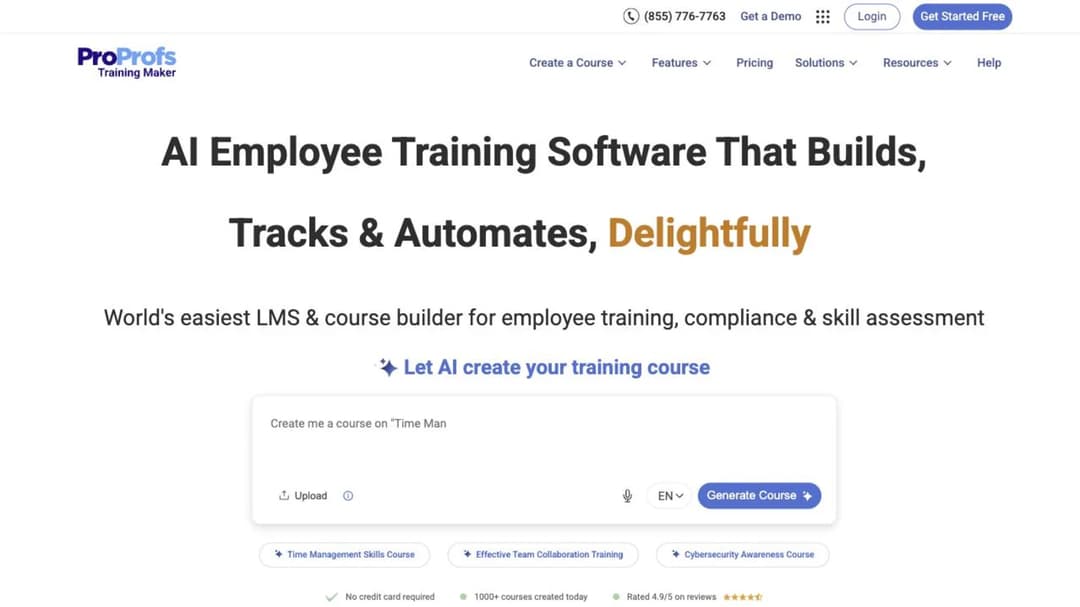
ProProfs Training Maker is a general training platform that publishes the two things the rest of this market keeps behind a sales call: a per-active-learner ladder and the license-recycling clause in full. The ladder runs $1.99 per active learner per month capped at 100 learners, $3.99 capped at 200, and $4.98 with no cap. At four hundred associates only the unlimited tier is reachable, which is $23,904 a year, and that’s the figure the arithmetic above uses.
The clause is the more valuable half. An active learner is “anyone currently enrolled in training – employees, contractors, partners,” and a former employee or past contractor “can be paused to release license (still keeps their reports & completion data) for a new person, without increasing cost.” Read that as a template for what to ask everyone else: released automatically or on request, and does the leaver’s record survive.
Pros
- A published per-active-learner ladder you can budget from
- The license-release rule stated in public, including what happens to the leaver’s record
- Active-learner billing is the right shape for a workforce that turns over 45% a year
Cons
- The cheap rungs of the ladder cap at 100 and 200 learners, so a chain pays the top rate
- General-purpose product with no retail-specific content or store structures
- No offline claim and no store-network restriction
12. Bites
Best for: operations whose subject-matter experts are store and area managers rather than instructional designers.
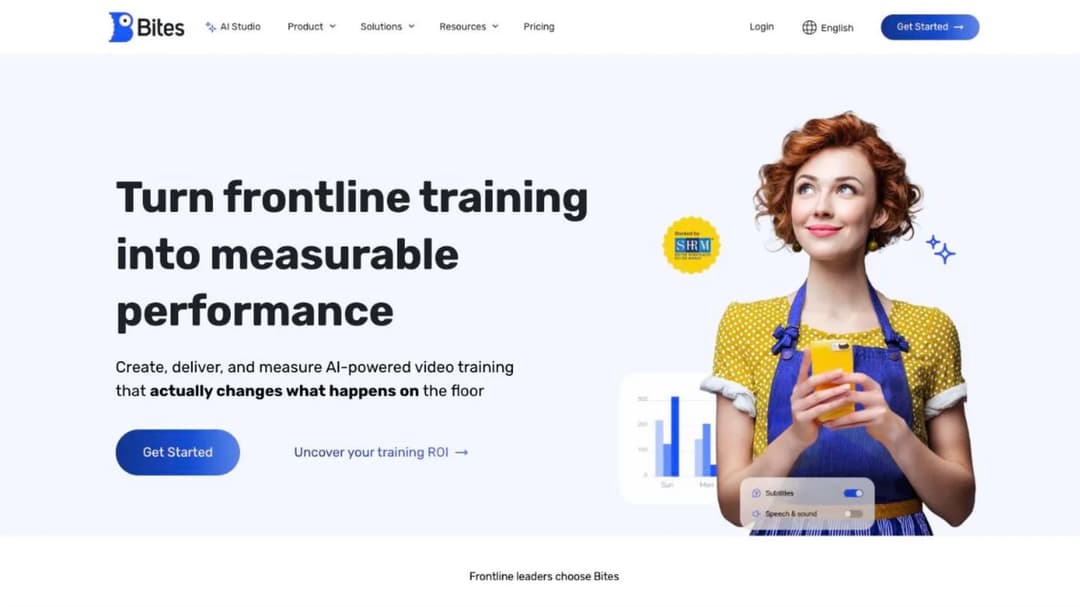
The person who knows the job records it on a phone, rather than briefing someone who will build it later. That is the whole of Bites: short-form video microlearning, authored where the work happens.
It claims content creation “in under 14 minutes” and an AI Studio that “Transforms existing documents into fully branded, interactive training in minutes.” Named customers include Victoria’s Secret, Decathlon, Lego, Sabon, Shake Shack, Amazon, Unilever, HP, Nintendo, and Delta. Nothing is published on price.
Video is the right answer when the thing you’re teaching has to be seen. It’s the wrong answer when it has to be passed and evidenced in a form an auditor will read.
Pros
- Content made on a phone by the person who does the job
- Strong fit for demonstration-shaped training: displays, handling, service standards
- A large named retail and consumer-brand customer list
Cons
- No published price
- Video-first output is harder to update on the day a policy changes than a text module
- Nothing is published about assessment or audit-grade records, so ask for both in the demo
13. TalentLMS
Best for: a chain that wants a working number on the screen, will supply its own content, and doesn’t need retail-specific anything.
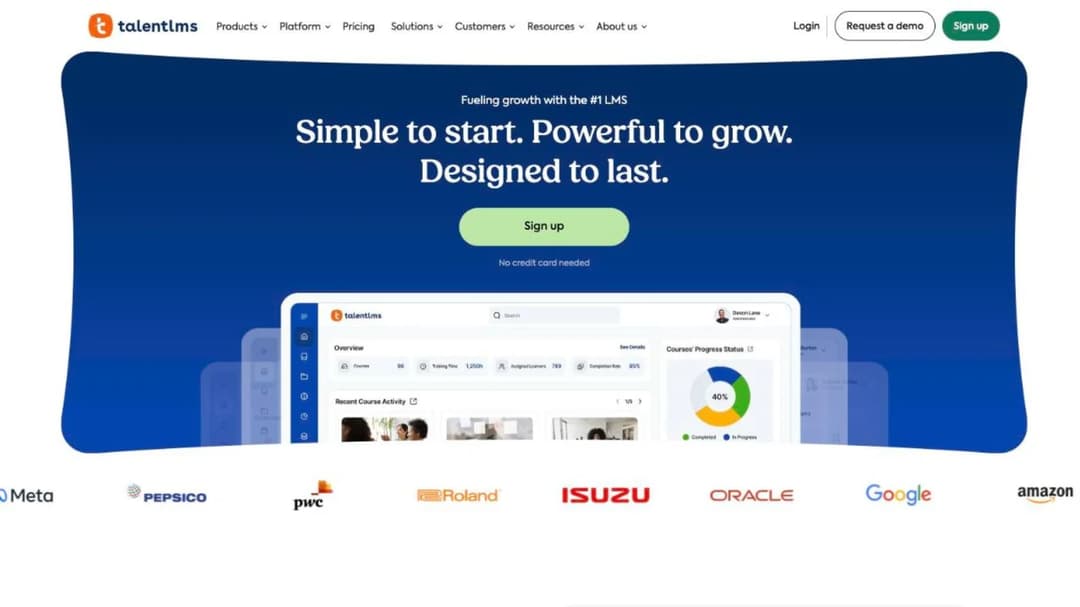
TalentLMS is a general-purpose LMS with no retail specialization whatsoever, and it’s one of the few places in this market where you can finish the arithmetic before a sales call. Billing is on “the monthly number of users that log in to your portal,” which is the cheaper of the two counting rules for a high-churn workforce.
The plan structure decides the fit.
Free covers 5 users, Core is $119 a month for 1 to 40 users, Grow is $229 a month for 1 to 70, Pro is $449 a month for 1 to 100 plus $6 per additional user, and Enterprise is custom from 1,000 users, flexible from 500. Annual billing saves 20%. At retail headcount, Core and Grow are out of reach on the caps alone, so the real choice is Pro plus overage or an Enterprise conversation: 400 monthly actives on Pro is $2,249 a month, $26,988 a year on monthly billing, or roughly $21,600 on annual.
Pros
- A published price and a published counting rule, both budget-ready
- Monthly-active billing, which suits a 45% separation rate
- Self-serve setup with no implementation project
Cons
- No retail-specific content, store scoping, or offline claim
- Tier caps at 40 and 70 users make the two cheap plans unreachable for a chain
- Per-user overage above 100 means the bill scales linearly with your busiest month
14. Mini Course Generator
Best for: turning the material a retailer already has into a phone course the same day, and getting it to people who have no company email address.
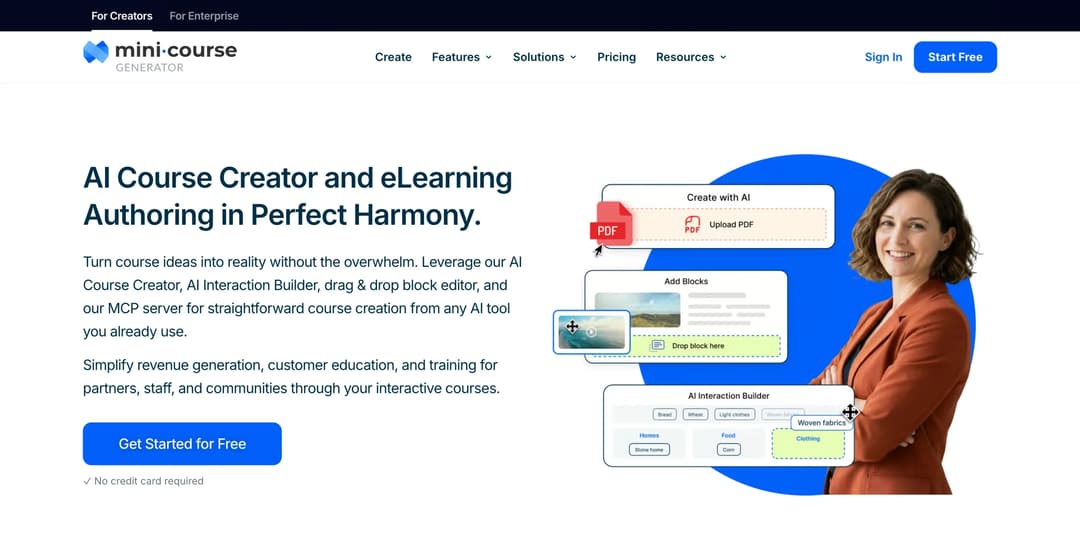
The job is narrow. Planograms, product launch sheets, opening and closing checklists, brand standards, and SOPs go in; a mobile course with quizzes, scenarios, and a certificate comes out. The AI Course Creator and PDF to Course Creator do the conversion, and the result is a share link or an embed rather than a rollout.
On access, there are six learner gateways: everyone, double opt-in, pay-wall, specific learners, in-app authentication, and Password Wall, plus magic links for password-free access. That’s the concrete answer to the seasonal associate with no corporate identity. On records, there are Certificates and Badges, Micro-credentialing, Collections, learning analytics, and SCORM or PDF export at any time, with dynamic SCORM export on the higher plans. Badge removal is included on every paid plan.
Plans are sized by a yearly learner allowance rather than by permanent seats, which is the mechanic that maps to the churn arithmetic above: you’re buying the people who take training this year, not a standing headcount. There are 14 days of full access with no credit card, zero implementation or onboarding fees, and no minimum annual commitment. Figures are on the [pricing page](/pricing/).
Pros
- Your own documents become a course the same day, without an agency or an implementation project
- Six access gateways plus magic links, so an associate with no company email can start on day one
- A yearly learner allowance rather than permanent seats, which fits a workforce that turns over
- SCORM and PDF export at any time, so the content leaves with you
Cons
- No retail content library: nothing on loss prevention, PCI, age-restricted sales, or food handling
- No offline mobile app, which is the clearest capability gap in this group for stockroom training
- No geofence, so no built-in control over off-clock training
- No native workforce-scheduler or HRIS integrations; Zapier, Make, and webhooks are the route
- SSO for learners is on the Custom plan only
Where it doesn’t belong: a fifteen-thousand-associate chain that wants a ready-made compliance library delivered offline to rugged handhelds. That’s Absorb’s shape or Mitti’s, not ours. We leave ourselves off lists where we don’t fit, as in our guide to free LMS platforms.
How to Choose a Retail LMS
Four questions, in this order. The first two narrow the field; the last two decide what you sign.
Does it fit how your stores actually run?
Grocery, general merchandise, and auto parts are three different businesses wearing the same word. Their seasonality differs by a factor of nearly four and their compliance obligations barely overlap.
If you’re in the flat group, the audit trail is everything and seasonal features are worth nothing to you. If you’re in the 5% group, the seasonal counting rule is the most expensive clause in your contract. If you’re multi-banner or franchised, walled environments come before everything else.
So what: match the platform to your format, not to “retail,” and write your format into the requirements document so the demo is run against your curve rather than a generic one.
Who in your stores isn’t on your payroll?
Franchisees, partner-owned locations, brand ambassadors on someone else’s shop floor, third-party merchandisers. If any of those people need your training, you’re buying access and segmentation rather than seats, and that changes the shortlist immediately.
Intellum is the only platform here that answers the question in writing. Most of the others can be configured to do it, and the difference is whether you’re buying a capability or a configuration project.
So what: count those people before you shortlist. If they’re more than a handful, read our partner training software guide next, and if they work in franchise locations, the franchise training program guide covers how the obligation is usually structured.
Will it still be the right price in eighteen months?
At 45% annual separations, the counting rule is worth more than the difference between the products, every year, as the $17,280 example above shows. Three questions go in writing before signing, and none of them are feature questions.
What does the plan count: registered people, or people who logged in this month. What happens to a leaver’s license: released automatically, released on request, or not released. And what happens when you add twenty people for eight weeks: monthly-active billing, or twelve months of seats for eight weeks of work.
So what: get all three answered in the order form rather than on a call, and restate every quote as a cost per active associate per month so you’re comparing the same thing. The full cost breakdown covers the line items that sit underneath those three answers.
Can the people who know the job make the training?
Both answers look good in a demo, which is why this fork gets chosen badly. A library of a thousand courses contains none of your planograms. An authoring tool is empty on day one and full of your own processes by day thirty.
If your district managers are the only people who know how your returns process works, buy the authoring loop and give it to them. If your training need is genuinely generic, buy the library and stop paying people to rewrite customer service basics.
So what: decide which of the two you are before the trial, then run the trial on a real document of yours. A training plan template is a reasonable way to find out how much of your content is actually yours.
Start With the Minutes, Not the Logos
Before you book a demo, do one piece of arithmetic. Multiply your associate headcount by $467, the annual wage cost of five paid training minutes a day, and take that number to your director alongside the license quote.
That conversation goes differently. The license becomes a rounding error, the dose becomes the decision, and the counting rule becomes the clause you negotiate hardest. Then shortlist on two questions: what shape is your operation, and who in your stores isn’t on your payroll.
Turn a planogram, an SOP, or a product launch sheet into a course this week – the material your stores already run on, in a form an associate can finish between customers.
Frequently Asked Questions
What is an LMS in retail?
A retail LMS is a learning platform built for store staff: it sends short modules to a phone, assigns them by store, role, or region, and keeps a completion record you can produce for an audit. The retail part is the constraints, shared devices, minutes instead of hours, and constant turnover, rather than a separate feature set.
How much does a retail LMS cost?
Restated on one basis – a year of software for four hundred associates – published prices run from about $21,600 to $115,200, a spread of more than five to one that isn’t explained by what the products do. Most vendors here publish nothing at all. The bigger number is the one nobody quotes you: five paid training minutes a day costs about $467 per associate per year in wages, so at four hundred associates the time costs roughly eight times the software. Our LMS cost guide breaks down the rest.
What’s the cheapest way to train store staff?
Not by cutting the license. Moving from the most expensive published price here to the cheapest reachable one saves a four-hundred-person chain around $90,000 a year, until you notice that cutting two minutes a day off the module saves about $75,000 on its own and needs nobody’s signature but yours. Shorten the modules, cut the ones that no longer earn their place, and then negotiate the license.
Do I have to pay associates for time spent on training?
For non-exempt hourly staff, in almost all cases yes. The Department of Labor’s four conditions for unpaid training time require that it’s outside normal hours, voluntary, not job related, and with no other work performed at the same time, and all four have to hold. Product knowledge, POS procedure, loss prevention, and brand standards are job related, so they fail the third condition. The exemption question works differently for salaried managers, and that’s one for your employment counsel.
Can I train staff who work for a franchisee or a partner rather than for me?
Yes, and it’s a different purchase. You’re buying permissions, segmentation, and access for people you don’t employ, rather than seats for people you do, and the platforms that do it well say so explicitly. Start with our partner training software guide and the partner training access model.
What software do retail stores use for training?
Three shapes, and most large chains run two of them. A retail operations platform combines tasks, store communications, and learning, for operators whose real failure is execution. A mobile microlearning platform delivers short modules to a phone, for high-churn, high-headcount estates. And a general LMS handles assignment, records, and reporting for everything else, usually at a lower price, and most of them are cloud platforms you buy by subscription.
What’s the best LMS for a small retail business?
For one store or a handful, most of this list is over-specified and the counting-rule arithmetic barely applies. Look at platforms that let you start without a call and build from your own material, which our small business LMS guide covers.
Sources
Labor figures from the U.S. Bureau of Labor Statistics and wage-and-hour rules from the U.S. Department of Labor. Vendor prices, plan limits, and solution-page claims read September 2026.
- Bureau of Labor Statistics – Job Openings and Labor Turnover Survey, retail trade, 2021 to 2025; Current Employment Statistics, retail employment September to December 2025, retail earnings and hours August 2026
- U.S. Department of Labor – Wage and Hour Division, Fact Sheet #22
- Axonify, Docebo, Absorb, Schoox, YOOBIC, Intellum, EduMe, and Thrive retail solution pages: customers, claims, and pricing routes
- Mitti, TalentLMS, 360Learning, and ProProfs Training Maker pricing pages: published rates, plan caps, and counting rules
- Litmos pricing page: tier names and AI capability boundary
- Mini Course Generator pricing


