

The reason to leave eduMe is almost never the product, which does the frontline job well. The eduMe alternatives worth a demo are the ones that print what eduMe doesn’t: a price you can read before a sales call, a way in for staff with no company email, and a stated SCORM export. The calendar decides when you can act on any of it. eduMe’s license renews for twelve months unless written notice reaches it ninety days ahead, so the date is fixed before you open a single comparison. This guide holds eduMe’s own terms and twelve alternatives to the same four tests, and ends with the steps that get you out without paying for two platforms at once.
Key Takeaways
- eduMe’s price of $3.49 per user with a minimum of 100 users appears in two eduMe blog posts, not on its plans page, which sells a Core Platform plus seven add-on modules by quote, and HRIS sync is one of the add-ons.
- eduMe’s license renews for twelve months unless it receives at least ninety days’ written notice before the renewal date (clause 7.1), and fees are payable in advance.
- eduMe states neither SCORM import nor export for courses built in it. Of the twelve alternatives, Absorb LMS and Mini Course Generator state an export, and TalentLMS states plainly that it has none.
- Innform and 360Learning print a per-active-user price with no minimum and a monthly cancel. Mini Course Generator answers all four questions and publishes no offline mode, no HRIS sync and no compliance certification.
Before any demo, put one of your own shift briefings or SOPs through employee training software that builds the course from the document and shows who finished it on a phone. That’s the job every platform below is being asked to do, and the one an eduMe renewal is priced against.
What eduMe Does Well, and Where It Stops
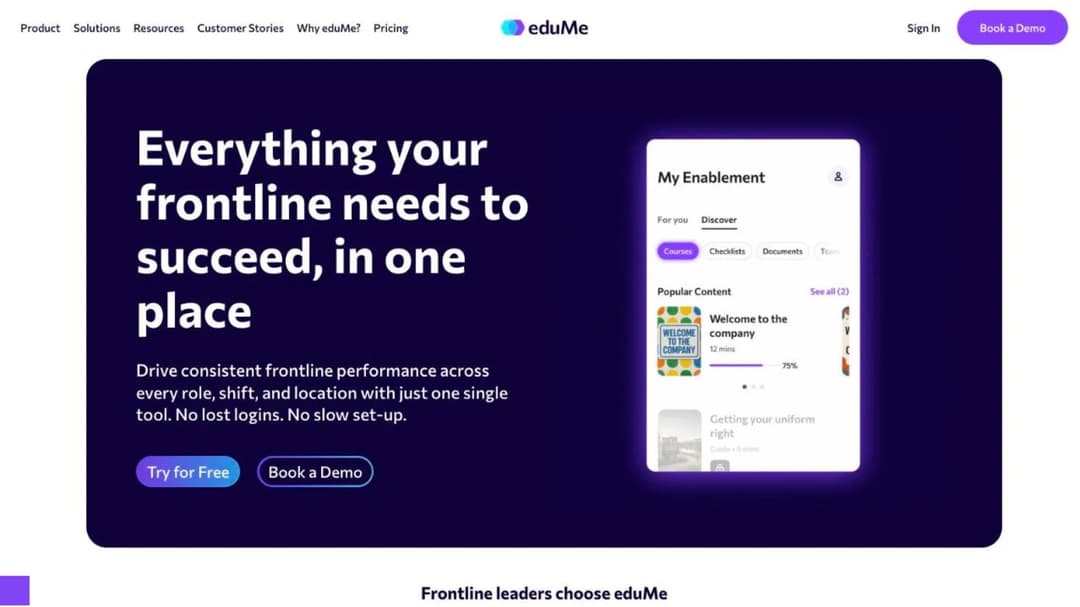
eduMe describes itself as an app-free, passwordless platform for deskless teams, and the delivery model is the part it gets right. Training reaches a phone through tools staff already open, Microsoft Teams and Workday, or through SMS, email and a QR code, so a seasonal hire who starts on Friday doesn’t wait for an IT ticket. The AI PDF-to-lesson converter turns an SOP into short lessons, Checklists turn procedures into steps with evidence capture, Broadcasts push a message and record who acknowledged it, and In-person Assessments let a manager sign off a skill on the floor. eduMe names Uber, Deliveroo, Hilton, Marriott, 7-Eleven and The Home Depot among its customers, and reports results such as Uber’s “onboarding time reduced by 13%.”
The connections are the second strength. eduMe names Workday, ADP, SAP, UKG, Dayforce, Oracle, BambooHR and HiBob on the HR side, and three schedulers, Quinyx, Skedulo and Workforce.com, which few of the alternatives below match. Its security page states a SOC 2 Type II audit by Prescient Assurance, AES-256 encryption at rest, and a choice of EU or US data residency on AWS.
Where it stops is the plans page, not the feature list
eduMe publishes no price. Its plans page sells a Core Platform by quote and then seven add-on modules: Automation & Integrations, Advanced Compliance, Frontline AI, Content Add-ons, Preboarding, Checklists and Broadcasts. Two things move when you read that list against the features above. HRIS sync and provisioning sit inside the Automation & Integrations add-on, and the Checklists and Broadcasts that make eduMe feel like an operations tool are add-ons too. The core covers the AI lesson generator, the PDF converter, delivery by SMS, email and QR, completion tracking, reporting, and “standard integrations (SSO, basic APIs).”
The only number eduMe prints anywhere is in two of its own blog comparisons: “Standard pricing starts at $3.49 per user, with a minimum of 100 users.” Treat it as a floor for a conversation, not a list price. eduMe does not publish the billing period that figure runs on, and a 60-person store group meets the same 100-user minimum. Enterprise pricing is a separate quote, and the free trial has no published length, credit-card rule or feature scope.
The contract is where an eduMe decision gets made. Four clauses in the public license agreement set the calendar:
- Clause 7.1, renewal. The agreement “shall continue for the Initial Term after which it shall automatically renew for additional periods of 12 months,” and cancellation requires “at least ninety (90) days’ written notice prior to the commencement of a renewal term.” Miss the window by a day and the next twelve months are booked.
- Clauses 2.1 to 2.4, the money. Fees are “payable by Customer in advance,” undisputed invoices are due “within 30 days of receipt,” and a billing dispute has to be raised “within 10 Business Days.”
- Clause 7.2.1, the only early exit. Either party may terminate for a material breach left “uncured for 30 days.” There is no convenience termination.
- Clauses 6.1 and 6.2, liability. Capped at the fees paid in the preceding twelve months, with consequential losses excluded.
Two smaller gaps matter. eduMe’s plans page lists a SCORM content player among the paid Content Add-ons, so SCORM courses you already own can be played inside it for a fee, but nothing on the site says whether a course built in eduMe can leave as a SCORM package. And its compliance wording is uneven: SOC 2 Type II is stated as obtained, ISO 27001 as “aligned with,” GDPR as something eduMe “aims to ensure,” and HIPAA doesn’t appear.
The decision is short. If your staff already live in Teams or Workday, you use the checklists and broadcasts every week, and the 100-user minimum is well under your headcount, renew and negotiate the module prices. If you’re paying for seats you don’t fill, the 90-day clause is the reason to start the clock now.
What to Check Before You Switch
Every eduMe alternative below is judged on the questions eduMe’s own plans page and contract raise, in the order they’ll cost you money if you skip them. The same list applies to any compliance training software you put in front of a frontline team. Ask each one in writing before the demo, not after.
Can a new hire get in without a company email or an app?
This is the question that decides completion, and most platforms assume it away. eduMe answers it with SMS, email, QR and Teams. Bites goes further: no app and no login, with the training arriving in WhatsApp, SMS, Teams, Slack or email. 360Learning supports username or employee-ID login with no email, magic-link self-registration, and a shared-device mode that tracks each learner separately on one tablet. Mini Course Generator opens a course from a share link or an embed with no login on its “everyone” Gateway, and magic links give password-less access when you do want to know who is there.
Everyone else is an app-and-account platform. Innform, TalentLMS, SkyPrep, iSpring, Tovuti, Absorb, eloomi and Litmos deliver through a native app or a browser login, and none of their public pages describes a path that skips the email address. Axonify doesn’t publish its login method at all. That moves the account-creation work onto you or your HRIS, and a rollout to staff who never sit at a desk is only as fast as its slowest login.
The rule: if your seasonal hires don’t get a company email, shortlist only platforms that print a no-email path, and ask the others to show a new starter’s first login in the demo.
What do you pay when headcount churns, and what counts as a user?
Four price mechanics are in use in this group, and they suit different headcount patterns.
Per active user. Innform charges £1, £2 or £4 per active user per month by tier, with no minimum. SkyPrep counts “a person who actually logs into your platform” during the billing cycle, resets the quota monthly, and charges an overage fee above your limit “unless you choose to upgrade.” iSpring counts anyone who “has logged in at least once during a month” and prints $6.91 per user per month at 100 users, $4.46 at 300 and $3.97 at 500. 360Learning charges $8 per user per month on its Team plan with “no minimum number of users.” This is the mechanic that survives seasonal churn: the people who left in October stop costing you in November.
Per seat band. TalentLMS prices by band: Core at $119 a month for 1 to 40 users, Grow at $229 for up to 70, Pro at $449 for up to 100 and then $6 per extra user. Easy to forecast, and expensive when 45 of your 70 seats are dormant.
Per learner per year. Tovuti charges $7,500 a year for the first 100 learners and scales from there, with the overage rate unpublished. Mini Course Generator sizes plans by a yearly learner allowance so, in its own words, “occasional visitors don’t force you into a bigger plan,” with the figures on its pricing page. A yearly allowance fits a business that trains 300 people a year but never has 300 active at once.
A quote, with or without a floor. eduMe’s $3.49 comes with a 100-user minimum. Axonify, Absorb, Bites, eloomi and Litmos publish nothing.
The seat floors nobody lists: eduMe 100 users; SkyPrep 100-plus active users, 1,000-plus on Enterprise; iSpring’s lowest published price is the 100-user tier; Tovuti prices from the first 100 learners. TalentLMS starts at one user on Core, though its Enterprise page prints both “Starts at 1000 users” and “Flexible starts at 500 users.” 360Learning, Innform and Mini Course Generator state no minimum.
The rule: if headcount swings with the season, buy on active users or a yearly allowance, and the LMS pricing guide has the arithmetic for twenty vendors. If headcount is flat, a seat band is cheaper to forecast. Whichever you buy, get the definition of “active” in the order form, not in the FAQ. Innform and TalentLMS also keep a small free tier after the trial, and what a free LMS tier does and doesn’t include is its own question.
When does it renew, and how much notice do you owe?
Renewal terms live in the contract, not the feature list, so they rarely surface before a quote. Here is what each vendor commits to in writing.
| Platform | Term and renewal | Notice to leave | Price at renewal | Early exit |
|---|---|---|---|---|
| eduMe | Initial term, then 12-month auto-renewals (clause 7.1) | 90 days, written | No escalation clause found | Material breach uncured for 30 days only (7.2.1) |
| Bites | Auto-renews for a term equal to the original, at the same price, unless either party cancels before renewal | Period not stated | Same price stated in the MSA | Non-refundable, with a 30-day read-only export window after termination |
| SkyPrep | Auto-renews for a term equal to the initial term | 60 days, written | Up to 15% of the preceding term’s fees | No refund, access continues to term end |
| iSpring LMS | Auto-renews each term | Notice required, period not stated | Not stated | Non-cancelable and non-refundable except on proper early termination |
| 360Learning | Team plan monthly, “cancel anytime”. Business and Enterprise annual | Team: none. Annual plans: not stated | Not stated | Not stated |
| Innform | Monthly plans cancel any time, accounts can be paused | None on monthly | Not stated | Not stated |
| Tovuti LMS | Billed annually, multi-year discount offered | Not stated | Not stated | Not stated |
| TalentLMS | Monthly, or annual at 20% off | Not published | Not published | Not published |
| Axonify, Absorb LMS, eloomi, Litmos | Not published | Not published | Not published | Not published |
| Mini Course Generator | No minimum annual commitment. Annual billing is a discount, not a lock-in | None on monthly billing | Not stated | Zero implementation or onboarding fees to write off |
A vendor that prints its notice period can be budgeted on the day you sign; a vendor that prints nothing gives you whatever the account manager proposes in month eleven. Whichever platform you choose, put the notice date in your calendar the day the contract is countersigned.
Does your content leave as SCORM?
Most platforms here import SCORM, and far fewer say what they export, and the SCORM version decides whether your library survives a second move. Absorb LMS states both directions, SCORM 1.2 and 2004 in and SCORM, xAPI and HTML5 out through Absorb Create. Mini Course Generator exports every course as SCORM or PDF at any time. TalentLMS is SCORM 1.2 import only and states that “it’s not possible to create SCORM files directly on TalentLMS.” iSpring and 360Learning both import and describe no export. Tovuti’s WayPoints AI add-on, a paid extra, outputs “SCORM-ready courses.” SkyPrep names a “SCORM 2004 player,” Bites, eloomi and Litmos say “SCORM” with no version or direction, Innform and Axonify make no statement at all, and eduMe plays SCORM as a paid add-on and states no export.
The rule: if you author inside the platform, ask in writing whether a course built there exports as a SCORM package, which version, and whether the export still works after you cancel. “You can download your source files” isn’t a SCORM export, and a library you built over three years is the cost of leaving.
Does it work where there’s no signal?
A stockroom, a delivery route and a hotel basement all lose signal, and eduMe, which delivers through the phone’s browser, states no offline mode. 360Learning offers offline access and shared-device mode in its native apps, and iSpring’s apps download content and sync on reconnect. Absorb’s learners “gain access to offline training by downloading the content to their device,” with progress syncing afterward. TalentLMS supports offline completion for “offline compatible content,” a caveat worth reading twice. Tovuti includes offline in its base plan but charges extra for branded apps, so ask which app is in the price, and SkyPrep’s offline SCORM player sits on its Enterprise tier only. Bites, Axonify, Innform, eloomi, Litmos and Mini Course Generator publish no offline mode.
The rule: if a meaningful share of your training happens where the phone has no signal, the shortlist is 360Learning, iSpring, Absorb and Tovuti, with TalentLMS if your content is the compatible kind.
Which compliance claims does the vendor print, and how strongly?
Read the wording, not the badge. eduMe states SOC 2 Type II as obtained and hedges ISO 27001 and GDPR. Litmos prints the strongest statement in the group: SOC 2 Type II with a twelve-month audit period ending March 2025 and “no exceptions noted,” plus ISO 27001:2022 certified by Aprio. 360Learning states SOC 2 Type II, ISO 27001 and GDPR. SkyPrep states SOC 2 Type II, PCI-compliant storage and TX-RAMP without detail, and carries a downloadable VPAT. Tovuti states SOC 2 Type 2, ISO 27001, PCI and WCAG 2.1 AA, and FedRAMP through Knox Systems on its homepage only. iSpring states ISO 27001 and 27701 and no SOC 2, Bites ISO 27001 and GDPR, and Innform shows GDPR, CCPA and Cyber Essentials badges. eloomi’s own pages disagree on whether its ISO 27001 and SOC 2 are eloomi’s certifications, audited by Deloitte, or Microsoft Azure’s, so ask for the certificate with eloomi’s name on it. Axonify, Absorb and TalentLMS name no certification on their public pages, and Mini Course Generator publishes no compliance certification.
If your security team needs a SOC 2 report on file, the shortlist is Litmos, 360Learning, SkyPrep, Tovuti and eduMe itself, and none of the twelve publishes a business associate agreement for patient data. If your certificate evidence for food safety or forklift licenses lives in a spreadsheet today, the training matrix template gives it an expired state before any platform does.
What connects to your HRIS and your scheduler?
Name your HRIS in the RFP and ask which tier the connector sits in, because the order you connect systems in starts with the system that knows who was hired this week. eduMe names the most schedulers here, Quinyx, Skedulo and Workforce.com, but puts HRIS sync in a paid add-on. SkyPrep names 7Shifts alongside ADP, Workday, BambooHR, UKG, Paycor and Dayforce; Absorb and Tovuti each name Deputy; Axonify names Workday, UKG Dimensions, SAP SuccessFactors, ADP and Ceridian. eloomi is part of the Dayforce HCM platform and names Dayforce, UKG, Workday, Paylocity, BambooHR, HiBob, Personio, SAP SuccessFactors and 30-plus more. 360Learning names Workday, SAP SuccessFactors, BambooHR and UKG; TalentLMS names BambooHR, ADP Workforce Now and Sage People; iSpring and Innform name BambooHR. Bites names no HRIS, offering Zapier and an API instead, and Mini Course Generator names no HRIS or scheduler, connecting through Zapier, Make, webhooks and its Intercom app.
The rule: if the HRIS has to create the learner and remove them when they leave, shortlist only vendors that name your HRIS, and ask which tier it sits in. If your new hires arrive by spreadsheet and a Zapier step, the list is longer.
The 12 Best eduMe Alternatives for Frontline Teams
The best eduMe alternative for a frontline L&D team is the one that answers the four tests eduMe fails or leaves open: Bites and 360Learning match its no-email access, Innform and 360Learning print a per-active-user price with no minimum and a monthly cancel, SkyPrep prints a notice period and a price cap, Absorb LMS prints a SCORM export, and Mini Course Generator prints all four while publishing no offline mode, no HRIS sync and no compliance certification. The order runs from platforms built only for frontline teams to general platforms that reach them. Every price, seat floor, contract term and export claim below comes from the vendor’s own pages and published agreements, quoted as printed, and where a vendor publishes nothing, the entry says so.
| Platform | Price published | Seat floor | Renewal and notice | Gets in without an email | Offline | SCORM out |
|---|---|---|---|---|---|---|
| eduMe (for reference) | No ($3.49 per user in its blog posts only) | 100 users | 12-month auto-renewal, 90 days’ written notice | Yes (SMS, email, QR, Teams, Workday) | Not stated | Not stated (plays SCORM as a paid add-on) |
| Bites | No | None published | Auto-renews for an equal term, notice period not stated | Yes (no app, no login) | Not stated | “Supports SCORM,” no version or direction |
| Axonify | No | None published | Not published | Not published | No claim found | Not stated |
| Innform | Yes, £1 to £4 per active user per month | None | Monthly cancel, accounts can be paused | App and account | Not stated | Not stated |
| TalentLMS | Yes, $119 to $449 per month by band | None (bands 1-40, 1-70, 1-100) | Not published | App and account, email rule not published | Yes, for compatible content | No (SCORM 1.2 import only) |
| SkyPrep | No | 100-plus active users, 1,000-plus for Enterprise | Equal-term auto-renewal, 60 days’ notice, up to 15% rise | App and account | Enterprise tier only | Not stated (SCORM 2004 player) |
| iSpring LMS | Yes, $6.91 to $3.97 per active user per month | 100 users | Auto-renews, non-cancelable, notice period not stated | App and account | Yes | No export stated (imports 1.2 and 2004) |
| 360Learning | Yes, $8 per user per month (Team) | None | Team monthly, cancel anytime | Yes (username or employee ID, shared device) | Yes | Not stated (delivers SCORM, xAPI, cmi5, AICC) |
| Tovuti LMS | Yes, $7,500 a year for the first 100 learners | Priced from 100 learners | Billed annually, notice not stated | App and account | Yes, base plan | Via the paid WayPoints AI add-on only |
| Absorb LMS | No, form by learner band | None published | Not published | App and account | Yes | Yes (SCORM, xAPI, HTML5 via Absorb Create) |
| eloomi | No | None published | Not published | App and account | Not stated | Not stated (“SCORM,” no version) |
| Litmos | No | None published | Not published | App and account | No citable claim | Not stated (SCORM, xAPI, AICC import) |
| Mini Course Generator | Yes, on its pricing page | None, yearly learner allowance | No minimum annual commitment | Yes (share link or embed, magic links) | None published | Yes (SCORM or PDF, every plan) |
1. Bites
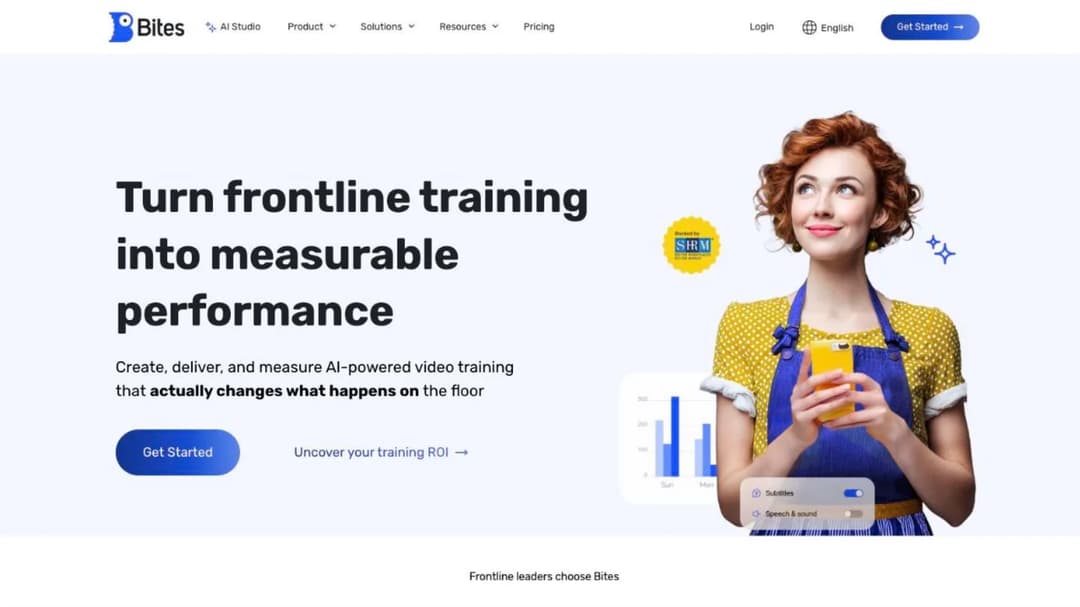
Best for: retail, restaurant and hotel teams that want training to arrive inside WhatsApp or SMS with no app and no login.
Top Features
- AI Studio turns a PDF, DOC or PPT into a narrated branded video with quizzes, in under 14 minutes on Bites’ own average
- No-app, no-login delivery through WhatsApp, SMS, Microsoft Teams, Slack and email
- Ask AI answers a worker’s question from approved content only, tuned by role and location
- AI captions and dubbed audio in 140 languages
- Spaced-repetition refreshers and automatically triggered quizzes
Bites is the like-for-like on the access test. Its unit is a short video pushed into a channel your people already have open, not a course with modules, which suits a shift briefing and suits a forklift certification less. Bites reports Unilever Food Solutions training “1,400 employees in just 48 hours,” and names Decathlon and Leonardo Hotels among its customers.
The commercial side is quote-only: the pricing page is a form, no trial is advertised, and API access is gated to “enterprise-tier” plans. One clause in its public Master Services Agreement is worth more than the feature list. After termination you get a 30-day Read-Only Mode to export your videos (MP4), captions (VTT) and analytics (CSV). That’s the closest thing to a way out, and it isn’t SCORM.
Pros
- No app and no login, on the channels frontline staff already use
- A contractual 30-day export window after termination, with the formats named
- ISO 27001 published, with a security measures document to download
Cons
- No price, no advertised trial, and API access only on enterprise plans
- SCORM support has no version or direction, and its own pages disagree
- No SSO named, no offline claim, and no named HRIS connector
2. Axonify
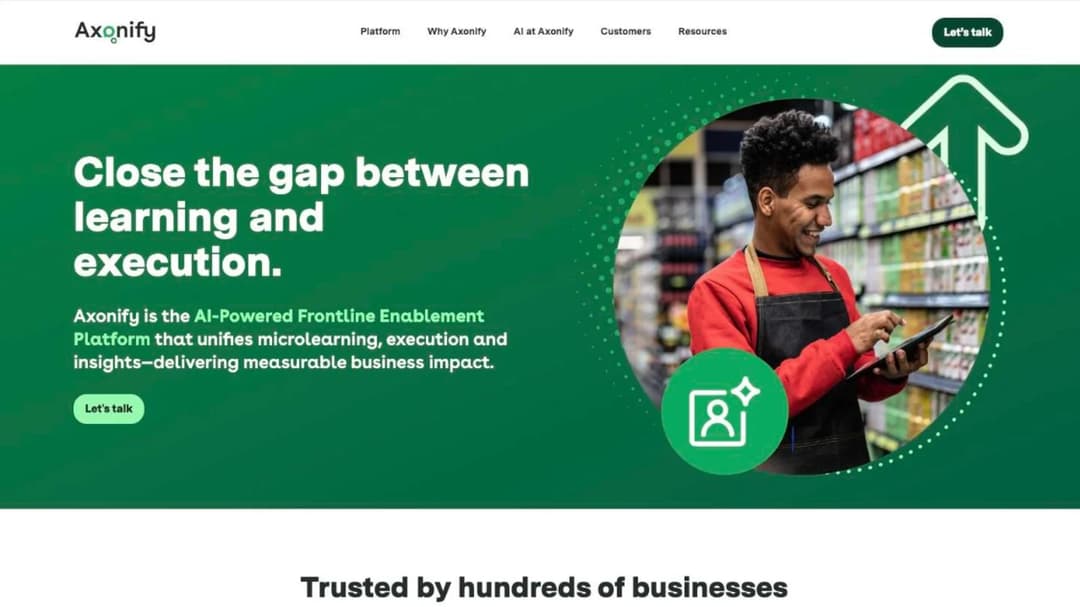
Best for: enterprise retailers and hotel groups with thousands of frontline staff, standardized handhelds and an HRIS-led rollout.
Top Features
- Daily training and communications delivered onto the Zebra handhelds frontline teams already carry
- HRIS connections named for Workday, UKG Dimensions, SAP SuccessFactors, ADP and Ceridian
- Max, an AI assistant, with translation Axonify puts at 60-plus languages
- The same experience on mobile, tablet, kiosk and desktop
- Built to add locations, brands and languages without rebuilds
Axonify is the frontline platform eduMe’s own comparisons name, and it plays at a scale nothing else here matches. Its reference customer is Marriott International, which Axonify reports at 9,000 locations, 800,000-plus employees and a “20% increase in knowledge.” Its 2024 survey of 450 US retail, hospitality and food-service frontline managers found 44% hiring more seasonal workers than the year before, 61% seeing worse applicant quality and 65% feeling overwhelmed before peak season.
On the four tests it prints nothing at all: no figure, no tiers, no trial, no login method, no offline claim, no SCORM statement and no contract terms. The case for Axonify rests on scale, the Zebra delivery and the HRIS list, and for a 400-person restaurant group those are the wrong reasons to buy.
Pros
- Proven at the largest frontline scale in this group
- Delivery onto Zebra handhelds, which no other platform here offers
- Five named HRIS connections, and dated original research on seasonal hiring
Cons
- No price, no tiers, no trial and no contract terms published
- No published login method, offline claim or SCORM statement
- No scheduler or point-of-sale integration named
3. Innform
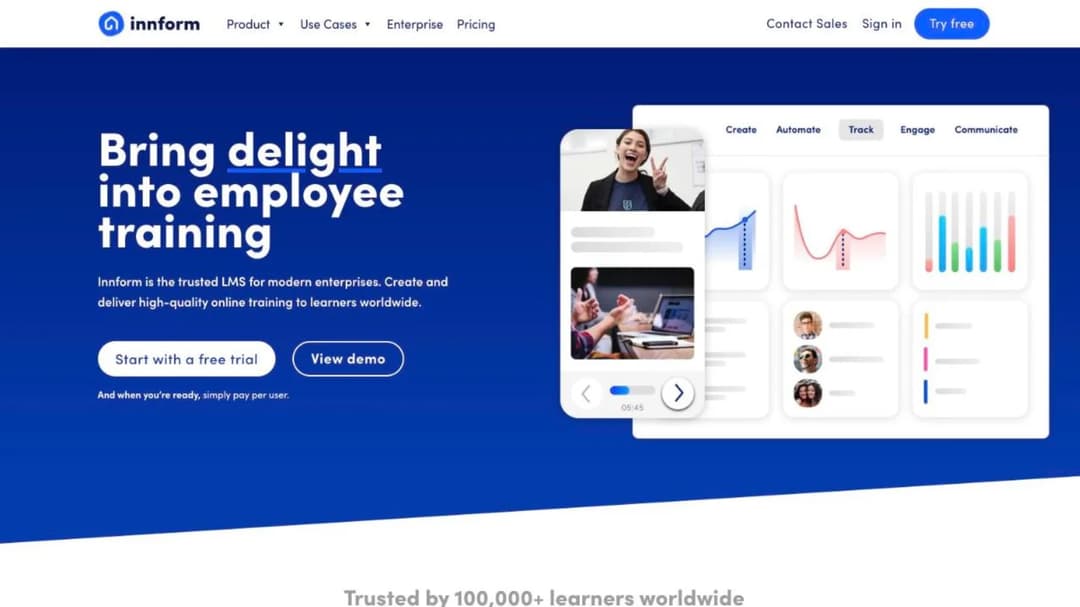
Best for: independent properties and small groups that want a per-active-user price, a monthly cancel and accounts they can pause between seasons.
Top Features
- Starter at £1, Essential at £2 and Pro at £4 per active user per month, with 10% off annual billing
- No minimum user rule, no setup fees, accounts can be paused, and monthly plans cancel any time
- A 14-day trial with no credit card, then a free tier of one course and 15 users
- Learners grouped by property, with administrators scoped to specific properties
- iOS and Android apps with two-factor authentication, and GDPR, CCPA and Cyber Essentials badges
Innform prints the price mechanic that fits seasonal churn best. You pay for active users, there’s no minimum, and an account can be paused when a property closes for the winter and revived in spring. Each property gets its own learner group and its own scoped admin without a second contract. Integrations run to Slack, Teams, BambooHR, Salesforce, Zoom and Beekeeper, and a library of 100-plus management and sales courses is a separately billed add-on. Innform names Accor, Limehome and Alannia Resorts among its customers.
Two of the four tests go unanswered. Its public pages describe app access by invitation and say nothing about invites by phone number, so ask before you assume seasonal staff can get in without an email, and nothing on the site states SCORM in either direction.
Pros
- The clearest per-active-user price in the group, with no minimum
- Pause accounts, cancel monthly, and a free tier after the trial
- GDPR, CCPA and Cyber Essentials badges published
Cons
- No SCORM statement anywhere on its public pages
- No email-free login path published, no scheduler, and no HRIS beyond BambooHR
- No expiry tracking claim and no language count
4. TalentLMS
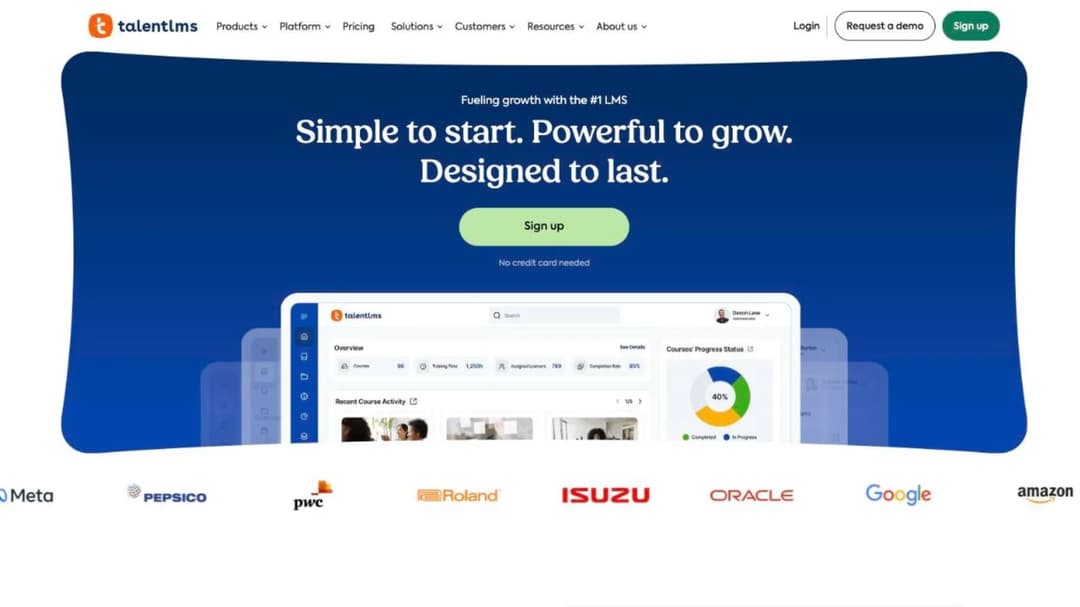
Best for: teams under 100 people who want the whole price ladder on the screen and a platform nobody has to be trained to run.
Top Features
- Free for up to 5 users and 10 courses, then Core at $119 a month for 1 to 40 users, Grow at $229 for up to 70, and Pro at $449 for up to 100 plus $6 per extra user, with 20% off annual
- Certificate expiry with a checkbox that re-assigns the course when a certification lapses
- Offline completion in the native apps for “offline compatible content”
- BambooHR, ADP Workforce Now and Sage People connectors, SAML with Okta and OneLogin, and “1000+ other tools by Zapier”
- SCORM 1.2, xAPI and cmi5 import
TalentLMS is the platform a small team is most likely to be quoted, and its pricing page is the reason: every band and its cap is printed, and a 14-day premium trial runs alongside the free plan. For a store group of 60 people quoted a 100-user minimum elsewhere, Grow at $229 a month covers the headcount with room. The trade is that a band doesn’t flex with churn: if 45 of your 70 seats belong to people who left after the holidays, you’re still on Grow until you clean up the accounts. Nothing you build there leaves as a package, either, because TalentLMS states that “it’s not possible to create SCORM files directly on TalentLMS.”
Pros
- The clearest tier-by-tier ladder here, with a free plan and no seat minimum
- Expiry-driven re-assignment for food safety and license refreshers
- Offline completion for compatible content, with broad SSO and HR connections
Cons
- SCORM 1.2 import only, and no SCORM export at all
- Seat bands don’t fall when the season ends, and the Enterprise floor is printed as both 500 and 1,000
- No published renewal or notice terms, and no email-free login path
5. SkyPrep
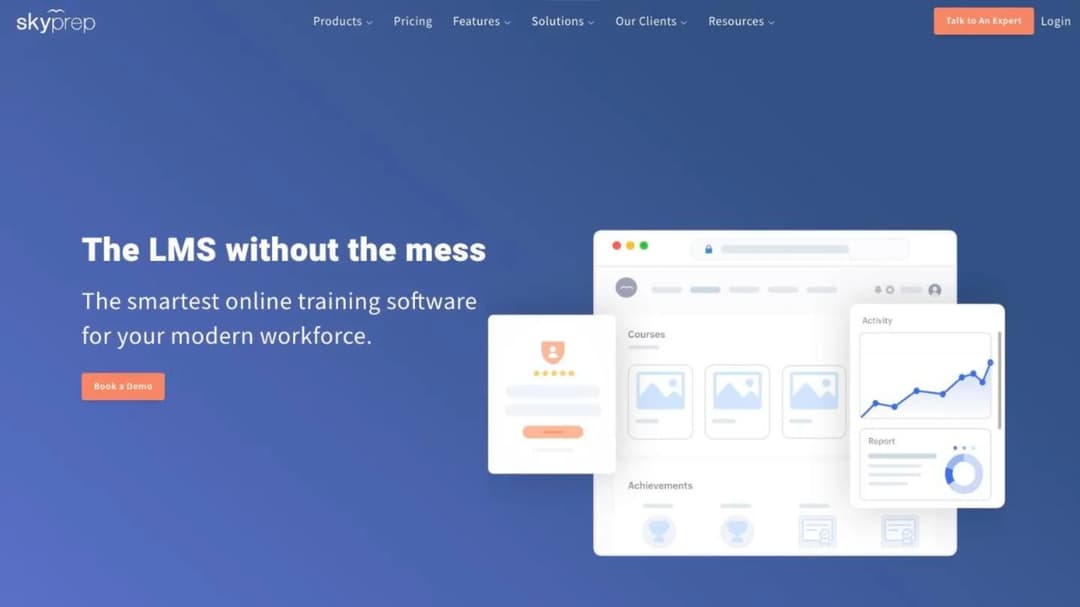
Best for: multi-location operators who want an active-user meter and every contract term printed, and who clear a 100-user floor.
Top Features
- Priced per active user, defined as someone who logs in during the billing cycle, with the quota reset monthly
- The 7Shifts scheduler alongside ADP, Workday, BambooHR, UKG, Paycor, Deel and Dayforce
- SMS notifications through Twilio, plus Slack and Teams
- Separate platforms for brands, branches and clients under one account
- An offline SCORM player in the mobile app on the Enterprise Learning Suite tier
SkyPrep publishes no dollar figure, but its Terms and Conditions are printed in full, which puts it ahead of most of this group on the contract test. The agreement “will automatically renew for additional terms… of the same duration as the Initial Term” unless either party gives “written notice of non-renewal no less than sixty (60) days prior to the expiration.” SkyPrep may “increase Fees for the Services by up to 15% of the Fees payable under the preceding Term” at renewal, and “Customer will not be entitled to a refund of Fees upon early termination,” though access continues to the end of the term.
Lite and Premium start at 100-plus active users, the Enterprise Learning Suite at 1,000-plus, and there’s a 14-day free trial. The gaps sit on the frontline tests: access is app and account, with API and SSO on Premium and above, and offline is Enterprise-only.
Pros
- Renewal, notice and the price-rise cap printed in the terms
- Active-user metering with a monthly reset and a stated overage rule
- 7Shifts, the one restaurant scheduler named here, plus SOC 2 Type II and a VPAT
Cons
- No price, a 100-user floor, and up to 15% at renewal with no refund on early exit
- Offline only on the top tier, and no email-free login path
- SCORM export not stated, and no language count
6. iSpring LMS
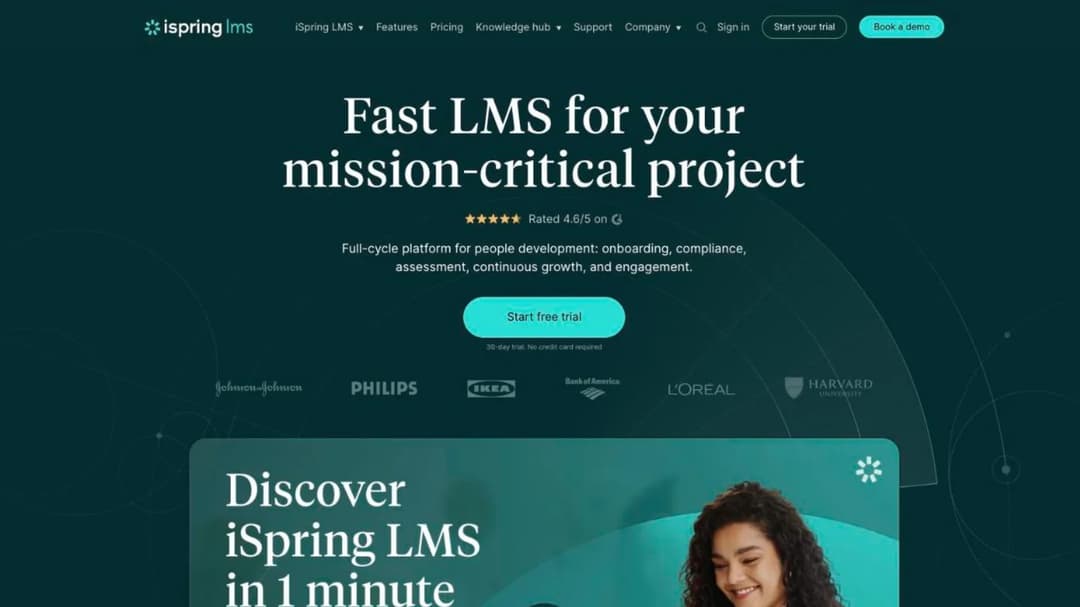
Best for: companies of 100 to 500 people whose staff need a native app that works offline and a per-active-user price printed by band.
Top Features
- $6.91 per active user per month at 100 users ($8,286 a year), $4.46 at 300 ($16,050) and $3.97 at 500 ($23,790)
- Active means anyone who logs in at least once in the month
- Native iOS and Android apps with offline download and auto-sync
- SCORM 1.2 and 2004 import, plus PowerPoint, video, audio and PDF
- Automated compliance assignment with re-enrollment and certificate-expiry tracking
iSpring Learn became iSpring LMS in October 2025, so a quote under the old name is the same product. The price is the reason it’s here: the per-active-user figure and the annual total are printed side by side at each band. Nothing is published below 100 users, so a 60-person team still meets the 100-user tier as its floor, and the 30-day trial needs no credit card but does need a name, an email and a phone number.
The subscription agreement is stricter than the marketing. Subscriptions auto-renew with the notice period unstated, “payment obligations are non-cancelable and fees paid are non-refundable” except on proper early termination, and the agreement disclaims any warranty about availability, so there’s no SLA. Its pricing FAQ also rules out government, nonprofit and academic discounts.
Pros
- A per-active-user price with the annual figure beside it, at 100, 300 and 500 users
- Native apps with offline download and sync
- Expiry tracking and automatic re-enrollment for compliance refreshers
Cons
- No plan below 100 users, and no nonprofit or education discount
- Non-cancelable, non-refundable, no SLA, and no stated notice period
- No SCORM export, no SOC 2, and no email-free login path
7. 360Learning
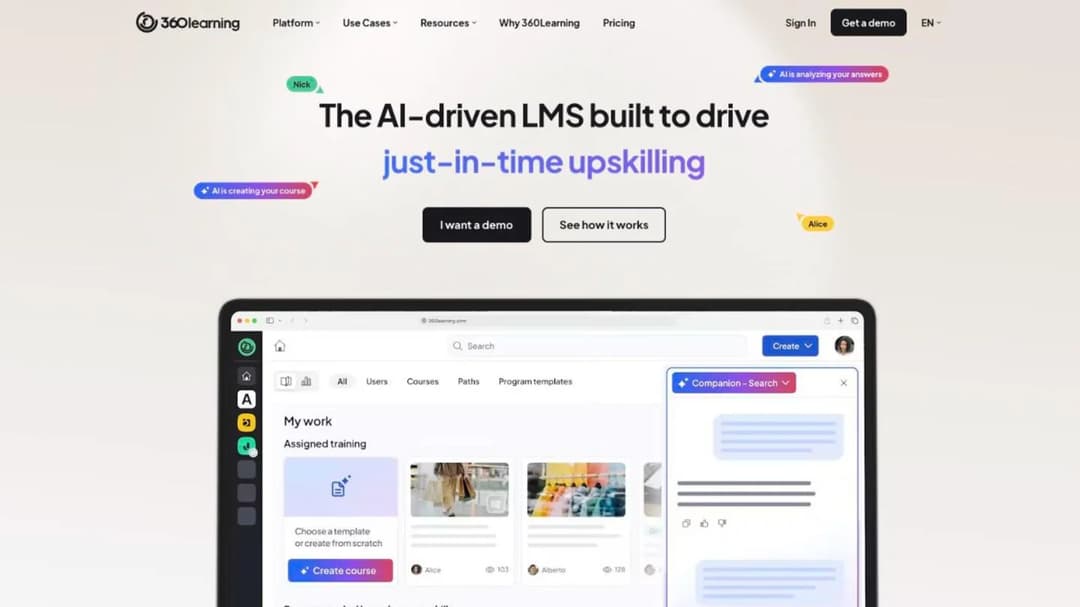
Best for: mid-size teams that want no seat minimum, a monthly plan they can cancel, and a login that doesn’t need a company email.
Top Features
- Team at $8 per user per month for up to 100 users, billed monthly, “cancel anytime,” with Business and Enterprise custom on annual contracts
- Username or employee-ID login with no email required, magic-link self-registration, and a shared-device mode that tracks each learner on one tablet
- Native iOS and Android apps with offline access and automatic right-to-left layout
- An AI Content Builder that drafts a course from your documents, and an MCP server for ChatGPT, Claude, Gemini and Microsoft Copilot
- Workday, SAP SuccessFactors, BambooHR and UKG connectors, plus Slack, Teams, Go1 and OpenSesame
360Learning clears three of the four tests in print, which no other general platform here does. A store manager can hand a new starter an employee ID and a shared tablet on day one, the price answer is “no minimum number of users” on a monthly Team plan with a 30-day free trial, and the notice answer for Team is none at all. 360Learning reports Merlin Entertainments reaching “65% of yearly engagement in 1.5 months,” and names Galeries Lafayette and Heineken.
The fourth test stops it: 360Learning describes no export of a course built inside it. Business and Enterprise prices are custom and their notice terms aren’t published, the SSO line in its pricing table carries an undefined asterisk, and four AI sub-features are marked “Coming soon.”
Pros
- No minimum, a monthly Team plan, and a 30-day trial
- Employee-ID login, magic links and shared-device mode for staff without email
- Native apps with offline access, SOC 2 Type II and ISO 27001 published
Cons
- No SCORM export described, and no version stated
- Business and Enterprise prices and notice terms are unpublished
- Two integration counts on its own pages, and four AI features still “Coming soon”
8. Tovuti LMS
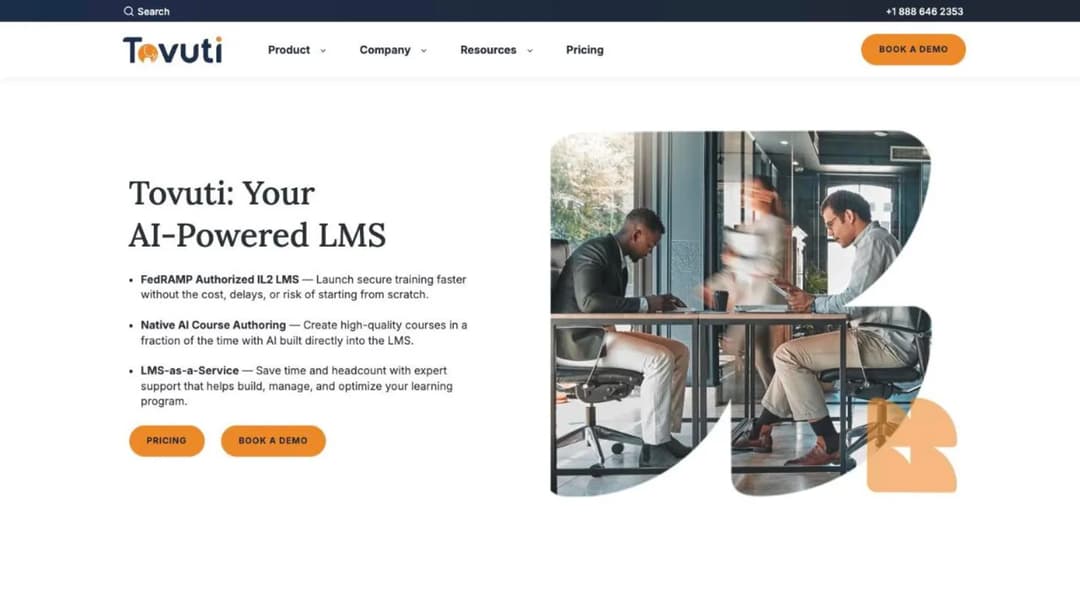
Best for: operators who want one all-inclusive annual price for the first 100 learners and a Deputy scheduler connection.
Top Features
- “$7,500 / year for your first 100 learners, then scales,” billed annually, with a multi-year discount
- A native mobile app with offline in the base plan
- Deputy for scheduling, with ADP, BambooHR, Workday, HiBob, Personio and Deel on the HR side, plus Okta, Azure AD and Zapier
- SCORM 1.2 and 2004, AICC and xAPI import, plus Dizi AI for quizzes and lessons
- SOC 2 Type 2, ISO 27001, PCI and WCAG 2.1 AA on its compliance page
Tovuti prints a number you can put in a budget, and it’s a per-learner-per-year figure rather than a seat count, so a business that trains 100 people across a year pays for 100 even if only 40 are active in any month. Above 100 the rate is unpublished, there’s no self-serve trial, and nonprofit, government, education and healthcare teams “may qualify” for a discount. Tovuti reports Partners in Health unifying training for 18,000 staff across 11 countries.
Three things to ask. The pricing page includes “native mobile app (offline)” in the base plan while a separate page charges extra for branded apps, so confirm which app the $7,500 buys. Native courses export as SCORM only through WayPoints AI, a paid add-on with no published fee. And the renewal notice period isn’t stated.
Pros
- A published annual price for the first 100 learners
- Offline in the base plan and a Deputy scheduler connection
- Broad printed compliance, including WCAG 2.1 AA, and six named HR connectors
Cons
- No trial, an unpublished overage rate above 100 learners, and no stated notice period
- The branded-app fee contradicts the base-plan line
- SCORM export only through a paid add-on, and no email-free login path
9. Absorb LMS
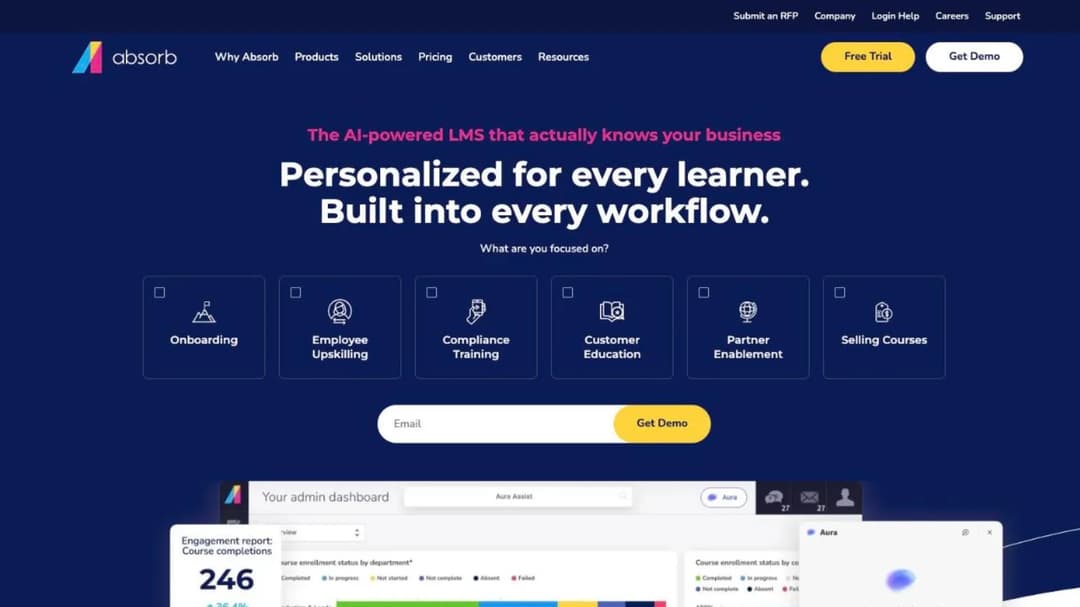
Best for: hotel groups and retailers running several brands that need separate branded portals and a documented way out.
Top Features
- A multi-tenant LMS with “unique learner portals based on any number of criteria, including roles, locations, languages and more”
- SCORM 1.2 and 2004 import, and Absorb Create publishing to SCORM, xAPI and HTML5
- Native iOS and Android apps with offline download and progress sync
- Deputy for scheduling, with ADP, BambooHR, Workday, SAP SuccessFactors, UKG Pro and Dayforce
- Traliant, Go1, MedTrainer and Skillsoft content partners, and an interface in 25 languages
Absorb is the enterprise platform here that prints its export position, both SCORM versions in and SCORM, xAPI and HTML5 out, which is the fact a group with a three-year course library should weigh first. Absorb reports standardizing training for A&W Canada across “900 locations, 45,000 employees and thousands of admins,” and its multi-tenant portals are built for exactly that shape.
The commercial side prints nothing. Both pricing pages are lead forms that ask which learner band you fall into, from 1 to 50 up to 25,000-plus, before any figure appears: no trial length, no tier names, no contract term, no renewal or notice clause. Access is app and account, and Absorb names no certification publicly, so ask for the security documentation and the renewal clause in the same message.
Pros
- SCORM 1.2 and 2004 in, and SCORM, xAPI and HTML5 out
- Separate branded portals for brands, regions and franchisees
- Native offline app, Deputy scheduler and six named HRIS connectors
Cons
- No price without giving up your contact details, and no trial
- No published term, notice period or price-rise rule
- No email-free login path, and 25 interface languages against eduMe’s 50-plus
10. eloomi
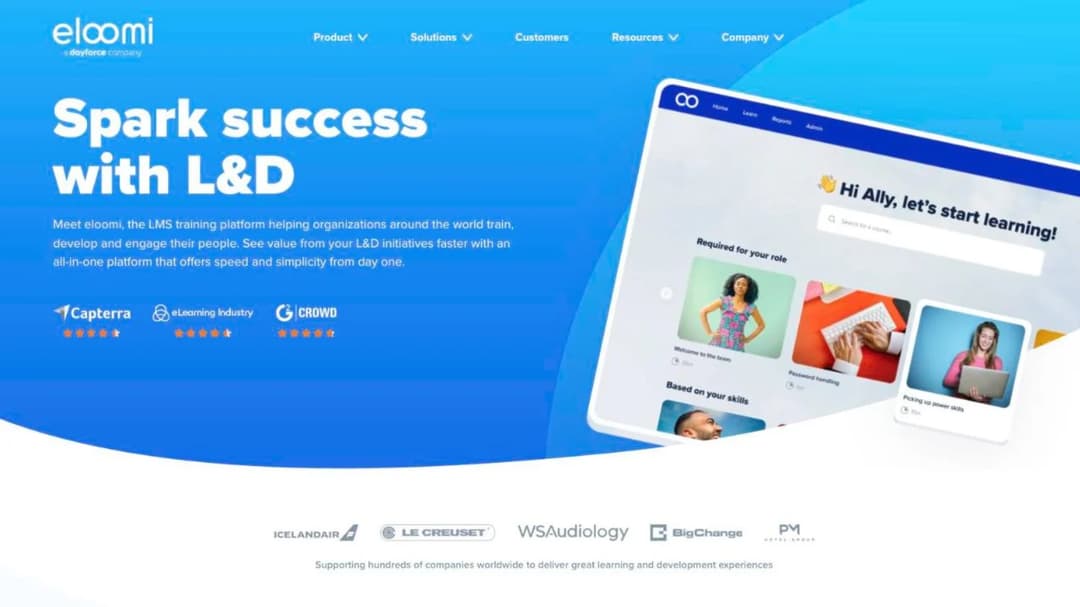
Best for: employers already on Dayforce or another named HRIS who want the LMS to arrive through the HR system rather than beside it.
Top Features
- Part of the Dayforce HCM platform, with Dayforce, UKG, Workday, Paylocity, Paychex, BambooHR, HiBob, Personio, SAP SuccessFactors and 30-plus more HRIS connectors named
- A drag-and-drop course builder, iOS and Android apps, and a native Microsoft Teams integration
- A content library eloomi puts at 85,000-plus courses, sold in bundles of 25, 50 or all-access
- A learner interface in 14 named languages
- Skills mapping and performance modules alongside the LMS
eloomi’s case is the HRIS list. If your people are created in Dayforce or UKG, eloomi names the connector, and its Teams integration puts the course where a hotel’s back office already talks. It names Domino’s, Wagamama, PM Hotel Group and XXL Sports among its customers, a rare set of retail and hospitality logos here.
The four tests go mostly unanswered: no pricing page, a “create a trial” page that is a lead form with no length or terms, no minimum, no contract term, no offline claim, and no email-free access. One contradiction is worth a question in the demo: its AI page is headed “Coming soon” for course generation, auto-quizzes and translation while other pages describe the same AI in the present tense.
Pros
- The longest HRIS list in this group, and a native Teams integration
- A large content library and a 14-language interface
- Named restaurant and hotel customers
Cons
- No price, no trial terms and no contract terms published
- AI availability and certification ownership are each contradicted on its own pages
- SCORM unversioned with no export, and no offline or email-free login claim
11. Litmos
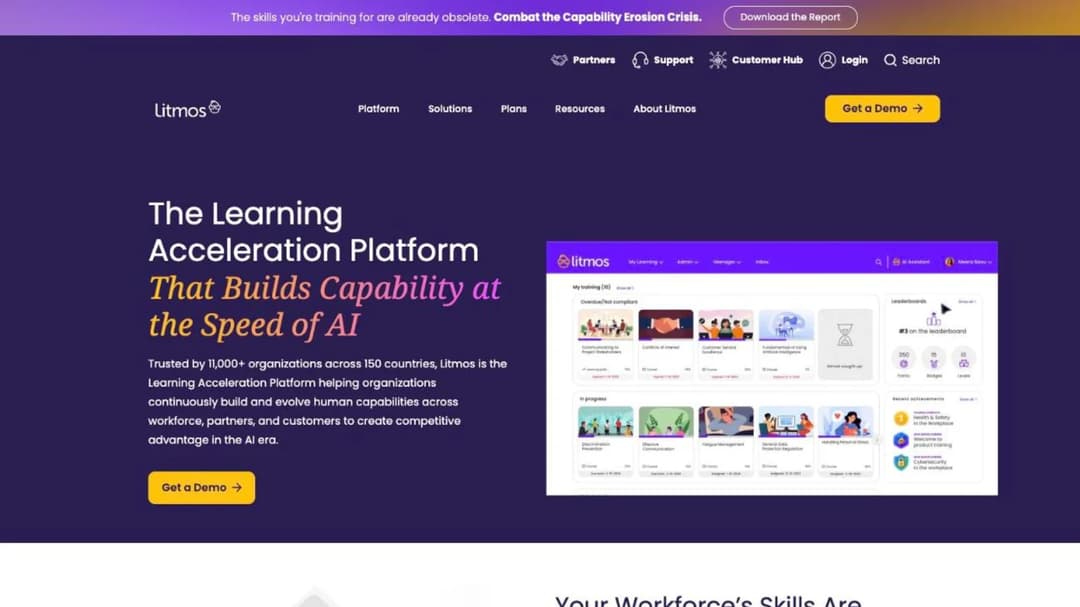
Best for: compliance-heavy employers who want a ready-made course library, SMS alerts to staff, and a SOC 2 report with dates on it.
Top Features
- SOC 2 Type II with a twelve-month audit period ending March 2025 and “no exceptions noted,” plus ISO 27001:2022, both by Aprio
- Communications in-app, by email and by SMS
- A curated library of “hundreds of ready-made courses” across compliance, safety and customer service, plus an AI Course Builder
- Workday, ADP, BambooHR, Salesforce, Teams, Okta and Microsoft Entra ID connectors
- Data hosting in the EU, Australia or the US, and SCORM, xAPI and AICC import
Litmos publishes no price. Foundation, Platinum and Platinum AI each show “Contact for Pricing,” and no minimum, term, trial or renewal rule appears on the plans page. What it does publish is the most precisely dated security statement in this group, which matters if your security team has to sign the vendor off before your director signs the order. Litmos was divested by SAP to Francisco Partners in December 2022, so an older quote will say SAP Litmos.
On the frontline tests it’s an app-and-account platform with SMS used for notifications rather than access. Litmos states no offline capability on its public pages, so ask for it in writing if a stockroom or a route is where the training happens.
Pros
- A dated SOC 2 Type II audit with no exceptions, and ISO 27001:2022
- SMS notifications and a ready-made compliance library
- Regional data hosting and named HRIS and identity connectors
Cons
- No price at any tier, no trial and no published terms
- AI features only on Platinum AI, and no SCORM version or export stated
- No citable offline claim, and three different customer counts on its own site
12. Mini Course Generator
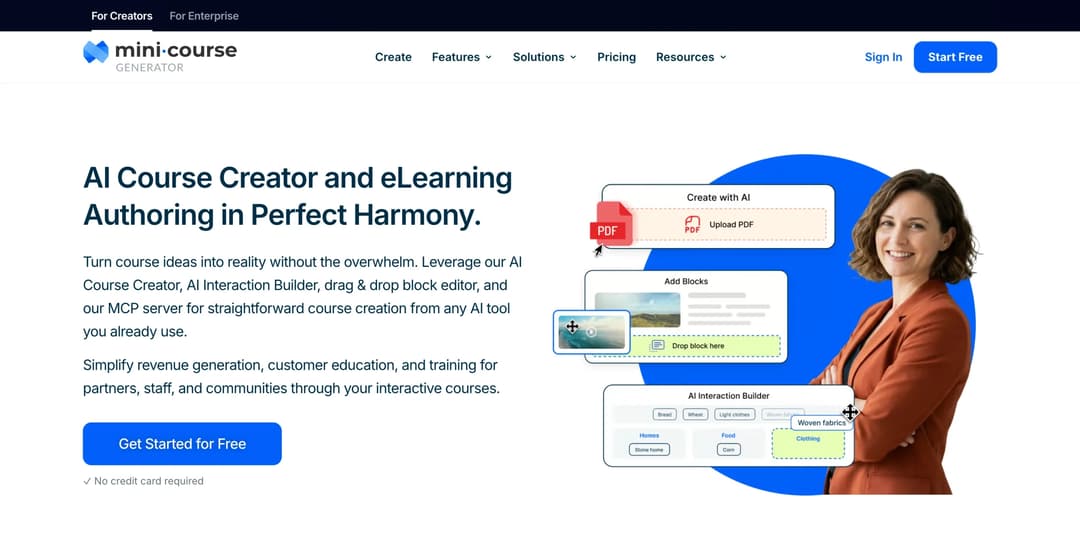
Mini Course Generator is our product. It sits last because it’s a course creator with a lightweight LMS rather than a frontline platform or an LMS suite, and it’s here because it answers the access and export tests eduMe leaves open.
Best for: L&D teams whose next course already exists as an SOP, a shift briefing or a policy PDF, and who want a platform whose price and terms they can read before a sales call.
Top Features
- AI Course Creator and PDF to Course Creator draft a course from your own document, with Hallucination-Proof generation that MCG reports as 95% hallucination-free from your own resources
- Six Gateways (everyone, double opt-in, pay-wall, specific learners, in-app authentication, Password Wall) and magic links, so a seasonal cohort opens a course from a link while a manager course stays locked
- SCORM or PDF export at any time, on every plan
- AI Interaction Builder adds Branching Scenarios, Dialogue Simulations and Flashcards & mini-games, with the AI Quiz Builder for scored checks
- The Mini Course Generator MCP Server lets Claude, ChatGPT, Manus or Cursor create, update and publish courses and act on completion data, live since June 2026
The comparison against eduMe is the contract, stated flat. Every plan opens with 14 days of full access and no credit card. The pricing FAQ states “zero implementation or onboarding fees,” no minimum annual commitment, and that annual billing is a discount rather than a lock-in. Plans are sized by a yearly learner allowance so “occasional visitors don’t force you into a bigger plan,” with the figures on the pricing page. Content leaves with you: “Your content is always yours, whatever your subscription status.”
It’s built for a rapid authoring loop: SOP in, course out, same day, edited in the Drag & Drop Block Editor, so a menu change or a new cleaning standard becomes a re-issued course rather than a rebuild. For guest-facing judgment, the complaint at the desk or the allergen question at the table, the AI Role-play skill lets staff practice the conversation against your rubric, and how it compares with other role-play tools is covered separately. Connections run through Zapier, Make and webhooks, a WordPress plugin, and the MCG App for Intercom on Growth and above.
Pros
- Price, trial and commitment terms published, with no implementation fee and no seat floor
- Share-link and embed access with no login, and magic links when you need names
- SCORM or PDF export at any time, whatever the subscription status
- Courses drafted from the documents you already have, with quizzes in the same tool
Cons
- No HRIS integration named, so learners are created by link, invitation, Zapier, Make or the REST API on the Custom plan
- No scheduler, point-of-sale or property management system integration, and no SMS or WhatsApp delivery channel
- Publishes no offline mode, so a warehouse or a basement with no signal isn’t its case
- Publishes no compliance certification: no SOC 2, no ISO 27001, no HIPAA statement and no GDPR attestation, so if your security team needs one on paper, it doesn’t publish one
- No content library, no in-person assessment, evidence capture, checklist or broadcast feature, and SSO for learners only on the Custom plan
Which eduMe Alternative Fits Your Situation
Six rules cover the situations that bring a frontline L&D team to this page. Check each against your own headcount and contract before you book a demo.
If your staff have no company email and won’t install an app, shortlist Bites, 360Learning and Mini Course Generator. Bites for training that lands in WhatsApp or SMS, 360Learning for an employee-ID login and a shared tablet on the floor, Mini Course Generator for a course that opens from a share link or an embed. Everything else needs an account provisioned first, so budget the admin time or the HRIS connector.
If headcount swings with the season, buy on active users or a yearly allowance, not seat bands. Innform for the smallest groups, 360Learning for no minimum and a monthly Team plan, iSpring if you clear its 100-user floor, Mini Course Generator for a yearly learner allowance. If your headcount is flat, TalentLMS’s bands are the cheapest thing to forecast under 100 people, and the small-business LMS comparison goes further down that range.
If you’re leaving because of the contract rather than the product, pick the platform whose terms you can read. SkyPrep prints its 60-day notice and its 15% cap; 360Learning, Innform and Mini Course Generator print a monthly cancel; Bites prints its renewal and its export window. Axonify, Absorb, eloomi and Litmos print nothing, so the terms you get are the terms you negotiate.
If you run hotels or restaurants, the frontline question comes with a certification question attached. None of the twelve issues a food-safety or alcohol-service credential, and the ones that track a certificate’s expiry are TalentLMS and iSpring. The hospitality LMS comparison and the restaurant LMS comparison take that question first, a multi-brand group should read the franchise training program guide before it picks, and if the property runs front desk training as its first course, that’s the one to trial. A hospitality LMS rollout is also a different purchase from a call-center one, which the call-center training software comparison covers.
If you’re at 1,000-plus seats with a procurement cycle, this is the wrong list. Axonify, Absorb and Litmos are the three here that play at that scale, and the Docebo alternatives comparison sorts the enterprise suites on the same contract questions. For a customer academy rather than your own staff, customer education platforms compared is the right shelf.
If the driver is onboarding and the content is your own, the authoring loop matters more than the suite. Mini Course Generator, 360Learning, iSpring and Bites all draft from your documents, and the employee onboarding software comparison sorts the wider field by whether a tool tracks completion or only checks off checklists.
Leaving eduMe: What You Can Take With You
The exit is a calendar exercise before it’s a migration. Work through these steps in order.
- Find the end date of your initial term and count back ninety days. That is the last day eduMe will accept written non-renewal notice under clause 7.1. Put it in your calendar today, with a reminder thirty days before it, and write down who sends the notice and the address it goes to. If the date has already passed, the next twelve months are booked, and the rest of this list is for next year.
- Reconcile the 100-user minimum with your real headcount. Pull your active-user report. If you’re a 70-person operation paying for 100, that gap is the first number in the business case, and it’s the number an active-user or yearly-allowance vendor removes. Contract at the low end of your forecast: overage bills monthly and can be upgraded away, and a floor can’t.
- Inventory the content before you notify. List every lesson, checklist and broadcast template you built in eduMe, and every SCORM package you uploaded to its player. eduMe states no export path for courses built in it, so ask support in writing what leaves and in what format, and run that export while you’re a customer in good standing. Download the completion reports your auditor will ask for in two years.
- Send the notice, then negotiate. A written non-renewal notice inside the window costs nothing and can be withdrawn. Once it’s sent, ask for the modules you use at a lower price, a lower minimum and a shorter notice period. If the answer is good enough, withdraw the notice. If it isn’t, you’re already out.
- Run the replacement in parallel inside a trial with a clock on it. eduMe’s trial has no published length; the alternatives that print theirs give you a fixed window, 30 days at iSpring and 360Learning, 14 at Innform, TalentLMS, SkyPrep and Mini Course Generator. Rebuild one SOP as a course, have three real new hires open it on their own phones without help from IT, and export it as SCORM at the end to prove the way out works.
- Sign the new contract with the four answers in the order form. The login path for staff without email, the pricing unit and its definition of “active,” the term with its notice period and any price-rise cap, and the export path with its SCORM version. Anything that’s only in a FAQ is a promise, not a term.
Do the first step today, whatever you decide about the other five. Then take the new-hire training plan you’d have to rebuild anyway, or the onboarding checklist your managers already use, and turn it into a course on an onboarding LMS that a seasonal hire can finish on a phone before the first shift. The cost of leaving eduMe is measured in the courses you’d have to rebuild, and that number is the one you can change before the notice date.
Frequently Asked Questions
How much does eduMe cost?
eduMe publishes no price on its plans page, which sells a Core Platform plus seven add-on modules by quote. The only figure on its site is in two of its own blog comparisons: “$3.49 per user, with a minimum of 100 users.” eduMe publishes no billing period for that figure, so ask what it covers, and ask which modules your quote includes, because HRIS sync, checklists and broadcasts are add-ons.
Does eduMe have a free trial?
A trial path exists, but eduMe publishes no trial length, no credit-card rule and no list of what it includes. If you need a trial with a clock on it, iSpring and 360Learning offer 30 days, and Innform, TalentLMS, SkyPrep and Mini Course Generator offer 14.
Can we cancel eduMe mid-term?
The exit its license agreement provides is non-renewal: written notice at least ninety days before the renewal term starts, after which the subscription ends with the current term. The only early termination in the agreement is for a material breach left uncured for 30 days, so plan on paying to the end of the current term. If your order form says otherwise, the order form governs.
Does eduMe support SCORM?
eduMe’s plans page lists a SCORM content player among its paid Content Add-ons, so SCORM courses you already own can be played inside eduMe for a fee. Nothing on its site says whether a course built in eduMe can be exported as a SCORM package. If portability matters, Absorb LMS and Mini Course Generator are the two here that state an export.
Who are eduMe’s main competitors?
eduMe’s own comparisons name Axonify, 7Taps and EdApp, now SC Training, and Bites is the closest match on no-app delivery. The general platforms that come up beside it are TalentLMS, Absorb LMS, 360Learning, Litmos, eloomi, SkyPrep, iSpring LMS and Tovuti. The 7Taps comparison covers the card-based format separately. Sort the names by the four questions above and the list shrinks to three.
Which eduMe alternative works without an app or a company email?
Bites delivers through WhatsApp, SMS, Teams, Slack or email with no app and no login. 360Learning supports username or employee-ID login with no email, plus a shared-device mode. Mini Course Generator opens a course from a share link or an embed with no account on its “everyone” Gateway. Every other platform here is app-and-account.
What is the cheapest eduMe alternative for a small team?
For a group under 100 people, Innform at £1 to £4 per active user per month with no minimum, and TalentLMS from $119 a month for up to 40 users, are the two printed prices at the low end, and both keep a small free tier after the trial. Compare them on what “active” means and on whether your content can leave, because the cheapest price with no export is the most expensive one to leave.
Sources
- eduMe plans page, Licence Agreement (clauses 2.1, 2.3, 2.4, 6.1, 6.2, 7.1 and 7.2.1), security and AI features pages, plus the two eduMe blog comparisons that state the $3.49 figure
- Bites pricing page, Master Services Agreement, AI Studio FAQ and security measures document
- Axonify pricing and integrations pages and its 2024 seasonal hiring data
- Innform pricing, integrations and multi-property pages
- TalentLMS pricing page and SCORM support documentation
- SkyPrep pricing page, Terms and Conditions and security page
- iSpring pricing and features pages and Services Subscription Agreement
- 360Learning pricing FAQ, enterprise FAQ and security page
- Tovuti pricing, compliance and integrations pages
- Absorb LMS pricing and platform pages
- eloomi about, product, AI and security pages
- Litmos plans page and trust and security page
- Mini Course Generator pricing page


