The best LMS for government agencies is the one whose procurement answers you can check. Three answers decide it: a listed security status that covers the product, the WCAG level your law requires, and a written rule for keeping and destroying training records. Features and course libraries come second. A missing answer ends the evaluation before anyone watches a demo.
For a state or local agency, the clock is already running. The Justice Department’s ADA Title II rule makes WCAG 2.1 Level AA the standard for a government’s web content and mobile apps. Governments with a population of 50,000 or more must meet it by April 26, 2027. A platform you sign for this year will still be running on that date.
This guide explains what each of the three answers proves, then puts twelve platforms through them, with every published price. It’s written for a state or local buyer, and the FedRAMP section says where a federal agency’s path differs.
Build the agency-specific compliance course from your own policy document – then choose the platform that can hold its record for as long as your schedule requires.
What an LMS for Government Has to Prove
Every learning management system sold to agencies covers the same floor. It assigns training by position or department, sends certification renewal alerts, runs completion reports for audits, controls access by role and imports SCORM. Federal buyers add the SF-182, the Authorization, Agreement and Certification of Training form.
If a platform can’t show that floor in a demo, it isn’t a candidate. The broader LMS comparison is a better place to start, and a full list of LMS features covers the rest.
What separates government platforms is three statements procurement will ask for in writing.
| The question | An answer you can check | An answer that isn’t one |
|---|---|---|
| Is the cloud service approved for our data? | A FedRAMP Marketplace or GovRAMP listing, with its class or level, that covers the product you’re buying | “Secure cloud hosting”, “security-first”, a badge with no level |
| Does it meet our accessibility law? | A named WCAG version and level, plus an Accessibility Conformance Report | “WCAG compliant”, “accessible”, “fully responsive” |
| Can it keep our records as long as our schedule says? | A written answer on leavers, retention by record type, export and deletion | “Unlimited storage” or a reporting dashboard |
A vendor that answers all three with something you can verify has earned a demo. A vendor that answers with adjectives hasn’t, however good the course library looks.
Before the first vendor call: get three answers from inside your own agency. Your IT security officer names the status and level. Your ADA coordinator names the law and the WCAG level. Your records officer names the schedule, and your training matrix shows which record types it has to cover.
FedRAMP: What a Status Proves and How to Check It
FedRAMP is the federal program that reviews cloud services before agencies use them. Its public record is the FedRAMP Marketplace. If your security office can’t find a status there, it can’t check it. Vendors describe FedRAMP status in three ways, and each needs its own follow-up question.
Three ways a vendor says “FedRAMP”
A Moderate authorization from an agency. Docebo announced in April 2025 that it is “listed in the FedRAMP® marketplace at the Moderate impact level after receiving Agency Authority to Operate (ATO)”. It runs on AWS GovCloud (US). Cornerstone publishes FedRAMP and DoD IL4 authorization, and NEOGOV calls itself “FedRAMP Moderate Authorized, listed on the FedRAMP Marketplace”.
A Class C certification. FedRAMP’s rules for 2026 sort statuses into Certification Classes, from A to D. TotaraGov calls itself “FedRAMP® Class C Certified”, and Meridian “FedRAMP® 20x Class C Certified”.
FedRAMP presumes Class C adequate for “most Low or Moderate impact agency information systems”. Its newer 20x path supports Class A (Pilot), Class B (Low) and Class C (Moderate). That path doesn’t need a sponsoring agency.
An authorization through a hosting partner. Tovuti’s homepage says it “is FedRAMP Authorized through Knox Systems’ secure, approved FedRAMP cloud infrastructure”, announced in July 2025. But its government page still says “While not yet authorized, we are prepared to support organizations with high security needs.”
When a vendor’s own pages disagree, the Marketplace listing settles it.
What a status doesn’t tell you
FedRAMP says it directly: “Certification Classes indicate the level of assurance provided, not the level of security or protection provided!” A status tells you how much evidence the vendor has shared. It doesn’t tell you the service suits your data.
Scope is the second gap. NEOGOV’s FedRAMP page names its wider product suite, including Learn, but doesn’t say which products sit inside the authorized system.
Data level is the third. Docebo says its federal platform “supports up to IL3 (Impact Level 3) data” under its Moderate authorization. A defense program holding IL4 data needs more, and Cornerstone states IL4.
Put it in one email: ask every vendor for its Marketplace listing name, its class or impact level, and confirmation that the product you’re buying is inside it. The LMS security checklist has the rest of IT’s questions, and the cloud-based LMS comparison covers hosting region and uptime.
If you’re choosing an LMS for federal government use, FedRAMP is your authorizing official’s call. It usually settles the shortlist before training needs do. Section 508 and NARA’s retention schedules still apply, and both are covered below.
GovRAMP: The State and Local Version
State and local agencies have their own program. StateRAMP announced in February 2025 that it would operate as GovRAMP. An older questionnaire or vendor badge that says StateRAMP means the same nonprofit. GovRAMP describes itself as “a clear, risk-based pathway for governments and providers to verify, adopt, and maintain secure cloud solutions.”
Five statuses, not one
“Are you GovRAMP?” has five possible answers. They differ in how many NIST security controls were assessed, who assessed them and how often the vendor reports afterward.
| GovRAMP status | Controls assessed | Who assesses | Ongoing monitoring |
|---|---|---|---|
| Security Snapshot | Top 40 NIST controls | Not stated | 12-month status |
| Progressing Security Snapshot | Top 40 NIST controls | Not stated | Ongoing |
| Core Verification | 60 controls | Validated by the GovRAMP program office | Quarterly, 12-month status |
| Ready Verification | 80 controls | Independent third-party assessor (3PAO) | Monthly, with an annual assessment |
| Authorized or Provisional Verification | 300-plus controls | Independent third-party assessor (3PAO) | Monthly, with an annual assessment |
Verified products appear on GovRAMP’s Authorized Product List, and vendors still working toward a status appear on its Progressing Product List. A local government LMS vendor that says “GovRAMP” without naming the list and the status has told you very little.
Among the statements quoted in this guide, only NEOGOV’s names GovRAMP. It announced a GovRAMP Moderate authorization in March 2026 for what it calls its covered data and systems, without naming the products inside. For every other vendor, ask which list it’s on and at what status. Then ask your own security office whether it will accept a FedRAMP status in place of GovRAMP.
The rule: write the minimum status into the RFP, for example “GovRAMP Ready or above, or FedRAMP Moderate”, matched to the data classification your security office assigns. “Are you GovRAMP compliant?” invites a yes that can mean anything from a Snapshot to full authorization. The LMS RFP template has a security section to paste it into.
Accessibility: Which Law, Which Level, and Who States It
Accessibility is the one procurement question with a legal deadline, and it’s where vendor statements get vaguest. The law that applies depends on who you are, and each law names a different WCAG version.
Two laws, two levels
| You are | The law | The standard | When |
|---|---|---|---|
| A federal agency | Section 508 | WCAG 2.0 Level AA, through the Revised 508 Standards | In force since 2018 |
| A state or local government with a population of 50,000 or more | ADA Title II web rule | WCAG 2.1 Level AA | April 26, 2027 |
| A state or local government under 50,000, or a special district government | ADA Title II web rule | WCAG 2.1 Level AA | April 26, 2028 |
Section 508 covers staff as well as the public. In the law’s words, agencies “must give disabled employees and members of the public access to information comparable to the access available to others.”
The Title II dates are the extended ones, set by a Federal Register rule in April 2026. An older guide that quotes 2026 deadlines is out of date.
The Title II deadline follows the population your government serves, not your headcount. For example, a county of 60,000 residents with 180 staff is on the 2027 date. A water district with 40 staff, as a special district government, is on the 2028 date.
The rule doesn’t let a government point at its vendor. Its third-party exception “only applies to content posted by a third party”. Two things usually still have to meet WCAG 2.1 AA: “content posted by a state or local government’s contractor or vendor”, and “tools and platforms that allow third parties to post content”.
WCAG 2.2 is a newer W3C Recommendation, but the Title II standard is still 2.1 AA. A vendor stating 2.2 AA is ahead of the rule, not answering a different one.
What a vendor has to show you
The document to ask for is an Accessibility Conformance Report, or ACR. Section508.gov describes it as the report that explains how a product meets the Revised 508 Standards. It’s most often completed on the VPAT® template from the Information Technology Industry Council.
The vendor marks each criterion as supported, partially supported or not supported. The “partially supports” rows are where your learners get stuck.
Here’s what the twelve platforms in this guide state.
| Platform | Accessibility statement, as the vendor publishes it | Level named | Report named |
|---|---|---|---|
| LearnUpon | WCAG 2.0 AA, with the learner experience meeting WCAG 2.2 AA since June 2026 | Yes | VPAT |
| Moodle | Follows WCAG 2.2, with a third-party statement of WCAG 2.2 Level AA conformance (October 2025) | Yes | VPAT |
| Tovuti | WCAG 2.1 AA and VPAT 508; its government page says WCAG 2.1 Level A and AA and Section 508 | Yes | VPAT 508 |
| Cornerstone | A VPAT, and “508-Compliant content subscriptions” | No | VPAT |
| Absorb | “WCAG 2.1” | No | None named |
| Docebo | No WCAG level or VPAT published | No | None published |
| TotaraGov | “Fully responsive”, which describes screens | No | None named |
| NEOGOV Learn, Meridian, KMI Learning, GyrusAim, 360Learning | No WCAG level in the statements quoted here | No | None named |
The trap is the word without the level. “WCAG 2.1” and “WCAG 2.1 AA” aren’t the same promise. And “508-compliant content” describes courses, not the platform your learners log into.
Before the demo: ask for the ACR, then run part of the demo without a mouse. If a vendor can’t put your law’s level in writing, count accessibility as unanswered. The LMS demo questions turn this into a script, and the accessibility guide for online courses covers your own courses.
What Happens to the Training Record After the Course Ends
A government learning management system isn’t only where courses run. It’s also where records live until a retention schedule says they can go. That schedule belongs to your records officer, not the training team.
Federal agencies: GRS 2.6 sets the clock
NARA’s General Records Schedules are mandatory. Agencies must use them “unless they can justify the use of an agency-specific schedule.”
GRS 2.6 covers employee training records. It applies to “all groups of Federal workers, civilian, military, and contractors”.
| GRS 2.6 item | What it covers | When it can be destroyed |
|---|---|---|
| 010, non-mission training program records | Plans, training statistics, “mandatory training tracking and reporting files”, SF-182 forms, attendance records, course materials | When 3 years old, or 3 years after superseded or obsolete |
| 020, ethics training records | Ethics orientations, lists of who had to attend, verification of completion | When 6 years old or superseded, whichever is later |
| 030, individual employee training records | Completion certificates for mandatory training, Individual Development Plans | When superseded, 3 years old, or 1 year after separation, whichever comes first |
All three items allow longer retention “if required for business use”. The schedule doesn’t cover specialized training for firearms, health and safety, national defense or mission-specific work.
State and local agencies: your state’s schedule
Each state sets its own schedules for local governments, and the periods can run longer. Texas is one example. Its Local Schedule GR keeps in-house training program records for 2 years. For “certificates of completion, transcripts, test scores, or similar records documenting the training, testing, or continuing education achievements of an employee”, the period is “Date of separation + 5 years”.
The same certificate on two clocks
Here’s a worked example. An employee completes a mandatory course and leaves the job on June 30, 2026.
- At a federal agency, under GRS 2.6 item 030, the completion certificate can be destroyed by June 30, 2027 at the latest, and sooner if a newer completion superseded it.
- At a Texas city, under GR1050-28a, the same certificate has to be kept until June 30, 2031.
- If the federal course was ethics training finished on January 15, 2026, item 020 keeps the record until at least January 15, 2032.
Four years separate the first two dates for the same certificate. A platform that can hold only one retention rule gets one of those agencies wrong.
Four questions for the platform
None of the vendor statements quoted in this guide says how long a record is kept after someone leaves. So each of these goes to every vendor in writing.
-
Can a leaver’s history stay without a paid seat? Absorb’s terms let a seat pass to a new user once the former user has “been deleted from the User Database”. That’s a sensible billing rule, and a retention problem if deleting the user deletes the record.
-
Can retention differ by record type? Ethics, mandatory and job-skills records carry different periods, sometimes in the same agency.
-
Can you export a complete record? Person, course, version, completion date, renewal date and certificate, in a file your records officer can open without a login. LMS reporting covers what a completion report should carry.
-
Can you delete on schedule and prove it? Destruction is part of the schedule too, so keep a note of what went and when.
Who to invite: bring your records officer to the security review, not to go-live. If you ever change platforms, the same export decides whether records survive an LMS migration.
The 12 Best LMS Platforms for Government Agencies
The best LMS for government depends on the answer you need most. For a federal status with the level stated, look at Cornerstone, Docebo, NEOGOV Learn, TotaraGov or Meridian.
For a state or local HR team, NEOGOV Learn announces both FedRAMP Moderate and GovRAMP Moderate. For a price you can budget before the call, try GyrusAim or Tovuti. For a WCAG level ahead of the Title II rule, look at LearnUpon, or Moodle if your IT team will run it. A state agency that also supervises banks or credit unions can run the same shortlist through the financial-services LMS comparison, which tests the FINRA and AML evidence Cornerstone, Docebo and Absorb publish outside government.
Every status, statement, price and contract term below comes from the vendor’s own pages and agreements, quoted as printed. Where a vendor publishes nothing, the entry says so.
The groups start with platforms built for government. Then come enterprise suites with a federal status, platforms without one, and self-hosting. If SSO and audit trails decide it for a large agency, the enterprise LMS comparison goes deeper. The compliance LMS comparison covers recertification in detail.
| Platform | Built for | Security status, as stated | WCAG level, as stated | Published price |
|---|---|---|---|---|
| TotaraGov | Federal agencies, with SF-182 and EHRI reporting | FedRAMP Class C | Not stated | Not published |
| Meridian | Federal, state and local agencies, public safety | FedRAMP 20x Class C | Not stated | Not published |
| NEOGOV Learn | State and local HR teams | FedRAMP Moderate; GovRAMP Moderate, products in scope not named | Not stated | Not published |
| KMI Learning | Large public programs with classroom sessions | No framework named | Not stated | Not published |
| GyrusAim | Agencies of up to 300 users | ISO 27001, ISO 9001, 21 CFR Part 11 | Not stated | $525/month up to 100 users |
| Cornerstone | Agencies buying a talent suite | FedRAMP authorized; DoD IL4 | VPAT, no level | Not published |
| Docebo | Federal agencies, 250+ learners recommended | FedRAMP Moderate; data up to IL3 | Not published | Not published |
| Tovuti | Agencies of about 100 learners | FedRAMP through Knox Systems | WCAG 2.1 AA, VPAT 508 | $7,500/year, first 100 learners |
| LearnUpon | Staff plus an outside audience | ISO 27001; SOC 2, type not stated | WCAG 2.2 AA for learners, VPAT | Not published |
| Absorb | E-signed records and observed checks | SOC 2 Type 2 | “WCAG 2.1”, no level | Not published |
| Moodle | Agencies hosting their own platform | Your own environment | WCAG 2.2 AA, VPAT | Free software; MoodleCloud from A$230/year |
| 360Learning | Not for a federal cloud requirement | SOC 2 Type II; ISO 27001 | Not stated | $8/user/month, up to 100 users |
Built for Government
Five platforms sold to agencies first. Two carry a FedRAMP Class C certification, and NEOGOV adds GovRAMP to FedRAMP. GyrusAim lists ISO 27001 but no FedRAMP or GovRAMP status. KMI names no security framework at all.
1. TotaraGov
Best for: federal agencies that want SF-182 workflows and federal HR reporting built in rather than configured.
Top Features
- “FedRAMP® Class C Certified”, stated in its own name
- Standard Form 182 (SF-182) workflows and Enterprise Human Resources Integration (EHRI) reporting
- 110 pre-built reports, customizable with fields for federal roles
- Automated workflows and compliance tracking
- A responsive learner experience on any device
TotaraGov comes from Totara Learning Solutions, and it says who it’s for in five words: “Purpose-built for the federal government.” The SF-182 workflow handles the form that authorizes and certifies training. EHRI reporting is built in too. For a federal training office, that’s paperwork the platform does instead of a spreadsheet beside it.
Its security answer is the Class C certification, which FedRAMP presumes adequate for most Moderate-impact systems. Ask for the Marketplace listing and confirm the product you’re buying is inside it.
Its government page doesn’t answer the other two questions. “Fully responsive” describes screen sizes, not accessibility, so ask for the ACR and a WCAG level. A city or county also gets federal workflows it won’t use.
Pricing: not published.
Pros
- A FedRAMP Class C certification stated in its own name
- SF-182 and EHRI reporting built for federal offices
- 110 pre-built reports
Cons
- No price published
- No WCAG level or accessibility report on its government page
- Built around federal forms a state or local agency doesn’t file
2. Meridian
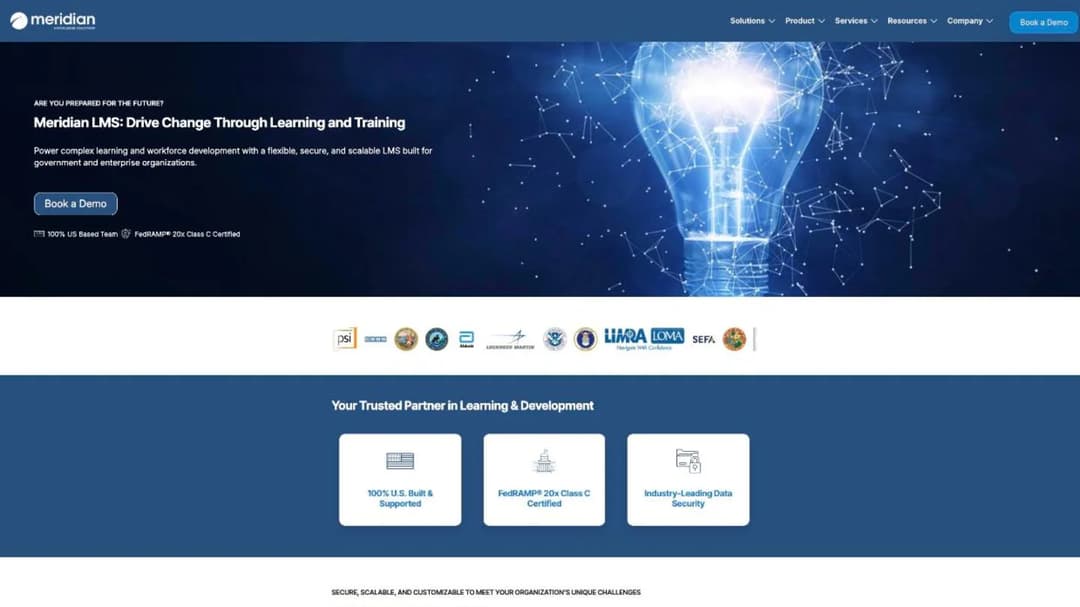
Best for: federal, state and local agencies and public-safety organizations that need a FedRAMP status and an all-US support team.
Top Features
- “FedRAMP® 20x Class C Certified”
- A “100% US Based Team”
- Blended learning across virtual and in-person sessions
- Compliance training automation, reporting and analytics dashboards
- Built-in e-commerce for selling courses
Meridian Knowledge Solutions sells to agencies at every level and to public-safety organizations, with separate audiences for contractors, partners and the public. Its status comes through FedRAMP 20x, which supports Class A, B and C, with Class C at the Moderate level. A 20x certification doesn’t need a sponsoring agency, so the question for Meridian is the listing, not an agency’s letter.
The US-based team is a line some contracts require. Selling courses matters when an agency charges outside learners, and the extended enterprise LMS comparison covers training those audiences.
Its homepage names no WCAG level, and Meridian publishes no price. Both go in the RFP.
Pricing: not published.
Pros
- A FedRAMP 20x Class C certification
- A stated all-US team
- Outside audiences and commerce in the same platform as compliance training
Cons
- No price published
- No WCAG level or accessibility report stated
- No GovRAMP status among its stated credentials
3. NEOGOV Learn
Best for: state and local government HR teams that want public-sector courses on day one and a security status recognized at federal and state level.
Top Features
- 1,500-plus pre-built courses across employment liability, human capital, health and safety, law enforcement and public works
- Certification tracking with renewal alerts
- Automated reminders, real-time dashboards and exportable completion reports
- SCORM 1.2 and 2004
- FedRAMP Moderate and GovRAMP Moderate, both announced
NEOGOV sells HR software to public agencies, and Learn is its training product. The course library is written for that buyer. “Lawful Hiring”, “Guide to Interviewing” and “Uncovering Implicit Bias” sit beside law enforcement and public works courses, and employment liability has its own category.
It’s the one platform here that announces both statuses: FedRAMP Moderate in September 2025, and GovRAMP Moderate in March 2026. Scope is the question to ask. The GovRAMP announcement speaks of “covered data and systems”, and the FedRAMP page names the wider product suite, including Learn. Neither says which products sit inside the authorized system.
Learn supports SCORM 1.2 and 2004, and NEOGOV says it’s “exploring” xAPI. The product page names no WCAG level. If your HR system isn’t NEOGOV’s, how LMS integrations work is the next read.
Pricing: not published.
Pros
- FedRAMP Moderate and GovRAMP Moderate both announced
- 1,500-plus public-sector courses
- Sits in the same suite as NEOGOV’s hiring and HR products
Cons
- No price published
- No WCAG level on the product page
- No xAPI support today
4. KMI Learning
Best for: public programs that train very large outside audiences, such as public health workers or volunteers, with classroom sessions alongside online courses.
Top Features
- Certification and compliance tracking
- Instructor-led training management
- Advanced reporting
- Secure role-based access
- Large-scale training delivery
KMI’s government page leads with the programs it runs. It names the TRAIN Learning Network of the Public Health Foundation, which KMI says serves “6+ million public health professionals”. It also names the IRS’s VITA/TCE programs, with “100,000+ volunteers trained annually”, and the Department of Homeland Security’s Center for Domestic Preparedness.
If your learners are volunteers or the public rather than staff, ask about those programs. The nonprofit LMS comparison covers how platforms price volunteer turnover. If your agency’s exposure runs closer to physical hazards than public programs, such as a public works crew or a fire department, the safety training LMS comparison tests the supervisor sign-off features KMI doesn’t publish.
Its security section is the vaguest in this guide. KMI says it “provides a secure cloud environment designed to protect sensitive training records and user information”. It lists secure hosting, encrypted data transmission, role-based access control and secure administrative workflows. It names no FedRAMP or GovRAMP status and no WCAG level, so all three questions go to KMI in writing.
Pricing: not published.
Pros
- Named public programs at very large scale
- Classroom and online training managed together
- Certification tracking with role-based access
Cons
- No security framework named
- No WCAG level stated
- No price published
5. GyrusAim
Best for: departments and small agencies of up to 300 users that need a monthly price before the first sales call.
Top Features
- Published monthly prices for up to 100, 200 and 300 users
- SF 182 support and 21 CFR Part 11 compliance features
- ISO 27001 and ISO 9001-2015 certified
- Assessments, instructor-led and blended training, learning paths and data import
- 24/7 help desk and two expert-led consultations on every tier
GyrusAim prints what most government vendors keep for the call. Up to 100 users costs $525 a month, 101 to 200 costs $725, and 201 to 300 costs $925, with Enterprise on request. A year at each band comes to $6,300, $8,700 and $11,100, which is $63, $43.50 and $37 per user when the band is full.
Two numbers stay off the page: a one-time implementation fee and the terms of the annual plan. Get both before you compare its total with anyone else’s, and run the ROI arithmetic on the full figure.
Its compliance list is ISO 27001, ISO 9001-2015, 21 CFR Part 11 and SF 182 support. The pricing page names no FedRAMP or GovRAMP status and no WCAG level. A buyer with a cloud requirement or a Title II deadline still has two questions to ask.
Pricing: as of September 2026, $525 a month for up to 100 users, $725 for 101-200 and $925 for 201-300, plus a one-time implementation fee. Enterprise is quoted.
Pros
- Three published price bands
- ISO 27001 certification
- SF 182 support for agencies that use the form
Cons
- Implementation fee not published
- No FedRAMP or GovRAMP status on its pricing page
- No WCAG level stated
Enterprise Platforms With a Federal Status
Three platforms sold well beyond government, each with a FedRAMP status. They differ on the data level they cover, on accessibility and on whether a price exists.
6. Cornerstone
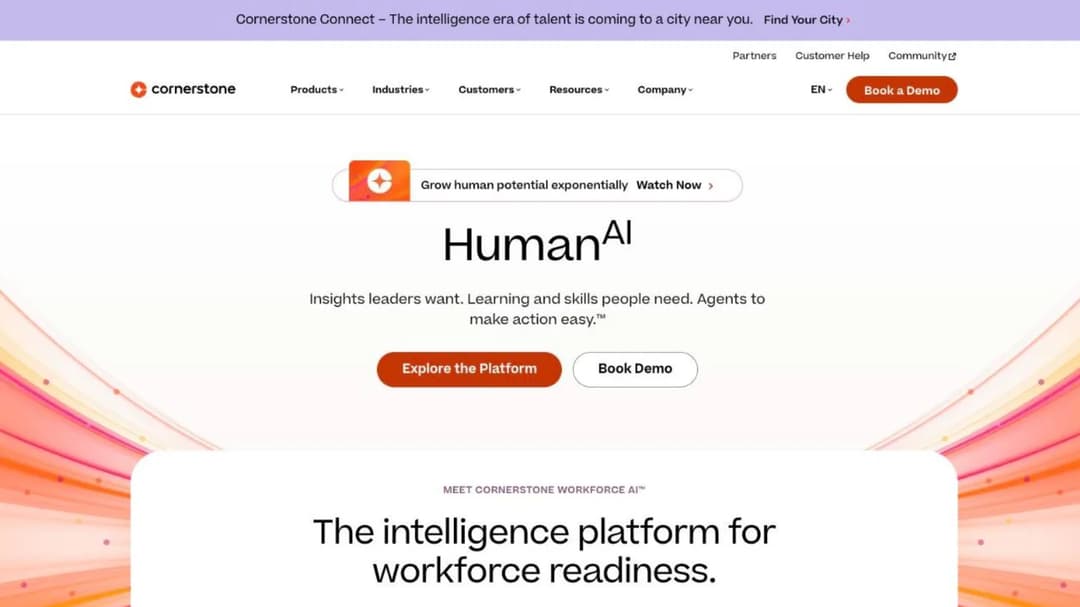
Best for: agencies buying learning inside a full talent suite, and defense-adjacent programs that need an IL4 authorization.
Top Features
- FedRAMP and DoD IL4 authorization
- SOC 2 Type 2 and ISO 27001, 27017, 27018, 27701 and 42001
- A VPAT, and “508-Compliant content subscriptions for public sectors”
- Required training assigned by role, location and policy
- Content subscriptions from 6,800 to 28,500-plus courses
Cornerstone’s public-sector page puts federal and local customers side by side. It names the Department of Justice, USPS and GSA, next to the State of Alaska, the Kentucky Personnel Cabinet and the Ventura County Fire Department. It states it is “the only software to be authorized with IL4 security in Talent and Learning Management (2024)”. For a program with IL4 data, that answers the security question faster than anyone else here.
Read the accessibility claim closely. “508-Compliant” is attached to content subscriptions, which are courses. The platform’s own answer is its VPAT, so ask for the current ACR and the WCAG level it reports.
The trade-off is scope and price. Learning is one module in a suite with performance, recruiting and succession. Its FAQ says “Each organization will have a different cost depending on needs and size.”
Cornerstone imports SCORM 1.2 and 2004, AICC and xAPI. Settle xAPI versus SCORM before you move content.
Pricing: not published. Content subscriptions carry course counts and no price.
Pros
- FedRAMP and DoD IL4 authorization published
- A long published list of security certificates
- A VPAT on file
Cons
- No price for the platform or the content
- The “508-compliant” claim covers content, not the platform
- A talent suite may be more than a training office needs
7. Docebo
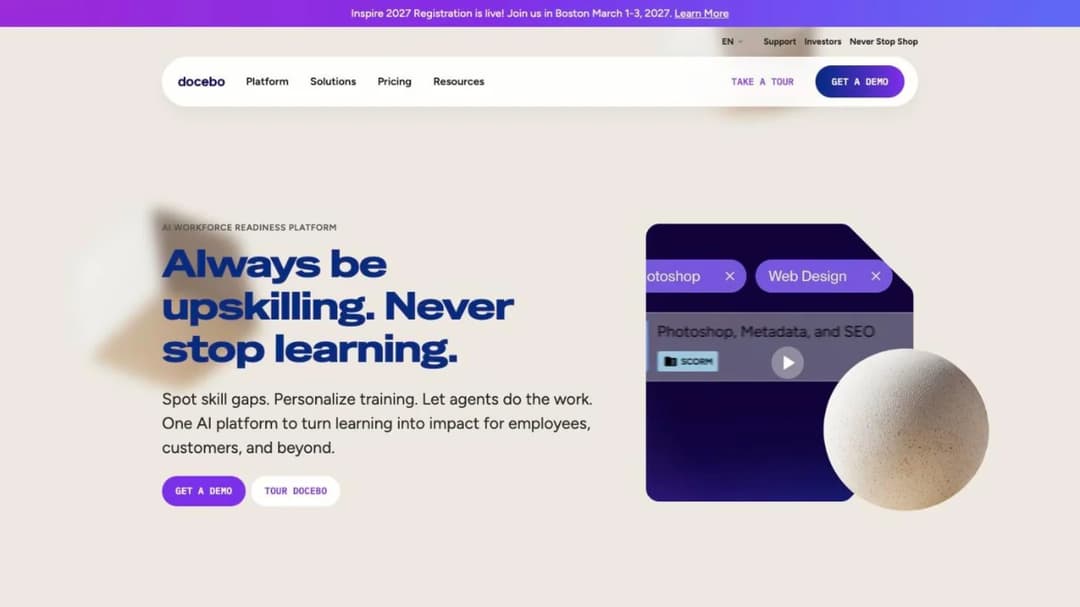
Best for: federal agencies that want FedRAMP Moderate hosting on AWS GovCloud and PIV card sign-in, at the 250-plus learner size Docebo recommends.
Top Features
- FedRAMP Moderate from an agency authorization, hosted on AWS GovCloud (US)
- Support for data “up to IL3 (Impact Level 3)”
- SAML, MFA and PIV card authentication
- SOC 2 Type II and ISO 27001
- A Content Marketplace of 30,000-plus courses, and compliance training in 50-plus languages
Docebo announced its FedRAMP Moderate authorization in April 2025, after an agency Authority to Operate, and its federal page adds PIV card sign-in. That makes it a direct federal candidate for training data up to IL3. Single sign-on for an LMS explains what to confirm with your identity team.
It publishes no WCAG level and no VPAT. A federal buyer under Section 508 needs an ACR before the evaluation can finish, so request it with the security package.
The contract needs a close read. Docebo recommends itself to organizations training at least 250 learners, which is guidance rather than a floor.
Its Master Services Agreement renews for 12 months unless you give 60 days’ notice, and caps the renewal increase at 10%. It also says “No ‘downgrading’ of the User thresholds will be permitted during the Term.” The Docebo alternatives go through it clause by clause.
Pricing: not published. Users are billed monthly, yearly or as registered active users, as agreed in the contract.
Pros
- FedRAMP Moderate on AWS GovCloud
- PIV card authentication
- A large course marketplace in many languages
Cons
- No WCAG level or VPAT published
- No price, and user thresholds can’t go down during the term
- Stated data support stops at IL3
8. Tovuti
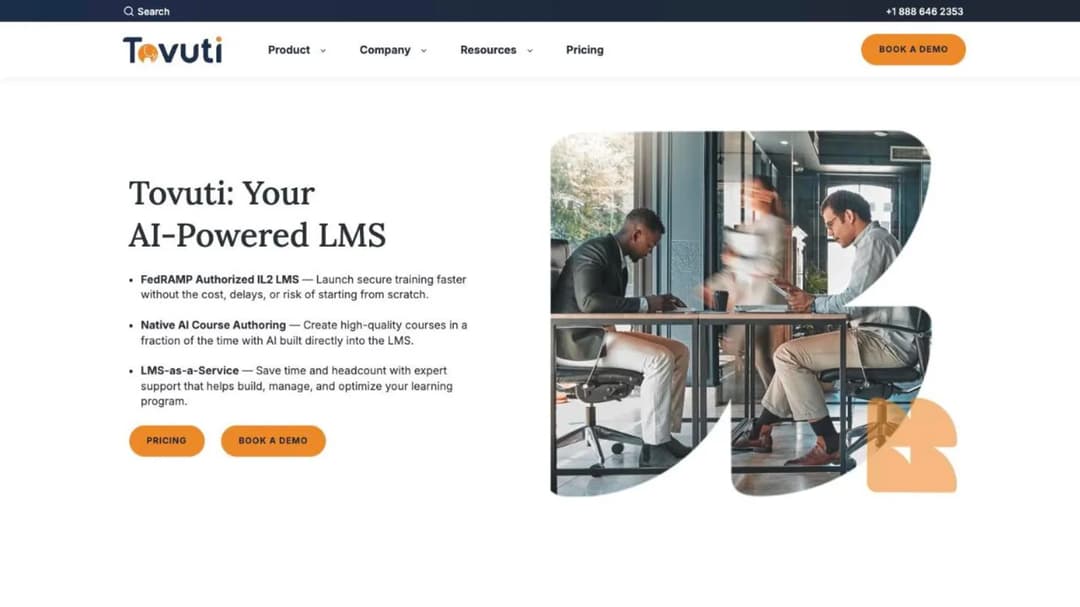
Best for: agencies of around 100 learners that want one annual price and a stated WCAG 2.1 AA level.
Top Features
- One published annual price for the first 100 learners
- WCAG 2.1 AA and VPAT 508, plus SOC 2 Type 2 and ISO 27001
- SF-182 workflow support and CAC/PIV authentication
- FedRAMP authorization through Knox Systems’ cloud infrastructure
- Tovuti Stream, a library of 101 pre-built courses
Tovuti pairs a published price with a stated WCAG 2.1 AA level. Its compliance page lists WCAG 2.1 AA and VPAT 508. Its government page says the platform “meets Web Content Accessibility (WCAG) Guidelines 2.1 Level A and AA as well as Section 508 standards.” For a Title II buyer, that’s the level the rule names.
Its security story needs a document. The homepage claims FedRAMP authorization through Knox Systems’ cloud infrastructure, while the government page still says “While not yet authorized”. Ask for the Marketplace listing that names Tovuti’s product before you rely on either page.
The price is a floor. “Nonprofit, government, education, and healthcare teams may qualify” for discounts, and the rate above 100 learners isn’t published. What an LMS costs shows how that gap plays out at 250 users.
Pricing: “$7,500 / year for your first 100 learners, then scales”, billed annually, as of September 2026. There’s no self-serve trial.
Pros
- WCAG 2.1 AA and VPAT 508 published
- One annual price, with compliance tracking included
- SF-182 and CAC/PIV support
Cons
- Its own pages disagree about FedRAMP
- No published rate above 100 learners
- No trial without a sales conversation
Accessibility and Signatures, No Federal Status
Two platforms with detailed accessibility or e-signature statements and no FedRAMP status among them. They fit a state or local agency whose security office accepts SOC 2 or ISO 27001.
9. LearnUpon
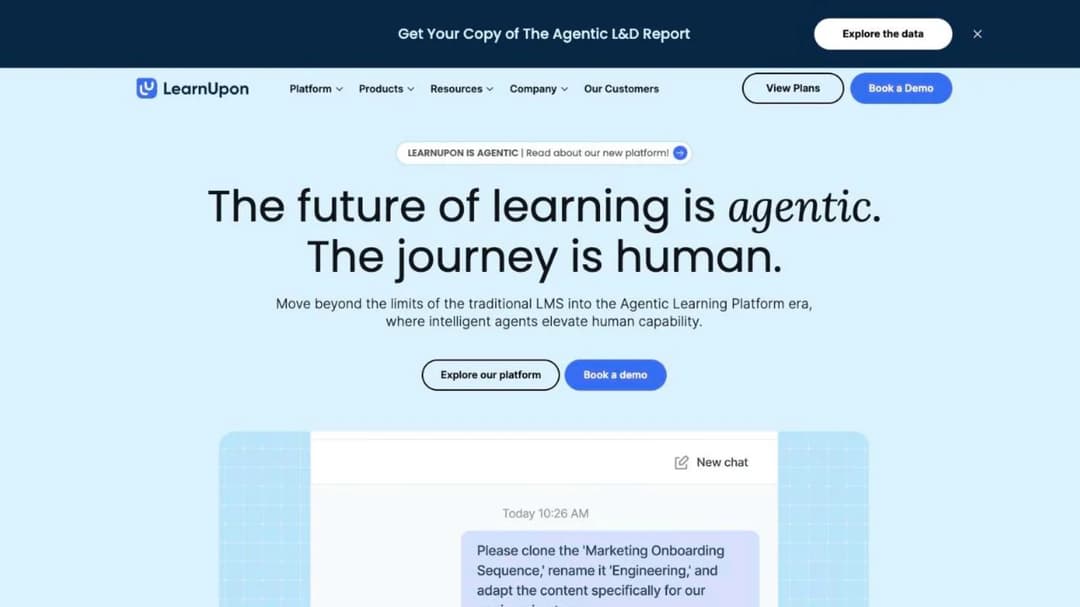
Best for: agencies that train staff and an outside audience, such as licensees or members, and put accessibility first.
Top Features
- A learner experience meeting WCAG 2.2 AA, with a VPAT
- Learning Portals for separate audiences
- SAML SSO with Okta, OneLogin, Microsoft Azure and Google Workspace
- ISO 27001:2022 and ISO 27701:2019
- Data stored in the EU, the US or Australia
LearnUpon’s accessibility statement is one of the two most specific in this guide, next to Moodle’s. The platform states WCAG 2.0 AA, and its learner experience has met WCAG 2.2 AA since June 2026. There’s a VPAT too. For learners, that’s a newer version than the Title II standard at the same level.
The admin side is the open question. The general statement is 2.0 AA, one version below the Title II standard, so ask whether the ACR covers the screens your administrators use.
Its security list is ISO 27001:2022, ISO 27701:2019 and “SOC 2 compliant”, with no type stated. There’s no FedRAMP status, which ends the conversation for a federal cloud requirement. A state or local agency should ask whether its security office accepts ISO 27001, and which SOC 2 report it would get.
The employee product starts “From 100 Users”, associations from 150 and customer education from 300. The subscription renews in 12-month periods unless either side gives 30 days’ written notice. The LearnUpon alternatives compare the same floors.
Pricing: not published. Floors of 100, 150 and 300 users by product.
Pros
- WCAG 2.2 AA for learners, with a VPAT
- Separate portals for staff and outside audiences
- Named identity providers for SAML SSO
Cons
- No FedRAMP status
- Only the learner experience is stated at WCAG 2.2 AA
- No price, and a 100-user floor on the employee product
10. Absorb
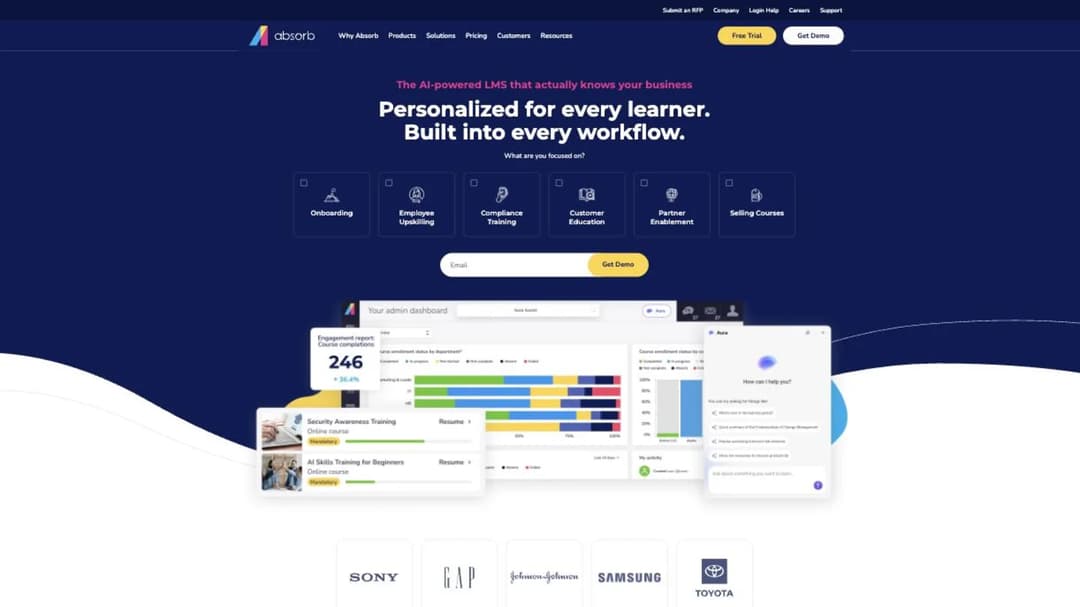
Best for: state and local agencies that need e-signed training records or supervised skills checks, and whose security office accepts SOC 2 Type 2.
Top Features
- 21 CFR Part 11 e-signature support
- SOC 2 Type 2, WCAG 2.1, GDPR and PCI
- An observation-checklist module for supervised skills checks
- SCORM 1.2 and 2004
- 24/7 support included
The product is still Absorb LMS, even though its website is now absorbai.com. It earns its place for records that need a signature or an observer, such as a supervisor watching someone complete a task.
Its accessibility statement is “WCAG 2.1” with no conformance level, and it publishes no FedRAMP or ISO 27001 statement. A Title II buyer has to get “AA” in writing.
The retention question lands here. Seats “cannot be decreased during the relevant subscription term”, and a seat passes to a new user only once the former user has been deleted. Before signing, ask what deletion does to that person’s completion history. The Absorb alternatives cover the full terms.
Pricing: not published. The pricing form asks for a learner band, from 1-50 up to 25,000-plus.
Pros
- 21 CFR Part 11 e-signatures
- Supervised skills checks recorded in the platform
- 24/7 support included
Cons
- WCAG 2.1 with no level stated
- No FedRAMP status
- Seats can’t be reduced, and freeing one means deleting a user
Self-Hosted, and One to Rule Out
One platform you run yourself, and one that fits some state and local teams but not a federal cloud requirement.
11. Moodle
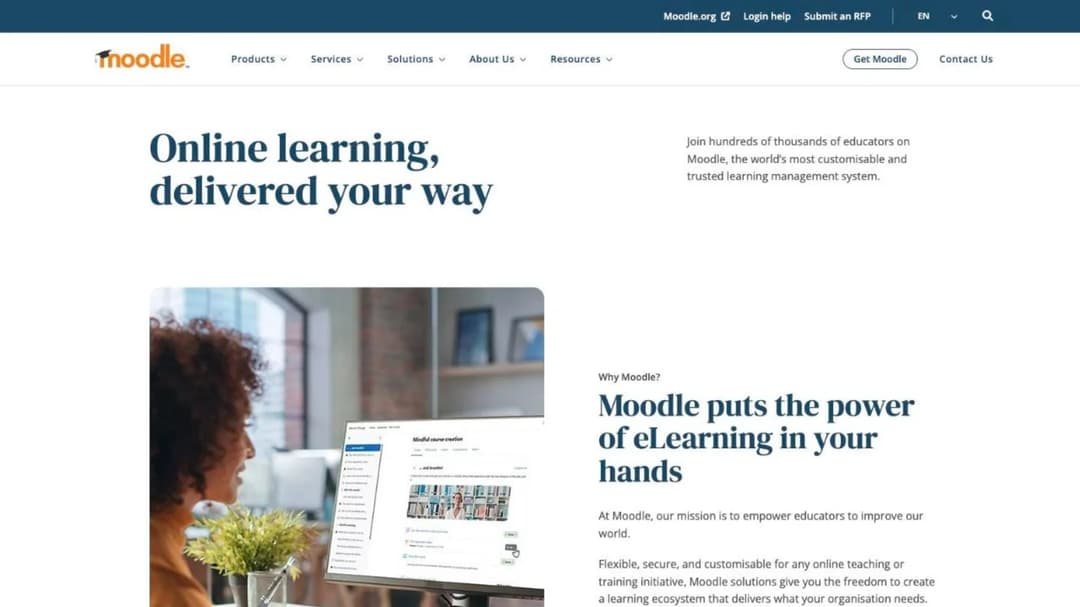
Best for: agencies with in-house IT staff that want to run the platform inside their own environment, with no license fee.
Top Features
- Open-source software under the GPL, with no license fee
- A VPAT with a third-party statement of WCAG 2.2 Level AA conformance (October 2025)
- MoodleCloud hosting from A$230 a year for 50 users
- H5P interactive content and LTI integrations
- SCORM 1.2 and AICC playback
Moodle turns the security question around. FedRAMP and GovRAMP review cloud services a vendor runs for you.
Install Moodle in your own environment and the review belongs to your IT security office, along with the patching. A standard Moodle release carries 12 months of general support and 18 months in total. Hosted versus self-hosted LMS sets out who carries what.
Its accessibility answer goes past the Title II level. Moodle’s documentation says it follows WCAG 2.2 and publishes a VPAT, which carries a third-party statement of WCAG 2.2 Level AA conformance issued by GrackleDocs in October 2025. Check which Moodle release the report covers against the version you’ll install.
Retention works the same way as security: the database is yours, so keeping and deleting records on schedule is your administrator’s job. What an LMS administrator does is a fair picture of that workload.
MoodleCloud, the hosted version, bills annually in Australian dollars. Starter is A$230 (about US$170) for 50 users, Mini is A$380 for 100 and Small is A$700 (about US$510) for 200. Above those, Medium is A$1,700 (about US$1,230) for 500 and Standard is A$3,000 (about US$2,170) for 750. Hosted, it’s a vendor cloud again, so the status question comes back.
The Moodle alternatives cover when running it stops paying off. The free LMS comparison shows other ways to pay nothing for the license.
Pricing: self-hosted Moodle has no license fee. MoodleCloud runs from A$230 a year for 50 users to A$3,000 for 750, billed annually in Australian dollars, as of September 2026.
Pros
- No license fee
- A VPAT with a third-party WCAG 2.2 AA statement
- Full control of where records sit and when they’re deleted
Cons
- Security review, patching and upgrades are your team’s work
- MoodleCloud prices are set in Australian dollars
- No native SCORM 2004 playback
12. 360Learning
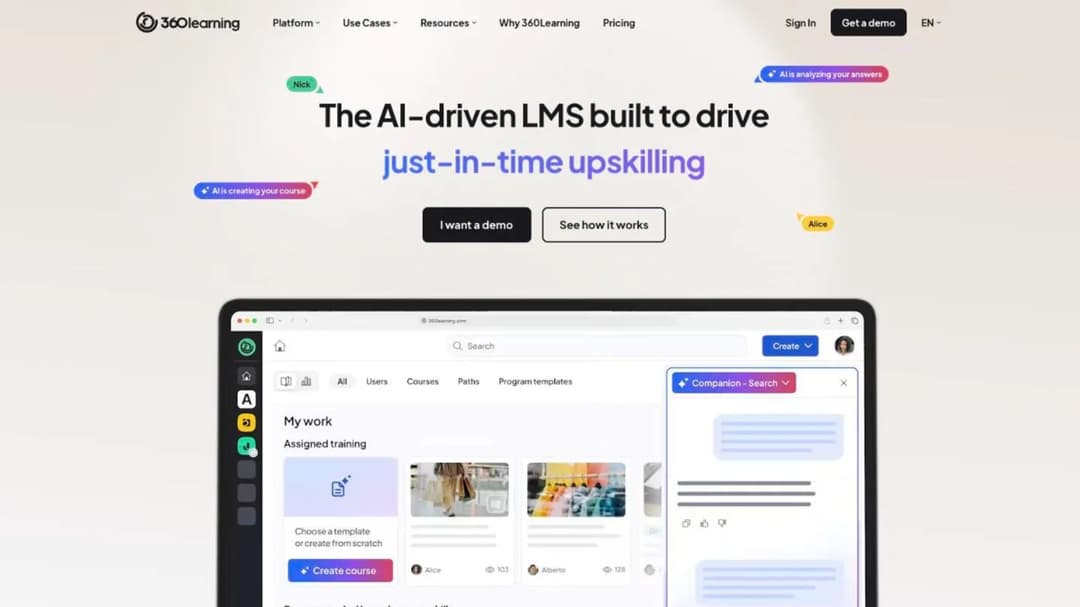
Best for: state and local teams whose training is written by in-house experts and whose security office accepts SOC 2 Type II. Not for a federal cloud requirement.
Top Features
- SOC 2 Type II and ISO 27001
- GDPR, UK GDPR and CCPA/CPRA statements
- Collaborative authoring by subject-matter experts
- Classroom self check-in with e-signature
- SCORM, xAPI, cmi5 and AICC delivery
360Learning’s compliance list is long, and it stops before government. It publishes SOC 2 Type II, ISO 27001, GDPR, UK GDPR and CCPA/CPRA, and makes no FedRAMP claim. For a federal cloud requirement, that’s your answer without a call.
For a state or local agency it can still fit. Experts write the first draft of a procedure course and the training team reviews it, which suits procedures that change often. It hosts on Microsoft Azure “in locations non subject to the Patriot Act”, so ask where your agency’s data would sit.
It names no WCAG level in its compliance list. The 360Learning alternatives compare platforms built for writing training with those built for buying it.
Pricing: as of September 2026, Team is $8 per user per month for up to 100 users, with “no minimum number of users required”, or $9,600 a year at 100 users. Business and Enterprise are custom, and a 30-day trial is offered.
Pros
- A published per-user price with no minimum
- SOC 2 Type II and ISO 27001
- Classroom check-in with e-signature
Cons
- No FedRAMP claim
- No WCAG level stated
- Data location to confirm before public records go in
The Training Only Your Agency Can Write
One product for a different job: the courses no vendor library carries, such as your records policy or last year’s audit finding.
Mini Course Generator
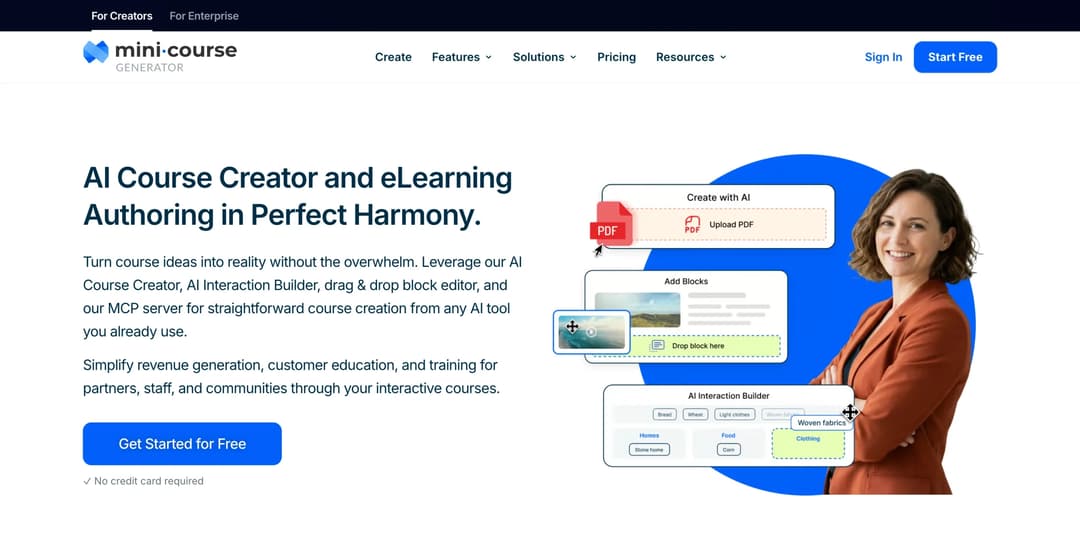
Best for: a training or compliance officer who has to turn a new policy, ordinance or audit finding into a course quickly, to run inside the platform the agency chose.
Top Features
- AI Course Creator and PDF to Course Creator for policies and procedures
- Certificates & Badges, learning analytics and learner tracking
- Gateways that limit a course to specific learners
- SCORM or PDF export, and a SCORM Upload Block for packages built elsewhere
- Automations through Zapier, Make and webhooks
Mini Course Generator is our product, and it isn’t one of the twelve. This guide judges platforms on a government procurement review, and that isn’t the job it’s built for.
It’s an AI course creator with an LMS attached. Point it at the policy PDF, edit the draft, and share the course by link the same day. Gateways limit who can open it, and Automations pass course events to other systems through Zapier, Make and webhooks.
The useful part for an agency is the export. The pricing FAQ says “Your content is always yours, whatever your subscription status. You can export mini-courses as PDF files or SCORM packages at any time.” Build the course here, export it, and let the platform that passed your review hold the record and its schedule. The SCORM file explainer covers what that handoff carries.
SSO for learners and the REST API are on the Custom plan. Every plan opens with 14 days of full access and no credit card, and the plans are on the pricing page.
Pros
- A policy document becomes an editable course in one sitting
- SCORM export, so the course runs inside the agency’s chosen platform
- Certificates, badges and learner tracking
Cons
- Not built to hold records to a government retention schedule
- No public-sector course library, so every course starts from your material
- No native HR system connector, and SSO for learners is on the Custom plan
How to Choose an LMS for Your Agency
Four questions, in the order procurement asks them. Features come after all four. How to choose an LMS sets out the full process, and this section is the government layer on top of it.
Is the status on a list you can check, and does it cover this product?
Ask for the listing, not the logo. FedRAMP statuses sit on the FedRAMP Marketplace, and GovRAMP statuses on its Authorized and Progressing Product Lists. Then confirm the class or level matches your data, and that the product you’re buying sits inside the listed system.
Two kinds of answer need extra care. An authorization through a hosting partner, like Tovuti’s through Knox Systems, needs a listing that names the vendor’s product. A suite vendor, like NEOGOV or Cornerstone, needs to confirm the learning product is in scope.
How to score it: a vendor that can’t name its listing in writing gets “unanswered” on security, however many badges its site shows.
Does the accessibility statement name your level, with a report behind it?
Federal buyers need WCAG 2.0 AA under Section 508. State and local buyers need WCAG 2.1 AA under Title II. A statement with no level, or a “508-compliant” claim about content, meets neither test.
Ask for the ACR with the pricing request. Read the rows marked “partially supports” and ask when each one gets fixed. Then run part of the demo using only a keyboard.
The rule: no level in writing, no place on the shortlist. Put the requirement in your LMS requirements checklist so every vendor answers the same question.
Who owns the retention schedule, and can the platform follow it?
Your records officer owns it. Before the RFP, list the record types the platform will hold: mandatory training completions, ethics training, certifications a position requires, and program records. Write the retention period beside each one.
Then ask every vendor the four questions from the records section: a leaver without a seat, retention by record type, a complete export and deletion you can document. Put the answers into an LMS comparison template so the gaps line up side by side.
In the demo: ask the vendor to deactivate a test user, then show you that person’s completion history.
Does the vendor publish a number you can take to budget?
Four platforms in this guide print a price. Here’s what each comes to for a 180-person department, as a worked example.
| Platform | What 180 people costs | What the number leaves out |
|---|---|---|
| GyrusAim, 101-200 band | $725 × 12 = $8,700 a year, about $48.33 per person | The one-time implementation fee |
| Tovuti | $7,500 covers the first 100 learners | The rate for the other 80 |
| 360Learning Team | Not available: Team stops at 100 users | Business pricing is custom |
| MoodleCloud Small | A$700 (about US$510) a year for up to 200 users | Your own administration time |
Two of the four give a full annual figure: GyrusAim before its implementation fee, and MoodleCloud before your own staff time. Every other platform here quotes. Implementation is where unpublished costs sit, and an LMS implementation plan shows where the hours go.
Before you compare totals: get every vendor’s price at your headcount in writing, with implementation and any government discount included.
Now Over to You: Three Written Answers Before the RFP Goes Out
Send every vendor the same three questions before a demo. Which FedRAMP or GovRAMP listing covers the product, and at what level? Which WCAG version and level does your Accessibility Conformance Report show? How does the platform keep, export and delete a training record on our schedule, including for someone who has left?
Cross out anyone who answers with an adjective. Then let features and price decide between the names that remain.
That leaves the part no platform supplies: your agency’s own procedures, from the records policy to last year’s audit finding. Draft those courses from the documents you already have, and see what an AI LMS does with a policy PDF.
Frequently Asked Questions
Does a local government LMS need FedRAMP?
FedRAMP reviews cloud services for federal agencies, not for a city or county. A state or local security office can ask for GovRAMP instead, at a named status such as Ready or Authorized, or accept FedRAMP in its place. That call belongs to your security office, so get it in writing before the RFP goes out.
Is StateRAMP the same as GovRAMP?
Yes. StateRAMP announced in February 2025 that it would operate as GovRAMP. A questionnaire or vendor page that still says StateRAMP refers to the same program.
Does Section 508 or Title II cover training only our staff will use?
Section 508 says so in its own words. Federal agencies “must give disabled employees and members of the public access to information comparable to the access available to others.” Staff-only training sits inside that.
For a state or local government, the Title II rule makes WCAG 2.1 Level AA the standard for web content and mobile apps, and the exception it spells out turns on who posted the content, not on who reads it. The exception “only applies to content posted by a third party”, and it doesn’t reach “content posted by a state or local government’s contractor or vendor” or “tools and platforms that allow third parties to post content”. So don’t file an internal platform as out of scope on your own judgment. Ask your ADA coordinator for that call in writing, and put the WCAG level in the RFP either way.
Does a special district’s 2028 deadline change if its population passes 50,000?
The later Title II date covers two groups: governments serving fewer than 50,000 people, and special district governments. A special district is listed as a category of its own rather than as a population band, so a water, fire or transit district stays on the 2028 date. A city or county is on the population test, and crossing 50,000 puts it on the 2027 date instead.
Either way the gap is shorter than a contract. A platform you sign for this year will still be running on both dates, so the WCAG level belongs in this procurement rather than the next one.
What happens to our training records if we switch platforms?
Your retention schedule doesn’t pause for a migration. A certificate with five years left on a state schedule has to land somewhere you can still produce it, so treat the export as a contract term rather than a task for the last month.
Ask for a sample export before you sign: person, course, course version, completion date, renewal date and the certificate itself, in a file your records officer can open without a login. Then ask two more things. What does the vendor delete after the subscription ends, and when? And can it give you a record of what was destroyed, since destruction is part of the schedule too?
Sources
- FedRAMP Marketplace
- FedRAMP Consolidated Rules for 2026: Certification Classes and FedRAMP 20x
- GovRAMP
- GovRAMP: StateRAMP Announces Rebrand to GovRAMP (February 2025)
- ADA Title II web rule
- Federal Register Title II extension
- Section 508 laws and policies
- Section508.gov: Accessibility Conformance Report and VPAT frequently asked questions
- W3C WCAG 2.2
- NARA General Records Schedule 2.6
- NARA General Records Schedules overview
- Texas Local Schedule GR
- TotaraGov government learning management system page
- Meridian Knowledge Solutions home page
- NEOGOV Learn product page, FedRAMP page and GovRAMP authorization announcement (March 2026)
- KMI Learning government LMS solutions page
- GyrusAim pricing page
- Cornerstone public-sector page, security and compliance pages, and content subscriptions
- Docebo federal page, FedRAMP Moderate announcement (April 2025) and Master Services Agreement
- Tovuti pricing, compliance and government pages, and FedRAMP announcement (July 2025)
- LearnUpon security and accessibility statements and Terms of Service
- Absorb LMS compliance page and Terms and Conditions
- Moodle accessibility documentation, VPAT and GrackleDocs WCAG 2.2 AA statement (October 2025), and MoodleCloud plans
- 360Learning pricing, security and product pages
- Mini Course Generator pricing page and product documentation