WCAG compliance for online courses means meeting the Web Content Accessibility Guidelines at level AA – in practice: structured headings, alt text, captions and transcripts, sufficient contrast, keyboard navigation, and accessible quizzes. For US public institutions the legal standard is WCAG 2.1 AA, and the deadline map changed in April 2026: large public entities now have until April 26, 2027, smaller ones until 2028.
If you create or run courses, this is not a niche concern. Roughly one in four US adults lives with a disability, according to the CDC. Design for a narrow “typical learner” and you exclude a quarter of your potential audience before the first lesson.
The good news: most of WCAG compliance comes down to a manageable checklist, and modern course tooling handles a growing share of it for you. This guide covers who has to comply and by when, what the standard actually asks for, the checklist, and how to test.
Key Takeaways
- About 1 in 4 US adults (27%) has a disability that can affect how they learn online (CDC).
- The legal floor for US public entities is WCAG 2.1 Level AA, set by the DOJ’s 2024 ADA Title II rule – WCAG 2.2 is current best practice, not the legal requirement.
- The Title II deadlines moved in April 2026: April 26, 2027 for entities serving 50,000+ people, April 26, 2028 for smaller entities and special districts.
- Selling courses into the EU? The European Accessibility Act has applied since June 28, 2025.
- Most course accessibility comes down to seven fixable things: structure, alt text, captions, contrast, keyboard access, accessible assessments, and honest testing.
Who Has to Comply, and by When: The 2026 Legal Map
Accessibility law finally got concrete dates – and then moved them. Here is the current map:
| Rule | Who it covers | Standard | Deadline |
|---|---|---|---|
| ADA Title II (DOJ 2024 rule) | US state and local government – including public schools, universities, and any course they provide, even through vendors | WCAG 2.1 AA | Apr 26, 2027 (entities ≥50k population); Apr 26, 2028 (smaller entities, special districts) – extended by the April 2026 interim final rule |
| ADA Title III | Private businesses open to the public (course sellers included) | No codified web standard – courts routinely apply WCAG in litigation | Ongoing risk, no fixed date |
| Section 508 | US federal agencies + anyone selling training content to them | WCAG 2.0 AA (Revised 508 Standards) | In force since 2018 |
| European Accessibility Act | Products and services sold into the EU, including e-commerce and e-books | EN 301 549 (builds on WCAG) | Applies since Jun 28, 2025 |
Two practical readings of that table. If you sell courses to universities, agencies, or governments, your buyers now have hard deadlines. They pass those requirements down to vendors through procurement. And if you are a private course seller, there is no date to wait for: accessibility lawsuits under Title III cite WCAG today.
One common misreading to avoid: the ADA rule requires WCAG 2.1 AA. WCAG 2.2 (the W3C’s current recommendation, published October 2023) is where best practice is heading, but it is not the legal floor. Meet 2.1 AA first; adopt 2.2’s additions as you go.
What WCAG Actually Asks For
The accessibility standards for online courses all trace back to one document: the Web Content Accessibility Guidelines. WCAG organizes everything under four principles – content must be perceivable, operable, understandable, and robust (POUR). For course creators, that abstraction becomes concrete fast:
- Perceivable: text alternatives for images, captions for video, transcripts for audio, contrast that works for low vision.
- Operable: everything reachable by keyboard alone; no interactions that demand precise mouse movement; learners control timing.
- Understandable: consistent navigation, plain language, form fields and quiz questions that say what they need.
- Robust: content that works with assistive technology – screen readers, magnifiers, switch devices.
Level AA is the target in every rule above. Level A alone is not compliance, and level AAA is not expected of you.
The WCAG Compliance Checklist for Online Courses
Seven areas cover the bulk of WCAG compliance for online courses. Work through them in order; the early ones are the cheapest.
1. Structure and navigation
Use real headings in a real hierarchy: one H1, then logical H2s and H3s. That lets screen-reader users jump between sections the way sighted users skim. Keep lesson navigation consistent from module to module, and make the current location visible. Short, focused lessons help here too: a five-minute lesson with one idea is easier to navigate (for everyone) than a forty-minute wall.
2. Text alternatives for images
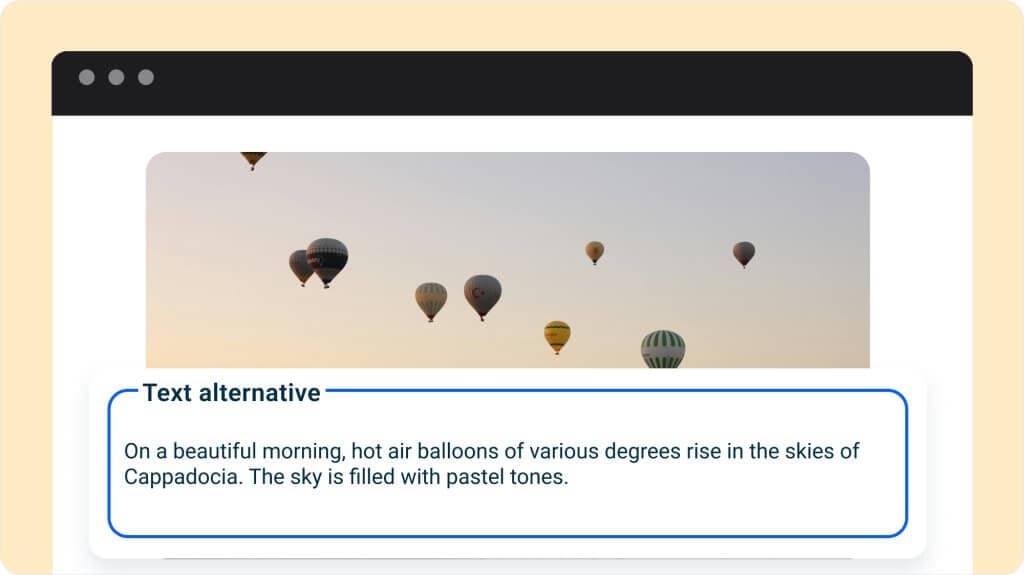
Every meaningful image needs alt text that says what the image conveys, not “image of chart”. Decorative images get empty alt text so screen readers skip them. In practice the test is simple: if the image disappeared, would the alt text preserve the lesson?
3. Captions, transcripts, and narration
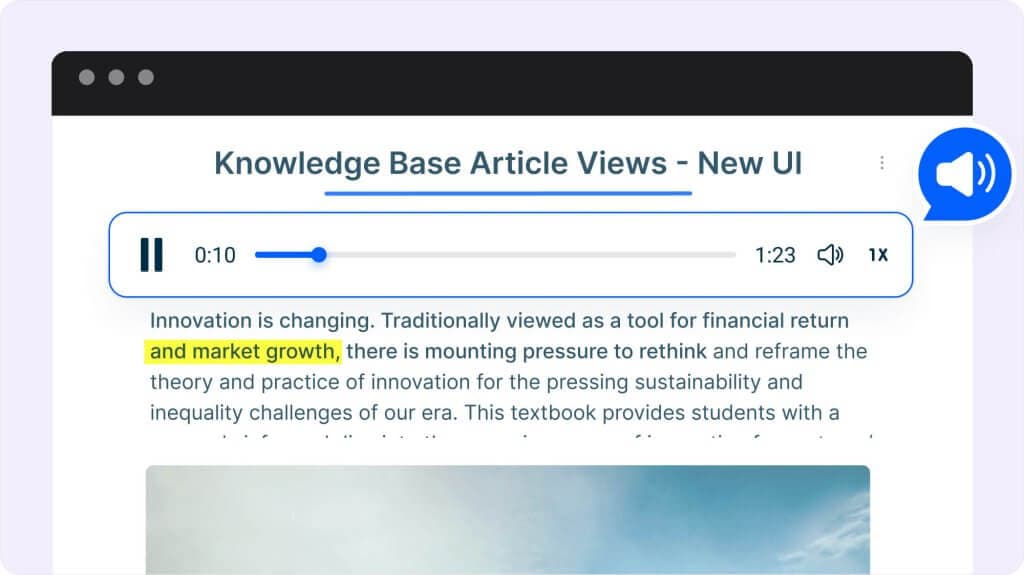
Audio-only content excludes deaf and hard-of-hearing learners; video without captions does the same. Provide captions and subtitles for video, transcripts for audio, and – the reverse direction – an audio option for dense text, which supports learners with dyslexia and anyone learning in a second language. Course platforms increasingly build this in; MCG, for instance, ships one-click narration with synchronized word highlighting, so the audio alternative doesn’t require a recording studio.
4. Contrast and text flexibility
WCAG AA asks for a 4.5:1 contrast ratio for normal text (3:1 for large text), and text that survives being resized to 200%. Check your brand palette once with a contrast checker and the whole course inherits the fix. Never use color as the only signal (“correct answers are in green” fails for color-blind learners – pair color with an icon or label).
5. Keyboard access
Every interaction in the course – navigation, quizzes, drag-and-drop activities – must work with keyboard alone. This is where course interactions most often fail silently: a beautifully designed activity that requires precise mouse dragging locks out learners with motor limitations. Test by putting the mouse away for one full lesson.
6. Accessible assessments
Quizzes carry extra weight: they gate progress. Label every input, keep instructions explicit (“select two answers”), avoid time limits where possible or make them extendable, and make feedback readable by assistive tech. If an activity can’t be made accessible, provide an equivalent alternative path to demonstrate the same knowledge.
7. Learner-facing accessibility controls
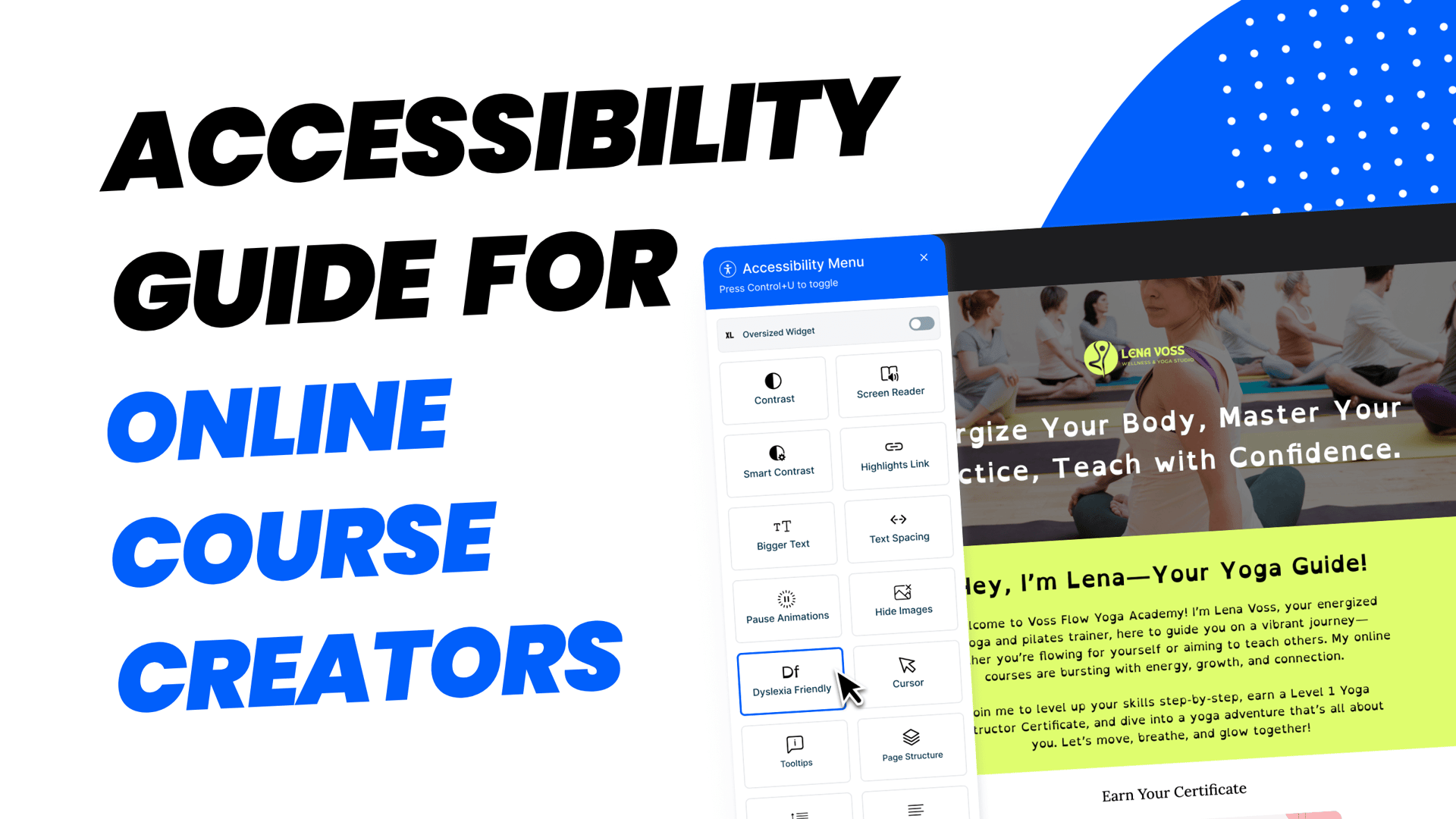
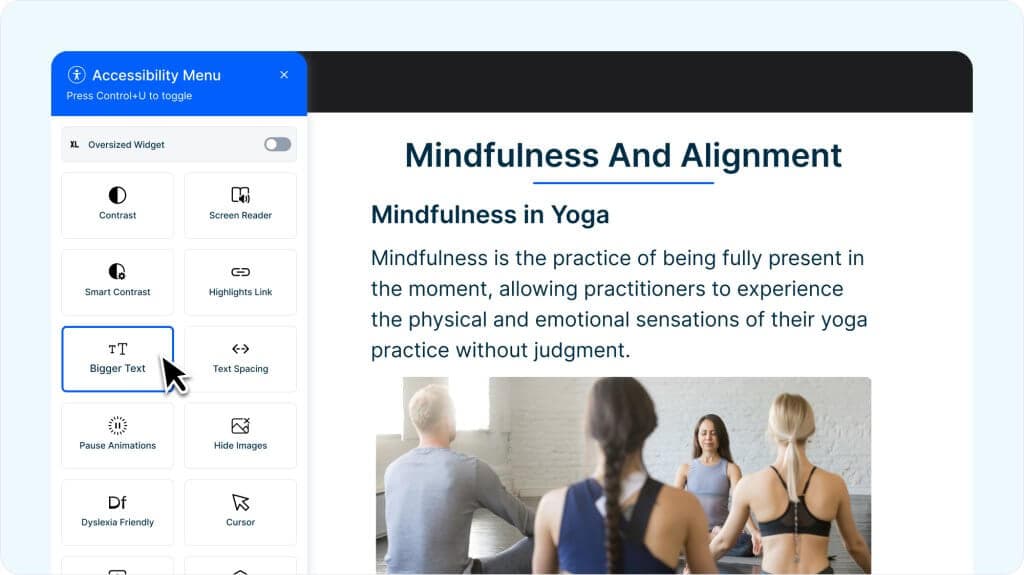
Even a compliant course serves learners better when they can adapt it themselves: adjusting text size, switching contrast, or turning on read-aloud. Some platforms expose these as built-in learner controls – MCG’s accessibility widget is one example – which shifts part of the compliance load from your content to the platform.
How to Test Your Course
You don’t need an audit firm for the first pass. Four tests catch most failures:
- The keyboard test: complete one full lesson, including the quiz, without touching the mouse.
- The screen-reader test: run VoiceOver (Mac) or NVDA (Windows, free) through your first module. Listen for unlabeled buttons and skipped content.
- The contrast check: run your text/background pairs through a WCAG contrast checker once.
- The 200% zoom test: set browser zoom to 200% and confirm nothing overlaps or disappears.
Log what fails, fix the checklist area it belongs to, and re-test. For teams with formal obligations – especially anyone selling into the public sector – document these checks; procurement reviews increasingly ask for evidence, and the same evidence slots into your compliance training story.
Accessibility Is a Feature of Good Course Design
Here is the reframe that makes this sustainable: almost everything online course accessibility asks for is just good instructional design. Clear structure helps every learner skim and review. Captions help commuters and open-plan offices, not only deaf learners. Keyboard access helps power users. Plain language helps everyone reading in a second language – the same reason it shows up in our eLearning content development guide as a quality practice, not a legal one.
Teams that treat accessibility as core design also get a simpler pipeline: one accessible version of the course, no retrofits. If you deliver customer education, the same structure carries into your self-service and support content, where the audience is even less forgiving of friction. And when you evaluate tooling, put built-in accessibility on the checklist next to authoring speed – an AI LMS that generates structured, captioned, narrated lessons by default removes half the retrofit work before it exists.
Is Mini Course Generator Accessible?
Yes – accessibility is built into the platform layer, so a meaningful share of the checklist above is handled before you write a word. Mini Course Generator ships a native accessibility widget that gives every learner front-of-lesson controls: contrast switching, larger text, and read-aloud, with no third-party plugin to install or maintain.
The narration side works the same way. One-click narration adds an audio version of your lessons with synchronized word highlighting – the screenshots in the captions and learner-controls sections above show both features on a live mini course. Structured headings, alt-text fields, and keyboard-navigable interactions are part of the default authoring flow rather than an add-on.
An honest scope note: the platform covers the delivery layer. The content layer – accurate alt text, plain language, caption quality, sensible quiz design – stays with you, which is exactly how it should work. The platform removes the technical excuses; your expertise makes the course genuinely inclusive. You can see the rest of what Mini Course Generator handles by default on the site.
Conclusion
WCAG compliance for online courses is concrete now: WCAG 2.1 AA is the legal standard for US public entities, the extended deadlines land in April 2027 and 2028, the EAA already applies in the EU, and private sellers face ongoing litigation risk rather than a grace period. The work itself is a seven-area checklist – structure, alt text, captions, contrast, keyboard, assessments, learner controls – plus four tests you can run this week.
Start with the keyboard test on your most popular course today. It takes twenty minutes, it finds the worst failures first, and every fix you make widens your audience by definition.
FAQ
What is WCAG compliance for online courses?
Meeting the Web Content Accessibility Guidelines at level AA across your course content: structured navigation, text alternatives, captions and transcripts, sufficient contrast, keyboard operability, and accessible assessments. For US public entities, WCAG 2.1 AA is now the codified ADA Title II standard.
How do I make my online course ADA compliant?
Meet WCAG 2.1 Level AA. Work through the seven checklist areas above, then verify with the keyboard, screen-reader, contrast, and zoom tests. Public entities have hard deadlines (April 2027/2028 after the 2026 extension); private course sellers should treat WCAG as the litigation-tested benchmark.
Does the ADA require WCAG 2.2?
No. The DOJ’s Title II rule adopts WCAG 2.1 Level AA. WCAG 2.2 is the W3C’s current recommendation and worth adopting as best practice, but 2.1 AA is the legal floor US rules point to today.
Why is accessibility important for course creators who aren’t legally required to comply?
Three reasons: about 27% of US adults have a disability (CDC) – that’s audience, not edge case; Title III lawsuits cite WCAG against private businesses without waiting for a codified rule; and nearly every accessibility practice doubles as good course design that improves completion for everyone.
What are the benefits of accessible course design?
A larger addressable audience, lower legal risk, better learning outcomes for everyone (captions, structure, and plain language help all learners), and a simpler pipeline – one accessible version of the course instead of retrofits per request.