

The enterprise learning management system that survives your IT, security and procurement review is the one that publishes four answers before the demo: how a leaver loses access, what record it keeps about your people, whether each audience gets its own sign-in and admins, and whether the number on the contract can go down. Almost every enterprise LMS answers the first question with “SSO” and stops. Of the twelve enterprise platforms compared here, one publishes SCIM provisioning, and three publish contract terms under which the count you sign can’t fall during the term.
That matters because an enterprise purchase rarely dies on features. It dies in the security questionnaire, when a reviewer asks how a quarter’s leavers lose access, or in procurement, when someone reads that a 5,000-seat commitment can’t shrink after a restructure.
This guide puts those four questions to thirteen platforms, using the vendors’ own pages and published agreements, and groups them by what each one answers in public. Our own product is in it, last, with its limits stated first.
Key Takeaways
- Single sign-on is the floor, not the test. Continu is the one platform here that publishes SCIM provisioning; iSpring LMS publishes a Microsoft Entra ID directory sync.
- Audit evidence comes in two kinds. A SOC 2 report describes the vendor. eloomi’s five-year audit-log retention and SkyPrep’s audit-trail reports under 21 CFR Part 11 describe your records.
- Docebo’s agreement says “no ‘downgrading’ of the User thresholds will be permitted during the Term”, and Absorb’s says purchased subscriptions “cannot be decreased”. At 5,000 seats, 800 leavers in month five is 5,600 seat-months paid for people who have gone.
- Separate audiences are a sign-in question before they’re a branding one. CYPHER Learning puts “SSO by organization” on its Enterprise tier, and Docebo sells extended enterprise as a paid add-on, with up to 10 domains named on its Enterprise plan.
If the courses you need already exist as policies and slide decks, employee training software turns them into modules your staff can finish while the platform review runs.
What an Enterprise Learning Management System Is, and What IT Will Test
An enterprise learning management system is an LMS built for an organization big enough that sign-in, records and contracts belong to other departments. IT owns identity, compliance owns the evidence, and procurement owns the paper. The platform assigns training, tracks completion and reports on it like any LMS. What makes it enterprise is that it plugs into those three functions instead of asking them to work around it.
For the full field across every use case and industry, the best LMS platforms comparison runs fifteen vendors through four general tests; this guide narrows to the four an enterprise buyer asks first.
Corporate LMS, corporate training LMS and enterprise LMS software are names for the same shelf; vendors pick whichever fits their sales pitch. If your company is under a few hundred people, a different and shorter shelf applies, and the broader employee training platforms comparison starts there.
One distinction does change the purchase. Absorb draws it in its own words: “An enterprise LMS is typically used by large organizations to train internal staff across different departmental functions. On the other hand, an extended enterprise LMS focuses on providing training to learners outside the organization.” If most of your learners are dealers, partners or customers, the extended enterprise comparison covers what those contracts count. This guide is for the company training its own people, with other audiences on the side.
Hosting isn’t a question anymore either. Every commercial platform here runs in the vendor’s cloud (hosted versus self-hosted covers the exception), and the cloud-based LMS comparison covers records and uptime.
That leaves four questions IT, security and procurement will put to you:
- Does a leaver lose access without anyone filing a ticket?
- What evidence can it hand an auditor about your people?
- Can each audience have its own sign-in, admins and space?
- What does the contract count, and can the number go down?
A platform that fails one of them won’t reach the demo where features get compared.
Question 1: Does a Leaver Lose Access Without Anyone Filing a Ticket?
At 2,000 people, dozens of staff join and leave every month. The security reviewer’s question isn’t whether people can sign in. It’s how fast someone who left on Friday loses access to the system that holds your compliance records, and whether a person has to remember to do it.
Single sign-on is the floor, and it usually sits behind a tier
Every enterprise LMS lists SSO. The useful detail is which plan carries it and how much setup is included.
SkyPrep puts its API and SSO on Premium and above. CYPHER Learning offers SSO through Microsoft 365 and Google Workplace on its Enhanced tier, and adds SAML 2.0, Auth0, OAuth and “SSO by organization” on Enterprise. 360Learning’s own pricing table lists “Single sign-on (SSO)*” with an asterisk it never defines. Absorb’s terms include three hours of implementation help for SSO, with further consultation work at $200 an hour.
LatitudeLearning, built for dealer networks, prints what the add-on costs: standard single sign-on at $2,600 a year. Hold that figure against any quote that hides identity inside a tier jump.
The rule. Ask which plan includes SAML SSO, how many hours of setup come with it, and whether your identity provider is named. Put the answer in the same line of the spreadsheet as the price.
Provisioning is the part the auditor cares about
SSO controls who can sign in. Provisioning controls whether the account exists at all. SCIM is the standard that lets your identity provider create, update and remove LMS accounts on its own as people join, move and leave.
Without it, a leaver’s SSO login stops working, but their LMS account, their seat and their manager assignments stay until an admin cleans them up. On a per-seat contract, that account may still be on the invoice.
Continu is the one platform here that publishes SCIM: “SSO & SCIM Provisioning – SAML 2.0 with automated user lifecycle management”. Its pricing page lists SAML single sign-on on the entry Growth tier but doesn’t say which tier carries SCIM, so get that in writing. Its security page names Okta, Azure AD, Google, ADFS and OneLogin. iSpring LMS publishes a Microsoft Entra ID integration for account sync and user management through the directory, which is a directory-based answer rather than SCIM by name.
The rest publish SSO and stop there. LearnUpon supports SAML SSO and names Okta, OneLogin, Microsoft Azure and Google Workspace, with no provisioning claim. Docebo lists SSO as a supported category without naming an identity provider. Cornerstone names no identity provider at all.
An HR system connector isn’t provisioning until you’ve seen what it syncs
Most enterprise platforms answer the provisioning question with their HR integration list, and the lists are long. A named connector tells you a connection exists. It doesn’t tell you what moves across it, in which direction, or how often.
| Platform | SSO as published | Provisioning or directory sync | HR systems named |
|---|---|---|---|
| Continu | SAML 2.0; Okta, Azure AD, Google, ADFS, OneLogin | SCIM published; tier not stated | Workday, BambooHR |
| iSpring LMS | SAML 2.0, OpenID, JWT | Microsoft Entra ID account sync | Not named |
| SkyPrep | SAML 2.0, Okta, Active Directory, Azure AD, OneLogin; Premium and above | Not published | ADP, Workday, SAP SuccessFactors, BambooHR, UKG, Oracle HCM, Paycom, Paylocity, Dayforce, Paycor and more |
| Absorb | SSO, with three hours of setup included | Not published | Three ADP products, BambooHR, Namely, Workday, SAP SuccessFactors, UKG Pro, Dayforce |
| LearnUpon | SAML; Okta, OneLogin, Microsoft Azure, Google Workspace | Not published | Paycor, ADP Workforce Now, Gusto, Paylocity, Dayforce, SAP SuccessFactors |
| Litmos | Okta, Microsoft Entra ID, other SAML providers | Not published | Workday, ADP, BambooHR, Namely |
| 360Learning | Microsoft, Google, Okta, Myportal | Not published | Workday, SAP SuccessFactors, BambooHR |
| CYPHER Learning | Microsoft 365 and Google on Enhanced; SAML 2.0, Auth0, OAuth on Enterprise | Not published | Workday and BambooHR, through CYPHER Connect |
| eloomi | SAML 2.0, OAuth 2.0; Okta, OneLogin, JumpCloud, Azure AD | Not published | Workday, SAP SuccessFactors and more |
| Tovuti | SAML with Azure AD, Google Workspace, Okta, OneLogin | Not published | Workday |
| Docebo | Listed as a category, no provider named | Not published | ADP Workforce Now, BambooHR |
| Cornerstone | No provider named | Not published | Workday |
| Mini Course Generator | SSO for learners on the Custom plan | None | None native; Zapier, Make or webhooks |
Three questions turn a connector into an answer. Does a termination in the HR system deactivate the LMS account, and how fast? Does a manager change move the person’s assignments? And does the completion history survive the deactivation?
The last one is the trap. Some cleanups free the seat by deleting the person, and the evidence goes with them. How an LMS integration is sequenced covers the order to connect identity, HR and reporting, and the employee onboarding process covers the same access questions from day one.
What to do with this. Make automated deprovisioning a scored line in the IT questionnaire. For every platform without SCIM, ask who removes a leaver, how long it takes, and whether the completion record survives it.
Question 2: What Evidence Can It Hand an Auditor About Your People?
Two kinds of document get called audit evidence, and procurement usually asks for the wrong one first. A SOC 2 report or an ISO 27001 certificate says the vendor runs its controls properly. An audit trail says who was assigned what, when they finished it, who changed the record, and who signed. The auditor who comes for your compliance program wants the second. What to check for LMS security walks through both kinds in more depth.
Records about your people: retention, signatures and change history
A few platforms publish something concrete about the records themselves.
eloomi states that “Audit logs are stored for 5 years in a safe place with restricted access”, and that deleted user data is anonymized after 72 months by default. Both are figures you can put next to your own records schedule. If your policy runs longer than six years for any training record, that default is a setting to change during implementation, not after an audit request.
SkyPrep publishes a page on 21 CFR Part 11, the US FDA rule for electronic records and signatures. It claims audit-trail reports, versioning, configurable e-signatures, login and inactivity lockout controls, and unique user IDs. That’s the most itemized published description of record controls in this comparison.
Absorb publishes an e-signature capability “to help you comply with 21 CFR Part 11”. Docebo states that its platform supports customers in meeting FDA 21 CFR Part 11 and EU Annex 11. Cornerstone lists 21 CFR Part 11 among its compliance statements. 360Learning describes self check-in with an “audit-proof e-signature” for instructor-led sessions.
None of these validates your system for you. What the claim buys is a vendor that has already built the controls your validation will test, and compliance LMS platforms are compared on that job alone.
Certificates about the vendor, and the detail that decides whether they’re accepted
For an enterprise shortlist, one line per vendor is what the questionnaire needs.
| Platform | Published attestations | The detail a reviewer will ask about |
|---|---|---|
| Cornerstone | SOC 2 Type 2; ISO 27001, 27017, 27018, 27701, 42001; FedRAMP authorized; DoD IL4; 21 CFR Part 11; VPAT | The widest published list here |
| Docebo | SOC 2 Type II; ISO 27001, 27017, 27018, 27701, 9001; PCI DSS Level 2 | SOC 2 observation period runs August 1 to July 31, report released annually |
| Litmos | SOC 2 Type II; ISO 27001:2022 | Audit window 4/1/2024 to 3/31/2025, auditor Aprio, “no exceptions noted” |
| SkyPrep | SOC 2 Type II; 21 CFR Part 11; PCI; VPAT | Its security page and its 21 CFR page cite different compliance bases |
| 360Learning | SOC 2 Type II; ISO 27001 | Described in prose, with no downloadable report |
| Tovuti | SOC 2 Type 2; ISO 27001; WCAG 2.1 AA; VPAT 508 | FedRAMP authorization runs through Knox Systems’ environment |
| Absorb | SOC 2 Type 2; 21 CFR Part 11; WCAG 2.1; GDPR; PCI | No ISO 27001, and no WCAG conformance level stated |
| LearnUpon | ISO 27001:2022; ISO 27701:2019; SOC 2; WCAG 2.2 AA with a VPAT | SOC 2 “compliant”, with no type stated |
| CYPHER Learning | SOC 2 Type 2 | No ISO 27001 claim |
| iSpring LMS | ISO 27001; ISO 27701 | No SOC 2 claim |
| Continu | SOC 2 Type II | The same audit is described three ways; ISO 27001 wording is inconsistent |
| eloomi | Deloitte ISAE 3402/3000 and ISO 27001 on hosting, IT security and change management | Its compliance page credits ISO 27001 and SOC 2 to Microsoft Azure |
| Mini Course Generator | Publishes no SOC 2 report or ISO 27001 certificate | Not suited to a formal security review as a company-wide system |
If patient data could end up in the platform, none of these lines settles it, and the healthcare LMS comparison covers business associate agreements.
What to do with this. Ask every finalist for three things in one email: the audit-log retention period, a sample audit-trail export for one learner, and the SOC 2 or ISO report with its audit window. If your evidence lives in spreadsheets today, a training matrix is the shape the auditor expects the export to replace, and LMS reporting covers which reports to build first.
Question 3: Can Each Audience Have Its Own Sign-In, Admins and Space?
A 2,000-person company is rarely one audience. There are subsidiaries on their own identity providers, regions with their own compliance catalogs, and often a customer or partner program someone wants on the same contract.
The test isn’t a separate logo. It’s whether each group can sign in through its own identity provider, be run by its own admins, and be kept out of each other’s records. A themed page with a shared login fails that test the first time a subsidiary’s IT team asks to connect its own directory.
| Platform | Separate spaces, as published | Where it sits |
|---|---|---|
| Docebo | Extended enterprise environments per audience, with separate authentication per group | Paid add-on; up to 10 domains named on the Enterprise plan |
| CYPHER Learning | Independent multi-organization sites, SSO and API controls by organization | Enterprise tier |
| Cornerstone | “An unlimited number of microsites” with their own branding, catalogs and pricing | Extended enterprise offering |
| Absorb | Multi-tenant portals by role, location or language | Standard |
| SkyPrep | “Separate platforms for clients, brands, and branches under one account” | Stated on its multi-tenant feature page |
| LearnUpon | Learning Portals per audience | Employee, customer and association products sold separately |
| Continu | Extend, branded external portals for partners and customers | Professional tier and above |
| Tovuti | Branded portals | Included in the base plan |
| Litmos | “Multiple branded experiences” and external training | Listed on its plans table |
| 360Learning | “Flexible licensing for internal and external learners” | Enterprise tier |
| eloomi, iSpring LMS | Not published | – |
| Mini Course Generator | None: no multi-tenancy, no sub-accounts | – |
Two details in that table change the budget. Docebo’s cap of 10 domains on Enterprise is fine for a company with four subsidiaries and wrong for a franchise group with forty. And Absorb’s portals come standard, but its terms price external users as a hosting fee “plus a one-time per user charge”, with licenses that “may not be transferred from one user to another”. Customers who churn stay paid for.
You need separate spaces when a subsidiary signs in through its own identity provider, or when two units must not see each other’s people. You don’t when everyone sees the same catalog. One space with role-based paths is cheaper to run.
If the outside audience is the main event, partner training platforms and customer education platforms are sorted on those buyers. Someone else’s brand on the whole platform is white-label infrastructure, a different purchase.
What to do with this. Count the groups that need their own identity provider or their own admins, then read the cap on the tier you’d buy. Ask whether the separate-space module is included or added.
Question 4: What Does the Contract Count, and Can the Number Go Down?
The price of an enterprise LMS is almost never published. What’s published, in the agreements, is the rule that decides the bill over three years: what counts as a user, what the floor is, and whether the count can move in both directions.
The floors are published even when the prices aren’t
Docebo positions itself for organizations training at least 250 or more learners, and its pricing page frames most customers as choosing a three-to-five-year contract, with a one-year minimum term. LearnUpon sells its employee product “From 100 Users”, associations from 150 and customer education from 300. SkyPrep sets 100 active users on Lite and Premium and 1,000 or more on its Enterprise Learning Suite. Absorb’s pricing form runs in eight learner bands from 1-50 to 25,000 or more.
At 2,000 people, none of those floors removes anyone. What removes candidates at this size is the direction the count can move.
Three agreements where the count only goes up
Docebo’s Master Services Agreement, section 5.2(d): “No ‘downgrading’ of the User thresholds will be permitted during the Term.” Section 5.2(b) has Docebo notify you at roughly 90% of your active-user limit, and usage above it bills monthly as Extra User overage. You also choose how users are counted: monthly active, yearly active or registered active users.
Absorb’s Terms and Conditions, section 3.1: “the number of User subscriptions purchased cannot be decreased during the relevant subscription term stated on the Order Form.” Section 3.1.1 adds that seats added mid-month “will be charged for that full monthly period and the monthly periods remaining in the subscription term.” Named employee seats can be reassigned once a leaver is deleted, which softens the rule for a stable headcount and does nothing for a shrinking one.
CYPHER Learning’s Master Services Agreement defines an authorized user by the issuance of a username and password, not by activity. Fees are payable whether or not licenses are used, and exceeding your count requires a top-up order within 30 days.
A worked example at 5,000 seats
This is an illustration, not a quote. Take a company that signs for 5,000 seats on a 12-month term, then restructures and loses 800 people at the end of month five.
On a contract where the threshold can’t be lowered, those 800 seats stay billable for the remaining seven months. That’s 800 × 7 = 5,600 seat-months paid for people who have gone, before any renewal increase. If the term runs three years, which Docebo’s pricing page frames as the common choice, the same 800 seats are paid for through month 36: 800 × 31 = 24,800 seat-months.
Now run the same restructure on an active-user meter. Continu defines a monthly active user as “any unique user who logs into or interacts with Continu during a calendar month”, and iSpring LMS counts a user as active “if s/he has logged in at least once during a month.” A leaver who doesn’t log in stops counting the next month. 360Learning lets you “combine registered and monthly active users in a single contract”, which is a reason to ask every other vendor whether a mixed model is available.
The active-user meter isn’t automatically cheaper. A compliance program where everyone logs in every month pays for everyone either way. What it changes is who carries the risk of a smaller company.
Renewal clauses you can read before signing
| Platform | Renews for | Notice to leave | What the price can do |
|---|---|---|---|
| Docebo | 12-month periods | 60 days, written | Then-current fees or 10% over the highest annual fee in the prior term, whichever is lower |
| Absorb | 12 months | 30 days, written | Can rise on 30 days’ written notice before the term ends |
| LearnUpon | 12-month periods | 30 days, written | Can change on 30 days’ notice, applied at renewal |
| SkyPrep | A term equal to the initial term | 60 days, written | Up to 15% over the preceding term’s fees |
| Cornerstone, Litmos, CYPHER Learning, Continu, eloomi | Not published | Not published | Not published |
Absorb’s two 30-day windows can land on the same day. A price-increase notice on day 29 of the non-renewal window leaves one day to decide, so ask for the renewal figure 60 days out.
What starting costs
Continu prices implementation at “10% of the first-year contract value”. On an illustrative $200,000 first year, that’s $20,000, scaling with seats rather than work. Absorb charges $275 an hour for customization and $200 an hour for consultation, extra admin setup and training a replacement administrator.
The arithmetic for smaller teams is in what an LMS costs at 25, 100 and 250 users, and the order to ask these questions in is in how to choose an LMS.
What to do with this. Before the order form, get three sentences in writing: what makes a person billable, whether the contracted count can be reduced at any point in the term, and the renewal cap. Put the non-renewal date in your calendar the day you sign.
The 13 Best Enterprise LMS Platforms, Scored on the Four Questions
The short answer depends on where your review is stuck. For offboarding, Continu. For a regulated audit, Cornerstone or SkyPrep. For subsidiaries with their own sign-in, Docebo or CYPHER Learning’s Enterprise tier.
If procurement wants a figure before the first call, 360Learning or iSpring LMS.
Every price, plan limit, certification and contract term below comes from the vendor’s own pages and published agreements, quoted as printed; where a vendor publishes nothing, the entry says so. The groups follow how much of the four answers each platform publishes.
| Platform | Best for | Provisioning | Audit evidence | Separate audiences | What it counts, and the floor |
|---|---|---|---|---|---|
| Docebo | Several audiences on one suite | SSO listed; no provider or SCIM named | SOC 2 Type II with observation period; 21 CFR Part 11 support | Up to 10 domains on Enterprise | MAU, YAU or RAU; 250+ learners; no downgrading in term |
| Cornerstone | Learning bought inside a talent suite | No provider named | Widest list, incl. FedRAMP and DoD IL4 authorization | Unlimited microsites | Not published |
| Absorb | Regulated staff training with named HR connectors | SSO; 3 setup hours included | SOC 2 Type 2; 21 CFR Part 11 e-signature | Portals standard | Learner bands; counts can’t be decreased |
| Litmos | Security review with the strictest evidence bar | Okta, Entra ID, SAML | SOC 2 Type II with window and auditor | Multiple branded experiences | Quote only, three tiers |
| LearnUpon | Employees plus customers or members | SAML; no provisioning published | ISO 27001, 27701; SOC 2 type unstated | Learning Portals | 100, 150 or 300 users by product |
| CYPHER Learning | Multi-organization groups | SAML and SSO by organization on Enterprise | SOC 2 Type 2 | Tenant sites on Enterprise | Issued credentials, used or not |
| Continu | Automated offboarding | SCIM published; SSO from entry tier | SOC 2 Type II | Extend on Professional+ | MAU bands; implementation 10% of year one |
| SkyPrep | Record controls with a long HR list | SSO on Premium+ | Audit-trail reports, e-signatures, 21 CFR Part 11 | Multi-tenant | 100+ or 1,000+ active users |
| eloomi | Records retention set in writing | SAML, OAuth; four providers named | Audit logs kept 5 years | Not published | No pricing page |
| 360Learning | A published rate and a mixed meter | Four providers named | SOC 2 Type II; ISO 27001 | Internal and external licensing on Enterprise | $8 per user per month to 100 users; custom above |
| iSpring LMS | Active-user billing with a published ladder | Entra ID directory sync | ISO 27001, 27701 | Not published | $6.91 per active user per month at 100 users |
| Tovuti | Public-sector buyers wanting one annual figure | SAML, four providers named | SOC 2 Type 2; FedRAMP through Knox Systems | Branded portals in base plan | $7,500 a year for the first 100 learners |
| Mini Course Generator | A department building courses beside the company LMS | SSO for learners on Custom plan; no SCIM published | Publishes no SOC 2 or ISO 27001 | None | Yearly learner allowance; no minimum commitment |
Every dollar figure in that table and in the platform descriptions below is the published rate as of September 2026.
Below every floor here, start with platforms that sell to a 25-person business. For new-hire training alone, see onboarding LMS platforms, and for shift workers without a desk, mobile-first systems.
Enterprise Suites: Deep on Evidence and Audiences, Quote-Only on Price
Six platforms built for a company with an admin team, a procurement process and more than one audience. None publishes a platform price.
1. Docebo
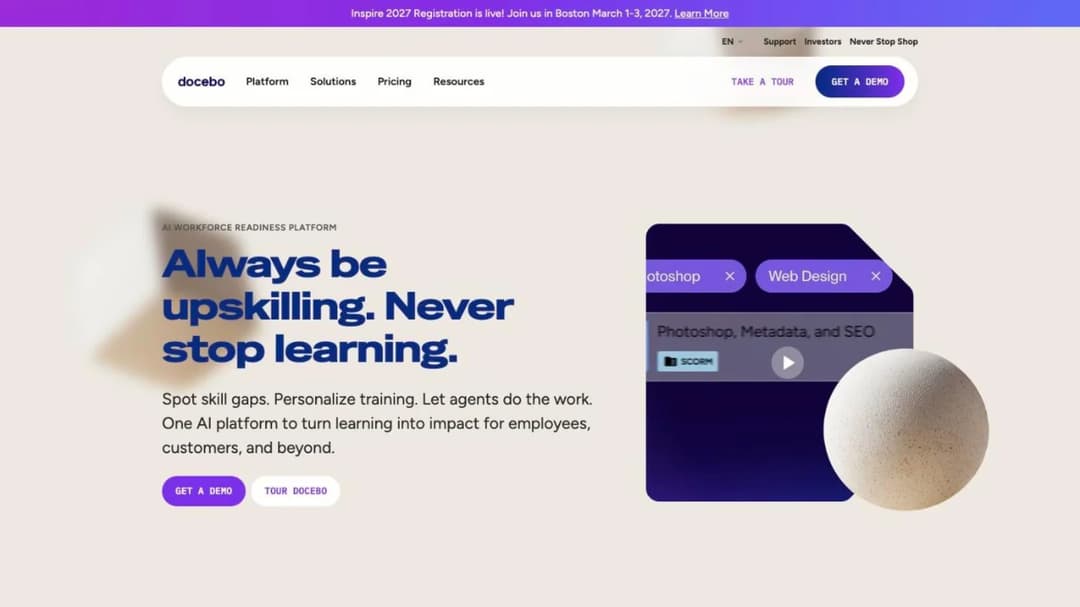
Best for: companies running employees, customers and partners on one suite, with the procurement capacity for a multi-year contract.
Top features
- Extended enterprise environments per audience, with separate authentication per group
- Three counting methods: monthly active, yearly active or registered active users
- SOC 2 Type II, five ISO certificates and support for FDA 21 CFR Part 11 and EU Annex 11
- Enterprise tier ceilings printed: 10 domains, 2 sandbox environments, 6 integrations, API at 100 calls a minute
Docebo is strongest on question three. Its product FAQ describes “an extended enterprise for franchisees, one for channel partners, one for resellers, one for customer training”, each with its own admins, branding and authentication. The Enterprise tier caps that at 10 domains.
On evidence it publishes more than most: a SOC 2 Type II report released annually on an August 1 to July 31 observation period, and ISO certificates under a stated number. On identity it’s thinner. SSO is listed with no provider named, and the HR connectors named are ADP Workforce Now and BambooHR.
Question four needs care. The agreement blocks any downgrade of the user threshold during the term and renews for 12-month periods with 60 days’ notice. If you’re weighing a renewal against a switch, the Docebo alternatives comparison reads those clauses against the field.
Pricing: not published. “Custom pricing tailored to your organization’s needs”, with guidance of 250 or more learners and a one-year minimum term.
Pros
- The most concrete published answer on separate audiences with separate authentication
- A dated SOC 2 observation period and certificate numbers a reviewer can check
- Renewal increase capped in writing
Cons
- No downgrading of the user threshold during the term
- No identity provider or provisioning method named
- The separate-audience module sits on the Enterprise tier, capped at 10 domains
2. Cornerstone
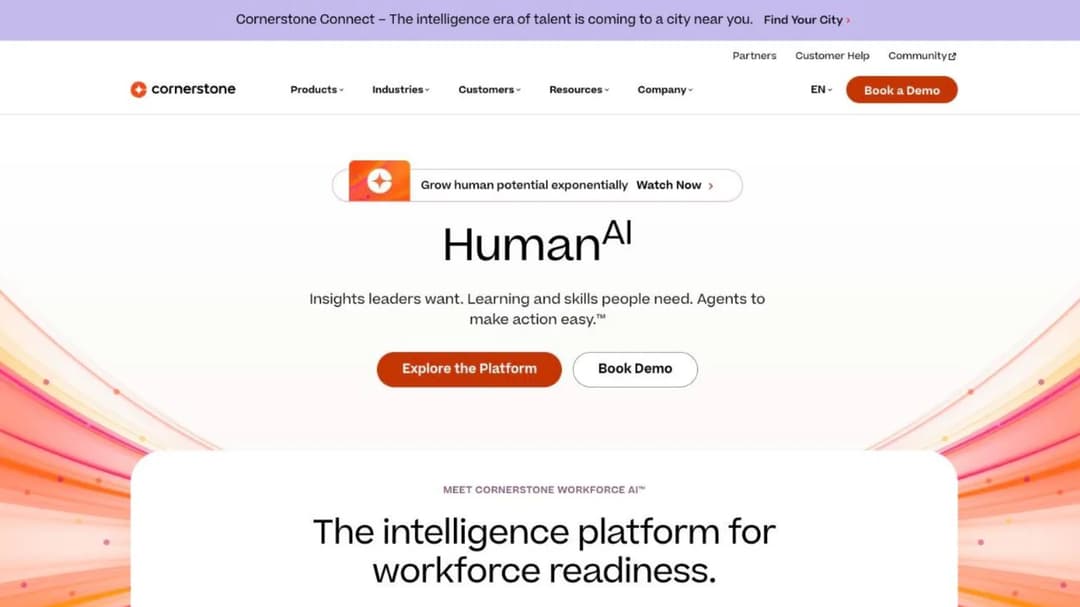
Best for: large organizations buying learning as part of a talent suite, especially where public-sector or defense procurement applies.
Top features
- Learning alongside skills, performance, talent marketplace, recruiting and succession
- SOC 2 Type 2, ISO 27001, 27017, 27018, 27701 and 42001, FedRAMP authorized, DoD IL4 and a VPAT
- An unlimited number of microsites for separate audiences, each with its own branding, catalog and pricing
- SCORM 1.2 and 2004, AICC and xAPI import
Cornerstone publishes the widest compliance list here. It states it is “the only software to be authorized with IL4 security in Talent and Learning Management (2024)”. If your training sits inside a federal or defense procurement, few names get past the first page of the questionnaire, and this is one.
On audiences it offers “an unlimited number of microsites”, the least restrictive published claim here.
The rest is closed: no identity provider named, one HR system named, and no floor, term or renewal rule. Settle xAPI versus SCORM before migrating content, and if onboarding is the only job, onboarding software is a smaller purchase.
Pricing: not published. Its own FAQ: “Each organization will have a different cost depending on needs and size.”
Pros
- FedRAMP authorization, DoD IL4 and 21 CFR Part 11 in one published list
- Unlimited microsites for separate audiences
- Learning, skills and performance data in one system of record
Cons
- No identity provider named anywhere on its pages
- No price, floor, term or renewal rule published
- A talent-suite purchase when you may only need learning
3. Absorb
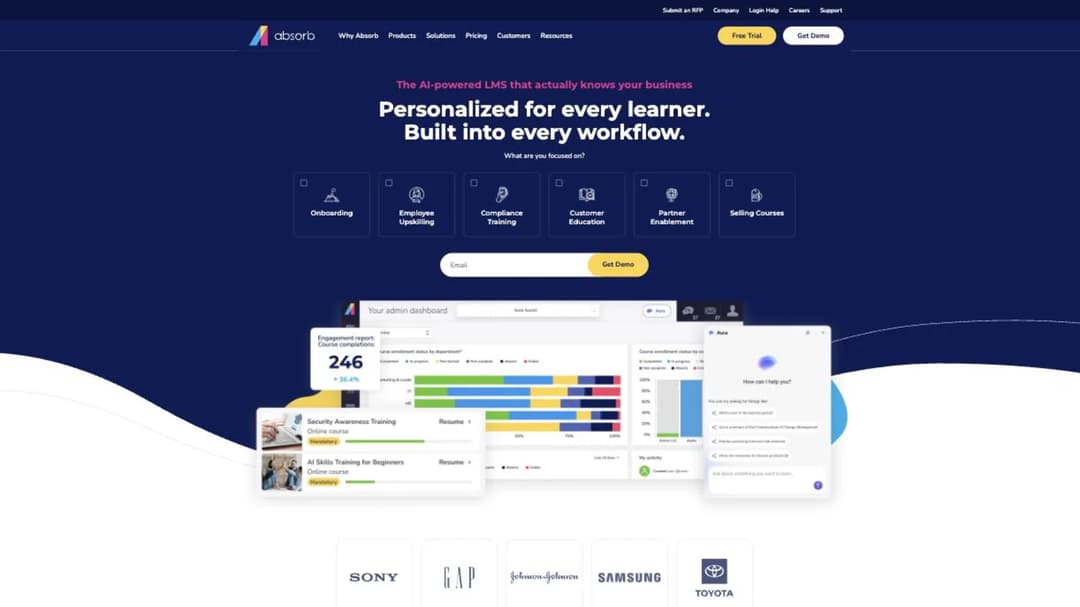
Best for: regulated employers training their own staff who want named HR connectors, standard portals and included support.
Top features
- Multi-tenant portals by role, location or language, as standard
- HR connectors for three ADP products, BambooHR, Namely, Workday, SAP SuccessFactors, UKG Pro and Dayforce
- 21 CFR Part 11 e-signature capability, SOC 2 Type 2 and WCAG 2.1
- 24/7 support included, with response targets of 2, 4, 8 and 24 hours by severity
Absorb’s site now sits at absorbai.com, though the product is still called Absorb LMS and the contracting entity is still Absorb Software Inc.
The HR connector list is among the longest here, portals come standard rather than as a module, and the e-signature capability matters to a life-sciences validation lead. It publishes no ISO 27001, and its WCAG 2.1 statement carries no conformance level.
The fourth question is where Absorb’s terms need reading. Purchased subscriptions can’t be decreased during the term, seats added mid-month bill for every remaining month, and the agreement renews for 12 months unless you give 30 days’ written notice. Implementation help is capped in hours: three for SSO, three for the REST API, ten for a historical data import. The Absorb alternatives comparison works through the renewal window clause by clause.
Pricing: not published. A learner-band form from 1-50 to 25,000 or more; the only published figures are services rates of $275 and $200 an hour.
Pros
- Portals per role, location or language without an upper-tier jump
- A long list of named HR connectors
- Support included, with published response targets
Cons
- The subscription count can’t be decreased during the term
- External users carry a one-time per-user charge and can’t be transferred
- No ISO 27001 and no uptime commitment published
4. Litmos
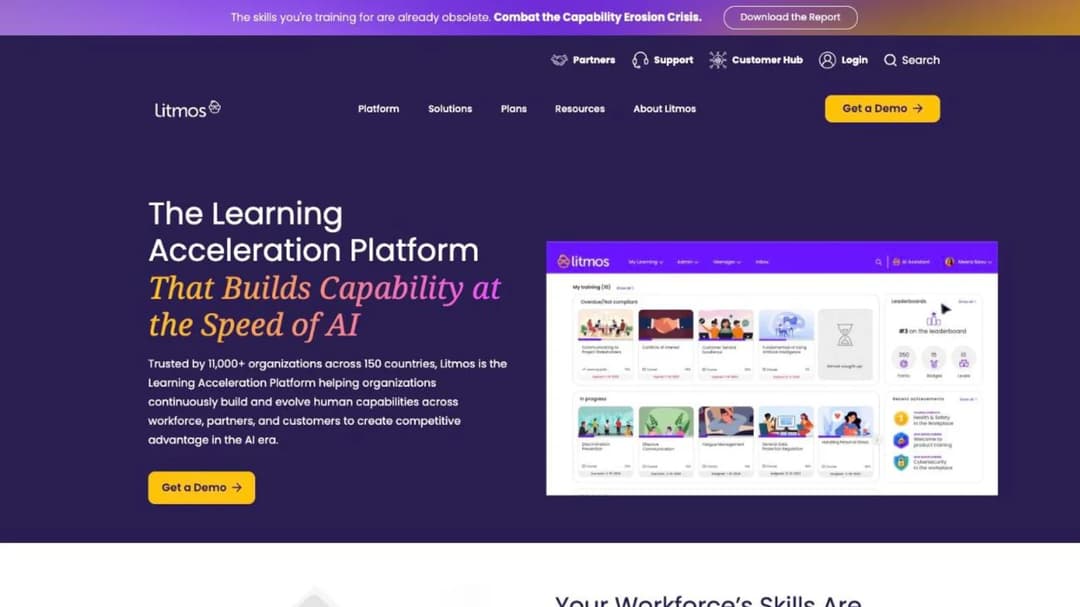
Best for: buyers whose security review is the hardest gate and who need audit detail rather than a badge.
Top features
- SOC 2 Type II and ISO 27001:2022 with audit window, auditor and scope published
- SSO with Okta, Microsoft Entra ID and other SAML providers
- HR connectors for Workday, ADP, BambooHR and Namely
- Customer-selectable hosting in the EU, Australia or the United States
Litmos publishes evidence a reviewer can use without a call. Its SOC 2 Type II covers a “Full 12-month audit period 4/1/2024-3/31/2025”, performed by Aprio with “no exceptions noted”, and its ISO 27001:2022 scope names the LMS it covers. A SOC 3 report, the certificate and a sub-processor list are downloadable.
Identity is clear too. Okta and Microsoft Entra ID are named, and the API limit is printed as “up to 100 RPM per site”, a number your integration team needs before designing a nightly sync. The plans table lists “multiple branded experiences” with no cap or price.
Commercially it’s closed: all three tiers show “Contact for Pricing”.
Pricing: not published at any of its three tiers.
Pros
- The most complete published audit detail in this comparison
- Named identity providers and a printed API rate limit
- A choice of hosting region
Cons
- No price, seat floor or renewal terms on any page
- No provisioning method published
- No cap or cost stated for separate branded experiences
5. LearnUpon
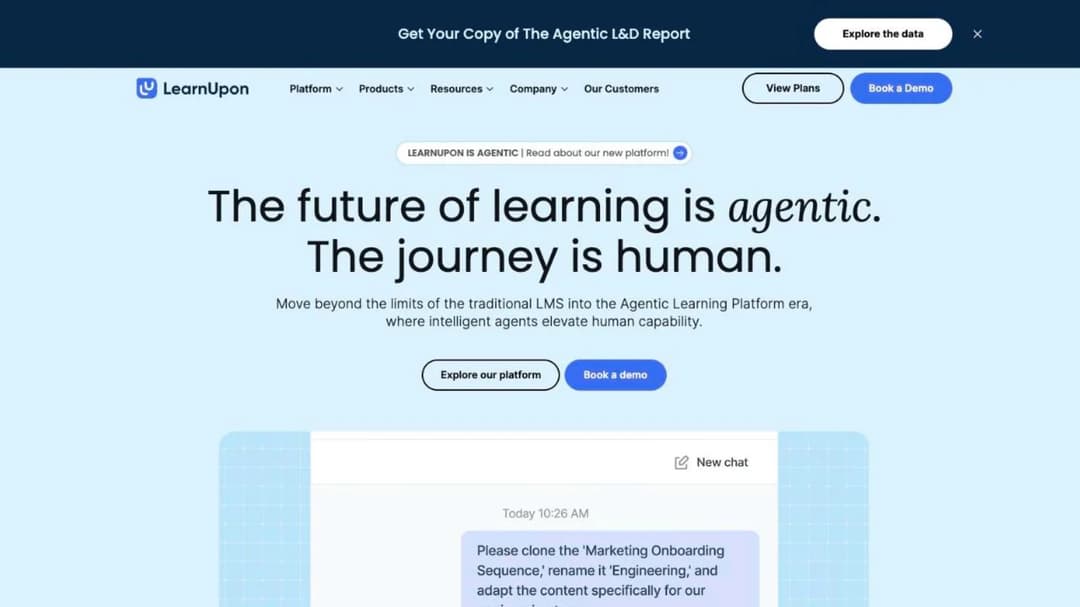
Best for: companies training employees plus customers or association members, above a published floor.
Top features
- Learning Portals for separate audiences, with separate products for employees, customers and associations
- SAML SSO, with Okta, OneLogin, Microsoft Azure and Google Workspace named
- HR connectors for Paycor, ADP Workforce Now, Gusto, Paylocity, Dayforce and SAP SuccessFactors
- ISO 27001:2022, ISO 27701:2019 and WCAG 2.2 AA with a VPAT
LearnUpon is open about who it sells to. Its employee product starts “From 100 Users”, associations from 150 and customer education from 300, and data can be stored in the EU, the US or Australia. Above those floors, it’s a straightforward multi-audience platform with a strong accessibility statement.
It publishes SAML SSO and no provisioning. The ISO certificates carry their versions, while SOC 2 is “compliant” with no type, so ask which report you’ll receive.
The subscription renews for 12-month periods unless either party gives 30 days’ written notice. The LearnUpon alternatives comparison splits the field along the same audience lines.
Pricing: not published. Floors of 100, 150 and 300 users by product.
Pros
- Published floors per audience and a named data-residency choice
- WCAG 2.2 AA with a VPAT for the learner experience
- A long list of named HR connectors
Cons
- No price for any product
- No provisioning method published
- SOC 2 type not stated
6. CYPHER Learning
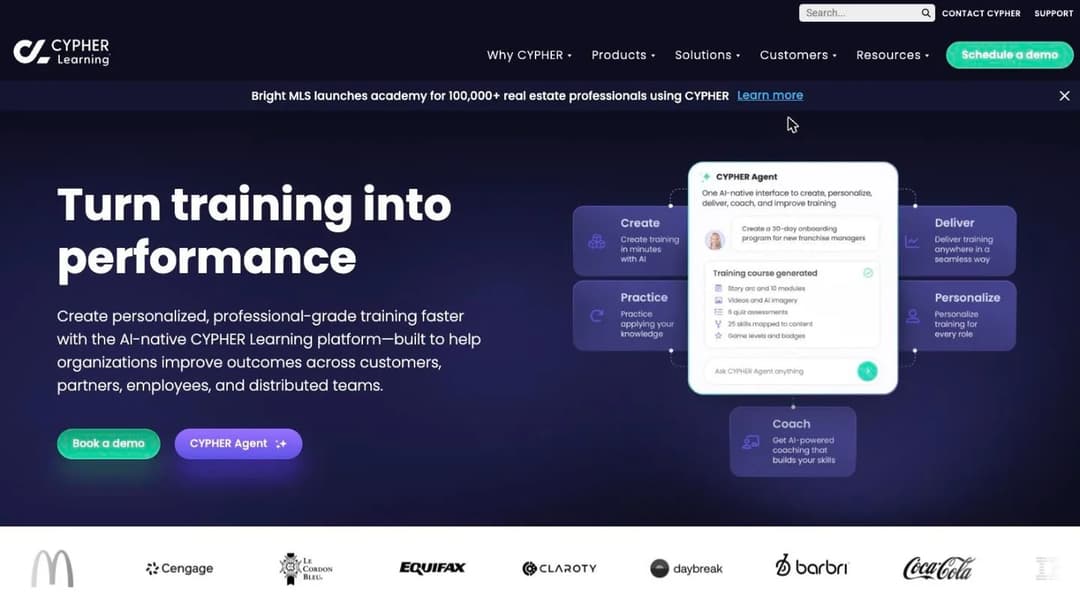
Best for: groups running several organizations or brands under separate identities, with legal capacity to negotiate the billing clause.
Top features
- Independent multi-organization sites with custom portals and dashboards by organization
- SSO by organization, with SAML 2.0, Auth0 and OAuth, on Enterprise
- Workday and BambooHR connections through CYPHER Connect
- SOC 2 Type 2, with a hosted trust center
CYPHER Learning publishes the most complete answer to question three for a group company. On Enterprise, each organization gets its own site, portal, API controls and SSO, which is what a subsidiary’s IT team will ask for. Below that tier, SSO is limited to Microsoft 365 and Google Workplace. No provisioning method is published.
Its HR connectors run through CYPHER Connect, which names Workday and BambooHR alongside Salesforce and HubSpot.
Read the agreement before the feature list. An authorized user is anyone issued a username and password, fees are payable whether or not licenses are used, and exceeding your count requires a top-up order within 30 days. Every account created for a pilot that never launches stays billable.
Pricing: not published. Every route in is a demo or an RFP upload.
Pros
- Separate sites, SSO and API controls per organization
- Workday connection named
- SOC 2 Type 2 with a public trust center
Cons
- Billing attaches to issued credentials, not to use
- Everything that makes it an enterprise fit sits on the Enterprise tier
- No ISO 27001 claim and no published price
Platforms That Publish the Detail the Suites Leave Out
Four platforms that each publish one answer most of the suites above don’t: provisioning, record controls, log retention or a mixed meter.
7. Continu
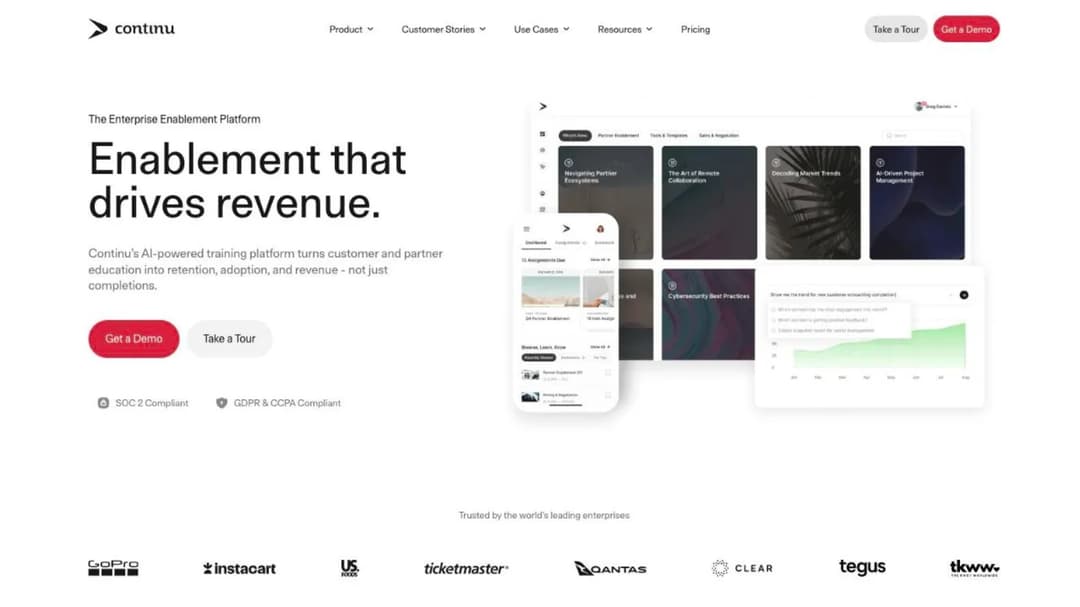
Best for: companies whose security review turns on automated offboarding, and whose staff train unevenly across the year.
Top features
- SAML 2.0 SSO from the entry tier, plus published SCIM provisioning
- Okta, Azure AD, Google, ADFS and OneLogin named; Workday and BambooHR connections
- Extend, branded external portals for partners and customers, on Professional and above
- Training delivered inside Slack and Microsoft Teams
Continu is the answer to question one. It publishes “SSO & SCIM Provisioning – SAML 2.0 with automated user lifecycle management”, and SAML single sign-on is on the entry tier; ask which tier includes SCIM before you sign. For a reviewer asking how a leaver loses access, that’s the sentence to forward.
The meter fits a company that shrinks and grows. A monthly active user is “any unique user who logs into or interacts with Continu during a calendar month”, with bands under 1,000, from 1,000 to 5,000, and over 5,000. Implementation is priced at “10% of the first-year contract value”, with a recommended 60-day window.
On evidence, read the report rather than the page. The same SOC 2 Type II audit is described as “compliant”, “certified” and “audited” in different places, and ISO 27001 is badged on one page and described as “aligned” on another.
Pricing: not published at any band.
Pros
- SCIM provisioning published, with SAML SSO on the entry tier
- A monthly active user meter with the definition in writing
- Implementation cost stated as a formula
Cons
- Inconsistent language about its SOC 2 and ISO 27001 status
- No price, term or renewal rule published
- External portals start on Professional
8. SkyPrep
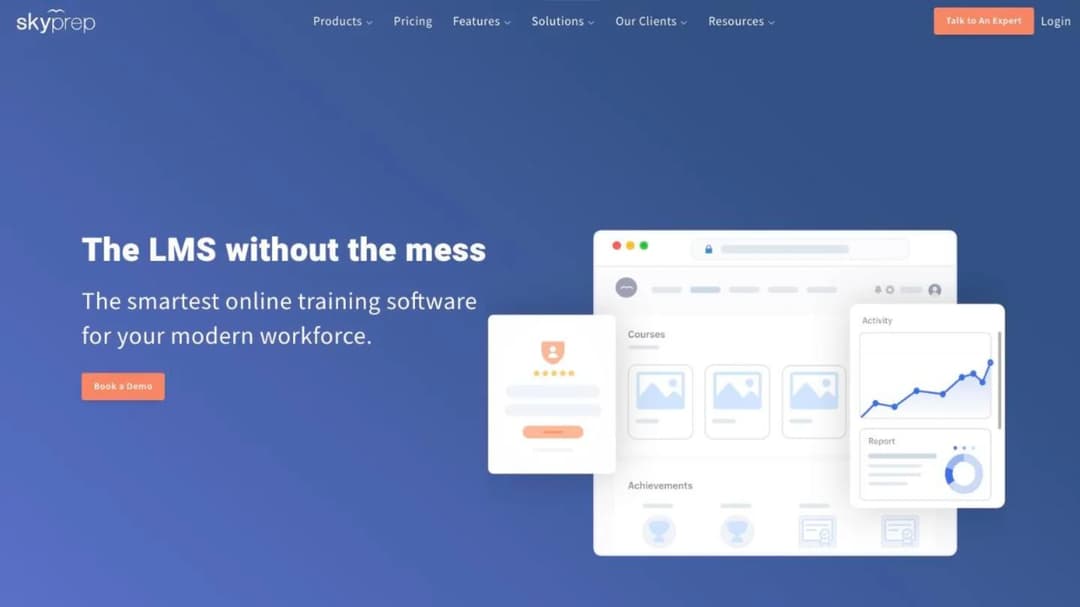
Best for: regulated employers that need itemized record controls and a named connector for almost any HR system.
Top features
- Audit-trail reports, versioning and configurable e-signatures under its 21 CFR Part 11 page
- The longest named HR list here, from ADP, Workday and SAP SuccessFactors to Paycom, Deel and iSolved
- SSO with SAML 2.0, Okta, Active Directory, Azure AD and OneLogin, on Premium and above
- Multi-tenant: separate platforms for clients, brands and branches under one account
SkyPrep publishes the clearest itemized answer to question two. Its 21 CFR Part 11 page lists audit-trail reports, versioning, configurable e-signatures, lockout controls and unique user IDs. Its security page cites SOC 2 Type II, PCI-compliant storage and TX-RAMP instead, so ask which documents cover the product you’re buying.
The contract is published too. It renews for a term equal to the initial one unless either party gives 60 days’ written notice, fees can rise up to 15% at renewal, and there’s no refund on early termination. It bills active users without publishing a definition of one.
Pricing: not published. Floors of 100 and 1,000 active users; 14-day trial.
Pros
- Itemized audit-trail and e-signature controls in writing
- The widest named HR connector list in this comparison
- Renewal notice and increase cap published
Cons
- SSO and API sit on Premium and above
- No definition of the active user it bills
- Compliance claims split across two pages
9. eloomi
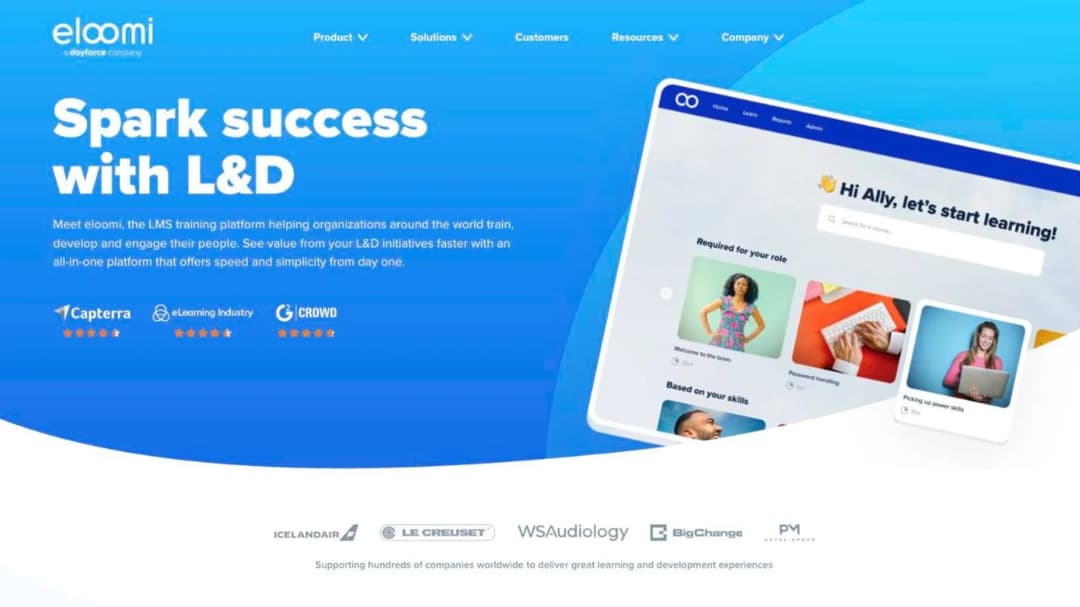
Best for: EU employers that need records retention stated in writing and a named sub-processor list.
Top features
- Audit logs retained for five years; deleted user data anonymized after 72 months by default
- SAML 2.0 and OAuth 2.0, with Okta, OneLogin, JumpCloud and Azure AD named
- Workday and SAP SuccessFactors connections, with HRIS integration through Merge API
- Hosting on Microsoft Azure in Dublin, with a named sub-processor list
eloomi answers a question most platforms leave to the contract: how long the evidence lasts. Audit logs are kept for five years with restricted access, and deleted user data is anonymized after 72 months by default. A compliance lead can hold both numbers against the records schedule before the demo.
Identity is solid, with four named providers. Its sub-processor list names Merge API Inc. for HRIS integration, so employee records pass through a third party on the way in, a point for your data protection officer.
Read the compliance statements closely. eloomi says it is “audited and certified by Deloitte with ISAE 3402/3000/ISO27001 on hosting, IT security and change management processes”, while its compliance page attributes ISO 27001 and SOC 2 to Microsoft Azure, its host. Nothing about separate audiences or price is published.
Pricing: not published; there’s no pricing page.
Pros
- Published audit-log retention and anonymization periods
- Four identity providers named
- A named sub-processor list with locations
Cons
- No price and no trial
- No published answer on separate audiences
- Certificates partly attributed to the hosting provider
10. 360Learning
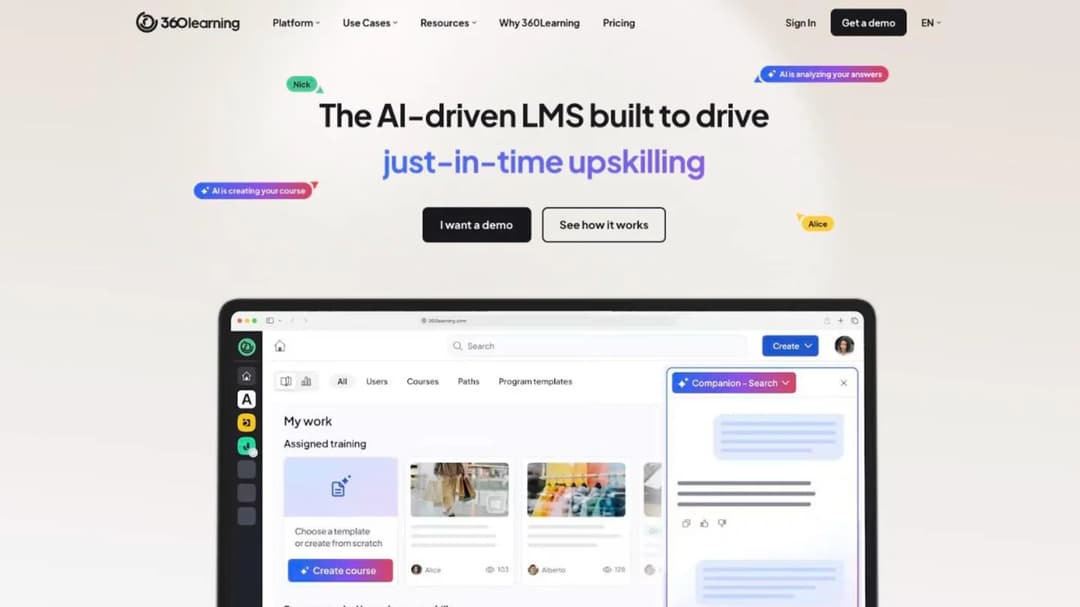
Best for: companies that want a published entry rate and the option of mixing registered and active-user billing at scale.
Top features
- Registered and monthly active users combinable in one contract
- SSO via Microsoft, Google, Okta and Myportal; Workday, SAP SuccessFactors and BambooHR connections
- SOC 2 Type II and ISO 27001, hosted on Microsoft Azure
- Instructor-led sessions with self check-in and an “audit-proof e-signature”
360Learning publishes a number. Team is $8 per user per month for up to 100 users, billed monthly, and its FAQ states “there is no minimum number of users required”. At 100 users that’s $9,600 a year, an anchor even though a 2,000-person company gets quoted on Business or Enterprise.
What carries into the enterprise quote is the meter: “flexible user models: combine registered and monthly active users in a single contract.” That’s the tool for a workforce where head office trains monthly and the field trains once a year. The Enterprise tier adds “flexible licensing for internal and external learners”, HR system integrations and a 99.8% uptime SLA stated on its enterprise page.
On identity, the pricing table asterisks SSO without saying what the asterisk restricts, and no provisioning method is published. Certifications are described in prose with no downloadable report. The 360Learning alternatives comparison covers what happens above the 100-user line.
Pricing: Team $8 per user per month up to 100 users; Business and Enterprise custom, generally annual.
Pros
- A published rate, no minimum and monthly billing at entry
- A mixed registered and active-user model offered in writing
- Four identity providers and two major HR systems named
Cons
- The published rate stops at 100 users
- An undefined asterisk on SSO in the pricing table
- No downloadable SOC 2 report or ISO certificate
Enterprise Controls With a Published Entry Price
Two platforms that publish enough of the commercial model to budget before the first call, with identity and evidence answers that hold up in a review.
11. iSpring LMS
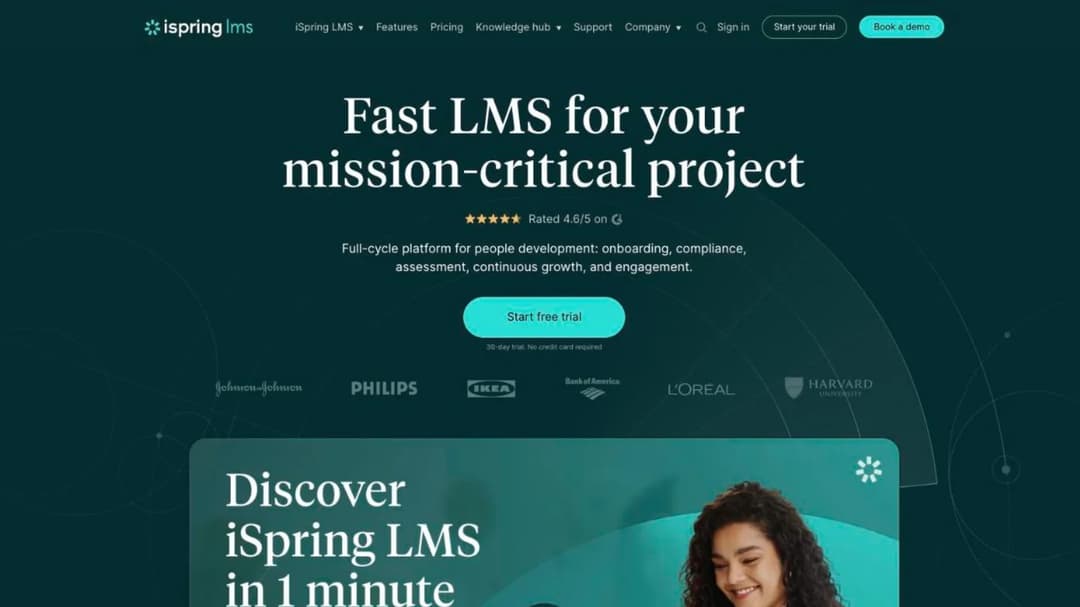
Best for: L&D teams that build courses in PowerPoint and want active-user billing on a published ladder.
Top features
- SSO through SAML 2.0, OpenID or JWT
- Microsoft Entra ID integration for account sync and user management through the directory
- ISO 27001 and ISO 27701 certification
- Bundled with the iSpring Suite authoring toolkit
iSpring LMS is here for questions one and four. It publishes three SSO protocols and a Microsoft Entra ID integration that syncs accounts from the directory. Ask whether the sync removes accounts as well as creating them.
On the contract it publishes the rate and the rule. It’s $6.91 per user per month at 100 users, with annual totals of $8,286; $4.46 at 300 users ($16,050); and $3.97 at 500 users ($23,790). Users are billed only when active: “A user will be considered active if s/he has logged in at least once during a month.” Its subscription agreement auto-renews and makes payment obligations non-cancelable and non-refundable except on proper early termination.
On evidence it holds ISO 27001 and ISO 27701 and makes no SOC 2 claim, so if your questionnaire has a SOC 2 box, ask whether ISO will be accepted. Nothing about separate audiences is published.
Pricing: from $6.91 per active user per month at 100 users; published bands to 500 users.
Pros
- A published per-user ladder with annual totals
- Active-user billing with the definition in writing
- A directory sync with Microsoft Entra ID
Cons
- No SOC 2 claim
- No published answer on separate audiences
- No published price above 500 users
12. Tovuti
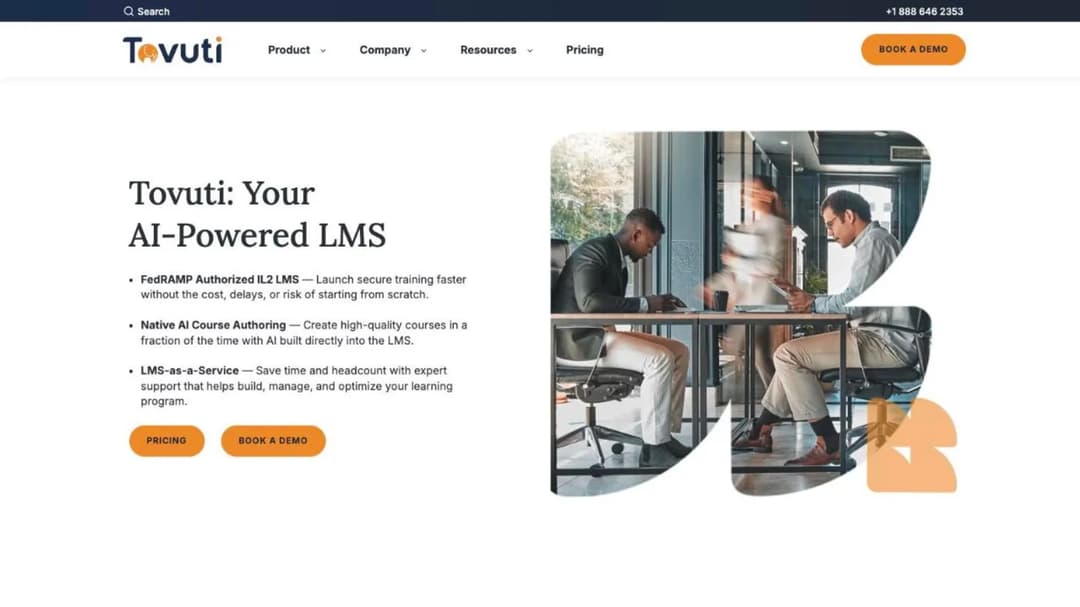
Best for: public-sector and government-adjacent buyers who want one annual number and named identity providers.
Top features
- SAML SSO with Microsoft Azure AD, Google Workspace, Okta and OneLogin
- SOC 2 Type 2, ISO 27001, WCAG 2.1 AA and VPAT 508
- FedRAMP authorization through Knox Systems’ environment
- Branded portals included in the base plan
Tovuti publishes an annual figure you can put in a budget: “$7,500 / year for your first 100 learners, then scales”. That’s $75 per learner per year at the entry band, with branded portals, SSO and HR and CRM integrations included in the base plan.
Identity is clearly stated, with four named providers over SAML, and no provisioning method published.
For a public-sector review, Tovuti states it “is FedRAMP Authorized through Knox Systems’ secure, approved FedRAMP cloud infrastructure”, while its own compliance page doesn’t mention FedRAMP. A partner’s authorization and your own produce different paperwork, so ask for the package that covers the product you’ll use.
Pricing: $7,500 a year for the first 100 learners; scales above that.
Pros
- One published annual price with portals and SSO included
- Four identity providers named
- Accessibility conformance level stated with a VPAT
Cons
- No published price above the first 100 learners
- FedRAMP runs through a partner’s environment
- No provisioning method published
Beside the Enterprise LMS, Not Instead of It
One platform that fails three of the four questions as a company-wide system, listed for the job it does next to one.
13. Mini Course Generator
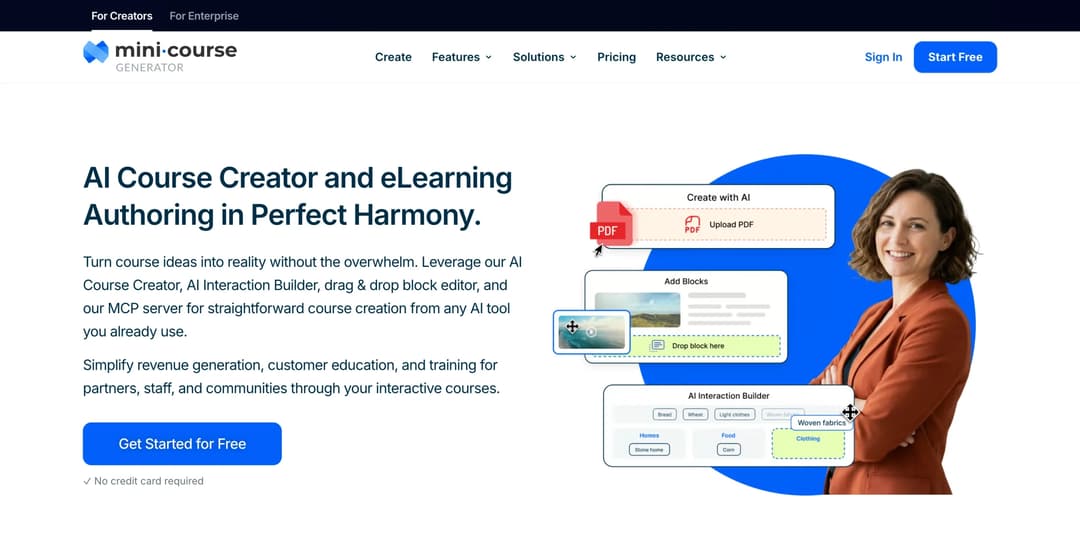
Mini Course Generator is our product. Measured as a company-wide enterprise LMS, it doesn’t pass: there’s no multi-tenancy, no sub-accounts, no published SCIM provisioning and no native HR system connector, SSO for learners sits on the Custom plan, and it publishes no SOC 2 report or ISO 27001 certificate. If you’re choosing the one system that holds every employee’s compliance record, pick from the twelve above.
Best for: a department inside a large company that needs courses built from its own documents this week, delivered by link or exported into the corporate LMS.
Top features
- AI Course Creator and PDF to Course Creator, which draft a course from material you already have
- SCORM and PDF export at any time, with dynamic SCORM on the business plans
- A SCORM Upload Block that accepts packages built in another LMS or authoring tool
- Gateways for learner access, plus REST API, Headless LMS and learner SSO on the Custom plan
The case is narrow. The course a region or a function needs usually starts as a policy document or a deck. Mini Course Generator turns that document into an interactive module, and the course exports as a SCORM package the corporate LMS imports, so completions land in the system your auditor already trusts. What a SCORM file contains is worth reading before the first export.
For people outside your directory, such as contractors, courses can be shared by link or embed behind a gateway, so nobody is provisioned in the enterprise system first. The Headless LMS on the Custom plan puts courses inside your own application, which a headless LMS explains.
Integrations run through Zapier, Make, webhooks, the WordPress plugin, the MCG App for Intercom and MCP clients. There are no implementation fees and no minimum annual commitment, and every plan opens with 14 days of full access.
Pricing: plans are sized by a yearly learner allowance and published on the pricing page.
Pros
- Courses built from existing documents in the same week, with no implementation project
- SCORM export into the corporate LMS, and SCORM import from other tools
- No minimum annual commitment and no implementation fees
Cons
- No multi-tenancy, sub-accounts or per-client instances
- No published SCIM provisioning and no native HR connector; SSO for learners is Custom-plan only
- Publishes no SOC 2 report or ISO 27001 certificate
How to Choose an Enterprise LMS
Four questions, in the order they remove candidates.
Which of the four questions removes the most names for you?
Start with the one you can’t compromise on. A life-sciences manufacturer starts with record controls: SkyPrep, Absorb, Docebo, Cornerstone. A group with subsidiaries on separate directories starts with audiences: Docebo, CYPHER Learning. A company with an offboarding finding starts with Continu.
The rule. Put the non-negotiable question at the top of the questionnaire. A vendor that can’t answer it in writing isn’t on the shortlist.
Does the separate-space design match how your company is organized?
Count the groups with their own identity provider, their own admins, or a reason not to see each other’s people. If the count is one, a single space with role-based paths is enough. If it’s more, read the cap and the tier before the demo.
The rule. A group that needs its own identity provider needs its own space. A group that only needs its own catalog needs a learning path.
Will the contract survive a restructure?
Most buyers plan for growth and few plan for the year headcount falls. Docebo and Absorb publish that the count can’t go down during the term, and CYPHER Learning bills issued credentials. Active-user meters from Continu and iSpring LMS move that risk back to the vendor.
The rule. If headcount could fall 10% during the term, write a reduction right into the order form or buy on an active-user meter.
Who runs it after go-live?
Ask how many implementation hours are included and what the rate is after that. Then export one course during the trial and confirm another system plays it, because SCORM 1.2 and SCORM 2004 behave differently on completion records.
The rule. Budget implementation as its own line, and write the first 90 days into an LMS implementation plan before you sign.
Now Over to You: Getting an Enterprise LMS Through IT, Security and Procurement
Send the four questions before the first demo, in one email or in the security section of your LMS RFP, to every name on your list. Ask how a leaver loses access, for the audit-log retention period and a sample audit-trail export, whether each audience can have its own identity provider, and whether the contracted count can go down during the term.
The vendors who answer all four in writing within a week are the three to put in front of IT.
While the review runs, don’t let the training wait for the platform. Take the policy that has to go out this quarter, build the course from it, and export the package so it’s ready to import into whichever system wins.
Frequently Asked Questions
What is the difference between an enterprise LMS and a corporate LMS?
Nothing that changes the purchase. Both describe an LMS for training a company’s own staff at scale. The difference that matters is with an extended enterprise LMS, which is built and priced for learners outside the company.
What is the best LMS for corporate training at a large company?
The one that answers your non-negotiable question in writing. For automated offboarding, Continu publishes SCIM provisioning. For regulated record controls, SkyPrep, Absorb, Docebo and Cornerstone publish 21 CFR Part 11 capabilities or support. For subsidiaries with their own sign-in, Docebo and CYPHER Learning’s Enterprise tier publish separate authentication per group.
Which enterprise LMS platforms support SCIM provisioning?
Of the platforms in this guide, Continu publishes SCIM provisioning. iSpring LMS publishes a Microsoft Entra ID directory sync. Ask the others how a terminated employee’s account is removed, and how quickly.
How much does an enterprise LMS cost?
Most enterprise suites publish no price, only floors: Docebo guides from 250 learners, and SkyPrep’s Enterprise Learning Suite starts at 1,000 active users. The published figures here are 360Learning at $8 per user per month up to 100 users, iSpring LMS at $6.91 per active user per month at 100 users, and Tovuti at $7,500 a year for the first 100 learners.
Does an enterprise LMS need FedRAMP authorization?
Only inside a US federal procurement. Cornerstone publishes FedRAMP and DoD IL4 authorization, and Tovuti publishes authorization through Knox Systems’ environment. A private company’s questionnaire usually asks for a SOC 2 Type II report with its audit window instead.
Sources
- Docebo Master Services Agreement, sections 5.2 and 12.2; Docebo pricing, integrations and compliance and security pages
- Cornerstone LMS page, extended enterprise page and security pages
- Absorb Software Inc. Terms and Conditions, sections 2.2 to 2.6, 3.1 and 4.1; Absorb pricing, compliance and extended enterprise pages
- Litmos plans page, integrations page and trust and security page
- LearnUpon Terms of Service, sections 8.2, 9.1 and 10.1; LearnUpon pricing and security pages
- CYPHER Learning pricing page, security page and Master Services Agreement
- Continu pricing, integrations and security pages
- SkyPrep pricing, integrations, security and 21 CFR Part 11 pages, and Terms and Conditions
- eloomi IT security page, compliance page and sub-processor list
- 360Learning pricing page, enterprise page and privacy and security page
- iSpring pricing page, integrations page, data security page and Services Subscription Agreement
- Tovuti pricing, integrations and compliance pages
- LatitudeLearning pricing page
- Mini Course Generator pricing page and product documentation


