

What you can buy in an onboarding LMS is decided by what the vendor counts as a user, not by the feature grid. Onboarding is the one training job where the whole audience logs in once and never comes back, and the same 60 new hires can cost six to twelve times as much on one billing model as on another. This guide compares 13 platforms on three things: what each one counts, the smallest company each will sell to, and, where there is one, the published price with the user count it buys.
Key Takeaways
- What a vendor counts as a user – registered, monthly active, per seat, or a yearly learner allowance – moves the bill for the same 60 new hires by six to twelve times.
- Four of the best-known platforms publish a floor you have to clear before they will quote: iSpring at 100 users, LearnUpon at 100 employees, Docebo at 250-plus learners, Tovuti at $7,500 a year.
- The number on a plan card is often the ceiling, not the price. TalentLMS advertises Core as “up to 100 users” at $119 a month, and $119 buys the 1 to 40 band.
- The onboarding window that pays back most is before day one, and it’s the window your HRIS and SSO logins can’t reach. In the United States, a course you assign before a start date is very likely paid time.
Try Mini Course Generator free – build your first onboarding course from the policy document you already have.
What an Onboarding LMS Does That Your HR System Does Not
An onboarding LMS is a learning platform that delivers new-hire courses, records who finished them, and hands you that record on request. Your HRIS records that someone was hired. The platforms in this guide record that they were taught something, and can prove it.
That sounds like a small difference. It stops being small in week three, when a manager asks why a new hire has never been shown how the work is done and the only evidence anyone can produce is eleven ticked boxes.
Onboarding and training aren’t the same job
Onboarding is everything that turns an accepted offer into a working colleague: paperwork, system access, introductions, and training. Training is the part that teaches the job and can be assessed.
A platform that only marks tasks complete does the first and not the second. Both jobs are real, and plenty of companies need both. The mistake is buying one and expecting the other.
If the product you’re looking at can’t tell you who passed, you’re buying the checklist half. That’s a fine purchase. It stops being fine when your first cohort finishes the onboarding process untrained and nobody noticed.
Three things get sold as an onboarding LMS
Sort any product you meet by one question: where does the completion record end up?
- A learning module inside an HRIS. The record stays in the HR file. That’s convenient for HR and awkward for everyone else, because getting it out usually means asking HR for a report.
- A course-selling platform. These are built for selling courses to strangers. The record lives inside a storefront designed for customers, with pricing, checkout and marketing attached to it.
- An LMS. The record comes out as a report you can export, filter by manager or department, and hand to an auditor.
All three can deliver a video and a quiz. They differ in what happens to the evidence afterwards, and the evidence is what a manager, an auditor or a renewal conversation asks for.
So the sort is one question: can I export the completion record, and does it come out in a shape somebody outside my team will accept? If the answer’s no, that product is a different purchase wearing the same name.
Where the paperwork stack stops
Offer letters, I-9s, payroll setup, equipment provisioning and e-signature belong to a different category with different vendors. If you haven’t yet decided whether you need courses at all, start with the four categories of onboarding software and come back once you know.
This guide is about staff onboarding. Bringing new customers onto a product is a separate problem with separate tooling, and the customer onboarding guide covers it.
If what you need today is a sequence of tasks rather than a course, an onboarding checklist is faster than any platform on this page. And on the other side of the boundary, onboarding is the first month; the rest of the job belongs to employee training software.
The Question That Decides This Purchase: What Counts as a User
Onboarding is the only training job where 100 percent of the audience logs in once and never returns. Every other use case – compliance refreshers, skills paths, manager development – brings the same people back month after month. Yours doesn’t.
That makes the billing unit the single largest cost variable in the purchase, and it’s settled before anyone opens a feature grid. Vendors publish the unit, usually in one sentence. Almost nobody reads it before the demo.
Six different things called a user
| What it is called | What it means | Who bills this way |
|---|---|---|
| Registered user | Anyone with an account, whether or not they ever log in again | Docebo offers it as one of three options; 360Learning blends it with monthly active users above the published tier |
| Monthly active user | Anyone who logs in at least once in the month | TalentLMS, iSpring, SkyPrep, Innform |
| Active user, no minimum | Same as above, with no floor on how many you buy | 360Learning |
| Per seat | A named slot you pay for whether it’s used or not | Mitti, Connecteam |
| Annual learners | A yearly headcount allowance, bought in advance | Tovuti |
| Yearly learner allowance | A yearly count of people who take a course, with occasional visitors absorbed | Mini Course Generator |
The gap that matters is between the first two rows. A registered user is a record. A monthly active user is a person who showed up. For a group of learners that shows up once, those two numbers diverge fast and keep diverging.
Name your own unit before you take a call. If you can’t say which row you’re buying, the vendor picks for you.
The sentence to look for on a pricing page
The unit is usually one line, and it’s rarely in the plan table. Look under it, or in the pricing FAQ.
- TalentLMS sets its user limit on “the monthly number of users that log in.”
- iSpring says “pay only for active users,” and defines active as having “logged in at least once during a month.”
- 360Learning says “you only pay for the active users on your platform.”
- Docebo bills on monthly active users, yearly active users or registered active users, and lets you choose.
- SkyPrep and Innform both bill per active user.
Thirty seconds on any vendor’s pricing page settles this, including the ones not in this guide. If no sentence like that exists, assume registered users until someone puts otherwise in writing. The full cost picture beyond the unit, implementation and content included, is in the guide to what an LMS actually costs.
What a Year of New Hires Actually Costs on Each Model
The unit only becomes a number when you put your own hiring volume against it. Most people underestimate that volume badly, because they picture onboarding as a few starters in January rather than a stream that never stops.
Size your own intake in one line
The US Bureau of Labor Statistics puts the national separations rate at 3.2 percent a month, with hires running at the same 3.2 percent, in its July 2026 Job Openings and Labor Turnover Survey. That’s 5.1 million hires and 5.1 million separations in a single month nationally, of which 3.1 million were quits.
Multiply your headcount by 3.2 percent. A 200-person company is onboarding six or seven people a month. That’s 75 to 80 a year, not the handful most budgets assume.
Your own rate sits in your HRIS, so use that one. Either way, the group driving this purchase is a flow, not a batch.
The same 60 new hires, two bills
Take a 200-person company hiring 60 people a year, which is below the national rate. Each new hire works through their courses in roughly their first month.
| Billing model | What you’re charged for | Year one | Steady state |
|---|---|---|---|
| Monthly active users | The month each person actually logs in | About 60 user-months | About 60 user-months |
| Registered users | Every month each record stays on the books | About 390 user-months | Up to 720 user-months |
Hiring spread evenly across year one means the average new hire sits on the books for about six and a half months of that year, so you pay for roughly 390 user-months instead of 60. By the time a full year of records has accumulated and nobody has pruned the list, all 60 are billed for all 12 months.
That’s six to twelve times the same work. Six in year one, rising toward twelve as the list grows. The multiple gets worse every year you stay, which makes this a renewal problem as much as a purchase decision.
So the cheapest per-user rate on any comparison page is frequently the most expensive contract on it. Compare the annual bill for your own intake, not the sticker rate.
Nobody removes the leavers
Under registered-user billing, a departed employee keeps costing money until an administrator deletes the record. Deleting the record usually destroys the training history you may be asked for later, which is exactly why administrators don’t delete it.
So the list grows, the bill grows with it, and the person who would have to choose between the two is the person who gets the renewal quote.
Get two answers in writing before you sign:
- Who is responsible for removing users, and what happens to their completion history when you do?
- Does removing a user reduce this month’s bill, or only the figure at renewal?
A vendor that answers the second question with “at renewal” is selling you a registered-user contract in active-user language.
Who Will Actually Sell to a Company Your Size
The floor, not the rate, is what disqualifies a vendor for most onboarding buyers. Four of the best-known names here publish a minimum you have to clear before they’ll quote. A 40-person company can buy none of them.
Check the floor first. It takes a minute and it saves three demos.
The floors that are published
| Platform | Published floor | What it costs at the floor |
|---|---|---|
| iSpring Learn | 100 users | $6.91 per user per month at 100, which is $8,286 a year |
| LearnUpon | 100 users for the employee product | No dollar figure published |
| Docebo | “at least 250+ learners” | No dollar figure published |
| Tovuti | 100 annual learners | $7,500 a year, billed annually only |
iSpring’s Business plan starts at 100 users, and the page says it plainly: “Less than 100 users? Let’s talk.” Per-user rates fall as you scale, to $4.46 at 300 users and $3.97 at 500.
LearnUpon publishes three separate floors by audience rather than one: employees from 100 users, customer education from 300 users, and associations from 150 users. No price accompanies any of them.
Tovuti is the clearest of the four, because it states its floor as money rather than as seats: “Starts at $7,500 / yr · 100 annual learners,” with annual billing only. All four figures are as of September 2026.
The number on the card isn’t the number for your headcount
TalentLMS is the trap worth knowing. Its plan cards advertise a ceiling, and its prices belong to a band.
The Core card says “up to 100 users” and shows $119 a month. That $119 is the price of the 1 to 40 band. The selector then steps to 41 to 70, 71 to 100, and on toward 500, with a different price at each step.
Grow advertises “up to 500 users” and its $229 a month is the 1 to 70 band. Pro is $449 a month at the 1 to 100 band, then $6 for each additional user. Enterprise starts at 1,000 users, with Flex from 500, and it’s quote only. Annual billing takes 20 percent off, and the user limit is measured on monthly logins.
None of that is hidden. It’s on the pricing page, behind a selector most people never move.
A buyer sizing a 90-person intake off “Core, up to 100 users, $119 a month” has mis-budgeted by two bands. That’s why every price in this guide carries the band or user count it buys.
What a team under 100 can buy today
Several platforms on this page have no floor at all. Two are worth naming first, and one of them is the opposite of what the category’s reputation suggests.
360Learning’s Team plan is $8 per user per month for up to 100 users, and its pricing page states that “there is no minimum number of users required” and that “you only pay for the active users on your platform, with no hidden fees or minimum volume commitments.” The vendor most buyers file under enterprise is the one with no floor.
Connecteam’s HR and Skills hub is $29 a month covering the first 30 users, then 50 cents a month for each additional user, with a Small Business plan that’s free for life up to 10 employees. Thirty users with training included, for less than a phone bill. That sits an order of magnitude under the $7,500-a-year floor at the other end of this page.
If you’re under 40 people, the floors above rule out most of the enterprise names and the shortlist gets short fast. What a small business can actually buy works through that constraint across ten platforms, and the free options and what ends them covers the zero-budget path, Moodle included. Companies running lean on headcount and heavy on process will also find the small business fork worth a look.
The Window Before Day One, and the Rule Attached to It
The onboarding window that pays back most sits between offer-signed and first day. The person is motivated, has time, and has nothing else competing for their attention. It’s also the window most platforms can’t reach, and the one with a wage question attached.
Why your login system can’t reach someone who hasn’t started
Look at how a typical enterprise LMS provisions accounts. TalentLMS lists Okta and OneLogin provisioning where “accounts are created automatically on first login,” LDAP and Active Directory sign-in using “existing company credentials,” plus SAML 2.0 and OpenID Connect.
Every one of those paths requires the person to already exist in your company directory. Before their start date, they don’t. Your HRIS hasn’t created them, IT hasn’t provisioned them, and the account they’d log in with doesn’t exist yet.
The platform requirement that follows never appears on a feature grid: a link that works without a corporate account. In practice that means password-less magic links, or a course set to open or email-verified access, delivered to a personal inbox.
One question for every demo: can you send a course to a personal email address before the person has an account, and does the completion still land in the same report? The same platforms usually offer Google, LinkedIn or Facebook sign-in, which needs no directory, so the answer is sometimes yes. It is never assumed.
If you send a course before a start date, it’s probably paid time
In the United States, the Department of Labor’s Wage and Hour Division sets out in Fact Sheet #22 when training time does not have to be counted as hours worked. Four conditions have to be met at the same time: attendance is outside normal working hours, it is voluntary, it is not job related, and no other work is performed concurrently.
A course you send before someone’s start date is job related by definition. If you assign it rather than offer it, it isn’t voluntary either. Two of the four conditions fail immediately.
That doesn’t mean you should stop sending preboarding courses. It means you frame them correctly and settle the question with payroll before the first one goes out, rather than after somebody raises it.
Take this one to your director as a sentence: preboarding works, and in the US it’s very likely paid time, so we should budget the hours rather than pretend they’re free. Check with payroll or your employment counsel for your own situation. This is a rule to raise, not legal advice.
What “Integrates With Your HRIS” Turns Out to Mean
Every platform in this category says it integrates with HR systems. The phrase survives every demo because nobody asks it to name anything.
TalentLMS is a useful example because it publishes the list. Its named HR connectors are exactly four: BambooHR, TalentHR, Sage People and ADP Workforce Now. The BambooHR connector will “automatically sync employee records and create new user accounts,” and the ADP one will “sync employee data and automate learner creation.” That’s a real integration list, and it’s four systems long.
If your HRIS is Workday, UKG, Personio, HiBob or anything else, that list does not cover you, and the phrase comes down to Zapier, a middleware connector, or a CSV import. Those all work. They also mean somebody on your team is exporting a list of new starters every Monday and uploading it. That person’s time is a real cost, and it belongs in the business case.
The question to ask, in the demo, in these words: name the connector for my HRIS, and tell me whether it auto-enrolls a new hire into the right course on their hire date or only creates the account. Those are two very different products. The second one still leaves you doing the assignment by hand.
Ask for it in writing, because “we integrate with all major HR systems” isn’t an answer. If you’re sequencing a wider stack, what to connect, and in what order sets out which connection earns its build time first.
The 13 Onboarding Platforms, Compared
The short version, before the table:
- Under 100 people, starting this week: Mini Course Generator, Connecteam, Innform or 360Learning.
- 100 to 250 people with slide-based content already built: iSpring Learn.
- A frontline or field operation: Connecteam or Mitti.
- Above 250 with a dedicated L&D function and a procurement process: Docebo, Absorb LMS or LearnUpon.
- Documenting how the work is done rather than assessing it: Trainual.
Every price, plan limit and user minimum below comes from the vendor’s own pricing pages, quoted with the user count it buys; where a vendor publishes nothing, the entry says so.
Mini Course Generator is our product; it is listed for the job it does, not ranked above the others.
The platforms are grouped by the smallest company each one will sell to, and by whether you can see the price without a call.
| Platform | What it counts | Published price, and what it buys | Smallest they will sell | Best for |
|---|---|---|---|---|
| Mini Course Generator | Yearly learner allowance | Tiers published on the pricing page; no implementation or onboarding fees | No seat minimum; 14 days of full access | Teams building onboarding courses from documents they already have |
| Connecteam | Per seat | HR and Skills Basic $29/mo for the first 30 users, then $0.50 per extra user; Advanced $49 + $1.50; Expert $99 + $3.00 | Free for life up to 10 employees | Hourly, shift and deskless staff |
| Innform | Active user | £1 / £2 / £4 per person per month (Starter / Essential / Pro), 10% off annually | No published floor | UK and EU buyers pricing in sterling |
| 360Learning | Active user, no minimum | $8 per user per month up to 100 users (Team); Business and Enterprise custom | “No minimum number of users required” | Teams whose subject experts write the courses |
| TalentLMS | Monthly logins | Core $119/mo at the 1 to 40 band; Grow $229/mo at 1 to 70; Pro $449/mo at 1 to 100 then $6 per extra user; 20% off annually | Free up to 5 users | 20 to 500 staff who want a flat monthly and no sales call |
| Mitti (formerly SC Training, formerly EdApp) | Per seat | Premium $24 per seat per month billed annually, $29 monthly; Enterprise custom | Free up to 10 team members | Safety, inspection and field operations |
| iSpring Learn | Active user | $6.91 per user per month at 100 users ($8,286/yr); $4.46 at 300; $3.97 at 500 | 100 users | 100-plus staff already producing slide-based content |
| Tovuti | Annual learners | “Starts at $7,500 / yr · 100 annual learners”, annual billing only | 100 annual learners | Buyers with an annual budget cycle and a full-feature brief |
| Trainual | Not published | No plan prices published; one-time implementation fee of $1,000 | Not published | Documenting how the work is done, then training on it |
| SkyPrep | Active user | Not published; Lite and Premium both sized at 100 active users, Enterprise 1,000+ | Not published; 14-day trial | Teams around 100 active users |
| Absorb LMS | Not published | Not published; quote form with learner bands from 1 to 50 upward | Quote bands start at 1 to 50 | Mid-market and enterprise willing to take a call |
| LearnUpon | Not published | Not published | From 100 users for the employee product | 100-plus employees, audience-split platform |
| Docebo | Your choice of monthly active, yearly active or registered active | Not published | “at least 250+ learners” | 250-plus learners with a dedicated L&D function |
Two names in older reviews no longer exist as separate products. WorkRamp is now Learn:Up inside Confirm’s performance suite, and the authoring tool Elucidat is now Create in the same suite. Neither publishes a price. If you’re reading a 2024 or 2025 comparison that recommends either one, you’re reading a review of a product that’s since been folded into something larger with a different sales motion.
One inclusion to discount when you compare plans: a library of off-the-shelf courses priced into the plan is content this particular job can’t use, because onboarding content is yours by definition. Nobody else can tell your new hire how your expense policy works.
Platforms That Publish a Price and Will Sell to Any Size
These six will quote a company of any size, and every one of them publishes its plan prices without a sales call.
1. Mini Course Generator: onboarding courses built from the documents you already have
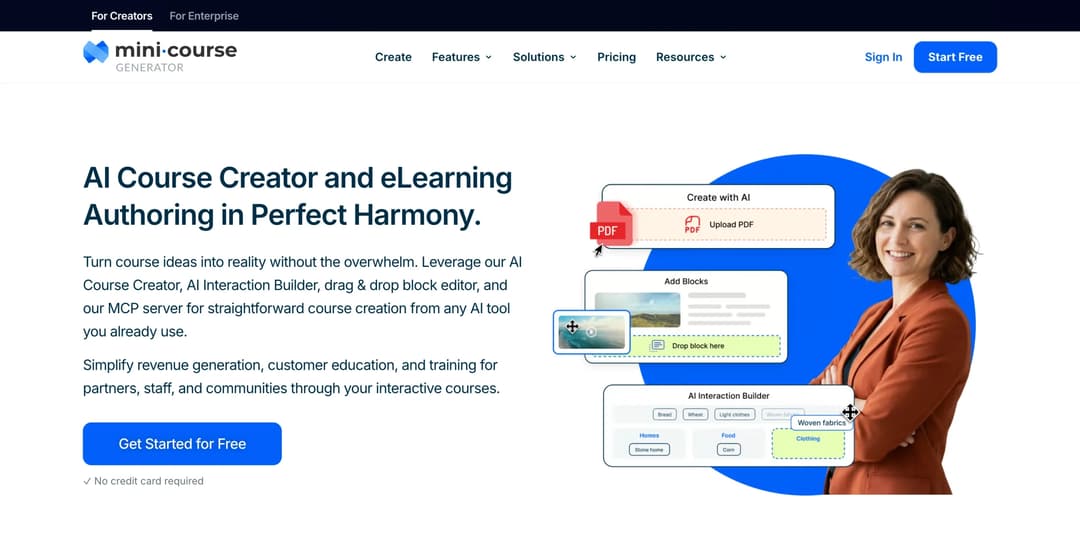
What it counts: a yearly learner allowance, not per seat
Smallest they will sell: no seat minimum, because plans are sized by a yearly learner allowance rather than seats; every plan opens with 14 days of full access
Published price: tiers published on the pricing page; zero implementation or onboarding fees
Mini Course Generator is an AI course creator with an LMS attached. You point it at a policy document, a manual or an induction deck exported as a PDF, and it drafts an interactive course with quizzes you then edit. That matters for onboarding because the content nobody else can sell you is the content you need most: your handbook, your tools, your escalation path.
The learner mechanic is why it belongs on this page. A learner is anyone who takes your courses, and each plan includes a yearly learner allowance rather than a seat count. So a group of new hires who each take one course and never return doesn’t push you into a bigger plan the way a registered-user list does. There are zero implementation or onboarding fees, so the first course can ship the week you sign.
Learner access covers the preboarding gap directly: password-less magic links, and courses set to open or email-verified access, so a course reaches a personal inbox before anyone has a corporate account. Completion tracking, certificates, and SCORM or PDF export are included, and your content stays yours regardless of subscription status.
Pros
- Building the course yourself, quickly, from material you already have, with the AI Course Creator doing the first draft.
- A group of new hires that turns over completely every year, counted against a yearly allowance rather than seats.
- Preboarding, through magic links and open or email-verified access.
- Getting the record out: certificates, completion tracking, and SCORM or PDF export if it has to live somewhere else. SCORM is the format most corporate systems still import.
Cons
- There’s no named HRIS connector. Integration runs through Zapier, Make and webhooks, with the REST API and Headless LMS on the Custom plan only. If you need automatic enrollment on hire date, scope that work.
- SSO for learners is on the Custom plan only.
- There’s no multi-tenancy and there are no sub-accounts, so it’s one client or business unit per account.
- It isn’t an HRIS. It doesn’t do offer letters, e-signature, I-9s or equipment provisioning.
See the plans and start free – then automate onboarding once the first course is running.
2. Connecteam: training inside the app the frontline already opens
What it counts: per seat
Smallest they will sell: free for life up to 10 employees
Published price: HR and Skills Basic $29 a month for the first 30 users, then $0.50 per additional user; Advanced $49 + $1.50; Expert $99 + $3.00, as of September 2026
Connecteam is a frontline operations app with an HR and Skills hub that delivers real courses, not task checklists. For a restaurant group, a retail chain or a field services operation, new hires meet training inside the app they already open on their first shift.
Thirty users for $29 a month with training included sits an order of magnitude below the $7,500-a-year entry point at the enterprise end of this guide. The free-for-life tier up to 10 employees means a single site can run this at no cost at all, and a 14-day trial opens without a card.
The trade-off is scope. It’s an operations product first, so the learning side is lighter than a dedicated LMS on complex paths and detailed reporting. For onboarding hourly staff who need the opening procedure and the safety rules, that lightness is a feature.
Pros
- Hourly, shift and deskless staff who will never sit at a desktop, alongside training people can finish on a phone.
- A published, low entry price with a free tier that a single location can use indefinitely.
- Operations and training in one app, so new hires learn one login instead of three.
Cons
- Billing is per seat, so a seat costs the same whether the person logs in or not.
- The HR and Skills hub is priced as an add-on hub with its own tiers, so confirm which hubs your quote covers.
- Reporting depth is closer to an operations app than to an LMS. Ask to see the export you would hand an auditor.
3. Innform: the cheapest active-user platform here, priced in sterling
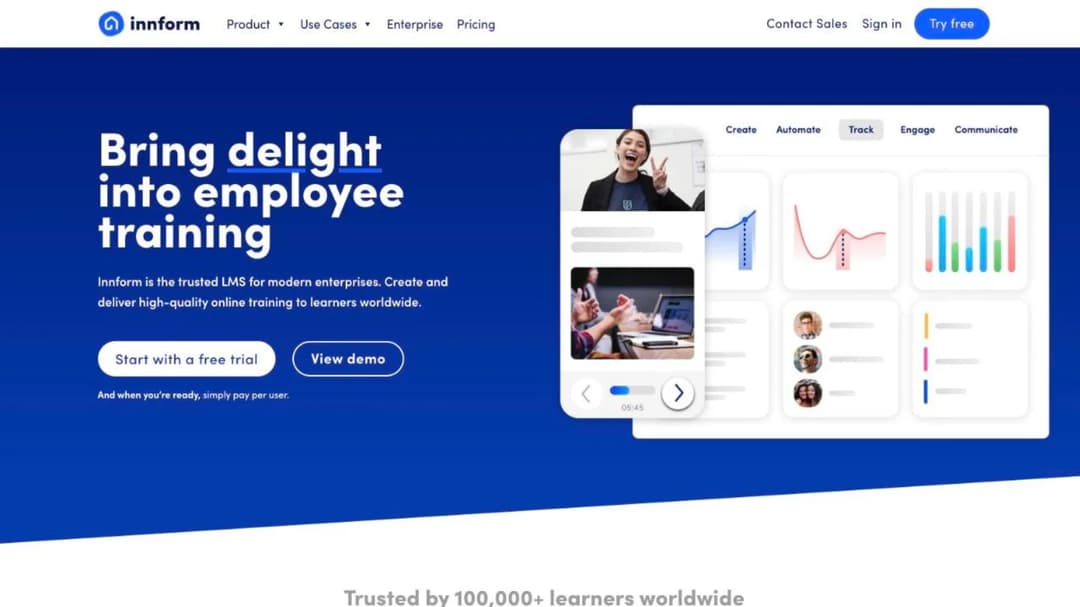
What it counts: active user
Smallest they will sell: no published floor
Published price: Starter £1, Essential £2, Pro £4 per person per month, billed per active user, 10 percent off annual billing; Enterprise custom, as of September 2026
Innform is a lightweight LMS with a hospitality lean: courses, paths, quizzes, certificates, and reporting that a single operations manager can run without a training team. It publishes its prices, it bills per active user, and it starts at £1 per person per month.
Every other published price on this page is in dollars, and a UK or European buyer comparing a dollar-denominated list is comparing the wrong number. At £1 to £4 per active person per month, with billing tied to who logged in, it’s the cheapest active-user option here for a churning group of new hires.
It suits small and mid-sized teams that want a real LMS rather than an operations app. It won’t satisfy a buyer who needs deep enterprise reporting or a named HRIS connector.
Pros
- UK and EU buyers who want a published price in their own currency.
- Active-user billing at the lowest published rate here, which fits a one-and-done audience.
- Small operations teams, including hotels and restaurants, that need courses and certificates without a training department.
Cons
- Enterprise pricing is custom, so the published rates cover the smaller tiers only.
- The 10 percent annual discount is the only published lever on price.
- Confirm what “active” means for your billing month in writing, as with every active-user contract.
4. 360Learning: collaborative authoring, and no user minimum
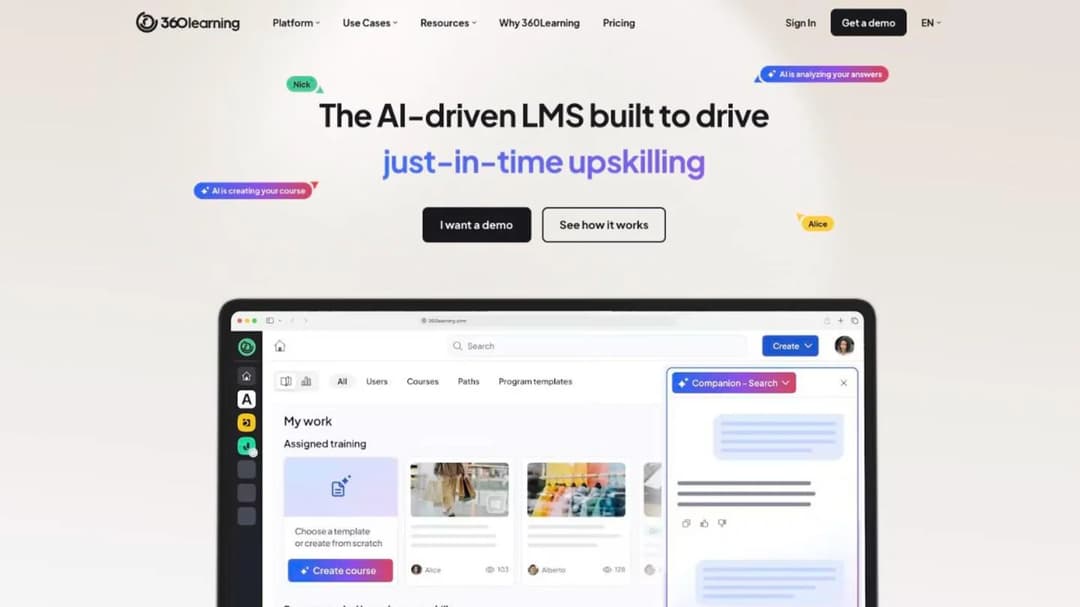
What it counts: active users, with no minimum
Smallest they will sell: “there is no minimum number of users required”
Published price: Team $8 per user per month, up to 100 users; Business and Enterprise custom, as of September 2026
360Learning is built on the premise that the people who know the job should write the training, with authoring, review and feedback handled collaboratively rather than by a central instructional designer. For onboarding, the team lead who runs the process can build and update the module without filing a ticket.
Its pricing page states there is “no minimum number of users required” and that “you only pay for the active users on your platform, with no hidden fees or minimum volume commitments.” That’s the opposite of what the category’s reputation suggests, and it makes the Team plan a genuine option for a 30-person company at $8 per user per month.
Above 100 users, Business and Enterprise move to custom pricing on what the vendor describes as flexible user models combining registered and monthly active users. Read that quote carefully. A blended model can reintroduce the registered-user problem this whole guide exists to flag.
Pros
- Teams whose subject-matter experts should own the onboarding content rather than review it.
- Small companies, because there is no published floor and the Team rate is visible.
- Active-user billing on the published tier, which suits a churning group.
Cons
- Above 100 users the price disappears behind a quote.
- The enterprise model blends registered and monthly active users, so establish which one your bill is calculated on.
- Collaborative authoring only pays off if your experts will write. If they won’t, you’re paying for a workflow nobody uses.
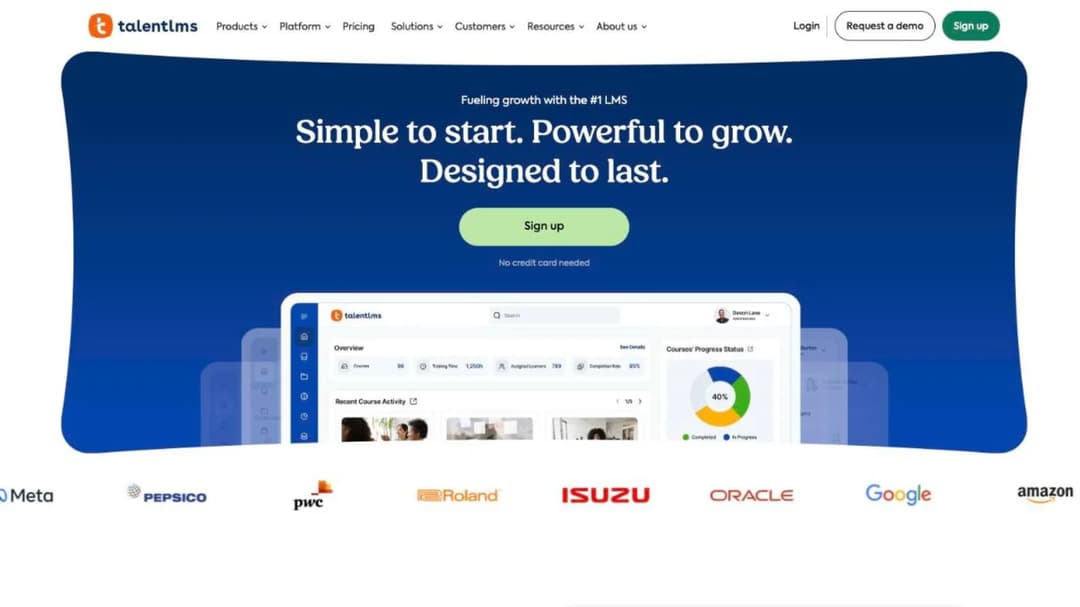
5. TalentLMS: a flat monthly price, if you read the band
What it counts: monthly logins
Smallest they will sell: free up to 5 users
Published price: Core $119 a month at the 1 to 40 band; Grow $229 at the 1 to 70 band; Pro $449 at the 1 to 100 band, then $6 per additional user; Enterprise from 1,000 users, quote only; 20 percent off annual billing, as of September 2026
TalentLMS is the mainstream answer for a company of 20 to 500 that wants an LMS running this month without a procurement cycle. Courses, certificates and reporting, all self-serve, with a free tier up to five users to test the shape first.
The band structure is where the budget goes wrong. Each plan card advertises a ceiling, and the price shown belongs to the lowest band beneath it.
Core reads “up to 100 users” at $119 a month, but $119 is the 1 to 40 price. The selector then steps through 41 to 70 and 71 to 100 at higher figures. Grow reads “up to 500” and its $229 is the 1 to 70 band. Pro is $449 at 1 to 100, then $6 for each user above that.
Because the limit is measured on monthly logins rather than registered accounts, it behaves well for onboarding. A new hire who finishes in month one and never returns stops counting. Size the band on your peak hiring month, not your average one.
Pros
- Self-serve purchase with a published price and a free tier for a pilot.
- Monthly-login measurement, which suits a one-and-done group.
- Named HR connectors: BambooHR, TalentHR, Sage People and ADP Workforce Now.
Cons
- Size the band, not the ceiling. The advertised “up to 100 users” isn’t what the headline price buys.
- Peak hiring months drive the band, so a seasonal intake may push you up a step for part of the year.
- Enterprise starts at 1,000 users with Flex from 500, both quote only.
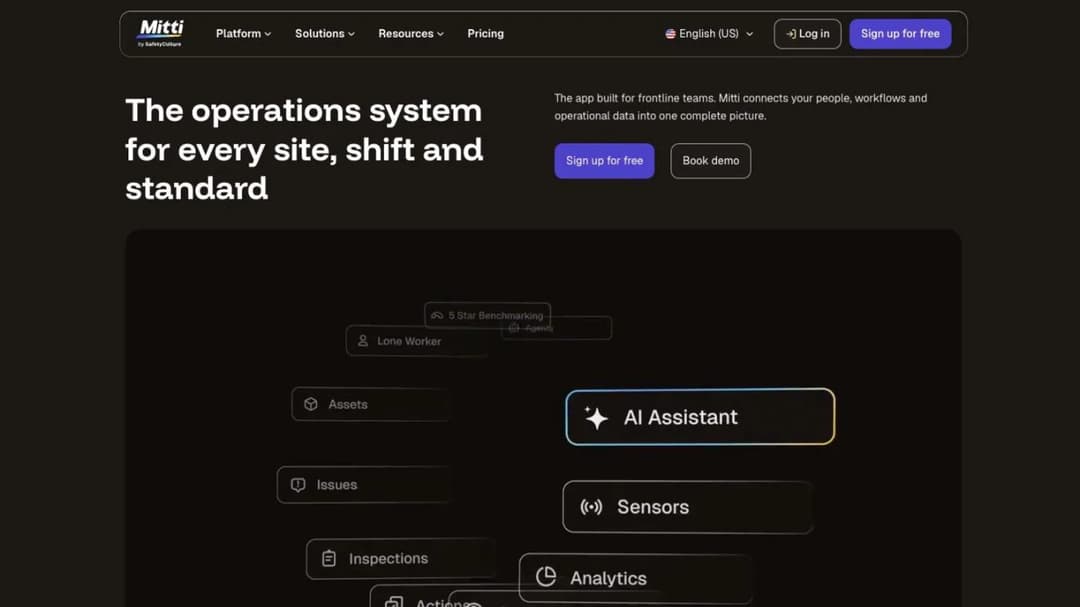
6. Mitti: the frontline platform whose reputation is two renames out of date
What it counts: per seat
Smallest they will sell: free up to 10 team members
Published price: Free $0 per seat per month up to 10 members; Premium $24 per seat per month billed annually, $29 billed monthly; Enterprise custom, as of September 2026
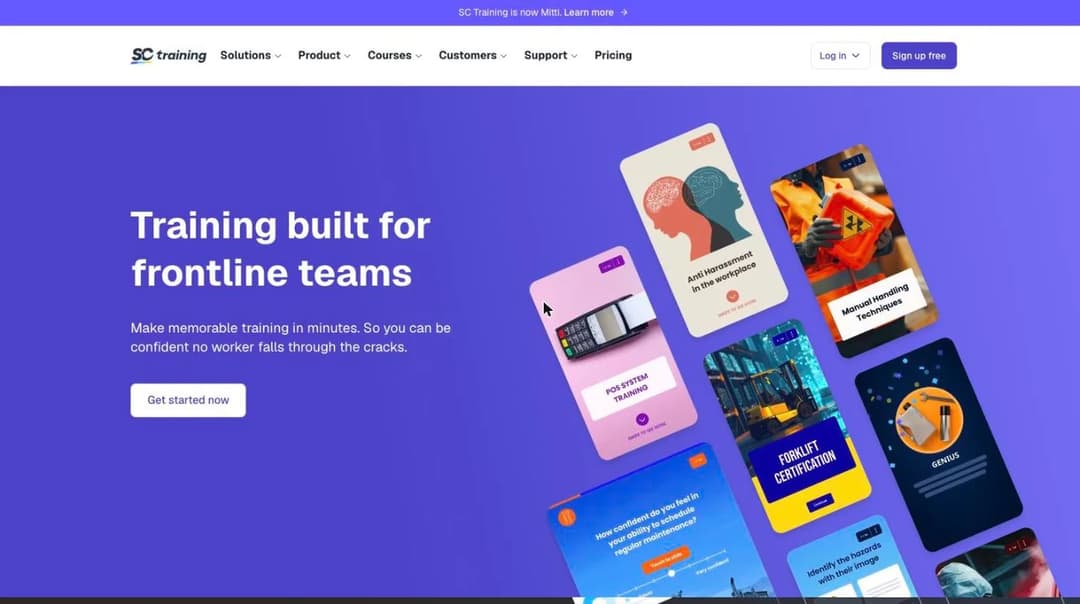
Mitti is the product formerly sold as SC Training, and before that as EdApp: a mobile-first training platform built around safety, inspections and frontline work, with short lessons designed for a phone.
The rename chain changes what you’re budgeting. EdApp’s reputation was built on a generous free frontline tier, and plenty of 2024 and 2025 comparisons still describe it that way. What a buyer signs today is a per-seat safety and inspection platform at $24 to $29 a seat, with the free tier capped at 10 team members and 300 AI credits per seat. Anyone budgeting on “EdApp is free” is costing a product that no longer exists under that name or that model.
For a field or safety-led operation onboarding technicians, drivers or site staff, the fit is real and the per-seat rate is straightforward. For a desk-based company onboarding 60 office hires a year, per-seat billing on a churning group is the wrong shape.
Pros
- Frontline, field and safety-led onboarding where inspections and training sit together.
- Short mobile lessons that a new hire finishes on a phone before their first shift.
- A published per-seat rate with no floor beyond the free tier.
Cons
- Per-seat billing doesn’t reward a group that logs in once, so model your own intake against it.
- The free tier is 10 team members, with AI credits and active inspection templates both capped.
- Check which name is on your contract and your support portal. The product has changed names twice.
Platforms That Publish a Price Above a Floor
Both of these publish real numbers. Both also publish a minimum you have to clear first.
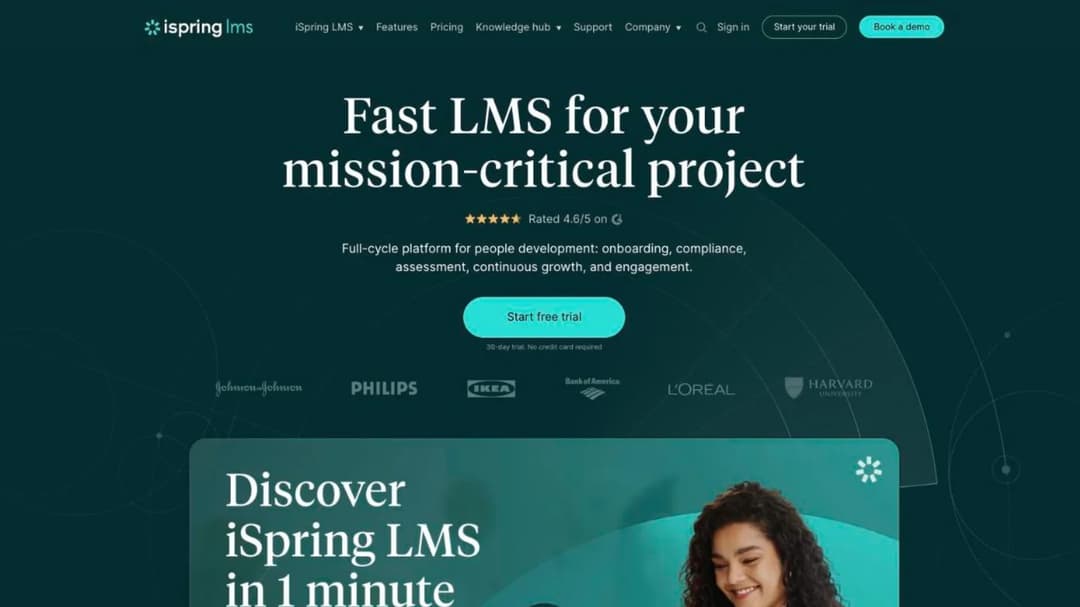
7. iSpring Learn: built for companies that already make slides
What it counts: active users, defined as “logged in at least once during a month”
Smallest they will sell: 100 users. “Less than 100 users? Let’s talk.”
Published price: $6.91 per user per month at 100 users, which is $8,286 a year; $4.46 at 300 users; $3.97 at 500, as of September 2026
iSpring Learn is an LMS paired with a PowerPoint-based authoring suite, and the pairing is the reason to buy it. If your policies and induction decks already exist as slides, the authoring tool turns them into courses with quizzes and narration without a content rebuild.
The Business plan begins at 100 users, and the pricing page says so directly. At that floor you’re committing $8,286 a year before you’ve delivered a single course. That’s a real number to take to a director, and a hard stop for a 40-person company.
The billing unit works in your favor, though. iSpring bills only for active users and defines active as having logged in at least once in the month. A new hire who completes their induction and moves on stops counting after that month.
Pros
- Companies with a slide-based content library and nobody to rebuild it.
- Active-user billing, defined in the vendor’s own words.
- Falling per-user rates at scale: $6.91 at 100, $4.46 at 300, $3.97 at 500.
Cons
- The 100-user floor is firm enough that it’s printed on the pricing page.
- $8,286 a year is the entry commitment at that floor, so the per-user rate isn’t the number that matters.
- Under 100 users it’s quote only, which means a sales cycle for the smallest buyers.
8. Tovuti: the clearest floor on this page, stated in dollars
What it counts: annual learners
Smallest they will sell: 100 annual learners
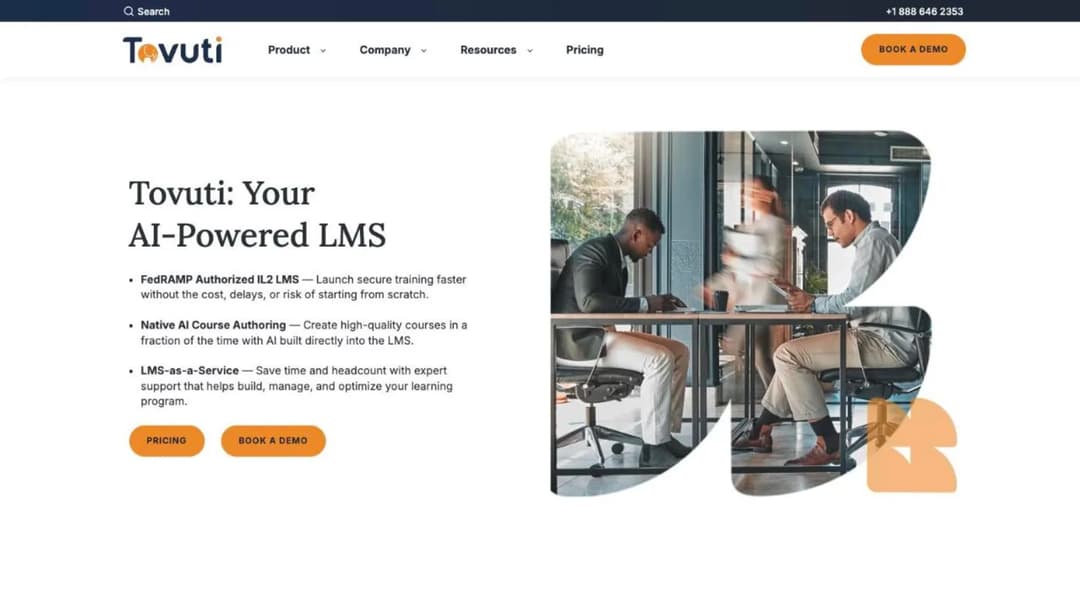
Published price: “Starts at $7,500 / yr · 100 annual learners”, annual billing only, as of September 2026
Tovuti is a full-feature LMS with interactive authoring built in, and it is one of only two platforms here that publishes a number above a floor rather than hiding both behind a form.
The entry price is the reason to read it first. “Starts at $7,500 / yr · 100 annual learners,” billed annually only, is the highest published starting point here and the only floor on this page expressed as money rather than as a seat count. That clarity is worth something. You know in one line whether this is a conversation you can have.
Annual learners is its own billing unit, and for onboarding it’s a reasonable one. You’re buying a headcount allowance for the year rather than seats that sit idle, which is closer to how a hiring flow behaves. Size the allowance on your annual intake plus any existing staff who’ll take a course at all.
Pros
- Buyers who want interactive authoring and delivery from one vendor.
- An annual learner allowance, which suits a flow of new hires better than seats do.
- A published entry price, so the budget conversation happens before the demo.
Cons
- $7,500 a year is the floor, and billing is annual only, so there’s no monthly path in.
- 100 annual learners is the allowance at that price, so confirm what happens when you exceed it mid-year.
- The feature depth only pays back if you’ll use the authoring and certification layers.
Platforms That Price on Request
None of these five publish a plan price. That doesn’t make them the wrong choice. It does mean a call before you can compare them to anything above.
Ask for three things on that call, in writing: the billing unit, the minimum they will sell, and what happens to the bill when someone leaves mid-term. With those three answers a quote becomes comparable to the published prices earlier in this guide. If you’re also weighing hosting and deployment, cloud-based platforms covers that axis.
9. Trainual: the implementation runway is the number that decides it
What it counts: not published
Smallest they will sell: not published
Published price: no plan prices published. One-time implementation fee of $1,000, as of September 2026
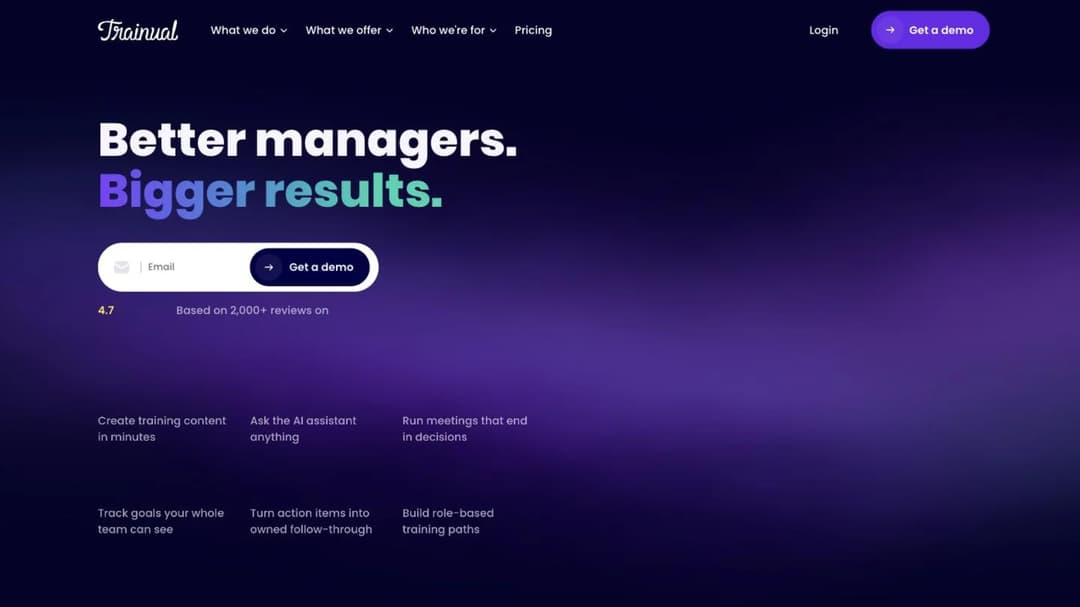
Trainual documents how the work is done: processes, policies, role-specific responsibilities and the training attached to them, organized so a new hire can be handed a role rather than a folder. For a small business where the knowledge lives in three people’s heads, that’s a different product from an LMS.
It publishes no plan prices at all. The page says pricing and plans vary depending on the size of your team and the features you need, then routes to a demo. Plan names are Core, Pro, Premium and Enterprise, with no figures attached to any of them.
What it does publish is the number that matters for an onboarding purchase: a one-time implementation fee of $1,000, dedicated implementation support across your first four to six weeks, and a target of all interviews completed and content in your account within 10 business days. For a purchase justified on shortening ramp time, that runway and that entry cost are the decision, not the monthly rate.
Pros
- Documenting how the work is done, then training on the documentation.
- Small businesses where process knowledge is undocumented and held by a few people.
- A structured implementation with a published timeline, if you want the vendor to drive it.
Cons
- No plan prices are published, so you can’t compare it on cost without a call.
- The $1,000 implementation fee is one-time and separate from the subscription.
- Four to six weeks of implementation is a real delay if your hiring wave starts sooner.
10. SkyPrep: sized around 100 active users, price on request
What it counts: active users
Smallest they will sell: not published; a 14-day trial opens without a call
Published price: not published
SkyPrep is a mid-market LMS: course delivery, assessments, certificates and reporting, aimed at training teams that want something more structured than an operations app and less demanding than an enterprise suite.
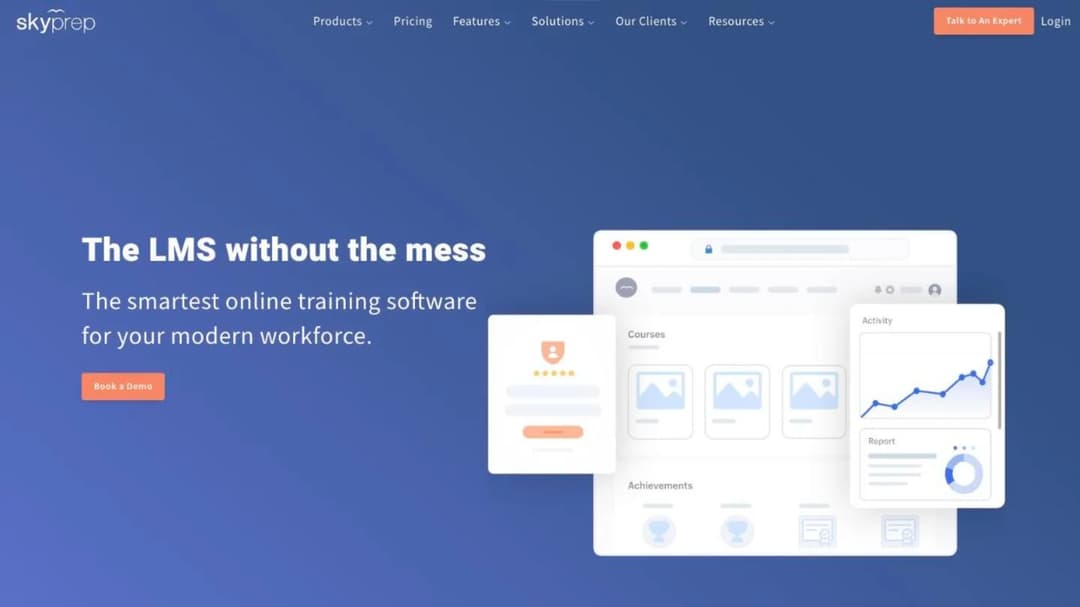
It publishes no prices. What it does publish is sizing, and the sizing tells you who it’s for. Lite and Premium are both described around 100 active users, with Enterprise at 1,000 and above. If your total learner count is 40, you’re below where this product is shaped to sit, and a quote will reflect that.
Active-user billing is the right unit for onboarding, so it belongs in the comparison, and the 14-day trial lets you evaluate the product before you enter a pricing conversation.
Pros
- Teams around 100 active users who want a straightforward LMS.
- Active-user billing rather than registered seats.
- A trial you can run before the sales conversation starts.
Cons
- No published price at any tier.
- Plan sizing points at 100 active users, so smaller teams should confirm it’s shaped for them.
- Establish the leaver removal policy before signing, as with any unpublished-price contract.
11. Absorb LMS: enterprise reputation, but the smallest quote band starts at one learner
What it counts: not published
Smallest they will sell: the quote form’s smallest learner band is 1 to 50
Published price: not published; no plan names either
Absorb LMS is an enterprise learning platform sold directly into employee onboarding: course delivery, automation, reporting, and the administrative depth a large organization needs.
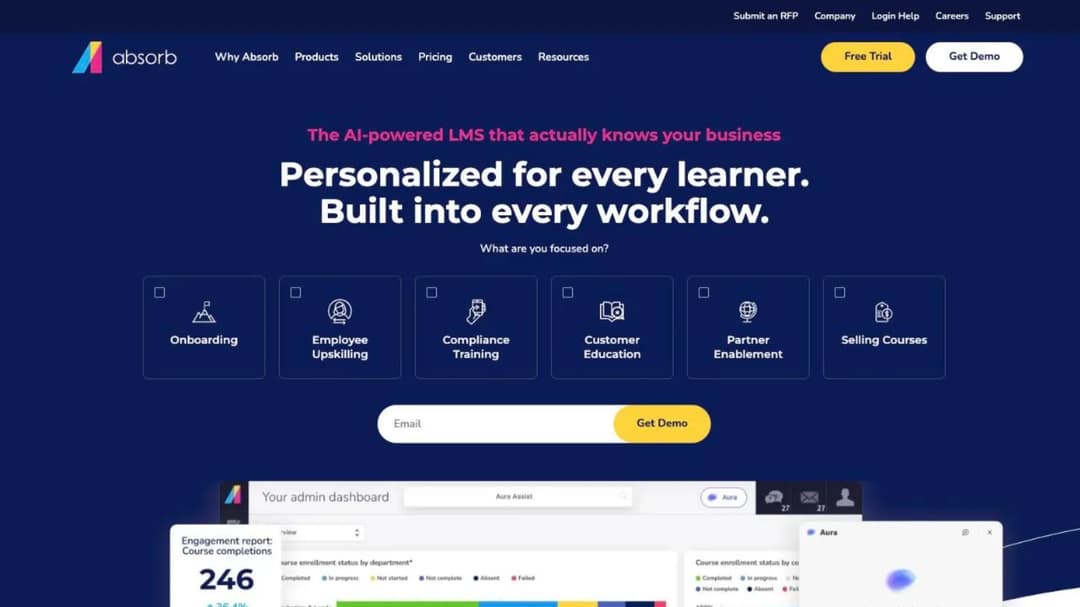
Its pricing page carries no plan names and no prices. What it carries is a quote form asking how many learners you have, and its smallest band starts at one learner: 1 to 50, then 51 to 150, 151 to 250, 251 to 500, 501 to 1,000, 1,001 to 5,000, 5,001 to 25,000, and 25,000 plus.
A 1 to 50 band means they will quote a small team, which the category’s reputation suggests they will not. That’s useful if you’re a 40-person company that assumed this name was out of reach. It’s still a call, and the quote is still not comparable to a published number until you ask the three questions above.
Pros
- Mid-market and enterprise buyers who want administrative depth and automation.
- Small teams who assumed they were below the line: the smallest quote band starts at one learner.
Cons
- No published price and no published plan names, so budgeting starts with a call.
- Ask for the billing unit explicitly. Nothing on the pricing page commits to one.
- Get the leaver policy and the mid-term true-up rules in writing before signature.
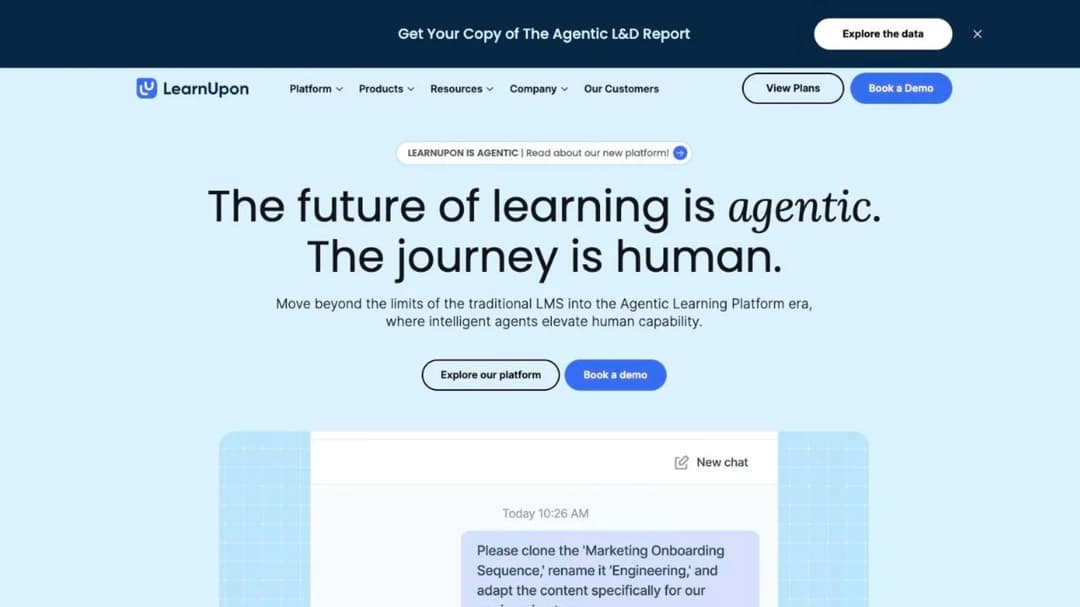
12. LearnUpon: three floors, one for each audience it sells to
What it counts: not published
Smallest they will sell: from 100 users for the employee product
Published price: not published
LearnUpon splits its platform by who you’re training: employees, customers, or association members. Each framing has its own minimum, and each minimum is published while no price is.
Three floors are published, and most buyers never see them. LearnUpon for Employees starts from 100 users, Customer Education from 300, and Associations from 150. No dollar figure accompanies any of the three.
For an onboarding buyer, the relevant number is 100 employees. Below that, this isn’t a conversation, and knowing so before you book anything beats another feature comparison. Above it, expect a negotiated annual contract and ask what “user” means in the quote, because nothing on the pricing page says.
Pros
- Companies above 100 employees that want one platform across staff and customer audiences.
- Buyers who need audience separation built into the product rather than bolted on.
- Buyers who want the minimum published up front, even though the price is not.
Cons
- The employee product starts at 100 users, so smaller teams are out.
- No price is published at any tier or audience.
- Ask which unit the quote counts, and what a mid-term reduction does to the bill.
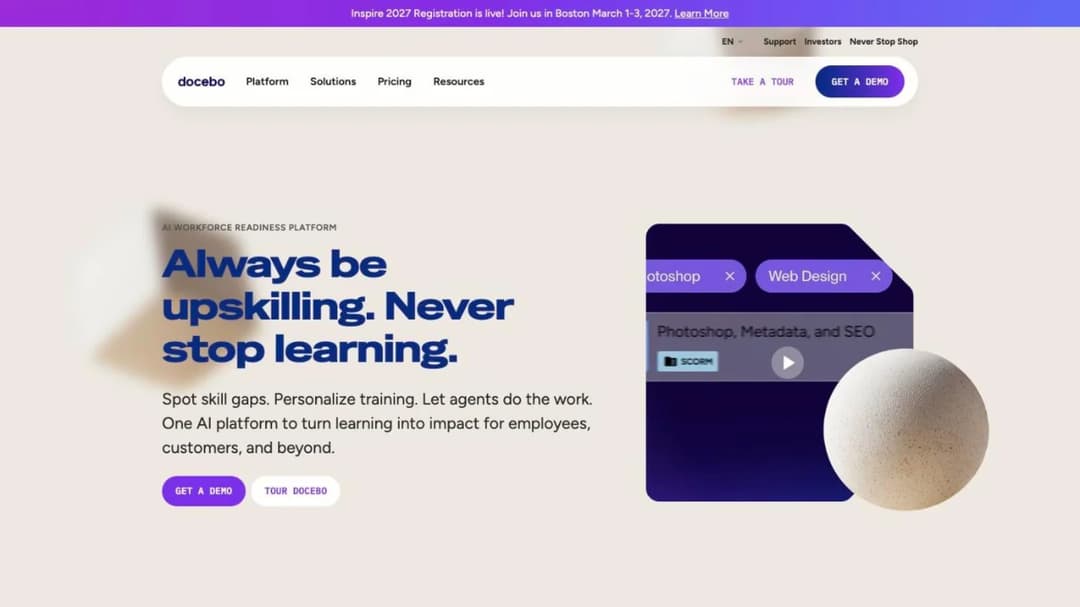
13. Docebo: the only platform here that lets you choose the unit
What it counts: your choice of monthly active users, yearly active users, or registered active users
Smallest they will sell: “at least 250+ learners”
Published price: not published
Docebo is an enterprise learning suite built for multiple learner audiences at scale, and priced for it.
Its pricing page publishes no figure, but it does publish two things worth knowing. The first is the fit statement: it suits organizations with “at least 250+ learners.” The second is the billing model, and it’s the only one of its kind on this page. Docebo bills on monthly active users, yearly active users, or registered active users, and you pick.
That choice makes the whole argument concrete. Given the same platform and the same 60 new hires a year, the unit you pick changes the bill by a multiple, not a percentage. If you end up here, pick monthly active, get the definition in writing, and confirm what happens to a learner who logs in on the last day of the month.
Pros
- Organizations above 250 learners with a dedicated L&D function.
- Buyers who want to choose the billing unit rather than accept one.
- Deep automation and analytics across multiple learner audiences.
Cons
- 250-plus learners is the stated fit, so smaller companies are the wrong shape for it.
- No price is published, at any unit.
- The unit you pick is the single biggest lever on your bill. Model all three before you choose.
How to Choose an Onboarding LMS, in Four Questions
Four questions, in this order. The first two eliminate. The second two separate what’s left.
Can we buy it at our headcount?
Check the floor before the feature list. iSpring starts at 100 users, LearnUpon’s employee product at 100, Docebo at 250-plus learners, and Tovuti at $7,500 a year. A 40-person company can buy none of those four. Finding that out in a demo wastes a week.
At the other end, 360Learning publishes no minimum, Connecteam is free to 10 employees and $29 a month to 30, and TalentLMS has a free tier to five users. If you’re under 100 people, start there and work up.
What does it count, and what happens when someone leaves?
The unit and the removal policy decide the bill and the renewal, in that order. Ask which of the six units on this page your quote is calculated on, and get the vendor’s own definition of an active user in writing.
Then ask the leaver question: does removing a user reduce the bill this month or only at renewal, and does removing them destroy the completion record? If both answers are bad, you’re looking at a contract that grows every year whatever your headcount does.
Can it reach someone before their start date?
Your HRIS and SSO paths require the person to exist in the company directory, and a signed candidate doesn’t. So ask for a link that works without a corporate account: a magic link, or an open or email-verified course that lands in a personal inbox and still reports completion.
Then settle the paid-time question with payroll before you send anything, using the four conditions in Fact Sheet #22. Both steps happen before the rollout, not after.
Will it hand us the completion record we can defend?
Ask to see an exported report in the demo, not a slide about reporting. Filter it by manager, by department and by date, then check it survives being opened by somebody outside your team.
Then ask for the named connector for your HRIS and whether it auto-enrolls on hire date or only creates the account. If the work is regulated, the record an auditor asks for and the compliance training view are where that evidence has to hold up. Once the platform is chosen, a training plan template and the method for how to train new employees decide what goes into it. If your intake is store-based or shift-based, retail teams face a sharper version of the same reporting problem.
The Bottom Line
Before you book a single demo, write two things next to each other: your monthly intake, and the vendor’s billing unit. Cross off anything whose floor sits above your headcount. Cross off anything that counts registered users unless it’ll commit in writing to removing leavers mid-term.
That exercise takes twenty minutes and usually leaves three or four names instead of thirteen. Authoring depth, reporting and integrations all matter, but they matter second: a platform you can’t buy at your size, or can’t afford at your churn rate, isn’t a candidate whatever its feature grid says.
Then build the content. Your onboarding material is the part nobody can sell you, and it already exists as a handbook, a deck, a policy document and three people’s habits. Put them through Mini Course Generator, point the course builder at the documents you already have, and get one module in front of your next new hire before the platform decision is even finished. What goes in it is a 30-day training plan away.
Frequently Asked Questions
What is the difference between onboarding and training?
Onboarding is everything between an accepted offer and a working colleague: paperwork, access, introductions, and training. Training is the part that teaches the job and can be assessed, and it doesn’t have the defined end that onboarding does. The practical test is whether the system can tell you who passed, or only who ticked a box.
What software is used for onboarding?
Two separate purchases, not one. The paperwork stack handles offer letters, e-signature, tax forms, payroll and equipment, and that’s HRIS territory. The training platform delivers the courses a new hire has to complete, and keeps the record. Most companies need both, and buying one while expecting the other is the most common expensive mistake here. The four categories of onboarding software sorts the field before you shortlist.
Is new hire training paid?
In the United States, usually yes. The Department of Labor’s Fact Sheet #22 says training time need not be counted as hours worked only when four conditions are met at the same time: it’s outside normal hours, it’s voluntary, it isn’t job related, and no other work happens concurrently. Job-specific onboarding training fails at least the third condition, and assigned training fails the second. Check with payroll or employment counsel for your own situation rather than treating this as settled.
Can our HRIS do this instead of an LMS?
Sometimes, and the question to ask is about the record rather than the features. An HRIS learning module keeps the completion record inside the HR file, which is fine until a manager or an auditor needs it in a form they can read without asking HR. Then ask about the connector: if the module can’t auto-enroll a new hire into the right course on their hire date, you’re assigning by hand either way.
What is the best LMS for employee training?
Different and broader job. Onboarding is the first month with a one-and-done audience, while ongoing employee training brings the same people back all year. That changes which billing unit wins and which features matter. Start with the comparison of employee training software, and see what running training day to day involves once the platform is chosen.
How long should onboarding training be?
Short enough to finish in the working day it’s assigned, and sequenced by how soon the new hire needs each thing. Day one covers what they’ll touch on day one, and week one covers what they’ll touch this week. Anything they won’t need for a month gets scheduled for the week before they need it, not front-loaded into an induction nobody remembers. A 30-day training plan works through that sequence properly.
Sources
- US Bureau of Labor Statistics, Job Openings and Labor Turnover Survey, July 2026 data
- US Department of Labor, Wage and Hour Division, Fact Sheet #22: Hours Worked under the Fair Labor Standards Act
- TalentLMS pricing page and integrations directory, talentlms.com, September 2026
- iSpring Learn pricing page, ispring.com, September 2026
- 360Learning pricing page, 360learning.com, September 2026
- Docebo pricing page, docebo.com, September 2026
- Connecteam pricing page, connecteam.com, September 2026
- Innform pricing page, innform.io, September 2026
- Tovuti pricing page, tovutilms.com, September 2026
- Trainual pricing page, trainual.com, September 2026
- SkyPrep pricing page, skyprep.com, September 2026
- Absorb LMS pricing page, absorbai.com, September 2026
- LearnUpon pricing page, learnupon.com, September 2026
- Mitti pricing page, mitti.com, September 2026
- Confirm product pages for Learn:Up and Create, confirm.com, September 2026
- Mini Course Generator plans and commercial terms, the Mini Course Generator pricing page


