

Of the sixteen platforms in this guide, exactly two can be installed on a server you control. Every other one is a cloud-based LMS with no self-hosted option at all. So the adjective narrows a sixteen-name shortlist by two, and then it stops working.
What it still decides is what happens to your training records once they leave your building. Which country they sit in, what uptime you’re promised and what you get when that promise is missed, whose security certificate is whose, and how you get your content and completion history back out.
Those four are the questions IT or security will hand back to you, and none of them are answered by the word cloud. This guide grades sixteen platforms on all four, from each vendor’s own published pages and agreements, and groups them by who they’re built for rather than putting them in order of preference.
Try Mini Course Generator free – build your first course from a document you already have.
What a Cloud-Based LMS Is, and What the Word Still Decides
A cloud-based LMS is a learning management system the vendor runs on its own infrastructure and you reach through a browser. The software, the updates, the storage and the backups all sit on their side of the line. You pay a subscription for access instead of buying a license and installing it on hardware you own.
That definition is settled, and it’s where most explanations of the term stop. It’s also the part that no longer helps you choose, because it now describes nearly every product in the category.
Here’s what the definition leaves open, and what the rest of this guide answers:
- Where do your training records physically sit? Which country, whose data center, and whether you get a say.
- What uptime are you promised, and what happens when it’s missed? The percentage is the easy half. The credit trigger is the half that pays.
- Whose security certificate is it? Yours to rely on, or the hosting company’s.
- How do you get everything back out? The course files, the completion history, and the notice window that decides when you’re allowed to leave.
Every one of those is a question your security reviewer will put to you. Having the answer before the demo is the difference between one round of questions and three.
SaaS LMS, cloud LMS, hosted LMS: the same thing
Four words survive for one product because each came out of a different sales pitch. “Hosted LMS” was how vendors described taking the server off your hands. “SaaS LMS” names the licensing model: a subscription rather than a perpetual license. “Cloud LMS” and “web-based LMS” describe where it runs and how you reach it.
For a buying decision, treat all four as the same thing. If a vendor tells you their word means something the others don’t, ask them to finish the sentence with a country, a percentage or a file format.
One more fork, because the acronyms get crossed. An LMS assigns training, tracks completion and reports on it. A content management system publishes pages. If that’s the question you arrived with, the difference between an LMS and a CMS is worth five minutes before you read any further.
Cloud Is the Default Now, Not the Choice
Two of the sixteen platforms here can be run on hardware you own. Both are open source. Every commercial product in this category is sold one way only, and that way is the vendor’s cloud.
So the filter most buyers start with removes two names and leaves fourteen. If you’re buying for your own staff rather than for customers or partners, what you’re shopping for is employee training software, and the hosting model isn’t the variable that separates the candidates. The four questions are.
The only real alternative is open source
Moodle is released under the GPL and described on its own site as “free software for you to download, install and manage on your own server.” Canvas, from Instructure, is published on GitHub under AGPLv3 with a Production Start guide for installing it yourself.
Those are the two. eloomi’s site carries no self-hosted or on-premise option anywhere. CYPHER Learning states plainly that it’s “a 100% cloud-based platform.” The same holds across every other commercial name below: there’s no installable edition to ask for, so asking wastes a call.
If part of what attracted you to open source was the price, the free and open-source wing is a different shopping trip with different trade-offs, and the free platforms are compared separately.
What you take on if you host it yourself
Self-hosting isn’t a museum piece. Moodle’s own registration counter reports 146,724 registered sites across 236 countries, carrying 58,863,093 courses and 526,203,427 user accounts. That count includes vendor-hosted MoodleCloud instances as well as servers people run themselves, so it isn’t a tally of self-hosted installs. It’s also the only installed-base figure any platform in this guide publishes at all.
What you’re taking on is the four questions themselves.
The region becomes wherever you put the server. The uptime becomes whatever your team delivers, with no credit ladder to claim against. The certificate becomes yours to obtain, at your cost. The export becomes trivial, because the database is already yours.
That’s a staffing decision, not a technology one. If you have a sysadmin with capacity and a budget line for infrastructure, running it yourself is a live option and this guide’s four questions are the checklist you’d hand your own IT team instead of a vendor. You also don’t have to use a vendor’s front end even when they host the content, which is what a headless LMS is for.
If you don’t have that person, stop considering it. A Moodle install with nobody maintaining it fails the audit more expensively than any subscription.
The 4 Questions “Cloud-Based” Actually Asks
Each one is answered below from what the vendors publish themselves, because a public claim is one you can forward to your reviewer without booking a call.
Where do your training records physically sit?
Data residency is the country your records are stored in. It matters because your legal team’s answer to “can our data stay in the EU?” is usually a yes or no with no middle, and it can end a shortlist before anyone looks at a feature.
Only one platform here lets you choose. Litmos publishes it in one sentence: “Customers can choose to host data in several regions including the EU, Australia, or United States to meet regional compliance needs.”
Everyone else assigns it, names one place, or says nothing.
| Platform | What it publishes about where your records sit |
|---|---|
| Litmos | Your choice of EU, Australia or United States |
| iSpring LMS | A full map, assigned by where you are, with no choice |
| eloomi | One region: Microsoft Azure, Dublin, Ireland |
| SkyPrep | AWS facilities in Canada and the United States, no European region |
| 360Learning | Microsoft Azure, “in locations non subject to the Patriot Act” |
| TalentLMS | AWS only, no customer region choice published |
| Docebo | Seven certifications, and no data center, region or residency option |
iSpring publishes the most detailed map in the category and still gives you no say in it. Customer data for the EEA, EU, UK and Switzerland sits on AWS in Dublin and Frankfurt, FirstColo in Frankfurt and Scaleway in Paris. US, Canadian and rest-of-world data sits on Leaseweb, DigitalOcean, Liquid Web and AWS across nine North American cities, and Australia and New Zealand sit on AWS Sydney. That’s fine for most buyers and a problem for one case: an EU entity buying on a US parent’s contract.
eloomi is the clearest answer in the whole list, and it’s clear in both directions. Its sub-processor page names Microsoft Azure in Dublin, Ireland, and nothing else. Excellent if your policy is EU-only. Disqualifying if your policy is US-only.
360Learning states a negative instead of a location. Its data is “housed securely” on Microsoft Azure “in locations non subject to the Patriot Act.” That’s a jurisdictional claim, not a residency guarantee, and your legal team will want the actual region named in the contract.
Docebo is the one that surprises people. Its security page names seven certifications and never names a country, a data center or a residency option. Certification count and a named hosting country turn out to be unrelated, and the biggest name here is the least specific about where your records are.
What to do with this. Get the region in writing before the demo, not after. If your policy names a jurisdiction, that single sentence removes more candidates than any feature comparison will.
What uptime are you promised, and what happens when it’s missed?
The percentage on the marketing page is the easy half. The half that pays is what happens when the number isn’t met, and that lives in the service level agreement rather than on the page you were shown.
Docebo publishes a real one, and it has a trap in it. Committed availability is “99.9% of the time, as measured on a monthly calendar basis.” Service credits apply only if availability falls below 99.9% for two consecutive months within any six-month period: 10% between 99.0% and 99.9%, 30% below 99.0%. Four consecutive failed months counts as a material breach.
Read that twice. One bad month, the one that takes your compliance deadline with it, costs the vendor nothing at all. Ask what the credit trigger is, not what the percentage is.
| Platform | The number | The word behind it |
|---|---|---|
| Docebo | 99.9%, monthly | Contractual, credits only after two consecutive bad months |
| Continu | 99.99% | “Uptime Guarantee”, with a live status page |
| SkyPrep | 99.99% | Stated with no credit or remedy language |
| Canvas (Instructure) | 99.9%, annual | “Guarantee”, measured over a year |
| 360Learning | 99.8% | Published only on its enterprise page |
| TalentLMS | 99.9% | A target, with an SLA referenced but not detailed |
| Litmos, iSpring, Cornerstone, eloomi, Tovuti, CYPHER | No figure | Nothing published on the trust or security pages they do publish |
Three words are doing different jobs in that table. “Guarantee” implies a remedy. “Target” implies an intention. SkyPrep’s 99.99% comes with “continuous monitoring and resilient infrastructure” and no remedy language anywhere, which makes it a description of ambition.
The measurement window matters as much as the number. Instructure says of Canvas that it will “not only guarantee but consistently deliver an annual uptime of 99.9%.” Annual and monthly 99.9% are not the same promise: measured over a year, 99.9% permits roughly nine hours of continuous outage without breaching anything. Measured monthly, the same figure permits about forty-four minutes.
Six of the platforms here run a security or trust page and publish no uptime figure on it. Litmos’s trust page runs a detailed SOC 2 and ISO section and carries no availability number, and iSpring’s security page carries none either.
Tovuti describes “high availability, redundant data storage, disaster recovery” without a percentage. eloomi, Cornerstone and CYPHER Learning publish security material with no uptime figure in it.
That absence isn’t proof there’s no contractual SLA. It means the promise isn’t public, so you’ll have to ask for it in writing and read it before you sign.
What to do with this. Ask three questions in one email: what’s the committed percentage, over what measurement window, and what exactly triggers a credit. The most-certified vendor on your shortlist isn’t necessarily the one that promises to be available.
Whose security certificate is it?
SOC 2 Type II is an audit of how a company runs its controls over a period of time rather than on one day. It’s the document most security questionnaires ask for, and it’s the one most often waved at you without the detail that makes it useful.
The detail is the audit window, the auditor, and the scope: which products were actually covered.
Litmos is the benchmark here, and it’s the benchmark because it prints all three. Its SOC 2 Type II covers a “full 12-month audit period 4/1/2024-3/31/2025”, audited by “Aprio, LLC”, with “no exceptions noted.” Its ISO 27001:2022 was issued by Aprio LLP, Stage 2 audit completed January 2025, with a scope statement naming “Litmos LMS, Litmos Training Ops (LTO), and supporting cloud services.” A SOC 3 report, the ISO certificate and a sub-processor list are all downloadable.
That’s what a usable answer looks like. A badge with none of those three details tells you nothing about whether the product you’re buying was in scope.
eloomi shows the other failure mode. Its compliance page attributes ISO 27001 and SOC 2 to Microsoft Azure, its host, in Azure’s own name: “Microsoft Azure’s compliance with ISO 27001 standard.” Separately, eloomi says it’s “audited and certified by Deloitte with ISAE 3402/3000/ISO27001 on hosting, IT security and change management processes.” ISAE 3402 is an audit standard for service organizations, and the scope in that sentence is hosting and process rather than the application.
Your host’s certificate covers the data center, not the software running inside it. When the badges on a security page belong to AWS or Azure, the vendor hasn’t answered the question yet.
Continu describes one audit three ways across its own site: “SOC 2 Compliant” on the homepage and integration badges, “SOC 2 Type II Certified” on features and integrations, “SOC 2 Type II Audited” on the security page. Compliant, certified and audited aren’t synonyms. A vendor that uses all three interchangeably is a vendor whose report you should read before the contract, not after.
Two platforms hold ISO and no SOC 2 at all. iSpring publishes ISO 27001 and ISO 27701 and claims no SOC 2 anywhere on its own site. TalentLMS has a longer shelf: ISO/IEC 27001:2022, ISO 9001:2015, ISO 14001:2015, ISO 45001:2018, GDPR with EU Cloud Code of Conduct verification (ID 2020LVL02SCOPE003), and CSA “Security Trust Assurance and Risk (STAR) Level 1.”
STAR Level 1 is a self-assessment rather than a third-party audit, so four ISO certificates plus a questionnaire you filled in yourself isn’t the same evidence as one audited SOC 2 report. An ISO 27001 certificate is a legitimate answer, just a different one. Know which your reviewer accepts before the demo, not during it.
Public-sector buyers have a third variant to watch. Tovuti states, on its homepage, that “Tovuti LMS is FedRAMP Authorized through Knox Systems’ secure, approved FedRAMP cloud infrastructure.” Authorized through a partner’s environment and holding your own authorization produce different paperwork on different timelines. It also holds SOC 2 Type 2, announced in May 2023, and ISO 27001.
| Platform | What it claims | The detail that decides whether you can use it |
|---|---|---|
| Litmos | SOC 2 Type II, ISO 27001:2022 | Audit window, auditor and scope statement all published |
| Canvas (Instructure) | SOC 2 Type II, ISO 27001 | A sub-processor list is published alongside them |
| Cornerstone | SOC 2 Type 2, FedRAMP Moderate | Published without a residency option or an uptime figure |
| Tovuti | SOC 2 Type 2, ISO 27001, FedRAMP | The FedRAMP authorization runs through a partner’s environment |
| Continu | SOC 2 Type II, ISO 27001 | The same audit is described three ways on its own pages |
| Docebo | Seven, including ISO 27001 and SOC 2 | No hosting region is named anywhere beside them |
| TalentLMS | Four ISO certificates, CSA STAR Level 1 | STAR Level 1 is a self-assessment, not a third-party audit |
| iSpring LMS | ISO 27001, ISO 27701 | No SOC 2 claim appears anywhere on its own site |
| CYPHER Learning | SOC 2 Type 2 | Stated on its homepage, with no uptime figure beside it |
| eloomi | A Deloitte audit on hosting and IT security | ISO 27001 and SOC 2 are credited to its host, Microsoft Azure |
| 360Learning | Certifications described in prose | Nothing downloadable, and no trust document repository |
| Absorb | Not stated | Its published pricing material carries none |
| LearnUpon | Not stated | Its published minimums carry none |
| SkyPrep | Not stated | Its security and pricing pages carry none |
| Moodle | None | A self-hosted install carries whatever you obtain yourself |
| Mini Course Generator | None published | No security or trust page on the public site |
What to do with this. Ask for the audit window, the auditor’s name and the scope statement, in that order. If the answer is a logo, you haven’t got an answer.
How do you get everything back out?
This is the question nobody asks in month one and everybody asks in year three, and it has two halves: what comes out, and when you’re allowed to leave.
Mini Course Generator publishes the first half on its pricing page, in the pricing FAQ’s own words: “Your content is always yours, whatever your subscription status. You can export mini-courses as PDF files or SCORM packages at any time.” Most platforms here leave the exit to the contract instead, which means you read it during procurement or you don’t read it at all.
The second half is the notice window, and SkyPrep’s published terms are the clearest example of how it works.
The agreement renews automatically for a term of the same length “unless … either Party gives the other Party written notice of non-renewal no less than sixty (60) days prior to the expiration of the then-current term.” The provider “shall be entitled, in its sole discretion, to increase Fees … by up to 15% of the Fees payable under the preceding Term.” And on leaving early: “Customer will not be entitled to a refund of Fees upon early termination of this Agreement, but Customer will be permitted to continue using the Services until the end of the then-current Term.”
Your decision date is sixty days before a date you didn’t pick, and the renewal price isn’t the price you signed.
Leaving also has a cost on the way in. Continu prices implementation as a percentage rather than a fee: “10% of the first-year contract value”, with a recommended, non-contractual 60-day window. “No servers to manage” has a line item, and that line item scales with the size of your contract rather than with the amount of work.
What to do with this. Export a course during the trial and open the package. What you get is usually a SCORM file, and what a SCORM file actually contains decides whether another platform can read it. If the record you need is completion history rather than content, the difference between SCORM and xAPI is the conversation to have with the vendor. On our own side, the export and embed options are documented in public for the same reason.
What to Check Before the Demo
Seven checks you can run before the demo, so the demo becomes a conversation about training instead of a second round of security questions.
Ask for the sub-processor list and the notice period
A sub-processor is any other company that touches your data on the vendor’s behalf: the hosting provider, the video platform, the HRIS connector. Your data protection officer will ask for the list, and most vendors don’t publish one.
eloomi does, with locations and a deadline. Microsoft for cloud hosting in Dublin, TwentyThree for video in Copenhagen, Vimeo for video in New York, Merge API Inc. for HRIS integration. Customers may object in writing to a new sub-processor within 10 days of notification.
That 10-day objection window is the clause a DPO looks for and it’s almost never published. Litmos and Instructure publish lists too. 360Learning describes its certifications in prose with no downloadable certificate or trust document repository. Tovuti publishes no named list.
Ask a second question while you’re there: is the platform multi-tenant, meaning your records share a database with other customers’ and are kept apart by software rather than by separate hardware? Almost all of them are. Your reviewer will want it stated rather than assumed.
Ask where the export promise is written down
There’s a difference between a promise on a public page and a clause in a master agreement. The first one you can read this afternoon and forward to your director. The second one you read during procurement, if at all.
Ask the vendor to point at the sentence. If it’s in the contract, get the clause number and read it before signing, not after a renewal notice arrives. If it’s nowhere, that’s an answer too.
While you have them on the call, ask what format the export produces and whether completion records come with it or separately. SCORM and xAPI behave differently on exactly that point, and a content export with no completion history is half an exit.
Test the export during the trial, not after the rollout
This is the only one of the four questions you can verify yourself, for free, in an afternoon. Build a short course, export it, and open the package.
Three checks: does the file open in another system, are the images and quizzes intact, and does the completion history come out in a form you can read. If you’re producing the packages yourself rather than taking them out of an LMS, the authoring tools that publish SCORM are a separate shortlist.
Do it in week one. Vendors answer export questions much more precisely once you’ve already tried it.
Check SSO and the HRIS sync before IT does
Your IT approver will ask two things: does it support our identity provider, and does it read from our HRIS. Both are configuration questions, not feature bullets, and the honest answer usually involves a tier.
Ask which plan includes SSO, whether the HRIS sync is native or runs through a connector, and who builds the mapping. What an LMS integration actually involves is worth reading before that meeting, because the gap between “we integrate with Workday” and “your team will spend a week on the field mapping” is where rollouts slip.
Get the answer in the same email as the security questions. One round beats three.
Find the status page and read the last ninety days
A live status page is stronger evidence than a percentage on a marketing page, because it’s a record rather than a claim. Continu publishes one. Read ninety days of it and you’ll learn more about availability than the number will tell you.
Then go back to the credit trigger. Docebo’s SLA is the example worth keeping in mind: a 99.9% monthly commitment where credits only apply after two consecutive months below the line. Ask your candidate to state the trigger in the same email.
No status page and no published SLA? Ask for twelve months of incident history in writing.
Read the renewal clause and the notice window first
Read it before the pricing, because it changes what the pricing means. Three numbers decide the shape of a multi-year commitment: the notice period for non-renewal, the cap on price increases at renewal, and what happens if you terminate early.
SkyPrep’s published terms give you 60 days’ notice, an uplift of up to 15%, and no refund on early termination. Those are ordinary terms in this category rather than unusual ones, which is the point. Assume something similar until the contract in front of you says otherwise.
Put the notice date in your own calendar the week you sign. That’s the single cheapest thing on this list.
Find out what it counts, and what it costs to be counted
The meter is the bill. What a platform counts decides your invoice more reliably than the headline rate does, especially at a headcount that churns.
Start with the floor, because the floor ends most of these conversations before hosting ever comes up.
Docebo’s own FAQ says it’s “best suited for companies who are: Training at least 250+ learners.” LearnUpon publishes minimums by product: “From 100 Users” for employee training, “From 150 Users” for associations, “From 300 Users” for customer education. SkyPrep requires 100 active users on Lite and Premium and 1,000+ on its Enterprise Learning Suite. TalentLMS Enterprise “Starts at 1,000 users”, with a flexible option from 500.
Then the meter itself. Docebo counts three different ways, and which one you get is negotiated rather than listed: monthly active users, yearly active users, or registered active users. On the last of those, its own wording is “all users marked as ‘active’ within your system are counted, but you can deactivate and reassign those licenses as needed.”
iSpring defines its meter in one sentence: “A user will be considered active if s/he has logged in at least once during a month.” SkyPrep meters on active users and publishes no definition of one, which is a question for the call.
360Learning commits to the opposite on its published page: “no minimum number of users required”, “only pay for the active users on your platform”, and “flexible user models: combine registered and monthly active users in a single contract.”
The arithmetic belongs somewhere else. The monthly bill at 25, 100 and 250 users is worked out across twenty vendors separately, and if your company sits below every floor above, the platforms that will sell to a 25-person business is the shorter list to start from. If the people you’re training are customers or partners rather than staff, the meter changes again, because customer training and partner training platforms count seats on a different basis entirely.
16 Cloud-Based LMS Platforms, Grouped by Who They’re Built For
If you want the short answer to “which is the best cloud-based LMS”, it’s Litmos for a buyer whose purchase has to clear a security review, TalentLMS for a team under 500 people who’d rather not take a sales call, and 360Learning for an organization whose expertise lives in its people rather than in a content library. The rest of this section explains why those three, and which of the other thirteen is right when your constraint is different.
Every price, plan limit, uptime figure and certification below comes from the vendor’s own pages and published agreements, quoted as printed; where a vendor publishes nothing, the entry says so.
Mini Course Generator is our product; it is listed for the job it does, not ranked above the others.
They’re grouped by who each one is built for, because that decides more than any feature does.
Most guides to this category name the same fourteen platforms. Several of them are built for a buyer who isn’t you.
Blackboard Learn and Canvas are academic systems designed around semesters, courses and grade books. EducateMe is a cohort tool for bootcamps. LearnWorlds and Thinkific are course-selling platforms, built to take payment from strangers rather than to assign compliance training to staff.
None of that makes them bad products. It makes them the wrong shelf for an employer training its own people.
Three neighboring shortlists overlap this one and sort on something else. If the job is specifically new-hire training, onboarding platforms are judged on time-to-first-task rather than on attestations. If your people work a shift and never sit at a desk, mobile-first systems and, at store headcount, retail platforms are sorted on how training reaches a phone. And if the platform has to carry someone else’s branding rather than yours, white-label and reseller infrastructure is the one adjacent question this guide doesn’t answer.
| Platform | Built for | Where data sits | Published uptime | Attestations | Published price |
|---|---|---|---|---|---|
| Docebo | Enterprise L&D, 250+ learners | Not published | 99.9%, monthly, with a credit ladder | ISO 9001, 27001, 27017, 27018, 27701; SOC 2; PCI DSS Level 2 | None |
| Litmos | Regulated, multi-region employers | Your choice: EU, Australia or US | Not published on its trust page | SOC 2 Type II with audit window and auditor named; ISO 27001:2022 with scope | None; three tiers, all quoted |
| Cornerstone | Enterprises buying a talent suite | Not published | Not published on its security page | SOC 2 Type 2; FedRAMP Moderate | None |
| Absorb | Mid-market to enterprise | Not stated | Not stated | Not stated | None at any learner band |
| LearnUpon | Employers training more than one audience | Not stated | Not stated | Not stated | None; minimums of 100, 150 and 300 users |
| CYPHER Learning | Mid-market wanting one platform for staff, partners and customers | Not named | No figure in its trust materials | SOC 2 Type 2 | None; every route is a demo |
| TalentLMS | 40 to 500 learners, buying without a sales call | AWS, no region choice published | 99.9% target | ISO 27001:2022, 9001, 14001, 45001; EU Cloud CoC; CSA STAR Level 1 | $119, $229 and $449 per month |
| iSpring LMS | PowerPoint-based L&D teams, 100+ learners | Assigned by your region, map published | Not published on its security page | ISO 27001, ISO 27701; no SOC 2 claim | $6.91 per user per month at 100 users |
| 360Learning | Teams whose expertise lives in people | Azure, “locations non subject to the Patriot Act” | 99.8%, on its enterprise page | Described in prose; no downloadable certificate | $8 per user per month |
| Tovuti | 100+ learners wanting one annual number | Not stated | Qualitative only | SOC 2 Type 2; ISO 27001; FedRAMP through Knox Systems | $7,500 per year for the first 100 learners |
| SkyPrep | 100+ active users, North American hosting acceptable | AWS, Canada and the US | 99.99%, no remedy stated | Not stated | None; floors of 100 and 1,000 users |
| eloomi | Companies on or moving to Dayforce | Azure, Dublin, Ireland only | Not published on its security pages | Deloitte audit on hosting, IT security and change management | No pricing page on the site |
| Continu | 500 to 50,000 monthly active users | Not stated | 99.99% “Guarantee”, with a status page | SOC 2 Type II; ISO 27001 | None; MAU-banded tiers |
| Moodle | Organizations with a sysadmin | Your server, if you self-host | Yours to deliver | None; you obtain your own | Free to self-host under the GPL |
| Canvas | Universities, and companies that want the install option | Not published | 99.9%, annual | SOC 2 Type II; ISO 27001 | None; every tier is quoted |
| Mini Course Generator | Small teams that need training live this week | EU processing stated in its privacy policy | Not published on its public pages | None published | Published on its pricing page |
Every dollar figure in that table is the published rate as of September 2026.
Two names need a note before you read further. WorkRamp now trades as Learn:Up inside Confirm, where Elucidat is sold as Create, so either name on a list in front of you is a product you would now buy under a different one.
Enterprise Suites: Sales-Led, With Triple-Digit Learner Floors
Six platforms that assume you have an admin team, a procurement process and at least a couple of hundred learners. None of them publishes a price. All of them expect a demo before a number.
1. Docebo
Top Features
- Enterprise LMS covering internal staff plus external customer and partner audiences
- Automation and AI-assisted content tooling across the catalog
- Three metering models: monthly active users, yearly active users and registered active users
- A published service level agreement with a defined credit ladder
- Seven published certifications, including ISO 27001 and SOC 2
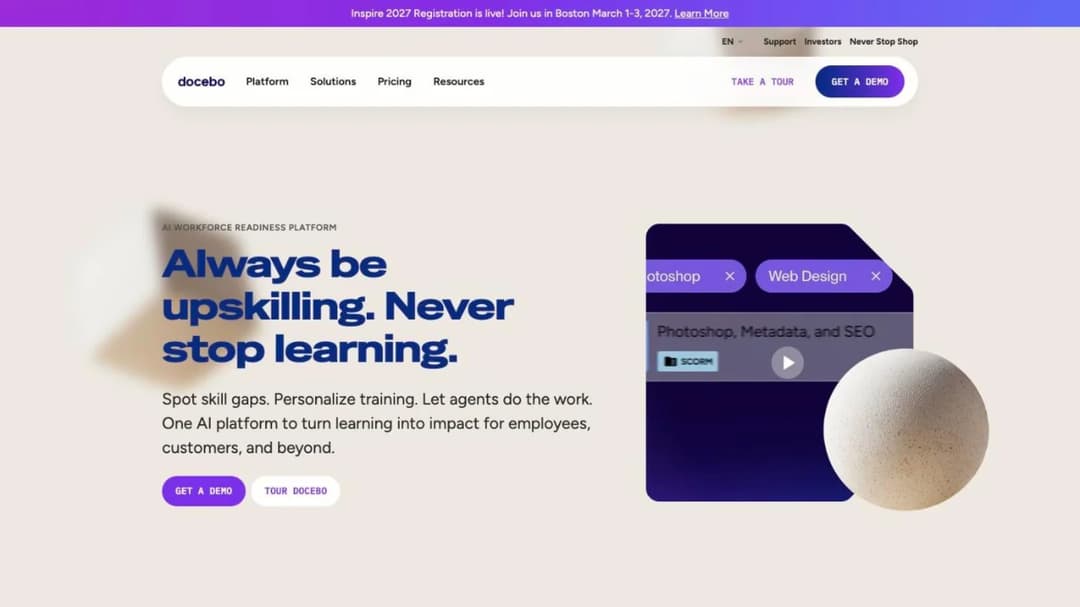
Docebo is the biggest name in the category, and it’s built for an organization with a learning team rather than a learning person: heavy configuration, deep reporting, and separate audiences running on the same instance.
Its own FAQ sets the boundary: it’s “best suited for companies who are: Training at least 250+ learners.” No price is published at any tier, and the meter is negotiated rather than listed, so the same learner count can produce two different invoices depending on which counting model you agree to.
It publishes a real SLA, and the ladder inside it is stricter than the headline suggests. If Docebo is on your list, the alternatives worth comparing it against are the same three or four names every time.
Pros: what it publishes
- A real SLA: 99.9% availability “as measured on a monthly calendar basis”
- Seven certifications, including ISO 9001, ISO 27001, 27017, 27018, 27701, SOC 2 and PCI DSS Level 2
- A learner floor of 250+, stated in its own FAQ
Cons: what it doesn’t
- Any data center, hosting region or residency option, anywhere on its security page
- A price, at any tier or learner band
- Credits for a single bad month: the ladder only triggers after two consecutive months below 99.9% within six
2. Litmos
Top Features
- Corporate LMS with a bundled content library
- Litmos Training Ops for scheduling and managing instructor-led training
- Customer-selectable hosting region
- Downloadable SOC 3 report, ISO certificate and sub-processor list
- Compliance-oriented reporting for regulated employers
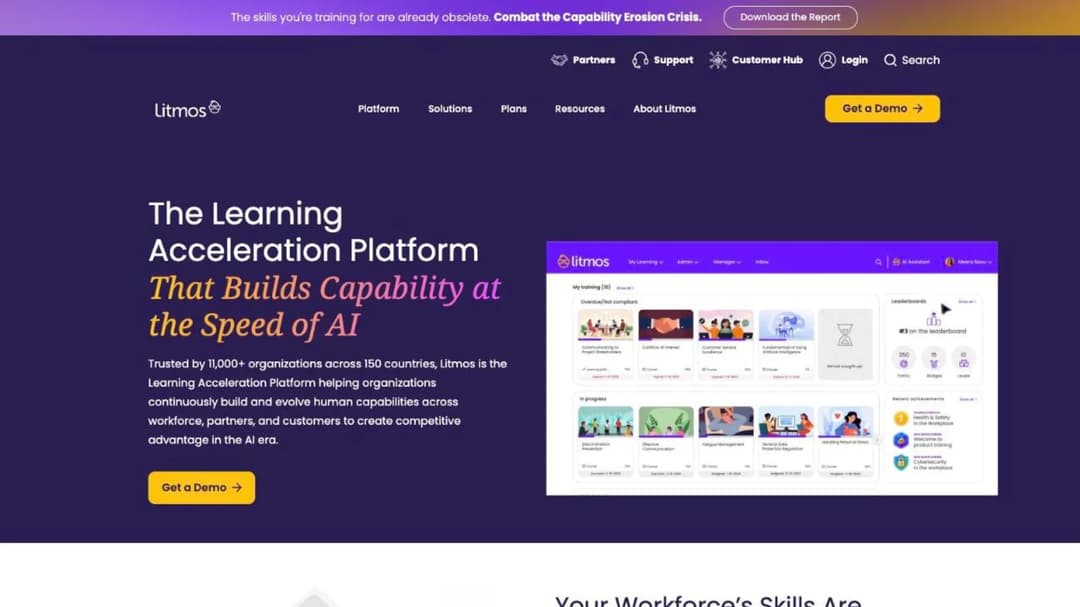
On this guide’s own test, Litmos is the benchmark. It’s the only platform here that lets you choose where your records live: “Customers can choose to host data in several regions including the EU, Australia, or United States to meet regional compliance needs.”
It’s also the only one that publishes the three details that make an audit report useful. SOC 2 Type II over a “full 12-month audit period 4/1/2024-3/31/2025”, audited by “Aprio, LLC”, “no exceptions noted”. ISO 27001:2022 issued by Aprio LLP, Stage 2 completed January 2025, scoped to “Litmos LMS, Litmos Training Ops (LTO), and supporting cloud services.”
Commercially it’s quote-only: three tiers, Foundation, Platinum and Platinum AI, each showing “Contact for Pricing” as of September 2026. If your training is clinical, the bar goes higher again and healthcare platforms are judged on accreditation as well as attestation.
Pros: what it publishes
- A choice of hosting region, named in one sentence
- The audit window, the auditor and the scope statement for both SOC 2 and ISO 27001
- A sub-processor list, as a downloadable document
Cons: what it doesn’t
- Any uptime figure, on the trust page that carries everything else
- A price at any of its three tiers
3. Cornerstone
Top Features
- Talent suite in which learning sits beside performance, recruiting and succession
- Enterprise-scale reporting across the whole employee lifecycle
- SOC 2 Type 2 attestation
- FedRAMP Moderate authorization for US public-sector buyers
- Pricing scoped per organization rather than per tier
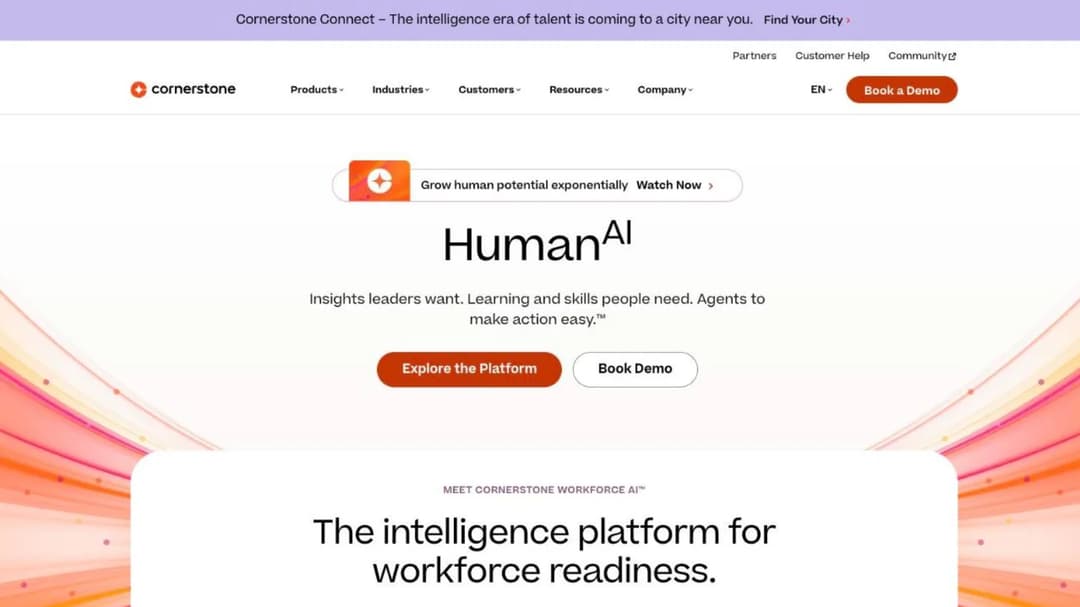
Learning is one module inside Cornerstone rather than the product itself, and that single fact tells two purchases apart. If your company is buying an HR platform and training happens to be part of the scope, that’s a Cornerstone-shaped decision. If your company already has an HRIS and needs training to work on top of it, it usually isn’t.
Its FAQ says what you’d expect: “Each organization will have a different cost depending on needs and size.” No number is published at any size, as of September 2026.
Its security material is solid on attestation and silent on the rest: SOC 2 Type 2 and FedRAMP Moderate, with no residency option and no availability figure. If onboarding is the single job you need solved, onboarding software is a much smaller purchase.
Pros: what it publishes
- SOC 2 Type 2 and FedRAMP Moderate
- A plain statement that cost is scoped per organization
Cons: what it doesn’t
- A hosting region or residency option on its security page
- An uptime figure on its security page
- A price at any size
4. Absorb
Top Features
- Corporate LMS, sold as Absorb LMS
- Built for mid-market and enterprise deployments rather than for small teams
- Guided pricing request structured by learner band, from 1-50 up to 25,000+
- Quote-only commercial model with no self-serve checkout
- Single platform across internal and external audiences
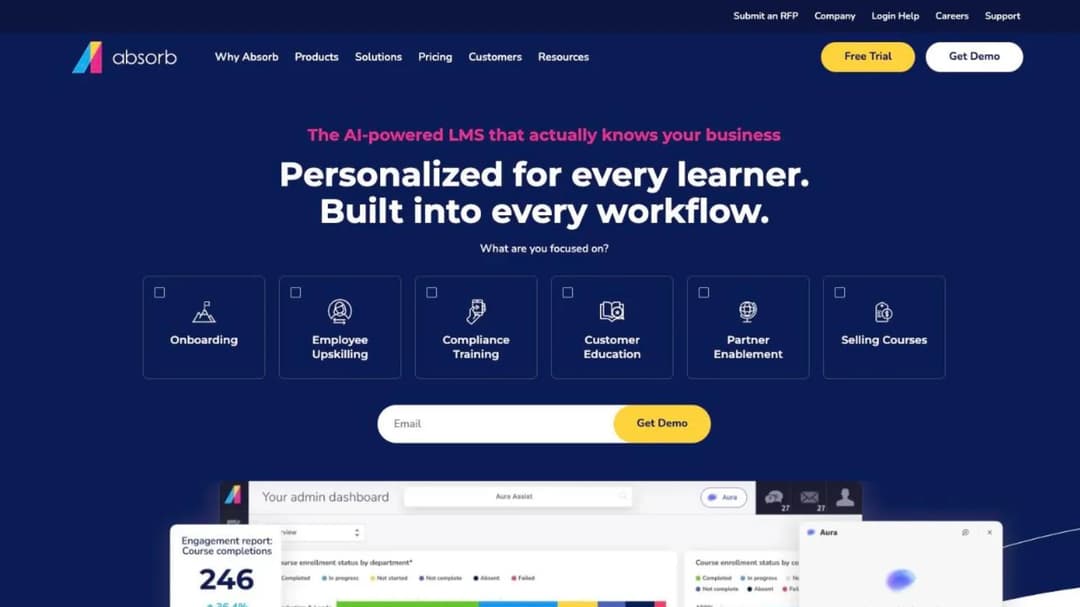
Absorb is a mainstream corporate LMS that sits in the same weight class as Docebo and Litmos, and it’s the clearest example in this guide of a pricing page that asks you to classify yourself and then tells you nothing.
You pick a learner band. The page publishes no figure at any of them, as of September 2026. That isn’t unusual in this group, but the band picker makes it feel like a quote is coming, and what arrives is a sales conversation. Carry the rename into your paperwork: an older quote that says Absorb LMS means the same company.
Pros: what it publishes
- A learner-band structure running from 1-50 to 25,000+
Cons: what it doesn’t
- A price at any learner band
- A hosting region or an uptime figure alongside its pricing material
5. LearnUpon
Top Features
- Corporate LMS split into three products by audience
- Employee training, customer education and association products sold separately
- Published user minimums per product
- Multi-audience delivery from one administrative layer
- Sales-led buying motion with no self-serve tier
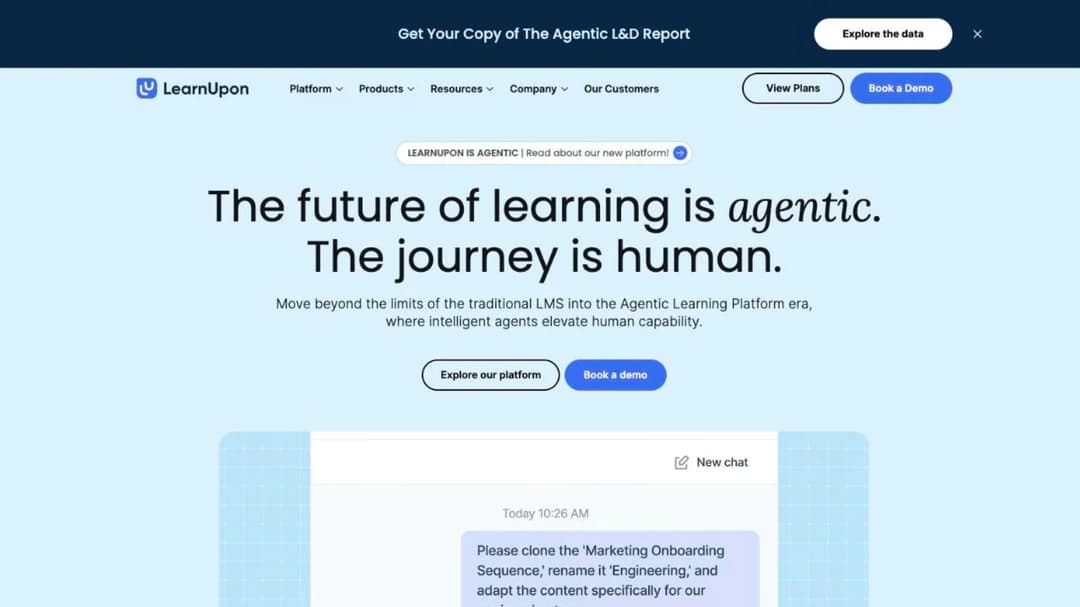
LearnUpon is the only platform here that publishes different minimums for different audiences, which makes it unusually honest about who it’s for. “From 100 Users” for employee training, “From 150 Users” for associations, “From 300 Users” for customer education, as of September 2026.
That 300-user customer-education floor is the number to notice. It’s the clearest published boundary in this guide between “buy a corporate LMS” and “buy something lighter”, and it tells a company with 80 customers on a training program to stop looking here. If that’s your situation, platforms built for customer education start much lower.
No price is published for any of the three products, and at this stage the minimums are more useful than a rate card would be. If LearnUpon is already on your shortlist, the alternatives worth putting beside it split along the same audience lines.
Pros: what it publishes
- Minimums of 100, 150 and 300 users, by product
- A clear split between employee, customer and association audiences
Cons: what it doesn’t
- A price for any of the three products
- A hosting region, residency option or uptime figure alongside them
6. CYPHER Learning
Top Features
- LMS for employee, partner and customer training, marketed by the company as “AI-native”
- A separate academic product line alongside the business one
- Delivered as a 100% cloud-based platform, in the company’s own words
- SOC 2 Type 2 attestation published on its homepage
- Demo-led buying motion, including an RFP upload route
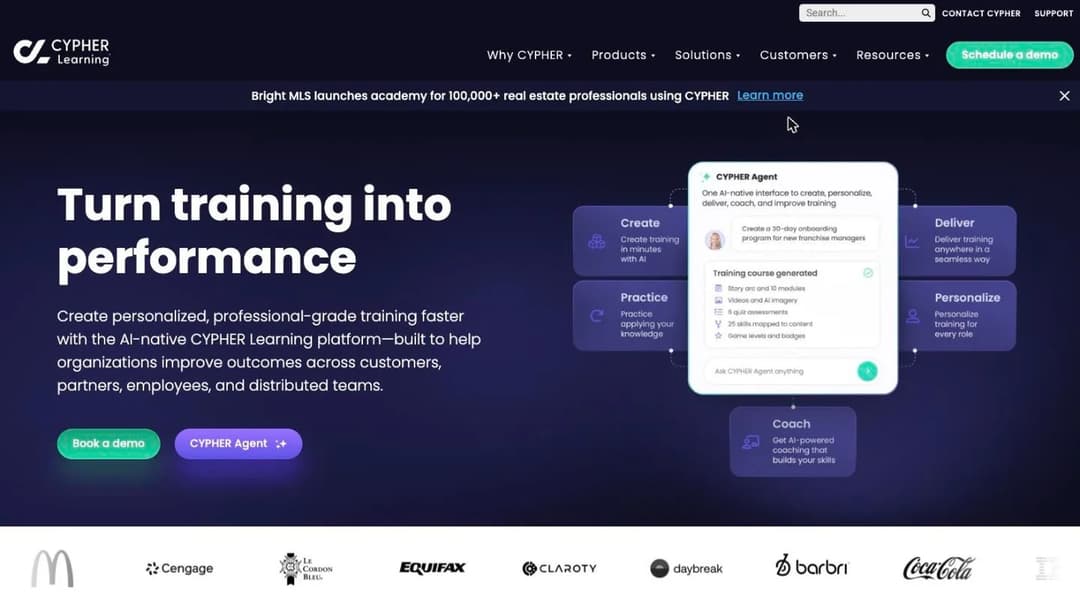
CYPHER Learning wants the same job several mid-market platforms want: one system across staff, partners and customers. What separates it is the buying motion, which is sales-led at every entrance. “Get your pricing”, “Schedule a demo” and “Upload an RFP” are the three routes, and the one labeled free trial lands on a contact-sales form rather than on a product.
It describes itself as “a 100% cloud-based platform”, so there’s no installable edition and no hybrid option to ask about. Its published trust material names SOC 2 Type 2, carries no uptime figure, and doesn’t say where the data sits. If your reason for wanting one multi-audience platform is that partners need to see your brand rather than the vendor’s, branding and reseller infrastructure is the question underneath that, and it’s priced separately almost everywhere.
Pros: what it publishes
- SOC 2 Type 2
- A plain statement that the platform is cloud-only
Cons: what it doesn’t
- A price, or any route to one that doesn’t involve a sales conversation
- A hosting region or data center location
- An uptime figure in its trust materials
Mid-Market Platforms That Publish at Least One Number
Seven platforms you can evaluate with fewer sales calls. Four of them publish a rate or an annual figure, which puts those four ahead of the entire group above on the one question procurement asks first.
7. TalentLMS
Top Features
- Self-serve corporate LMS with branches and sub-portals for separate audiences
- Published plan ladder with per-user overage stated
- Free plan for 5 users and 10 courses
- Four ISO certificates plus EU Cloud Code of Conduct verification
- Hosted exclusively on AWS
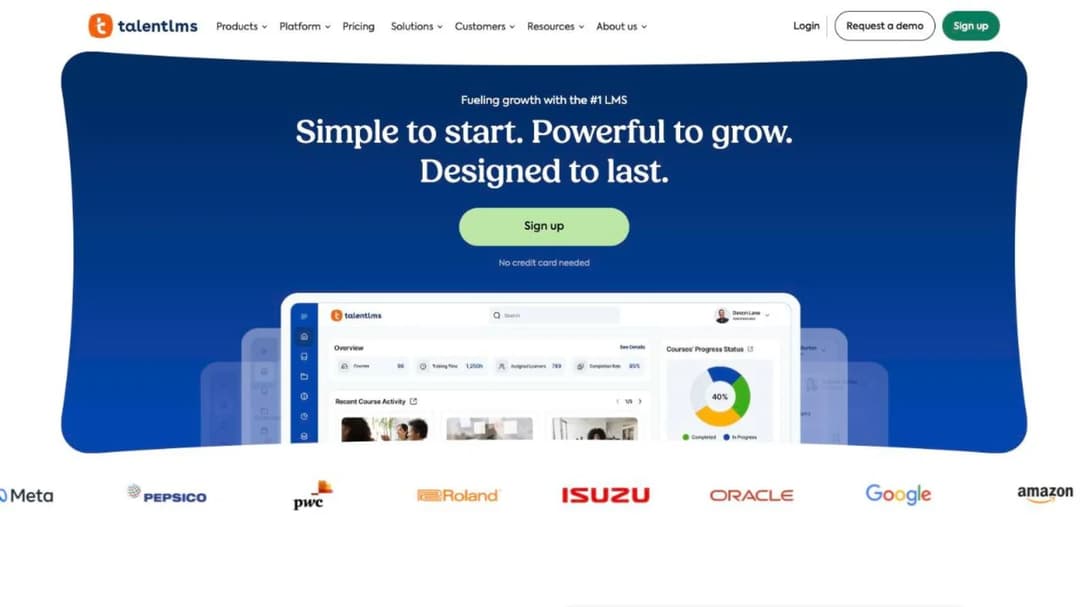
Of the platforms here built for a full L&D function, TalentLMS is the one you can buy on a Tuesday afternoon without speaking to anybody. The ladder is published in full, as of September 2026: Core at $119 per month for 1-40 users on one branch, Grow at $229 per month for 1-70, Pro at $449 per month for 1-100 with $6 per additional user, and Enterprise quoted from 1,000 users with a flexible option from 500. Annual billing takes 20% off. A free plan covers 5 users and 10 courses.
Branches are the feature that earns its place here: separate sub-portals with their own branding and catalogs, which is how one instance serves head office and three subsidiaries without three contracts.
Security is a long ISO shelf and no SOC 2: ISO/IEC 27001:2022, ISO 9001:2015, ISO 14001:2015, ISO 45001:2018, GDPR with EU Cloud Code of Conduct verification, and CSA STAR Level 1. That last one is a self-assessment rather than an audit.
Pros: what it publishes
- Every plan price, the user ceiling on each, and the per-user overage rate
- Four ISO certificates and an EU Cloud Code of Conduct verification ID
- A 99.9% uptime target
Cons: what it doesn’t
- A customer choice of hosting region: it’s AWS, assigned
- A SOC 2 report
### 8. iSpring LMS
Top Features
- Corporate LMS bundled with the iSpring Suite authoring toolkit
- PowerPoint-based course production for teams already working in slides
- Volume pricing published with the annual totals it resolves to
- Active-user metering, with the meter defined in writing
- ISO 27001 and ISO 27701 certification
iSpring is authoring-first: the LMS exists to deliver what the authoring suite produces, and that’s the right fit for an L&D team whose source material is already a deck. It’s also the only platform in this guide that publishes both a per-user rate and the annual invoice that rate produces, which is the number a budget holder actually needs.
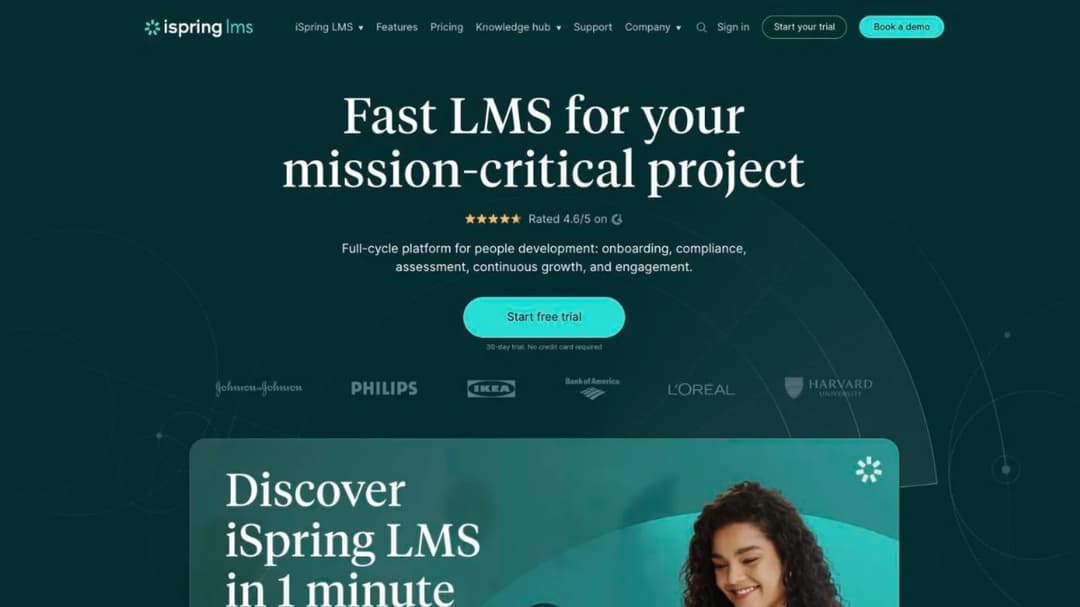
As of September 2026, that’s $6.91 per user per month at 100 users, resolving to $8,286 a year; $4.46 at 300 users, resolving to $16,050; and $3.97 at 500 users, resolving to $23,790. The $4.46 rate is the 300-user tier rather than the entry rate, so budget from $6.91 unless you genuinely have 300 learners.
The meter is defined in its own FAQ: “A user will be considered active if s/he has logged in at least once during a month.” That’s a different bill from a headcount license, and in a seasonal workforce a much better one. On security it holds ISO 27001 and ISO 27701 and claims no SOC 2 anywhere on its own site, so if your questionnaire has a SOC 2 box, this vendor can’t tick it.
Pros: what it publishes
- Three volume rates and the annual total each one produces
- A written definition of what counts as an active user
- A detailed hosting map covering Europe, North America and Australia, plus ISO 27001 and ISO 27701
Cons: what it doesn’t
- Any choice of region: yours is assigned by where you are
- An uptime figure on its security page
- A SOC 2 claim of any kind
9. 360Learning
Top Features
- Collaborative authoring, where subject-matter experts write under L&D review
- Published per-user rate with no minimum user count
- Billing on active users, with registered and monthly active models combinable
- Hosted on Microsoft Azure
- Team, Business and Enterprise tiers
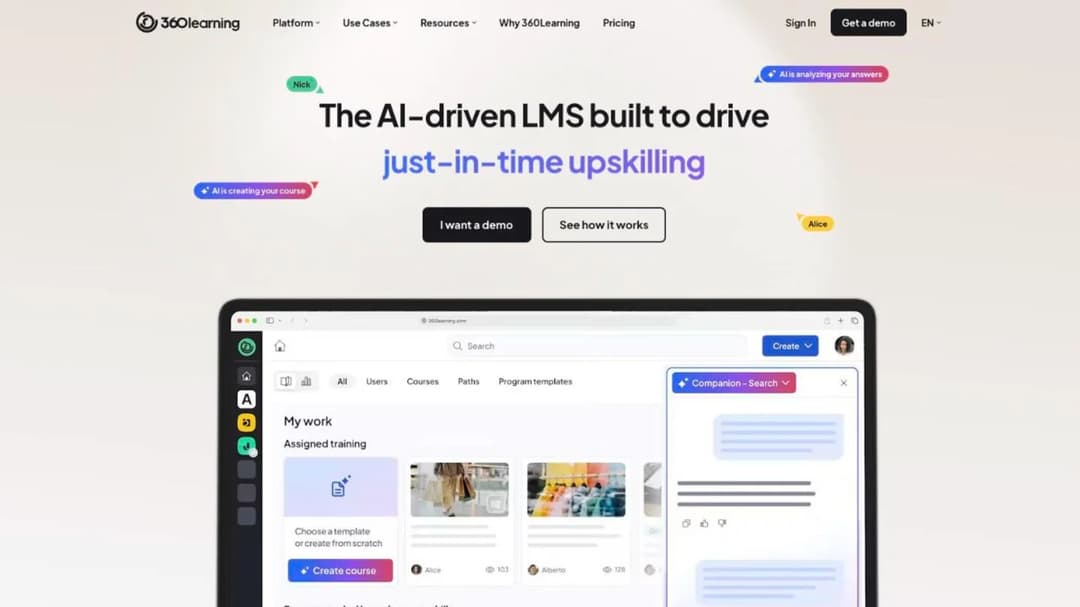
360Learning is built on a different theory of where training content comes from. Instead of an L&D team producing everything, colleagues who know the process write the first draft and L&D reviews it. That works well where expertise sits in people’s heads and badly where it sits in a regulator’s manual.
Commercially it’s the published counterweight to the seat floors above. Team is $8 per user per month for up to 100 users on a monthly commitment, with “no minimum number of users required” and “only pay for the active users on your platform”, as of September 2026. It also offers “flexible user models: combine registered and monthly active users in a single contract”, which is unusual enough to be worth asking every other vendor about.
On the security questions it’s mid-table. Data is on Azure, “housed securely” in “locations non subject to the Patriot Act”, which names a jurisdiction rather than a region. Its 99.8% uptime figure appears only on its enterprise page, and its certifications are described in prose with nothing to download.
Pros: what it publishes
- A per-user rate, a user ceiling on that tier, and a no-minimum commitment
- A 99.8% uptime figure, on its enterprise page
- A jurisdictional statement about where data is not
Cons: what it doesn’t
- A named hosting region or country
- A downloadable certificate or trust document repository
10. Tovuti
Top Features
- All-in-one LMS and learning experience platform
- H5P-based interactive authoring built in
- A dedicated government line with FedRAMP authorization
- Published all-in annual price for the first learner band
- WayPoints AI and LMS-as-a-Service sold as separate lines
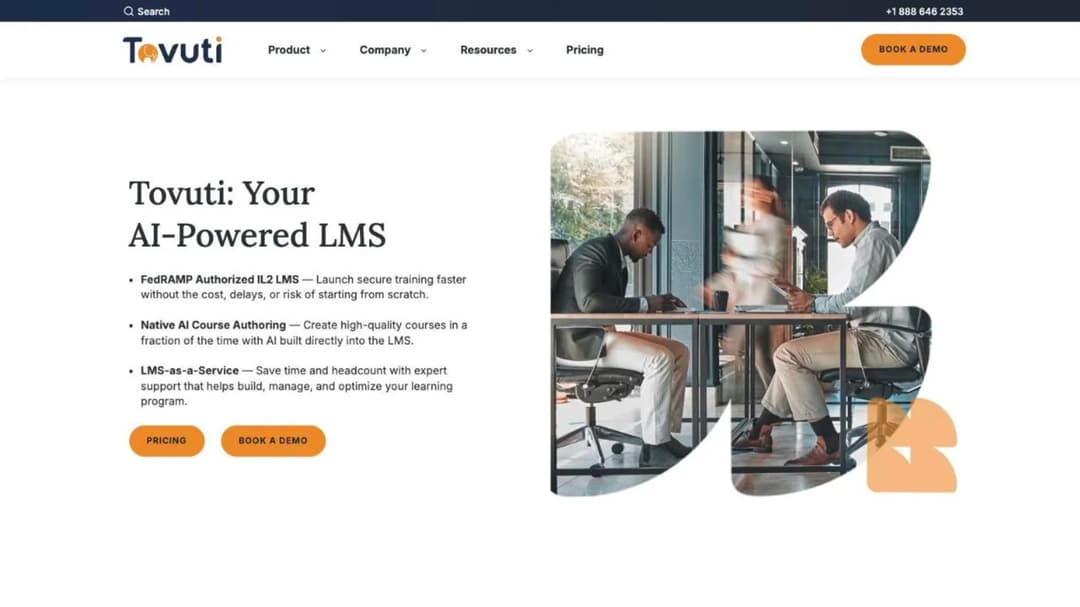
Tovuti is one of very few platforms in this category that publishes an annual number you can put in a budget without a call: “$7,500 / year for your first 100 learners, then scales”, as of September 2026. Billing is annual, and the AI and managed-service lines are priced separately on top.
For a US public-sector buyer the authorization detail matters more than the price. Tovuti states on its homepage that “Tovuti LMS is FedRAMP Authorized through Knox Systems’ secure, approved FedRAMP cloud infrastructure.” Authorized through a partner’s approved environment and holding your own authorization are different things on a contracting officer’s checklist, and the difference shows up as timeline.
It also holds SOC 2 Type 2, announced in May 2023, and ISO 27001. On availability it offers only qualitative language: high availability, redundant storage, disaster recovery, with no percentage attached.
Pros: what it publishes
- An all-in annual figure for the first 100 learners
- SOC 2 Type 2, ISO 27001, and the FedRAMP route in full
- Qualitative availability and resilience language
Cons: what it doesn’t
- An uptime percentage of any kind
- A hosting region or residency option
- A named sub-processor list
11. SkyPrep
Top Features
- Corporate LMS priced on active users
- Authoring and content add-on family sold alongside the core platform
- 14-day free trial
- Hosting in AWS-powered Canadian and US facilities
- Tiered floors from 100 active users up to 1,000+
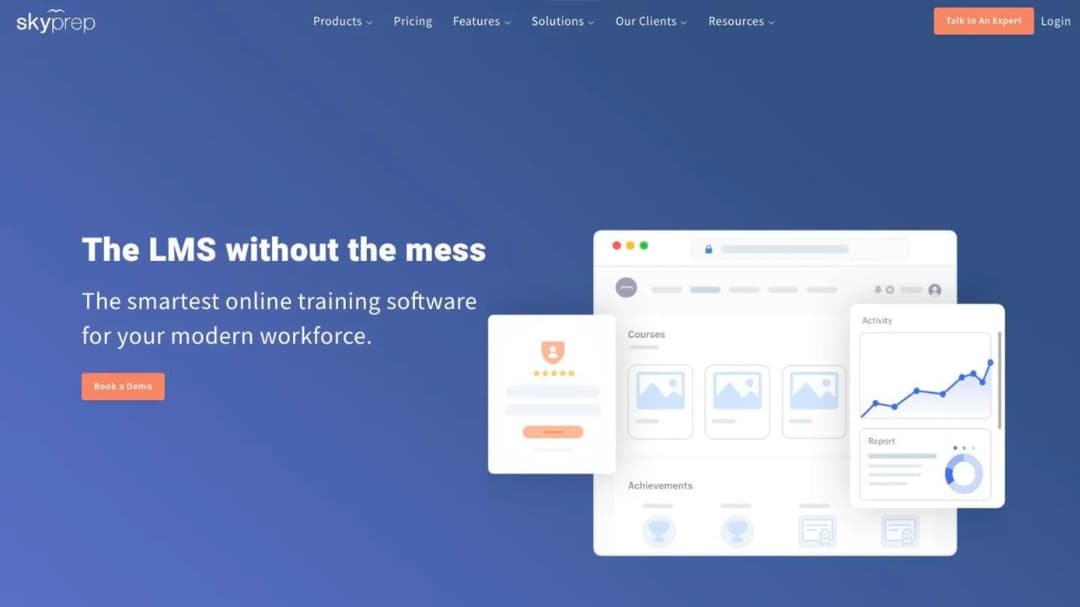
SkyPrep is here for its contract, which is the part of a cloud purchase almost nobody reads until it’s too late to change it. Its published terms are ordinary for the category, and that’s exactly why they repay a close read.
The agreement renews automatically unless “either Party gives the other Party written notice of non-renewal no less than sixty (60) days prior to the expiration of the then-current term.” Fees may rise “by up to 15% of the Fees payable under the preceding Term” at the provider’s sole discretion. And on early termination: “Customer will not be entitled to a refund of Fees upon early termination of this Agreement, but Customer will be permitted to continue using the Services until the end of the then-current Term.”
The product is a straightforward corporate LMS with tier floors of 100 active users on Lite and Premium and 1,000+ on the Enterprise Learning Suite, as of September 2026. No price is published at any tier, and it meters on active users without publishing a definition of one, which is the first thing to ask on the call. Hosting is in “secure, AWS-powered Canadian and U.S. facilities” with no European region, so a UK or EU buyer with a transfer policy can stop reading at that sentence.
Pros: what it publishes
- Tier floors of 100 and 1,000+ active users
- A full set of renewal, uplift and termination terms
- A 99.99% uptime figure and the hosting countries
Cons: what it doesn’t
- A price at any tier
- A definition of the active user it bills you for
- Any credit or remedy language attached to that 99.99%
12. eloomi
Top Features
- LMS and learning experience platform with performance and employee communication modules
- Sold inside Dayforce HCM for companies on that stack
- Single-region hosting on Microsoft Azure in Dublin
- Published sub-processor list with locations
- Ten-day written objection window on new sub-processors
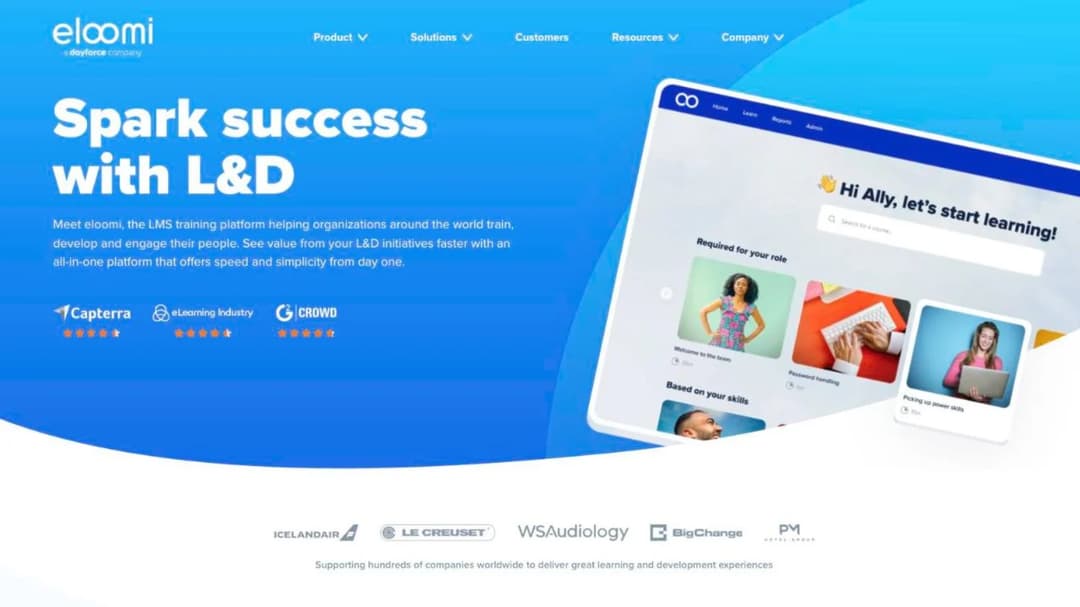
Nothing about eloomi’s commercial side is public: as of September 2026 there’s no pricing page on the site, and the create-a-trial route is a lead form rather than a trial.
What it does publish is the clearest answer in the guide to question one. Hosting is Microsoft Azure in Dublin, Ireland, named on its sub-processor page, with no other region. A straightforward yes for an EU-only policy and a straightforward no for a US-only one.
The sub-processor list names Microsoft for cloud hosting in Dublin, TwentyThree for video in Copenhagen, Vimeo for video in New York, and Merge API Inc. for HRIS integration, with a right to object in writing within 10 days of notification. That objection window is the clause a data protection officer looks for and almost nobody publishes.
Read its compliance page carefully, though: ISO 27001 and SOC 2 are attributed there to Microsoft Azure, its host. eloomi separately says it’s “audited and certified by Deloitte with ISAE 3402/3000/ISO27001 on hosting, IT security and change management processes”, which is a different scope from an application-level report.
Pros: what it publishes
- One named hosting region, with the country and the provider
- A named sub-processor list with locations and a ten-day objection window
- A Deloitte audit covering hosting, IT security and change management
Cons: what it doesn’t
- Any price, on any page
- Any uptime figure on its security center or its IT-security page
- An application-scoped certificate of its own, distinct from its host’s
13. Continu
Top Features
- Enterprise enablement platform combining an LMS with in-flow delivery
- Training delivered inside Slack and Microsoft Teams
- AI chat agent for learner questions
- Live public status page
- Three tiers banded by monthly active users
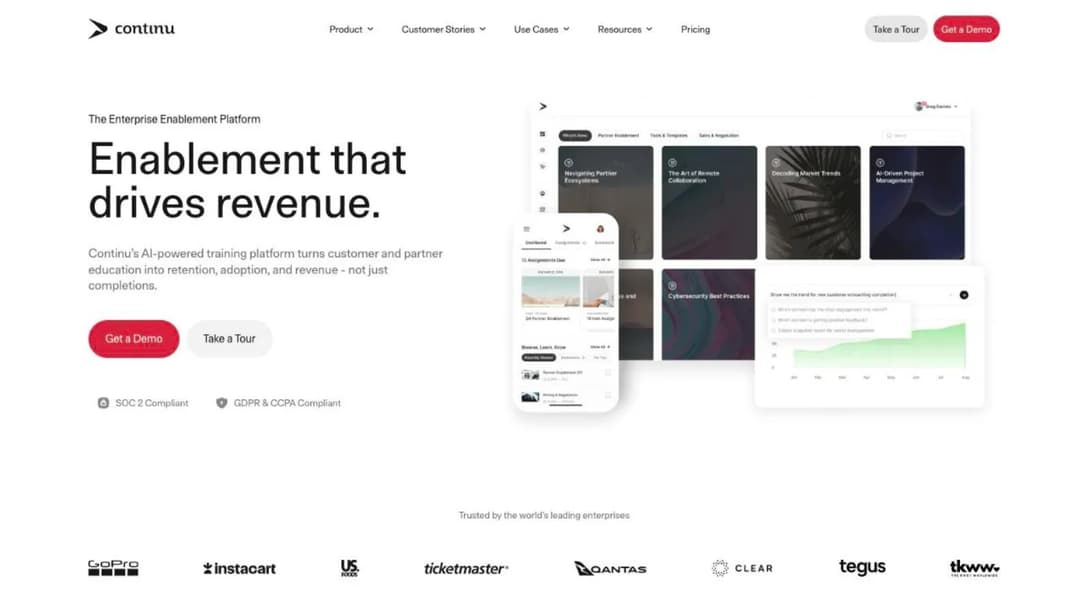
Continu sits between an LMS and an enablement tool, and the in-flow delivery is the real differentiator: training that arrives in Slack or Teams rather than waiting behind a separate login. Tiers are banded by monthly active users, Growth under 1,000 MAU, then Professional and Enterprise, all demo-gated with no published price.
Two mechanics make it worth naming here. Implementation is priced as a percentage rather than a fee, as of September 2026: “10% of the first-year contract value”, with a recommended, non-contractual 60-day window. The cost of starting scales with the size of your contract instead of with the work, so negotiate it as a line item rather than accepting it as a rate.
The second is a wording problem worth learning from. One audit is described three ways across Continu’s own site: “SOC 2 Compliant”, “SOC 2 Type II Certified” and “SOC 2 Type II Audited”. Ask which one the report says. If the training is specifically for a sales team, sales-training platforms are judged on practice and call review rather than on hosting.
Pros: what it publishes
- A 99.99% “Uptime Guarantee” and a live status page at status.continu.co
- SOC 2 Type II and ISO 27001
- The implementation fee as a percentage of first-year contract value
Cons: what it doesn’t
- A price at any of its three MAU bands
- A hosting region or residency option
- Consistent language for what its SOC 2 report actually is
Open Source: The Only Genuine Alternative to the Cloud
Two platforms, here for the argument rather than for the shortlist. Both can be installed on hardware you control, which is the one thing no commercial product in this category offers.
14. Moodle and MoodleCloud
Top Features
- Released under the GPL, with no license fee to self-host
- Full source available to download, install and modify
- Registered on sites in 236 countries, with public site and course counts
- MoodleCloud as the vendor-hosted version, priced by user cap
- A public installed-base count, which no commercial platform here publishes
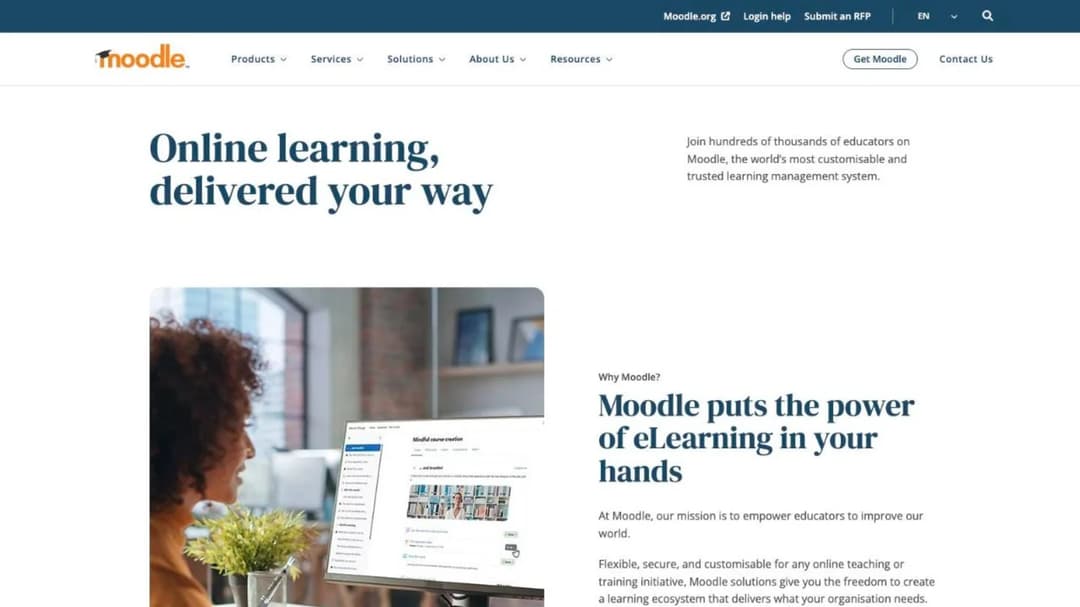
Moodle is described on its own site as “free software for you to download, install and manage on your own server”, and that sentence is the whole proposition. There’s no license fee, and no vendor to call either, unless you buy MoodleCloud or pay somebody to run it for you.
The scale is real. Its own registration counter reports 146,724 registered sites across 236 countries, 58,863,093 courses and 526,203,427 user accounts. That figure counts vendor-hosted MoodleCloud instances alongside servers people run themselves, so treat it as the size of the ecosystem rather than a count of self-hosted installs.
What you get is total control over all four of this guide’s questions, and total responsibility for them.
The region is wherever your server is. The uptime is whatever your team delivers. The certificate is yours to obtain and pay for. The export is trivial, because the database is already yours.
MoodleCloud is the vendor-hosted version, priced by user cap, and it’s the usual first stop for budget-constrained buyers, which is why nonprofit training teams reach it before anything else.
Pros: what it publishes
- The license, in full, with the right to install and modify
- A public statistics page with site, course and account counts
Cons: what it doesn’t
- Any uptime commitment on a self-hosted install: that’s yours
- Any certification that transfers to your instance
15. Canvas (Instructure)
Top Features
- Open source under AGPLv3, published on GitHub
- A Production Start guide for installing and running it yourself
- Vendor-hosted commercial tiers alongside the open-source release
- SOC 2 Type II and ISO 27001
- A published sub-processor list
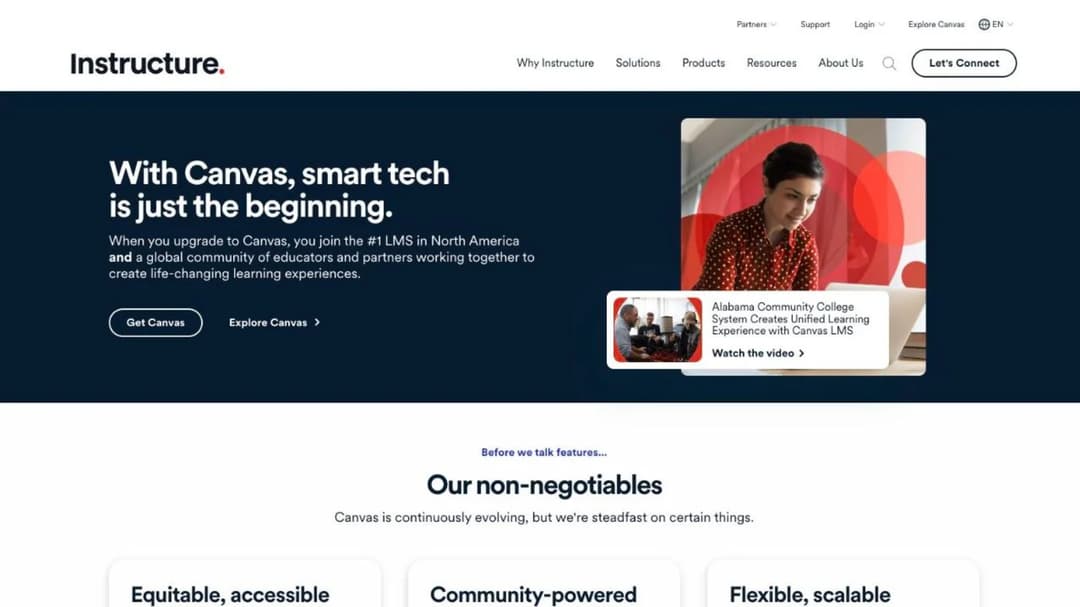
Canvas is the academic LMS that also sells to business, and it earns a place here for one reason: it’s the proof that “cloud” is a choice the market made rather than a technical requirement. The source is on GitHub under AGPLv3, and Instructure publishes a Production Start guide for standing up your own installation.
For a corporate L&D team that’s interesting rather than useful. Canvas is built around courses, terms and grade books, and the vocabulary shows. If your training is compliance modules with due dates, the fit is awkward from the first screen.
The commercial side is quote-only: no price is published at any tier, as of September 2026. On availability it publishes the detail that changes what a number means. Instructure says it will “not only guarantee but consistently deliver an annual uptime of 99.9%”, and annual 99.9% permits roughly nine hours of continuous outage where the monthly version permits about forty-four minutes.
Pros: what it publishes
- The AGPLv3 license and a production install guide
- SOC 2 Type II, ISO 27001 and a sub-processor list
- An uptime figure with its measurement window stated
Cons: what it doesn’t
- A price at any tier
- A hosting region or residency option for the vendor-hosted version
Light Delivery, Self-Serve
One platform, for a situation none of the fifteen above are built for: a team of one who needs training live this week and has no security review to clear.
16. Mini Course Generator
Top Features
- AI Course Creator that turns an existing document into a structured course
- PDF to Course Creator for policies, handbooks and manuals you already have
- Gateways for controlling who can open a course: open, email-verified, named learners, or behind a password wall
- Sharing by link and embed widgets, plus PDF and SCORM export
- Paths, badges and rewards, plus analytics and reporting, on every plan
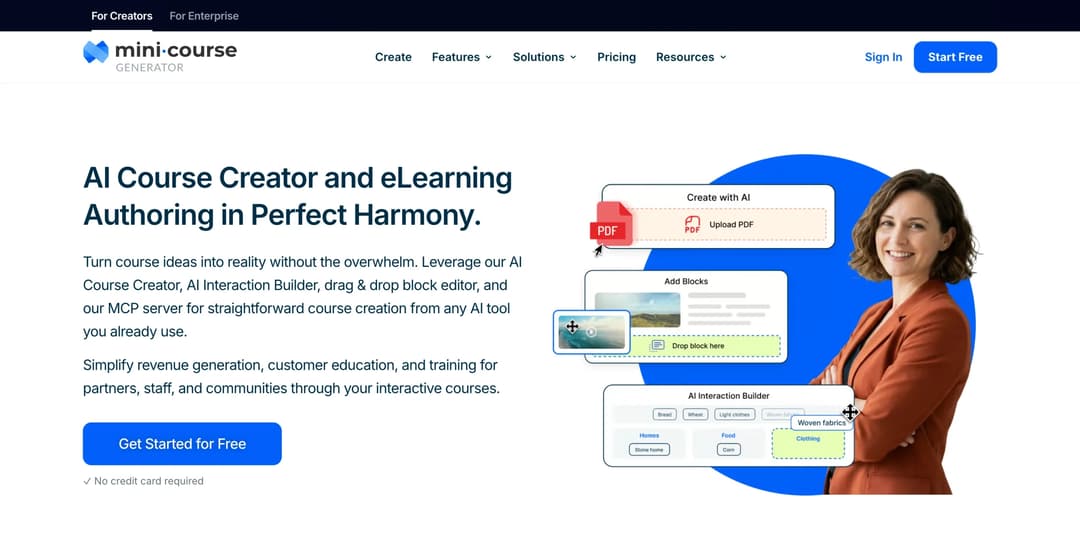
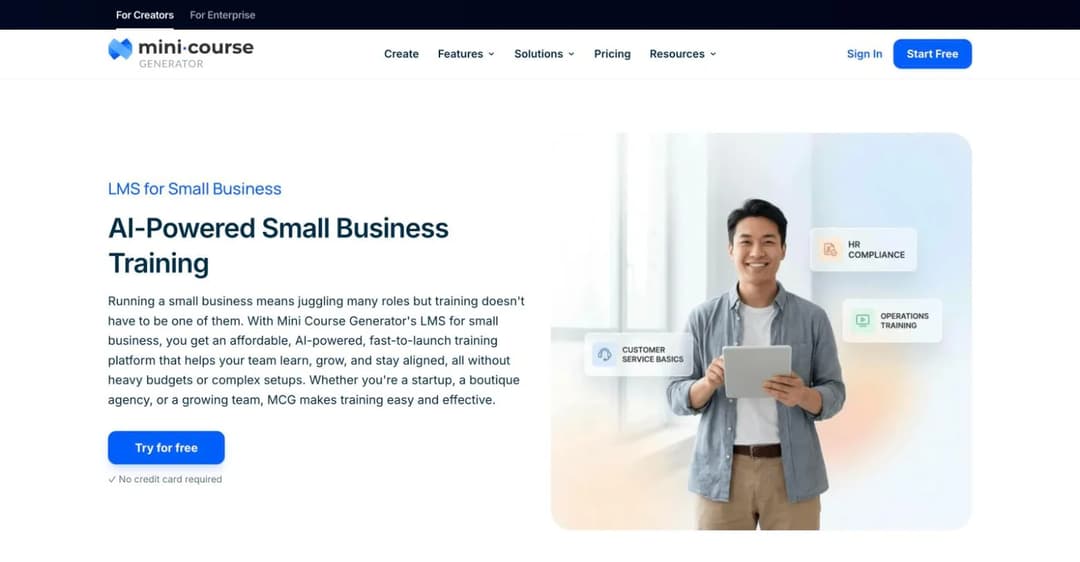
Mini Course Generator is an AI course creator with a light LMS attached. A document goes in, a module comes out, and it’s live behind a link the same day. That’s the job: training that has to exist by Friday, run by somebody whose main role is something else.
It answers question four on a public page, in its pricing FAQ’s own words: “Your content is always yours, whatever your subscription status. You can export mini-courses as PDF files or SCORM packages at any time.” Most platforms in this guide leave the exit to the contract instead.
On question one it’s partial. Its privacy policy states that “Personal data is processed in EU and in case data gets processed by our sub-processor in a non-EU country, DPA with EU standard contractual clauses is in place”, and that “The list of sub-processors is provided in the separate DPA annex.” That’s a privacy commitment, not an attestation, and the annex isn’t public.
On questions two and three it has nothing to offer a formal security review, which is the honest reason it sits here rather than higher up. If your purchase has to clear IT and security, buy from the groups above.
Every plan opens with 14 days of full access and no credit card. The ladder, the learner allowances and what’s gated where are on the pricing page.
Pros: what it publishes
- An export commitment in plain language, on a public page
- A statement that personal data is processed in the EU, with standard contractual clauses where a sub-processor sits outside it
Cons: what it doesn’t
- Publishes no SOC 2 report and no ISO 27001 certificate
- Publishes no security or trust page, no public sub-processor list, and no uptime commitment anywhere public
- No self-hosted option of any kind
How to Choose a Cloud-Based LMS
Three questions, in the order they actually decide the purchase. Hosting model isn’t one of them.
What are the top platforms, really?
The names that come up in this category are four different products wearing one label: academic systems built around semesters, cohort tools built for bootcamps, course-selling platforms built to take money from strangers, and corporate LMSs built to assign training to staff and prove they finished it.
Only the last group sells what you’re buying. Sort on that first and the list halves before you compare a single feature. Sorting the field by the job each platform does rather than by deployment model is the faster first cut.
Two names on older lists need translating before you send anyone a request. WorkRamp now trades as Learn:Up inside Confirm, where Elucidat is sold as Create.
The rule. If a platform’s own homepage talks about courses and terms, it’s academic. If it talks about selling and checkout, it’s a course-selling tool. If it talks about compliance, assignment and completion reporting, it’s yours. Read the homepage before the feature table.
Will it scale past the seat floor?
For most buyers this ends the conversation faster than any technical requirement.
Docebo is “best suited for companies who are: Training at least 250+ learners.” LearnUpon starts at 100, 150 or 300 users depending on which product. SkyPrep needs 100 active users at its entry tier. TalentLMS Enterprise starts at 1,000.
Below roughly 100 learners, most of this category won’t sell to you at any hosting model. That isn’t a negotiation position, it’s a product decision on their side.
If that’s you, start from the platforms that will sell to a 25-person company instead, and from what small-business training actually needs to cover. If your headcount is stable and you want the invoice modelled rather than the risk, the monthly bill at 25, 100 and 250 users is worked out separately across twenty vendors.
There’s a second version of this trap for anyone with a seasonal workforce. Active-user metering looks generous until August, when the count triples. Hospitality operators deal with that shape every year, and the answer is always in the definition of “active” rather than in the rate.
The rule. Ask for the floor before the demo, in one line: what’s the minimum you’ll sell, and is it registered users or active users? If the answer is above your headcount, you’ve saved an hour.
Who supports it when it breaks?
Support in a cloud LMS isn’t a help desk rating. It’s three checkable things, and all three exist before you sign.
The credit trigger tells you what the uptime promise is worth. Docebo’s 99.9% pays nothing unless two consecutive months fall below the line within six, and that’s a normal shape rather than an unusually harsh one. Ask every vendor for theirs in writing.
The status page tells you what actually happened. Continu publishes one at status.continu.co. Ninety days of incident history is better evidence than any percentage on a marketing page, and a vendor with no status page and no published SLA should be asked for twelve months of incident history instead.
The third signal is language. When a vendor calls the same audit “compliant”, “certified” and “audited” across three of its own pages, as Continu does, it’s telling you its security documentation is written by marketing. Ask for the report.
The rule. Before the contract, get three things in an email: the credit trigger, a link to the status page, and the SOC 2 or ISO report with its audit window. A vendor that can send all three in a day will answer a support ticket in a day.
Now Over to You: Getting a Cloud LMS Past Your Security Review
Write the four questions into the vendor email before you book the demo, not after it. Ask for the hosting region in writing, the committed uptime percentage with its measurement window and its credit trigger, the audit window and scope statement for whatever certificate they claim, and the export format with confirmation that completion history comes out with the content.
Four questions, one email, one round. The vendors who answer all four in a day are usually the ones whose documentation is real, and the ones who need a call to answer any of them have just told you something useful.
Then do the one thing you can do without them. Take a policy document you already have, turn it into a course, and export the package. You’ll learn more about what a platform is doing with your content in that one afternoon than in three demos, and you’ll have a working module at the end of it. See what an AI LMS handles for you when the source material is a document you’ve already written.
Frequently Asked Questions
Is Google LMS free?
Google Classroom is free, but it’s tied to Google Workspace for Education rather than to the business edition of Workspace, so it’s a school product before it’s a workplace one. It’s built around classes, assignments and grades rather than around assignment by policy, recertification cycles and audit-ready completion reporting, which are the three things a workplace rollout is judged on.
Is Microsoft 365 an LMS?
No. Microsoft Viva Learning is an aggregation layer that surfaces training sitting in other systems inside Teams, so it needs a source of content rather than replacing one. If your training already lives somewhere, Viva can front it. If it doesn’t, you still need a platform underneath.
What is the best LMS for a small business?
Most of this category won’t sell to a company under 100 people at all, so the question is genuinely different rather than a smaller version of the same one. The platforms that will sell to a 25-person business are a much shorter list, and the deciding factor is the seat floor rather than the feature set.
What is the difference between a cloud LMS and a SaaS LMS?
Nothing that affects your purchase. “SaaS” describes the licensing model, a subscription instead of a perpetual license, and “cloud” describes where the software runs. Every SaaS LMS is cloud-based and nearly every cloud LMS is sold as SaaS. If a vendor claims a difference, ask them to name it in a country, a percentage or a file format.
Is a cloud-based LMS secure?
That’s four questions, not one, and answering it with a yes is how buyers end up in a second round of security review. Ask where the records are hosted, what uptime is committed and what triggers a credit, whose certificate the badge on the security page belongs to, and how you get your content and completion history out.
Docebo publishes seven certifications and no hosting region. eloomi’s compliance page credits ISO 27001 to Microsoft Azure, its host. Litmos publishes the audit window, the auditor and the scope, which is what a usable answer looks like.
Can I move off a cloud LMS later?
The export format and the notice window decide that, not the hosting model. SkyPrep’s published terms require 60 days’ written notice of non-renewal and allow a fee increase of up to 15% at renewal, which is typical for the category. Test the export during the trial and put the notice date in your calendar the week you sign.
What are the benefits of a cloud-based LMS?
No servers to buy, no upgrade projects to run, no patching, and a cost that sits in the operating budget rather than the capital one. What you hand to someone else in exchange is the four questions in this guide: where the records live, what uptime you’re promised, whose certificate you’re relying on, and how you get everything back. And “no servers to manage” still has a line item: Continu prices implementation at 10% of the first-year contract value.
Sources
Vendor pricing, trust, security and terms pages, and published service agreements, read September 2026.
- Litmos plans page and trust and security page
- Cornerstone LMS page and security and privacy pages
- Absorb LMS pricing page and platform pages
- TalentLMS pricing page and security page
- 360Learning pricing page and security page
- Tovuti pricing page
- SkyPrep pricing page and terms of service
- eloomi sub-processor list and IT security page
- Continu pricing page and security page
- Moodle.org, MoodleCloud plans, and the Moodle registered-sites statistics
- Canvas LMS source repository and Instructure trust pages
- Mini Course Generator pricing and privacy policy
- Docebo service level agreement, security page and pricing FAQ
- LearnUpon published product minimums
- iSpring LMS pricing and data security pages
- CYPHER Learning homepage and trust materials
- Instructure trust and availability pages
- Confirm product pages, for the Learn:Up and Create product names


