

The reason to leave Thinkific is rarely a missing feature, so the Thinkific alternatives worth your time are the ones that change what a sale costs you and what leaving costs you. Three numbers sit underneath the subscription line: Thinkific Payments takes 2.9% of every sale on every self-serve plan, your course carries Thinkific’s name until you’re paying $219 a month, and Thinkific’s terms say that when you cancel, all of your content may be permanently deleted. This guide runs nine platforms through those two questions, what a $100 sale leaves in your account and what it costs to walk away, so you can shortlist one or two to trial before your next launch.
Sell your course with no commission taken – the pay-wall sits on the course itself, and the money lands in your own account.
The Short Answer: Stay or Switch?
Switching platforms costs you a weekend at minimum and a month if you have a live membership. So the test isn’t whether something else is nicer. It’s whether one of these three things is costing you more than the move would.
If your problem is the 2.9%, do the arithmetic before you move. On $2,000 a month of sales that fee is $58, which no migration will ever pay back. On $10,000 a month it’s $290, and a platform with no sale cut earns the switch inside a quarter.
If your problem is the branding, price the fix rather than tolerating it. Thinkific removes its name at Grow, which is $219 a month billed monthly or $164 billed annually. Teachable removes its name for $30 a month less. Mini Course Generator removes its badge on every paid plan, and on LearnDash or self-hosted Moodle there is no name to remove because the site is yours.
If your problem is who controls the content, move before you have a reason to. Thinkific’s terms permit deletion of all of your content once the subscription ends, and Thinkific “does not provide refunds unless an error was made by us.” Export while the account is still live, always.
If none of those three describes you, stay. A platform you already know, with a checkout that already works, beats a marginally better one you’d have to learn. The rest of this guide is for the case where one of them does describe you.
What Thinkific Does Well, and Where It Stops
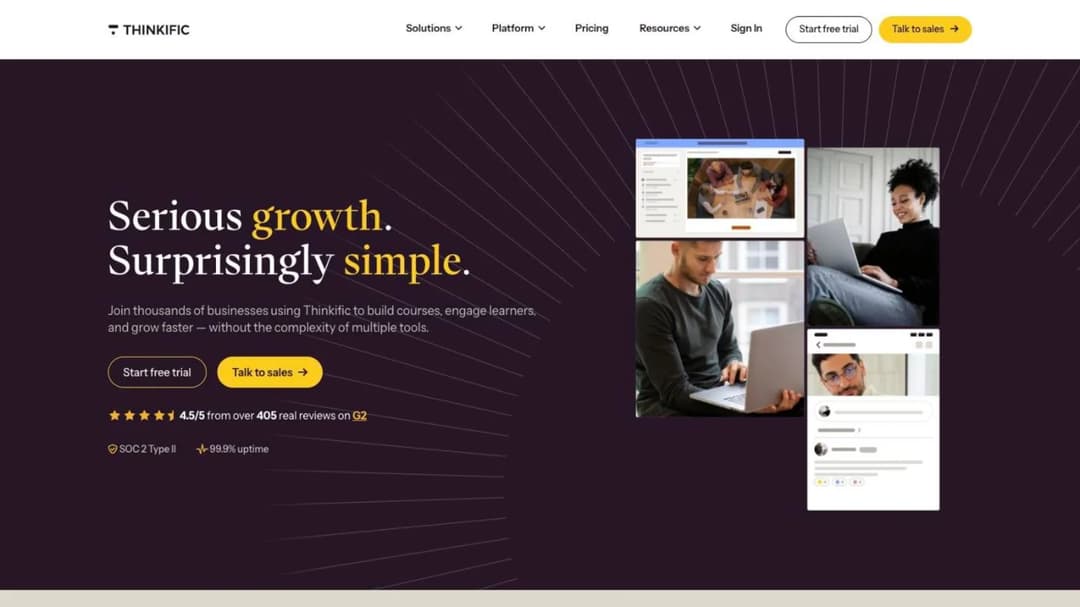
Start with what you’d be giving up, because it’s more than most switching guides admit. Thinkific carries live cohorts, coaching, memberships, payment plans, bundles and upsells, communities with course-gated access, automated sales tax and VAT, multi-currency checkout, and revenue and churn reporting. If you sell a membership with a payment plan, very few platforms in this guide replace all of that in one account.
It publishes three self-serve plans and one quote-only tier.
| Plan | Monthly | Annual | What it adds | The caps |
|---|---|---|---|---|
| Basic | $54/mo | $40/mo | Unlimited courses, 1 community, custom domain, ecommerce essentials | 5 digital downloads, 100 GB video bandwidth a month, 10,000 current students |
| Start | $109/mo | $82/mo | Live cohorts, certificates, quizzes and assignments, payment plans, memberships, bundles | 1 community, 200 GB a month, unlimited downloads |
| Grow | $219/mo | $164/mo | Removes Thinkific branding, 3 communities, invoicing, group orders, API access | 400 GB a month, 10,000 current students |
| Plus | Quote only | Quote only | SSO, learning paths and SCORM, Thinker AI Assistant, branded mobile app | Not published |
Three things stop where a working creator business starts.
The branding sits behind the $219 tier
Basic and Start both display Thinkific’s name on your course. Removing it costs $219 a month billed monthly, or $164 billed annually. Moving from Start to Grow costs $82 a month more at the annual rate, about $984 a year, and it buys two extra communities and API access along with the name change.
The 2.9% never goes away
Payment processing runs through Thinkific Payments at 2.9%, on every plan including Grow. There’s no tier at which that drops to zero. If you route payments through a third-party processor instead, that processor’s own gateway fees are added on top, and Thinkific’s pricing page says those vary by plan.
Plus publishes nothing you can plan around
The enterprise tier carries the features a corporate buyer asks for, and no figures. There’s no published price, no minimum seat count, no minimum term. The cancel-anytime language on the pricing page is scoped to Basic, Start and Grow specifically, which leaves the exit terms of the quote-only tier unstated. If a client asks you to run their academy on Thinkific Plus, get the term length and the exit clause in writing before you agree to anything.
Two other details are worth knowing before you plan around them. Thinkific’s homepage advertises 99.9% uptime, while the commitment on its security page is “at least 99.5%” and applies to “mission critical components of the Plus Services” – so the self-serve plans carry no uptime commitment at all. And all customer and learner data is hosted in the United States, with no other region offered, which matters if you sell into the EU and a buyer asks where their data sits.
The branded mobile app is a Plus feature, and the pricing page also shows it as a separate $199 a month line described as included on select Plus plans. Read that as a line item to negotiate, not a certainty.
What to Check Before You Switch
Five checks separate these platforms. Run all five on any platform you shortlist, in this order, because the first two decide more money than the other three combined.
1. What one sale actually costs you
Every platform prints a monthly price. Almost none of them print the sale cut the same way, and the sale cut is what scales with your success. Here’s the same $100 course sale on the entry plan of each platform, with US card processing where the platform charges it.
| Platform, entry plan | What the platform and processor take | You keep |
|---|---|---|
| Thinkific Basic | 2.9% through Thinkific Payments | $97.10 |
| Teachable Starter | 7.5% platform fee plus 2.9% + 30 cents card | $89.30 |
| Kajabi Basic | 2.9% + 30 cents through Kajabi Payments | $96.80 |
| LearnWorlds Starter | $5 per course enrollment, before processing | $95.00 |
| Skool Hobby | 10% transaction fee | $90.00 |
| Skool Pro | 2.9% transaction fee | $97.10 |
| LearnDash | Your processor’s rate only | $96.80 with Stripe |
| Udemy, marketplace sale | 63% of the net amount | $37.00 |
| Udemy, your own coupon link | 3% of the net amount | $97.00 |
The pattern is easy to miss on a pricing page: the platforms with the lowest subscription tend to charge the highest cut, and the ones with the highest subscription charge none. Skool’s two plans are the clearest version of it. Hobby costs $9 a month and takes 10%; Pro costs $99 and takes 2.9%. They cost the same at about $1,270 of monthly sales, and above that Pro is cheaper.
Run the same sum on your own numbers before you compare anything else. If you’re doing $500 a month, subscription is your whole cost and fees are noise. If you’re doing $10,000, the fee is the decision and a $180 subscription is the rounding error. That arithmetic is also the first thing to settle when you’re planning how to sell courses at all.
2. Branding and the caps that force an upgrade
Branding removal is priced as a tier upgrade almost everywhere, which means you’re buying features you didn’t want to get a logo off your page.
- Thinkific removes its name at Grow, $219 a month or $164 annually.
- Teachable removes its name at Growth, $189 a month or $139 annually.
- Mini Course Generator removes its badge on every paid plan.
- LearnWorlds lists a white-label website as a headline feature without naming the tier.
- Kajabi states no branding gate on its pricing page.
- LearnDash and self-hosted Moodle never had one, because the site is yours.
Then look at what forces the upgrade anyway. Thinkific’s Basic caps digital downloads at 5. Teachable caps products at 5 on Starter, 10 on Builder and 50 on Growth, with one admin seat until Growth. Kajabi’s Basic allows 5 products, 2,500 contacts and 2 admins.
LearnWorlds’s Starter allows 1,000 active learners a month and one admin. LearnDash allows unlimited courses and unlimited learners on every plugin tier.
Count your products, your admins and your monthly buyers, then find the plan that fits all three. The plan that fits two of them is the plan you’ll outgrow in four months.
3. How your learners actually get in
This is where “all-in-one” stops meaning the same thing on two different sites. A native mobile app costs different money everywhere, and on some platforms it isn’t included at any price.
- Teachable ships free native iOS and Android apps for creators and learners on every tier, with offline viewing.
- Kajabi includes a free customer app on every plan; a branded app is a $199 a month add-on, included on Pro.
- Thinkific gates its branded app to Plus, and shows a separate $199 a month line for it there.
- LearnWorlds sells its Mobile App Builder as a $149 a month add-on on every tier.
- LearnDash sells a mobile app add-on at $1,199 a year, plus your own Apple developer account at $99 a year and a $25 Google Play account.
- Moodle bundles its official app free, and MoodleCloud includes what it calls the Premium Mobile App on every paid tier.
- Mini Course Generator has no native app; courses open from a share link or an embed with no login.
The login matters as much as the app. A course that requires the buyer to create an account, verify an email and remember a password loses people between the payment and the first lesson.
If your product is a $37 mini course rather than a $997 program, prefer a platform where the course opens from a link. Build the course landing page so the buyer goes straight from checkout to lesson one.
4. What leaving costs
Trials and refunds are the part nobody compares, and they’re the part that decides whether a bad choice is reversible.
| Platform | Trial | Refund position |
|---|---|---|
| Thinkific | 30 days | No refunds unless Thinkific made the error |
| Teachable | 7 days | 30-day money-back on your own subscription; your buyers get 14 days on course purchases by default |
| Kajabi | 30 days | Full refund within 30 days of the first charge, nothing after, no credit for a partly used month |
| LearnWorlds | 30 days | Cancel any time on auto-renew, but no refund; a 30-day cancellation right if bought by mistake |
| LearnDash | 48 hours | Terms say fees are non-refundable except under a money-back guarantee of unstated length |
| Moodle (MoodleCloud) | 28 days, no card | Auto-renews annually; cancel by stopping the recurring payment |
| TalentLMS | 14 days | Free plan available for up to 5 users |
| Mini Course Generator | 14 days, no card | No minimum annual commitment |
| Skool | Not stated on the pricing page | Not stated on the pricing page |
Then read the exit clause, which is a different thing from the refund. Thinkific’s terms say that on cancellation all of your content may be permanently deleted, while Thinkific may keep a copy for its own business purposes. LearnWorlds’s terms let it keep a copy of your school and your end-users’ content for nine months after termination, and cap its liability at 12 months of the fees you paid. LearnDash’s product page says “Renews annually, cancel any time” while its terms state a one-year minimum initial term with automatic renewal.
The instruction that follows is the same everywhere: export before you cancel, never after. Getting your content out in a portable format is a five-minute job while the account is live and an impossible one the day after.
5. The one question a corporate client will ask
Sooner or later a company wants to buy your course for its team and asks for a SCORM package, the file format most corporate training systems import. Here’s the honest state of it across these platforms.
- Thinkific lists SCORM only as a Plus inclusion, describes importing rather than exporting, and names no version.
- Kajabi states plainly that it “does not support LMS formats like SCORM or HTML5 files.”
- Teachable doesn’t mention SCORM anywhere on its site.
- LearnDash documents that content built in LearnDash “is not SCORM compliant”; playback needs a third-party add-on.
- LearnWorlds imports packages, capped at 20 within 2 GB on its Starter plan.
- TalentLMS is compatible with SCORM 1.2 for import, and states you can’t create SCORM files in it.
- Moodle plays SCORM 1.2 and AICC, doesn’t natively support SCORM 2004, and never generates a package itself.
- Mini Course Generator exports courses as SCORM packages or PDFs at any time, with dynamic SCORM export on the business plans.
Importing and exporting are opposite capabilities and vendors use the same word for both. If a corporate deal is plausible for you, the question to ask in writing is “can I export a SCORM package I can hand to a client,” not “do you support SCORM.” The difference between SCORM and xAPI matters less than that distinction does.
How the Thinkific Alternatives Compare
Every price, plan limit, fee and contract term below comes from the platform’s own pricing page and published agreements, quoted as printed; where a platform publishes nothing, the entry says so. The order runs from the platforms that keep Thinkific’s shape, one subscription covering the course builder, the checkout and the community, to the ones that change the model entirely, because whether you want the same kind of platform or a different kind is the first fork in this decision.
| Platform | Entry paid plan | Platform’s cut of a $100 sale | Branding removal | Trial | Export |
|---|---|---|---|---|---|
| Thinkific | $54/mo ($40 annual) | $2.90 | Grow, $219/mo | 30 days | SCORM import, Plus only |
| Teachable | $39/mo ($29 annual) | $10.70 on Starter | Growth, $189/mo | 7 days | No SCORM published |
| LearnWorlds | $29/mo ($24 annual) | $5 per enrollment on Starter | White-label site, tier not stated | 30 days | SCORM import, 20 packages on Starter |
| Kajabi | $179/mo ($143 annual) | $3.20 | Not stated | 30 days | No SCORM of any kind |
| Skool | $9/mo Hobby | $10.00 Hobby, $2.90 Pro | Not stated | Not stated | Not stated |
| Mini Course Generator | Published on the pricing page | No commission, no transaction fee | Badge removed on every paid plan | 14 days, no card | SCORM or PDF, any time |
| LearnDash | $259/year | Processor’s rate only | Your own site | 48 hours | Not SCORM compliant |
| TalentLMS | Free to 5 users, then $119/mo | Not published | Not stated | 14 days | SCORM 1.2 import only |
| Moodle | $170/year | Stripe from the $510/year plan | Your own site | 28 days | SCORM 1.2 playback only |
| Udemy | No subscription | 63% or 3% of the net | Udemy’s brand | Not applicable | Not applicable |
The 9 Best Thinkific Alternatives
1. Teachable
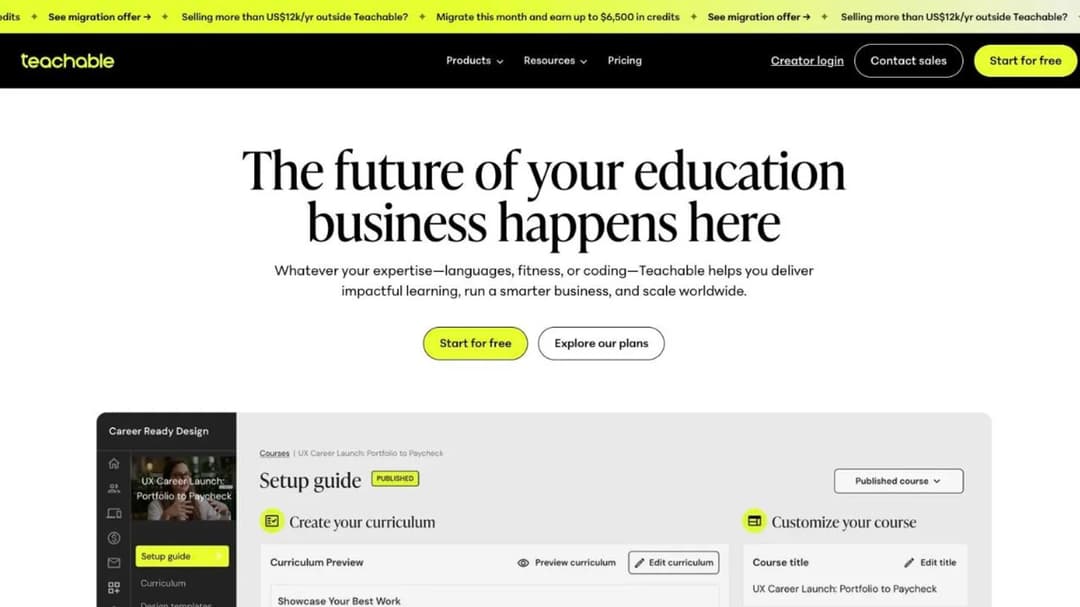
Best for: creators who want the closest thing to a like-for-like Thinkific swap, with a native app for buyers on every plan.
Top features
- Drag-and-drop builder with drip scheduling, auto-graded quizzes and short-answer assessments
- AI Course Starter, which drafts a curriculum, lesson content and a sales page from a short description
- Free native iOS and Android apps for creators and learners on every tier, with offline viewing
- Built-in email marketing, coupons, bundles, order bumps and abandoned-cart recovery
- Public API, webhooks and Zapier, with API limits published on the Growth tier
Teachable, part of Hotmart Company, is the platform most Thinkific setups map onto without rethinking anything. Courses, coaching, memberships and digital downloads sit in one account, the checkout handles global payments and taxes, and both the creator app and the learner app are free on every plan.
The catch is on the entry tier. Starter is the only plan that charges a platform fee, and it’s 7.5% of the sale on top of card processing. That turns a $100 sale into $89.30 once the 2.9% plus 30 cents US card fee lands, which is the largest gap between subscription price and real cost in this comparison. Products are capped at 5 on Starter, 10 on Builder and 50 on Growth, and you get one admin seat until Growth.
Pricing: Starter $39/mo, $29 billed annually. Builder $89/mo, $69 annually. Growth $189/mo, $139 annually. Custom is quote-only. Processing is published: 2.9% + 30 cents on US cards, 3.9% + 30 cents international, 3.49% + 49 cents on US PayPal, and a $15 chargeback fee. Seven-day trial, with a 30-day money-back guarantee on your own subscription.
Pros
- Free native apps for buyers on every tier, where Thinkific gates a branded app to its quote-only tier
- Branding removal at $189 a month, $30 less than Thinkific’s equivalent
- Processing rates and the chargeback fee are published, not buried
- Builder and above charge no platform fee at all
Cons
- The 7.5% Starter fee is the steepest sale cut of any subscription plan in this comparison
- SCORM appears nowhere on Teachable’s site, so a corporate package request has no answer
- One admin seat until the $189 tier, which rules it out if you work with a virtual assistant on the back end
2. LearnWorlds
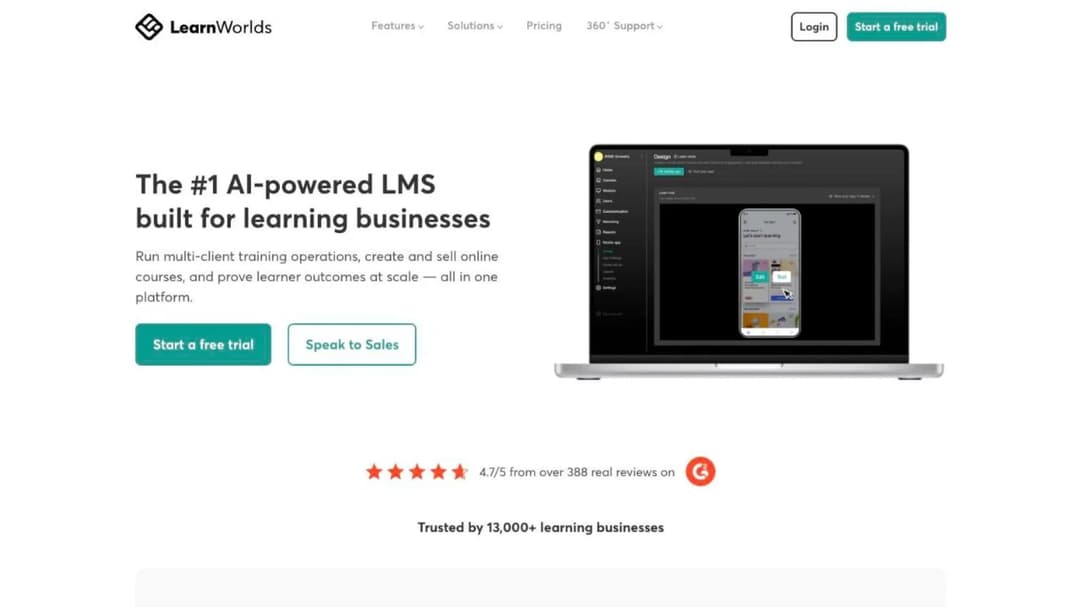
Best for: creators who want interactive video and AI-drafted assessments, and who can start above the entry tier so the per-enrollment fee disappears.
Top features
- Interactive video
- AI Outline Builder, AI Assessment Builder and AI ebook generation, metered by monthly AI credits
- Website and landing-page builder, including a white-label site
- SCORM and HTML5 package import, with LTI for external tools
- Mobile App Builder as a paid add-on, published to your own Apple and Google accounts
LearnWorlds prices by active learners a month rather than by product count, which suits a catalog that keeps growing and punishes a launch that spikes. Starter allows 1,000 active learners a month, one admin and 20 SCORM packages within a 2 GB limit. Pro Trainer doubles the learner pool and gives you five admins. Learning Center allows 25 admins and adds automated transcription capped at 6 hours a month.
The number to notice is the enrollment fee. Starter charges $5 for every course enrollment, on top of the subscription, and every tier above it waives that entirely. On a $27 course that fee is 19% of the price. No page states what happens when you exceed the active-learner cap, and “active learner” isn’t defined anywhere, so get both in writing before you commit a launch to it. If LearnWorlds is the platform you’re weighing up rather than Thinkific, the LearnWorlds comparison puts its field through these same fee and exit questions.
Pricing: Starter $24/mo billed annually, $29 monthly. Pro Trainer $79 annually, $99 monthly. Learning Center $249 annually, $299 monthly. Corporate is quote-only. Mobile App Builder is $149 a month on every tier. Thirty-day trial; the terms allow cancellation at any time on auto-renew without a refund, plus a 30-day cancellation right if you bought by mistake.
Pros
- Interactive video and an AI Assessment Builder above the entry tier
- Data centers in the EU, US, Brazil and Singapore, where Thinkific hosts all learner data in the United States
- The per-enrollment fee vanishes completely from Pro Trainer up
- Unlimited SCORM packages above the entry plan
Cons
- $5 per course enrollment on Starter, which makes the cheapest plan the wrong plan for a low-priced course
- Automated transcription isn’t available at all on the two lowest tiers, and is capped at 6 hours a month even on the plan LearnWorlds marks most popular
- A branded app costs $149 a month on top of any plan
- Its terms let LearnWorlds keep a copy of your content for nine months after termination
3. Kajabi
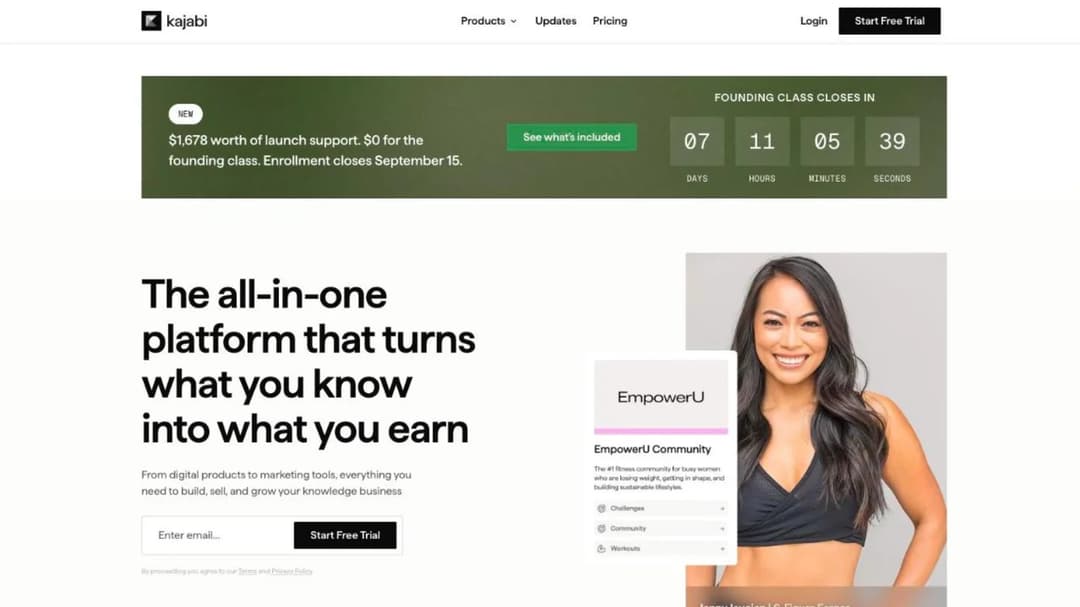
Best for: creators who’d rather pay a higher subscription than a platform fee, and who want the email marketing, funnels and contact CRM in the same account.
Top features
- Courses, coaching, communities, memberships, newsletters, podcasts and digital downloads in one account
- Unlimited marketing emails, landing pages and funnels on every tier
- Cofounder, an AI assistant included on every plan, which Kajabi states is not trained on your content
- A Model Context Protocol server that lets Claude or ChatGPT manage courses, offers, contacts and pages in the account
- Free customer app on every plan, branded app included on Pro
Kajabi takes no platform commission. Processing through Kajabi Payments runs 2.9% + 30 cents on Basic, 2.8% on Growth and 2.7% on Pro, so the rate falls as the subscription rises. Routing through a third-party processor instead costs 2% down to 0.5% by tier, but that rate excludes PayPal and Kajabi Payments and sits on top of the provider’s own fees.
What you pay for is entry. Basic is $179 a month, more than three times Thinkific’s Basic, and more than Thinkific’s top self-serve tier billed annually. The trade is that everything a creator normally buys separately, email, funnels, a CRM and a customer app, is inside it. There’s no SCORM support of any kind, which closes the corporate door completely.
Pricing: Basic $179/mo, $143 annually, with 5 products, 2,500 contacts, 2 admins and no AI credits. Growth $249/mo, $199 annually, with 50 products, 25,000 contacts and 500 AI credits a month. Pro $499/mo, $399 annually, with unlimited products, 3 communities, 1,000 AI credits and the branded app. Extra AI credits are $15 a month for 500. Thirty-day trial, full refund within 30 days of the first charge and nothing after that.
Pros
- No platform commission, and the processing rate improves as you move up the ladder
- Email, funnels and a contact CRM included rather than stitched together
- Branded mobile app included on Pro, where Thinkific shows a separate $199 a month line even on its top tier
- Cancel-anytime language on every pricing card
Cons
- The entry plan costs more than Thinkific’s Grow tier billed annually
- Two AI line items, Backstage and Expert Agents, are sold as plan features with limits and pricing marked to be determined
- No SCORM or HTML5 support at all
- Kajabi’s own pages give two different thresholds for its Amplify publisher program, 1,000 email subscribers in one place and 100 in another, so verify anything you plan a launch around
4. Skool
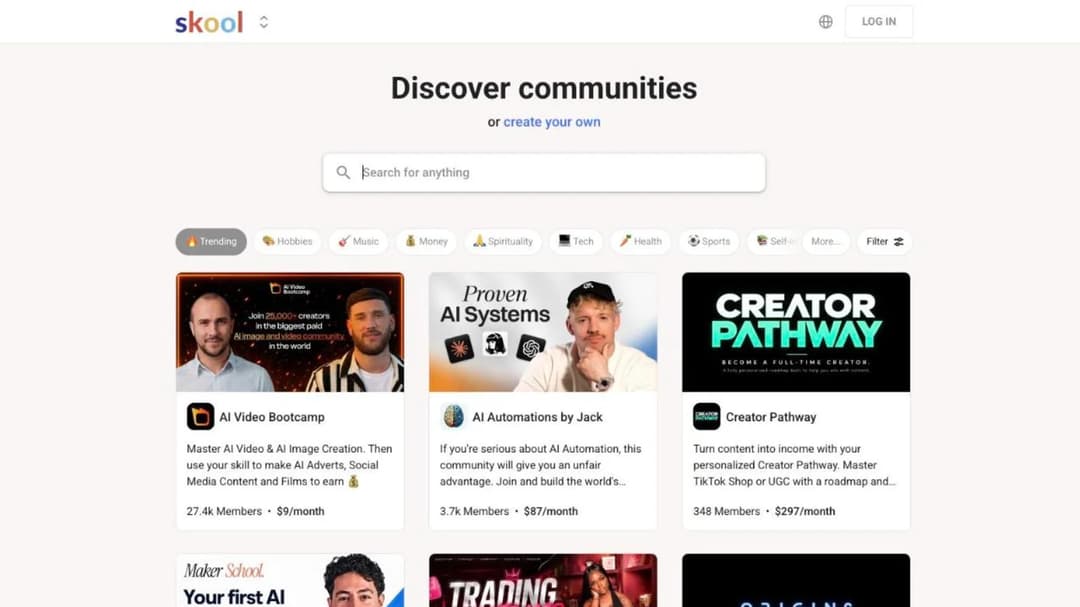
Best for: coaches and community owners whose product is really the group, with courses attached to it.
Top features
- Unlimited members, courses, videos and live calls on both plans
- One community feed with the courses living inside it
- Custom URL on both plans
- Built-in affiliate program
- A flat monthly price with no tier ladder to climb
Skool sells two plans and nothing in between. Hobby costs $9 a month and takes a 10% transaction fee on what you sell. Pro costs $99 a month and takes 2.9%.
The feature list is identical on both: unlimited members, courses, videos and live calls, a custom URL and affiliates. The yearly toggle advertises two months free.
That makes the choice arithmetic rather than judgment. The two plans cost the same at about $1,270 of monthly sales; below that Hobby wins, above it Pro does. What Skool doesn’t publish matters as much as what it does. There’s no contract term, no seat minimum, no stated trial length and no SCORM. If you’re turning coaching sessions into a group program, that simplicity is the feature. If you need drip logic, certificates and quiz scoring, look at what’s listed before you assume it’s there.
Pricing: Hobby $9/mo with a 10% transaction fee. Pro $99/mo with a 2.9% transaction fee. Both list unlimited members, courses, videos and live calls. The pricing page states no trial length, no contract term and no seat minimum.
Pros
- $9 a month is the lowest published entry price in this comparison
- Unlimited courses, members and live calls on both plans
- The community is the product rather than a separate tab nobody opens
- No tier ladder, so there’s nothing to be upsold into
Cons
- 10% on the cheap plan is the steepest sale cut here, and it applies from your first dollar
- No SCORM, so a corporate client’s package request has no answer
- The pricing page states no trial length, refund policy or contract term
- Anything beyond the unlimited-everything list isn’t published, so course structure needs checking in the trial
5. Mini Course Generator
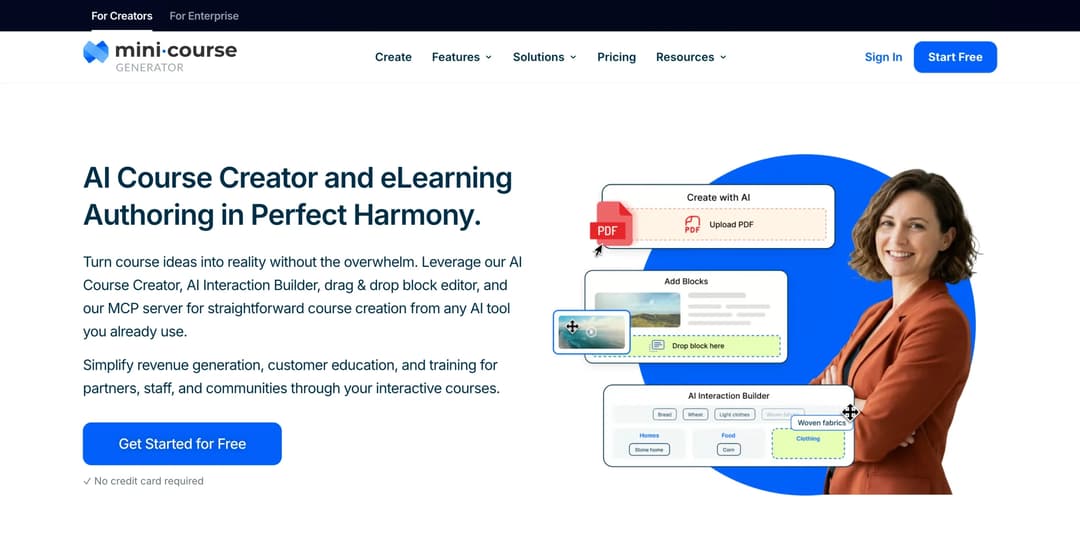
Mini Course Generator is our product.
Best for: creators whose material already exists as a PDF, a workbook or a video library, who want it live as a short course this week and want the whole sale.
Top features
- AI Course Creator drafts a full course from your own material, with Hallucination-Proof generation that keeps it to your resources
- PDF to Course Creator turns an ebook, workbook or deck you already sell into a course
- AI Interaction Builder for Branching Scenarios, Flashcards and mini-games, Interactive Quizzes and Drag-and-Drop Activities, plus an AI Quiz Builder
- Gateways: six access options including a pay-wall and double opt-in, with magic links for password-less access
- Community Boards inside the lesson, and SCORM or PDF export at any time
Thinkific assumes the course is a project you’ll build over weeks and host on a Thinkific site. Mini Course Generator assumes the material already exists and the bottleneck is turning it into something people finish. The AI Course Creator drafts from your own documents rather than the open internet, and its stated accuracy claim is 95% hallucination-free content generated from your own resources. If your material is on YouTube, it can build the course from the videos.
On selling, the model is different in one specific way: there’s no commission and no transaction fee taken from your revenue, and the platform states it doesn’t have access to your sales data at all. Funds transfer to your own account. The badge comes off on every paid plan rather than at a branding tier. Plans are sized by a yearly learner allowance rather than a permanent seat count, and a learner is defined as anyone who takes your courses, so occasional visitors don’t push you up a tier.
Access is built for people who won’t create an account. Courses open from a share link or an embed, so a buyer goes from checkout to lesson one without a password. Content stays portable: you can export mini-courses as PDF files or SCORM packages at any time, with dynamic SCORM export on the business plans.
For creators who already work inside Claude or ChatGPT, the Mini Course Generator MCP Server builds and updates courses through the assistant itself. If short-format courses are new to you, worked examples are here and a format comparison is here.
Pricing: published in full on the pricing page, with 14 days of full access and no credit card, zero implementation or onboarding fees, and no minimum annual commitment.
Pros
- No commission and no transaction fee taken from a sale
- Badge removal included on every paid plan
- SCORM or PDF export at any time, so the content leaves with you
- Courses open from a link with no login, which suits a low-priced course better than an account wall does
- Plans sized by a yearly learner allowance rather than permanent seats
Cons
- No native mobile app; courses open from a share link or an embed
- Selling is a pay-wall on a course: membership billing, payment plans and live-cohort scheduling aren’t in the feature list, and Thinkific’s Start tier carries all three
- No built-in email marketing or affiliate program in the feature list
- Built for short courses, so a twenty-hour video curriculum isn’t what it’s designed around
- Publishes no SOC 2 report, ISO 27001 certificate or other compliance certification
- REST API, Headless LMS and SSO for learners sit on the Custom plan only
See what Mini Course Generator costs – the trial runs 14 days with full access and no card.
6. LearnDash
Best for: creators who already run a WordPress site and want the course to live on it, with no per-sale platform cut at any volume.
Top features
- Course, lesson, topic and quiz builder with eight question types
- MemberDash membership platform included on every tier
- Certificate builder, focus mode, video progression gating and plagiarism detection
- ProPanel reporting with completion drop-off points, on Pro and Elite
- Groups, seat selling and a front-end instructor role on Elite
LearnDash is a WordPress plugin rather than a hosted platform, and it’s now sold by its parent Liquid Web as part of the StellarWP family. One license covers unlimited courses and unlimited learners with no per-student fee, which is why creators with volume keep coming back to it. Selling runs through Stripe, PayPal or WooCommerce at the processor’s own rate, so nothing sits between you and the payment except the gateway.
Budget three lines rather than one. The plugin is an annual license, hosting is separate, and a mobile app is $1,199 a year plus your own Apple developer account at $99 a year and a $25 Google Play account. LearnDash Cloud, the managed hosting option, publishes no current price.
The only AI feature, the Course Outline and Quiz Builder, is withheld from the $259 entry tier. If you want the same course embedded on a WordPress page without running the plugin stack, there’s a simpler route.
Pricing: Essentials $259/year, Pro $399/year, Elite $599/year, billed annually per site. Mobile app add-on $1,199/year self-serve, or $1,199/year plus a $1,999 one-time setup fee for a done-for-you build. Forty-eight-hour trial, no credit card.
Pros
- No per-learner or per-sale fee at any volume, on any tier
- Your site, your branding, your checkout, your customer list
- Membership tiers included on every plan rather than sold as an add-on
- The widest integration list here, from page builders to CRMs to webinar tools
Cons
- Three separate purchases (plugin, hosting, app) rather than one subscription
- Content built in LearnDash “is not SCORM compliant,” and SCORM playback needs a third-party add-on
- The product page says “cancel any time” while the terms state a one-year minimum initial term and non-refundable fees
- No AI feature on the entry tier, and no SSO on any of them
7. TalentLMS
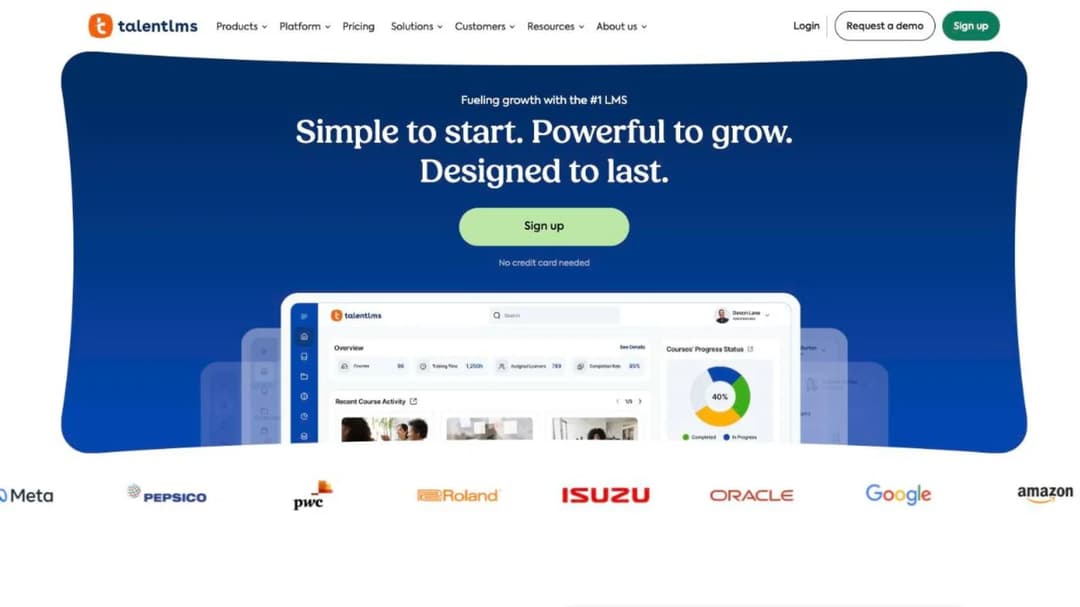
Best for: the creator who has drifted into training a company’s staff rather than selling to the public.
Top features
- Published plan ladder priced by user band, plus a permanently free plan for up to 5 users and 10 courses
- Branches for separate portals, and learning paths from the Grow tier up
- SCORM 1.2, xAPI and cmi5 import, plus LTI 1.3
- Certificate expiry with automatic re-assignment when a certificate lapses
- Stripe, PayPal, Shopify and WooCommerce for selling; SAML 2.0, Okta and OneLogin for logins
TalentLMS is the odd one here on purpose. It’s built for training a team, not for selling to an audience, and it’s in this comparison because a large share of creators end up doing both: a corporate client asks for the same course you sell, with reporting attached. TalentLMS publishes its whole ladder with no form, prices by user band rather than by product, and handles certificate expiry as a setting rather than a spreadsheet.
Know the shape of the pricing before you get attached to it. Core covers 1 to 40 users, Grow covers up to 70 with three branches, Pro covers up to 100 and then adds $6 per user beyond that. For a public course with a thousand buyers that model is wrong in an expensive way. For a client’s team of 60 it’s the cleanest thing here.
TalentLMS’s enterprise page states two different starting user counts, 500 in one place and 1,000 in another, so ask which applies to your quote. The wider view of what an LMS actually costs and what small businesses buy is worth reading before that conversation.
Pricing: Free for up to 5 users and 10 courses, no credit card. Core $119/mo for 1 to 40 users and one branch. Grow $229/mo for up to 70 users, three branches and five learning paths. Pro $449/mo for up to 100 users, plus $6 per additional user, with 15 branches. Enterprise is quote-only. Annual billing takes 20% off, and there’s a 14-day premium trial.
Pros
- The full ladder is published with no sales call, which is unusual in team training
- A genuinely free plan for a first handful of learners
- Certificate expiry and automatic re-assignment handled natively
- SCORM, xAPI and cmi5 import, so a client’s existing content comes in
Cons
- Priced per user, which is the wrong shape for a course sold to an open audience
- SCORM 1.2 only, import only: you can’t create a SCORM file in TalentLMS
- Its enterprise page gives two different starting user counts
- Built for internal training, so the storefront and marketing tooling a creator expects isn’t the focus
8. Moodle
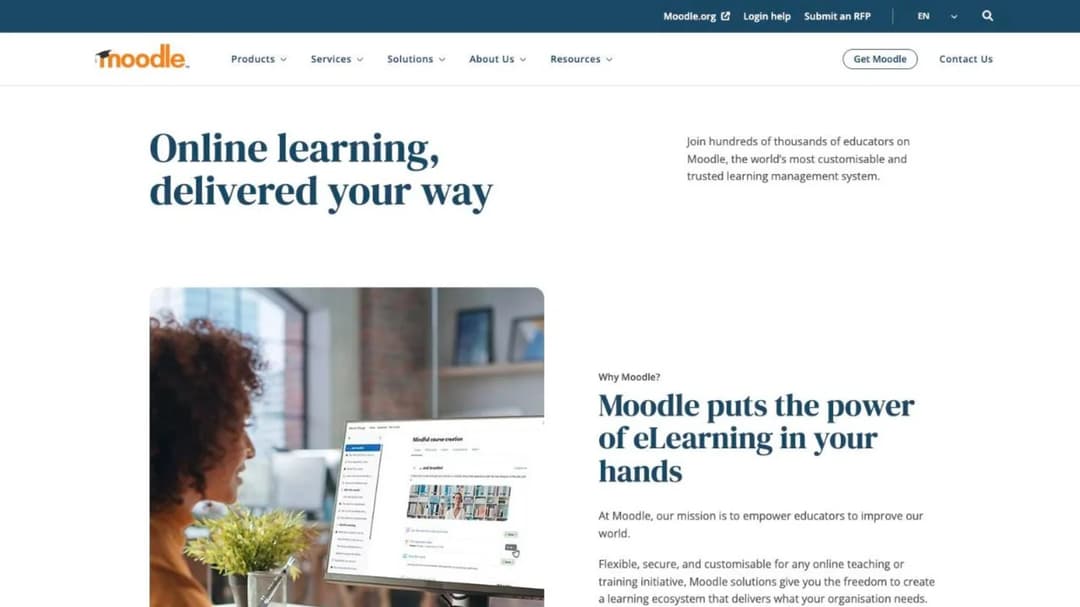
Best for: the creator teaching a fixed cohort who wants to own the software outright rather than rent it.
Top features
- Free, open-source core under the GPL, hostable on your own server with no license fee
- MoodleCloud hosting priced by registered users and storage
- SCORM 1.2 and AICC playback, plus H5P interactive content
- BigBlueButton video conferencing bundled for up to 100 users
- A pluggable AI subsystem you wire to your own keys: Azure AI, Amazon Bedrock, DeepSeek, Google Gemini, Ollama or OpenAI
“Is there a free version” has a real answer here, and it’s more precise than the marketing suggests. The Moodle software itself is free under the GPL and you can host it yourself. MoodleCloud, the hosted version run by Moodle’s own company, has no permanent free plan at all, only a 28-day trial capped at 50 users and 1 GB of storage. Those are two different kinds of free, and only one of them gets you a running site without a server administrator.
Selling matters here too. Course sales through Stripe don’t appear until the Small plan at $510 a year. Tiers are sized by registered users and storage rather than by revenue, so a course with an open audience outgrows the ladder fast.
Whichever of six currencies the page shows you, subscriptions are charged and invoiced in Australian dollars, and the billing system accepts Visa, Mastercard or PayPal only. If free is the real requirement, the wider set of no-cost options is worth a look first.
Pricing: MoodleCloud Starter $170/year for 50 users and 1 GB. Mini $280 for 100 users. Small $510 for 200 users, and the first tier that sells courses via Stripe. Medium $1,230 for 500 users, with a custom domain as a paid add-on. Standard $2,170 for 750 users, custom domain included. Twenty-eight-day trial, no credit card, auto-renewing annually.
Pros
- The software is free and yours; nobody can delete your installation
- Translated into more than 120 languages, with WCAG 2.1 Level AA accreditation
- The official mobile app is free, and MoodleCloud bundles the premium version on every paid tier
- Bring-your-own AI provider, so you’re not metered on someone else’s credits
Cons
- Selling courses requires the $510-a-year plan or higher
- Priced by registered users, which is the wrong shape for an open-audience course
- SCORM 2004 isn’t natively supported, and Moodle never generates a package itself
- Self-hosting makes you the person on call when it breaks
9. Udemy
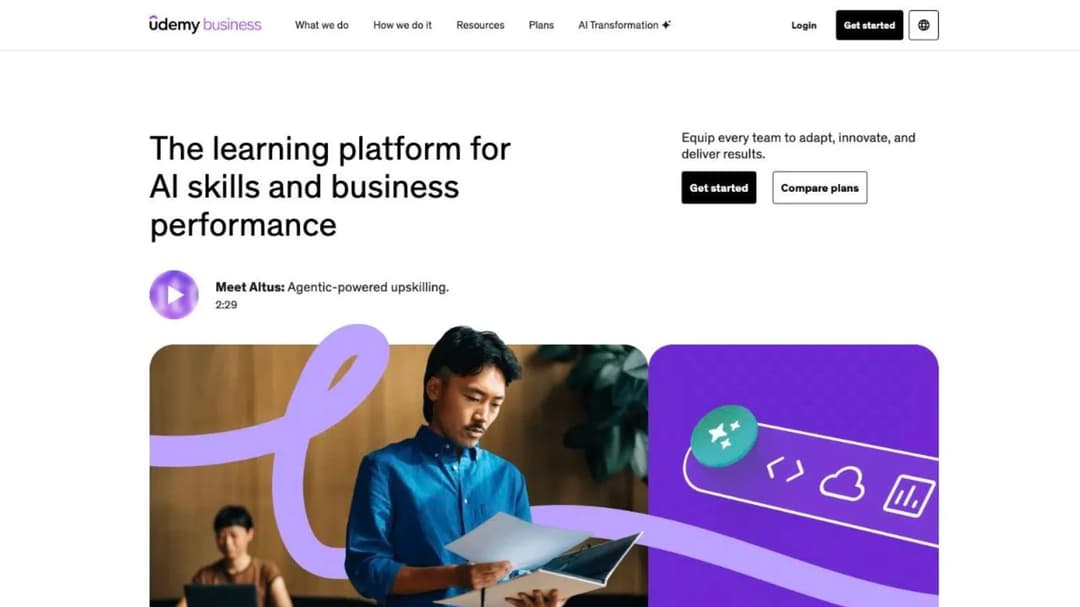
Best for: the creator who’d rather stop running a storefront and put a course in front of an audience that’s already assembled.
Top features
- No fee to create or host, and unlimited free and paid courses
- A marketplace audience and Udemy’s own promotion
- Instructor coupons and referral links that change the revenue split
- A revenue share calculated on the net amount, after taxes and any app-store fee
- Udemy Business, a separate library that companies buy for their teams
Udemy is the model change that removes the platform bill entirely and replaces it with a revenue share. There’s no fee to create or host, and you can publish as many free and paid courses as you like. The split runs on the net amount, which is the price the buyer paid less taxes and any app-store fee, so a purchase made inside the iOS or Android app loses 30% to Apple or to Google Play before anything is divided.
Then the split itself. If the sale came through your own coupon or referral link, you receive 97% of the net. If it came from a marketplace browse or a Udemy advertisement, you receive 37%. That’s the entire decision in two numbers: Udemy is very good at finding buyers you couldn’t find, and it charges accordingly when it does.
Udemy Business, the plan companies buy for staff, is a different product with per-user annual pricing and a 14-day trial. Its Team Plan lists 28,000-plus courses, practice tests and certification prep for more than 200 exams, which is a library to license rather than a place to sell your own course, and the same trade-off runs through every marketplace-versus-your-own-checkout decision.
Pricing: no subscription for instructors. Revenue share of 97% on sales through your own coupon or referral link, and 37% on sales Udemy sources, both calculated on the net amount after taxes and app-store fees.
Pros
- No platform bill at all, so a course that doesn’t sell costs nothing to keep online
- An audience you don’t have to build or pay to reach
- Unlimited free and paid courses with no product cap
- Your own promotion pays 97%, which beats every subscription platform here on a per-sale basis
Cons
- On a marketplace-sourced sale Udemy keeps 63% of the net, the biggest share any platform here takes
- You don’t own the pricing, the buyer relationship or the email list
- App-store fees come off the top before the split is calculated
- No branding, no domain and no checkout of your own
Which Thinkific Alternative Fits Your Situation
Five forks, in the order they actually decide things.
If the 2.9% is the problem
Work out the annual number first. At $5,000 a month of sales, Thinkific Payments costs you $1,740 a year. If that’s larger than the price difference to a no-commission platform, move; if it’s smaller, stay and spend the effort on the offer instead. LearnDash and self-hosted Moodle charge nothing per sale and leave you with the processor’s rate.
Mini Course Generator takes no commission and no transaction fee. Kajabi takes no platform fee but charges you for entry at $179 a month.
If the branding tier is the problem
If you need your name on the course and nothing else from Grow, don’t buy Grow. Teachable removes its branding at $189 a month, $30 less. Mini Course Generator removes its badge on every paid plan. LearnDash and self-hosted Moodle never had branding to remove, because the site is yours from the start.
If you want your content out and portable
If a corporate client is plausible, choose a platform that exports; if you only sell to the public, importing is enough. Mini Course Generator exports SCORM packages or PDFs at any time. TalentLMS, LearnWorlds and Moodle import and play packages but don’t create them; Kajabi supports neither. Whatever you pick, get the export done while the account is live.
If you’re really running a community
If members would still pay when the course library was empty, buy a community platform; if they’d churn, buy a course platform. Skool is built around the group at $9 or $99 a month with the transaction fee attached. Kajabi and Thinkific both hold the community inside a course platform, one community each on their entry tiers; Kajabi reaches three on Pro, Thinkific on Grow.
If you’ve started training a company’s team
If your buyer is a company rather than a person, the reporting and the seat model matter more than the storefront. TalentLMS publishes a per-user ladder and handles certificate expiry natively. LearnWorlds’s Corporate tier is quote-only. For the enterprise end of that market, the Docebo comparison and the LearnUpon comparison cover platforms built for it from the start. And if the client’s ask is really “put this in our own system,” export is your requirement, not a platform migration.
How to Leave Thinkific Without Losing Your Learners
Do these in order. Only the first one is impossible to do later.
- Download everything you’d have to rebuild while the account is still active. Video files, PDFs, quiz text, lesson copy, your learner list. Thinkific’s terms state that on cancellation all of your content may be permanently deleted from the service, though Thinkific may keep a copy for its own business purposes. There’s no undo on that step.
- Find your renewal date and put it in the calendar. Annual plans auto-renew at the then-current price unless you cancel before the renewal date, and Thinkific sends notice not less than 30 and not more than 60 days beforehand. Price changes carry the same notice window with a right to cancel first.
- Don’t plan around a refund. Thinkific “does not provide refunds unless an error was made by us.” Whatever’s left on an annual term is spent, so time the move to the end of it rather than the middle.
- Trial the replacement with one course, not the catalog. Rebuild your smallest paid course on the new platform, run a real sale through the checkout, and see what the buyer’s first two minutes look like. Trials here run from 48 hours to 30 days, so pick a week when you can actually do it.
- Move buyers last. Keep the Thinkific site live until the new checkout has taken a real payment and delivered a real lesson. Then email the people who bought from you with one link and no instructions.
- Cancel through account settings. Basic, Start and Grow can be cancelled at any time without charge or penalty. If you’re on the quote-only tier, that language doesn’t apply to you and the exit terms are whatever your contract says.
Export first, cancel second. Everything else on that list is recoverable.
Put your next course behind a pay-wall and keep the whole sale – the money lands in your own account, and nothing is taken on the way. If the course is a free one, the double opt-in Gateway turns it into a list-builder instead.
Frequently Asked Questions
Which is better, Skool or Thinkific?
They’re built around different products. Skool is a community with courses inside it, priced at $9 a month with a 10% transaction fee or $99 a month with 2.9%, and unlimited members and courses on both. Thinkific is a course platform with a community attached, starting at $54 a month with 2.9% through its own processor and one community until the $219 tier. If members would keep paying with an empty course library, choose Skool. If the course is the product, choose the course platform.
Which is better, Thinkific or Kajabi?
Kajabi charges no platform commission and much more for entry: $179 a month against Thinkific’s $54. Its processing rate falls from 2.9% to 2.7% as you move up, and email marketing, funnels and a contact CRM are inside the subscription. Thinkific is cheaper to start, keeps 2.9% on every tier, and supports SCORM on its quote-only tier, where Kajabi supports it nowhere. If you’re already paying for an email tool and a funnel builder separately, Kajabi’s price gap narrows fast.
Which is better, Thinkific or Teachable?
On the entry plan, Thinkific. Teachable’s Starter is $39 a month against Thinkific’s $54, but it charges a 7.5% platform fee on top of card processing, so a $100 sale leaves you $89.30 instead of $97.10. Above the entry tier the answer flips: Teachable charges no platform fee from Builder up, removes its branding $30 cheaper, and gives your buyers a free native app on every plan.
What are the disadvantages of Thinkific?
Three that cost money and one that costs certainty. Payment processing keeps 2.9% on every self-serve plan with no tier at which it stops. Removing Thinkific’s branding costs $219 a month. On cancellation, its terms permit permanent deletion of all your content, and refunds are given only where Thinkific made the error. And the enterprise tier publishes no price, no minimum term and no cancellation terms, while the cancel-anytime language is scoped to the three self-serve plans.
Is there a free version of Thinkific?
No. The pricing page offers a 30-day free trial of the paid plans and no permanently free tier. Among the platforms here, TalentLMS runs a free plan for up to 5 users and 10 courses, and Moodle’s open-source software is free to download and host yourself, though MoodleCloud hosting starts at $170 a year with only a 28-day trial. Free software and free hosting are not the same thing, and only the second one saves you work.
What are the top 5 LMS systems?
That question comes from corporate training, where an LMS means a system for assigning and reporting on staff training. If you’re selling courses to the public, the platforms that matter are the ones in this guide, and the shortlist depends on your fee tolerance: Teachable and LearnWorlds for a like-for-like swap, Kajabi if you want the marketing stack included, Skool for a community, LearnDash if you already run WordPress. If you’re actually training a company’s team, TalentLMS and Moodle are the two here built for that, and the passive-income framing that sells course platforms doesn’t apply to them at all.
Sources
- Thinkific pricing page, security page, features page, enterprise tier page and terms of service
- Teachable pricing page, security page, mobile app page and terms of use
- LearnWorlds pricing page, SCORM feature page, data-security page and terms of use
- Kajabi pricing page, help center article on supported file formats, trust center and terms of service
- Skool pricing page
- LearnDash product and pricing page at Liquid Web, mobile app add-on page, SCORM documentation and terms and conditions
- TalentLMS pricing page, SCORM compatibility documentation and certification settings documentation
- MoodleCloud standard plans page, Moodle SCORM documentation and Moodle project documentation
- Udemy instructor revenue share support article and Udemy Business plans page
- Mini Course Generator pricing page and product documentation


