

The right LearnWorlds alternative is decided by three figures: what a platform takes when a program sells, whether a finished course leaves as a package you can hand to a client, and what the contract does at renewal. For a training business selling workshops and certification programs under its own brand, those three cost more than the subscription line does, because 7.5% of a $2,000 program is $150 a sale and a platform that won’t export means rebuilding the course the first time a client asks for a SCORM file. This guide answers all three for LearnWorlds and for ten alternatives, from each vendor’s own pricing pages and published agreements.
Share, embed or export a course you built yourself: a workshop deck can go out as a link, sit inside your own site, or leave as a SCORM package for a client’s system.
What LearnWorlds Does Well, and Where It Stops
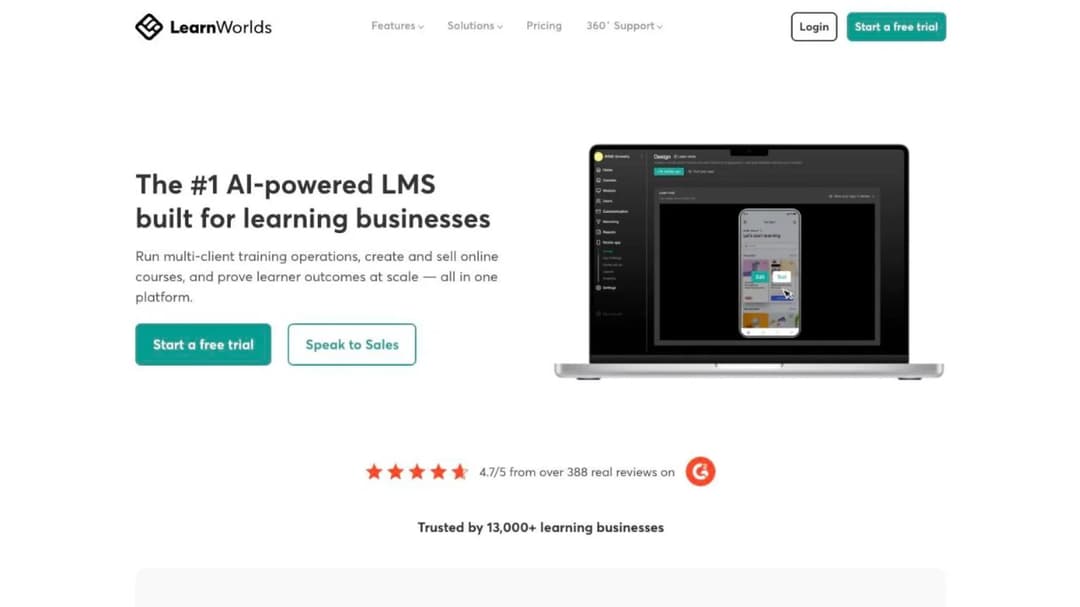
LearnWorlds promises to “Run multi-client training operations, create and sell online courses, and prove learner outcomes at scale,” and the plan names say it more plainly: Starter, Pro Trainer, Learning Center, Corporate. This is a product for people who train other people’s staff for a living, and it does two jobs, most firms leaning on only one.
The first job is the storefront: a website builder with white-label templates, unlimited landing pages above the entry tier, funnels, pop-ups, an email engine, thirteen payment methods and around sixty named integrations, including Zoom, Webex, Microsoft Teams and Google Meet for live sessions and Accredible and Credly for certificates.
The second job is delivery: Interactive Video, an Assessment Builder, an Automation Engine, LTI, and SCORM and HTML5 package import, so content a client sends you plays inside your own school. The AI layer sits across both, with builders for outlines, ebooks, assessments, pages, funnels, emails and community posts, all of it drawing on a monthly credit pool of 300 on Starter, 500 on Pro Trainer and 1,000 on Learning Center. LearnWorlds makes no accuracy claim for any AI output.
Here is where it stops, in the order these things bite.
The learner cap is a pool, and nobody defines it. Starter allows 1,000 active learners a month, Pro Trainer and Learning Center 2,000 each. No page defines what makes a learner “active”, and none states what happens at 2,001: overage charge or forced upgrade is simply not published. If you’re running open enrollment or a free intro course, get that rule in writing before you sign.
Admin seats are tight at the bottom. One admin on Starter, five on Pro Trainer, twenty-five on Learning Center. A three-trainer firm on Starter is sharing a login.
SCORM is capped where you would first meet it. Starter allows 20 SCORM packages “subject to 2GB limit”; Pro Trainer and above are unlimited. SCORM 1.2 support appears only inside a customer quote rather than as a published specification, and nothing is published about SCORM 2004 or xAPI.
Export is the gap. LearnWorlds describes extracting SCORM data for reporting and scheduled compliance exports for records, but publishes no format for exporting a finished course. If a client asks for your program as a package they can load into their own system, there’s no documented answer here.
A branded app is a separate line item. The Mobile App Builder is $149 a month on top of any plan, published under your own Apple and Google Play developer accounts, with a stated timeline of “Go live in one month, max.”
The compliance credentials belong to somebody else. SOC 2/3 and ISO 27001 are attributed to Google Cloud as the underlying infrastructure rather than claimed by LearnWorlds, which self-rates as “currently partially compliant” with WCAG 2.2 Level AA and publishes no VPAT, no HIPAA credential and no business associate agreement.
So the question before you shop is which of the two jobs you actually bought. If LearnWorlds is your storefront, you’re paying for delivery machinery you barely touch. If it’s your delivery system for client organizations, the learner pool, the admin seats and the missing export are the three places it runs out.
What LearnWorlds Actually Costs Once the Enrollment Fee Is In
Here is the published ladder, monthly and annual:
| Plan | Annual billing | Monthly billing | Active learners/month | Admins | AI credits/month |
|---|---|---|---|---|---|
| Starter | $24/mo | $29/mo | 1,000 | 1 | 300 |
| Pro Trainer | $79/mo | $99/mo | 2,000 | 5 | 500 |
| Learning Center | $249/mo | $299/mo | 2,000 | 25 | 1,000 |
| Corporate | Custom | Custom | Custom | Custom | Custom |
$24 a month is Starter billed annually, which is $288 a year, and $29 a month is the same plan billed monthly. If you’ve seen $2,400 quoted, it isn’t a number on the pricing page: the nearest annual figures are $948 for Pro Trainer and $2,988 for Learning Center.
The figure that actually changes a training business’s arithmetic is not on the headline row at all. Starter charges $5 on every course enrollment. Pro Trainer, Learning Center and Corporate waive it entirely.
On a $300 certification program that fee is rounding. On a free lead-magnet course that enrolls 400 people it’s $2,000 with no revenue attached, roughly two years of Pro Trainer. If any part of your funnel is a free course, the enrollment fee decides your plan before any feature does. Processing is passed through separately at “2.9% + $0.30” for Stripe and PayPal, and VAT is added for EU customers without a valid VAT number.
So price the plan you’d actually be on. For most training firms that’s Pro Trainer at $948 a year, not Starter at $288, and that’s the number to compare against everything below. The arithmetic of per-learner and per-seat models is worked through in the guide to what an LMS costs.
What to Check Before You Switch
Six checks separate the platforms below, and each one can remove a platform outright. They are ordered by how expensive each one is to get wrong.
What you pay per sale
The subscription is the number everyone compares. The fee per sale is the number that decides the bill. Teachable’s Starter tier takes 7.5% of every sale, which is $150 on a $2,000 program and $600 a month at four sales; LearnWorlds charges $5 per course enrollment on Starter and nothing above it; Kajabi, LearnDash and every delivery system below take nothing on a sale, though card processing is passed through at the processor’s rate everywhere and MoodleCloud only opens Stripe checkout on its $510 plan.
If you sell a handful of low-price seats a month, a percentage is cheaper than a bigger subscription. Once you’re selling four-figure programs, it isn’t, and no subscription difference on this page closes that gap.
Who will sell to a firm your size without a sales call
The deciding figure is the vendor’s floor. LearnUpon publishes user minimums instead of prices, from 100 users for its employee product to 300 for customer education. Docebo publishes no price and recommends itself for organizations “Training at least 250+ learners.” Tovuti starts at $7,500 a year for the first 100 learners, by demo only.
At the other end, 360Learning states there is “no minimum number of users required,” and TalentLMS, MoodleCloud, Teachable, Kajabi and LearnDash all publish a ladder you can buy from a card. If you train fewer than 100 people a year, two of the ten below won’t quote you at all and a third starts at $7,500, so begin with the ones that publish a number.
What the contract does at renewal
Every marketing page says cancel anytime. The clause that matters is the one that sets next year’s price, and Docebo’s public Master Services Agreement has the strictest version here: successive 12-month terms with a fee increase of up to 10% over the highest annual fee of the previous term, unless you give written non-renewal notice 60 days before the term ends (§12.2).
LearnUpon auto-renews for 12 months unless either side gives 30 days’ written notice (§9.1), and the current period is non-refundable if you leave mid-term (§10.1). LearnWorlds caps its own liability at the fees you paid in the previous 12 months (§15.11) and offers an extended cancellation window only “if purchased by mistake” (§17.1).
The rule: if a vendor won’t put the renewal ceiling in the order form, treat the quoted price as year one only and budget year two at the contractual maximum.
Whether your course leaves as a package
The moment a client says “send it to us as a SCORM package for our system,” a platform either has an answer or it doesn’t, and almost none of them do. Six of the ten below take a package in: TalentLMS, Tovuti, 360Learning, LearnUpon, Docebo and MoodleCloud. Teachable, Kajabi and LearnDash publish no native SCORM support at all. Mini Course Generator publishes a commitment to send a course back out, as SCORM or PDF, at any time, and nothing else here publishes a course-export format.
If no client will ever ask you for a file, skip this check. If one will, it decides your shortlist before any feature does, and the difference between the two standards a client might ask for is covered in the comparison of xAPI and SCORM.
What a client’s procurement team will ask for
Small training firms lose tenders on the security page, not in the demo, and which certificate decides it depends on who the client is. Regulated buyers ask for the audit report: Docebo, LearnUpon, 360Learning, Tovuti and Teachable all publish SOC 2, while LearnWorlds attributes SOC 2 and ISO 27001 to Google Cloud as its infrastructure rather than holding them.
Private companies buying skills training ask about accessibility more often, and there the published statements are Tovuti’s VPAT 508 and WCAG 2.1 AA, LearnUpon’s WCAG 2.2 AA learner experience and Moodle’s WCAG 2.1 AA accreditation. Ask for the certificate and the name on it rather than the badge on the homepage, and the accessibility guide for course creators lists what to ask for.
What it actually connects to
Two integrations decide a training provider’s workflow: the payment processor and whatever the client uses to log people in. Single sign-on is where the published answers run out. LearnWorlds names OpenID, SAML and SSO without saying which tier includes them, 360Learning asterisks single sign-on in its own pricing table without defining the asterisk, LearnUpon’s is SAML-only, and Kajabi mentions none at all. TalentLMS is the exception, publishing SAML 2.0, Okta, OneLogin, LDAP and Active Directory outright.
Ask for the single sign-on tier and the API ceiling in writing during the demo, not after the order form is signed. The broader checklist for wiring a platform into a stack is in the guide to LMS integration.
The 10 Best LearnWorlds Alternatives
Every price, plan limit and contract term below comes from the vendor’s own pages and published agreements, quoted as printed; where a vendor publishes nothing, the entry says so.
The order follows the first fork in this decision. The platforms that replace LearnWorlds as the place you sell your programs come first, the platforms that replace it as the place you deliver training to client organizations come next, and the one platform that replaces it as the place you build the course comes last.
| Platform | Built for | Entry price as published | Fee per sale | Course leaves as a package | Trial | Sells without a sales call |
|---|---|---|---|---|---|---|
| Teachable | Selling programs to individuals | $39/mo, $29 annually | 7.5% on Starter, 0% above with an unexplained asterisk | Not mentioned on its pages | 7 days | Yes |
| Kajabi | Courses plus memberships and newsletters | $179/mo, $143 annually | None; payments 2.9% to 2.7% + $0.30 | No, SCORM not supported | 30 days | Yes |
| LearnDash | Running the school on your own WordPress site | $259/year | None, “zero per-student fees” | Not natively; add-ons play SCORM | 48 hours | Yes |
| Moodle (MoodleCloud) | The cheapest hosted route with native SCORM playback | $170/year | None; Stripe selling from the $510 plan | Plays SCORM 1.2, never authors it | 28 days | Yes |
| TalentLMS | Delivering training to a client’s team | Free to 5 users, then $119/mo | None | Imports SCORM 1.2, no export | 14 days | Yes |
| Tovuti LMS | Interactive content plus built-in e-commerce | $7,500/year for 100 learners | None published | Imports 1.2, 2004, AICC, xAPI; export not stated | None | No |
| 360Learning | A full LMS at a small firm’s budget | $8 per user per month | None | Delivers SCORM, xAPI, cmi5, AICC; no export | 30 days | Yes |
| LearnUpon | Client academies from 300 learners up | Not published | None published | Imports SCORM and xAPI; no export | Not published | No |
| Docebo | Enterprise programs from 250 learners up | Not published | None published | Imports SCORM 1.2 and 2004, xAPI, AICC; no export | Not self-serve | No |
| Mini Course Generator | Turning a workshop deck into a course the same day | Published | None | Yes, SCORM or PDF at any time | 14 days, no card | Yes |
1. Teachable
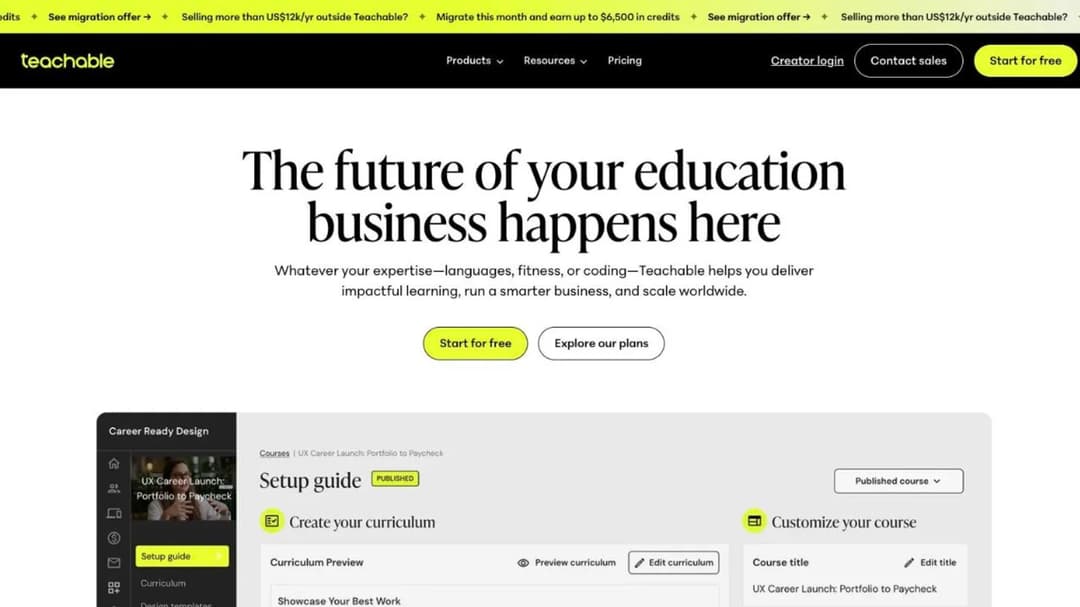
Best for: selling programs and coaching to individuals, when no client will ever ask you for a package.
Top Features
- Products, checkout, coupons, bundles, upsells and cart recovery in one place
- Free native iOS and Android student apps on every plan, with offline lessons
- Course Starter, which drafts a curriculum from a description of up to 1,000 characters
- AI subtitling and translation into more than 70 languages
- A public API, Zapier and webhooks from the entry tier
Teachable is the closest like-for-like swap if what you use LearnWorlds for is the storefront. Part of Hotmart Company, it is a commerce platform with courses attached rather than a learning system, and it shows in what’s missing: SCORM doesn’t appear anywhere on its own pages.
The fees decide the tier. Starter is the only one charging a percentage, at 7.5% of every sale; Builder, Growth and Custom display “0%” with an asterisk the page never footnotes, and standard processing plus a $15 chargeback fee applies on every tier. Read the caps before you move a catalog across: 5 products and 1 admin on Starter, 10 products on Builder, 50 products and 5 admins on Growth.
Pricing: Starter $39/mo monthly or $29/mo annually. Builder $89 or $69. Growth $189 or $139. Custom on request. A 7-day trial and a 30-day money-back guarantee on your own subscription; your buyers get a 14-day refund window by default.
Pros
- A published ladder you can buy from a card, with no sales call
- Free native student apps on every tier, though they carry Teachable’s branding rather than yours; no branded-app option is published at any price
- SOC 2 Type II, audited annually by a named third-party firm
- Refund and dispute terms published in full rather than summarized
Cons
- No SCORM anywhere, so a corporate client’s system is out of reach
- 7.5% on Starter is the highest per-sale fee on this page
- Its data-processing agreement grants “general and unrestricted permission for Teachable to employ such sub-processors as it sees fit,” and disputes go to binding arbitration under New York law
- ISO 27001 isn’t held, only “evaluated based on customer demand”
2. Kajabi
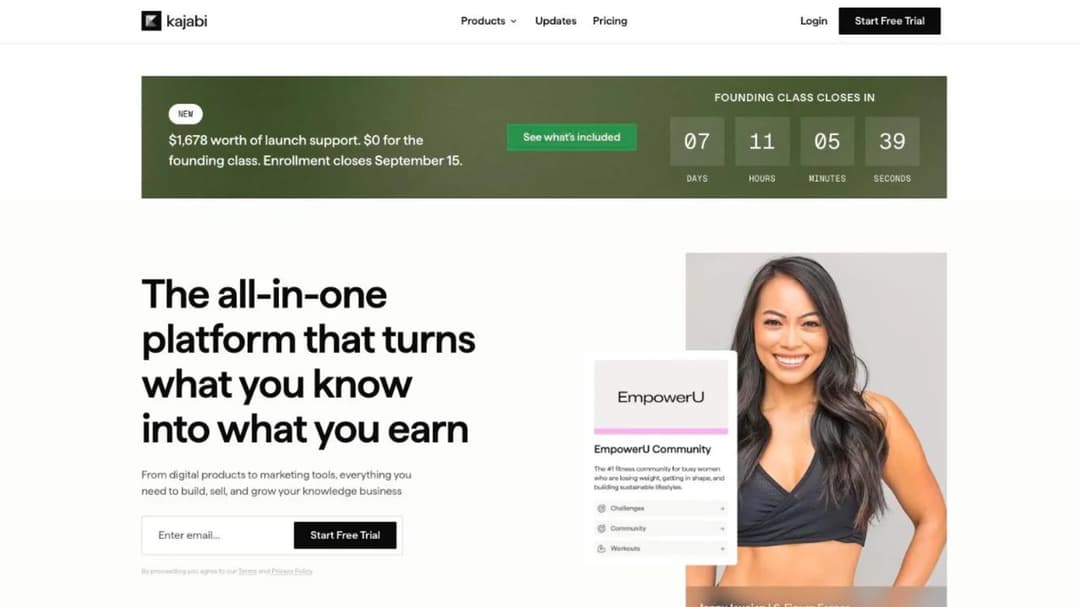
Best for: a training business whose revenue is shifting from one-off programs to memberships, communities and a paid newsletter.
Top Features
- Courses, coaching, communities, memberships, newsletters and podcasts on one subscription
- Unlimited marketing emails, landing pages, funnels and access groups on every tier
- Cofounder, an AI assistant included on every plan
- A Model Context Protocol server that lets Claude or ChatGPT manage courses, offers, contacts and emails
- The free Kajabi customer app on all plans; a branded app included on Pro
Kajabi calls itself “the operating system for human expertise,” and the price reflects the scope. It costs more than anything else in the selling half of this list and does more around the course: the newsletter, the community and the funnel are products rather than add-ons. The question is whether you’ll use them.
Basic covers 5 products, 2,500 contacts and 2 admin users; Growth takes that to 50 products, 25,000 contacts and 11 admins; Pro is unlimited products, 100,000 contacts and 26 admins, and folds in the branded mobile app, which Kajabi’s own table puts a $199-a-month value on. That is the like-for-like comparison to make on apps: a branded app is included on Kajabi Pro, $149 a month at LearnWorlds and $1,199 a year at LearnDash.
The hard stop is portability. Kajabi’s own help center states that “Kajabi does not support LMS formats like SCORM or HTML5 files.” If a client will ever hand you a package or ask for one, this platform can’t be part of that conversation.
Pricing: Basic $179/mo monthly or $143/mo annually. Growth $249 or $199. Pro $499 or $399. A 30-day trial, a full no-questions refund within 30 days of the first charge and nothing after. AI credits are bundled at 0, 500 and 1,000 by tier, with 500 more at $15 a month.
Pros
- The widest commercial toolkit here: memberships, community, newsletter and funnels included
- No platform fee on sales, and its payment rate falls as you move up the tiers
- Cofounder included at every tier rather than metered as a premium add-on
- Published prices, a published refund window, cancel anytime
Cons
- No SCORM or HTML5 support of any kind, stated by the vendor
- The most expensive entry point of the platforms that sell to individuals, at $179 a month
- Two of its AI line items, Backstage and Expert Agents, carry the note “details on limits and pricing are to be determined”
- No SSO, SAML or SCIM is mentioned on any page
3. LearnDash
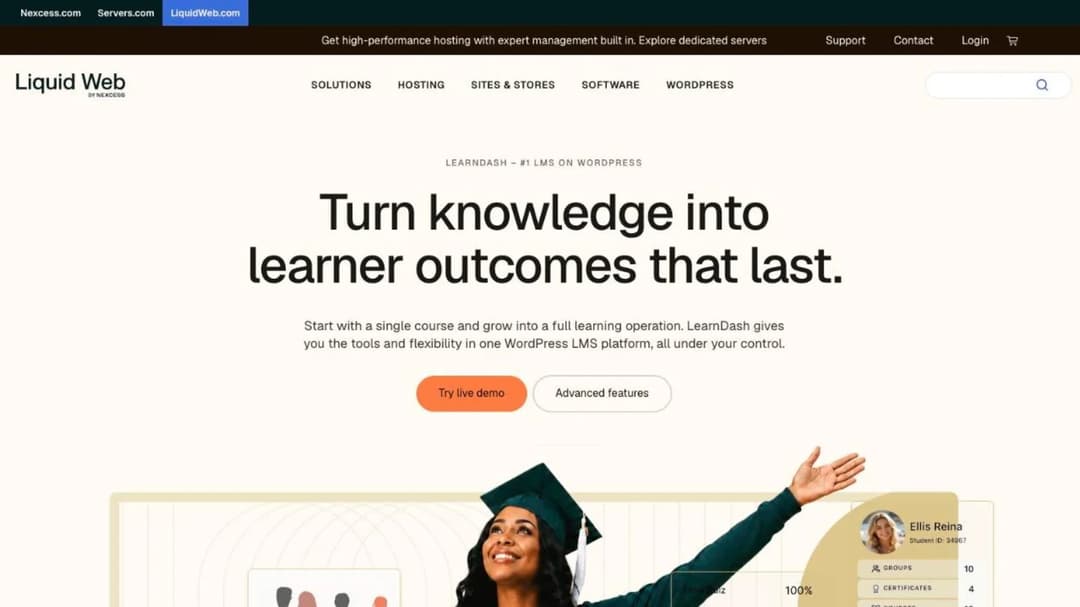
Best for: a firm that already runs its marketing site on WordPress and wants the school on the same domain, with no per-learner meter.
Top Features
- Drag-and-drop course builder, quiz builder and certificates as a WordPress plugin
- One annual license covering unlimited courses and unlimited learners
- Memberships, subscriptions, bundles and Stripe or PayPal checkout
- ProPanel reporting, weighted grading and custom report cards from the middle tier
- Group management, a front-end instructor role and seat sales on the top tier
LearnDash is a Liquid Web product, and it is the route here where the meter never moves: the license is annual and per site, and the vendor’s own description is “zero per-student fees.” For a training firm running large free cohorts, that one property can outweigh everything else on this page.
The trade is that you own the stack. Hosting, updates, security and the plugins around it are yours, and so is the SCORM problem: “Content created within LearnDash is not SCORM compliant.” Playing a SCORM 1.2 or 2004 package needs a third-party add-on, either GrassBlade or Tin Canny, and xAPI tracking needs a Learning Record Store you stand up yourself.
A mobile app is a separate product at $1,199 a year self-serve, or $1,199 plus a $1,999 setup fee for a built-for-you version, on top of your own Apple Developer and Google Play accounts. None of the three plugin tiers includes one.
Pricing: Essentials $259 a year, Pro $399 a year, Elite $599 a year. A 48-hour trial with no card. Cloud hosting is sold separately and its price isn’t on the current pricing page.
Pros
- No per-learner or per-sale fee at any volume, so the cost does not move as cohorts grow
- Everything lives on your own domain, alongside your own site
- The full WordPress plugin ecosystem is available around it
Cons
- Not SCORM compliant by the vendor’s own statement, and no single-course export
- The only AI feature, the Course Outline and Quiz Builder, is withheld from the entry tier
- A mobile app costs more per year than the license itself
- The product page says “cancel any time” while the terms set a one-year minimum with automatic renewal; get that reconciled in writing
4. MoodleCloud
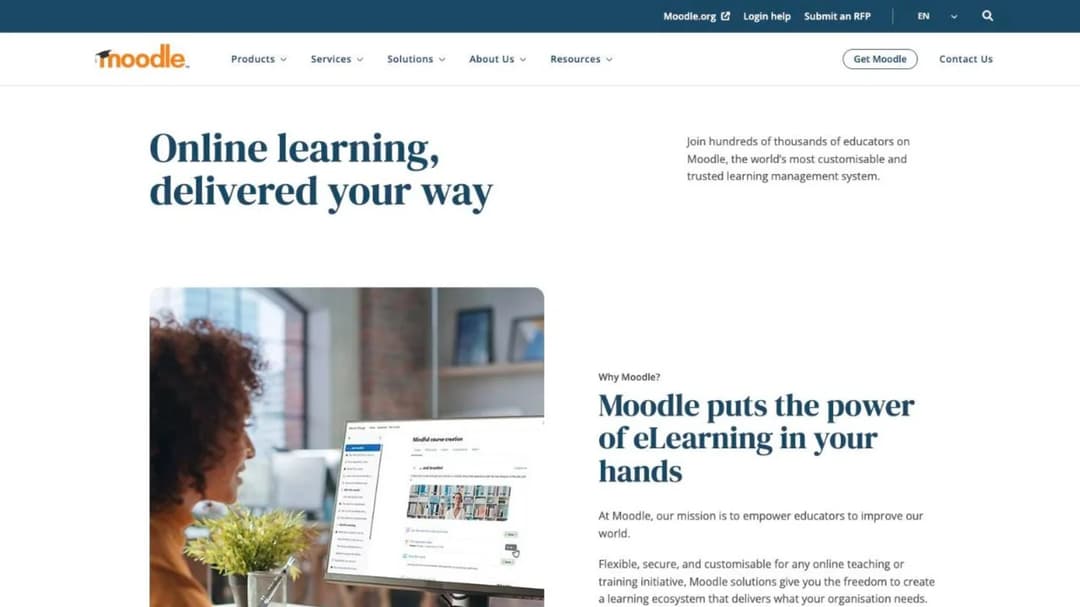
Best for: a training provider on a tight budget whose clients send SCORM packages, and who doesn’t need a storefront on day one.
Top Features
- Native SCORM 1.2 playback that passes the ADL conformance test suite
- Unlimited courses, quizzes, assessments and gradebooks on every tier
- BigBlueButton video conferencing for up to 100 participants, included
- H5P interactive content support
- A provider-agnostic AI subsystem you wire to your own key: Azure AI, Amazon Bedrock, DeepSeek, Google Gemini or OpenAI
Moodle is the oldest answer here and still the cheapest hosted one. MoodleCloud sells five tiers by registered users and storage: Starter at $170 a year for 50 users, Mini at $280 for 100, Small at $510 for 200, Medium at $1,230 for 500 and Standard at $2,170 for 750.
Two boundaries matter here. Stripe course sales start on the Small plan at $510 a year; below that you are selling through PayPal only, which is a course-payment integration on every tier. A custom domain is a paid add-on at the Medium tier and included at Standard.
On packages, Moodle plays and never authors: SCORM 1.2 and AICC are fully supported, “SCORM 2004 is not supported in Moodle,” and “Moodle does not generate scorm content.” One billing detail catches people out: whatever currency you were shown, subscriptions are “charged and invoiced in Australian dollars only,” through Visa, Mastercard or PayPal.
Pricing: $170 to $2,170 a year by tier. A 28-day trial capped at 50 users and 1GB, no credit card. The self-hosted core software is free and open source, a different offer that shifts the cost to your own server and time; that route is compared with the alternatives in the guide to building your own LMS.
Pros
- The cheapest hosted entry point on this page, by a wide margin
- Native, conformance-tested SCORM 1.2 playback, which is what most clients actually send
- WCAG 2.1 Level AA accreditation, which is rare in this group
- The free official mobile app, plus a premium app bundled into every paid tier
Cons
- No SCORM authoring or export of any kind
- No Stripe checkout below the $510 plan
- The interface is a system administrator’s, not a marketer’s: no funnel, no landing page builder, no email engine
5. TalentLMS
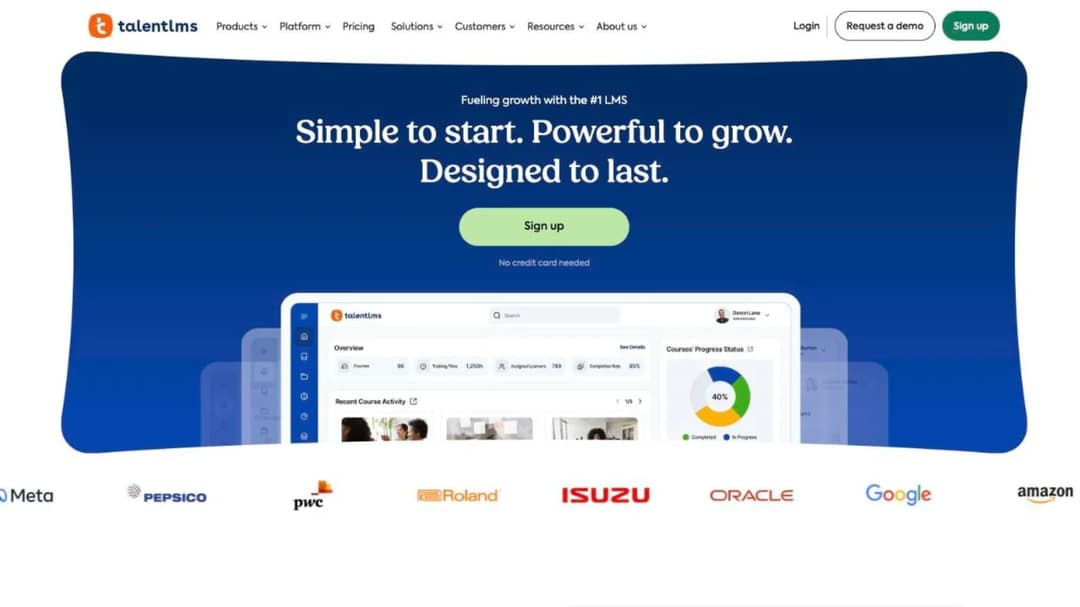
Best for: delivering a program into a client company’s team, with branches per client and a published price you can quote from.
Top Features
- Branches: separate portals per client, from one on the entry plan to fifteen on Pro
- Learning paths and certifications with configurable expiry and automatic re-assignment
- SCORM 1.2, xAPI, cmi5 and LTI 1.3 support for content clients send you
- SAML 2.0, Okta, OneLogin, LDAP and Active Directory for client logins
- Stripe, PayPal, Shopify and WooCommerce for selling
TalentLMS is the mid-market system that behaves most like a small training firm’s tool. It publishes the whole ladder, it starts free, and the branch model maps onto multi-client work: one client, one branch, one set of branding.
The certificate handling is unusually concrete at this price. Duration is configurable from “Forever” to a fixed period, and a setting controls “whether TalentLMS should automatically re-assign a course to the user on certification expiration.” If you sell annual recertification, that setting is the product.
The limit is portability in one direction. TalentLMS is “compatible with SCORM 1.2,” with no SCORM 2004, and “it’s not possible to create SCORM files directly on TalentLMS.” Content comes in; nothing goes out as a package.
Pricing: free for up to 5 users and 10 courses, no credit card. Core $119/mo for 1 to 40 users and 1 branch. Grow $229/mo to 70 users and 3 branches. Pro $449/mo to 100 users, then $6 per additional user, with 15 branches. Enterprise custom. 20% off annual billing, plus a 14-day premium trial.
Pros
- A real free tier, not a trial, which makes piloting a client program free
- Published prices at every band up to 100 users
- Branches give each client their own portal without a separate contract
- Certificate expiry and automatic re-assignment are built in rather than bolted on
Cons
- SCORM 1.2 import only, with no export and no SCORM 2004
- Two different Enterprise floors are published, 500 and 1,000 users, so pin that down in the demo
- No storefront in the marketing sense; you sell through a payment integration, not a funnel
Other systems with a genuine free tier, and how far each goes before it stops, are compared in the guide to free LMS platforms.
6. Tovuti LMS
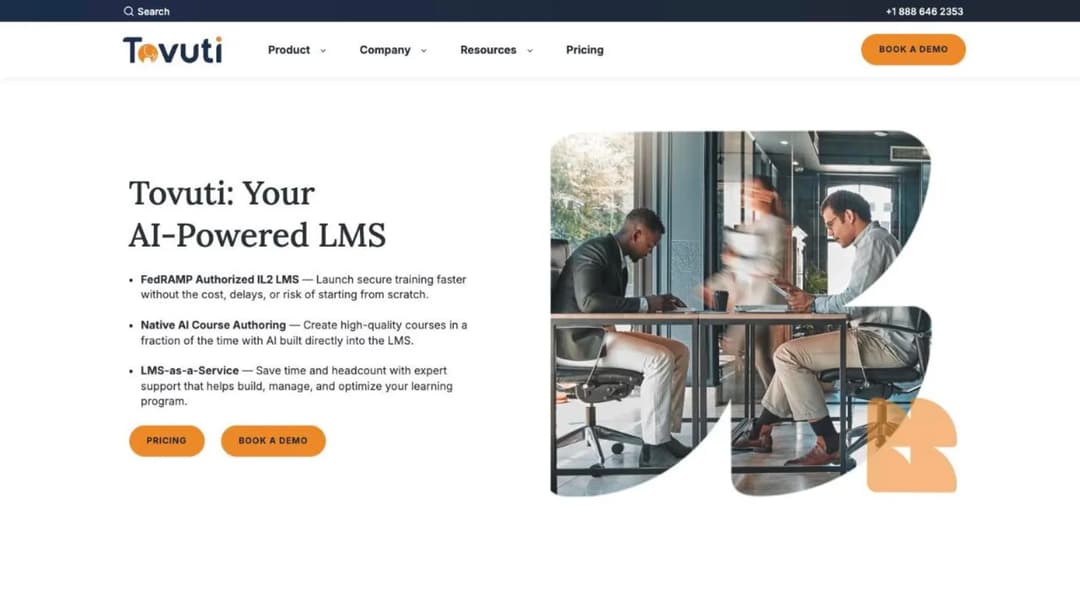
Best for: a training provider selling interactive, certification-heavy programs to regulated employers.
Top Features
- Interactive H5P authoring with a wide library of activity types
- Built-in e-commerce, so you sell courses without a separate storefront
- Certifications and compliance tracking with automated assignments and reminders
- Branded portals and a native mobile app with offline access in the base price
- Single sign-on, HRIS and CRM integrations, plus Zapier to more than 7,000 apps
Tovuti publishes exactly one price and no tiers: “$7,500 / year for your first 100 learners, then scales.” The per-learner rate above 100 isn’t published, which makes the headline useful for a go or no-go decision and useless for forecasting. Billing is annual, with discounts for multi-year commitments and for nonprofit, government, education and healthcare buyers.
What you get is the most complete feature set in the delivery half of this list. Import covers SCORM 1.2 and 2004, AICC and xAPI, the bundled Tovuti Stream library is quantified at 101 pre-built courses, and the compliance page carries VPAT 508 and WCAG 2.1 AA, which Docebo does not publish.
Two things need clarifying before you sign. FedRAMP Authorized IL2 is badged through Knox Systems’ cloud infrastructure and is absent from the compliance page, so ask which entity holds the authorization. And a “native mobile app (offline)” is in the base price while apps published under your own organization’s name cost extra; ask which of the two you’re buying.
Pricing: $7,500 a year for the first 100 learners, then scaling at an unpublished rate. WayPoints AI authoring and LMS-as-a-Service are add-ons with no published figures. No trial; the only routes in are a demo and a discovery call.
Pros
- SOC 2 Type 2, ISO 27001 and PCI, plus VPAT 508 and WCAG 2.1 AA accessibility, which Docebo does not publish
- Interactive authoring and e-commerce in the base price rather than as add-ons
- A published starting figure, and it imports every common package standard, including SCORM 2004 and xAPI
Cons
- No trial and no self-serve purchase; every route goes through sales
- The per-learner rate above 100 learners isn’t published, so the second year is unbudgetable
- Export of a Tovuti-built course as a package isn’t stated anywhere outside the AI add-on
- The FedRAMP badge and the compliance page disagree, and the mobile app inclusion is described two different ways
7. 360Learning
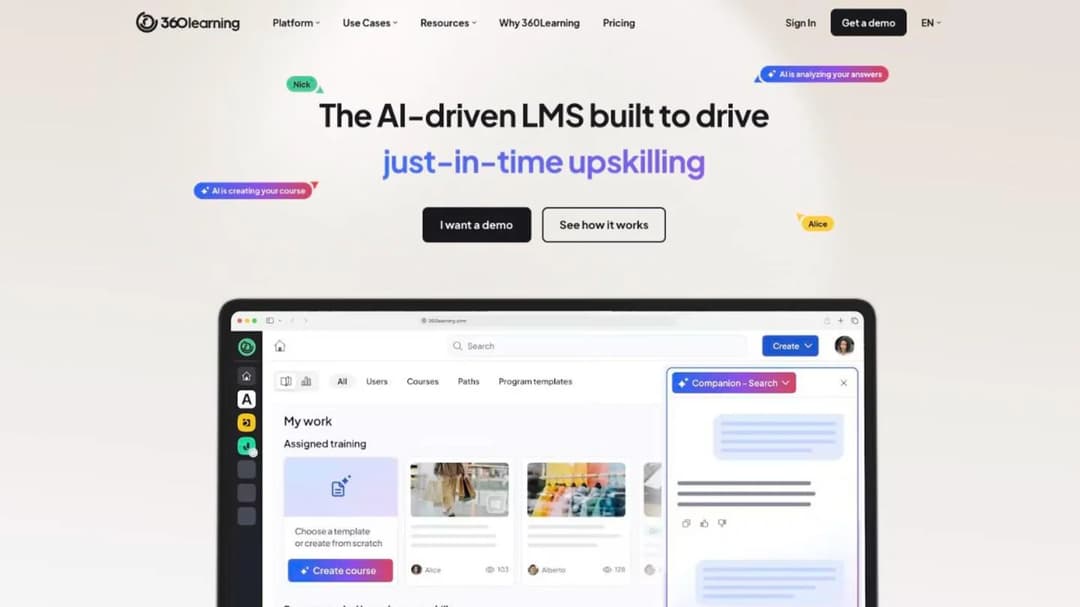
Best for: a small firm that needs a real corporate LMS for a client engagement without a corporate contract.
Top Features
- Team plan at a flat per-user price up to 100 users, billed monthly, cancel anytime
- AI Content Builder for course generation, plus one-click course translation
- Delivery of SCORM, xAPI, cmi5 and AICC content
- Native iOS and Android apps with offline access and shared-device tracking
- A Model Context Protocol server connecting ChatGPT, Claude, Gemini or Microsoft Copilot to learning data
360Learning is the cheapest way onto a genuine enterprise LMS here, and the terms are the plainest: “No, there is no minimum number of users required with 360Learning. You only pay for the active users on your platform, with no hidden fees or minimum volume commitments.” The Team plan bills monthly.
For a training provider running a six-month engagement inside a client company, that combination is unusual: enterprise-grade delivery, a monthly bill and an exit at the end of the project. Business and Enterprise are custom and generally annual, and Enterprise is where flexible licensing for external learners and a priority SLA live.
The gaps are the ones this whole category shares. SCORM, xAPI, cmi5 and AICC come in and get delivered; nothing is described going out, and no SCORM version numbers are published. The 99.8% uptime SLA is an enterprise-page commitment, so treat it as one until a contract says otherwise.
Pricing: Team $8 per user per month, up to 100 users, billed monthly. Business and Enterprise custom, generally annual. A 30-day free trial on Team; Business and Enterprise route to a demo instead.
Pros
- $8 per user per month with no minimum and no annual lock
- An explicit, quotable no-minimum statement from the vendor
- Strong published security posture: SOC 2 Type II, ISO 27001, GDPR
- One of four platforms here shipping an MCP server for AI assistants
Cons
- No export of a course you build in it, and no SCORM version numbers published anywhere
- The uptime SLA is stated only on the enterprise page
- Single sign-on carries an asterisk in the pricing table that the page never defines
8. LearnUpon
Best for: a training company running a branded academy for a client’s customers or members, at 300 learners and above.
Top Features
- Three separate products: employees, associations and customer education
- Learning portals, so one instance serves several audiences
- Create+, an AI authoring tool with audio narration and translation into 120+ languages
- LearnUpon Anywhere, which embeds learning inside a client’s own product
- An MCP server exposing learning data to ChatGPT, Claude or Gemini
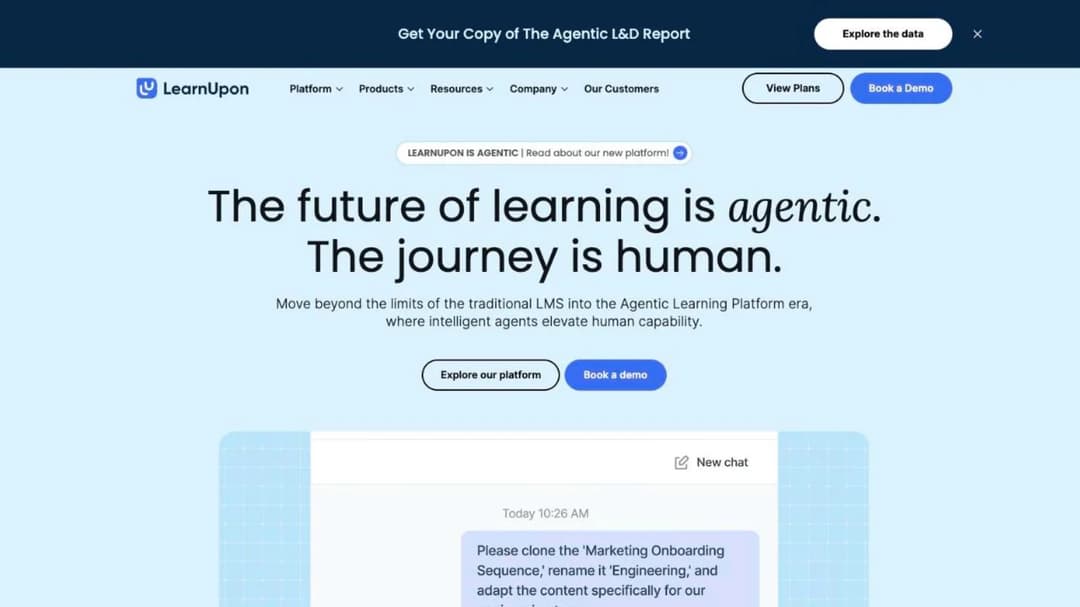
LearnUpon is where this list crosses into quote-only territory, and it’s honest about the floor: user minimums instead of prices, at “From 100 Users” for employees, 150 for associations and 300 for customer education. Below those numbers there’s no self-serve path, only a demo.
For a training provider the customer education product is the relevant one, and white labeling, eCommerce and group branding sit on its Enterprise plan, which is the configuration a firm running academies for several clients would need. LearnUpon’s figure for Create+ is courses “90% faster… at 10% of the cost,” published with no baseline, so treat it as a claim rather than a benchmark.
One absence stands out for a firm training frontline staff: no mobile app is referenced anywhere on its site. If your learners are on phones, ask what the experience is before the demo ends.
Pricing: not published. The only numbers on the pricing page are the 100, 150 and 300 user floors, and every route is a demo. Its own market is compared in LearnUpon alternatives, the wider category in the guide to customer education platforms, and the model behind LearnUpon Anywhere in the guide to headless LMS.
Pros
- Publishes its floors honestly, which saves a wasted sales call
- A dedicated customer education product rather than an employee LMS with a portal bolted on
- ISO 27001:2022 and ISO 27701:2019, with the learner experience meeting WCAG 2.2 AA since June 2026
- Auto-renewal terms are 12 months with a 30-day notice window rather than a 60-day one
Cons
- No price anywhere, and a 300-user floor on the product a training provider would buy
- No trial, so there’s no way to evaluate it yourself
- No mobile app referenced on any page
- SCORM version is never stated, no export is described, and SOC 2 is claimed without a type
9. Docebo
Best for: a training business whose clients are large enough to need audit-grade compliance and a skills framework, and whose budget matches.
Top Features
- Extended enterprise delivery across up to ten domains
- Docebo Creator for AI course generation, plus AI Roleplay coaching scenarios
- AgentHub no-code agents and MCP integration with external AI tools
- Content Marketplace with 30,000+ courses through OpenSesame and Go1
- Skills Intelligence via 365Talents, quoted as a separate product
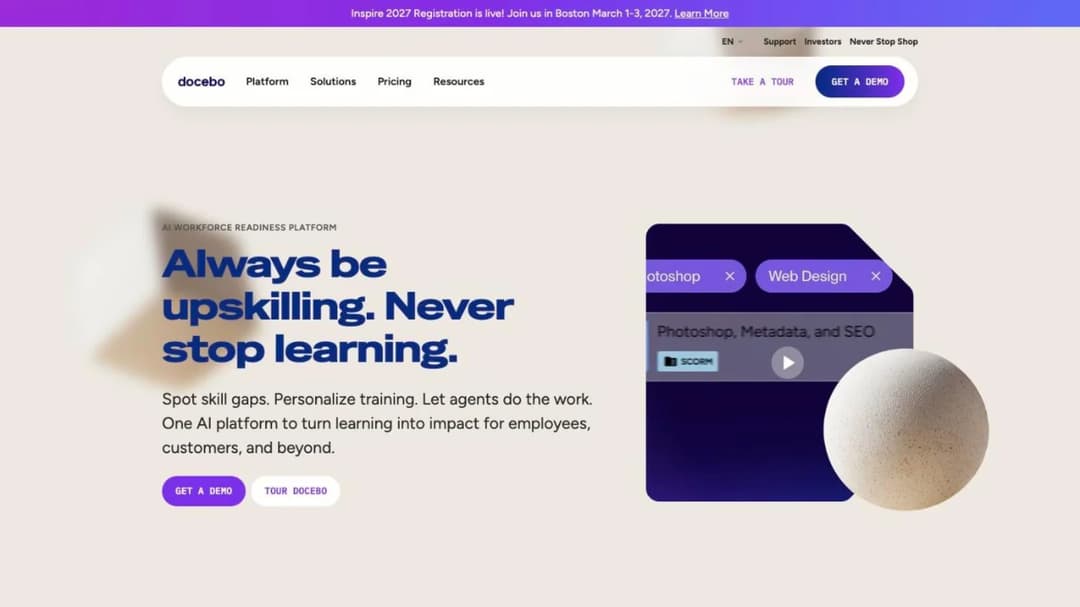
Docebo is the top of this market and doesn’t price publicly at all. Cost is driven by your product tier and your active users, and you choose how users are counted: monthly active, yearly active or registered active. It recommends itself for organizations “Training at least 250+ learners,” which is guidance rather than a contractual floor but tells you where the fit starts. It publishes ISO 27017, 27018 and 27701, ISO 9001, and support for FDA 21 CFR Part 11 and EU Annex 11; the ISO numbers beyond 27001 are what separate it from Tovuti, and the FDA clause is why Docebo appears on a life-sciences shortlist at all.
The clause to negotiate is the seat count: “no ‘downgrading’ of the User thresholds will be permitted during the Term,” and usage above the contracted count is billed monthly as “Extra User” overage with no published cap.
Pricing: not published; Elevate, Enterprise and 365Talents each route to a separate quote. The Enterprise tier publishes its ceilings rather than hiding them: up to ten domains, two sandbox environments and an API capped at 100 calls a minute.
Pros
- ISO 27017, 27018 and 27701, ISO 9001, and FDA 21 CFR Part 11 support for regulated programs
- Published enterprise ceilings, so you know what the tier contains
- Extended enterprise delivery built for training several client organizations at once
- Imports SCORM 1.2 and 2004, xAPI and AICC without add-ons
Cons
- No published price, no self-serve trial, and a practical floor around 250 learners
- Renewal can rise 10% automatically, and the non-renewal notice window is 60 days
- Seat counts can’t be reduced during the term, and overage is billed monthly with no ceiling
- Skills Intelligence is quoted separately, so “Docebo pricing” is at least two conversations
If Docebo is the incumbent you are trying to leave rather than the one you are considering, the same three checks are applied to its own market in the guide to Docebo alternatives.
10. Mini Course Generator
Mini Course Generator is our product.
Best for: turning the workshop deck or manual you already own into a course you can share today and hand to a client as a package.
Top Features
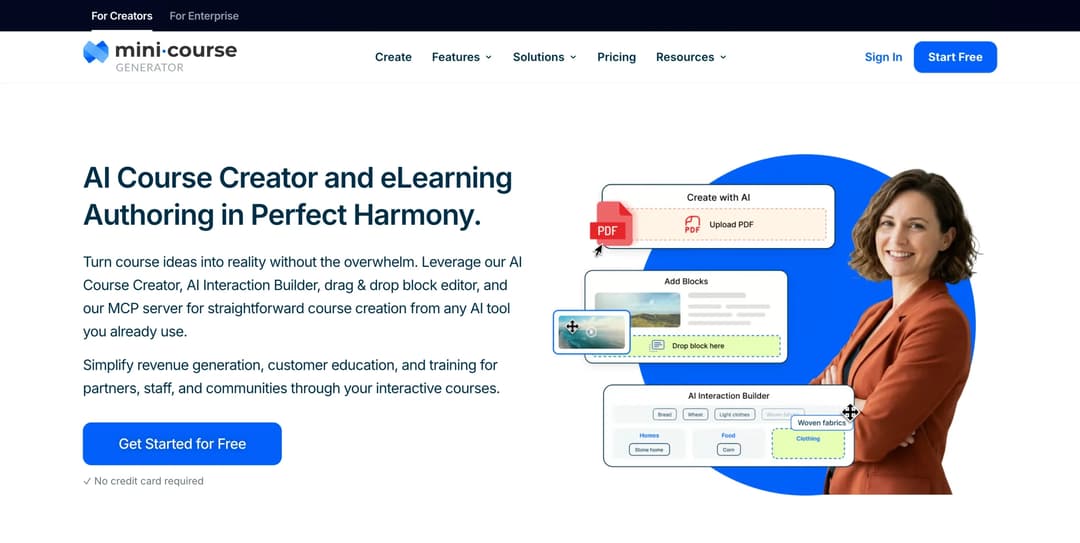
- AI Course Creator, which drafts a structured course from an idea or your own material
- PDF to Course Creator, which turns a manual or a slide-deck export into lessons
- AI Interaction Builder with nine interaction types, including Branching Scenarios, Dialogue Simulations and Scenario-Based Learning
- SCORM or PDF export at any time, plus share links, embed widgets and custom domains
- Gateways, six ways to control access, including a pay-wall and a Password Wall
The other nine platforms replace LearnWorlds as a place to sell or a place to deliver. This one replaces it as the place the course gets built.
The starting point is material you already own. A workshop deck, a policy manual, a handbook: the AI Course Creator drafts a structured course from it, and the Drag & Drop Block Editor is where you take it over. Content is generated from your own resources rather than the open internet, and the company’s claim for that approach is 95% hallucination-free output.
For programs that teach judgment rather than facts, the AI Role-play skill is the piece worth knowing about. Learners practice a conversation, an AI grades it against your rubric with a per-objective debrief, and the bundle exports as SCORM 1.2 into a client’s own system.
On the commercial side, the pay-wall Gateway and the Landing Page Builder let you sell directly, and the selling terms are plain: “Not a cent. We don’t take commissions or transaction fees from your revenue,” with funds transferred to your account rather than held. Beside that sits the portability commitment: “You can export mini-courses as PDF files or SCORM packages at any time.”
For firms already working inside an AI assistant, the Mini Course Generator MCP Server lets Claude, ChatGPT, Manus or Cursor create, edit and publish courses conversationally, pulling source material from Confluence, Notion, Slack or Google Drive. What that does to an authoring workflow is worked through in the guide to course creation with MCP.
Pricing: published in full on the pricing page, with a 14-day full-access trial and no credit card. There are zero implementation or onboarding fees and no minimum annual commitment, and plans are sized by a yearly learner allowance rather than permanent seats, which suits a firm whose learner count moves with the calendar.
Pros
- Builds the course from material you already own, rather than assuming the content exists
- Exports as SCORM or PDF at any time, so a client engagement never ends in a rebuild
- No commissions and no transaction fees on what you sell
- Rubric-graded role-play practice that runs inside whatever system a client uses
Cons
- Publishes no SOC 2 report, no ISO 27001 certificate and no HIPAA claim; if a client’s procurement needs one, this isn’t the platform to put in front of them
- No branded mobile app; courses run in the browser
- No content library at all, so you author or you bring your own
- No per-client sub-accounts and no reseller tier; multi-client work runs on Gateways, Collections and separate share links rather than separate tenants
- REST API, Headless LMS and learner single sign-on sit on the Custom plan
- Among the Agent Skills, AI Role-play is live and the other ten are not
Which LearnWorlds Alternative Fits Your Situation
Four forks decide this faster than any feature grid. Take them in order and most of the list disappears.
Will a client ever ask you for a package?
If no client will ever ask, ignore the delivery half of this list and decide between Teachable and Kajabi on fees and scope. Teachable is cheaper and narrower; Kajabi costs more and replaces three other subscriptions. Neither supports SCORM, and for a business selling to individuals that costs nothing.
If a client will ask, the field narrows to platforms that at least import a package: TalentLMS, Tovuti, 360Learning, LearnUpon, Docebo and Moodle. If you need to hand a course over rather than only take one in, it narrows to Mini Course Generator, the one that publishes an export commitment.
Do you need a storefront, or a delivery system?
A storefront sells to individuals: landing pages, checkout, funnels, coupons, email. Teachable and Kajabi are storefronts, and so is LearnWorlds; if that’s all you use it for, the honest comparison is a fee comparison.
A delivery system trains a client’s people and reports on it: enrollments, branches, certificates, expiry, single sign-on. TalentLMS, 360Learning, LearnUpon, Docebo and Moodle are delivery systems; Tovuti tries to be both.
Most training firms need one of each, and the cheapest honest answer is often a small delivery system plus a payment link rather than one platform doing both badly. The options at the one-to-three-trainer scale are in the guide to choosing an LMS for a small business.
How many learners will you actually have this year?
Under 100. 360Learning at $8 per user per month, TalentLMS from free to $119 a month, MoodleCloud from $170 a year, or LearnDash at $259 a year with no learner meter. LearnUpon and Docebo won’t quote you at this size; Tovuti will, but its floor is $7,500 a year for the first 100 learners.
100 to 500. TalentLMS Grow or Pro, 360Learning Team then a custom quote, Tovuti from $7,500 a year, MoodleCloud Medium or Standard.
500 and up, with corporate clients. LearnUpon or Docebo, and budget a procurement cycle rather than a card payment.
Is your real blocker the platform, or the content?
For a training provider this is usually the deciding fork. If your programs already exist as finished courses and you’re only moving them, choose on fees, export and contract terms and stop reading.
If what holds you up is that the material exists as a deck, a manual and twenty years of judgment that nobody has time to turn into a self-serve course, switching platforms won’t fix it. That’s an authoring problem, and the tools that solve it are compared in the guide to eLearning authoring software and, on the AI side, in the guide to AI for instructional design.
Four platforms here ship a Model Context Protocol server so an AI assistant can work against the platform directly: Kajabi, 360Learning, LearnUpon and Docebo. The Mini Course Generator MCP Server does the same, and pulls the source material from Confluence, Notion, Slack or Google Drive through the assistant’s own connectors. If you already work inside Claude or ChatGPT, the differences between these servers are set out in the guide to evaluating an LMS MCP server.
Thinkific overlaps with LearnWorlds almost exactly on the storefront side; if your decision has come down to those two, the fee and export checks above are what separate them. For firms whose clients want a branded academy for their own customers, the same decision at the enterprise end is covered in Thought Industries alternatives and Skilljar alternatives.
How to Leave LearnWorlds Without Losing Your Courses
The order matters, because two of these steps are irreversible once the subscription lapses.
- Export everything you can before you cancel, not after. Learner records, quiz results, certificates and any SCORM packages you imported are yours to take. Course content built inside the platform has no published export format, so budget rebuilding time rather than assuming a file exists.
- Rebuild the courses that earn money first. If a program sells, rebuild it properly. If it hasn’t enrolled anyone in a year, retiring it is cheaper than migrating it.
- Cancel with the refund rule in front of you. Subscriptions can be cancelled at any time, but “no refunds can be provided,” and access runs to the end of the period you already paid for, so cancelling on day two of a new annual term costs you the year.
- Diarize the renewal date, not the cancellation date. Price changes apply at renewal with 30 days’ notice, so the decision window is the month before renewal.
- Ask what happens to your data afterwards. The terms allow LearnWorlds to “keep a copy of Your Online School and End-users Content nine (9) months after termination” (§18.6). If a client contract requires deletion on exit, get the deletion confirmation in writing.
- List every live link before the school goes dark. Course links, landing pages and any embed you placed on a client’s site will stop working. Make that list before you cancel, not when a client emails you.
Do step one this week even if you’re staying. A platform you can leave is a platform you can negotiate with.
Start With the Export Test
Before you compare a single feature, answer the question a client will eventually ask you: can this program leave as a package? That removes most of the list in ten minutes.
Then price the plan you’d really be on, with the per-sale fee included, and read the renewal clause before the demo rather than after it. Two platforms will survive all three checks. Book demos for those two and nothing else.
If your real blocker is that the material still lives in a deck and a manual, the platform decision can wait a week. Turn a workshop deck into a course you can share, embed or export, then choose where it lives.
Frequently Asked Questions
Is LearnWorlds any good?
For its intended buyer, yes. It’s built for training businesses rather than solo creators: white-label sites, multi-client operations, live sessions, SCORM import and 25 admin seats at the top published tier. Its weak points are specific: no published course-export format, an “active learner” cap that is never defined, $149 a month for a branded app, and SOC 2 and ISO 27001 attributed to its cloud provider rather than claimed.
What are the top 5 LMS platforms?
There’s no universal five, because the category holds four different products. For a training provider the useful shortlist by job is TalentLMS for delivering into a client’s team at a published price, 360Learning for enterprise features with no user minimum, Docebo for regulated programs, MoodleCloud for the lowest hosted cost with native SCORM playback, and Mini Course Generator for turning your own material into a course you can export. Add Teachable or Kajabi only if what you need is a storefront.
How much does LearnWorlds cost?
Starter is $24 a month billed annually or $29 monthly, plus $5 on every course enrollment. Pro Trainer is $79 annually or $99 monthly with the enrollment fee waived, Learning Center is $249 annually or $299 monthly, and Corporate is quoted. A branded app adds $149 a month on any plan.
Who is Udemy’s biggest competitor?
That compares a marketplace to platforms you run yourself, which is the wrong axis for a training business. On Udemy’s marketplace you keep 97% of a sale made through your own coupon or referral link and 37% when the sale comes from Udemy’s catalog. Udemy Business is a content library sold to employers, and it publishes no authoring tool for your own programs. If you want your brand, your price and your client relationship, you’re shopping in the list above.
Does LearnWorlds have an AI course creator?
Yes, and it’s broad: builders for course outlines, ebooks, assessments, pages, funnels, emails and community posts, plus image generation and an Academy AI Global Playbook that keeps tone consistent across a school. The constraint is the meter: 300 credits a month on Starter, 500 on Pro Trainer and 1,000 on Learning Center, with more sold as an add-on, and no accuracy claim for any output. If AI drafting is why you’re switching, compare the credit ceiling and what one credit buys, not the length of the feature list.
Can I export my courses from LearnWorlds?
Not as a course package, based on what the vendor publishes. LearnWorlds imports SCORM and HTML5 packages, extracts SCORM data for reporting, and schedules compliance exports for records, but publishes no format for exporting a finished course. Ask support for a written answer before you commit a client program to it.
Sources
- LearnWorlds pricing page and Terms of Use, sections 6.4, 15.11, 17.1, 17.3.2 and 18.6; accessibility, data-security, enterprise and SCORM pages
- Teachable pricing page, security page, data-processing agreement and Terms of Use
- Kajabi pricing page, Trust Center and help-center article on supported file formats
- LearnDash pricing and product pages, SCORM and export documentation, and general Terms and Conditions
- MoodleCloud standard plans page and Moodle SCORM documentation
- TalentLMS pricing page and SCORM support documentation
- Tovuti pricing page and compliance page
- 360Learning pricing FAQ, enterprise FAQ and privacy and security page
- LearnUpon pricing page, Terms of Service sections 9.1 and 10.1, security, accessibility and Create+ pages
- Docebo pricing page, Master Services Agreement sections 5.2 and 12.2, and compliance and security page
- Udemy Business plans page and Udemy instructor revenue-share documentation
- Mini Course Generator pricing page and product feature pages


