

The 360Learning alternatives worth booking a demo with are the ones that will quote at your headcount, on a number they’ve already published. Seven here print one: TalentLMS, MoodleCloud, Mitti by SafetyCulture, iSpring Learn, Tovuti, Learn:Up by Confirm and Mini Course Generator, which is ours. The rest print nothing, and three publish a floor you have to clear before the conversation starts.
That matters because of where the number you have runs out. 360Learning publishes $8 per user per month and answers the minimum-seats question in its own pricing FAQ: “No, there is no minimum number of users required with 360Learning.” The same table caps that rate at 100 users. Above it, Business and Enterprise are both “Custom”, with no range and no minimum spend printed anywhere.
So this guide runs twelve platforms through the four questions that decide a shortlist at a given headcount: the seat floor, what the vendor actually publishes, what the contract commits you to, and what leaves with you if you go. It ends with two candidates and the questions to put to them before anyone signs.
Before you book a single demo, put one of your own policy documents through an AI course creator and look at what comes back. That’s the job most of the twelve platforms below are being asked to do.
The Short Answer: Stay, Move, or Wait for Your Headcount
Switching a training platform costs a quarter at minimum, longer if compliance deadlines sit inside it. So the question isn’t whether something else is better. It’s whether your headcount has moved you out of the deal you’re on.
If you’re under 100 people and the $8 works, stay. You’re inside a published rate with an explicit no-minimum statement beside it, billed monthly with no annual commitment, and 360Learning’s pricing page says you can cancel anytime. Almost nothing else here gives you all three, and a migration costs more in your own hours than the licence saves.
If you’re over 100 people, budget as though you’d never seen $8. The published rate stops at 100 users and the tiers above are quote-only. The next number comes from a salesperson, built on a user model you haven’t chosen — 360Learning describes “flexible user models: combine registered and monthly active users in a single contract”. Ask which one you’re being quoted on before you ask what it costs.
If your problem is per-seat maths, do the arithmetic before the demo. 360Learning’s Team plan is headcount × $8 a month against TalentLMS’s flat bands. The two cross at about fifteen people and the gap widens after it; the table further down runs the rest of the curve.
And if your reason to leave is authoring rather than price, skip to the headcount rules near the end. That fork isn’t about which LMS. It’s about how many people in your business will actually build a course, which is a staffing answer, not a software one.
What 360Learning Does Well, and Where the Published Price Stops
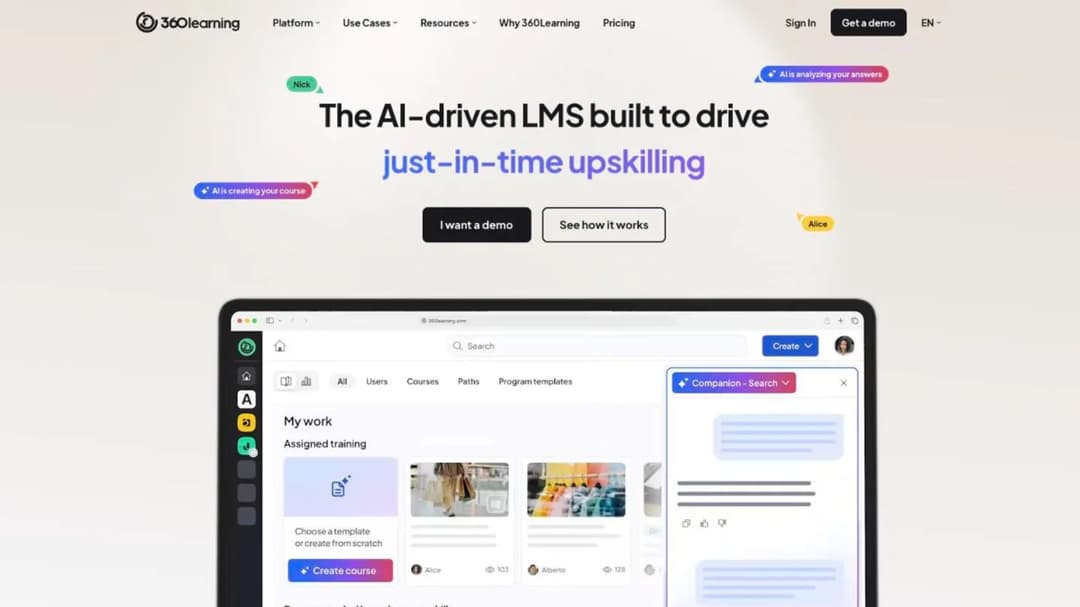
Start with what you’d give up, because the collaborative model is the product’s real architecture rather than a skin over a standard LMS. Your own subject-matter experts author the courses, review them in-platform, and push them out with the usual assignment, path and reporting machinery behind them. If that loop is working in your business, most of what follows is an argument for staying.
What the Collaborative Model Is Actually Good At
The model pays back when authoring is distributed. 360Learning’s customer pages carry the numbers: Croud reports 20 subject-matter experts creating courses and more than 1,000 courses built in-house; ArcelorMittal reports 81 native courses built each month. Those are the figures the platform is designed to produce.
Now apply the test to your own business. Write down the names of the people who will author. Not the people who could — the ones who’ll open the tool, draft a module and answer a review comment inside a fortnight.
If you can name five, the collaborative model is worth paying for and the co-authoring workflow is what you’d miss. If you can name one, you’re buying a collaboration engine for a solo author, and the question changes: not which platform is best at group authoring, but which one makes one person’s instructional design work fast. That’s a different shortlist, and it’s the one this page forks to at the end.
Where the Published Price Stops
Here’s the full published position in one place, because the rate and the cap only mean something together.
| Tier | Published price | Seats it covers | Billing |
|---|---|---|---|
| Team | $8 per user per month | Up to 100 users | Billed monthly, no annual commitment, cancel anytime |
| Business | “Custom” | Not stated | Not stated |
| Enterprise | “Custom” | Not stated | Not stated |
Three things follow. The FAQ’s “No, there is no minimum number of users required” is true and useful at 12 people. The $8 is a number for your first hundred seats only. And at 120 people you’re in a quote with no published range to anchor against.
The table also carries two asterisks it never defines, on “Single sign-on (SSO)*” and on “MS Teams or Zoom webinar integration*”. If either is load-bearing for your rollout, get the restriction in writing before the renewal.
What the AI Does Today, and What It Cannot Do Yet
360Learning ships an MCP server, which is the connector that lets an AI assistant work directly against your learning data. Its engineering post names the clients it targets: ChatGPT, Claude, Gemini, Microsoft Copilot, SAP Joule and Salesforce AgentForce. The learner-facing case — training pulled into the flow of work — is stated as generally available in Q3 2026.
Read the permissions carefully, because they’re the part that decides whether this changes your week. Learners get read-only access. Admins get read-only data exports and insights, with write capability described as planned and being built natively first. Subject-matter experts can generate drafts with no publish right, and the post is explicit about why: “a human author always reviews, refines, and decides what goes live.”
That’s a sensible design and it’s also less than the marketing implies. Today it’s a read-and-draft surface, and only the learner half carries a stated date. Three platforms on this page publish an MCP server: 360Learning, LearnUpon — which markets an “Agentic Learning Platform” with an MCP Server and an orchestration layer called LearnUpon IQ — and Mini Course Generator, which is ours. If an AI assistant is part of your case for the renewal, ask what the assistant is allowed to write; the questions worth putting to an LMS about its MCP server make a better demo script than a feature list.
What the Platform Does Not Publish
Four gaps are worth knowing before you plan around them.
Export. SCORM, xAPI, cmi5 and AICC all come in, and a native SCORM player ships on every plan. No export is described anywhere, and no version numbers are published in either direction.
The uptime commitment. A 99.8% uptime SLA appears on the enterprise page. It isn’t on the pricing page and it isn’t on the security page. If you’re on Team at $8, don’t assume it — ask what you do get.
Compliance, in both directions. 360Learning publishes SOC 2 Type II, ISO 27001, GDPR and UK GDPR, CCPA/CPRA, EU AI Act alignment with its own AI qualified as “Limited Risk”, DSA intermediary status and an EcoVadis Silver rating scored at 77, hosted on Azure “in locations non subject to the Patriot Act”. It claims no HIPAA and no FedRAMP anywhere. If you’re in healthcare or selling to a federal agency, that’s your answer without a call.
The integration count. The homepage says “80+ more”; the features page and the partner marketplace both say “50+”. Counts are marketing, named connectors are procurement — ask for your two integrations by name and confirm them in the trial.
How 360Learning and Docebo Differ
This is the comparison people ask for most often, and the difference is commercial before it’s functional.
| 360Learning | Docebo | |
|---|---|---|
| Published price | $8 per user per month to 100 users | None published |
| Who it’s aimed at | No stated minimum; rate caps at 100 users | Its FAQ says “Training at least 250+ learners” |
| Contract shape | Team billed monthly, no annual commitment | “Most customers choose to sign a 3-5 year contract with Docebo. However, the minimum contract length is only a single year.” |
| User model | Registered and monthly active users combinable in one contract | MAU, YAU and RAU models |
At 60 people you can buy 360Learning this afternoon and you’re below the size Docebo says it suits. At 2,000 people across employees, customers and partners, Docebo’s suite does things 360Learning’s doesn’t — and the sentence to carry into that negotiation is the minimum term. Ask for the single year by name.
What an Employee Training Platform Has to Do Before Price Matters
An employee training platform is the system that assigns training to the right people, records who finished it, and produces the evidence when someone asks for it. Everything on this page does that. The differences sit in four places, and confirming them by name is what makes two prices comparable at all.
Assign, Track and Prove Completion
Every platform here assigns a course, sets a due date and reports completion. The separation starts at the word “prove”.
Ask to see the report you’d hand an auditor, populated with real data, in the trial. A completion percentage on a dashboard isn’t an evidence trail. An evidence trail names the learner, the course version they took, the date they finished and the score, and it exports without a support ticket.
If your programme is compliance training rather than skills development, that distinction is the whole purchase. If it’s onboarding, test whether the new-hire plan survives a start date moving by a week without someone rebuilding the assignments by hand.
Author Without an Agency Budget
Every platform here advertises AI authoring. Where it sits in the price list matters more than whether it exists. On Litmos the AI capability is a tier: AI Assistant, AI Content Authoring, AI/ML Video Assessments and AI Playlists are grouped under Platinum AI, and every tier shows “Contact for Pricing”. So “does it have AI” gets a yes and tells you nothing. “Which tier is it in, and what does that tier cost” gets you the decision.
The second question is what the AI drafts from. A tool writing from the open internet gives you plausible generic content you then fact-check against your own policy. A tool drafting from your uploaded document gives you something your compliance lead can approve. Take one real policy document into every trial and build the same module twice — that beats any feature list about AI in L&D.
Connect to the HRIS You Already Run
Write down the two systems that must talk to the LMS — usually your HRIS and your single sign-on — and get both confirmed by name, in writing, including what the connector actually syncs. “Workday integration” can mean user provisioning, or a nightly CSV someone has to babysit. Then ask what happens when a leaver is deactivated in the HRIS, because that’s where a live seat count quietly diverges from a billed one.
Let the Content Leave
Import is not export, and the difference decides how expensive your next migration is. Most platforms here accept a SCORM package built elsewhere. Far fewer hand you one back containing the courses you authored inside them. 360Learning describes no SCORM export. TalentLMS states you can’t create SCORM files in it. Moodle plays packages and never generates one. Absorb is the counter-example: Absorb Create publishes courses out to SCORM, xAPI and HTML5, which is a different answer from every other enterprise name here.
So the question to ask in writing is “can I export a portable package of the courses we built here”, not “do you support SCORM”. The difference between SCORM and xAPI matters far less than that one does, and the answer belongs in your file before you sign.
What to Check Before You Switch
Six checks, in the order they bite. The first two decide more money than the other four.
What Is the Seat Floor, and Where Does the Published Rate Stop?
The published-price world and the quote-only world split at almost exactly 100 seats, and that single line reorganises the shortlist.
| Platform | Seat floor or band | What it publishes |
|---|---|---|
| 360Learning | No minimum stated; rate caps at 100 users | $8 per user per month to 100 users |
| TalentLMS | None; free forever plan to 5 users | Full ladder, $119 / $229 / $449 by band |
| Mini Course Generator | None; no seat floor | Published ladder on its pricing page |
| MoodleCloud | 50-user entry plan | Annual ladder, $170 to $2,170 |
| Mitti by SafetyCulture | None; free tier to 10 team members | $24 or $29 per seat per month |
| iSpring Learn | Cheapest published band is 100 users | $6.91 per user per month at 100 users |
| Tovuti | Base covers the first 100 learners | $7,500 a year for the first 100 learners |
| Learn:Up by Confirm | Rate modelled on a 200-person company | From $9 per user per month, billed annually |
| Absorb | Bands start at 1–50 learners | No figure; quote form only |
| LearnUpon | “From 100 Users” for employees | No figure anywhere |
| Docebo | Guides from 250+ learners | No figure anywhere |
| Sana | “Plans start at 300 users” | No figure anywhere |
| Litmos | None stated | No figure; “Contact for Pricing” on every tier |
| Cornerstone | None stated | No platform figure; content tiers by course count |
Read it as a rule rather than a table. At 60 people you’re below LearnUpon’s stated floor, below the size Docebo says it suits, a fifth of the way to Sana’s, and iSpring publishes no price for you at all. Those aren’t negotiations, they’re removals.
Absorb is the enterprise name that says so in public: its bands start at 1–50 learners, so a fifty-person company can ask for a quote. Litmos and Cornerstone state no floor either, but neither publishes a band you can point at in an email. At 400 people the picture inverts — everything here will sell to you and the seat floor stops being the filter. Headcount, not feature fit, decides which half of this market returns your call, and what an LMS costs is a different question in each half.
Per Seat or Flat? Run the Crossover
A per-seat rate is a bargain at twelve people and the most expensive line on your budget at ninety. Here’s the arithmetic, with 360Learning’s Team plan against TalentLMS’s published ladder.
| Your headcount | 360Learning at $8 per user | TalentLMS, published band | Which is cheaper |
|---|---|---|---|
| 12 people | $96/mo | Core, $119/mo (covers 1–40) | 360Learning |
| 15 people | $120/mo | Core, $119/mo | Level |
| 40 people | $320/mo | Core, $119/mo | TalentLMS |
| 70 people | $560/mo | Grow, $229/mo (covers 1–70) | TalentLMS |
| 100 people | $800/mo | Pro, $449/mo (covers 1–100) | TalentLMS |
Redo the sum with your own headcount before any demo.
One catch trips people up: a flat rate is flat only inside its band. Each TalentLMS tier’s slider raises the seats and the price together, so reading “$119” as “$119 for a hundred people” mis-prices a rollout by two tiers.
What Does the Contract Actually Commit You To?
Three contract shapes exist here, and the difference between them is worth more than most feature comparisons.
- Monthly, cancel anytime. 360Learning’s Team plan is billed monthly with no annual commitment. There’s no notice window to miss because there’s no term to exit.
- Twelve months that renew themselves. LearnUpon’s terms describe a 12-month period that “will automatically renew” unless written notice arrives 30 days beforehand, with the current period non-refundable. Thirty days is short enough to miss while you’re running a rollout.
- A multi-year norm with a shorter minimum inside it. Docebo publishes that most customers sign three to five years and that “the minimum contract length is only a single year”. The one-year term exists; it just isn’t the default anyone offers you.
Two dates decide every switch: your notice deadline, and the new vendor’s implementation window. Put both in one calendar before you negotiate either.
Is That Price the Vendor’s Price, or a Number From a Comparison Table?
Prices in this category move faster than the tables quoting them, and stale figures travel a long way.
Four numbers circulate widely right now and none appears on the relevant vendor’s own pricing page: $25,000 a year for Docebo, $13 a licence for Sana, $2.95 a user for SafetyCulture Training, and $25–$35 per user per month for WorkRamp. Each was true of a previous ladder or a previous company.
The rule is simple enough to use in a meeting. If a comparison table gives you a price the vendor’s own page doesn’t, treat it as a rumour and ask the vendor. Put the figure in the email and ask them to confirm or correct it — the answer takes a day, and it stops you building a case on a number nobody will honour.
Does the Product Still Exist Under That Name?
Three platforms recommended here trade under different names now.
- WorkRamp is now Learn:Up by Confirm. Learning Pool acquired WorkRamp in October 2025, rebranded itself as Confirm in August 2026, and split the product into Learn:Up for employee training and Academy for customer and partner training.
- Absorb LMS now trades as Absorb AI.
- SC Training, previously EdApp, is now Mitti by SafetyCulture.
A shortlist assembled from an older guide sends you shopping under retired names, and the prices attached to those names are the ones most likely to be wrong. Check the current brand before you check the price.
Which Tier Is the AI In?
The AI question is a budget question wearing a feature question’s clothes, and two things settle it in a demo. First, which tier the AI authoring sits in and what that tier costs at your headcount. Second, what the AI may do without a human — draft only, or draft and publish. On 360Learning’s MCP server, experts draft and cannot publish. That’s the right default, and worth confirming in each candidate before someone asks why the assistant can’t just push the update live.
How the 360Learning Alternatives Compare
Twelve platforms, in the order the rest of this page uses. Prices are as published in September 2026; where a vendor publishes nothing, the table says so.
| Platform | Will quote a team of | Price, as published | Billing and commitment | SCORM in / out | Best for |
|---|---|---|---|---|---|
| TalentLMS | Any size, from free | $119/mo (1–40), $229 (1–70), $449 (1–100) | Monthly, 20% off annual | In: SCORM 1.2, xAPI, cmi5. Out: no | Starting today on a published ladder |
| Moodle / MoodleCloud | Any size; entry plan covers 50 users | $170 to $2,170 a year; core software free to self-host | Annual, invoiced in Australian dollars | In: SCORM 1.2 and AICC. Out: no | A budget constraint that outranks convenience |
| Mini Course Generator | Any size, no seat floor | Published ladder, no implementation or onboarding fees | No minimum annual commitment, 14 days of full access | In: SCORM Upload Block. Out: SCORM or PDF any time | Turning a policy document into a finished module this week |
| Mitti by SafetyCulture | Any size; free tier to 10 team members | $24 per seat/mo annual, $29 monthly | Annual or monthly | Not published either way | Frontline and deskless teams inside an operations tool |
| iSpring Learn | From 100 users | $6.91/user/mo at 100, $4.46 at 300, $3.97 at 500 | Annual, billed per active user | In: SCORM 1.2 and 2004. Out: via iSpring Suite | A full authoring toolkit bundled with the platform |
| Tovuti | From 100 learners | $7,500 a year for the first 100 learners | Annual | In: SCORM, xAPI, AICC. Out: not stated | One annual number instead of a per-seat curve |
| Learn:Up by Confirm | Modelled on 200 people | From $9 per user per month | Billed annually | In: SCORM. Out: not stated | AI simulations and a skills engine at scale-up size |
| Absorb | Bands from 1–50 learners | No figure published | Not published | In: SCORM 1.2 and 2004. Out: SCORM, xAPI and HTML5 via Absorb Create | Enterprise procurement at a small headcount |
| Litmos | None stated | No figure; “Contact for Pricing” | Not published | In: SCORM, xAPI, AICC. Out: not stated | Buyers comfortable with a quote-only process |
| LearnUpon | From 100 users | No figure published | 12-month period, auto-renews, 30 days’ notice | In: SCORM, xAPI. Out: not stated | Programmes already above the floor |
| Docebo | From 250+ learners | No figure published | 1-year minimum, 3–5 years typical | In: SCORM 1.2 and 2004, xAPI, AICC. Out: not stated | Employees, customers and partners on one suite |
| Cornerstone | None stated | No platform figure; content priced by course count | Not published | In: SCORM, xAPI, AICC. Out: not stated | Buying a catalogue and a talent suite together |
The 12 Best 360Learning Alternatives
Every price, plan limit and contract term below comes from the vendor’s own pages and published agreements, quoted as printed; where a vendor publishes nothing, the entry says so. The order follows the question this page is about — the platforms that publish a number and will sell at any headcount come first, then the ones whose published price starts at about a hundred seats, then the ones that quote only.
1. TalentLMS
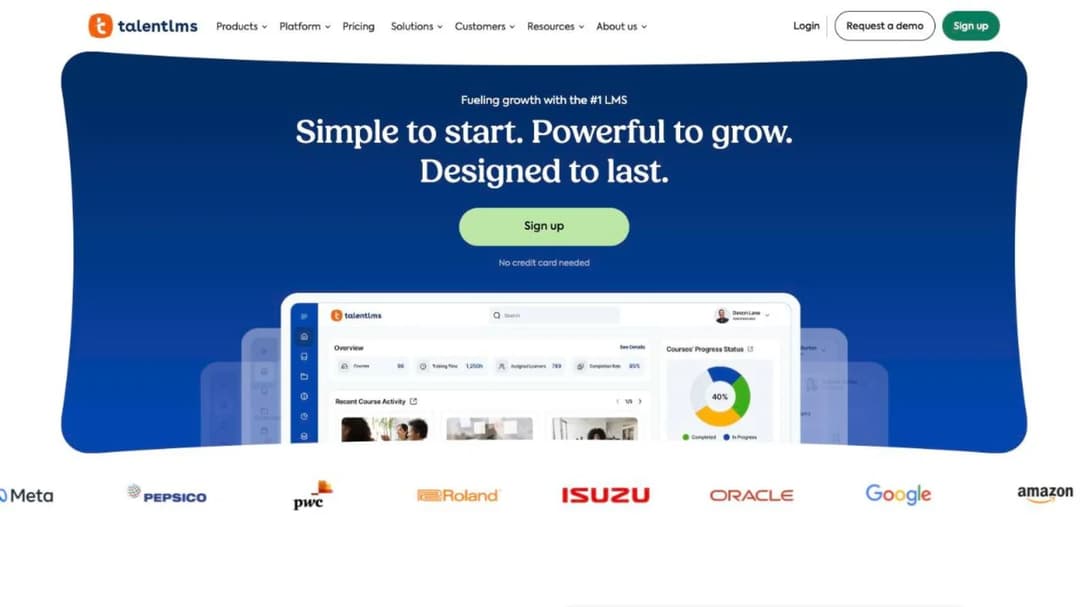
Best for: teams of five to five hundred who want the whole ladder visible before they commit to any of it.
Top Features
- Published tier ladder with a slider that shows the price at your exact seat count
- Branches for separate departments, brands or client groups, from 1 branch on Core to 15 on Pro
- Course store, built-in authoring and SCORM 1.2 import
- Free forever plan covering 5 users and 10 courses
TalentLMS is the flat-rate half of the arithmetic this page is built on, and the reason a small team can start without a conversation. Core is $119 a month for a base band of 1–40 users with one branch; Grow is $229 for 1–70 with three branches; Pro is $449 for 1–100 with fifteen branches and $6 for every additional user. Each tier’s slider raises the seats and the price together, so the tier name tells you the starting band, not the ceiling.
Against 360Learning the trade is administrative depth for authoring speed. You get branches, a course store and a mature reporting layer; you don’t get a co-authoring workflow built around internal experts, and TalentLMS states plainly that you can’t create SCORM files inside it. If your rollout is onboarding a steady flow of new hires, the branch model and the automations earn the licence.
Pricing: Free forever for 5 users and 10 courses. Core $119/mo, Grow $229/mo, Pro $449/mo on their published base bands, with 20% off annual billing. Enterprise starts at 1,000 users and Flex starts at 500.
Pros
- The entire ladder is published, including what each tier’s band actually covers
- A genuine free plan, which makes a pilot free rather than cheap — the free options worth trialling are few
- Branches suit a business with distinct departments or client groups
Cons
- You can’t create a SCORM package in it, so authored content doesn’t travel out
- The base bands are narrower than the tier names suggest, and the slider raises the price with the seats
- No collaborative authoring workflow built around internal subject-matter experts
2. Moodle and MoodleCloud
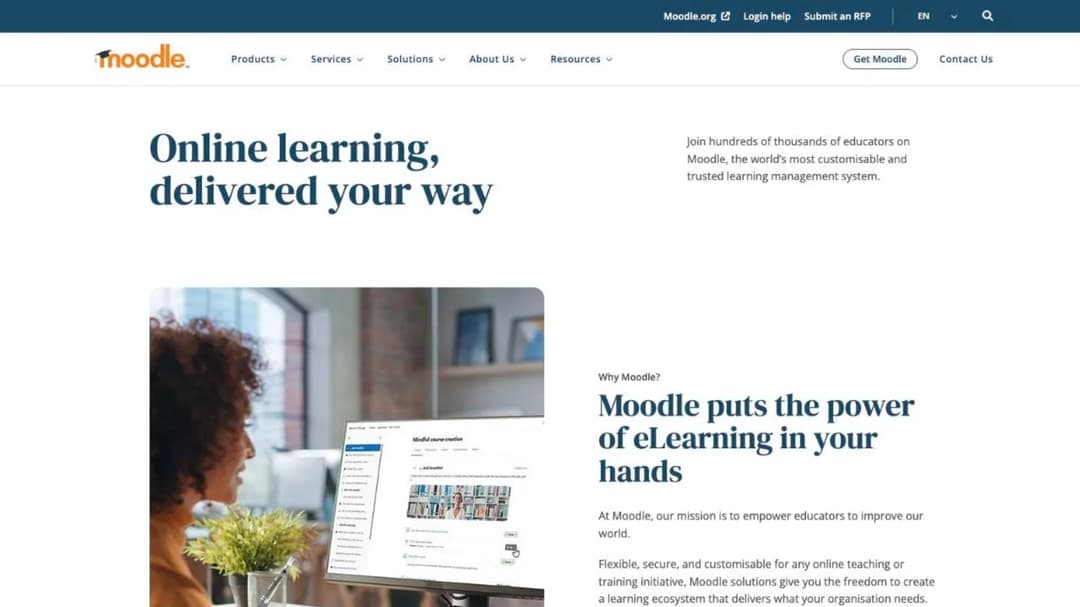
Best for: teams with an admin who’ll own the instance, or a budget constraint that outranks convenience.
Top Features
- Open-source core, free to download and host yourself
- MoodleCloud hosted plans with a published annual ladder
- SCORM 1.2 and AICC playback, with completion and grade reporting
- Full control over data residency when self-hosted
No other licence line on this page starts at $170 a year, and no other one costs an admin a standing slot in their week. MoodleCloud’s ladder runs from $170 a year for 50 users on Starter up to $2,170 a year for 750 users on Standard, and the core software costs nothing if you run it yourself. For a fifty-person company watching every line, no other platform on this page comes close on licence cost.
Two details belong in the business case. MoodleCloud subscriptions are “charged and invoiced in Australian dollars only” regardless of the currency shown, which lands on finance rather than on L&D but lands all the same. And Moodle plays SCORM packages without ever generating one, so content authored inside it stays inside it. If you’re weighing self-hosting, the build-versus-buy question is the right frame and the Moodle comparison covers both forks.
Pricing: MoodleCloud from $170 a year for 50 users (Starter) to $2,170 a year for 750 users (Standard), invoiced in Australian dollars. Self-hosted Moodle is free; hosting, maintenance and upgrades are yours.
Pros
- The lowest published licence cost of any platform here
- Self-hosting gives you complete control over data residency and retention
- No seat floor and no sales process to get started
Cons
- The saving is paid for in admin time, and somebody has to own upgrades
- Invoicing in Australian dollars adds an exchange-rate line your finance team didn’t ask for
- No SCORM export, so authored content doesn’t leave in a portable package
- The authoring experience is the weakest part of the product
3. Mini Course Generator
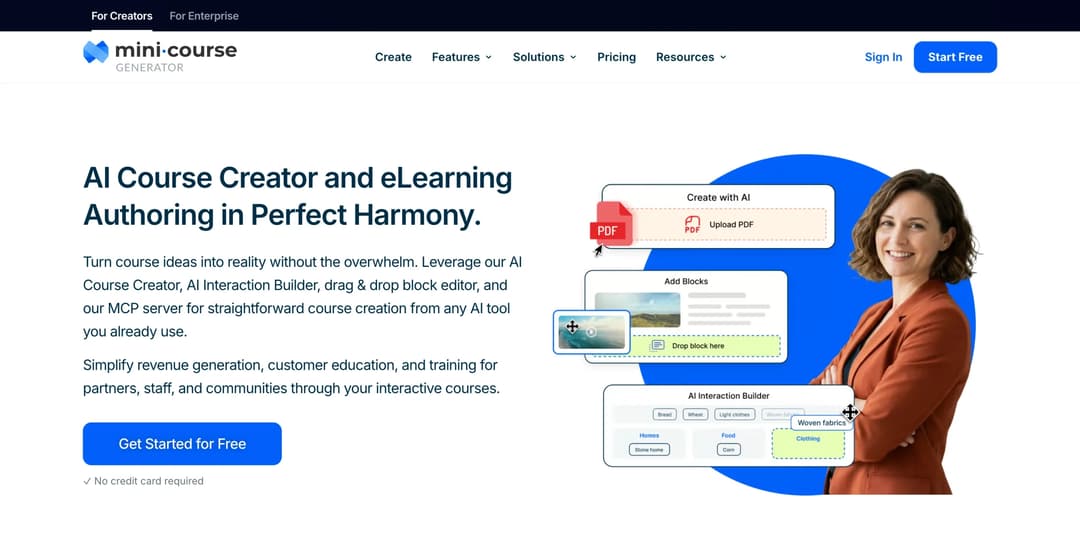
Mini Course Generator is our product.
Best for: the L&D team of one or two who needs a policy document turned into a finished interactive module this week, with no seat floor and no implementation project first.
Top Features
- AI Course Creator and PDF to Course Creator, which draft a course from your own document rather than the open internet
- AI Interaction Builder for branching scenarios, flashcards and mini-games, interactive quizzes and drag-and-drop activities
- Mini Course Generator MCP Server, included on every plan, so an assistant like Claude or ChatGPT can build and update courses directly
- Gateways: six learner-access options including double opt-in and a password wall, with magic links for password-less access
- SCORM or PDF export of a mini-course at any time, plus a SCORM Upload Block that accepts packages built elsewhere and reports on how learners interact with them
360Learning assumes the bottleneck is getting your experts to write. Mini Course Generator assumes the material already exists — the policy PDF, the deck, the handbook — and the bottleneck is turning it into something people finish. A document goes in and an interactive module comes out, which is a different job from running a collaborative authoring programme.
Two structural differences matter against the platforms above. There’s no seat floor and no implementation or onboarding fee, so a forty-person company buys the same way a four-hundred-person one does. And plans are sized by a yearly learner allowance rather than a permanent seat count, with a learner defined as anyone who takes your courses, so an annual compliance refresher doesn’t price like a full year of registered seats.
The MCP Server sits on every plan rather than behind a tier, and the [AI Role-play Skill](/skills/role-play/) adds rubric-graded practice conversations that export as SCORM. Community Boards handle discussion inside the lesson, Automations handle enrolment and follow-up, and dynamic SCORM export sits on the business plans.
Pricing: published in full on the pricing page, with 14 days of full access on every plan, zero implementation or onboarding fees, and no minimum annual commitment.
Pros
- No seat floor and no implementation fee, so the buying process is the same at 40 people as at 400
- SCORM or PDF export at any time, so authored content leaves in a portable package
- Accepts a SCORM package built in another tool and reports on how learners interact with it
- AI authoring and MCP access on every plan rather than behind a tier gate
Cons
- Not an enterprise suite: no native HRIS sync, so Workday, ADP and BambooHR connect through Zapier, Make or webhooks
- No content marketplace, no skills intelligence, no instructor-led session scheduling
- Publishes no SOC 2 report, no ISO 27001 certificate, no HIPAA statement and no business associate agreement
- SSO for learners and the REST API sit on the Custom plan only
- Built around short courses, so a fifty-hour certification curriculum with instructor sessions isn’t what it’s designed for
4. Mitti by SafetyCulture
Best for: frontline and deskless teams where training has to live in the same app as inspections and shift issues.
Top Features
- Training, inspections and issue reporting in one seat
- Mobile-first course player built for phones rather than adapted to them
- Free tier covering up to 10 team members with up to 300 AI credits per seat per month
- Published per-seat pricing with an annual discount
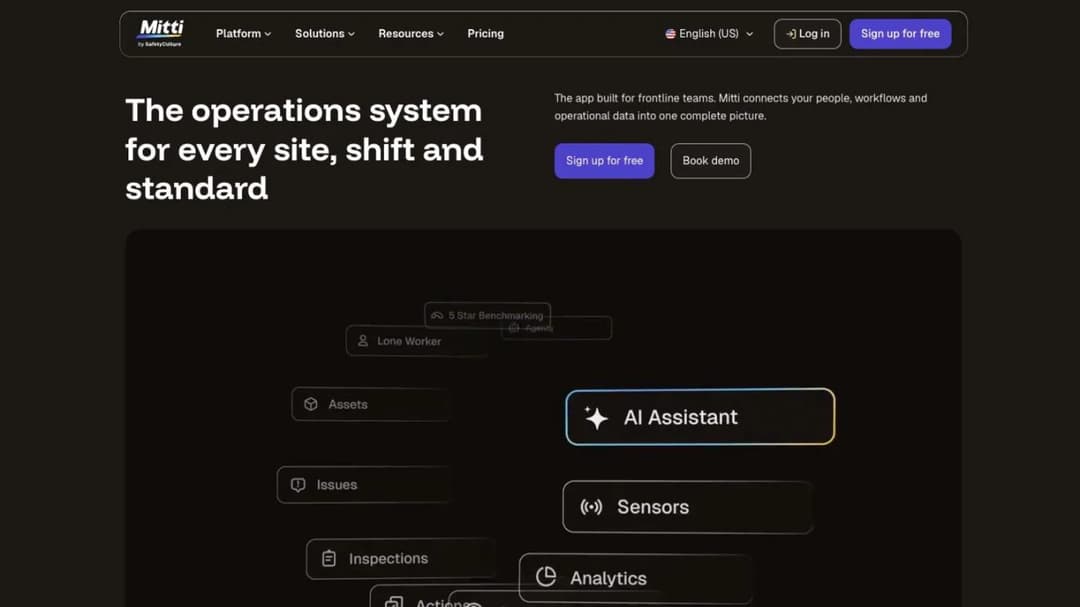
This is the platform sold as EdApp, then as SC Training, and now branded Mitti by SafetyCulture. If a guide quoted you $2.95 a user for it, that figure belongs to a previous ladder.
What it sells is different from everything else here. Training is one surface inside a frontline operations tool, so a supervisor assigns a refresher in the same app they use to log a broken fridge. For a workforce that never sits at a desk, that single-app argument beats feature parity. For a head-office population it’s the wrong shape, and the per-seat rate is the highest published on this page — which is why it usually gets compared against the frontline training platforms built for the same shift pattern.
Pricing: Free for up to 10 team members with up to 300 AI credits per seat per month. Premium is $24 per seat per month billed annually, a 17% saving against $29 per seat per month billed monthly. Enterprise is custom.
Pros
- Training, inspections and issue reporting in a single seat and a single app
- A genuinely usable free tier for a small frontline team
- Published per-seat pricing with the annual discount stated
Cons
- $24 a seat is the highest published per-seat rate here, and at 100 people that’s well above 360Learning’s Team rate
- The operations surface is the product, so a pure L&D buyer pays for capability they won’t use
- It has traded as EdApp and as SC Training before this, so older comparisons describe it under a name the vendor has retired
5. iSpring Learn
Best for: compliance and onboarding programmes at 100 users and up that want a full authoring toolkit in the same contract as the platform.
Top Features
- Bundled with iSpring Suite, which builds courses, quizzes, simulations and videos
- Billing by active user rather than registered seat
- SCORM 1.2 and 2004 courses from iSpring Suite or any other tool
- 30-day trial with no card
The shape of iSpring’s rate matters more than the rate itself, and it is one of the few here published at all. Its cheapest band is 100 users, at $6.91 per user per month — $8,286 a year. It falls to $4.46 per user at 300 users and $3.97 at 500. Below 100 people there’s no published price at all.
The billing mechanic is the detail worth carrying into a comparison. iSpring bills active users, not registered seats: “you can invite and register any number of users, and pay for active users only. A user will be considered active if s/he has logged in at least once during a month.” For a compliance population that trains once a year, that’s a different number from a seat count, and usually a much better one. The authoring bundle is the other draw: the Suite builds the package, the platform delivers and reports on it, and the two sit in one contract instead of two.
Pricing: $6.91 per user per month at 100 users, billed annually at $8,286 a year; $4.46 per user at 300 users; $3.97 at 500. Billed per active user. Thirty-day trial, no card required.
Pros
- One of the few platforms here that publishes a per-user rate at all
- Active-user billing suits an annual refresher population far better than a seat count
- Undercuts 360Learning’s published rate at 100 users and keeps falling with volume
Cons
- The cheapest published band starts at 100 users, so a sixty-person team gets no number
- iSpring Learn publishes no export path of its own — packages come out of the Suite, so ask what happens to anything built inside the platform
- The platform’s collaborative review workflow is lighter than 360Learning’s
6. Tovuti LMS
Best for: a 100-to-500-person programme that wants one annual number on the purchase order instead of a per-seat curve.
Top Features
- Published starting price covering a fixed learner count
- Interactive content builder with more than forty activity types
- Virtual classroom, event management and certification tracking
Tovuti prices the way a finance team likes: $7,500 a year for your first 100 learners, one line, one renewal date. At 100 people that’s $625 a month against 360Learning’s $800, and the comparison holds steady rather than climbing with every hire you make inside the band.
The certifications list is the other draw. Tovuti’s own page lists SOC 2 Type 2, ISO 27001, PCI, VPAT 508, CCPA, WCAG 2.1 AA and GDPR, and the company announced in July 2025 that it is FedRAMP Authorized through Knox Systems’ approved FedRAMP cloud infrastructure — an authorisation running through a partner’s infrastructure rather than sitting on Tovuti’s own certifications list. If you sell into the public sector, establish in writing whose authorisation covers you, because Cornerstone publishes a FedRAMP Moderate authorisation of its own and the two are not the same thing. The interactive authoring is strong for building modules people finish, and it’s the part worth testing in the trial.
Pricing: from $7,500 a year for the first 100 learners. Larger volumes and additional modules are quoted.
Pros
- One annual figure rather than a per-seat curve that grows with headcount
- Cheaper than 360Learning’s published rate at 100 people, on a flat number
- A FedRAMP route behind a published price — Cornerstone publishes an authorisation too, but no price
Cons
- $7,500 a year is a real floor: at 30 people it’s far more than a per-seat rate
- Pricing above the first 100 learners isn’t published
- The breadth of the toolkit takes time to learn, which lengthens implementation
7. Learn:Up by Confirm
Best for: a fast-growing company around 200 people that wants AI practice and simulations alongside a skills engine.
Top Features
- AI-first course building with practice and simulation activities
- Skills framework tied to roles and performance data
- Published per-user rate, modelled on a stated company size
- Academy product available separately for customer and partner training
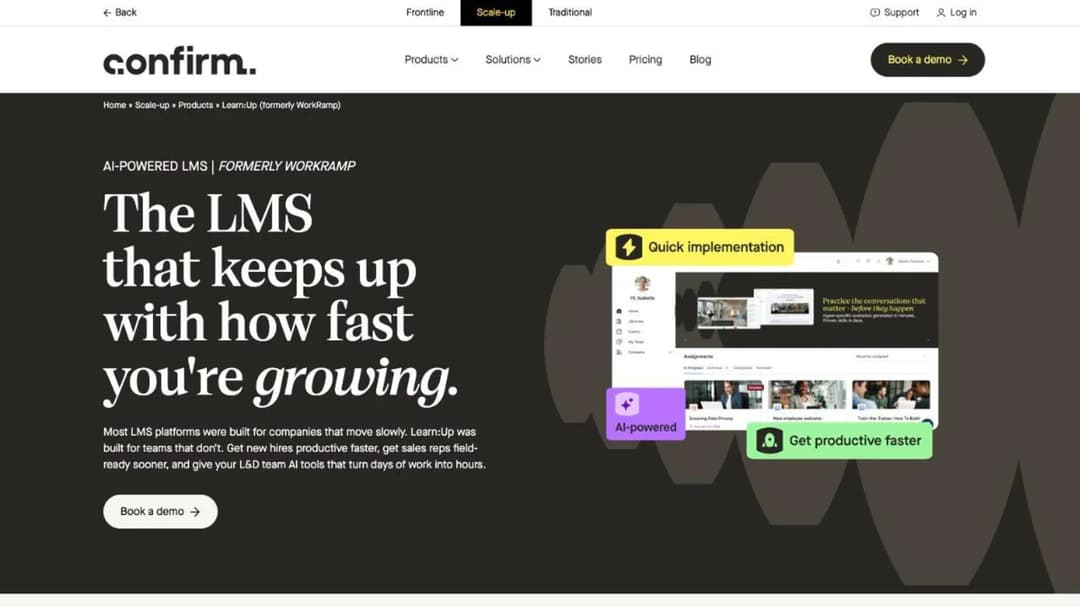
This is WorkRamp under its current name. Learning Pool acquired WorkRamp in October 2025, rebranded as Confirm in August 2026, and split the learning product into Learn:Up for employees and Academy for customers and partners. Guides still recommending “WorkRamp” are describing a company and a ladder that no longer exist.
Learn:Up publishes “Starting from $9 / £7 per user per month. Billed annually. Based on a 200-person company.” That’s the closest published rate to 360Learning’s here, and the framing is the interesting part: it’s modelled at 200 seats, a size where 360Learning’s published rate has already stopped. Its siblings publish too — Perform at $8 per user, Practice at $4 — while Academy, Create, Library and Custom are quote-only. If your case for change is AI practice rather than course volume, put it head to head with the AI role-play tools built for that.
Pricing: Learn:Up from $9 / £7 per user per month, billed annually, modelled on a 200-person company. Perform from $8, Practice from $4. Academy, Create, Library and Custom are quote-only.
Pros
- A published per-user rate at a size where most of this market goes quiet
- Modelled and stated at 200 seats rather than left ambiguous
- AI practice and simulation are core rather than a bolt-on
Cons
- Two brand changes in under a year, so references and reviews are hard to date
- The $9 rate is annual-billed only, with no monthly option published
- Academy, the customer and partner product, publishes no figure at all
8. Absorb
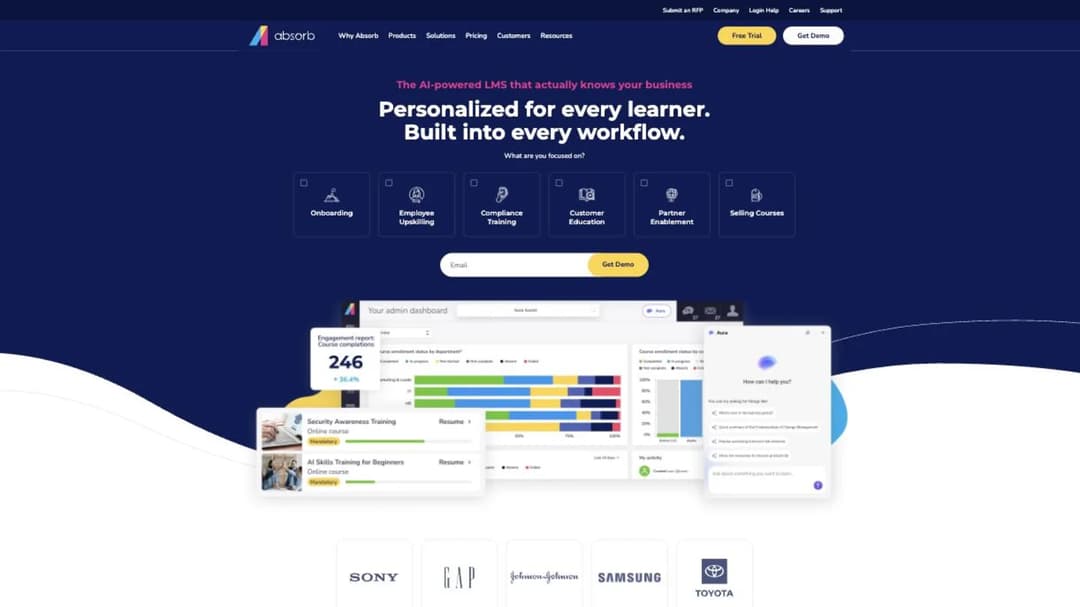
Best for: a mid-market or enterprise buyer who wants a sales-led quote and a polished admin experience, at a headcount that other enterprise vendors would turn away.
Top Features
- Learner-experience layer with heavy branding control
- AI skills ontology mapping content to roles and capabilities
- Absorb Create authoring, which publishes courses out to SCORM, xAPI and HTML5
Absorb LMS now trades as Absorb AI. Its pricing page is a form, the learner bands run from 1–50 up to 25,000+, and no dollar figure appears anywhere. The band at the bottom is the point: enterprise tooling and an enterprise sales process, with a quote path that stays open to a fifty-person company, where LearnUpon, Docebo and iSpring all publish a floor above you.
What you trade is predictability. You can’t budget from the website, you can’t compare it against $8 per user without a call, and the number you get is shaped by the conversation. Absorb is a heavier platform bought a slower way; the Absorb comparison puts that weight class side by side on what each vendor publishes.
Pricing: no figure published. The pricing page is a quote form with learner bands from 1–50 up to 25,000+.
Pros
- No stated seat floor, so a fifty-person company can still get a quote
- A strong learner experience and deep branding control for a segmented business
- Extended-enterprise support if customers and partners join the programme later
Cons
- No published price of any kind, so there’s nothing to budget from before a call
- A rebrand means older reviews and comparisons refer to a different product name
- Implementation is a project, not an afternoon
9. Litmos
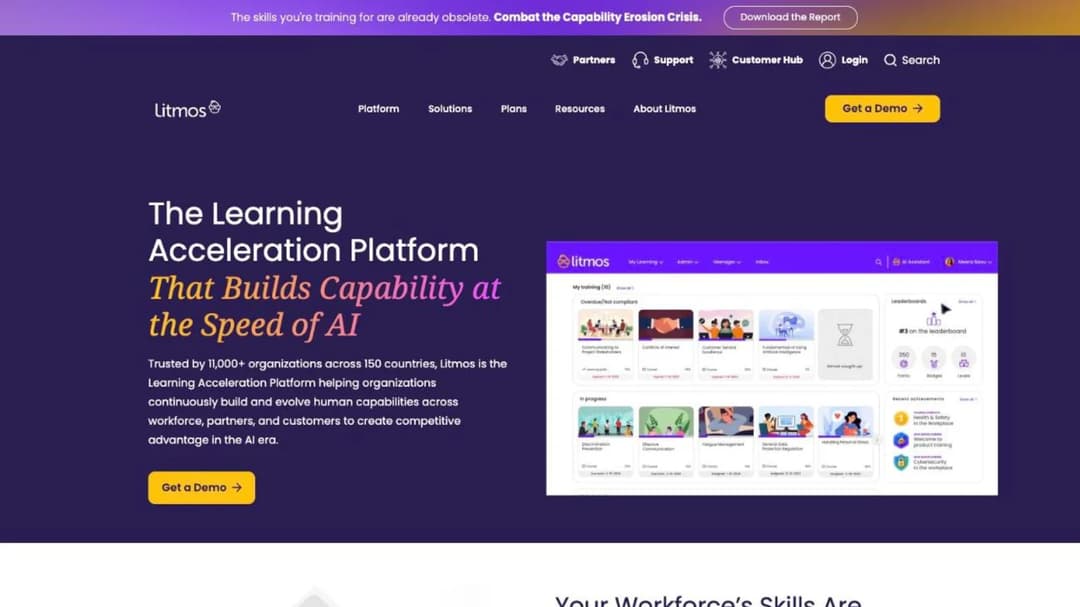
Best for: buyers comfortable with a quote-only process who want employee, customer and partner training on one platform with a large off-the-shelf library behind it.
Top Features
- Three tiers — Foundation, Platinum and Platinum AI
- Litmos Training Content library sold alongside the platform
- Employee, customer and partner training in one system
- AI Assistant, AI Content Authoring, AI/ML Video Assessments and AI Playlists in the top tier
Litmos is a mature corporate LMS whose pricing page shows every tier as “Contact for Pricing”, with the AI capabilities grouped in the highest of the three. So the tier question and the budget question are the same question here, and neither has a number attached until you call. The platform is a reasonable like-for-like against 360Learning’s Business tier — the same breadth of assignment, reporting and certification — with a much larger ready-made library and none of the collaborative authoring model.
Pricing: no figure published. Foundation, Platinum and Platinum AI each show “Contact for Pricing”. The content library is priced separately.
Pros
- Employee, customer and partner training handled in one platform
- A large off-the-shelf compliance and soft-skills library available alongside it
- Clear tier structure, even though the prices aren’t attached to it
Cons
- No figure on any tier, so you can’t compare it against a per-user rate without a call
- AI authoring sits in the top tier, which makes it a budget decision rather than a feature one
- The content library is a separate line item, so the platform quote isn’t the full cost
10. LearnUpon
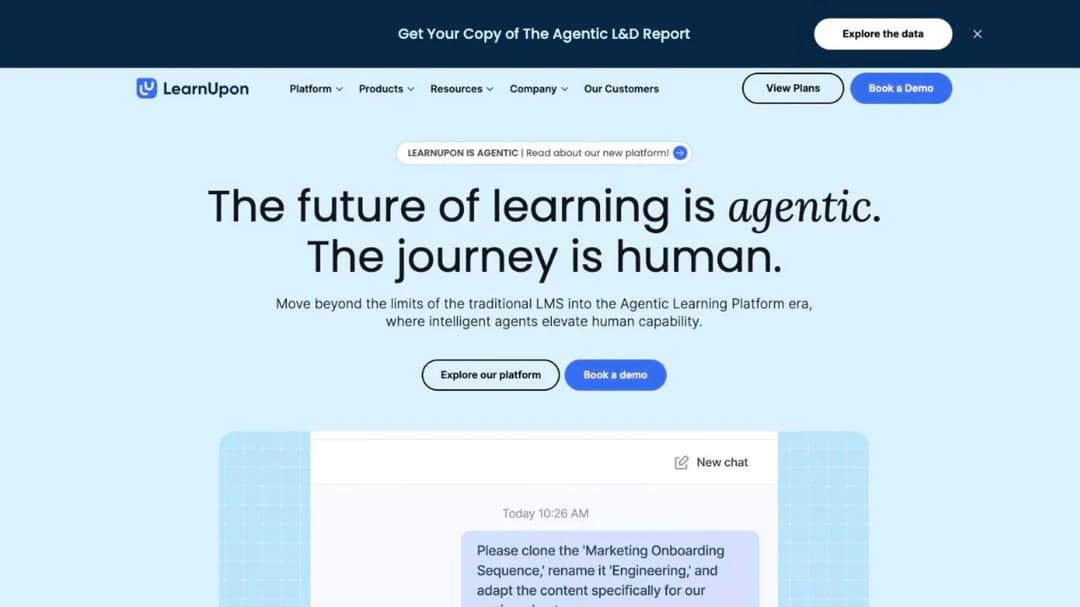
Best for: programmes already above a hundred employees that want a single corporate platform and an agentic layer on top of it.
Top Features
- Separate products for employees, associations and customer education
- MCP Server connecting LearnUpon data to AI clients, marketed as an Agentic Learning Platform
- LearnUpon IQ orchestration layer across content and reporting
- SCORM and xAPI support with established enterprise integrations
LearnUpon publishes floors instead of prices, and the floors are the useful part. Its employee product starts “From 100 Users”; associations start at 150; customer education starts at 300. No dollar figure appears anywhere on the pricing page.
For a sixty-person company that’s a removal rather than a negotiation — you’re below the vendor’s own stated minimum, and no feature comparison changes that. Above the floor it’s a serious platform, and one of the three here publishing an MCP server, which makes it the closest comparison to 360Learning on AI. Read the terms before you sign: the subscription runs a 12-month period that “will automatically renew” unless written notice arrives 30 days beforehand, and the current period is non-refundable. The LearnUpon comparison goes through those floors and clauses in full.
Pricing: no figure published. Floors of 100 users for employee training, 150 for associations and 300 for customer education. Terms describe a 12-month auto-renewing period with 30 days’ written notice required and the current period non-refundable.
Pros
- Publishes its seat floors, which is more honest than most quote-only vendors manage
- One of three platforms here with a published MCP server
- Separate products for employees, associations and customer education
Cons
- Below 100 employees the comparison doesn’t exist
- No price published at any tier
- A 30-day notice window on an auto-renewing 12-month term is easy to miss mid-rollout
11. Docebo
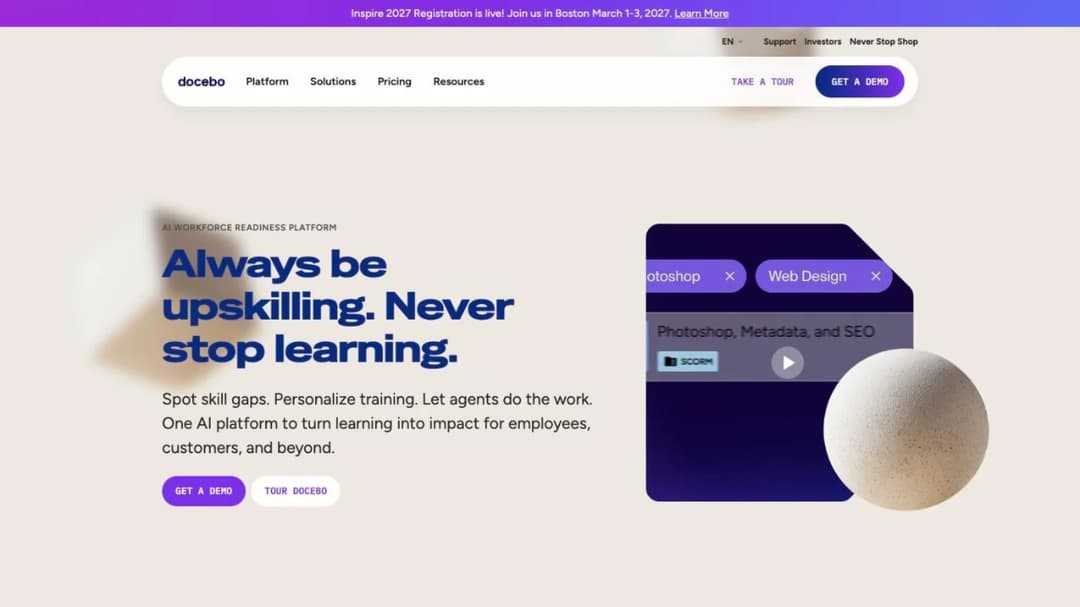
Best for: programmes training 250 or more learners across employees, customers and partners on a single suite.
Top Features
- Enterprise learning suite with separate Elevate and Enterprise tiers
- Skills intelligence mapping content and learners to capability frameworks
- Extended-enterprise support for customer and partner academies
- Flexible user models: monthly active, yearly active and registered users
Docebo publishes no figure at all. Its FAQ says it suits companies “Training at least 250+ learners”, and that “Most customers choose to sign a 3-5 year contract with Docebo. However, the minimum contract length is only a single year.”
That one-year minimum is the most useful sentence on Docebo’s pricing page, and asking for it by name is a reasonable opening position. The suite is genuinely heavier — skills intelligence, extended enterprise, content automation — and a 5,000-seat programme spanning employees, customers and partners is work lighter platforms don’t do. At 80 people it’s the wrong purchase regardless of budget. The Docebo comparison covers the contract clauses and the user models in detail.
Pricing: no figure published. The FAQ states a fit at 250+ learners, a three-to-five-year contract norm and a one-year minimum term. Pricing is built on monthly active, yearly active or registered user models.
Pros
- The deepest suite here for a programme spanning employees, customers and partners
- Publishes its contract minimum, which most enterprise vendors don’t
- Skills intelligence and content automation included rather than bolted on
Cons
- No published price at all, and the guidance starts at 250 learners
- The three-to-five-year norm is a long commitment for a first platform purchase
- Implementation and admin overhead assume a dedicated owner
12. Cornerstone OnDemand
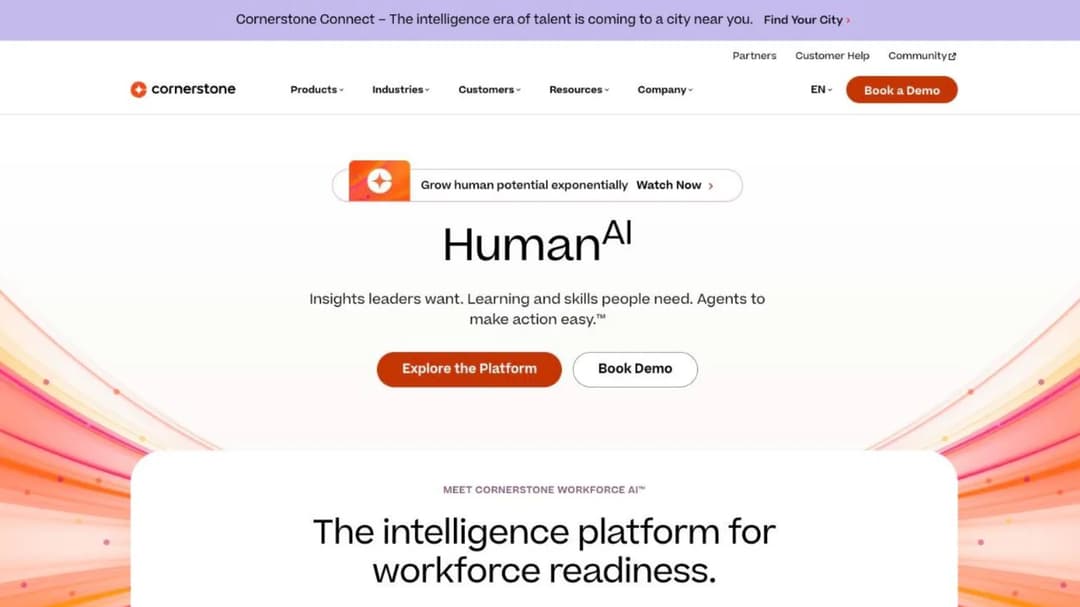
Best for: an enterprise buying a talent platform — learning, skills, performance, internal mobility — rather than a course tool.
Top Features
- Learning, skills, performance, talent marketplace and recruiting in one platform
- Large licensed content catalogue sold in tiers by course count
- Skills graph underpinning internal mobility and development plans
- FedRAMP Moderate authorisation, and a stated DoD Impact Level 4 authorisation
Cornerstone sells a talent platform rather than a course tool, and the distance between those two things is the whole entry. It publishes no platform price; its own LMS FAQ answers the cost question with “Each organization will have a different cost depending on needs and size.”
What it does publish is the catalogue, in tiers by course count: Silver at 6,800+ courses, Gold at 27,500+, Platinum at 28,500+, with more than ten languages above Silver. Those are library sizes, not prices, and they tell you what Cornerstone is really selling. It is also the government answer on this page: FedRAMP Moderate, plus its own claim to be “the only software to be authorized with IL4 security in Talent and Learning Management”. If you need thousands of ready-made courses, a skills graph connecting them to career paths, or a federal authorisation, this is the conversation. If a policy changed on Tuesday and the module needs updating by Friday, it isn’t — and the catalogue-and-suite end of the market has the same shape wherever you look.
Pricing: no platform figure published. Content is tiered by course count: Silver 6,800+, Gold 27,500+, Platinum 28,500+.
Pros
- The broadest talent platform here, well beyond learning alone
- A very large licensed catalogue with the tier sizes published
- Federal and defence authorisations that almost nothing else on this page carries
Cons
- No platform price published anywhere, and the catalogue tiers aren’t a price ladder
- Far more platform than an L&D team of one or two will ever use
- The authoring workflow isn’t where the product’s strength lies
Which 360Learning Alternative Fits Your Headcount
Nine rules. Find your line, take two names forward, stop.
Under 100 people and you want a published number today → TalentLMS or Mini Course Generator. Both publish a ladder, neither has a seat floor. LearnUpon is below its own stated minimum at your size and Sana starts at 300 users, so neither is a candidate yet.
Under 100 people and budget is the constraint → MoodleCloud from $170 a year for 50 users, paid for in admin time, or TalentLMS’s free plan for a pilot of five. Check the small-business options before committing to either.
100 to 500 people, per-seat is fine, and you want desktop-grade authoring → iSpring Learn at $6.91 per user at 100 users, billed on active users rather than registered seats.
100 to 500 people and you want one annual number rather than per-seat maths → Tovuti at $7,500 a year for the first 100 learners.
Around 200 people, with AI practice and a skills engine on the requirement list → Learn:Up by Confirm, from $9 per user per month billed annually and modelled at exactly that size.
Fifty people but an enterprise procurement process → Absorb, whose bands start at 1–50 learners and which will quote at that size when most of its peers won’t.
250+ learners across employees, customers and partners → Docebo, and ask for the one-year minimum term by name.
You need a catalogue more than an authoring tool → Cornerstone, where the priced object is the content library rather than the platform.
Frontline or deskless teams, training inside the operations app → Mitti by SafetyCulture, at $24 per seat per month annually.
Two forks before you book anything. If the training is for customers or partners rather than employees, the customer education platforms are priced and built differently, as are partner training and sales enablement. And if the real problem is that one person builds everything, the question is which authoring tool makes one author fast — a far cheaper problem to solve than a migration.
How to Move Without Losing Your Completion History
Five steps, in order. The first two are the ones people do late and regret.
1. Find your period end date and your notice deadline, and put both in a calendar. On 360Learning’s Team plan there’s nothing to miss: there’s no term to exit and no notice window to sit inside. On most alternatives there is — LearnUpon’s terms require 30 days’ written notice before a 12-month period renews itself, and Docebo’s minimum term is a year. The notice date is the constraint the rest of the plan is built around.
2. Export the completion record and the certificates while the account is still live. Completion history, certificate issue dates and recertification due dates are what an auditor asks for and what vanishes first. Pull them into a file you own, not a report living in the platform.
3. Ask in writing what portable package your authored courses come out as. 360Learning describes SCORM, xAPI, cmi5 and AICC coming in, and no export. Get the answer in an email before you plan the migration — “we’ll look into it” three weeks before switchover is the expensive version of this conversation.
4. Re-upload what’s portable and rebuild what isn’t. SCORM packages built in another tool import into most platforms here. Courses authored natively usually don’t travel, so budget rebuild time and use it to retire the modules nobody finishes. A training matrix makes that triage quick: what’s required, who needs it, when it’s due.
5. Re-run the assignments and due dates before the switchover, not after. Load the training plan into the new platform, set the due dates to match the old ones, and run both systems for a fortnight so the evidence trail has no gap. Then turn the old one off. That fortnight is also the cheapest chance you’ll get to fix the onboarding process, the new-hire checklist and the first-week material that usually needs it most.
Frequently Asked Questions
Is 360Learning free?
No. There’s no free plan. Team is the entry paid tier at $8 per user per month for up to 100 users, billed monthly with no annual commitment, and a 30-day free trial is available. Among the platforms here, TalentLMS runs a free forever plan for 5 users and 10 courses, Mitti’s free tier covers 10 team members, and Moodle’s open-source software is free to host yourself.
What are alternatives to 360Learning?
Three groups. Four publish a price and sell at any headcount: TalentLMS, MoodleCloud, Mini Course Generator and Mitti by SafetyCulture. Three publish a price that starts at around a hundred seats or more: iSpring Learn, Tovuti and Learn:Up by Confirm. Five publish nothing and quote instead: Absorb, Litmos, LearnUpon, Docebo and Cornerstone.
What is the cost of 360 training?
If you mean 360Learning, it’s $8 per user per month for up to 100 users on the Team plan, with Business and Enterprise both quote-only and no range published for either. (360training is a separate company, an occupational compliance provider, not this platform.) Above 100 users, budget from a quote rather than the published rate, and ask which user model it’s built on.
What is the difference between 360Learning and Docebo?
Commercially, 360Learning publishes a rate — $8 per user per month to 100 users — on a monthly bill with no term to exit. Docebo publishes no figure, says it suits companies “Training at least 250+ learners”, and states that most customers sign three-to-five-year contracts with a one-year minimum available. Functionally, 360Learning is built around internal experts authoring together; Docebo is a heavier suite with skills intelligence and extended-enterprise support.
Does 360Learning have a minimum number of users?
Its pricing FAQ answers directly: “No, there is no minimum number of users required with 360Learning.” The same page caps the $8 Team rate at 100 users, so there’s no floor underneath you and there is a ceiling above you. Quote one half without the other and you’ll mis-budget in one direction or the other.
Can I export my courses if I leave 360Learning?
Packages come in; no export is described anywhere, and no version numbers are published. Ask in writing before you sign, not when you’re leaving — import and export are opposite capabilities, and plenty of vendors use one word for both.
Which platforms here publish an MCP server?
Three, counting ours. 360Learning ships one covering ChatGPT, Claude, Gemini, Microsoft Copilot, SAP Joule and Salesforce AgentForce, with learners read-only, admins on read-only exports and experts drafting without a publish right. LearnUpon markets an Agentic Learning Platform with its own MCP Server and LearnUpon IQ. And Mini Course Generator, which is our product, includes MCP access on every plan. The agentic LMS explainer and the notes on running courses with AI agents set out what to ask for.
Sources
- Prices, plan limits and contract terms as published on each vendor’s own pages, September 2026
- 360Learning pricing page and pricing FAQ, LMS features page, enterprise page, privacy and security page, and engineering blog post on its MCP server
- TalentLMS pricing page and SCORM support documentation
- MoodleCloud plans page and Moodle project documentation
- Mitti by SafetyCulture pricing page
- iSpring Learn pricing page and active-user billing documentation
- Tovuti pricing page, compliance certifications page and newsroom
- Confirm Scale-up pricing page and Learn:Up product page
- Absorb pricing request page and platform pages
- Litmos plans page
- Sana Labs pricing page
- LearnUpon pricing page and Terms of Service
- Docebo pricing page and pricing FAQ
- Cornerstone LMS page and pricing FAQ
- Mini Course Generator pricing page and product documentation


