This post was originally shared with our users via email on June 18, 2026.
When we launched the Mini Course Generator MCP, the idea was simple: create entire courses straight from Claude or ChatGPT. Just describe what you want to teach, and the AI builds it; including genuinely interactive learning activities, personalized to exactly what your learners need.
But there was a missing piece. Those AI-generated activities needed a clean way to land inside your course.
So we built it.
Introducing the SCORM Upload Block
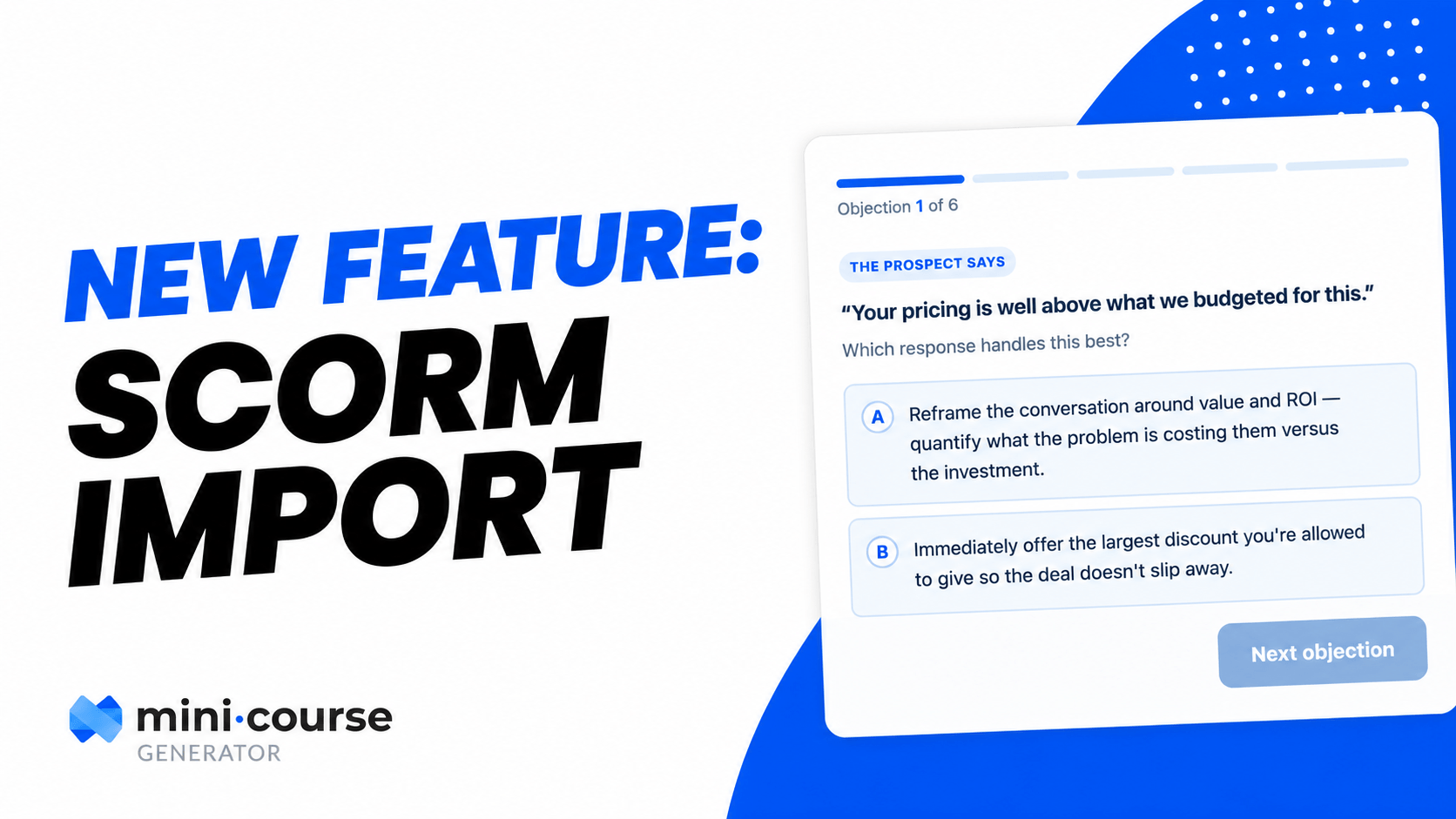
Now your AI tool can generate a custom SCORM activity and drop it directly into your course. The full loop, from prompt to published activity, happens in a single workflow:
🤖 Your AI builds it: Describe the activity, and the MCP generates a custom, interactive SCORM piece shaped to your topic and audience.
📥 The block places it: The SCORM Block puts that activity straight into your course. It also accepts SCORM content you already have from another LMS or authoring tool. Not sure which standard you need? We compared SCORM, xAPI, and cmi5.
📊 You see the analytics: Track how learners interact with these SCORM activities.
📽 Watch how the SCORM Upload Block works 👇