This post was originally shared with our users via email on October 15, 2026.
Your academy’s home page can now answer the two questions every learner asks when they land: “What’s here?” and “What’s next?”
The Catalog and Continue Learning blocks are live today. Add them to your Showcase page or any collection landing page in a few clicks, and give learners a front door that shows them exactly where to go.
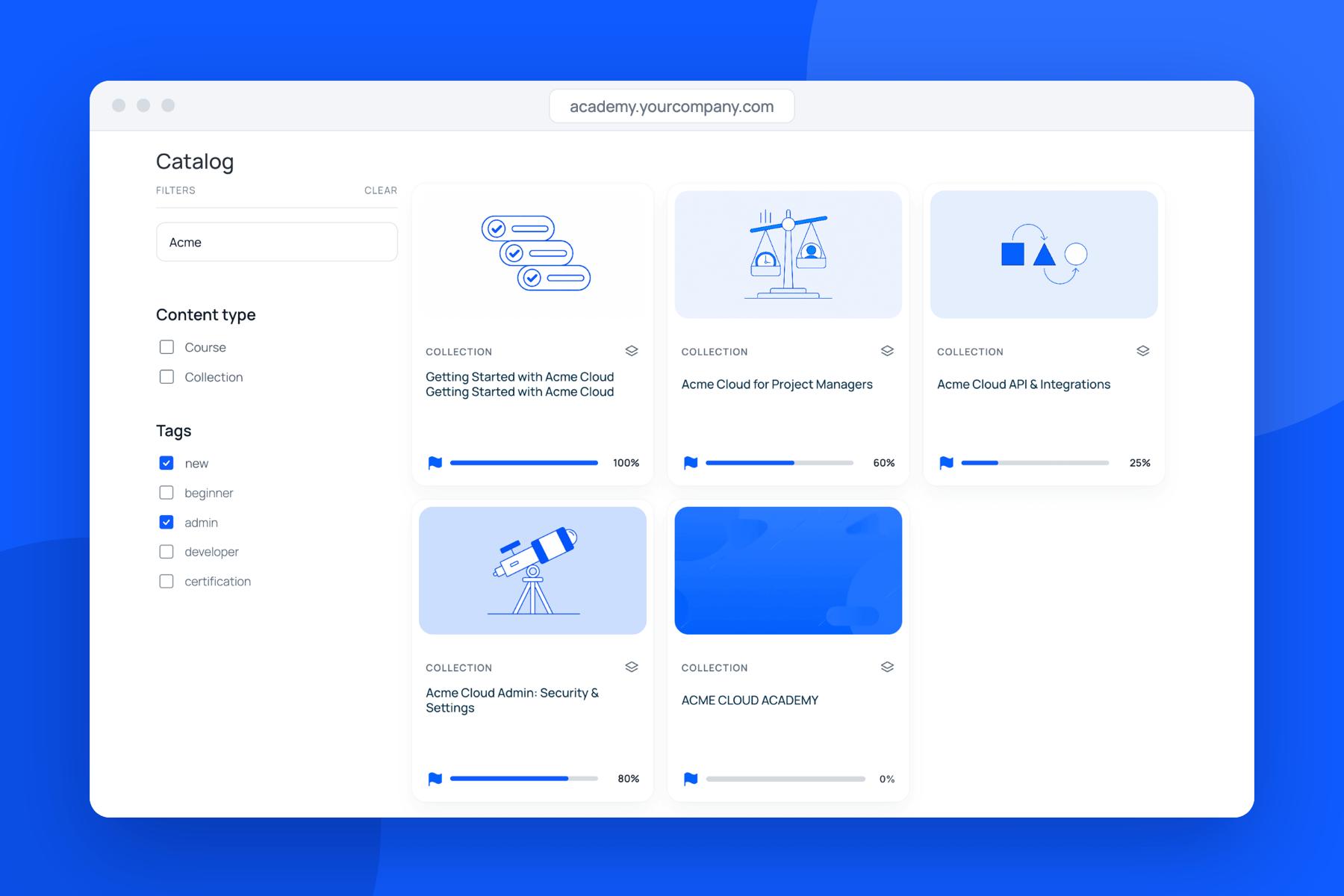
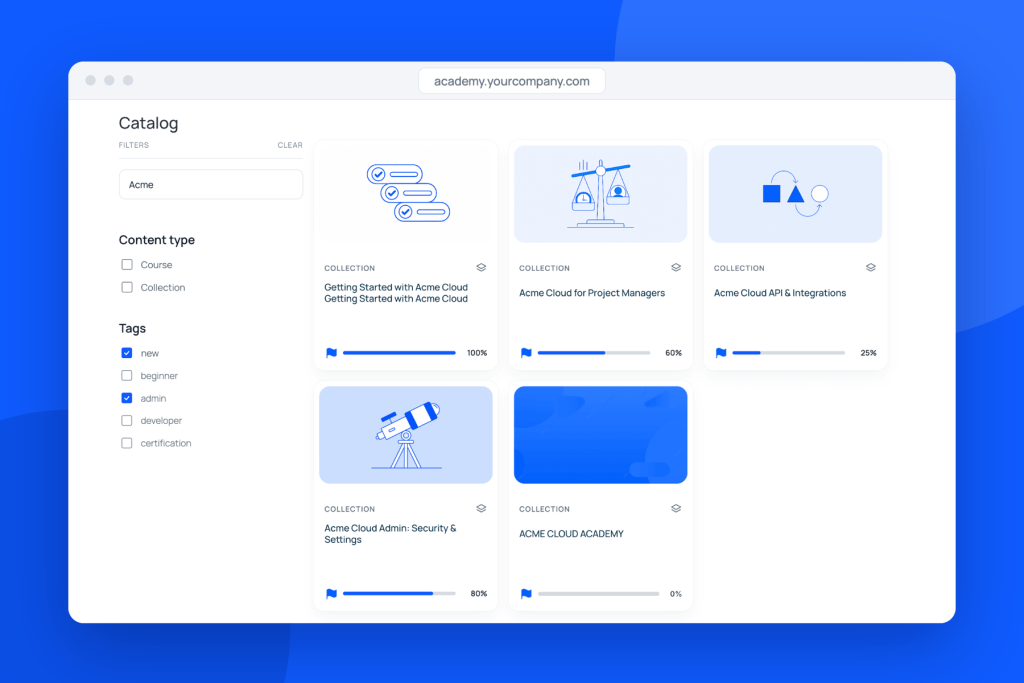
Catalog block: everything in one place 🗂️
Stop answering “Where do I find X?” The Catalog shows every published course and collection in your workspace automatically.
Instant filtering: Public tags become filters, so learners can browse by topic, level or language.
Quick search: Learners find content by name and see their own progress right on each card.
Your layout, your call: Drag and drop to put key content first, or keep the default publish order.
Continue Learning: one click back in ▶️
Help more learners finish what they start. Anything they leave unfinished waits for them on your home page, with their progress, one click away.
Made for each learner: Returning learners see only what they’ve started, with the most recent first.
Zero clutter: If a learner has nothing in progress, the block stays hidden.
Everything in one view: The “Your learning” window lists in-progress and completed courses, with built-in search.
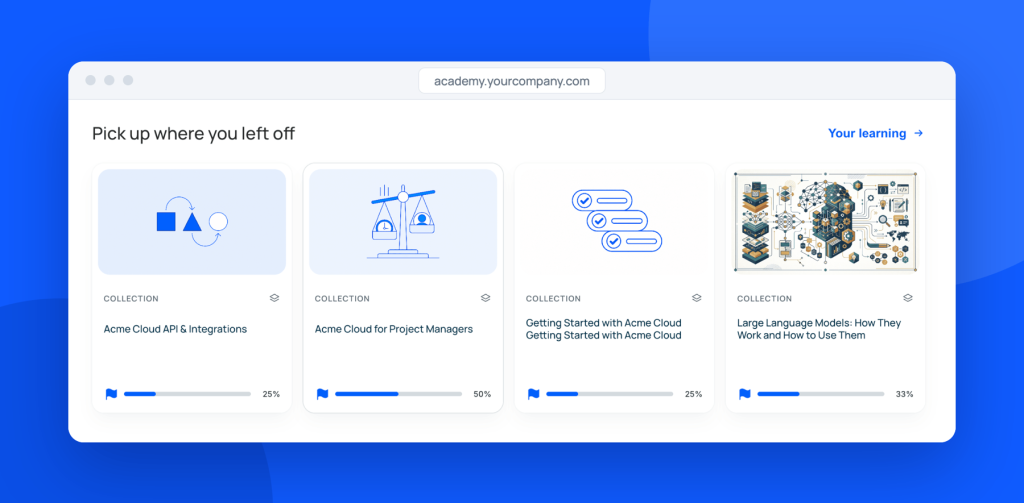
See how Continue Learning works
Sneak peek: a faster, cleaner admin 🧭
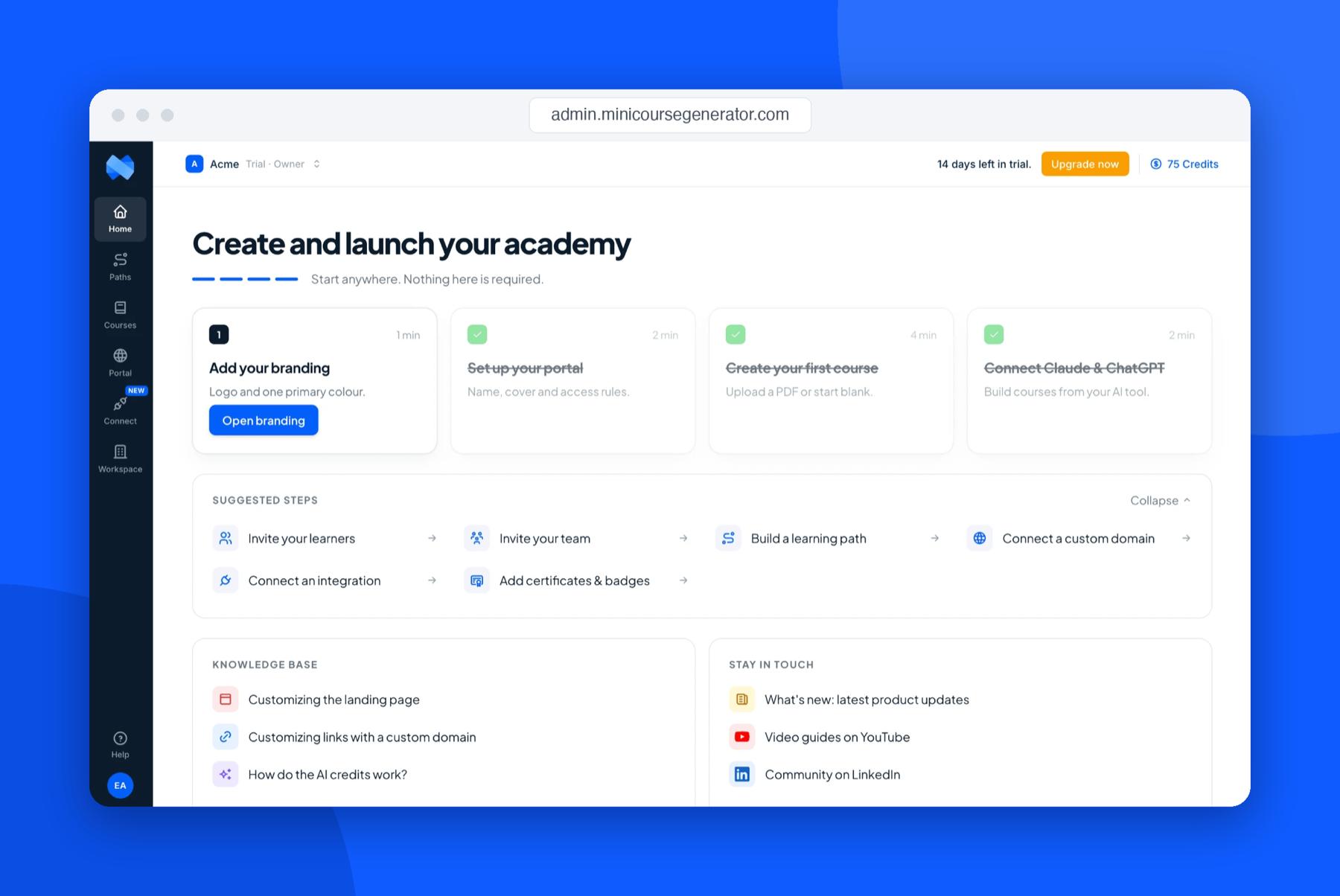
We’re rebuilding your admin from the ground up to make running your academy easier, from your first course to a full curriculum.
Expect a clearer left-hand navigation, streamlined settings, and a setup guide that gets you launched in minutes. More on this soon!