This post was originally shared with our users via email on November 3, 2026.
Until today, every collection lived on its own. Each one had its own link, its own landing page and its own settings. If you wanted to show learners everything you offer in one place, you had to build a Showcase page on the side and keep it up to date by hand.
That’s over. Your admin has been rebuilt around one idea: everything you create is part of one academy.
Find everything faster 🧭
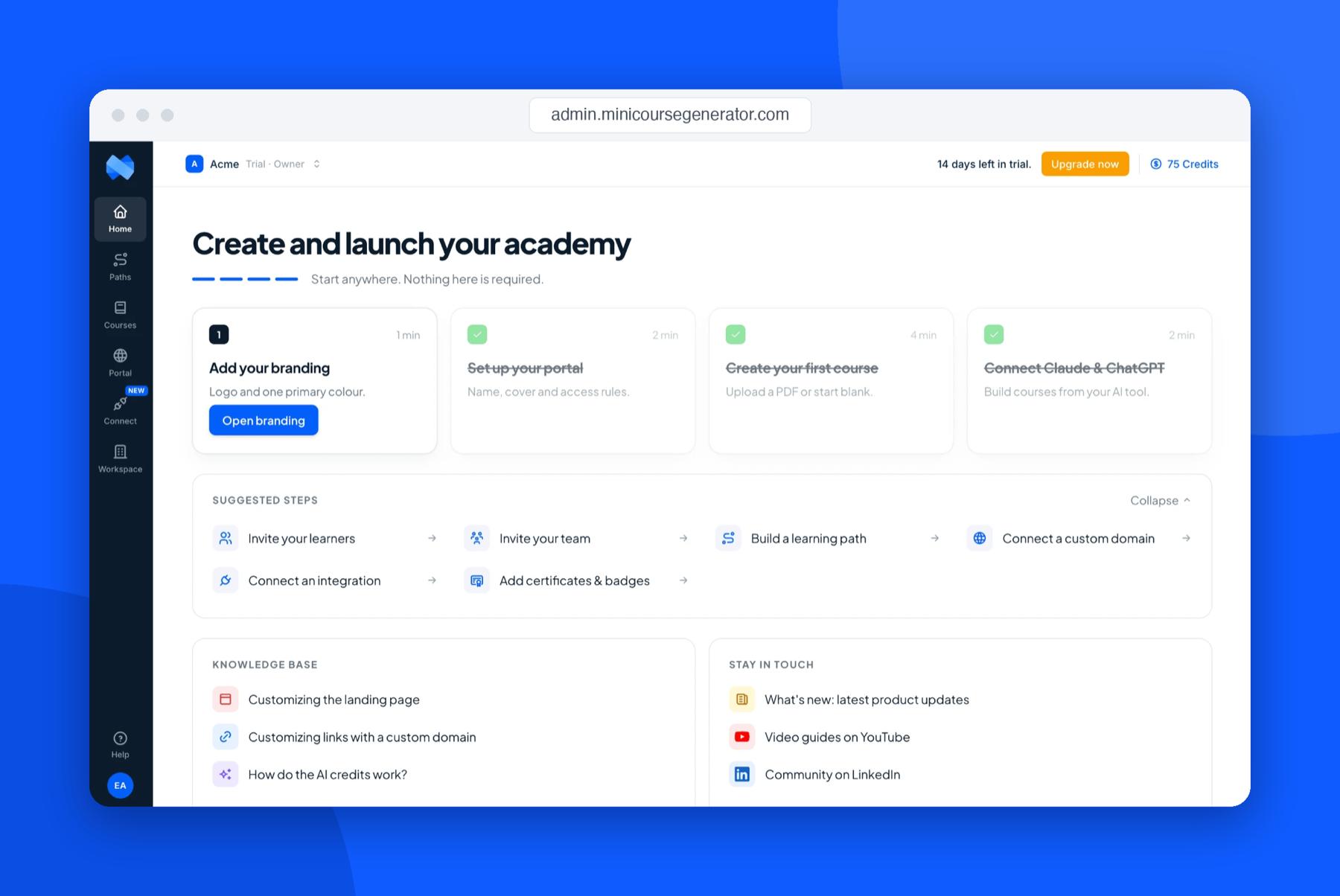
The new left-hand menu has six clear places:
- Home: a 4-step setup guide to launch your academy, plus shortcuts to what you do most.
- Paths: your learning paths (what we used to call collections).
- Courses: every course in your workspace in one list.
- Portal: your academy site.
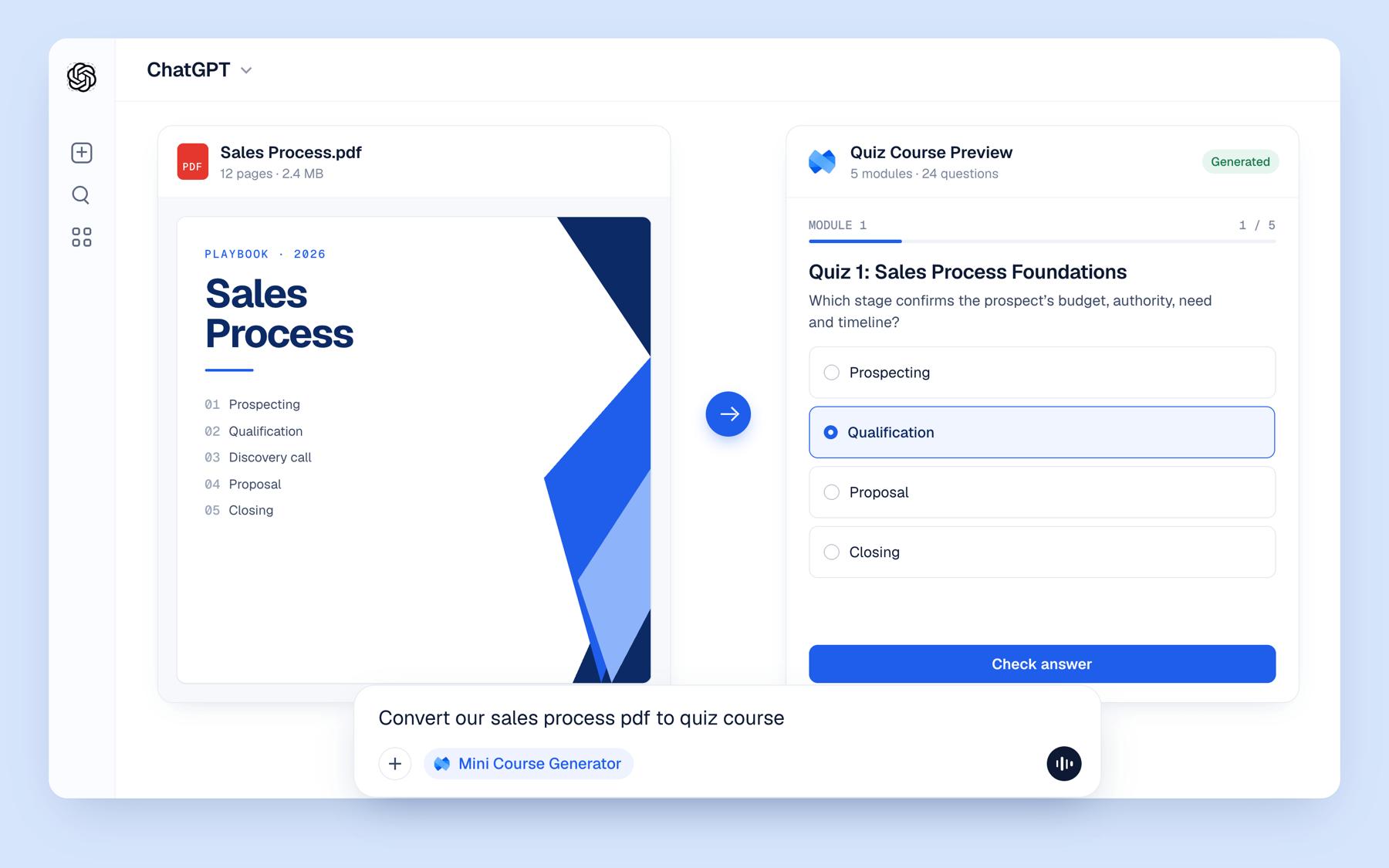
- Connect: build and update courses from ChatGPT, Claude or Manus.
- Workspace: branding, members, custom domain, language, integrations and settings in one place.
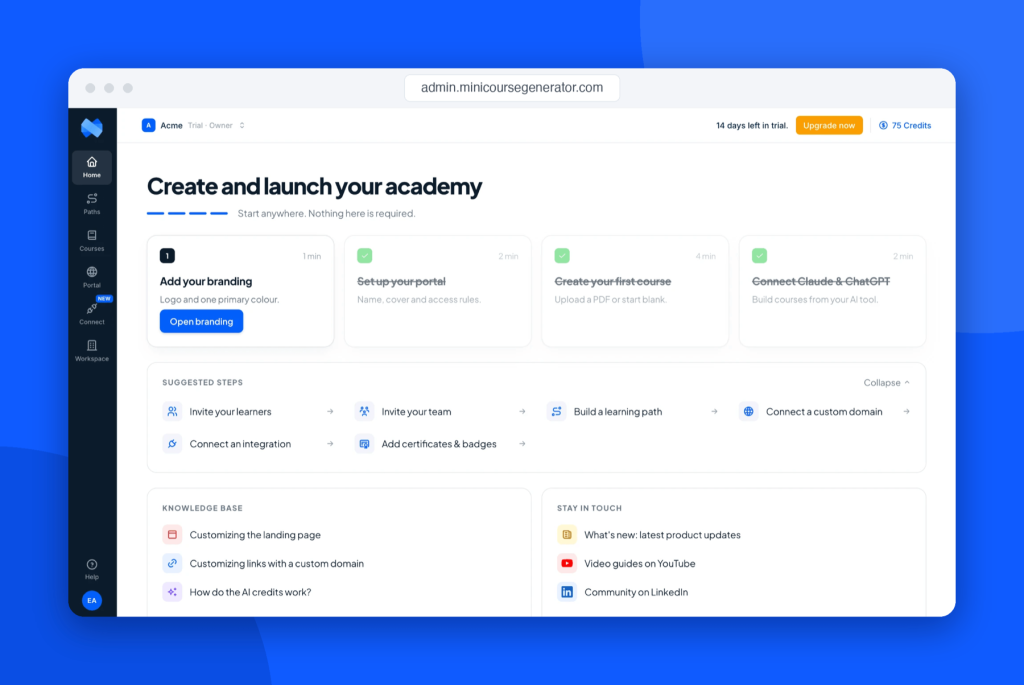
Set your brand once 🎨
Add your logo, colors and font in Workspace › Branding and they apply everywhere: every course, every learning path and your portal. No more styling courses one by one.
One academy, one link 🏛️
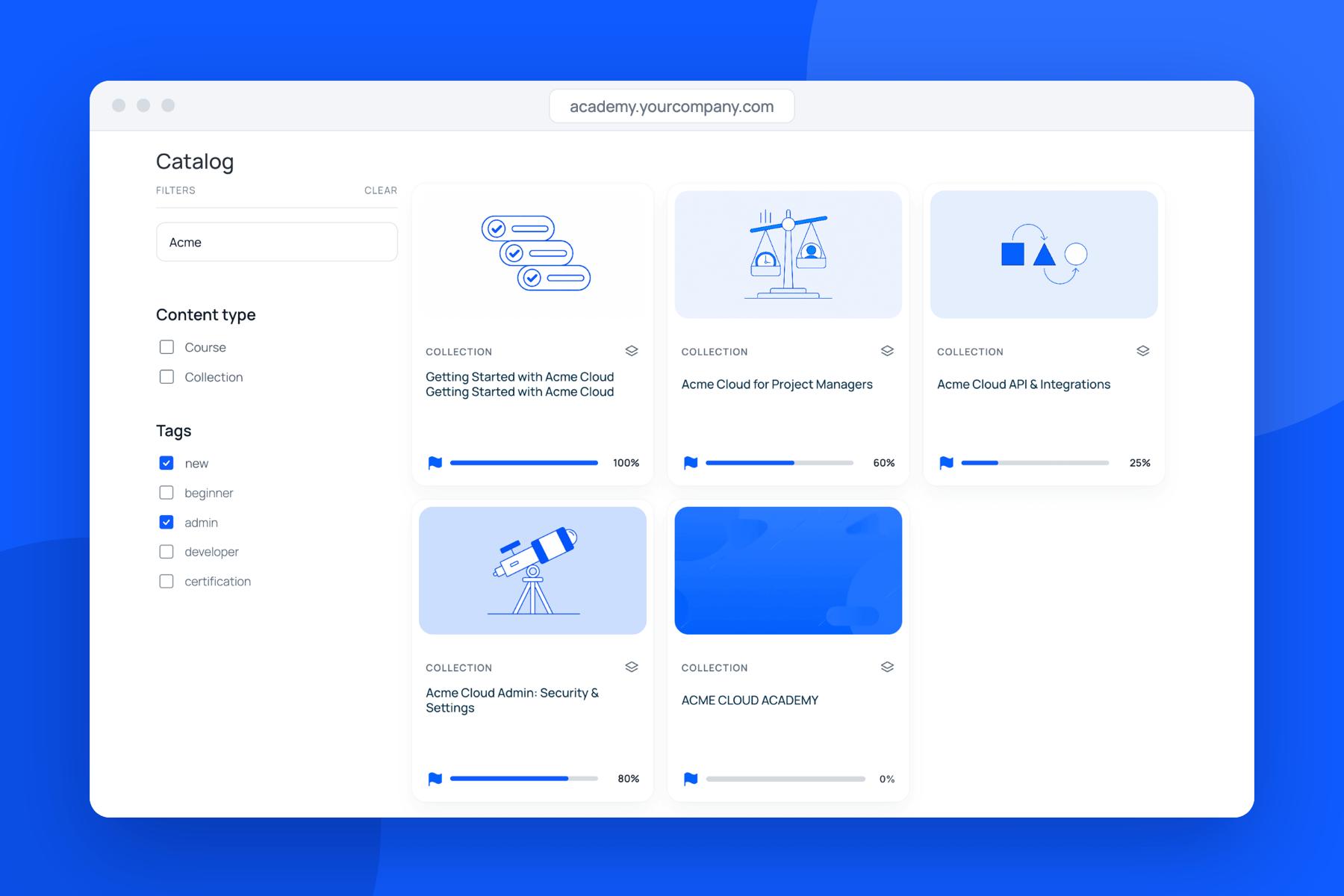
Your Showcase page is now your Portal: a full academy site with a home page, a catalog of every course and learning path, your own pages and menu, and a sign-in for learners.
Share one link instead of a list of links. Learners land in your academy and find everything from there.
Sell from one storefront. Free and paid learning paths sit side by side, each with its own access rule.
Put it on your own domain so it looks and feels like your academy, not ours.
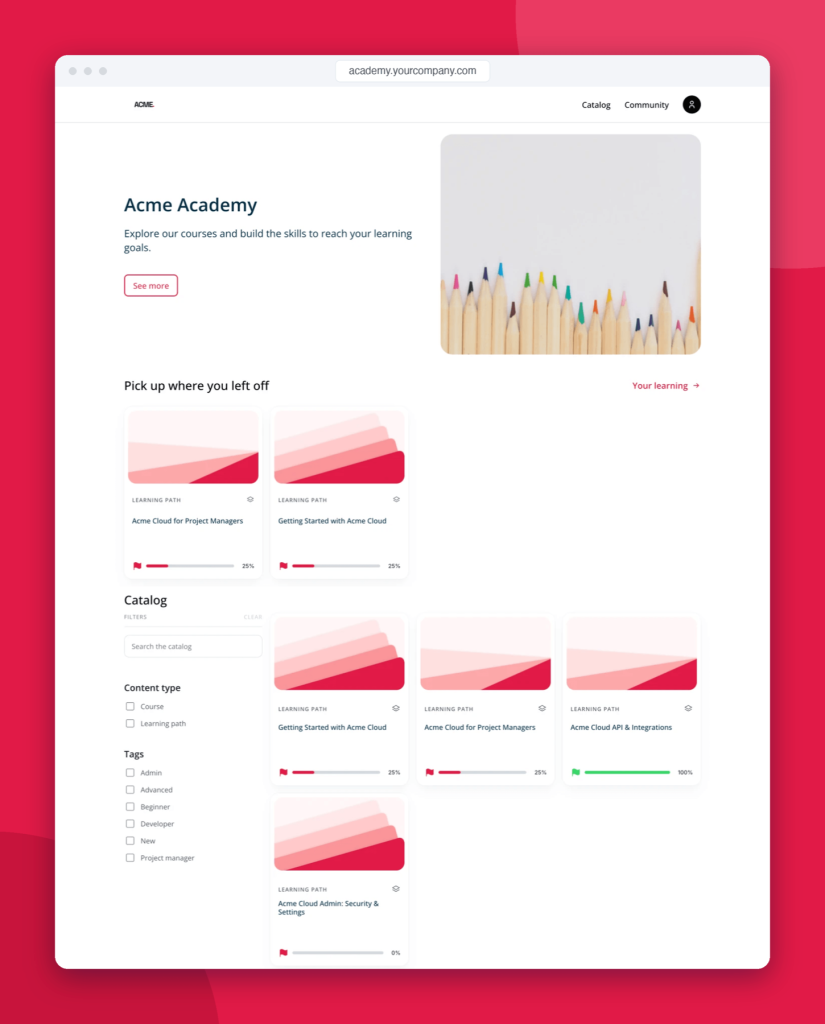
Nothing breaks ✅
Your courses, learning paths, learners and share links all stay exactly where they were. Only the admin around them changed.
One tip: to show your academy with its menu and footer, share your new portal links. You’ll find them in Portal and on the Share tab of every course and learning path. Your old links keep working, they just open the page on its own.
See what’s new and where things moved
Over the coming weeks we’ll share one feature at a time: building your portal, setting up your brand and language, and embedding your academy inside your own product.