This post was originally shared with our users via email on October 8, 2026.
Mini Course Generator is now an approved plugin in the ChatGPT plugin directory.
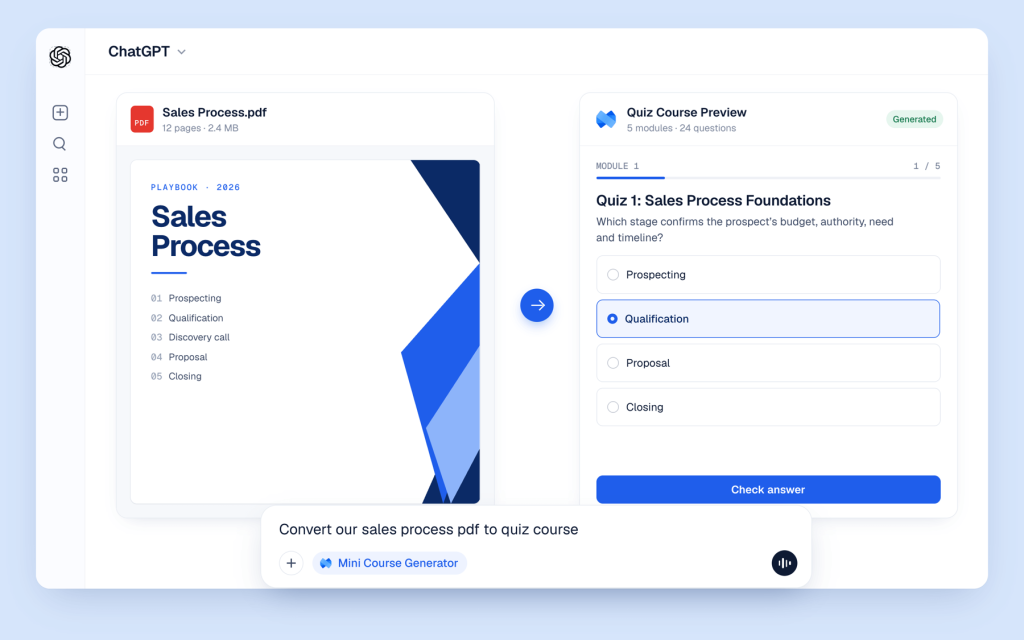
You could already connect us to ChatGPT manually. Now it’s official: you can find Mini Course Generator in the directory, add it in one click, and create, update and track your courses without leaving the chat.
Connect in a few clicks 🔌
No URL to paste and no developer settings.
1. Open the plugin. Go to Mini Course Generator in ChatGPT, or search for it under Plugins.
2. Connect. Select Connect and sign in with your Mini Course Generator account.
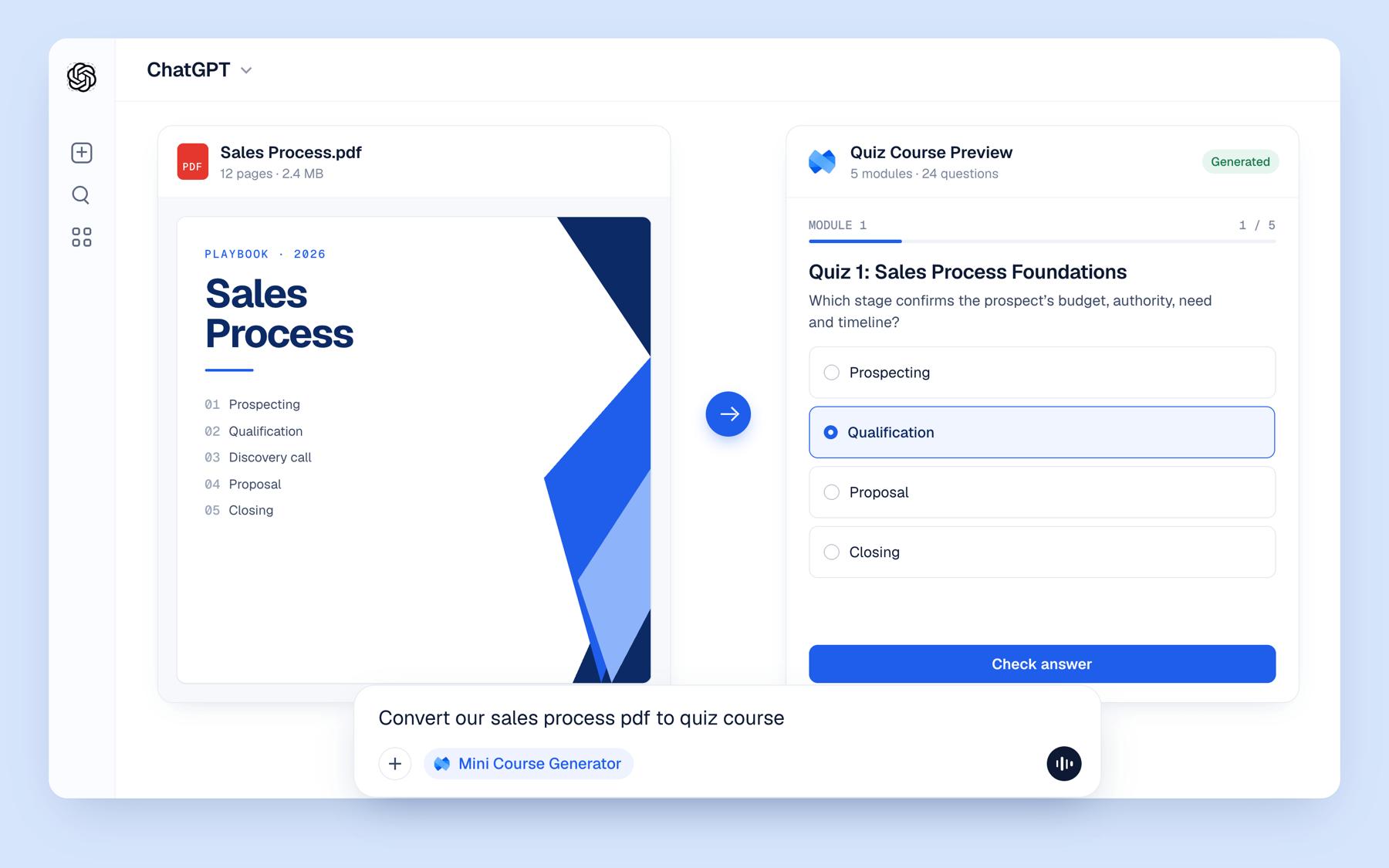
3. Mention it. Type @Mini Course Generator in any chat and ask.
Some things you can ask it:
- “@Mini Course Generator turn this onboarding PDF into a 5-lesson course with a quiz after each lesson.”
- “@Mini Course Generator our return window is now 60 days. Update the lesson that covers returns.”
- “@Mini Course Generator translate my Safety Basics course into Spanish.”
- “@Mini Course Generator how many learners finished Onboarding Essentials, and how did they score on the quiz?”
Every course it builds is a real Mini Course Generator course, with lessons, quizzes and interactive blocks. It lands in your workspace, so you can edit and share it like any other course.
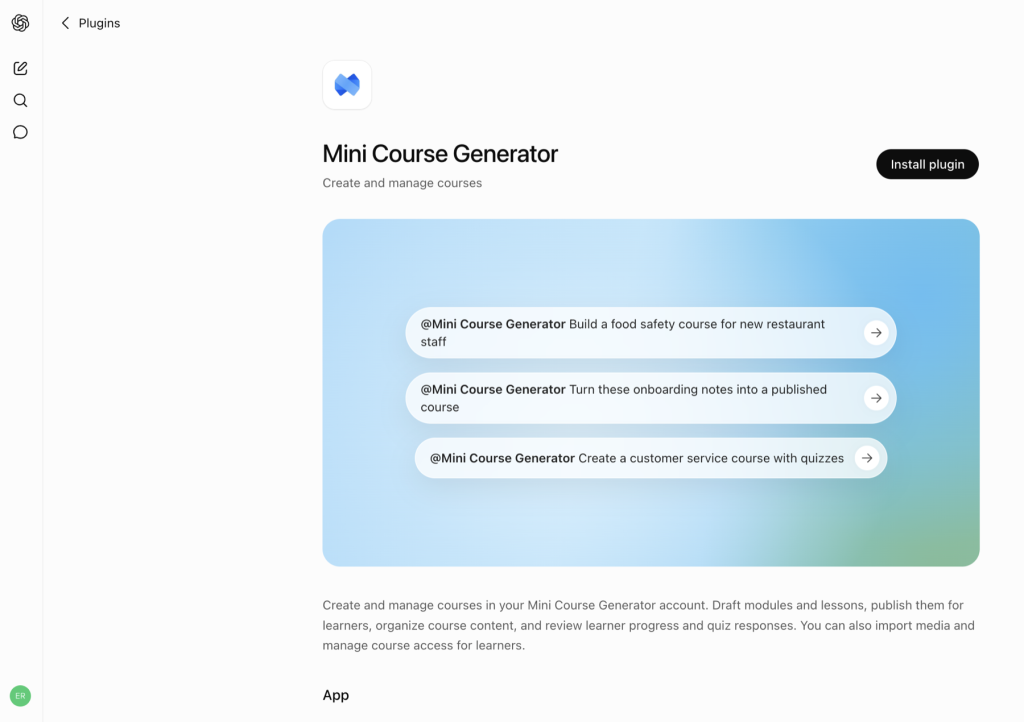
Want to see what it can do first? Explore the ChatGPT plugin.
Using Claude, Cursor or Manus? The same connection works there too. See how to connect them.
Watch: Build a self-updating customer academy 🎥
If you run Customer Success at a B2B SaaS company, you know how it goes. Every release changes your help center, and your training courses quickly fall out of date. You don’t have to keep up by hand anymore.
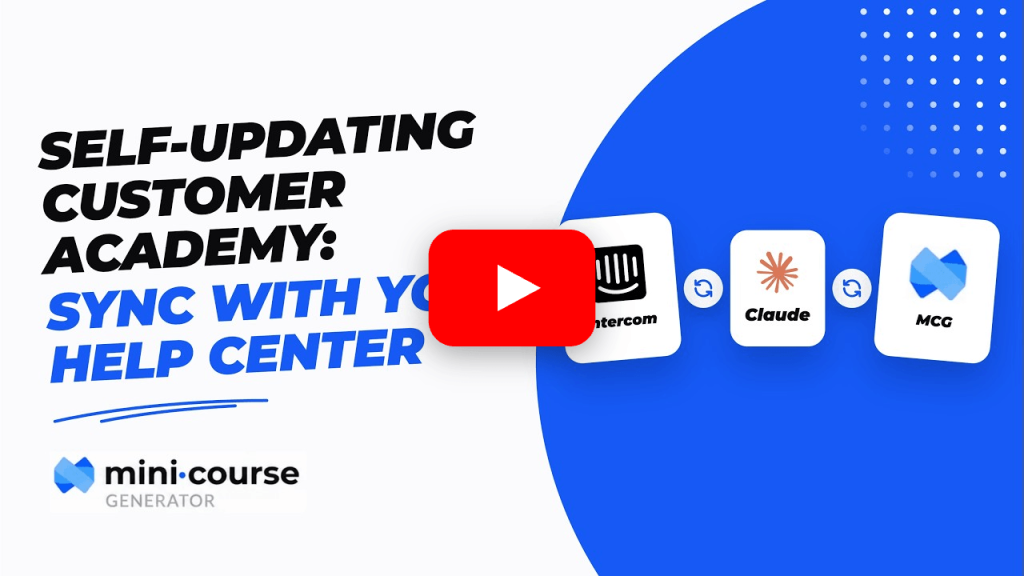
In this video (under 3 minutes), we set up a weekly routine that checks which help center articles changed, finds the matching courses in Mini Course Generator, and updates only what’s out of date. Then it sends you a short report of what it changed.
You don’t map articles to courses. The AI reads both and finds the match on its own.
We used Intercom and Claude, but it works the same with Zendesk, Freshdesk or HubSpot, and with ChatGPT or Gemini.
What’s next: Catalog and Continue Learning blocks 📚
Soon you’ll be able to add two new blocks to your academy’s home page, so learners see what you offer and what they haven’t finished as soon as they arrive.
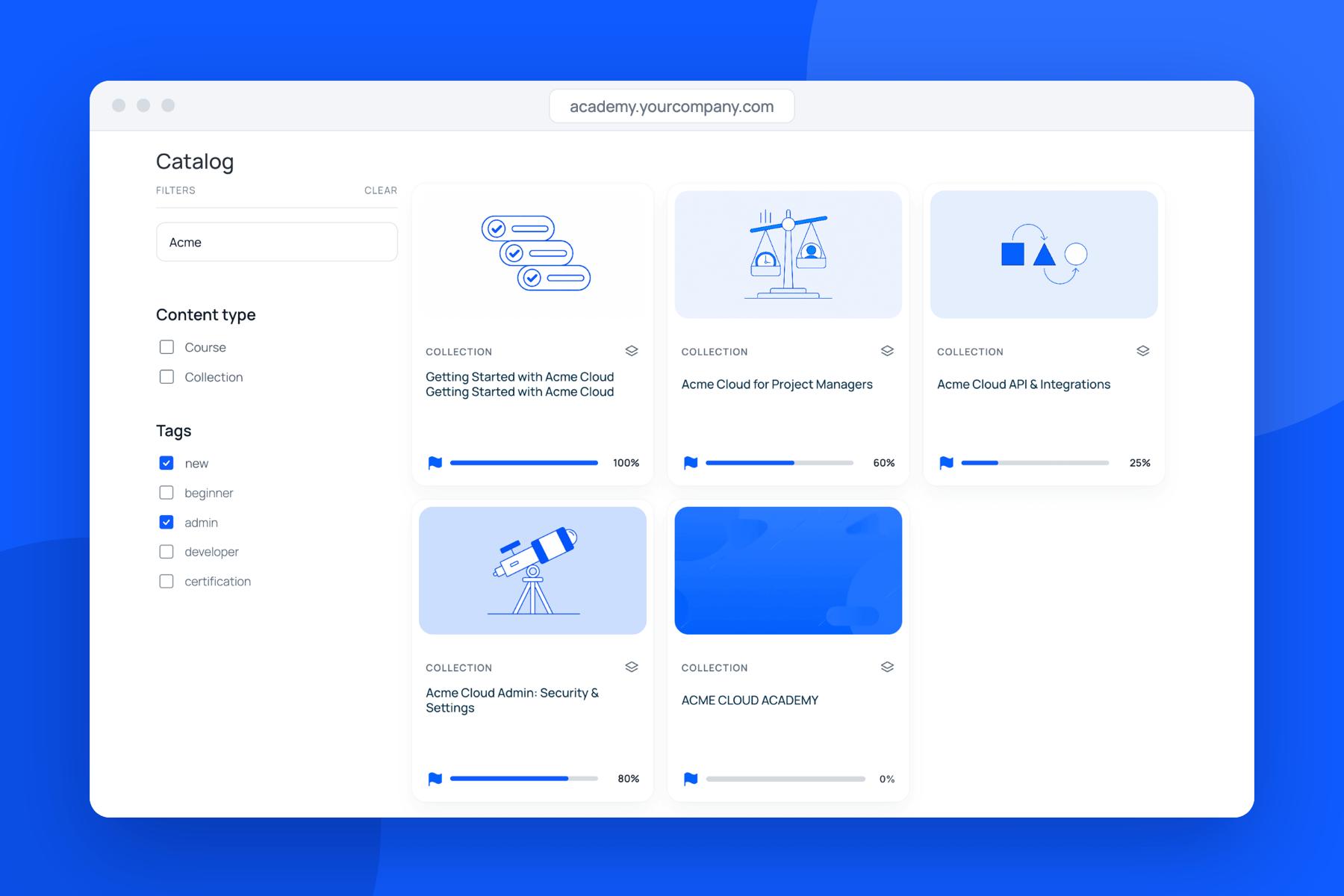
Catalog block. Lists every course and collection in your academy in one place. Add it to your home page and learners see everything you offer at a glance.
Continue Learning block. Learners could always resume a course where they left off. Now, if they leave a course or collection unfinished, it shows up right on your home page, so they don’t have to go looking for it.
Together, they answer the two questions every learner has when they land on your academy: what’s here, and what should I finish next?
And as always, if there’s a block you wish you had, tell us. That’s genuinely how this list gets made.