
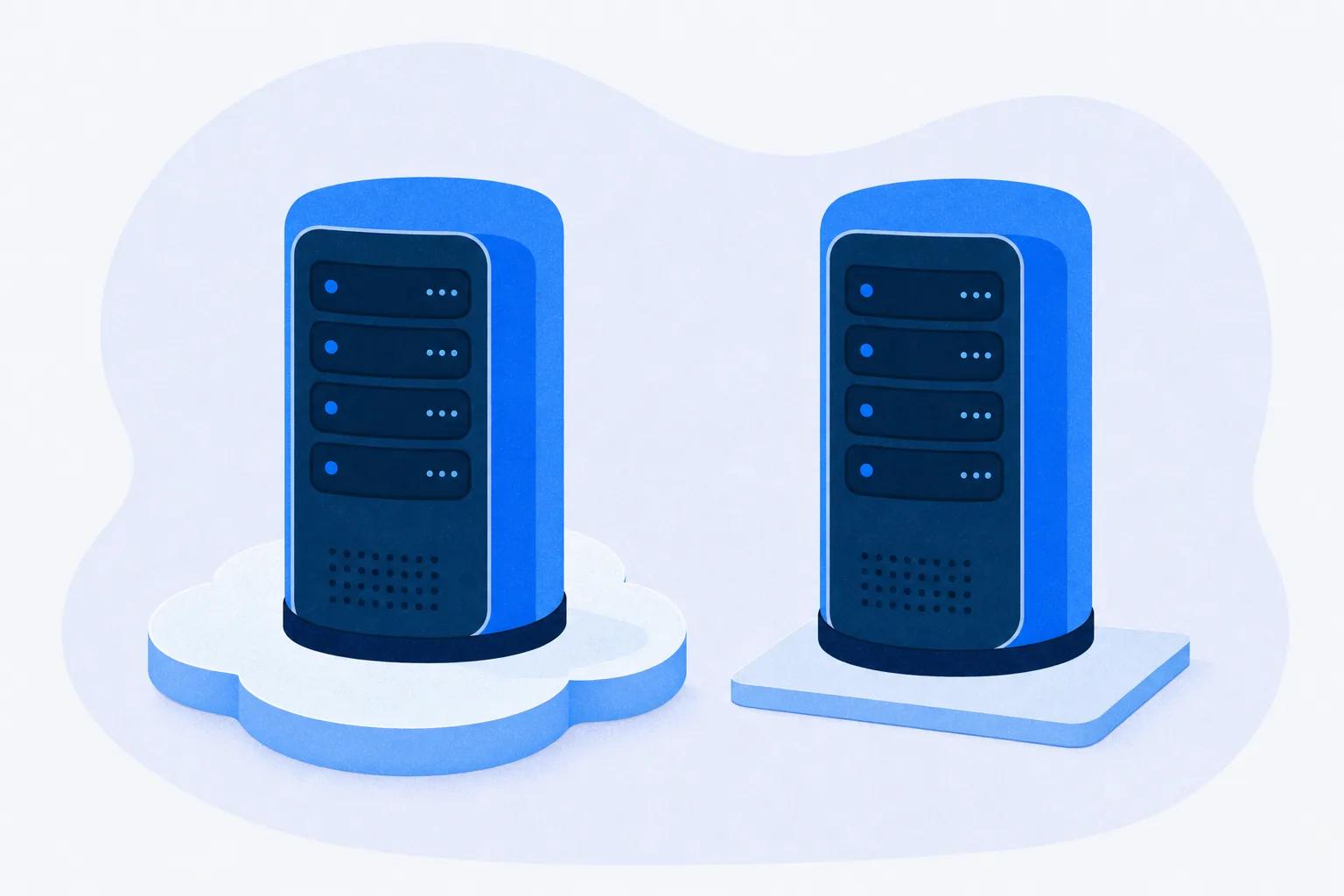
For most training teams, a SaaS LMS is the right answer to “who hosts it?”, and self-hosting only makes sense when a named person on your payroll owns the upgrade calendar. The question IT is really asking is which four jobs land on your team: patching, uptime, security evidence and the exit. This guide lays out the three hosting models, shows what each one hands you, and works the cost lines in hours so you can answer IT in one email.
Try Mini Course Generator free – build your first course from a document you already have.
Three Answers to “Who Hosts It?”
IT’s question sounds like it has two answers, cloud or on-premise. It has three, and the middle one is the one most shortlists skip.
SaaS. The vendor runs the software, the servers, the upgrades and the backups, and you reach it through a browser on a subscription. Your records usually share infrastructure with other customers and are kept apart by software.
“SaaS LMS”, “cloud LMS” and “hosted LMS” all describe this same purchase. If a vendor insists its word means something different, ask it to finish the sentence with a country, a percentage or a file format.
Vendor-managed hosting. Someone else still runs the servers, but your instance is more separate or the software is open source. You get your own copy without owning the upgrade.
Docebo’s Enterprise tier lists a “Dedicated database” on its pricing page. MoodleCloud is Moodle’s own hosted Moodle, and Open LMS runs the same Moodle codebase as a managed service. Moodle’s documentation also names over 104 Moodle Partnerships worldwide selling hosting.
Self-hosted. You install the LMS on a server you control, in your data center or your own cloud account, and every job below is yours.
On the commercial side the option is rare. Of sixteen hosted platforms we compared on security and uptime, only two can be installed on your own server: Moodle, released under the GPL, and Canvas, published under AGPLv3 with a Production Start guide for running it yourself. A few commercial vendors still sell an on-premise edition beside their cloud, Eurekos for one.
So before anyone debates labels, agree on what you’re choosing between. It isn’t cloud versus servers. It’s which jobs your team keeps.
A note on multi-tenant and single-tenant
Multi-tenant means your records sit in the same database as other customers’ records, kept apart by the application. Single-tenant means your instance has its own database or its own servers. Almost every SaaS LMS is multi-tenant, and a dedicated database tends to be a paid tier rather than a default: on Docebo it’s an Enterprise-tier line item. If your security team needs isolation, get the word “dedicated” in the order form, not just on a slide. Multi-tenant LMS explained goes deeper on what that isolation actually buys you.
What Each Model Moves Onto Your Team
This is the table to paste into your reply to IT. Every row is a job or a line on an invoice, and the column tells you who holds it.
| Question | SaaS LMS | Vendor-managed hosting | Self-hosted |
|---|---|---|---|
| Who patches and upgrades | The vendor, on its schedule | The host, within its supported versions | You, on the software’s release calendar |
| Where the data sits | Wherever the vendor hosts, sometimes your choice of region | The host’s regions (MoodleCloud: Australia, Europe, USA) | Wherever you put the server |
| Security responsibility split | Vendor holds the application and hosting evidence; you hold access and configuration | Host holds infrastructure evidence; you check the application scope | You obtain and pay for every certificate |
| Uptime promise | Contractual SLA, if the vendor publishes one | The host’s SLA, if any | Whatever your team delivers, no credits |
| Cost lines that appear | Subscription, implementation fee, admin time | Hosting fee, admin time, paid add-ons | Server bill, admin time, upgrade projects, security audit |
| Customization ceiling | Vendor’s settings, API and integrations | Restricted plugins and site options | Full source and plugins |
| How you exit | Export files plus the contract’s notice window | Take the codebase and database to another host | Nothing to exit, the database is already yours |
Two rows decide most purchases. The first is who patches, because it’s a recurring job with a calendar attached. The second is the exit, because it’s the one you can’t renegotiate after you sign. The next four sections take the rows in the order IT will ask about them.
Patching and Upgrades: The Calendar You Inherit
On a SaaS LMS, upgrades happen to you. On a self-hosted one, you schedule them, test them and roll them back. That difference is easiest to see on a published calendar, and Moodle publishes one.
Moodle ships a major release every six months, in April and October, with point releases every two months in between. A standard release gets twelve months of general support and eighteen months of security fixes. A long-term-support release gets about three years of security cover.
Here’s what that looks like in dates. Moodle 5.1 was released in October 2025 and leaves general support in October 2026. The current version, 5.2, shipped in April 2026. Moodle 5.3 is scheduled as the next long-term-support release for October 2026, with security cover running to October 2029.
So a self-hosted Moodle site on a standard release needs a major upgrade at least once a year to stay supported, plus a point release every two months. Each major upgrade means a staging copy, a plugin compatibility check and a rollback plan. That work doesn’t disappear if nobody is assigned to it. It turns into an unsupported site.
What to do with this. Before you say yes to self-hosting, write the name of the person who owns the upgrade calendar next to the software’s support dates. If there’s no name, the answer is SaaS or managed hosting. If the site you have today already runs an unsupported version, the Moodle alternatives worth pricing include the three ways to keep Moodle without keeping the server.
Uptime and Security: Whose Promise, Whose Certificate
IT’s second and third questions are about availability and evidence. Both have the same trap: the headline number or badge is the easy half, and the detail that decides whether it helps you sits underneath.
Uptime: ask for the trigger and the window
A SaaS vendor can give you a contractual promise. A self-hosted install gives you only what your team delivers, with no service credit to claim when it fails. But a published percentage isn’t a promise until you’ve read the trigger.
Docebo’s service level agreement commits to 99.9% availability “as measured on a monthly calendar basis.” Service credits apply only if availability falls below 99.9% for two consecutive months within any six-month period: 10% between 99.0% and 99.9%, and 30% below 99.0%.
Four consecutive failed months counts as a material breach. One bad month, the one that takes your compliance deadline with it, costs the vendor nothing. If Docebo is on your list, the alternatives worth comparing it against are laid out separately.
The measurement window changes the promise as much as the number does. Instructure says it delivers “an annual uptime of 99.9%” for Canvas. Measured over a year, 99.9% allows about 8.8 hours of downtime (8,760 hours × 0.1%). Measured monthly, the same figure allows about 44 minutes.
Eurekos, which sells both a cloud and an on-premise edition, commits in its terms to 99.9% availability calculated monthly, with credits from 10% to 100% of the monthly fee. It also names a fixed maintenance window: the third Sunday of each month, 8am to noon CET. Ask any vendor with a window like that whether those hours count against the percentage.
Security: whose certificate covers what
On SaaS, the vendor holds the audit reports and you hold access control and configuration. On managed hosting, the split moves: the host’s evidence covers the infrastructure, and you check whether the application is in scope. On a self-hosted install, every certificate is yours to obtain and pay for.
The detail that matters is scope. Litmos publishes all three parts of a usable answer: a SOC 2 Type II report with its 12-month audit window (April 2024 to March 2025), its auditor (Aprio), and an ISO 27001:2022 scope naming the LMS itself. For the fuller checklist a security review will run, see LMS security.
eloomi shows the other pattern. Its compliance page credits ISO 27001 and SOC 2 to Microsoft Azure, its host. A host’s certificate covers the data center, not the software running in it.
Data location: a feature some vendors have
Where the records sit is the one security question that can end a shortlist in a sentence. Litmos lets you choose EU, Australia or United States hosting. eloomi hosts in Dublin only.
SkyPrep hosts in Canada and the United States with no European region. MoodleCloud runs servers in Australia, Europe and the USA. Self-hosted, the region is wherever you put the server.
What to do with this. Send one email with three questions.
- What uptime do you commit to, over what window, and what triggers a credit?
- Who audited your certificate, over what window, and what does it cover?
- Which region will our records sit in, in writing?
A vendor that answers all three in a day has documentation that’s real. Anything they can’t put in writing goes onto your LMS demo questions.
A Worked Cost-Line Example
“Self-hosting is free” describes a license. It doesn’t describe a running site. The honest comparison starts by naming every cost line, then putting hours against the ones that are your team’s time.
Here’s one worked example. Treat it as a template, not a benchmark.
The situation (example). A 400-person company needs an LMS for 400 learners and is weighing three options: self-hosted Moodle, Moodle on MoodleCloud’s managed hosting, and a SaaS LMS.
The assumptions (replace with your own).
- A major upgrade takes 12 hours, including a staging test
- A point release takes 2 hours
- Monitoring, backups and a restore test take 1 hour a week
- User, SSO and course admin take 2 hours a month on every model
- Security evidence for IT takes 16 hours when you produce it yourself, and 8 when you collect the vendor’s
- An export test and a calendar entry for the renewal notice take 4 hours when there’s a contract to leave
The facts used. Moodle ships two major releases a year and a point release every two months, so six a year. MoodleCloud’s Standard plan costs A$3,000 a year for up to 750 users, as of September 2026, and MoodleCloud bills in Australian dollars.
| Cost line | Self-hosted Moodle | Managed hosting (MoodleCloud) | SaaS LMS |
|---|---|---|---|
| License | $0 (GPL) | Included in the hosting fee | Subscription, as quoted |
| Hosting | Your server bill | A$3,000 a year, up to 750 users | Included |
| Major upgrades | 2 × 12 h = 24 h | 0 h | 0 h |
| Point releases | 6 × 2 h = 12 h | 0 h | 0 h |
| Monitoring, backups, restore test | 52 × 1 h = 52 h | 0 h | 0 h |
| Security evidence for IT | 16 h | 8 h | 8 h |
| User, SSO and course admin | 12 × 2 h = 24 h | 24 h | 24 h |
| Export test and renewal notice | 0 h | 4 h | 4 h |
| Your team’s hours per year | 128 h | 36 h | 36 h |
Three things come out of that table.
- The gap is 92 hours a year. Self-hosting costs 128 hours against 36 for either hosted option. Multiply 92 by your own loaded hourly cost. Self-hosting only saves money if the subscription or hosting fee is larger than that figure plus your server bill.
- Managed hosting and SaaS cost the same hours. The difference between them is the invoice and the customization ceiling, not your team’s time.
- The hours don’t show up on any invoice. They show up as an upgrade nobody ran. If the 92 hours aren’t in someone’s job description, the real comparison is between a subscription and an unsupported site. Whichever model you pick, give each recurring job a named owner in your LMS implementation plan.
Two more lines can appear that the table leaves out. Implementation is sometimes priced as a share of the contract rather than as a fee: Continu charges 10% of the first-year contract value. And security audits for a self-hosted install, if IT requires one, are a line of their own. For what vendors actually charge per learner, the monthly LMS bill at 25, 100 and 250 users is worked out separately, and the real cost of building your own covers the step beyond self-hosting.
Customization and the Exit
The last two rows of the table are where self-hosting looks strongest. Look at both before you let them decide.
The customization ceiling
Self-hosted gives you the source code and every plugin. Managed hosting narrows that. MoodleCloud describes its own offer as a “restricted set of pre-installed plugins” with “limited site customisation options.” SaaS narrows it further, to the vendor’s settings, its integrations and its API.
Most of what training teams mean by customization doesn’t need the source code. Branding the portal, connecting SSO or putting courses inside your own product are settings, integrations or delivery choices. If the learning has to appear inside your product, a headless LMS keeps the vendor on the servers while your team owns the front end, and an embedded LMS shows the three ways to put courses in an app. If the product team is asking because they want training in-app, that’s the route to send them down, not a server. SSO for an LMS and the AI features worth paying for are both settings questions too, and so is selling those courses instead of assigning them.
If the reason is that someone else’s brand has to sit on the platform, that’s a different question with its own trade-offs, covered in what white-label LMS vendors actually sell.
The exit
On SaaS, leaving is a file format and a contract clause. SkyPrep’s published terms show how the clause usually works.
The agreement renews automatically unless you give written notice “no less than sixty (60) days prior to the expiration of the then-current term.” Fees may rise by up to 15% at renewal. And there’s no refund if you leave early.
On managed open-source hosting, the exit is easier because the codebase travels. Open LMS runs the same Moodle code, so your courses and plugin configuration move with you. On a self-hosted install, there’s nothing to exit. The database is already yours.
What to do with this. Export a course during the trial and open the package. If it’s a SCORM file, what a SCORM file contains decides whether another system can read it. Then put the renewal notice date in your calendar the week you sign.
A Decision Rule for the Reply to IT
Hosting is one step in a seven-step LMS selection process, and it’s cheaper to settle before the demos than after. Read the three rules in order and stop at the first one that fits.
- If nobody on your team owns an upgrade calendar, choose SaaS. This covers most training teams of one or two people. The vendor holds patching, uptime and most of the security evidence, and your 36 hours go on admin and the exit.
- If IT needs your records isolated or wants open source, but nobody wants to run servers, choose vendor-managed hosting. Get “dedicated” written into the order form, or pick a managed open-source host so the codebase stays portable.
- If compliance has written down that the system must run on infrastructure you control, and a named person owns the release calendar, self-host. Budget the 92 extra hours as a real line, and plan around a long-term-support release rather than chasing every major version.
“It’s free” isn’t on the list, and neither is branding. The first is a license, not a running cost. The second is solved by settings, a headless API or a white-label tier, none of which need your own server. If free really is the requirement, the free LMS options compared sort out which kind of free you’d be getting.
Tell IT Which Jobs You’re Keeping
Don’t reply to IT with a vendor name. Reply with the table above, one column chosen, and the name of the person who holds each job in that column. Then send the three-question email about uptime, certificates and region to every vendor still on the shortlist.
Mini Course Generator is our product, and it’s a SaaS LMS only: there’s no self-hosted or on-premise edition. Its privacy policy states that personal data is processed in the EU, with EU standard contractual clauses where a sub-processor sits outside it. It publishes no SOC 2 report, no security page and no public uptime commitment, so a team whose purchase must clear a formal security review should weigh that first.
The Custom plan carries the REST API, Headless LMS, SSO for learners and an enterprise SLA, and course content can be exported as PDF or SCORM at any time. If your training has to live inside your own product while someone else runs the servers, see how a headless LMS for in-app training works.
Frequently Asked Questions
Is a SaaS LMS the same as a cloud LMS?
Yes, for a buying decision. “SaaS” describes the subscription, and “cloud” and “hosted” describe where the software runs. What separates two SaaS vendors is where they host, what uptime they commit to and how you leave, not the label.
Is self-hosting an LMS cheaper than SaaS?
Only if your team’s time is free. The license can cost nothing, but a self-hosted site adds upgrades, point releases, monitoring and security evidence. In the worked example above, that’s 92 more hours a year than a hosted option. Multiply by your loaded hourly cost and add the server bill before comparing it with a quote.
Is a self-hosted LMS more secure than a SaaS LMS?
Neither is more secure by default. Self-hosted puts every control and every certificate on your team. SaaS puts most of them on the vendor, so the question becomes whose certificate it is and what it covers. Ask for the audit window, the auditor and the scope.
What does on-premise mean for an LMS?
An on-premise LMS runs on servers your organization controls, in its own data center or its own cloud account. Most commercial LMS vendors no longer sell one. The main on-premise options are open-source systems like Moodle and Canvas, plus a few vendors that sell an on-premise edition beside their cloud. What a learning management system does stays the same either way, and only who runs it changes.
Can we move from a SaaS LMS to self-hosted later?
Yes, if your content and completion records come out in formats another system reads. Course content usually leaves as SCORM files. Completion history is the harder half, so ask the vendor what format it exports and test it during the trial. Check the renewal notice window too, because it decides when you’re allowed to leave.
Sources
Vendor pricing, trust, security and terms pages, read September 2026.
- Moodle releases, release calendar and support windows
- MoodleCloud standard plans
- Moodle Docs, About Moodle
- Canvas LMS source repository
- Docebo pricing page and service level agreement
- Eurekos terms and sub-processor list
- Litmos trust and security page
- eloomi compliance and sub-processor pages
- SkyPrep terms of service
- Continu pricing page
- Open LMS product pages
- Mini Course Generator pricing page and privacy policy


