

Shortlist Intellum alternatives on what the vendor publishes before the first sales call: a price, a contract term and an exit window. LearnWorlds, Thinkific and Trainn print a price and their terms, TalentLMS prints a price, Skilljar, Docebo, LearnUpon and Eurekos print the agreement that governs renewal, and Thought Industries, Absorb LMS and Litmos print neither. That matters because Intellum’s platform terms defer the price, the term and the renewal rule to a private Service Order, and most of the platforms sold to you as cheaper carry a twelve-month auto-renewal of their own. This guide puts Intellum’s own documents on the table, gives you eight checks to run on any vendor, holds twelve alternatives to the same eight, and ends with the steps that get your courses out.
Before any demo, take one help-center article or release note and put it through customer training software that turns it into a course with completion tracking the same afternoon. That’s the job you’re pricing, and it’s the one an Intellum quote is measured against.
What Intellum Does Well, and Where It Stops
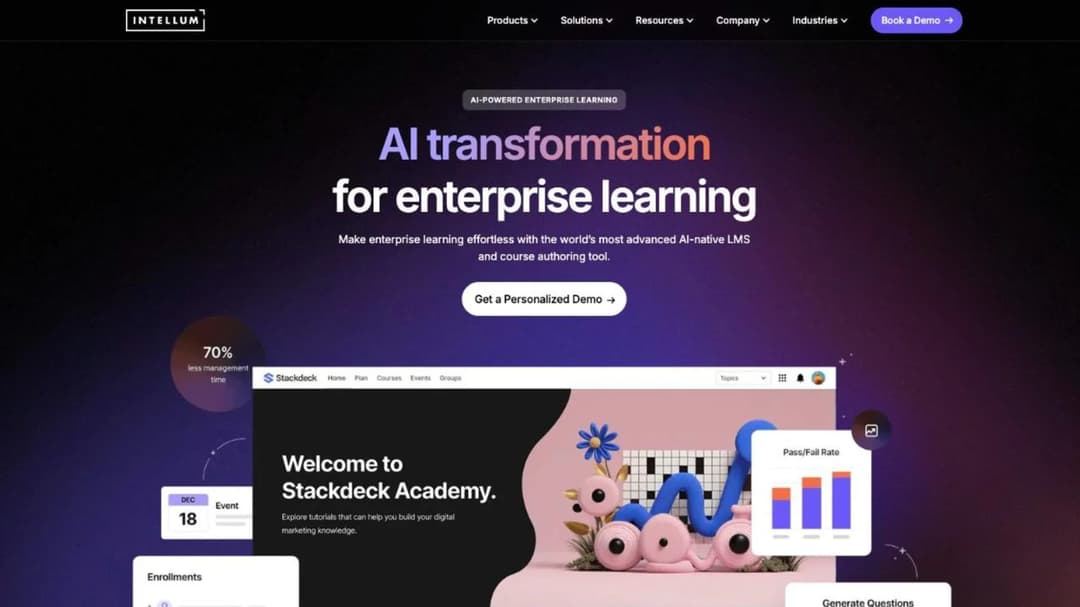
Intellum describes itself as “the world’s most advanced AI-native LMS and course authoring tool,” built “for enterprises training customers, partners, and employees at scale.” The narrower version: an enterprise platform whose case studies are external academies with certification attached, sold by demo, with the authoring tool priced separately. Which of its four jobs you actually use decides whether that shape still fits.
As a certification platform
This is Intellum’s strongest ground. Its assessment product promises “legally defensible certifications,” AI-assisted question authoring and “next generation AI coaching and proctoring,” with Honorlock named for proctoring and Credly for badges. The proof is Gusto Academy: Intellum reports 2,000 certifications across 1,000 accounting firms, 800 Continuing Professional Education credits, an NPS of 81 and “$200k in estimated incremental ARR.”
If your academy’s revenue case is a certification your partners or customers put on a resume, that’s the capability to price every alternative against. Only Skilljar, Thought Industries and Eurekos make a comparable claim, and none of the platforms that publish a price states proctoring.
As a partner education platform
Intellum’s partner reference is Meta’s Blueprint program: “2 Million External Learners in 34 Months,” 100,000-plus new users a month, and growth “from just 35 eLearning courses in English to over 90 comprehensive courses in 13 languages,” in the words of Meta’s head of partner training.
Those are partner tiers at a scale most 50-to-500-person software companies never reach, and the platform is built for it: segmented catalogs, authentication by audience, automated user creation and enrollment rules. The question for a partner lead is whether you’re paying for the Meta shape when your partner tier is 300 resellers. What a partner program needs first is covered in what partner enablement covers.
As customer education software
Intellum’s customer education page promises to “Drive retention and revenue with education” and ships three AI agents: a Creator Agent that will “Generate course structures, guides, and assessments from release notes, documentation, or recorded webinars,” a Manager Agent for natural-language reporting, and a Learner Agent that is “a persistent AI tutor.” Commerce runs through Stripe, and the integration list names Salesforce, Marketo, Slack, Zoom, Workday and Okta.
Two facts sit behind the AI marketing, and both are Intellum’s own. Its Sub-Processors page, updated in April 2025, lists OpenAI for “Generative artificial intelligence services” and IBM Watson for “Natural language processing services,” so the generative layer of an “AI-native, not bolted on” platform runs on named third-party models. Its Analytics page labels the flagship Conversational Queries feature “Early Access Via Labs,” which means it isn’t generally available. Neither is a reason to leave. Both are questions to put in writing about what your contract includes today, and the customer education metrics you’ll be asked to prove don’t depend on either.
As an enterprise LMS
The enterprise case is Allied Universal: 273,000-plus active users, 584,000-plus monthly course completions, and “more than 300,000 employees with just one LMS admin,” in Intellum’s account. The platform imports SCORM and AICC natively, ships native iOS and Android apps, and offers US or European hosting.
Its published security posture is specific: a SOC 2 Type II report “with a clean, no-exceptions audit,” a completed “third-party HIPAA attestation examination” with no business associate agreement and no “HIPAA compliant” claim anywhere, certification under the EU-US, UK and Swiss Data Privacy Frameworks, and an evaluation “for conformance with WCAG 2.1.” It publishes no ISO 27001 and no VPAT. Two of its own pages list different sign-in methods, one naming ADFS and the other Azure AD B2C, and two vintages of page give the language count as 16 and as “50+.” Ask for the current list of both before your security team fills in the questionnaire.
What it costs, and what it commits to
Intellum prices its authoring tool and not its platform. Evolve, acquired with Appitierre in October 2019, publishes a full self-serve ladder: Personal at $49 per user per month billed annually ($588 a year), Team at $65 ($780 a year) with a 21-day trial, and Enterprise on quote. The core LMS has no published figure, tier name, seat floor or trial anywhere. Every product page ends in “Book a Demo,” and the Platform Terms of Service state that each Service Order carries “pricing and payment terms” of its own (section 1.2).
What the public agreement does commit to is worth having in front of you before the renewal conversation:
- Payment: due “within thirty (30) days” of invoice (section 2.2), with a “1.5% per month” late fee (section 2.5).
- Termination for cause: a material breach left “uncured thirty (30) days after written notice” (section 3.3).
- Liability: capped at the fees paid in “the twelve (12) month period preceding” the claim (section 8.2).
- Law and control: Georgia law governs (section 10.1), and on a change of control the acquiring party can inherit the contract on five business days’ notice (section 10.4).
- Uptime: 99.9% monthly, remedied by “a Service Credit equal to 10%” of that month’s fees, which “shall not entitle Client to any refund,” and claimable within 30 days or forfeited.
What isn’t in it is the part that decides whether you can leave: no term length, no auto-renewal rule, no notice window, no true-up and no price escalator are public. Every one of those lives in your Service Order. Intellum is founder-led, based in Atlanta, founded in 2000, and took a $25 million minority investment from Guidepost Growth Equity in August 2023, so the counterparty is stable. The terms are just private.
That leaves a single fork. If you use the proctored certification engine, the partner-scale segmentation or the SCORM and AICC import for a legacy library, and the Service Order’s terms fit your budget, renew and negotiate. If what you use is course delivery, a Stripe checkout and a certificate, you’re paying for the Meta shape, and the alternatives below are sorted by how much of it they replace.
What to Check Before You Switch From Intellum
Every alternative below is held to the same eight questions, in the order they’ll cost you money if you skip them. Each ends in a rule you can apply to any vendor, and the answers come from published pages and agreements rather than a demo.
What can you price before the call?
Five of the twelve print a price. Three publish one for the tier a customer education team would buy: LearnWorlds ($24 to $249 a month billed annually), TalentLMS (free to $449 a month) and Trainn ($19 a month to $39,900 a year). Thinkific prints its self-serve ladder but not Plus, the tier that carries SSO and SCORM, and Mini Course Generator publishes its plans on its pricing page. Skilljar prints three add-on prices and no core price; Docebo, Thought Industries, LearnUpon, Eurekos, Litmos and Absorb LMS publish no figure at all.
If your reason for leaving is cost, start with the platforms that print a number, because a quote you can’t see is a quote you can’t benchmark. If your reason is capability, a printed price matters less than the next seven answers. The LMS pricing guide has real figures from twenty vendors if you need a wider baseline.
When does it renew, how much notice, and can the price rise?
This is the table the feature comparisons don’t carry, because it comes from the terms pages.
| Platform | Term and renewal | Notice to leave | Renewal price change | Early exit |
|---|---|---|---|---|
| Intellum | Private Service Order; nothing public | Not public | Not public | Not public |
| Skilljar | Successive 12-month terms | 30 days, written | Not stated | Pay out the Initial Term, unless uptime falls below 99% |
| Docebo | 12-month auto-renewal (MSA 12.2) | 60 days, written | Then-current fees or up to 10% over the prior term, whichever is lower | No downgrade of user thresholds (5.2(d)) |
| LearnUpon | 12-month auto-renewal (ToS 9.1) | 30 days, written | On 30 days’ notice at renewal, no cap (8.2) | Current period non-refundable (10.1) |
| Eurekos | 12 months non-terminable, then rolling | 90 days, written | Not stated | Not before month 12 |
| Trainn | 12 months, auto-renews (ToS 7.1) | 90 days, written | Not stated | Fees non-refundable (6.1) |
| LearnWorlds | Auto-renewing subscription | Cancel anytime (ToU 17.3.2) | 30 days’ notice, at renewal (6.4) | No refund; access to the paid period’s end |
| Thinkific | Renews each billing period | Cancel anytime on self-serve tiers (ToS 10.1) | 30 to 60 days’ notice | Plus terms not published |
| Thought Industries | “The first year of your contract,” and nothing else | Not published | Not published | Not published |
| TalentLMS, Absorb LMS, Litmos | Not published | Not published | Not published | Not published |
One rule: the vendors that print a renewal clause let you budget the renewal on the day you sign, and the ones that don’t leave it to your account manager in month eleven. Four of the “cheaper” platforms carry the same twelve-month auto-renewal Intellum almost certainly has in your Service Order, and Docebo’s adds a written escalator. Put the notice date in your calendar the day the contract is countersigned.
What’s the floor, and who counts as active?
Intellum publishes no floor and no counting rule. Five alternatives publish both, and the definitions change the invoice:
- LearnUpon: from 300 users for Customer Education, 100 for employees, 150 for associations.
- Skilljar: no floor, and an active user is “someone who consumes or interacts with a lesson in your Academy,” counted once per calendar month, with yearly allocations that roll forward unused.
- Eurekos: active users per month, reset monthly, with a fixed price for up to a year on request.
- Trainn: LMS tiers capped at 100 and 250 monthly active users, and a learner counts only after watching “a minimum of 5 seconds from within the app.”
- Docebo: Monthly, Yearly or Registered Active Users, your choice.
Customers arrive in bursts around releases and onboarding cohorts. If a third of your accounts touch the academy in any month, a monthly-active model costs less than a registered count. If a partner tier certifies once a year, a yearly allocation beats a monthly one. Get the definition of “active” into the order form.
What leaves with you?
Intellum’s Evolve exports SCORM 1.2 and SCORM 2004, and the platform imports SCORM and AICC, but states no export of courses built inside it. On the receiving side, Absorb LMS prints both directions, Thought Industries exports through SCORM Connect with no version stated, TalentLMS imports 1.2 and its documentation says “it’s not possible to create SCORM files directly on TalentLMS,” and Trainn never mentions SCORM.
The rule: if you’ll author inside the platform, ask in writing whether a course built there exports as a SCORM package, which version, and whether the export survives cancellation. The differences between SCORM versions decide whether a library survives a second move, and “you can download your source files” is not an export.
Can it sell a course, and who handles the tax?
A paid academy needs a checkout, a way to bundle, and someone to calculate tax in the buyer’s country. Thought Industries publishes the widest commerce layer: 150 currencies, four gateways and five tax providers, with ecommerce a Professional-tier feature. Eurekos ships a storefront with multiple currencies and country-level VAT configuration, and LearnWorlds runs Stripe, PayPal, Shopify and eleven more payment methods with Stripe Tax and Quaderno. LearnUpon gates eCommerce to its Customer Education Enterprise plan and Litmos to Platinum and above.
If you sell in more than one currency or need VAT handled per country, those first three print how. If you sell in one currency to one region, every platform here can take the payment, and the question becomes the fee and the contract.
Does it run a portal per partner?
A partner tier usually wants its own branded portal, its own admins and its own reporting, and that’s a multi-tenant feature, not a theme. Eurekos includes “unlimited branded portals with individual SSO” at no extra cost, Thought Industries sells Panorama, “custom co-branded, multi-tenant portals,” and Absorb LMS describes itself as “a multi-tenant LMS” with “unique learner portals based on any number of criteria.” The caps are where it gets expensive: Skilljar’s Academy sites run one, two or three by tier, Docebo’s extended enterprise stops at 10 domains, and TalentLMS gives you 1, 3 or 15 branches by plan.
The rule: count your partner tiers that need their own admin, then read the tenant cap on the tier you’d buy. A cap of one, two or three portals is fine for a single partner program and wrong for a marketplace of resellers. What each platform meters for a churning partner tier is the whole point of the partner training platforms comparison.
Which compliance statements does the vendor publish?
Your security team will ask, so here is what each vendor prints rather than what its sales deck implies.
| Platform | What it publishes |
|---|---|
| Intellum | SOC 2 Type II, a HIPAA attestation examination, Data Privacy Framework, a WCAG 2.1 evaluation; no ISO or VPAT |
| Skilljar | SOC 2 Type II, a VPAT that “Partially Supports” WCAG 2.2 AA, US-only processing; ISO 27001 attributed to AWS |
| Thought Industries | A Trust Center listing SOC 2 Type 2, ISO 27001, GDPR, HIPAA, CCPA and PCI DSS as labels with no status text |
| LearnUpon | ISO 27001:2022 and 27701:2019, “SOC 2 compliant” with no type stated, WCAG 2.2 AA, EU or US residency |
| Docebo | SOC 2 Type II, four ISO standards, PCI DSS Level 2; no HIPAA or VPAT |
| Eurekos | ISO 27001, 27701 and 27017; no SOC 2 statement |
| Litmos | SOC 2 Type II with the audit period and auditor named, ISO 27001:2022 issued January 2025 |
| LearnWorlds | SOC 2 and ISO 27001 attributed to Google Cloud; its accessibility page rates itself “partially compliant” with WCAG 2.2 AA |
| Thinkific | SOC 2, GDPR and CCPA statements, PCI-DSS, US-only hosting; no ISO or WCAG |
| Trainn | SOC 2 Type II and ISO 27001:2022, as Chargebee’s certifications extended to Trainn |
| TalentLMS, Absorb LMS | No compliance statement published |
The rule is procedural. Write down the two documents procurement will require, then cross off every vendor that doesn’t print them, before you book a demo. A label on a trust page isn’t a report, so ask for the report.
What does it connect to?
Name the three systems your academy has to talk to, usually the CRM, the support desk and the customer success platform, and ask which tier the connector sits in. Skilljar’s premium integrations (Salesforce, Salesforce Service Cloud, Gainsight, Zendesk) are capped at 3, 5 and 7 by tier. LearnUpon names HubSpot, Planhat, Salesforce, Intercom, Gong and Zendesk, and TalentLMS names Salesforce, Intercom, HubSpot, Zendesk and “1000+ other tools by Zapier.”
Delivery inside your own product is a separate question. LearnUpon Anywhere and Skilljar’s embed features put the academy inside the app, and Docebo offers a headless LMS option. The order in which to connect an LMS starts with the system that knows which accounts are live, and the trade-offs of an embedded LMS decide whether the academy lives in your product or beside it. Five platforms here publish an MCP server or plugin for AI assistants (Skilljar in beta, LearnUpon, Docebo, Thought Industries for Claude, and Mini Course Generator), and the questions to ask about an LMS MCP server separate a query connector from one that can act.
Get all eight answers in writing. The platforms that already answered in public are the ones that make the shortlist without a second call.
The 12 Intellum Alternatives Compared
The best Intellum alternatives for a customer or partner academy split on one question: whether you need all of Intellum or only the part you use. The order runs from the platforms that do the most of what Intellum does for an external academy, commerce, certification and partner portals, down to the ones that cost least to try. Every price, plan limit and contract term below comes from the vendor’s own pages and published agreements, quoted as printed; where a vendor publishes nothing, the entry says so. Mini Course Generator is our product; it is listed for the job it does, not ranked above the others. The category-wide view is in the customer education platforms compared.
| Platform | Publishes a price | Publishes contract terms | Floor or active-user rule | Commerce | SCORM out |
|---|---|---|---|---|---|
| Skilljar | No; three add-ons priced | Yes: 12-month renewals, 30 days’ notice | No floor; active user counted monthly | Stripe, PayPal, Payflow Pro | Not stated |
| Thought Industries | No | “First year of your contract” only | Not published | 150 currencies, four gateways, five tax providers | SCORM Connect, no version |
| Eurekos | No | Yes: 12 months non-terminable, 90 days’ notice | Active users per month, reset monthly | Storefront, multi-currency, VAT by country | Not stated |
| LearnUpon | No | Yes: 12-month renewal, 30 days’ notice | From 300 users for Customer Education | eCommerce on Enterprise | Not stated |
| Docebo | No | Yes: 12-month renewal, 60 days’ notice, up to 10% rise | MAU, YAU or RAU; no downgrade in term | Shopify, Stripe, PayPal | Not stated |
| Absorb LMS | No; form by learner band | Not published | Not published | Not published | Yes: SCORM, xAPI, HTML5 |
| Litmos | No; “Contact for Pricing” | Not published | Not published | eCommerce on Platinum and above | Not stated |
| LearnWorlds | Yes: $24 to $249 a month billed annually | Yes: cancel anytime, no refund | Active learners a month, capped by plan | Stripe, PayPal, Shopify, Stripe Tax | Not stated |
| Thinkific | Self-serve yes; Plus quote-only | Cancel anytime on self-serve tiers | 10,000-student cap on self-serve | Thinkific Payments at 2.9% | Not stated |
| TalentLMS | Yes: free to $449 a month | Not published | Bands of 1-40, 1-70 and 1-100 | PayPal, Stripe, Shopify, WooCommerce | No; 1.2 import only |
| Trainn | Yes: $19 a month to $39,900 a year | Yes: 12 months, 90 days’ notice | LMS capped at 100 or 250 monthly actives | Not stated | No SCORM |
| Mini Course Generator | Yes, on the pricing page | No minimum annual commitment; 14-day trial | Yearly learner allowance | Pay-wall Gateway, no transaction fees | SCORM and PDF at any time |
1. Skilljar
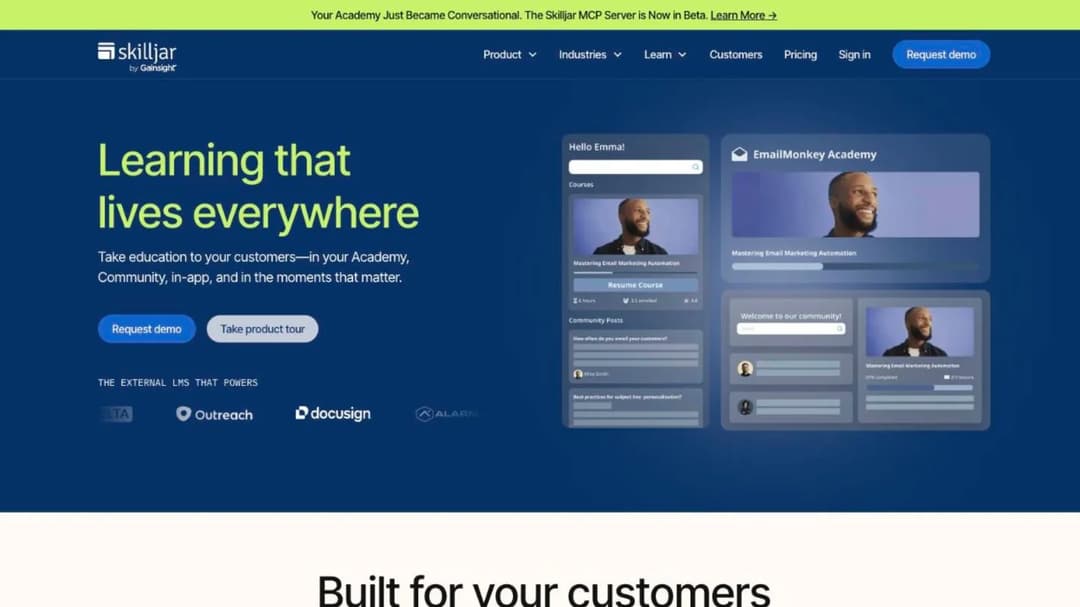
Best for: Intellum’s external-academy shape, with proctored certification and a Gainsight connection, at a quote-only price.
Top Features
- Branded Academy sites, one to three by tier, with learner SSO throughout
- Proctored certification through Accredible, Credly, Examity, Kryterion and PSI
- Monetized training on Stripe, PayPal and Payflow Pro
- Premium integrations with Salesforce, Salesforce Service Cloud, Gainsight and Zendesk
- Embed features and a Data Connector to a dedicated PostgreSQL database
Skilljar is built for exactly this reader and says so: “An LMS designed for compliance is simply not the best fit for customer training.” It now trades as Skilljar by Gainsight, and Northpass has been folded into it, so an older Northpass quote is a Skilljar conversation now. There’s no native authoring suite. The price is quote-only, but the Subscription Services Agreement is public: Service Orders “automatically renew for additional successive twelve-month terms” unless either party gives notice 30 days out, and leaving early means paying “all fees owed for the remainder of the Initial Term.” Its own side is in Skilljar alternatives.
Pros
- Purpose-built for customer and partner academies, with proctored certification
- The renewal cadence, notice period and exit clause printed in a public agreement
- No seat floor, and active users counted monthly with allocations that roll forward
Cons
- No core price, no trial, and the Initial Term length is private
- Language Packs start “at $10k for 5 languages,” and the data return window is 30 days in the agreement and 60 in the addendum
- No SCORM version or export stated, and its homepage reports Smartsheet at “$1M+ In training revenue” where the case study says “On track to reach” it
2. Thought Industries
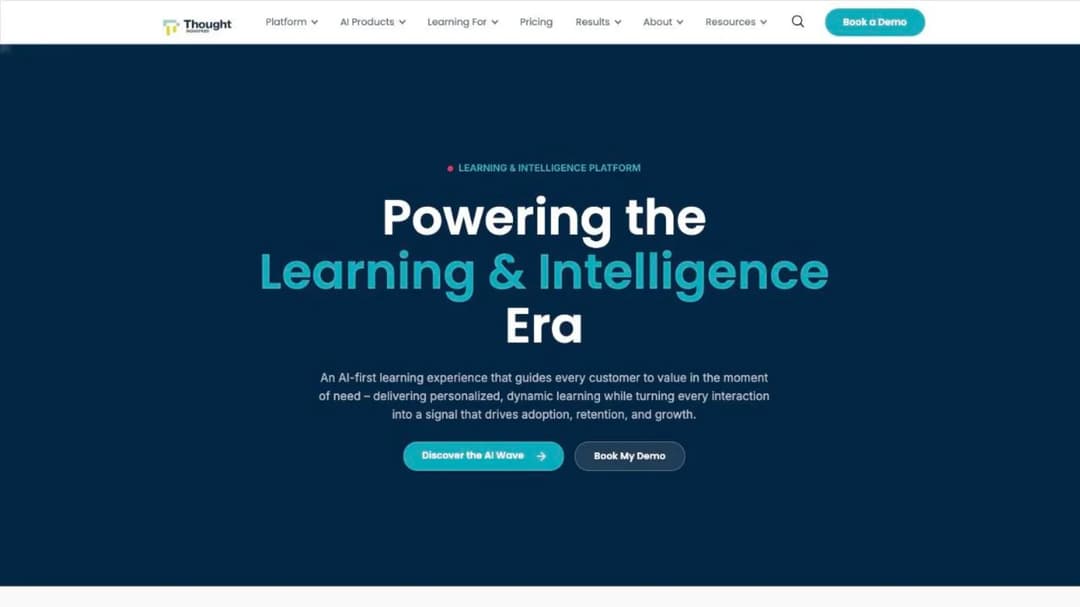
Best for: a paid academy selling in several currencies, with tax, bundling and partner portals in one platform.
Top Features
- Monetization in 150 currencies with subscriptions, bundles and training credits
- Panorama multi-tenant co-branded portals for partners and customer segments
- Authoring plus SCORM, xAPI, LTI and HTML import, and SCORM Connect for export
- A BI Connector syncing “90 tables” into Power BI, Tableau or Looker
- Conversational AI with cited answers, and a “Thought Industries for Claude” plugin
Thought Industries is the closest Intellum-shaped rival on the commerce side. Its Customer Learning Cloud is aimed at people outside your company first, and the Linux Foundation reference, “200k+ certification exams administered” and “50% revenue growth,” in Thought Industries’ words, is the paid-certification academy Intellum sells to. The pricing page prints three tiers, with ecommerce on Professional and advanced analytics on Enterprise, and every tier routes to the same “Let’s talk” link. The one contract phrase on the site is that onboarding is “a one-time cost for the first year of your contract.” The platform-specific comparison is in Thought Industries alternatives.
Pros
- The widest published commerce and tax layer in this comparison
- Multi-tenant portals, SCORM export, and a warehouse-grade BI connector
- Built for external audiences, with paid-certification references and a Claude plugin
Cons
- No price, no floor, no term, no notice period and no trial published
- Compliance listed as labels on a trust page rather than as reports with dates
- Its homepage “74% reduction in customer onboarding time” is, on its customer training page, ArrowStream “cutting training staff time by 74%”
3. Eurekos
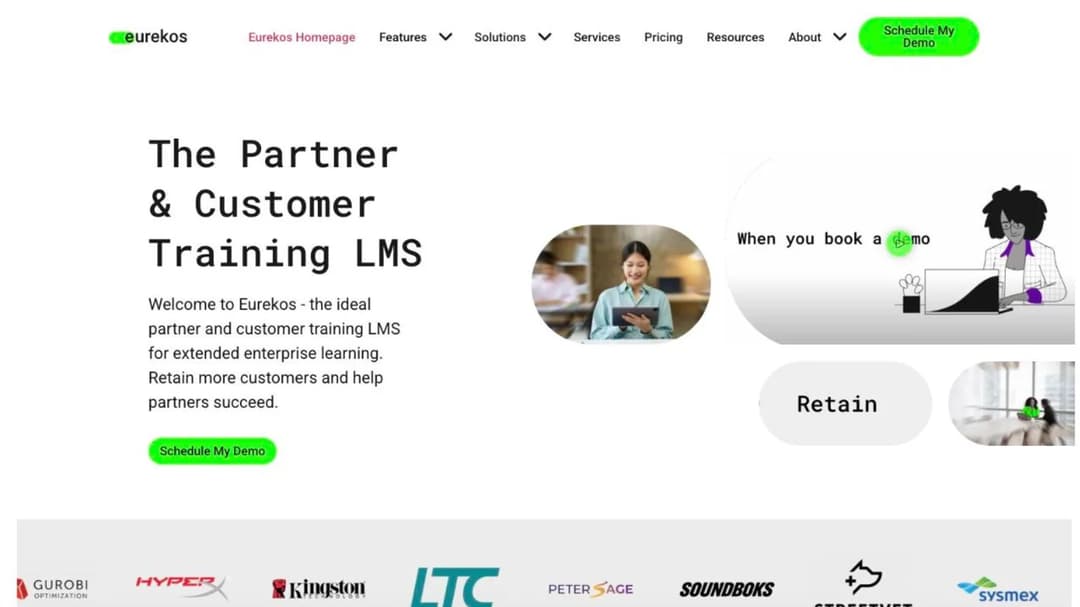
Best for: a European team that wants unlimited partner portals and a storefront included, and can live with a twelve-month first term.
Top Features
- “Unlimited branded portals with individual SSO solutions,” at no extra cost
- A storefront with coupons, bundles, multiple currencies and country-level VAT
- Certification management with compliance monitoring and on-demand audit exports
- Authoring with “40+ customizable, interactive learning tools,” plus “SCORM (all versions)” import
- Cloud or on-premise deployment, and 130-plus interface languages
Eurekos, based in Denmark, calls itself “the ideal partner and customer training LMS for extended enterprise learning,” and the all-inclusive pitch is why it’s here: portals, storefront, video streaming, premium support and the apps are all stated to be included. Pricing “is based on your actual consumption and not guesswork. You pay for your number of active users per month and each month it resets,” and Eurekos will “fix pricing for up to one full year” on request, though no rate appears anywhere. Its Terms are stricter than that suggests: the initial term is 12 months and non-terminable, after which the agreement runs until either party gives 90 days’ notice.
Pros
- Unlimited multi-tenant portals and a full storefront without add-on pricing
- Monthly active-user pricing with a monthly reset, and a fixed-price option
- Public Terms with the term, notice, liability cap and SLA credits printed
Cons
- No price, no trial and no floor published, and the first 12 months can’t be terminated
- 90 days’ notice to leave, the longest here alongside Trainn
- No SCORM export described, no SOC 2 statement, and a features page that names no AI while a company post calls AI translation shipped
4. LearnUpon
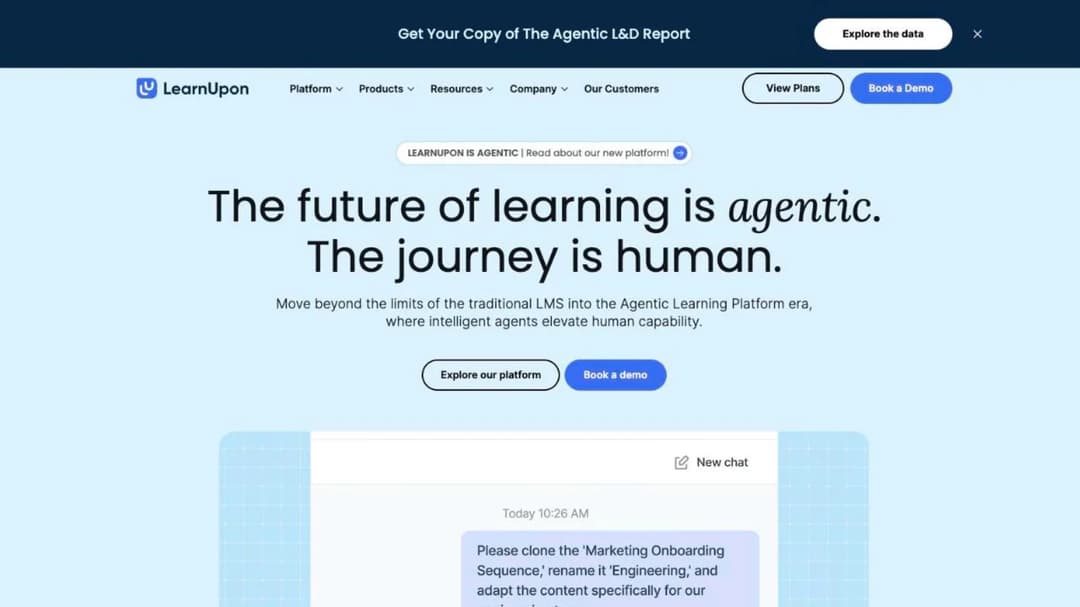
Best for: a customer education team above 300 users that wants the renewal terms printed and a 30-day notice window.
Top Features
- LearnUpon for Customer Education, “From 300 Users,” with eCommerce and group branding on Enterprise
- Learning Portals for separate audiences, and LearnUpon Anywhere to embed training in your product
- Create+ authoring from video, PDF or PowerPoint, with translation into “120+ languages”
- A LearnUpon MCP Server for ChatGPT, Claude and Gemini queries on learning data
- Named connections to HubSpot, Planhat, Salesforce, Intercom, Gong and Zendesk
LearnUpon publishes no price, but it prints the two things that decide a switch. The floor is on the pricing page: 300 users for Customer Education, 100 for Employees, 150 for Associations. The terms are in its Terms of Service: the subscription “will automatically renew for subsequent 12-month period(s)” unless either party gives 30 days’ written notice (section 9.1), the current period is “non-refundable” if you terminate (section 10.1), and fees can change on 30 days’ notice at the next renewal (section 8.2). It reports ClearGov’s churn score dropping “by 32%” after customers engaged with the academy. Its own side is in LearnUpon alternatives.
Pros
- A dedicated customer education product with the floor and the renewal terms printed
- 30-day notice, and cancellation at any time on 30 days’ notice
- In-product embedding through LearnUpon Anywhere, plus the CS-platform connectors you already run
Cons
- No price at any tier, and fees can rise on 30 days’ notice with no printed cap
- A 300-user floor for the customer education product, which rules out a small academy
- No SCORM version stated, no mobile app stated, and role-plays marked “COMING SOON”
5. Docebo
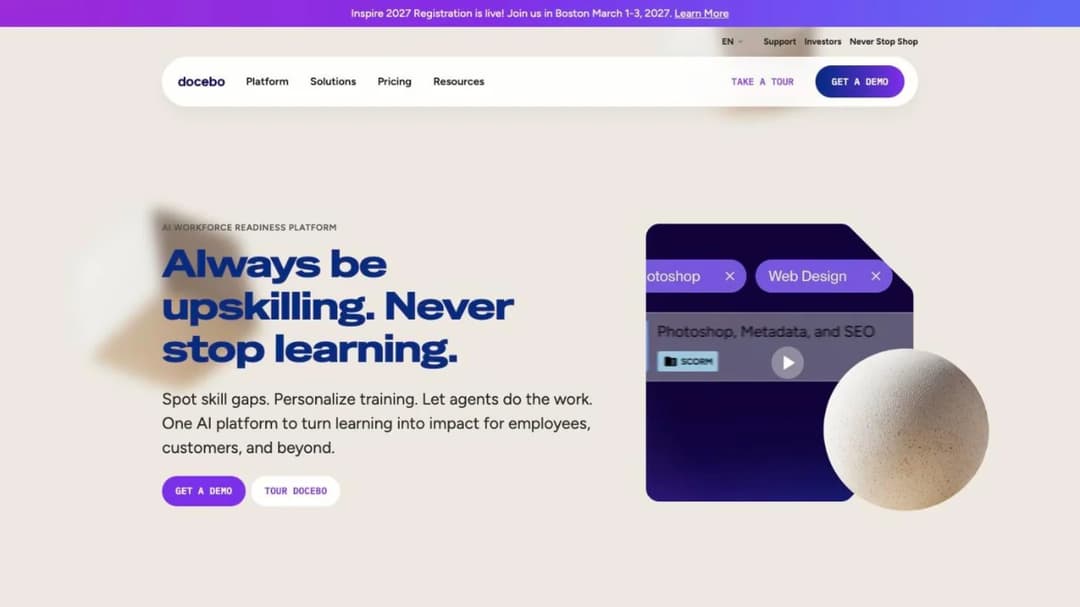
Best for: an enterprise running customer, partner and employee training from one suite, with room for a twelve-month auto-renewal and an escalator.
Top Features
- Extended enterprise on the Enterprise tier, capped at 10 domains, with a branded mobile app
- Pricing by Monthly, Yearly or Registered Active Users, your choice
- SCORM 1.2 and 2004, xAPI and AICC import, and a 30,000-course marketplace
- Shopify, Stripe and PayPal named for training commerce on the customer education page
- AI Content Creator, AI Roleplay, AgentHub agents and an MCP connection
Docebo publishes no price; Elevate and Enterprise each route to a “Get Your Pricing” form. What it does publish is the most explicit renewal clause here. Its Master Services Agreement (section 12.2) auto-renews “for subsequent twelve (12) month periods” unless you give written notice “at least sixty (60) days prior to the end of the then current Term,” and on renewal the fees are revised “to reflect Docebo’s then-current fees, or a ten percent (10.0%) increase over the highest level of annual fees charged during the previous Term… whichever is lower.” Section 5.2(d) bars “downgrading of the User thresholds” during the Term. The employee-side comparison is in Docebo alternatives.
Pros
- Renewal, notice and the price-rise cap printed in a public agreement
- Extended enterprise portals, marketplace content and headless delivery in one suite
- Both SCORM versions, xAPI and AICC imported, and the widest published ISO set here
Cons
- No price, three separate quotes, and a sixty-day notice window
- Up to 10% at each renewal, and a user count that can’t go down during the term
- Sized for a larger academy than most 50-to-500-person software companies run
6. Absorb LMS
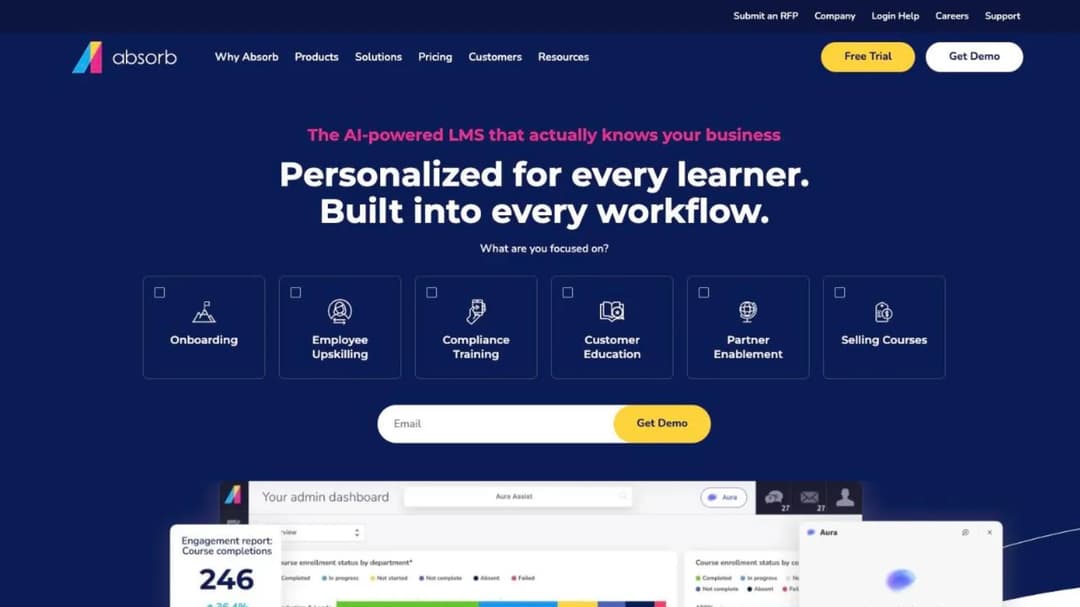
Best for: a partner program that needs a separate branded portal per partner and a printed export path for a large SCORM library.
Top Features
- “A multi-tenant LMS, meaning you can create unique learner portals based on any number of criteria”
- SCORM 1.2 and SCORM 2004 import, and Absorb Create publishing to SCORM, xAPI and HTML5
- Native iOS and Android apps with offline access and progress sync
- Salesforce, HubSpot, Zendesk Sell, Intercom and Marketo among the integrations
- Content partners including Absorb Amplify, Traliant, Go1 and Skillsoft
Absorb LMS’s structural case is portals per tenant and an export path that names its formats. For a partner lead with a legacy library, “SCORM 1.2 and SCORM 2004” in and “SCORM, xAPI, and HTML5” out is the sentence that matters most, because it’s the one most enterprise platforms don’t print. Absorb reports standardizing training for A&W Canada across “900 locations, 45,000 employees and thousands of admins.” Everything commercial is behind a form that asks which learner band you fall into, from 1-50 up to 25,000-plus. No tier names, no trial length, no contract term and no renewal rule are published, and Absorb publishes no commerce feature for an external academy.
Pros
- Multi-tenant portals for partner tiers, brands or regions
- Both SCORM versions in, and SCORM, xAPI and HTML5 out
- Offline mobile with progress sync, and named CRM and support connectors
Cons
- No price without your contact details, and no trial
- No published contract term, notice period or price-rise rule
- No published commerce layer for selling courses, and 25 interface languages
7. Litmos
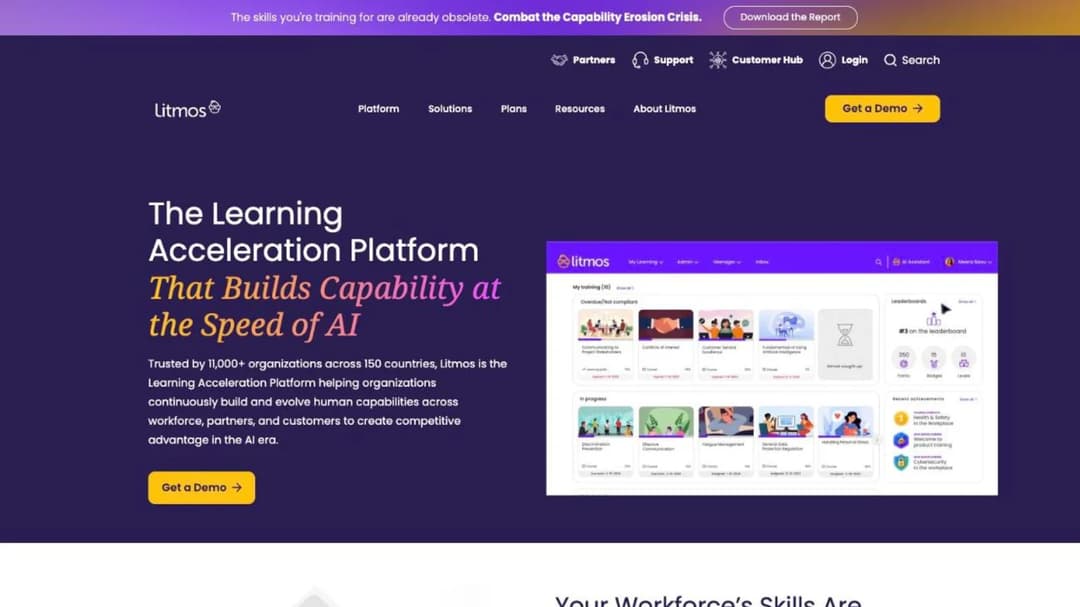
Best for: a team training customers and partners alongside employees that wants a ready-made library and a dated SOC 2 report.
Top Features
- eCommerce, External Training and branded experiences on Platinum and above
- AI Course Builder generating “a structured course with module content and assessments”
- “Hundreds of ready-made courses” across compliance, leadership, safety and customer service
- SCORM, xAPI and AICC import, hosted in the EU, Australia or the United States
- Salesforce, Shopify, Okta and Microsoft Entra ID among the named integrations
Litmos names Customer Education and Partner & Channel Training as use cases and lists eCommerce as a plan feature, which is why it belongs in an Intellum comparison, but it’s a general platform first. Its three tiers each show “Contact for Pricing,” and no minimum, term, trial or renewal rule appears on the plans page. What it publishes better than anyone here is the security paper trail: a SOC 2 Type II report covering April 2024 to March 2025 with “No exceptions noted,” and ISO 27001:2022 issued in January 2025, both by a named auditor. Litmos has been Francisco Partners’ since December 2022, having been SAP Litmos before that, so an older quote under the SAP name is the same product.
Pros
- Dated, audited SOC 2 Type II and ISO 27001:2022, with regional data hosting
- eCommerce and external training on the platform, plus a ready-made library
- SCORM, xAPI and AICC import and CRM, identity and commerce connectors
Cons
- No price at any tier, no trial and no published terms
- eCommerce and AI features gated to Platinum and above, and API access capped at “up to 100 RPM per site”
- Its own pages give three customer counts, “11,000+,” “4,000+” and “3,000+”
8. LearnWorlds
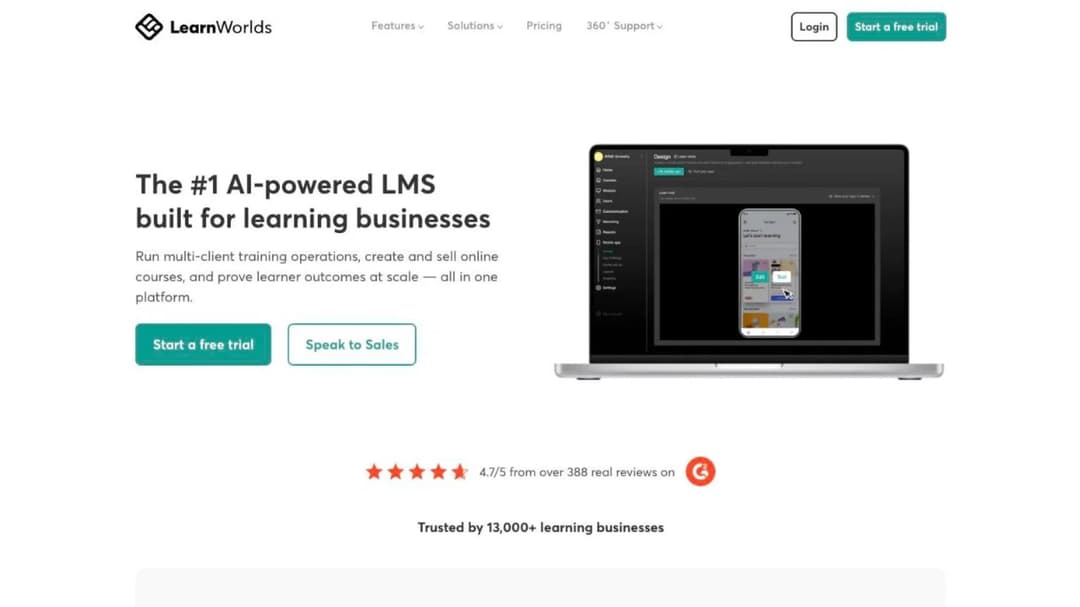
Best for: a paid academy under 2,000 active learners a month that wants the price ladder and the cancellation terms on screen before a demo.
Top Features
- Starter at $24 a month billed annually ($29 monthly), Pro Trainer at $79 ($99), Learning Center at $249 ($299)
- Commerce on Stripe, PayPal, Shopify and eleven more methods, with Stripe Tax
- A Customer Training solution page, SCORM and HTML5 import, LTI, and an Automation Engine
- AI Outline, EBook and Assessment builders on plan-included AI credits
- Hosting in the US, Frankfurt, São Paulo and Singapore
LearnWorlds publishes everything a cost-driven switch needs. Each plan caps active learners a month (1,000 on Starter, 2,000 above it) and admins (1, 5 and 25). Starter alone carries a $5 per-course-enrollment fee, a branded mobile app is a $149-a-month add-on, and the trial is 30 days. Its Terms of Use let you cancel “at any time,” with no refund and access to the end of the paid period (section 17.3.2), require 30 days’ notice of a price change applied at renewal (section 6.4), and let LearnWorlds keep a copy of your school’s content for nine months after termination (section 18.6). It reports Blip onboarding customers “41% faster” while cutting support tickets by 15%, the kind of ticket deflection result this reader is measured on. The creator-side comparison is in LearnWorlds alternatives.
Pros
- Full price ladder, 30-day trial, and cancel-anytime terms printed
- The most complete published payment and tax stack among the priced platforms
- Regional hosting, and a customer training solution with deflection results
Cons
- Active learners and admins capped per plan, with a $5 enrollment fee on Starter
- SCORM 1.2 only, confirmed indirectly, capped at 20 packages on Starter, and no export stated
- Compliance attributed to the cloud provider, and WCAG conformance self-rated as partial
9. Thinkific
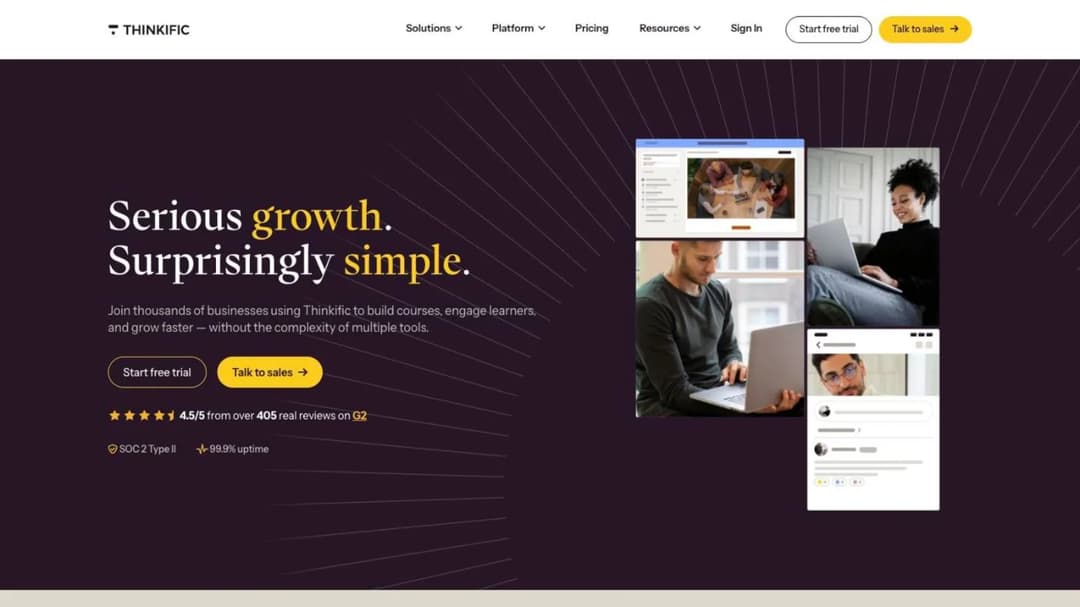
Best for: an academy that started as a course store and now needs SSO and SCORM, if those can arrive on a quote-only tier.
Top Features
- Basic at $54 a month ($40 billed annually), Start at $109 ($82), Grow at $219 ($164), Plus on quote
- Hosted checkout with payment plans, automated sales tax and B2B invoicing
- Live cohorts, certificates, communities, and a branded native mobile app on Plus
- Plus adds SSO (SAML and OIDC), learning paths, SCORM, and HubSpot and Salesforce integrations
- A 30-day free trial, and cancellation “without charge or other penalty” on the self-serve tiers
Thinkific’s self-serve tiers carry the most transparent terms in this comparison: the price is printed, the trial is 30 days, and the Terms of Service let you cancel Basic, Start or Grow from your account settings (section 10.1). The catch for a customer education team is that the features it needs, SSO, SCORM, learning paths and CRM connectors, sit on Thinkific Plus, which publishes no price, no floor and no cancellation terms; the “cancel anytime” language is scoped to the tiers beneath it. Thinkific Payments takes 2.9% on every plan, and the branded app is shown as “$199/mo” and “included on select Plus plans,” so ask whether yours is one. The wider set of platforms sold to creators is in Thinkific alternatives.
Pros
- Printed prices, a 30-day trial and cancel-anytime terms on the self-serve tiers
- Commerce with tax, payment plans and B2B invoicing built in
- SOC 2 stated, and a public company’s reporting behind it
Cons
- SSO, SCORM, learning paths and CRM connectors are Plus-only, and Plus prints no price or terms
- 2.9% on every payment, plus $199 a month for the branded app on some Plus contracts
- US-only hosting, and a homepage “99.9% uptime” claim against a contractual “at least 99.5%” for Plus
10. TalentLMS
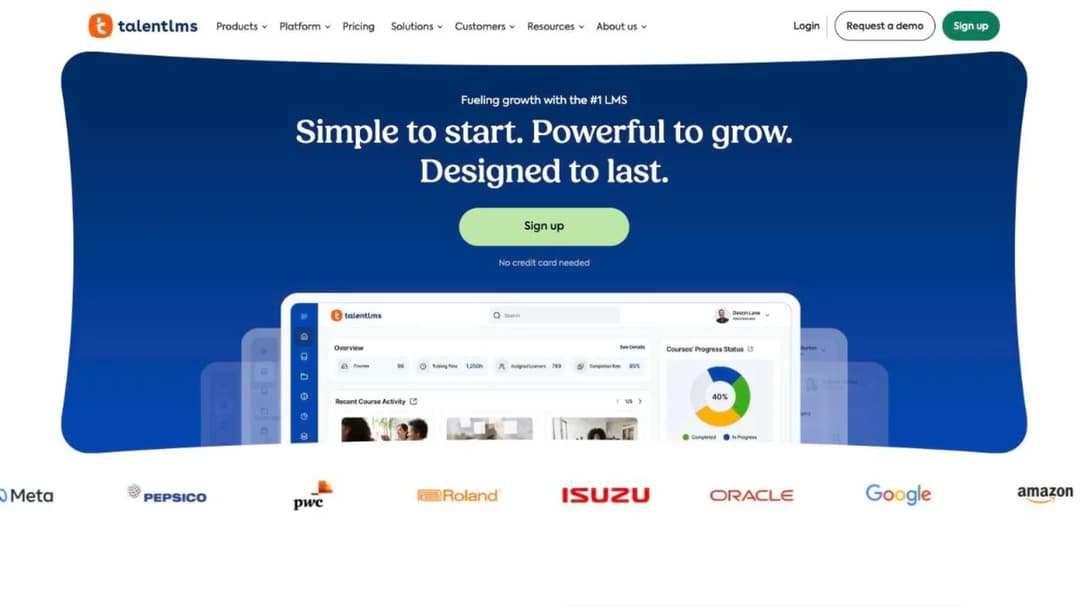
Best for: an academy under 100 users that wants the whole ladder printed, a free tier to prototype in, and no procurement cycle.
Top Features
- Free for up to 5 users and 10 courses; Core at $119 a month (1-40 users), Grow at $229 (up to 70), Pro at $449 (up to 100)
- Branches (1, 3 or 15 by plan) for separate customer or partner groups
- eCommerce through PayPal, Stripe, Shopify and WooCommerce
- Salesforce, Intercom, HubSpot and Zendesk connectors, plus “1000+ tools by Zapier”
- Certificate expiry with automatic re-assignment, and a 14-day premium trial
TalentLMS prints every plan and its user band on the screen, with no form. Both the plan and the band move the price, so a 90-person academy is Pro, not Core, and users above 100 add $6 each. It isn’t a customer education product and doesn’t claim to be; branches, eCommerce and the CS-platform connectors make it workable for a small external academy, and the free LMS comparison covers what the free tier includes. TalentLMS publishes no renewal or notice terms. The limits matter for anyone leaving Intellum with a library: SCORM is version 1.2 and import only, and its own documentation says “it’s not possible to create SCORM files directly on TalentLMS.”
Pros
- The clearest tier-by-tier ladder here, with a free tier and a 14-day premium trial
- Branches for partner groups, eCommerce, and the connectors this reader already runs
- No sales cycle below 100 users
Cons
- SCORM 1.2 import only, and no SCORM export at all
- User bands cap each plan at 40, 70 and 100, and the Enterprise floor is printed as both 500 and 1,000
- No published renewal, notice or compliance terms
11. Trainn
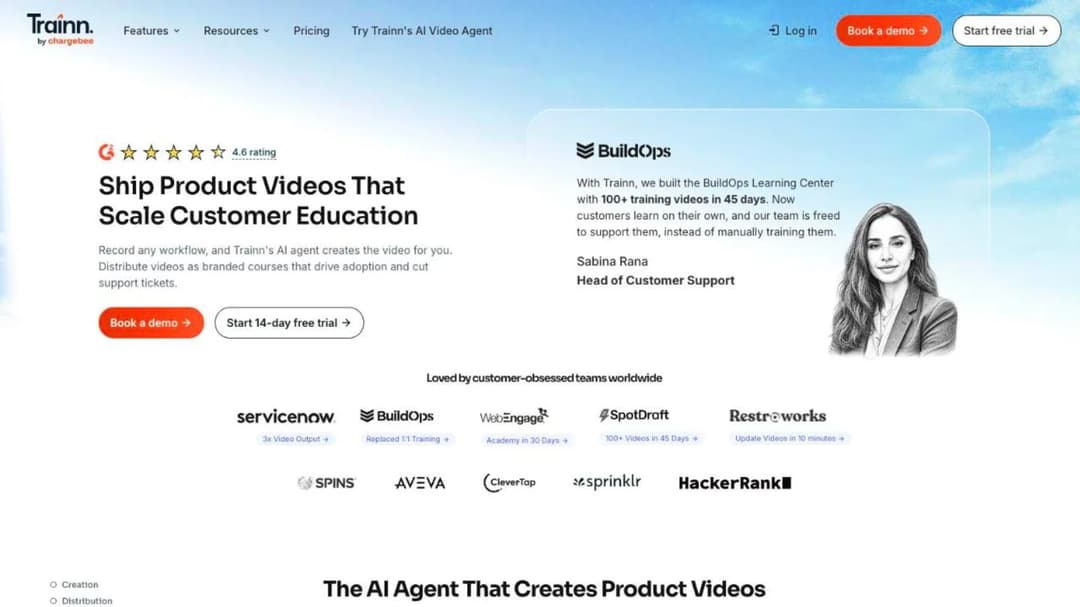
Best for: a SaaS customer education team whose academy is mostly product videos, with a small learner base.
Top Features
- An AI agent that turns a screen recording or webinar into an edited video
- A no-code Academy with courses, quizzes and certifications, capped at 100 or 250 monthly actives
- A branded Knowledge Hub and in-app tutorials embedded without code
- Creator at $19 a month (no LMS), Launch at $2,400 a year, Scale at $10,000, Enterprise at $39,900
- Salesforce, HubSpot, Okta and Azure AD connections, with SAML SSO on Enterprise
Trainn is built around video first and an LMS second, and its own FAQ says who it isn’t for: companies whose primary format is instructor-led training, and teams that want a digital adoption tool. Each annual tier is shown against a struck-through list price (Launch $2,400 against $3,600, Scale $10,000 against $14,000, Enterprise $39,900 against $55,000), promotional figures as of September 2026. A learner counts as a monthly active user only after watching “a minimum of 5 seconds from within the app.” Trainn has been part of Chargebee since March 2025, and its Terms of Service contract with Chargebee Inc. The platform-specific view is in Trainn alternatives.
Pros
- A printed ladder for a video-first academy, with a 14-day trial and no card
- Video, knowledge hub, in-app tutorials and an academy in one subscription
- Compliance statements (SOC 2 Type II, ISO 27001:2022) published through Chargebee
Cons
- A 12-month subscription that “shall renew automatically for the same period,” cancellable only 90 days before expiration, with fees non-refundable
- No SCORM in either direction, so nothing built in the Academy leaves as a package
- Two of its own comparison pages state plans “starting from $499” with “a free account,” which the pricing page contradicts
12. Mini Course Generator
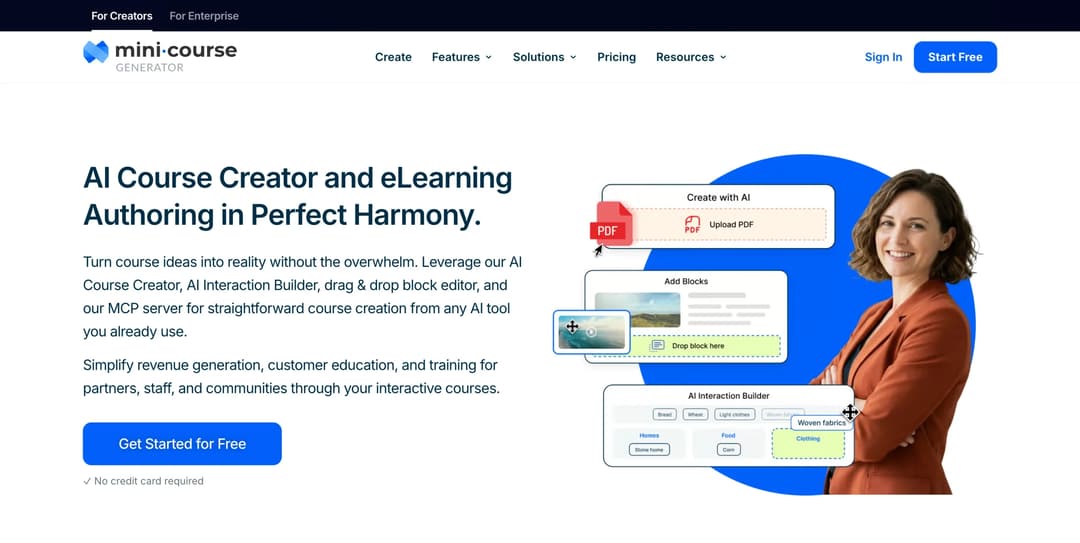
Best for: a customer education lead whose next course already exists as a help-center article or a release note, and who wants terms they can read before a sales call.
Top Features
- AI Course Creator and PDF to Course Creator draft a course from your own documents, with Hallucination-Proof generation MCG reports as 95% hallucination-free
- Six Gateways and magic links, so a customer or partner rep opens a course from a link without another account
- A pay-wall Gateway with “we do not cut any sales commissions” and no transaction fees, plus Certificates & Badges with Micro-credentialing
- Delivery where customers already are: embed widgets, the MCG App for Intercom on Growth and above, and a Headless LMS with a REST API on Custom
- The Mini Course Generator MCP Server on every plan, so Claude, ChatGPT, Manus or Cursor can create, edit, publish and update courses from Confluence, Slack, Notion or Google Drive material
It sits last by the ordering test above, because it covers the least of Intellum’s enterprise footprint, and it’s here because it prints what Intellum’s platform doesn’t. Every plan opens with 14 days of full access and no credit card, and the pricing FAQ states “zero implementation or onboarding fees,” no minimum annual commitment, and plans sized by a yearly learner allowance “so occasional visitors don’t force you into a bigger plan.” The figures are on the pricing page. Content leaves with you: export as SCORM or PDF at any time, dynamic SCORM export on the Launch plan and above, and “Your content is always yours, whatever your subscription status.”
Help-center article in, course out, same day: that is what turning a help center into a course looks like in practice. The [AI Role-play skill](/skills/role-play/) adds practice conversations graded against your rubric and exportable as SCORM 1.2.
Pros
- Price, trial and commitment terms published, with no implementation fee and no minimum commitment
- A paid academy without a cut: pay-wall Gateway, no commissions, no transaction fees
- Courses drafted from the documents you already have, and exported as SCORM or PDF at any time
- No-account access through Gateways and magic links, and delivery inside Intercom or your product
Cons
- No multi-tenant partner portals, no sub-accounts and no per-client instances; a partner tier that needs a branded portal each is better served by Absorb LMS, Thought Industries, Eurekos or Skilljar
- No proctored exams and no “legally defensible certification” claim of the kind Intellum and Skilljar make; Certificates & Badges and Micro-credentialing only
- No native Salesforce, Gainsight or HubSpot connector; integration runs through Zapier, Make, webhooks and the Intercom app, and there is no content library or marketplace
- Publishes no SOC 2, ISO 27001 or HIPAA statement and no business associate agreement, so procurement gets no certification on paper
Which Intellum Alternative Fits Your Academy
Six rules cover the situations that bring a customer education lead here. Each is a condition you can check against your own Service Order and learner counts before a demo.
If you’re leaving because of cost or lock-in, shortlist from the platforms that print a price and their terms. LearnWorlds for a paid academy under 2,000 active learners a month; Thinkific if the academy is a course store that can live without SSO; TalentLMS under 100 users; Trainn if the content is product video; Mini Course Generator if the content is your docs and you want no minimum annual commitment. Below 100 users, the small-business LMS comparison goes further down the range.
If you’re leaving because Intellum lacks something, start with the platforms that do the most of its job. Thought Industries for multi-currency commerce with tax and multi-tenant portals; Eurekos for unlimited portals and a storefront included; Skilljar for a customer-and-partner academy with proctored certification and a Gainsight connection. All three are quote-only, so the eight checks above are your only price benchmark.
If your academy exists to certify a partner tier that churns, the floor and the active-user definition matter more than the price. Skilljar’s yearly allocation that rolls forward and Eurekos’s monthly reset suit a partner tier that certifies once and leaves; LearnUpon’s 300-user floor and Docebo’s no-downgrade clause don’t. Price the job against a partner training LMS rather than a customer academy, and read what each partner platform meters before the first quote.
If you’re staying on Intellum, use the renewal to buy the terms it doesn’t print. Ask for the term length, the notice window, the renewal cap and the export window in the order form. A written non-renewal notice you can withdraw is a stronger position than a renewal you can’t.
If the academy’s job is onboarding and the source material is your help center, the authoring loop decides. Mini Course Generator, LearnUpon’s Create+ and Intellum’s own Creator Agent all draft from documentation. The difference is whether you can run the loop without a sales cycle, and whether the customer onboarding process needs a portal per account. The weekend academy build is the lightweight version, the SaaS customer training playbook the longer one.
If procurement needs a report, cross off the vendors that publish labels. Litmos, Docebo and Skilljar print SOC 2 Type II; LearnUpon and Eurekos print ISO 27001; Thought Industries prints labels; TalentLMS, Absorb LMS and Mini Course Generator print nothing you can file. That check usually removes a third of a shortlist, which is why it comes before the demos.
Leaving Intellum: What the Agreements Say
The exit is a calendar exercise before it’s a migration. Every step below comes from Intellum’s own documents and the receiving platforms’ import statements.
- Find the term, the renewal rule and the notice window in your Service Order. The public Terms of Service defer all three to it (section 1.2). Done looks like three dates on one page: the term end, the last day for notice, and the day you send it.
- Put the export request in the calendar the day you give notice. The Terms of Service make client data “available to Client for export or download” on request “within 30 days after the effective date of termination,” and delete it after that (section 4.2). The Security Summary states a different process: account data purged 90 days after suspension, reducible to 30 on request (section 22). Ask which clause governs your order form, and assume the shorter window.
- Export the courses from Evolve as SCORM before the platform goes dark. Evolve “exports to SCORM 1.2 and SCORM 2004,” and that’s the portable copy. If a course exists only in the platform, ask for its export path in writing while you’re still a customer.
- Pull the certification records, the badges and the completion reports. Credentials issued through Credly stay with the learner, and the trail of who passed what and when is yours to keep. The customer education program examples show why the record, not the platform, is the asset.
- Check what the receiving platform imports, and in which version. Docebo takes SCORM 1.2 and 2004, xAPI and AICC; Eurekos takes “SCORM (all versions)”; Trainn takes none. Mini Course Generator builds from the source documents rather than the package, so the import is your docs.
- Run the replacement inside a trial with a clock on it. LearnWorlds and Thinkific give you 30 days, TalentLMS, Trainn and Mini Course Generator 14, and the rest offer a demo. Build one course from a real release note, put one cohort of customers through it, and connect your CRM before the notice date.
- Sign the new contract with the eight answers in the order form, from the price and what it’s per to the connectors and their tiers. Anything that’s only in a FAQ is a promise, not a term.
Do the first step today, whatever you decide about the other six. Then take one help-center article you’d have to rebuild anyway and put it through a customer education platform that turns it into a tracked course before the notice date. The cost of leaving Intellum is measured in the courses you’d rebuild, and that’s the number you can change now.
Frequently Asked Questions
Does Intellum publish its pricing?
Not for the platform. It publishes prices only for Evolve, its authoring tool: Personal at $49 per user per month billed annually and Team at $65. The core LMS has no published figure, tier, seat floor or trial, and its Terms of Service leave pricing to a private Service Order.
Skilljar or Intellum for a paid customer academy?
Both are quote-only, so decide on what each publishes around the price. Skilljar prints its Subscription Services Agreement (successive twelve-month terms, 30 days’ notice, early exit pays out the Initial Term), defines an active user, and publishes no native authoring. Intellum prints its payment, liability and uptime terms but no term length or renewal rule, publishes Evolve for authoring, and sells proctored certification. If your academy sells certifications, compare the proctoring and the commerce; if it exists to reduce tickets, compare the active-user definition and the exit clause.
What’s the cheapest Intellum alternative?
The ones that print a price, each with the limit that comes with it. LearnWorlds starts at $24 a month billed annually with a $5 per-course-enrollment fee on that plan. Thinkific starts at $40 a month billed annually without SSO or SCORM. TalentLMS has a free tier for 5 users and a $119-a-month plan for up to 40. Trainn’s Creator plan is $19 a month without an LMS. None includes proctored certification or partner portals, which is where the quote-only platforms earn their quote.
Can we take our courses with us if we leave Intellum?
Courses built in Evolve export as SCORM 1.2 and SCORM 2004 packages. Courses built only in the platform have no published export format, and the Terms of Service give you 30 days after termination to request your data before deletion. Every platform in this comparison except Trainn and Mini Course Generator imports SCORM, Absorb LMS and Docebo take both versions, TalentLMS and LearnWorlds take 1.2, Thinkific takes it on Plus, and Mini Course Generator rebuilds from your source documents rather than the package.
Who owns Intellum?
Intellum is founder-led. It was founded in 2000 in Atlanta by Chip Ramsey, who is still its CEO, acquired UK-based Appitierre in October 2019 for the Evolve authoring tool, and took a $25 million minority investment from Guidepost Growth Equity in August 2023. On a change of control, its Terms of Service let the acquiring party inherit your contract on five business days’ notice.
Sources
- Intellum Platform Terms of Service, sections 1.2, 2.2, 2.5, 3.3, 4.2, 8.2, 10.1 and 10.4, and the Platform Service Level Agreement
- Intellum Security, Privacy, and Architecture Summary, sections 17 and 22, and Sub-Processors page
- Intellum Evolve pricing, LMS, Analytics, Integrations and Customer Education pages, and the Meta, Pinterest, Gusto, Titleist and Allied Universal case studies
- Skilljar Subscription Services Agreement, Data Processing Agreement, pricing, integrations and security pages
- Thought Industries pricing, platform and services pages and Trust Center
- Eurekos Terms, pricing page, features page and security page
- LearnUpon Terms of Service, sections 8.2, 9.1 and 10.1, and its pricing, security and accessibility pages
- Docebo Master Services Agreement, sections 5.2, 10.2 and 12.2, and its pricing, Learn LMS and security pages
- Absorb LMS pricing, platform and integrations pages, and Litmos plans and trust pages
- LearnWorlds pricing page and Terms of Use, sections 6.4, 15.11, 17.3 and 18.6
- Thinkific pricing page, Terms of Service and security page
- TalentLMS pricing page and SCORM documentation, and Trainn’s pricing page, Terms of Service (sections 6.1, 6.2 and 7.1) and trust page
- Mini Course Generator pricing page


