

If you use Trainn to make product videos and never opened the academy, you’re paying for two products you don’t use, and if you keep hitting the academy’s monthly active user cap, you need an academy platform, not a better video tool. It matters because Trainn’s subscription runs for twelve months, renews for another twelve unless you give ninety days’ written notice, and can’t be bought one module at a time, so the wrong Trainn alternative costs a year, not a month. This guide prices Trainn from its own pages, names the three caps that decide which category to shop in, and puts eleven alternatives through the same six questions so you leave with a shortlist of two.
Key Takeaways
- Trainn’s academy doesn’t exist below the Scale tier, which is $10,000 a year for 5 users, 250 videos and guides, and 100 monthly active academy users. The $19 Creator tier is one user, 15 videos and guides, and no academy.
- Three caps stack on one bill: users, videos and guides, and academy MAUs. Overage is sold as add-on bundles with no printed price, and Trainn says it doesn’t sell the modules separately.
- The Terms of Service commit you for twelve months, auto-renew, and require written notice 90 days before the term ends. Fees are non-refundable.
- No page on Trainn’s site mentions SCORM, a native mobile app, a support response time, or an overage price.
- Trainn is a Chargebee product. The company you contract with is Chargebee Inc., and the security certifications your procurement team will be shown are Chargebee’s.
- Northpass, which Trainn pitches against by name, is now sold as Skilljar by Gainsight. Older comparisons and quotes will still say Northpass.
Before you book a demo anywhere, take one release-notes document you already have and put it through customer training software that turns it into a short course and reports who finished. That’s the academy job most of the platforms below are being asked to do, and the one Trainn’s Scale tier is priced against.
What Trainn Does Well, and Where It Stops
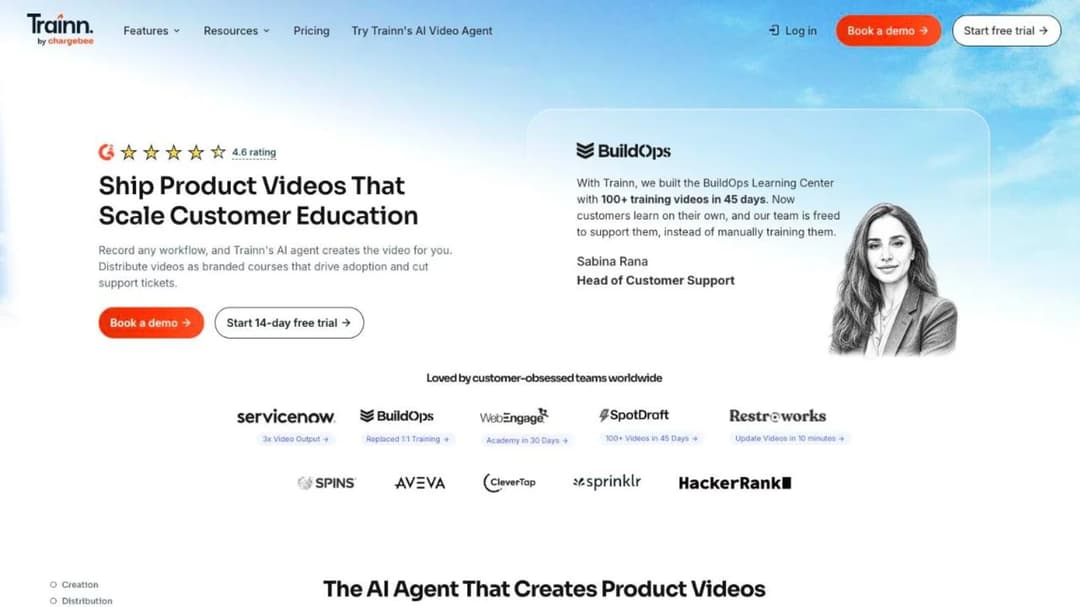
Trainn is a product video tool with an academy attached. Its agent “turns any screen recording or webinar into a professional product video, making every edit on its own,” it writes step-by-step and interactive guides from the same recordings, and Trainn claims an average of 10 minutes to create a training video. The customers it names back that up in their own numbers: ServiceNow says its technical writers now make 15 to 20 videos a week and cut production time by 50%, SpotDraft says it launched its training academy with 100-plus videos in 45 days, and Posist says it educates 12,000 customers through its academy.
Around the video tool sit three more jobs. The Academy is a no-code course site with quizzes and certifications. The Knowledge Hub is a branded self-service knowledge base.
In-App Tutorials embed the videos and guides inside your product without code, and one analytics dashboard reports across all of them. That is what you’re buying: making the content, running the academy, and putting help inside the product, in one subscription.
The ladder, as you meet it on the pricing page
Trainn publishes four tiers. The struck-through figures are promotional prices as of September 2026, so check the page before you budget.
| Tier | Price | Users | Videos and guides | Academy | Trial |
|---|---|---|---|---|---|
| Creator | $19 per month | 1 | 15 | None | 3 days |
| Launch | $2,400 per year (shown struck from $3,600) | 3 | 120 | None | 14 days |
| Scale | $10,000 per year (struck from $14,000) | 5 | 250 | Capped at 100 monthly active users | 14 days |
| Enterprise | $39,900 per year (struck from $55,000) | 25 | 1,000 | Capped at 250 monthly active users | 14 days |
Two things follow. The $19 headline isn’t the price of the product you’re evaluating, because Creator is one user, 15 videos and guides, and no academy. And the academy doesn’t exist below Scale, so the first tier that does all three jobs costs $10,000 a year, with in-app tutorials, the Knowledge Hub, custom branding, and one-click translation into 30 languages included at that level. SAML single sign-on, multiple Knowledge Hubs, and a master service agreement are Enterprise-only.
Three caps on one bill
Every tier carries two caps, and the two academy tiers carry a third. The first is users, meaning the people who record and edit. The second is a count of videos and guides. The third is monthly active users of the academy, and Trainn’s pricing FAQ defines it narrowly: “A learner is considered as a Monthly Active User (MAU) if they log in or sign up to your Academy, and watch course content for a minimum of 5 seconds from within the app.”
What happens when you hit a cap is a sales call. “You can purchase additional bundles of MAUs by contacting sales,” and more broadly, “Purchase user licenses and content bundles as add-ons, as you scale.” No page prints the price of any add-on. Nor can you drop the job you don’t use: “We don’t currently offer module-based pricing (such as purchasing only the content creation module, LMS module, or Knowledge Base module separately).”
So the cap you hit first is the whole decision. If it’s users or videos, you have a video-tool problem. If it’s MAUs, you have an academy problem, and no video tool on any list will solve it.
What the pricing page doesn’t say, and what Trainn’s other pages get wrong
Two of Trainn’s own comparison pages say it is “the most affordable tool, with a free account to test everything, with plans starting from $499.” The pricing page says the opposite on both counts. Its FAQ reads, “Do you have a free plan? No, we offer only a 14 day free trial,” and no tier costs $499 at any billing period.
Figures printed on third-party listing sites don’t match the pricing page either. Price Trainn from its pricing page only, and expect no free plan.
The pricing page also leaves out things you’ll need before you sign. It states no minimum commitment, though the Terms of Service set one, and it prints no overage price for exceeding any of the three caps.
No page on the site names a support response time or a service level, and Trainn describes support only as “expert-level support via our self-serve Help Center, chat support and email support.” No page mentions SCORM, in either direction, and none mentions a native mobile app for creators or customers.
The trial clause tells you how the product treats your content when access ends: “When your trial expires, you will lose access to the videos and guides created on Trainn. If you have shared/embedded them, your audience will also lose access.” Read that as the default for cancellation too, and ask in writing whether it is.
The contract the pricing page never mentions
Trainn’s Terms of Service, which contract you with Chargebee Inc., set the commitment the pricing page doesn’t. A subscription “is valid for a period of twelve (12) months” and “shall renew automatically for the same period as the current Term” (section 7.1.1). To stop that, you give written notice “90 days prior to term expiration,” or the term and its payment obligations stand (section 7.1.2). Fees are “non-refundable” (section 6.1), a balance unpaid 30 days after notice accrues “1.5% per month” and can get your access suspended (section 6.2), and if Chargebee terminates for your breach you owe the fees “for the remainder of the Term” (section 7.2.3).
There’s no true-up clause and no price escalator. Upgrades are prorated, downgrades become account credit, and a cancellation takes effect at the end of the billing period. The practical rule: the day you can act on a Trainn decision is 90 days before your anniversary, and the action is a written notice, not a support ticket.
Who you’re signing with
Trainn was acquired by Chargebee, the subscription billing company, and Trainn’s own announcement says “The acquisition was finalized as of 26th March, 2025.” The founding team came from Chargebee and moved back with the product. The announcement promises “there is no pricing change” and that “the current terms of our contract with your company will remain unchanged,” and the security page is titled “Trust and Compliance at Chargebee For Trainn.” The ISO 27001:2022 certificate, the SOC 2 Type II report, the GDPR statement, and the Data Privacy Framework certification it describes are Chargebee’s, extended to cover Trainn. No HIPAA statement and no accessibility conformance report appear anywhere.
For a procurement review that’s fine as long as everyone knows what they’re reading: the company you sign with is a billing company, and the certifications are its certifications. Ask for the document that scopes them to the Trainn product.
Which of Trainn’s Three Jobs Are You Paying For?
Three questions sort this faster than any feature list.
- Do your CSMs and writers make product videos and guides in Trainn every week?
- Do customers log into a Trainn academy and finish courses there?
- Do Trainn videos play inside your product, from the in-app widget?
Most teams answer yes to one, sometimes two, and pay for three.
Trainn draws one of the boundaries itself. Its FAQ answers “Who is Trainn not for?” with two groups: “Companies that rely on live, instructor-led training (ILT) as their primary format” and “Teams looking for digital adoption platforms focused on in-app checklists, walkthroughs, tooltips, NPS surveys, or banners.” If your in-app job is checklists and tooltips rather than embedded videos, Trainn is telling you to buy a different category, which is why one product of that kind is in this guide.
Here is a worked example at the scale this guide is written for. A 60-person SaaS company has 900 customer accounts and one CSM who owns customer training in B2B SaaS for the whole business. She records 20 product videos a quarter, 80 a year, which fits inside Launch’s 120 and Scale’s 250.
The academy is where the trouble starts: 140 customers log in and watch a course in a typical month, which is 40 over Scale’s cap of 100. Her choices on Trainn are an MAU add-on bundle at an unpublished price, or the jump from $10,000 to $39,900 a year for Enterprise, whose 25 creator seats and 1,000 videos she’ll never use.
That’s the MAU cap binding, and it names her category. She needs an academy platform that counts a learner the way her customer onboarding process actually runs, and she can keep any video tool she likes for the recordings. Write down which cap binds before you open a single vendor page. It decides which half of this guide you read.
What to Check Before You Switch
Every platform below answers six questions differently, and the answers matter more than the feature lists. Ask each one in the demo, and ask for the contract clause that backs the answer.
Who counts as a user, and what happens when they stop?
Trainn counts an academy MAU as a login plus five seconds of course content, inside the app, in a calendar month. The platforms below count the same customer differently.
- Skilljar: an active user is “someone who consumes or interacts with a lesson,” counted once per calendar month against a yearly allocation that rolls forward, and “No monthly caps exist.”
- Eurekos: “You pay for your number of active users per month and each month it resets.”
- Userpilot: bands its price by the monthly active users of your product, not your academy.
- TalentLMS: registered users by band, so a customer who never logs in still holds a seat.
- LearnUpon: floors of 100, 150, and 300 users by product, and no published rate.
- Mini Course Generator: a yearly learner allowance, where “A learner is anyone who takes your courses.”
No two of those meters bill the same customer the same way. If your activation curve is spiky, a monthly reset or a rolling yearly allocation costs less than a monthly cap, and a registered-seat model costs the most. Decide which shape your customer education metrics already show before you compare any two prices.
What’s the smallest deal they’ll sign?
LearnUpon prints “From 300 Users” for customer education and no dollar figure, so under that floor you can’t buy at all. TalentLMS starts at $119 a month for up to 40 users. Userpilot starts at $299 a month. Loom and Guidde both start free and bill per person after that.
Skilljar, Intellum, Thought Industries, Eurekos, and Confirm’s Academy state no floor and no figure, which means the floor is whatever the first quote says. Trainn’s own floor for the academy is Scale at $10,000 a year.
If your team is under 20 people and the budget is a line in someone else’s plan, the platforms with a printed monthly price are the only ones you can buy without a procurement cycle. If you’re buying for a 500-account customer base with a CS director signing, a floor of 300 users isn’t a problem, and the contract questions below matter more.
What does the contract do at month twelve?
Trainn renews for twelve months and needs 90 days’ written notice. Everywhere else the window is shorter, or it isn’t published.
- LearnUpon: renews for twelve months unless either party gives 30 days’ notice (section 9.1); cancelling mid-term keeps the current period’s fees (section 10.1); plan fees change on 30 days’ email notice, applied at the next renewal (section 8.2).
- Skilljar: service orders “automatically renew for additional successive twelve-month terms” on 30 days’ notice, and leaving early pays “all fees owed for the remainder of the Initial Term” unless uptime falls below 99% for two consecutive months.
- Eurekos: a twelve-month non-terminable initial term, then 90 days’ written notice.
- Intellum: term length and renewal sit in a private Service Order.
- Mini Course Generator: no minimum annual commitment.
The rule: find the notice window before the demo, not after. A 30-day window is a calendar reminder. A 90-day window is a quarter of your year in which the decision is already made.
What leaves with you?
Trainn lists video downloads and PDF export from Launch up, and never mentions SCORM. If you rebuilt courses inside its academy, plan to rebuild them again. The academy platforms differ on what they hand back.
- Intellum: Evolve exports SCORM 1.2 and SCORM 2004.
- Thought Industries: exports through SCORM Connect, version unstated.
- TalentLMS: imports SCORM 1.2 only and can’t create a SCORM file.
- Eurekos: imports “SCORM (all versions)” and describes no export.
- Skilljar and LearnUpon: deliver SCORM without stating a version.
- Mini Course Generator: exports every course as SCORM or PDF on every plan.
You don’t need SCORM to run a customer academy. You need it the day you leave, because it’s the only format the next platform will import as a course rather than a pile of files. The difference between xAPI and SCORM matters less here than the export button. Ask to see it in the demo.
What does it connect to?
The list is short: the CRM, the support desk, the identity provider, and the product. Trainn names Salesforce, HubSpot, Workday, BambooHR, Okta, Azure AD, Google Workspace, OneLogin, Zoom, Teams, Stripe, Tableau, Power BI, and Looker, with SAML single sign-on on Enterprise only.
Skilljar names Salesforce, Gainsight, Zendesk, Intercom, Marketo, Pendo, Okta, and Zapier. LearnUpon names HubSpot, Salesforce, Intercom, Zendesk, Slack, Okta, and Zapier. Userpilot names HubSpot, Salesforce, Segment, Zendesk, Intercom, Amplitude, and Mixpanel. Confirm names Salesforce, Slack, Zoom, Okta, and Google Workspace on the Learn:Up page, while its integrations directory is still marked as coming.
The connection that pays for itself first is the support desk, because a course completion that shows up beside the ticket is how you prove ticket deflection instead of asserting it. Decide the order you’ll connect things in with the LMS integration guide, then ask each vendor which of those connections is on the tier you’re quoted.
What does it publish on security?
This is a procurement checkbox, so here is the checkbox. Trainn’s certifications are Chargebee’s: ISO 27001:2022, SOC 2 Type II, GDPR, and the Data Privacy Framework, with no HIPAA statement.
- LearnUpon: ISO 27001:2022, ISO 27701, “SOC 2 compliant” without a type, GDPR, and WCAG 2.2 AA for the learner experience.
- Skilljar: SOC 2 Type II, ISO 27001 attributed to its AWS infrastructure, and a VPAT rated “Partially Supports” for WCAG 2.2.
- Intellum: SOC 2 Type II, a HIPAA attestation examination, and a WCAG 2.1 evaluation, and no ISO 27001.
- Eurekos: ISO 27001:2022, 27701, and 27017, and no SOC 2.
- Userpilot: SOC 2 Type II, GDPR, and HIPAA.
- Thought Industries: SOC 2 Type 2, ISO 27001, GDPR, HIPAA, PCI DSS, and TX-RAMP, listed on its Trust Center as document labels.
- Mini Course Generator: publishes none of these.
Get the report itself, not the badge, and check whose name is on it.
Trainn Alternatives Compared
Every price, cap, minimum, and contract term below comes from the vendor’s own pages and published agreements, quoted as printed; where a vendor publishes nothing, the entry says so. The platforms run in the order of which Trainn job each one replaces – the academy first, then the tools that put help inside your product, then the tools that only make the videos – and inside each group by the size of the commitment the vendor asks for, largest first, because that is the first thing that rules a platform in or out. For the wider category view, how the customer education platforms compare covers the same market without Trainn as the reference point, and the LMS pricing guide explains the meters.
| Platform | Replaces which Trainn job | Price published | Who counts as a user | Minimum or floor | Contract default | Content export |
|---|---|---|---|---|---|---|
| LearnUpon | Academy | No | Not stated; floors by product | 300 users for customer education | 12 months, auto-renews, 30 days’ notice | SCORM and xAPI, version unstated |
| Intellum | Academy (plus authoring via Evolve) | Core LMS no; Evolve $49 to $65 per user per month | Private Service Order | None published | Private Service Order | Evolve exports SCORM 1.2 and 2004 |
| Thought Industries | Academy | No; three named tiers | Not stated | None published | Annual implied (“first year of your contract”) | SCORM Connect export, version unstated |
| Eurekos | Academy | No | Active users per month, resets monthly | None published | 12 months non-terminable, then 90 days’ notice | SCORM import stated, no export described |
| Skilljar | Academy | No; add-ons from $10,000 | Active user, once per month, yearly allocation rolls forward | None published | Successive 12-month terms, 30 days’ notice | SCORM delivery, version unstated |
| Learn:Up and Academy by Confirm | Academy (Academy product) | Learn:Up from $9 per user per month; Academy no | Per user | None published; modeled on 200 people | Billed annually | SCORM supported, version unstated |
| TalentLMS | Academy | Yes, $119 to $449 per month | Registered users by band | 1 user | Monthly or annual | SCORM 1.2 import only, no export |
| Mini Course Generator | Academy and in-app delivery | Yes | Yearly learner allowance | None; 14-day trial | Monthly or annual, no minimum annual commitment | SCORM and PDF on every plan |
| Userpilot | In-app help | Yes, $299 and from $849 per month | Product MAUs by band | 2,000 MAU band | Not published | Not applicable, no courses |
| Loom | Product videos | Yes, $0 to $24 per user per month | Members (creators) | 1 user | Monthly or annual | Video download from Business |
| Guidde | Product videos and guides | Yes, $0 to $59 per creator per month | Creators, admins and content managers; viewers free | 1 creator | Monthly or annual | Video, PDF and PowerPoint from Pro; SCORM on Enterprise |
The 11 Best Trainn Alternatives
1. LearnUpon
Best for: customer education teams with 300 or more users who want a full LMS and can run an annual contract.
Top Features
- LearnUpon for Customer Education, a dedicated product line with an unpriced Enterprise plan for white labeling, ecommerce, and group branding
- LearnUpon Anywhere, which puts the academy inside your own product experience
- Create+, agentic course authoring from video, PDF, PowerPoint, or a web link, with translation into 120-plus languages
- Learning Portals for separate audiences, and a Delivery Hub that pushes content out to where people are
- A LearnUpon MCP Server that connects learning data to ChatGPT, Claude, or Gemini
LearnUpon is the platform Trainn markets itself against by name, and it’s the mirror image of Trainn’s bundle. It makes no videos at all, and it runs the academy at a scale Trainn’s Scale tier can’t. LearnUpon publishes no price, but it does publish its floors: “From 300 Users” for customer education, 100 for employees, 150 for associations.
Below 300 you can’t buy the customer education product. Above it, every plan funnels to a demo, and the homepage carries a 4.5 out of 5 rating attributed to G2.
The contract is short and clear. The subscription renews for twelve months unless either party gives 30 days’ written notice, fees for the current period are non-refundable if you cancel mid-term, and plan fees can change on 30 days’ email notice, applied at the next renewal. The guide to LearnUpon alternatives reads those clauses in full.
Pros
- Publishes its user floors, so you know before the call whether you can buy
- Puts customer education inside the product through LearnUpon Anywhere, which is the in-app job Trainn does with a widget
- States ISO 27001:2022, ISO 27701, and WCAG 2.2 AA for the learner experience
- A 30-day notice window, a third of Trainn’s
Cons
- No published price at any tier, and no free trial
- No native mobile app is mentioned anywhere on its site
- No screen recorder or video editor, so the recordings stay in another tool
2. Intellum
Best for: enterprise customer education programs that need an authoring tool with a SCORM export and a hosting region choice.
Top Features
- A Creator Agent that generates “course structures, guides, and assessments from release notes, documentation, or recorded webinars”
- Evolve, a separate authoring tool with 50-plus interactions that exports SCORM 1.2 and SCORM 2004
- Manager and Learner Agents for natural-language administration and a persistent AI tutor for customers
- Native iOS and Android learning apps plus a responsive web app
- US or European hosting, and a BigQuery data connector into your own warehouse
Intellum is the enterprise end of this list. Meta’s Blueprint program reached 2 million external learners on it in 34 months, and Gusto says its academy on Intellum contributed $200,000 in estimated incremental ARR by certifying 2,000 accountants. Both are the customers’ own numbers, at a scale where Trainn’s 250 MAU cap is not a consideration.
The core LMS has no published price. Intellum’s Platform Terms of Service defer pricing, term length, and renewal to a private Service Order, and publish only the mechanics around it: payment due within 30 days of invoice, a late fee of 1.5% per month, and liability capped at twelve months’ fees. Its uptime commitment is 99.9% a month with a credit-only remedy of 10% of that month’s fees.
The authoring tool is priced in the open, though: Evolve Personal is $49 per user per month and Team is $65, both billed annually, with a 21-day trial on Team. That split, an open price on the authoring tool and silence on the platform, is where Intellum alternatives picks the comparison up.
Pros
- The clearest content exit on this list, because Evolve publishes to SCORM 1.2 and 2004
- The Creator Agent starts from the release notes and docs a customer education team already writes
- States SOC 2 Type II, a HIPAA attestation examination, and a WCAG 2.1 evaluation
- Native mobile apps, which Trainn doesn’t list
Cons
- No platform price, no published term, and no published renewal clause; everything sits in the Service Order
- No ISO 27001 statement
- Its own two policy pages give different data-exit windows, 30 days after termination and 90 days after suspension, so ask which applies to you
3. Thought Industries
Best for: customer education teams that sell training and need multi-brand portals, ecommerce, and a course export.
Top Features
- Panorama multi-tenancy for co-branded customer portals
- Monetization with subscriptions, bundles, and training credits across 150 currencies
- Conversational AI Learning that answers questions over your video, PDF, and SCORM content with citations, and an Enroll Me Agent
- A BI Connector that syncs 90 tables into Power BI, Tableau, Looker, or Domo
- A first-party plugin, “Thought Industries for Claude,” that lets admins manage the catalog from inside Claude with every change staged as a draft
Thought Industries names three tiers, Starter, Professional, and Enterprise, and prints no figure for any of them. Professional adds multi-language support and ecommerce, Enterprise adds advanced analytics and API workflows, and all three lead to the same demo request. There’s no free trial.
Evaluation runs through an on-demand demo library, then a personalized demo. The only contract-length clue on the site is on its services page: “Onboarding services are a one-time cost for the first year of your contract.”
What it has that Trainn doesn’t is an export path. Content comes in “using SCORM, xAPI, LTI, or HTML embed,” and SCORM Connect will “Export content authored or managed in the TI learning platform to a third-party domain or LMS.” The SCORM version isn’t stated in either direction. ArrowStream, a Thought Industries customer, reports a “100% renewal rate while cutting training staff time by 74%.” The Thought Industries alternatives guide covers the platforms it competes with directly.
Pros
- Both import and export of SCORM content, so the academy can leave
- Ecommerce and multi-portal delivery built for teams that charge for training
- A Trust Center listing SOC 2 Type 2, ISO 27001, GDPR, HIPAA, PCI DSS, and TX-RAMP
- Zendesk and Salesforce integrations named, plus Zapier
Cons
- No price, no minimum, and no stated term or renewal clause anywhere on the site
- No free trial, and no self-serve path at any tier
- No stated SCORM version for import or export
4. Eurekos
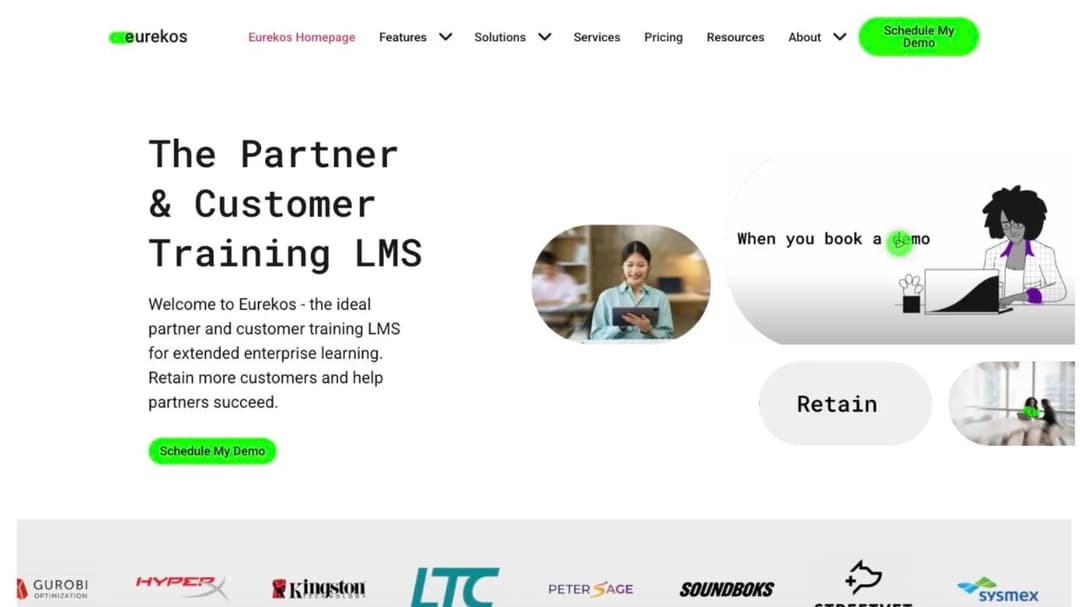
Best for: European customer education teams whose active-user count swings month to month and who want everything included in one price.
Top Features
- Consumption pricing: “You pay for your number of active users per month and each month it resets,” with a fixed price available for up to a year
- Unlimited branded portals, each with its own SSO, included in the price
- Native iOS and Android apps with offline learning
- 130-plus languages through a built-in translation interface
- Built-in ecommerce with coupons, bundles, multiple currencies, and country-level tax configuration
Eurekos is a Danish LMS that calls itself the European market leader in customer education, and its pricing mechanic is the closest thing on this list to Trainn’s MAU cap turned inside out. Trainn caps academy users at 100 or 250 and sells overage in bundles. Eurekos meters them monthly and resets.
Eurekos calls itself “an all-inclusive solution,” and lists unlimited portals, unlimited video streaming, premium support, the mobile apps, and native integrations as included at no extra cost. Sysmex, a Eurekos customer, reports reaching more than 100,000 customers worldwide on it.
The contract is stricter than the pricing mechanic suggests. The initial term is twelve months and non-terminable, and after that either party needs 90 days’ written notice. Invoices are due 14 days from issue, late interest is 1.5% per commenced month, and there’s a 99.9% monthly availability commitment with service credits of 10% to 100% of the monthly fee.
No price, no trial, and no minimum appear on Eurekos’s own site. Figures for a trial and a starting price that circulate on listing sites aren’t on the vendor’s pages, so don’t budget on them.
Pros
- A monthly-reset active-user meter that fits a spiky activation curve
- A numeric SLA with service credits written into the terms
- Mobile apps and multi-portal branding included, not sold as add-ons
- Cloud or on-premise deployment, and ISO 27001:2022, 27701, and 27017 stated
Cons
- No price or trial published on its own site
- A twelve-month non-terminable initial term, then a 90-day notice window like Trainn’s
- SCORM import is stated for “all versions,” but no export is described, and no SOC 2
5. Skilljar
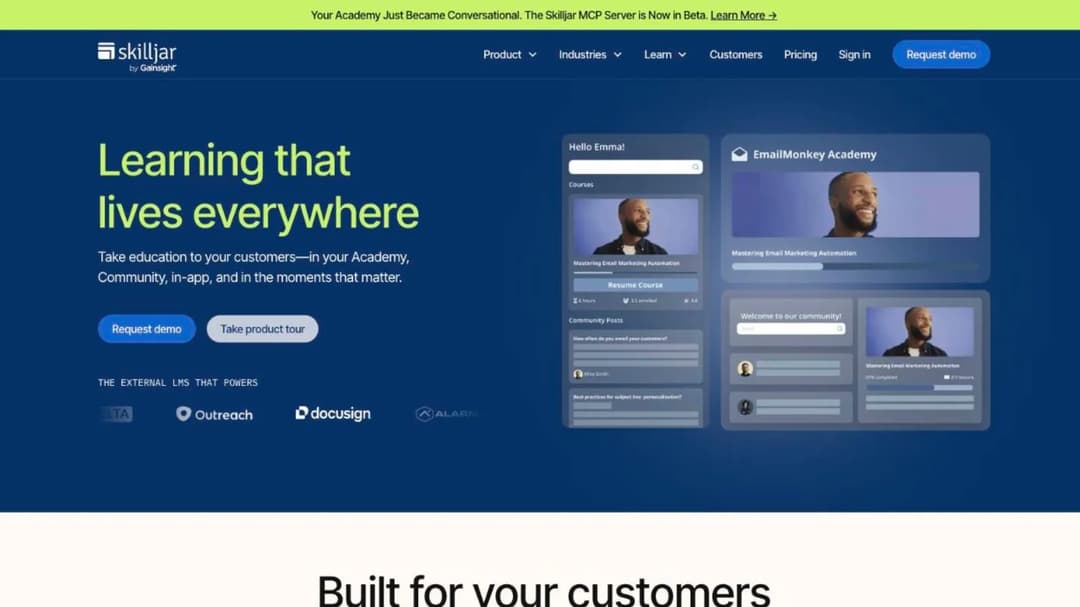
Best for: SaaS customer education teams that want a purpose-built academy with an active-user meter that never caps a month.
Top Features
- Active-user pricing with a yearly allocation that rolls forward and, in Skilljar’s words, “No monthly caps exist”
- Certification programs with proctored exams, badges, and re-certification flows
- Embed capabilities named Unified Login and Profile, Unified Navigation, Education Widgets in Community, and Federated Search
- Premium integrations with Salesforce, Gainsight, Zendesk and Pendo, with Intercom included as a standard integration
- A Skilljar MCP Server, in beta, for managing programs from Claude, ChatGPT, or Copilot
Skilljar is the platform the “Trainn vs Skilljar for customer onboarding and education” question is really asking about, and the answer turns on the meter. Skilljar counts an active user as “someone who consumes or interacts with a lesson in your Academy,” once per calendar month, against a yearly allocation. Trainn counts a login and five seconds of content, and caps the month.
For a customer base that activates in waves, that difference is the whole comparison. Skilljar builds no videos and has no authoring suite of its own, so it integrates Articulate, Captivate, Camtasia, and Iorad instead.
Skilljar publishes no platform price, but three add-ons are printed: Content Syndication at $10,000, a Data Connector starting at $25,000, and Language Packs starting at $10,000 for five languages. Its Subscription Services Agreement renews service orders for successive twelve-month terms on 30 days’ notice, and early exit pays the remainder of the initial term unless uptime falls below 99% for two consecutive months.
One rename to know: Northpass, which Trainn pitches against by name, is now sold as Skilljar by Gainsight, and older comparisons and quotes will still say Northpass. Gainsight also runs a separately named Gainsight CE login without saying how the two relate, so ask which product a Northpass quote actually covers. Asking which product a Northpass quote covers is the first question in Skilljar alternatives, which reads the rest of its terms too.
Pros
- The active-user definition and the no-monthly-cap statement are printed, which is the answer to Trainn’s MAU cap
- Certification with proctoring and re-certification, which Trainn’s academy doesn’t list
- SOC 2 Type II stated and a VPAT published
- Skilljar customers publish results in this reader’s units: Clever reports a 25% reduction in support tickets, Handshake 50% faster time-to-value for trained customers
Cons
- No published platform price, no trial, and an initial term set privately in each service order
- Early termination pays the remainder of the term
- Multi-language support is a paid add-on from $10,000, and data lives in the United States only
6. WorkRamp – now Learn:Up by Confirm
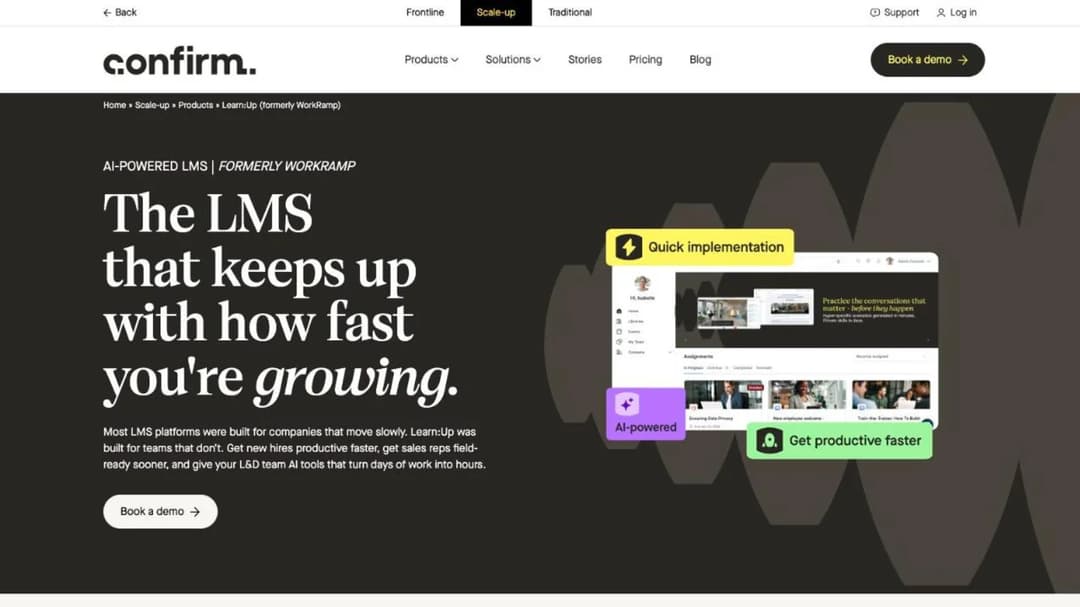
Best for: teams that were quoted WorkRamp and need to know what the product is called now and which half of it trains customers.
Top Features
- Learn:Up, the employee LMS that succeeds WorkRamp, with AI simulations and a skills engine
- Academy, the separate customer and partner learning product, priced only by quote
- Practice, an AI role-play product with voice and text modes
- SCORM, video, PDF, and document content support in Learn:Up
- Salesforce, Slack, Zoom, Okta, and Google Workspace integrations named on the product page
WorkRamp was acquired by Learning Pool in October 2025, and when Learning Pool rebranded itself as Confirm in August 2026, the WorkRamp product was split in two. Learn:Up is the employee LMS. Academy is the customer and partner product. If a WorkRamp quote is on your desk, the customer education half of it is Academy, and that half has no printed price.
What is printed is a starting rate for Learn:Up: from $9 per user per month, billed annually, and explicitly “Based on a 200-person company.” The other three products, Academy, Create, and Library, show a “Get pricing” button. No trial is offered, no minimum is stated, and the only contract term published is “Billed annually.” Confirm’s integrations directory reads “80+ integrations. Coming soon.” Sprout Social, a customer quoted on the product page, says implementation “got done in one” month against an expected nine.
Pros
- A printed per-user starting rate, on a stated modeling assumption, for Learn:Up
- SCORM content support stated, so an existing course library imports
- ISO 27001 and Cyber Essentials certificates published, SOC 2 Type 2 report on request
- AI role-play through the Practice product
Cons
- Academy, the product this reader would buy, publishes no price at all
- No trial, no stated minimum, and no published renewal or cancellation terms
- No SCORM version, no mobile app for Learn:Up, and no language count published
7. TalentLMS
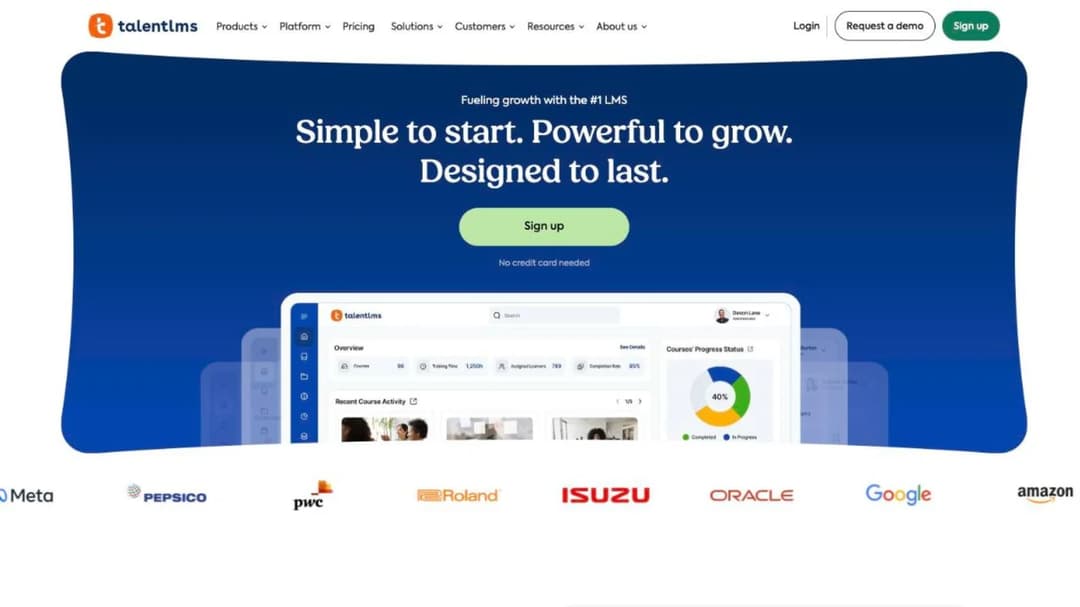
Best for: teams that outgrew Trainn’s Creator or Launch tier, need an academy now, and can’t sign an annual enterprise contract.
Top Features
- A full published ladder: Free up to 5 users, Core $119 a month for 1 to 40 users, Grow $229 for up to 70, Pro $449 for up to 100, then $6 per additional user
- Branches for separate customer portals: 1 on Core, 3 on Grow, 15 on Pro
- Native iOS and Android apps with offline completion for compatible content
- Certificate expiry with automatic re-assignment on renewal
- Intercom, Zendesk, HubSpot, Salesforce, Okta, and Zapier integrations named
TalentLMS isn’t a customer education product, and it doesn’t pretend to be. What it offers this reader is a price on the screen and a monthly option, which is the fork for the team that hit Trainn’s video cap on Launch, needs an academy, and can’t get $10,000 a year approved. Annual billing takes 20% off, there’s a 14-day premium trial, and the free tier holds 5 users and 10 courses. Enterprise is custom, and the page shows both “Starts at 1000 users” and “Flexible starts at 500 users.”
The meter is the thing to check. TalentLMS counts registered users, not active ones, so 140 monthly active customers means a user band sized for everyone who ever enrolled. Portability is the other limit: TalentLMS supports SCORM 1.2 only, imports it, and states that “it’s not possible to create SCORM files directly on TalentLMS.”
Pros
- The most complete published price ladder in this guide, and a monthly option
- Branches give each customer segment its own portal on every paid tier
- Native mobile apps with offline learning
- A 14-day trial and a working free tier for a pilot
Cons
- Registered-user pricing, which charges for dormant accounts
- SCORM 1.2 import only, no SCORM export, no SCORM 2004
- No screen recorder, no video editor, and no in-app delivery widget
8. Mini Course Generator
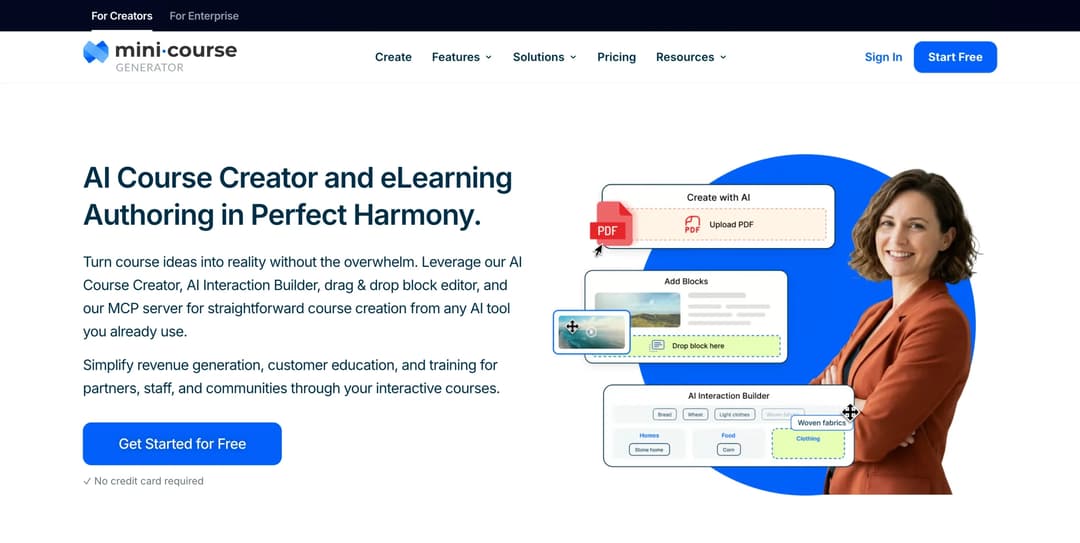
Mini Course Generator is our product.
Best for: customer education teams that already have the recordings and the release notes, need an academy without an MAU meter, and want the course inside the product or the Messenger rather than on a separate site.
Top Features
- The AI Course Creator and PDF to Course Creator, which draft a short course from the release notes, help articles, or decks you already have, and the AI YouTube-to-Course Builder for the videos you already recorded
- The Mini Course Generator MCP Server, which lets Claude, ChatGPT, Manus, or Cursor build and publish a course from Confluence, Slack, Notion, or Google Drive
- Delivery where the customer is: embed widgets, magic links through Gateways so nobody creates another account, the MCG App for Intercom on Growth and above, and a Headless LMS with a REST API on Custom
- Learning analytics, Certificates & Badges, and account-based reporting for your customers’ admins on Scale
- SCORM or PDF export on every plan, dynamic SCORM export from Growth up, and Community Boards with an AI Moderator inside the lesson
Trainn’s job is turning a recording into a narrated video. Mini Course Generator’s job starts after that: it builds the course around the video and the documents you already have, and runs the academy. The AI Course Creator drafts from your own material, and the pattern in Slack to course shows what the MCP route looks like when the source is a channel rather than a document.
The academy has no MAU meter. Plans carry a yearly learner allowance, where “A learner is anyone who takes your courses,” so a customer who watches one lesson in March and another in November counts once. There are no implementation or onboarding fees, no minimum annual commitment, and every plan opens with 14 days of full access and no credit card. The plan ladder and what each tier includes are on the pricing page.
For the in-app job, courses embed as a sidebar, a modal, or a direct link, in-app authentication and magic links keep customers out of a second login, and the Intercom app puts a course inside the Messenger where the support conversation already is. For practice rather than watching, the AI Interaction Builder adds branching scenarios, dialogue simulations, and quizzes, and the AI Role-play skill runs a graded conversation. Content is portable on every plan: “Your content is always yours, whatever your subscription status. You can export mini-courses as PDF files or SCORM packages at any time,” and the delivery options page covers the export formats.
Pros
- No MAU cap and no per-seat count on the academy; a yearly learner allowance instead
- No minimum term, no setup fee, and a 14-day full-access trial with no credit card
- SCORM and PDF export on every plan, so the academy leaves with you
- In-app and Intercom delivery on the same plan ladder as the academy
Cons
- No screen recorder and no video editor. The recording and narration stay with a video tool, and Mini Course Generator builds the course around the video you bring
- No knowledge base product, so the Knowledge Hub half of Trainn is not replaced here. A customer self-service portal does that job
- No native mobile app is listed
- Publishes no SOC 2 report, no ISO 27001 certificate, and no HIPAA statement, and has no security page. If procurement needs one of those, Mini Course Generator does not publish it
- The REST API, Headless LMS, SSO for learners, and an enterprise SLA are Custom-plan features. The Intercom app and dynamic SCORM export start at Growth
9. Userpilot
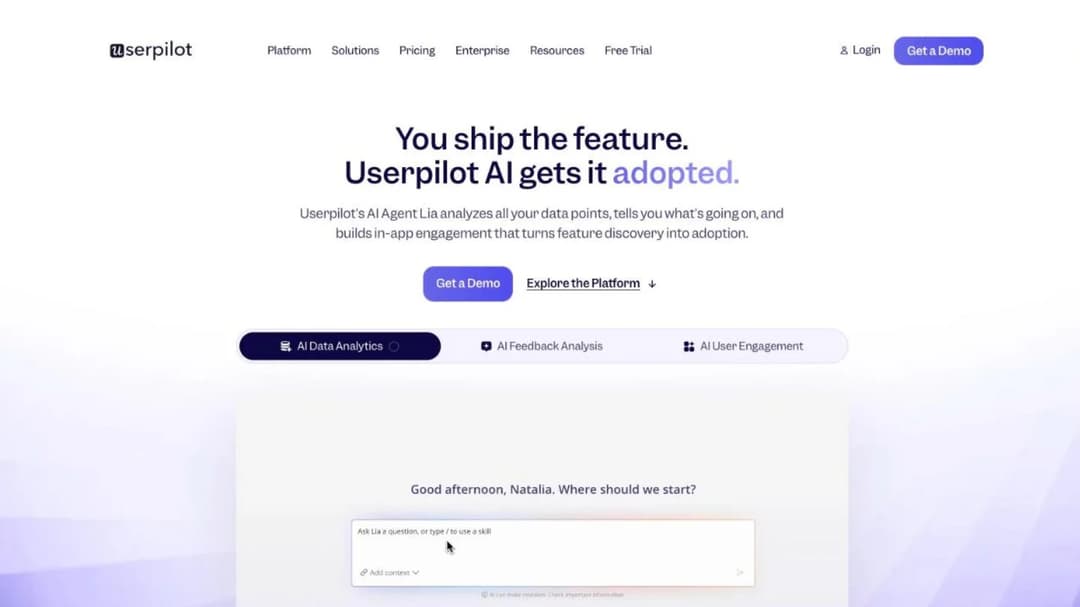
Best for: product teams whose “in-app” job is checklists, tooltips, and a resource center, which Trainn says it isn’t built for.
Top Features
- In-app engagement: tooltips, hotspots, banners, onboarding checklists, and a Resource Center widget
- Product analytics with event autocapture, funnels, and retention cohorts
- NPS, CSAT, and CES surveys in-app, plus session replay
- A mobile SDK for iOS, Android, Flutter, React Native, Capacitor, and Cordova
- HubSpot, Salesforce, Segment, Zendesk, Intercom, Amplitude, and Mixpanel integrations
Userpilot is the one product in this guide that isn’t a learning platform, and it’s here because Trainn’s own FAQ sends this buyer to it. “Teams looking for digital adoption platforms focused on in-app checklists, walkthroughs, tooltips, NPS surveys, or banners” are, in Trainn’s words, not who Trainn is for. Userpilot builds exactly those, with no courses, no lessons, and no SCORM anywhere in its description. Its Resource Center is an in-app help widget, not a course catalog.
The price is published and metered on your product’s monthly active users, which is the meter you already track. Starter is $299 a month for up to 2,000 MAU, with session replay and mobile engagement sold as add-ons at that tier. Growth is from $849 a month and includes 10,000 MAU, 100,000 emails a month, 5,000 session replays a month, and three-year data retention. Enterprise is custom.
There’s a 14-day trial with no credit card, and no overage rate or contract term is published. Userpilot’s homepage shows a 4.6 out of 5 rating from 988 reviews attributed to G2. Osano, a Userpilot customer, reports a 25% reduction in support chat requests, and RecruitNow reports a 99% reduction in one-to-one customer training hours.
Pros
- Priced on product MAUs, the number a product team already reports
- Builds the checklists and tooltips Trainn’s academy can’t
- States SOC 2 Type II, GDPR, and HIPAA, and runs a mobile SDK
- A published Userpilot MCP server for Claude, ChatGPT, Cursor, and Copilot
Cons
- No courses, no quizzes, no certificates, and no SCORM, so it replaces the in-app job only
- No published contract term, MAU overage rate, or ISO 27001
- Session replay and mobile engagement are add-ons on Starter
10. Loom
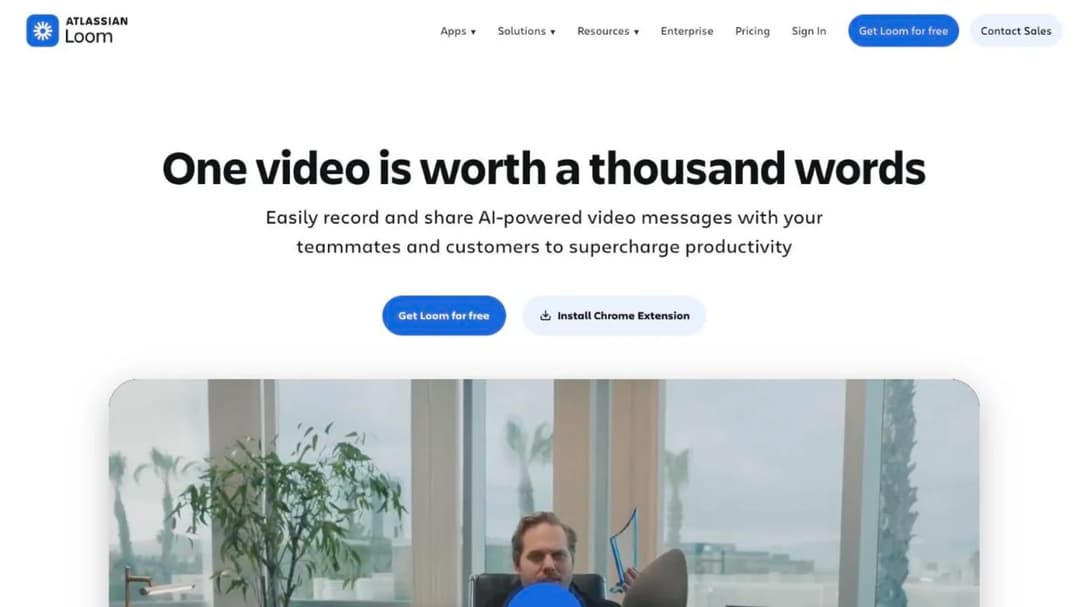
Best for: teams that only used Trainn’s recorder and want a per-seat video tool with a free tier and unlimited videos on the paid plan.
Top Features
- Screen and camera recording with transcription in 50-plus languages
- Unlimited videos and recording time from the Business plan, up to 4K, with Loom branding removed
- Business + AI adds auto-enhancement, advanced editing, video-to-text, and meeting notes
- Upload and download of videos from Business up
- Slack, Jira, Confluence, GitHub, and Gmail integrations, with Notion, Intercom, and Zendesk embeds
Loom is the video-only fork, and Trainn’s own customer stories name it as the tool they left: SpotDraft says it “replaced Loom with Trainn.” The reason to go the other way is the meter. Loom is priced per member, not per video, so the 120-video cap on Trainn’s Launch tier doesn’t exist.
Starter is free with 25 videos of up to five minutes each for up to 50 members at 720p. Business is $18 per user per month with unlimited videos and download, and Business + AI is $24. Enterprise is custom, with SSO and SCIM through Atlassian Guard, a Salesforce integration, and a 99.95% uptime SLA. Annual billing saves up to 17%, the paid plans have a free trial, and Loom is owned by Atlassian.
What Loom doesn’t do is the point of this guide. There’s no course structure, no quiz, no learner tracking, and no SCORM, so it replaces one of Trainn’s three jobs and none of the academy. Pair it with an academy platform from the first group, and put the recordings inside the product where customers will actually watch them.
Pros
- Per-seat pricing with unlimited videos on Business, against Trainn’s video cap
- A working free tier and downloadable videos from the first paid plan
- Embeds in Intercom and Zendesk, and native integrations with the Atlassian tools your engineers already use
- An uptime SLA and SSO on Enterprise
Cons
- No academy at all: no courses, quizzes, certificates, learner tracking, or SCORM
- No AI narration or automatic editing below the $24 tier
- No in-app tutorial widget of its own
11. Guidde
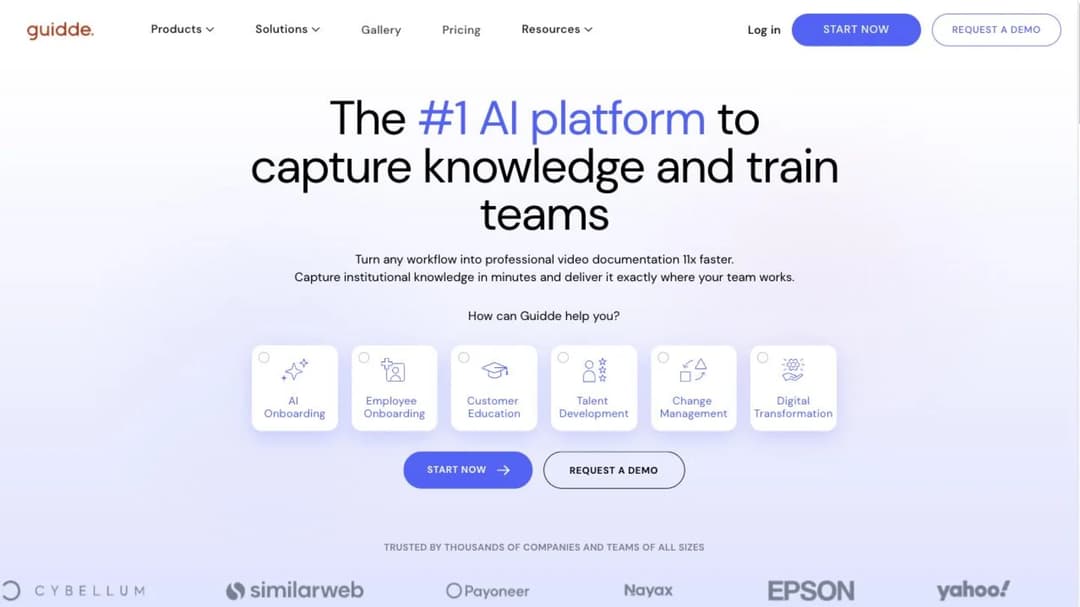
Best for: teams whose videos-and-guides cap binds, who want both formats out of one capture on a per-creator price.
Top Features
- A how-to video and a step-by-step guide generated from the same capture, with voiceover
- Unlimited videos from Pro, with the watermark removed and a brand kit applied
- Export to video, PowerPoint, and PDF from Pro; PDF and PowerPoint turned into video from Business
- Generative Quiz, plus analytics and privacy controls on Business
- Zendesk, Freshdesk, Slack, Confluence, SharePoint, Salesforce, and ServiceNow integrations
Guidde is the closest product here to Trainn’s core job, and it charges for the people who make the content rather than for how much they make. Free covers 25 how-to videos on web apps. Pro is $29 per creator a month, or $19 billed annually, and lifts the video limit entirely. Business is $59 a month, or $39 annually, and adds desktop apps, analytics, privacy controls, up to 5 creators, and a 7-day trial with no credit card.
Only admins, content managers, and creators consume a paid seat, so the customers who watch cost nothing. Guidde is not an academy: no courses, no enrollments, and no completion records outside its own analytics, with SCORM export on the Enterprise plan, which publishes no price. If the count of videos and guides is what pushed you off Trainn, this replaces that half and nothing else.
Pros
- Per-creator pricing with unlimited videos from Pro, against Trainn’s count of videos and guides
- Viewers are free; only admins, content managers, and creators take a paid seat
- Video, PDF, and PowerPoint export from Pro, so the content leaves in formats anyone can open
- A free tier of 25 videos and a 7-day Business trial with no credit card
Cons
- No academy: no courses, no enrollments, and no completion records beyond its own analytics
- SCORM export is Enterprise-only, and Enterprise publishes no price
- Business caps creators at 5, and an expired trial drops the account to Free with only the last 25 videos editable
Which Trainn Alternative for Which Situation
The cap you hit names the category. These rules follow from the facts above.
- If the users cap binds because more colleagues need to record, choose a per-seat video tool. Loom is $18 per user per month with unlimited videos; Guidde is $19 per creator per month billed annually and charges nothing for the customers who watch. Keep the academy question separate.
- If the videos-and-guides cap binds and the academy is fine, the same answer applies. Loom drops the video count on Business and Guidde drops it on Pro, and either one pairs with whatever runs your courses.
- If the MAU cap binds, choose an academy platform and compare meters, not features. Skilljar counts an active user once a month against a yearly allocation. Eurekos meters monthly and resets. Mini Course Generator counts a yearly learner allowance. LearnUpon fits if you have 300 users and an annual budget.
- If you never opened the academy, don’t buy one. Stay on Trainn Launch for the video tool alone, or move the recordings to Loom and cancel the bundle 90 days before the anniversary.
- If your customers won’t leave the product to learn, choose by what “in-app” means to you. If it means checklists and tooltips, choose Userpilot. If it means a lesson at the moment of need, choose in-app training that embeds a course or opens one in the Messenger.
- If you need SCORM out, choose Intellum through Evolve, Thought Industries through SCORM Connect, or Mini Course Generator. Not TalentLMS, which can’t create a SCORM file, and not Trainn, which never mentions one.
- If you need a monthly contract under 300 users, the choice is TalentLMS, Loom, Userpilot, or Mini Course Generator. Every other platform here asks for a year.
- If you’re being pushed toward an enterprise HR platform by a wider L&D purchase, the Docebo alternatives guide covers that market, and if community-led onboarding is the model, the MeltingSpot alternatives guide does.
Whichever rule applies, the same test decides the shortlist: two platforms, one in the category your cap names, both with the contract clause in hand before the demo. A customer education program survives a platform change when the content and the meter were chosen on purpose.
Leaving Trainn: What Comes With You
Do these in order, and start at the contract.
- Find your Subscription Start Date and count back 90 days. That date is the last day written notice stops the twelve-month renewal (section 7.1.2). Put it in the calendar now, send the notice in writing, and keep the reply.
- Download every video and export every guide. Video downloads and PDF export are listed from Launch up. Do this while you still have access, because Trainn’s trial clause says shared and embedded content stops working when access ends.
- Keep the source recordings, not just the finished videos. A new tool re-narrates and re-edits from the recording, not from Trainn’s output.
- List every place a Trainn video or guide is embedded. Help center articles, in-app tutorials, onboarding emails, docs. Each one needs a replacement link on the day access ends.
- Rebuild the academy before the anniversary, not after. Nothing on Trainn’s site describes a course export, so budget the rebuild as a project. The weekend academy build is the shortest version, and the customer-facing parts of it usually sit with customer enablement rather than with product.
- Keep paying until the term ends. Fees are non-refundable (section 6.1), and an unpaid balance accrues 1.5% a month and can suspend access (section 6.2), which would cut off the downloads you still need.
Once the notice is sent and the recordings are safe, the rest is a build, and it’s a build you can run from the material you already have. Put the release notes, the recordings, and the help articles into a customer training platform that delivers them inside the product and the Messenger, and the academy is live before Trainn’s anniversary.
Frequently Asked Questions
Is Trainn owned by Chargebee?
Yes. Trainn’s own announcement says “The acquisition was finalized as of 26th March, 2025.” The Terms of Service contract you with Chargebee Inc., and the security page describes Chargebee’s ISO 27001:2022 and SOC 2 Type II as covering Trainn.
Does Trainn have a free plan?
No. Trainn’s pricing FAQ says, “Do you have a free plan? No, we offer only a 14 day free trial,” even though two of its comparison pages describe “a free account to test everything.” The trial is 3 days on Creator and 14 days on Launch, Scale, and Enterprise, with no credit card.
How much does Trainn cost?
As printed in September 2026: Creator $19 a month for one user and 15 videos and guides, Launch $2,400 a year for 3 users and 120, Scale $10,000 a year for 5 users, 250, and an academy capped at 100 monthly active users, and Enterprise $39,900 a year for 25 users, 1,000, and 250 MAUs. Overage is sold in add-on bundles with no printed price.
Does Trainn support SCORM?
No page on Trainn’s site mentions SCORM, as import or as export. The academy’s courses have no stated path into another LMS. Video downloads and PDF export of guides are listed from Launch up, so the videos and guides leave with you and the courses don’t.
Trainn vs Skilljar for customer onboarding and education: which fits?
Choose by the meter and the content. Skilljar counts an active user once per calendar month against a yearly allocation with no monthly cap, publishes no price, renews in twelve-month terms on 30 days’ notice, and makes no videos. Trainn caps academy MAUs at 100 or 250 per month, prints its prices, renews on 90 days’ notice, and makes the videos. If the academy is the job and your activation comes in waves, Skilljar fits; if the videos are the job and your academy stays under the cap, Trainn fits.
Can I keep my videos if I leave Trainn?
Yes, if you download them before access ends. Video downloads and PDF export are listed from the Launch tier up. Trainn’s trial clause says that when access ends “you will lose access to the videos and guides created on Trainn. If you have shared/embedded them, your audience will also lose access,” so download first, then swap every embed.
Sources
- Trainn pricing page and pricing FAQ, including the feature-comparison table and the MAU definition
- Trainn Terms of Service, sections 6.1, 6.2, 7.1.1, 7.1.2, and 7.2.3
- Trainn security page (“Trust and Compliance at Chargebee For Trainn”), integrations page, homepage FAQ, and acquisition announcement
- Trainn comparison pages against Northpass and LearnUpon
- LearnUpon pricing page, Terms of Service sections 8.2, 9.1, and 10.1, security page, and accessibility page
- Intellum Platform Terms of Service, Platform Service Level Agreement, Security, Privacy and Architecture Summary, Evolve pricing page, and sub-processors page
- Thought Industries pricing page, services page, create and deliver pages, and Trust Center
- Eurekos pricing page, Terms page, features page, and security page
- Skilljar pricing page and FAQ, Subscription Services Agreement, security page, and integrations directory
- Gainsight company page and pricing page
- Confirm Scale-up pricing page, Learn:Up product page, policies page, integrations directory, and the Learning Pool acquisition announcement
- TalentLMS pricing page and SCORM support documentation
- Userpilot pricing page and security page
- Loom pricing page
- Guidde pricing page and pricing FAQ
- Mini Course Generator pricing page


