

If your customers get lost inside the screen, replace MeltingSpot with a guidance layer that sits on your interface. If they never learned the workflow, replace it with a course built once and sent into the product. The 11 alternatives below split along that line.
MeltingSpot bills you from EUR 1.50 per active user a month, and publishes no contract term and no export path. Its own comparison tables quote a $3,600-a-year floor that its pricing page never shows. The renewal in front of you is priced on a number you can’t read anywhere.
This guide states what MeltingSpot commits you to and puts the same four questions to all eleven: what it costs per active user, what the contract says, how it gets into your product, and what leaves with you.
Before you book a demo, put one help-center article through in-app training that turns it into a short course and returns it to your product by embed, Intercom or API. That’s the job half of the tools below are being asked to do, and the half MeltingSpot’s price is paying for.
What MeltingSpot Does Well, and Where It Stops
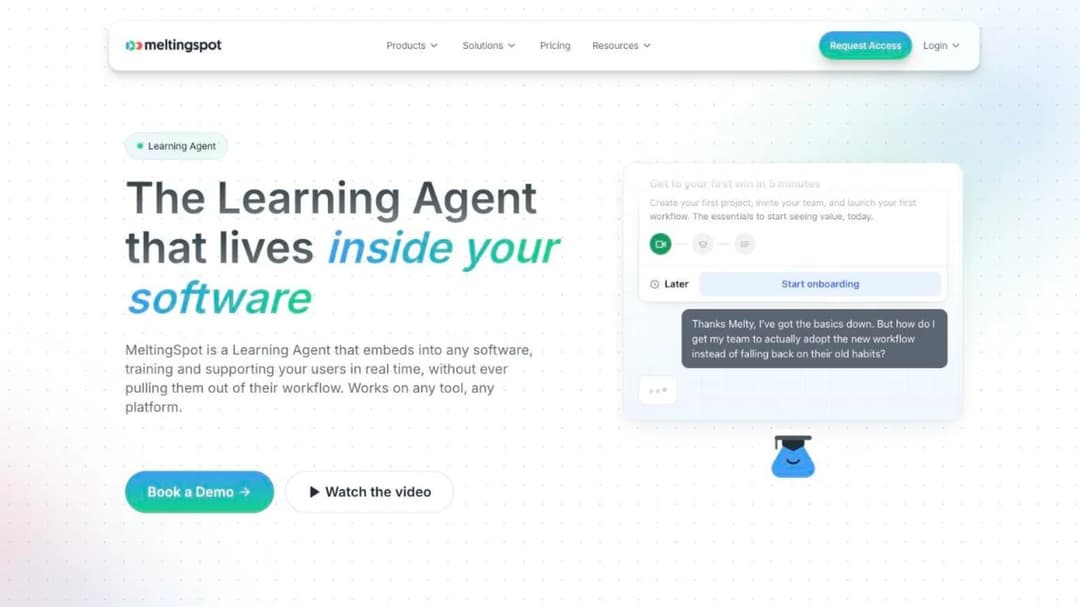
MeltingSpot embeds an AI “Learning Agent”, named Melty, inside your own SaaS product through a JavaScript snippet. On its Corporate tier, a browser extension puts the same agent inside Salesforce, SAP and Workday. The agent steps in before the customer asks, with behavior-triggered tooltips, walkthroughs and nudges, and it writes its own coaching content from the docs, PDFs and session replays you upload. MeltingSpot states that “Most customers go live with 80 percent AI-generated content and 20 percent custom.”
Price as you meet it: the self-serve SaaS tier starts at EUR 1.50 per active user per month, with AI credits included and a 15-day free trial. There’s no free plan. The Corporate tier is quote-only and adds a customer success manager, an SLA, a GDPR data processing agreement with European hosting, the browser extension and centralized deployment.
An active user is one “who actually interact[s] with their Learning Agent”. Whether admins and back-office staff count is a question its pricing FAQ raises and doesn’t settle, so get that answer in writing.
The floor is where the page goes quiet. MeltingSpot states no minimum spend, no seat floor and no term. Its own comparison tables list its price as “Usage-based starting at $3,600/year”, in dollars, and its flagship case study prices a 400-user Salesforce deployment at “under EUR 120 per user per year”. That’s three figures in two currencies for one product, and the order form will carry one of them.
The contract is harder to read, because there’s almost nothing to read. MeltingSpot’s Terms of Use page is a placeholder that says the full terms “are available on our Notion page and will be loaded here.” Its Terms and Conditions state no term length, no renewal rule and no price escalator. They do state that closing your account brings “no refund, either total or partial, of any sums already paid.”
The order form is the only document that will bind either side, so term, notice period, renewal price and the contracting entity all have to be written into it.
Three things a customer education lead will ask about aren’t published at all. There’s no SCORM import or export, so the coaching content the agent generates has no stated way out. There’s no mobile SDK or app; delivery is the web snippet or the desktop extension. And MeltingSpot publishes no security documentation: the product page claims SOC 2 Type II infrastructure, EU hosting and SAML SSO, while CCPA, FERPA and COPPA are claimed only for Roleplay.
Where it stops is stated by MeltingSpot itself, on its Digital Corporate Trainer page: “Your LMS stays for compliance modules and certifications. The Trainer covers the in-flow-of-work learning.” Elsewhere its site says the product eliminates the need for an external LMS. The scope line is the honest one: MeltingSpot is a layer on top of a course platform, not a replacement for it.
Read its numbers with the same care: MeltingSpot publishes two different ticket-reduction figures, -50% and 40% fewer, and two different customer counts. Ask which measurement produced the number in your proposal.
So the decision splits on one question. If your customers’ problem lives on the screen and your product is a web app, MeltingSpot’s SaaS tier does the job it describes, and your only open item is the order form. If their problem comes before the screen, you’re paying a per-MAU rate for the half of the product MeltingSpot says it isn’t.
MeltingSpot Alternatives Come From Two Different Shelves
The on-screen shelf holds Userpilot, Pendo, Whatfix, WalkMe and Stonly. Userpilot calls itself a “Product Growth Platform”, Pendo sells “Software Experience Management”, and Stonly’s unit of content is a guide. None of those three publishes a course, a quiz, a certificate or a SCORM capability. WalkMe is the one guidance tool here with a course module, Learning Arc, which exports SCORM 1.2 or 2004.
The course shelf holds Trainn, Mini Course Generator, Skilljar, Thought Industries, Intellum and LearnWorlds, and Trainn draws the boundary for all of them in its own FAQ. Asked “Who is Trainn not for?”, it answers: “Teams looking for digital adoption platforms focused on in-app checklists, walkthroughs, tooltips, NPS surveys, or banners.” A course platform builds something once, before the customer reaches the screen, and then sends it into the product by embed, widget, messenger or API. It doesn’t put a tooltip on your button.
The test runs on last month’s ticket queue. A ticket that quotes a field name or a button (“where’s the export setting”) is an on-screen problem, and a guidance layer answers it at the moment it happens. A ticket that asks how to set something up for a team, or why a workflow exists, is a before-the-screen problem, and no tooltip fixes it.
Sort a week of tickets into those two piles and the shelf picks itself. The ticket deflection playbook covers that sort at scale, and the customer onboarding process guide covers what the before-the-screen pile turns into.
If you’re the product manager who owns the JavaScript snippet and the events, the delivery table below is your section, and the build-versus-buy question comes before you write a widget yourself. If you’re the L&D or change lead rolling MeltingSpot out inside Salesforce or SAP for your own staff, WalkMe and Whatfix are your two, because they follow users into third-party desktop tools.
Decide the shelf before the vendor. A hybrid priced per active user charges you for both jobs whether or not you need both, and a customer education program that mistakes one for the other spends a year on the wrong tool.
What to Check Before You Switch
Five questions decide this purchase, and the answers sit in each vendor’s pricing FAQ and published agreement rather than its homepage. Each ends with the thing to get in writing.
Who counts as an active user, and are admins free?
The meter decides the bill, and every vendor defines it differently. MeltingSpot counts “only the users who actually interact with the Learning Agent” and leaves the admin question open. Userpilot’s Starter covers 2,000 monthly active users for $299 a month and Growth 10,000 from $849, with no published overage rate. Pendo’s MAU is “unique visitors who were active in your app over the last 30 calendar days”, free up to 500, and its agreement also allows seat-based billing.
Whatfix prices customer-facing apps on MAU and employee-facing apps on total users, on top of a flat per-application fee. On the course shelf the definitions get tighter. Skilljar counts an active user as someone who “consumes or interacts with a lesson”, once per calendar month, against a yearly allocation that rolls forward unused. Trainn counts a learner who logs in “and watch[es] course content for a minimum of 5 seconds”.
LearnWorlds caps “active learners/month” per plan, 1,000 or 2,000, without defining the term. Mini Course Generator sizes plans by a yearly learner allowance “so occasional visitors don’t force you into a bigger plan.”
Get two things in writing: the exact definition of an active user, and whether admins, CSMs and your own support agents count against it. Then price each meter against three months of your own product analytics, the way the LMS cost guide does.
What does the contract commit you to, and how do you leave?
The clause that bites is different at every vendor, and none of them prints it on the pricing page. Skilljar’s Service Orders “automatically renew for additional successive twelve-month terms” unless either party gives 30 days’ written notice, and leaving early means paying out an Initial Term whose length is set in a private Service Order. Trainn’s Terms of Service, which now contract with Chargebee Inc., set a 12-month term that renews unless you give 90 days’ notice, with fees “non-refundable”.
Stonly needs 30 days’ written non-renewal notice and permits no mid-term termination or refund. LearnWorlds lets you cancel any time with no refund for the current term. Pendo sets the term in a private Order Form and publishes only a 30-day cure period for breach. Userpilot publishes no term at all.
WalkMe, Whatfix and Thought Industries publish no commercial terms. Intellum publishes NET 30 payment, a 1.5% monthly late fee and a 99.9% uptime SLA whose only remedy is a service credit. MeltingSpot publishes a placeholder, and Mini Course Generator states no minimum annual commitment and zero implementation fees.
Write the term length, the notice period, the renewal price rule and the mid-term exit into the order form before you sign, and read the published agreement for the clause the salesperson didn’t mention.
How does it get inside the product?
The delivery paths are more different than the marketing suggests. A JavaScript snippet puts MeltingSpot, Userpilot, Pendo and the Stonly widget on your web app. A browser extension puts MeltingSpot’s Corporate tier, WalkMe and Whatfix onto third-party desktop tools your customers use, which is a different job. A mobile SDK (Userpilot and Pendo each ship one for native iOS and Android plus cross-platform frameworks) reaches your native app; MeltingSpot, Trainn, Stonly and Mini Course Generator publish no SDK.
On the course shelf, “in-app” means one of three things. Trainn ships in-app tutorials and a help-center widget from its Scale plan. Mini Course Generator delivers by embed widget, through Intercom Messenger, or through a REST API and a Headless LMS on its Custom plan. Skilljar embeds “Education Widgets in Community” with a unified login and federated search, and Thought Industries offers a headless framework with webhooks and APIs plus Panorama portals per customer.
Intellum and LearnWorlds deliver to a branded site or a native app rather than into your product. If the headless model is new to you, the difference between a headless LMS and a portal is the whole of this question, and the embedded LMS guide lays out the iframe, widget and API trade-offs.
Ask each vendor to show the path into your product on a named plan, not a roadmap. A CS lead who wants to deliver education where customers already are is buying a delivery mechanism first and a content tool second.
What leaves with you?
The exit terms are the part of the contract most teams never read. MeltingSpot publishes no export path, so what survives a switch is the source material you fed it, not the coaching content the agent generated from it. Trainn’s Academy publishes no SCORM path either, and its embedded videos stop working for your customers if a trial lapses.
Skilljar’s two contracts give two data-return windows, 30 days in the subscription agreement and 60 in the data processing agreement. Intellum gives 30 days after termination and a 90-day purge after suspension. LearnWorlds keeps a copy of your school for nine months after you go.
The portable formats are SCORM and PDF. WalkMe’s Learning Arc exports SCORM 1.2 or 2004, Intellum’s Evolve exports both, Thought Industries syndicates through SCORM Connect with no version stated, and Mini Course Generator exports SCORM or PDF at any time. Whether you need 1.2, 2004 or xAPI depends on where the content is going next, and the SCORM and xAPI comparison settles that. Get the export format and the data-return window in writing, and test the export during the trial rather than after the renewal.
Who owns the vendor?
The roadmap and the contracting entity follow the owner, and three vendors here changed hands without saying so on their homepages. SAP completed its acquisition of WalkMe in September 2024, and Skilljar is now “Skilljar by Gainsight”, with its privacy requests routed to Gainsight. Chargebee finalized its acquisition of Trainn in March 2025, and Trainn’s Terms of Service now name Chargebee Inc. as the party you contract with.
Pendo, Whatfix, Userpilot, Stonly and LearnWorlds present as independent. Intellum is founder-controlled after a $25 million minority investment from Guidepost Growth Equity in August 2023. MeltingSpot is a French company whose own legal pages disagree about its registered office.
Ask which legal entity signs your order form, and whether the contract can be assigned on a change of control without your consent. Intellum’s Terms allow assignment to an acquirer on five business days’ notice.
How the 11 MeltingSpot Alternatives Compare
Every price, active-user definition and contract clause below comes from the vendor’s own pricing page and published agreements, quoted as printed; where a vendor publishes nothing, the table says so. The eleven are the MeltingSpot competitors a customer education lead at a 20-to-500-person SaaS company can buy for customers, split by shelf. The wider category view is in the best customer education platforms comparison.
| Platform | Shelf | Price as published | Who counts as active | Trial | Contract term published |
|---|---|---|---|---|---|
| MeltingSpot | Both, priced as one | From EUR 1.50 per active user per month (SaaS); Corporate quote-only | Users who interact with the Learning Agent; admin rule unanswered | 15 days | None; no refund on closure |
| Userpilot | On-screen | $299 a month to 2,000 MAU; Growth from $849 with 10,000 MAU; Enterprise custom | Monthly active users by band; no overage rate | 14 days, no card | None |
| Pendo | On-screen | Free to 500 MAU; Base, Core and Ultimate custom | Unique visitors active in the last 30 days; seats also allowed by contract | 30 days, via sales | Set in the Order Form |
| Whatfix | On-screen | Not published; flat fee plus user licenses | MAU for customer-facing apps, total users for employee-facing | Yes, length not stated | None |
| WalkMe | On-screen | Not published | Not published | None published | None |
| Stonly | On-screen | Not published, two tiers | Guide views per month plus team members | 14 days | Auto-renews; 30 days’ notice; no mid-term refund |
| Trainn | Course | $19 a month (no academy) to $39,900 a year; academy from $10,000 | Logs in and watches 5-plus seconds; capped at 100 or 250 | 14 days on Launch and above, 3 days on Creator, no card | 12 months, auto-renews, 90 days’ notice |
| Mini Course Generator | Course | Published in full on its pricing page | Yearly learner allowance | 14 days, no card | No minimum annual commitment |
| Skilljar | Course | Not published; add-ons from $10,000 | Interacts with a lesson, once a month; yearly allocation rolls forward | None | 12-month auto-renewal, 30 days’ notice; Initial Term private |
| Thought Industries | Course | Not published, three named tiers | Not published | None | Annual implied, not stated |
| Intellum | Course | LMS not published; Evolve authoring $49 to $65 per user a month | Not published | 21 days, Evolve only | Private Service Order |
| LearnWorlds | Course | $24 to $249 a month billed annually | Active learners per month, undefined | 30 days | None; cancel any time, no refund |
How each one reaches your customers is the second table, and it’s the one the product manager should read.
| Platform | How it gets inside the product | Mobile |
|---|---|---|
| MeltingSpot | JavaScript snippet (SaaS); browser extension for desktop apps (Corporate) | None published |
| Userpilot | JavaScript snippet | SDK: iOS, Android, Flutter, React Native, .NET, Capacitor, Cordova |
| Pendo | JavaScript snippet or browser extension | SDK: iOS, Android, React Native, Flutter, SwiftUI, Jetpack Compose, MAUI |
| Whatfix | Browser extension overlay on web, desktop and Citrix | Overlay on your own native iOS and Android app |
| WalkMe | Action Bar overlay on web, desktop and mobile | Not specified |
| Stonly | Widget with no-code triggers | Widget inside your own mobile app |
| Trainn | In-App Tutorials and help-center widget (Scale and above) | None published |
| Mini Course Generator | Embed widgets, MCG App for Intercom, REST API and Headless LMS | No SDK |
| Skilljar | Education Widgets in Community, Unified Login, Federated Search | Not published |
| Thought Industries | Headless framework, webhooks and APIs; Panorama portals | Not published |
| Intellum | No in-app path published | Native iOS and Android apps |
| LearnWorlds | No in-app path published | Mobile App Builder, $149 a month add-on |
Read the two tables together and the shortlist drops to three names before a single demo.
The 11 Best MeltingSpot Alternatives
The order runs from tools that put guidance on the screen to platforms that build a course and send it into the product, because that fork comes first. Within the course shelf, platforms that publish in-product delivery on a named plan come before those that deliver to a portal.
1. Userpilot
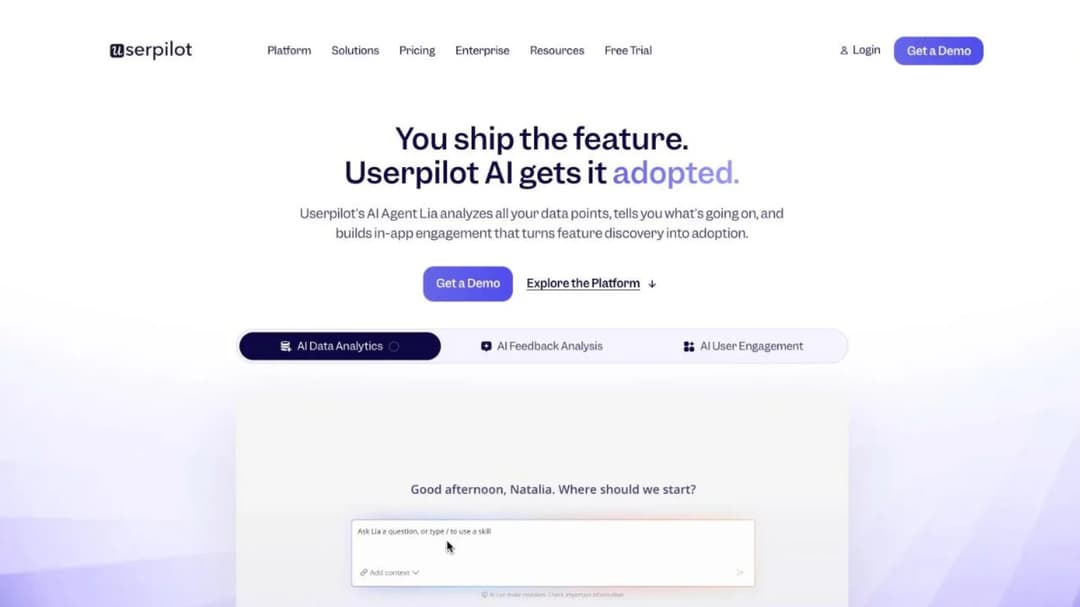
Best for: SaaS teams under about 2,000 monthly active users who want tooltips, checklists and analytics on one printed price.
Top Features
- In-app engagement: tooltips, hotspots, banners, checklists and a resource center, built without code
- Product analytics with event autocapture, funnels, paths and retention cohorts
- In-app surveys (NPS, CSAT and CES), session replay and behavior-triggered email
- Mobile SDK for native iOS and Android plus Flutter, React Native, .NET, Capacitor and Cordova
- Userpilot AI: the Lia agent, Agent Analytics and an MCP server for Claude, ChatGPT and Cursor
Userpilot calls itself a “Product Growth Platform”, and that’s the right shelf. It authors onboarding flows and surveys inside your own product, and it publishes no course, quiz, certificate or SCORM capability. Starter is $299 a month for up to 2,000 monthly active users, with session replay and mobile engagement sold as add-ons at that tier. Growth starts at $849 a month and includes 10,000 MAU, 100,000 emails a month and 5,000 session replays a month.
Enterprise is quote-only and adds mobile engagement, premium CRM integrations, data warehouse sync and a custom contract with an SLA. The trial runs 14 days with no credit card. The pricing page doesn’t state the overage rate above your MAU band, a minimum term, or an annual discount, so the bill above 2,000 users is a conversation.
Userpilot publishes SOC 2 Type II, GDPR and HIPAA adherence, and names HubSpot, Salesforce, Zendesk, Intercom, Amplitude, Mixpanel and Heap as integrations. Results it publishes: Osano, a 25% reduction in support chat requests; RecruitNow, a 99% reduction in one-to-one customer training hours.
Pros
- The one on-screen tool here with a printed entry price and a stated MAU band
- A mobile SDK for native iOS and Android plus five cross-platform frameworks, so the same guidance reaches a native app
- 14-day trial with no credit card, and an MCP server for the AI tools your team already uses
Cons
- No courses, quizzes, certificates or SCORM: it can’t teach a workflow before the customer opens the screen
- No published overage rate, minimum term or annual discount
- Session replay and mobile engagement are paid add-ons on Starter
2. Pendo
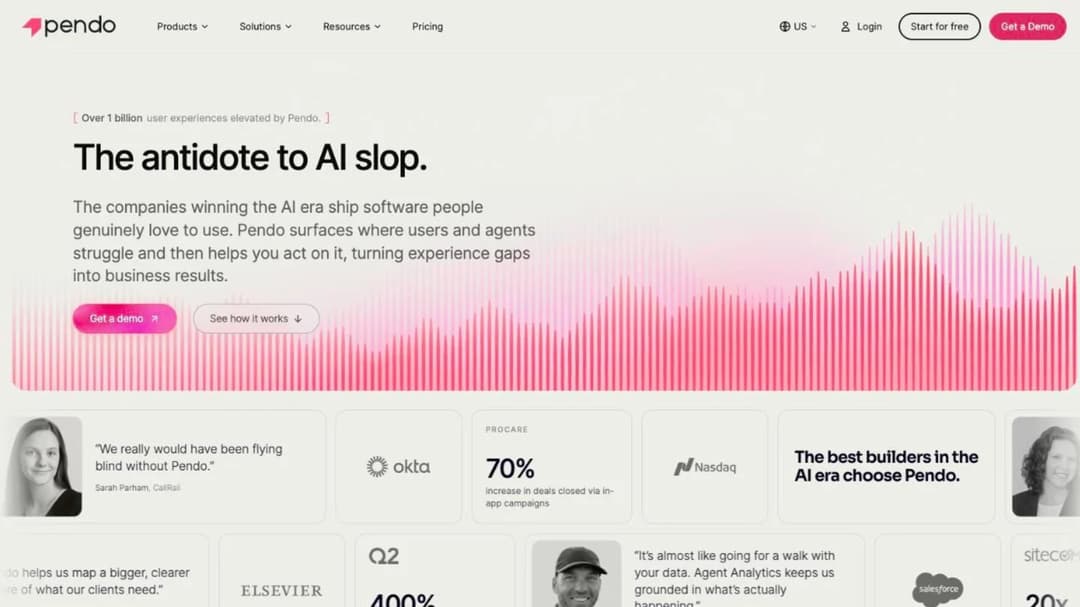
Best for: product and CS teams that want analytics, in-app guides and session replay in one tool, and can start free under 500 monthly active users.
Top Features
- Product analytics and no-code in-app guides, with an AI guide builder
- Session replay, and Sentiment surveys (NPS, PMF and CSAT)
- Orchestrate for in-app plus email sequences, and Data Sync into your warehouse
- Mobile SDK for native iOS and Android, React Native, Flutter, SwiftUI, Jetpack Compose, MAUI and Compose Multiplatform
- Leo, the Pendo agent, plus an MCP server, Predict for churn models and Agent Analytics
Pendo calls the category “Software Experience Management”, and nothing on its pages describes a course, a learner or SCORM. The Free plan covers product analytics, in-app guides and Pendo-branded roadmaps and NPS surveys for up to 500 monthly active users. Above that you can’t create new guides, surveys or segments until you upgrade, though existing ones keep running. Base, Core and Ultimate are custom-priced.
An MAU is “unique visitors who were active in your app over the last 30 calendar days”, one count covers unlimited apps, and the cost per MAU falls with volume. Pendo’s agreement also lets it bill by seats, so ask which unit is on your order form. The 30-day trial isn’t self-serve; you talk to sales to get one.
Term length and renewal live in the Order Form, and overage is billed from the date you exceed the limit. Pendo publishes SOC 2 Type 2, GDPR and HIPAA compliance, and its badge list isn’t the same in both places it appears, so ask for the current report. Results Pendo publishes: Avero, a 60% decrease in support tickets.
Pros
- Free to 500 MAU with no time limit
- The deepest mobile framework list of the on-screen tools
- Named integrations include Intercom, Zendesk, Salesforce, HubSpot and Gainsight
Cons
- Every paid tier is quote-only, and the trial needs a sales call
- No courses, quizzes or SCORM: guides and surveys are the content units
- Its integration count is given as both 51 and more than 85, and its compliance badges are not the same in both places they appear
3. Whatfix
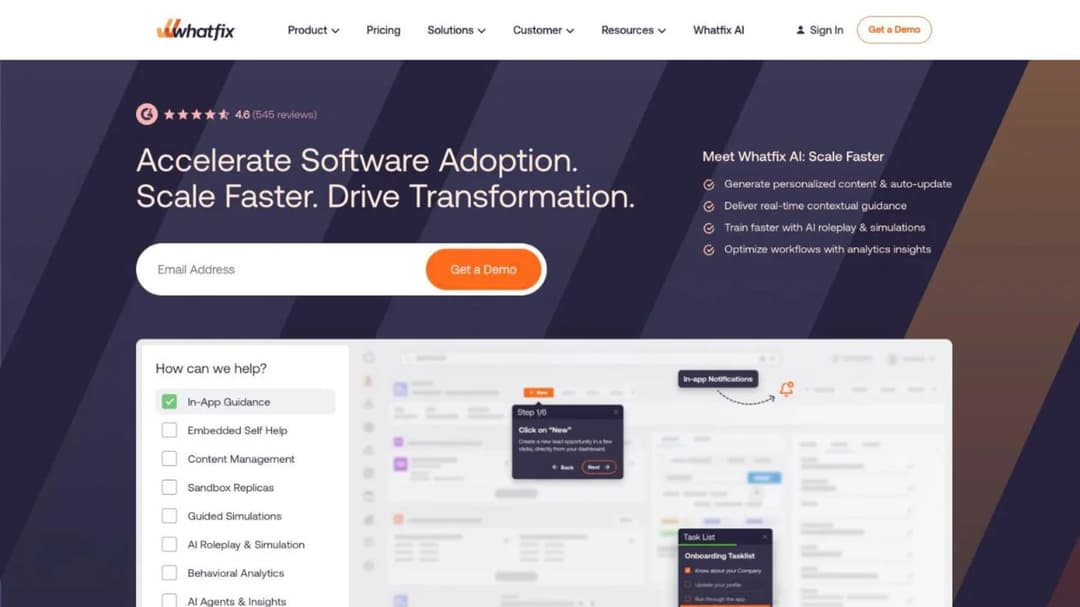
Best for: teams whose customers work in web, desktop and Citrix applications and want a simulation environment for practice, not only overlays.
Top Features
- Flows, Smart Tips, Pop-Ups and Task Lists on web, desktop, mobile and Citrix apps
- Self Help, an AI assistant trained on your knowledge repositories
- Mirror, an application-cloning simulation environment with AI role play
- Product Analytics, with the Standard tier free alongside any DAP plan
- Four named agents: Authoring, Guidance, Insights and Seek
Whatfix publishes no price. What it does publish is the mechanic: “Pricing for each product and plan is composed of a flat fee, plus user license fees”, with employee-facing apps priced on total users and customer-facing apps on monthly active users. A free trial exists with no stated length, and no page states a minimum or a contract term.
Its compliance list is long: ISO 27001:2022, ISO 27701, ISO 27017, ISO 27018, CSA STAR, SOC 2 Type 2, GDPR and CCPA, with data centers in Virginia, Arizona, Zurich and Dublin. HIPAA isn’t on it. The “SCORM-Compliant” badge carries no version, and the only version statement is a 2016 announcement naming SCORM 1.2.
Mobile is an overlay on your own native iOS and Android app, and Whatfix names Salesforce, SAP SuccessFactors, Workday, ServiceNow and Dynamics 365 among its integrations. Results it publishes: Acorn, recruiter onboarding time cut 80%; Windward Risk Managers, 87% of agent support questions resolved in-app. For a CS lead whose customers live in a web app, it’s more platform than the job needs; for one whose customers work inside Salesforce or SAP, it’s one of two tools that follow them there.
Pros
- A published pricing mechanic: flat fee plus user licenses, MAU for customer-facing apps
- Mirror gives customers a place to practice without touching production
- The widest published compliance and data-residency list of the on-screen tools
Cons
- No price, no trial length and no contract terms on any page
- SCORM version undocumented on current pages
- Built for enterprise rollouts; a flat per-application fee weighs on a single-product SaaS team
4. WalkMe
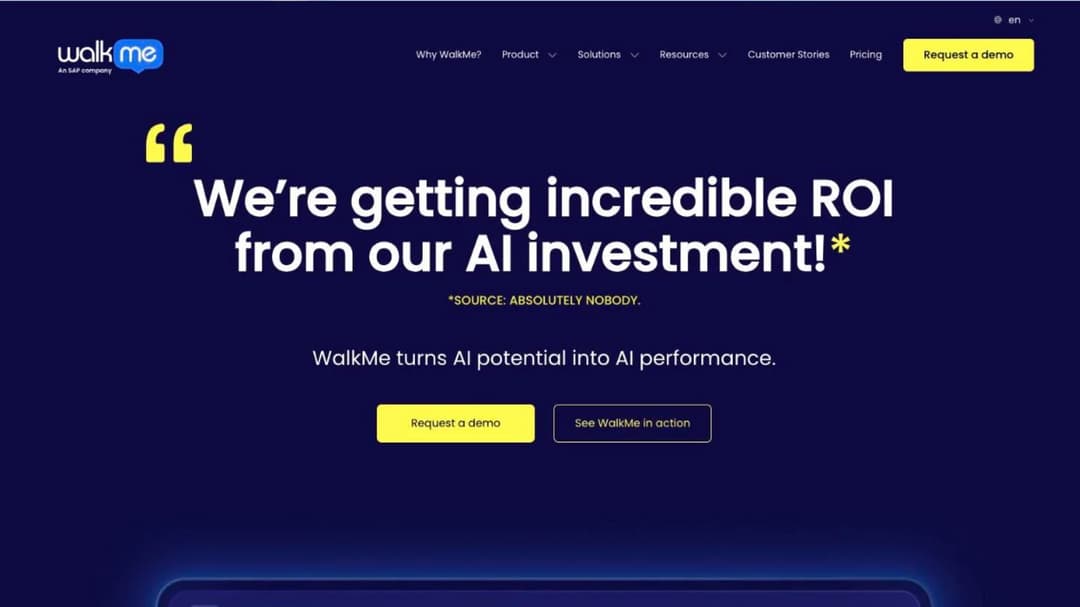
Best for: enterprise teams that need guidance across the widest set of third-party applications and a compliance list procurement won’t question.
Top Features
- Action Bar overlay with Pinned, Proactive and On-Demand AI, built on DeepUI screen context
- WalkMe for Customers and WalkMe for Employees as separate product lines
- Learning Arc turns presentations, videos and documents into courses with quizzes, exported as SCORM 1.2 or 2004
- Workflow automation and analytics across web, desktop and mobile
- Retrieval from your own documentation before it answers
WalkMe is the one on-screen tool here with a course module. Learning Arc turns existing material into “modules and quizzes in minutes”, and its support documentation lets you “choose SCORM 1.2 or SCORM 2004 to match your LMS” on export. Everything else is quote-only, with no figure, no tier name, no trial and no minimum published.
WalkMe’s published compliance runs from SOC 2 Type 2 and ISO 27001:2022 to FedRAMP Moderate, HIPAA, PCI DSS and 21 CFR Part 11. It states “27% of the Fortune 500” as customers, about 1,600 in all. Results WalkMe publishes: EDF Renewables, support tickets reduced by more than 80%; BMO Financial Group, a 50% drop in customer support requests. Its own pages don’t name a parent.
Pros
- Course authoring with SCORM export inside a guidance tool
- The longest published compliance list of the eleven
- Guidance follows customers across SAP, Salesforce, Workday, ServiceNow and Dynamics 365
Cons
- No price, trial, minimum or contract term published anywhere
- SAP ownership isn’t named on the homepage or the About page; get the contracting entity in writing
- Whether mobile is a native SDK or mobile web isn’t specified on its pages
5. Stonly
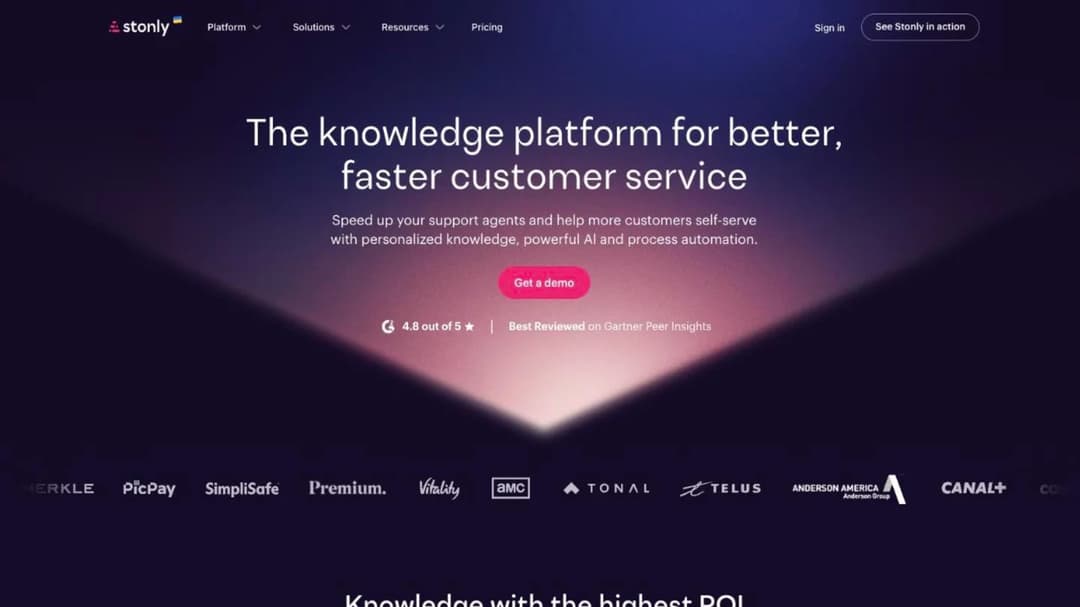
Best for: support-led teams that want branching interactive guides and a knowledge base inside the product, with deflection as the metric that matters.
Top Features
- Interactive, branching guides embeddable in any web or mobile app, no code needed
- Knowledge base with versioning and rights management
- The Widget: hotspots, tooltips, modals, chat bubbles and walkthroughs
- AI Answers, Guided Answers and Business Process Agents that follow a guide step by step
- Help desk integrations with Zendesk, Salesforce, Freshdesk and Front on Enterprise
Stonly’s unit of content is a guide, never a course, and everything it builds says so: guides, articles, a knowledge base and a widget that puts them on the screen. Two tiers, no figure. Small Business is “for companies with under 100 employees” and includes 4,000 guide views a month, five team members and one knowledge base; Enterprise adds AI Agents, SSO, private knowledge bases, auto-translate and white label.
The 14-day trial runs on Small Business, and when it lapses without an upgrade, the account drops to a Basic tier of 400 guide views a month and one team member. Stonly publishes GDPR, HIPAA and SOC 2 Type 2 on its trust center, and it’s a founder-led French company, Stonly SAS.
Results it publishes: Anderson America, 80% fewer tickets; Devialet, 90% of expected tickets deflected during a software update. If a self-service portal is the product you’re building, this is the on-screen tool built around it.
Pros
- Deflection is the design goal, and its case studies report it in tickets, not adoption percentages
- 14-day trial, and a free fallback tier if you never upgrade
- Widget triggers work inside your own mobile app as well as on the web
Cons
- No price on either tier, and Small Business caps at five team members
- No mid-term termination or refund; 30 days’ written notice to leave at renewal
- No courses, quizzes, certificates or SCORM
6. Trainn
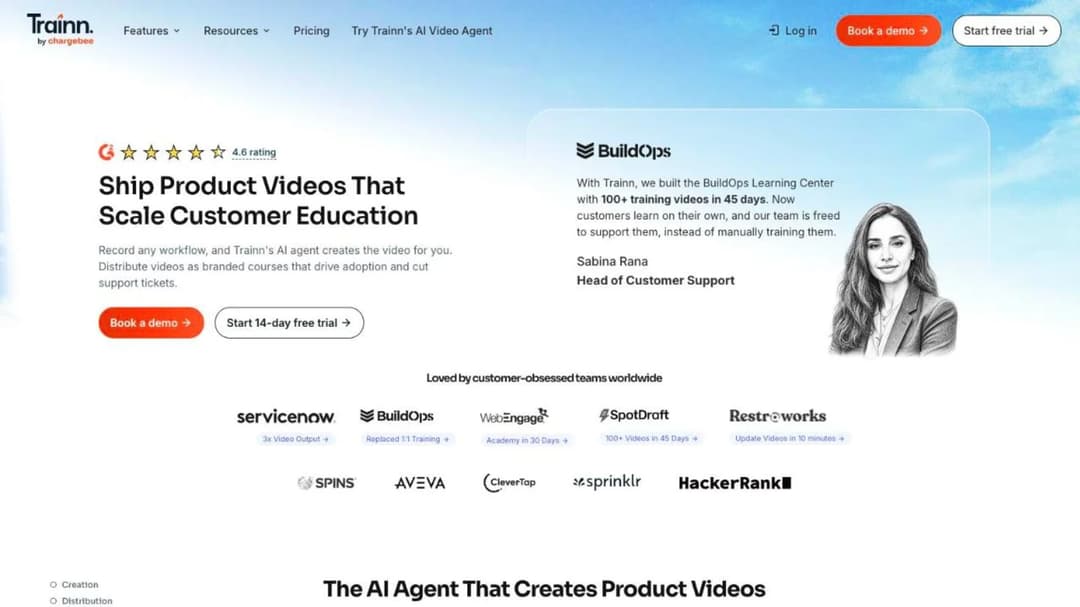
Best for: CS and support teams that want product videos and an academy built from screen recordings, with in-app tutorials on a printed price.
Top Features
- An AI agent that turns a screen recording into an edited product video, narrated in 100-plus voices and languages
- Step-by-step and interactive guides
- Academy (LMS) with courses, quizzes and certifications, from the Scale plan
- In-App Tutorials and an in-app help center widget, from Scale
- Branded Knowledge Hub and one-click translation into 30 languages
Trainn is for the before-the-screen job, and it prices the whole ladder. Creator is $19 a month for one user and 15 videos and guides, with no academy. Launch is $2,400 a year, shown against a $3,600 list price, as of September 2026, for three users and 120 videos and guides, still with no academy.
Scale is $10,000 a year (against $14,000) and is where the academy, in-app tutorials and help-center widget arrive, with five users, 250 videos and guides and an academy capped at 100 monthly active users. Enterprise is $39,900 a year (against $55,000) for 25 users, 1,000 videos and guides, 250 MAU, SAML SSO and a master service agreement.
An MAU is a learner who logs in “and watch[es] course content for a minimum of 5 seconds”; extra MAU come as add-on bundles with no published rate. The trial needs no credit card and runs 14 days on Launch and above, 3 days on Creator, and when it ends the videos you’ve embedded stop working for your customers. Trainn publishes no SCORM path in or out of the Academy, and its compliance is described as Chargebee’s certifications covering Trainn.
Results: SpotDraft launched a 100-plus-video academy in 45 days, and Posist educates 12,000 customers with it. The Trainn alternatives comparison starts from the same price ladder.
Pros
- Full price ladder printed, with in-app delivery on a named plan
- Video production from a recording in minutes, with 100-plus voices and 30-language translation
- A trial with no credit card, 14 days on the plans that carry the academy
Cons
- The academy is capped at 100 MAU on Scale and 250 on Enterprise, and overage pricing isn’t published
- A 12-month auto-renewing term with 90 days’ notice and non-refundable fees, stated only in the Terms of Service
- No SCORM in or out, and Trainn quotes a “$499” starting price and a free account elsewhere that its pricing page denies
7. Mini Course Generator
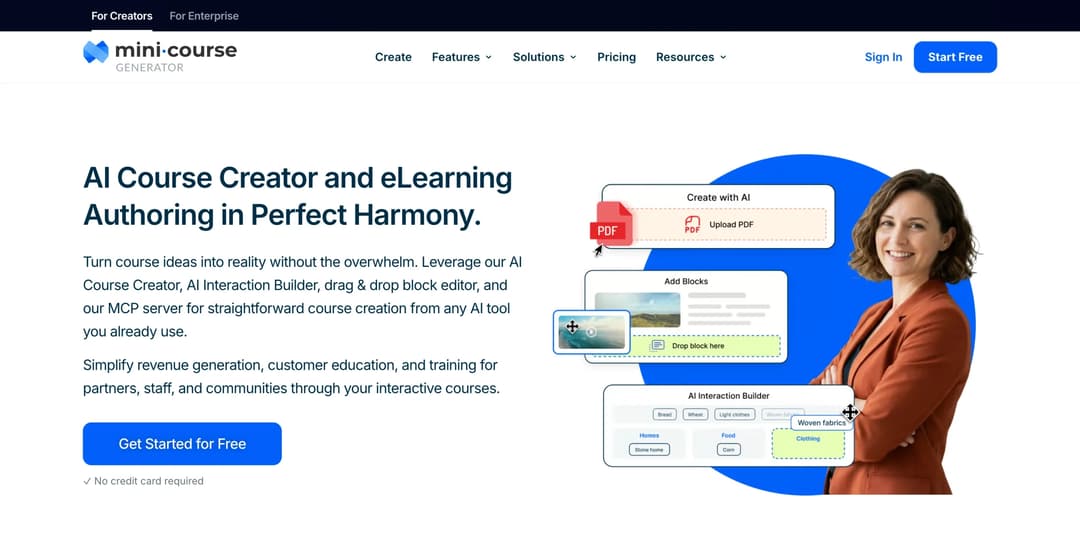
Mini Course Generator is our product. It is listed for the job it does, not ranked above the others.
Best for: CS and customer education teams that want to build the course from the help center, docs and release notes they already have, and deliver it inside the product without another login.
Top Features
- AI Course Creator and PDF to Course Creator draft a course from your own material, with Hallucination-Proof generation that MCG reports as 95% hallucination-free from your own resources, and the AI Quiz Builder for scored checks
- AI Interaction Builder adds Branching Scenarios, Dialogue Simulations, Interactive Quizzes, Flashcards & mini-games and Drag-and-Drop Activities
- Delivery into the product: embed widgets (Sidebar, Modal, Embed link and Direct link) with user tracking from Growth, the MCG App for Intercom from Growth, and a REST API and the Headless LMS for web and mobile apps on Custom; webhooks from Pro
- Six Gateways (everyone, double opt-in, pay-wall, specific learners, in-app authentication and Password Wall) and magic links for password-less access
- Learning analytics and learner tracking, Certificates & Badges, and account-based reporting for your customers’ admins on Scale
What it does for this reader that MeltingSpot doesn’t: it builds the before-the-screen course from the same source documents MeltingSpot’s agent would ingest. It then sends that course into your product by embed, Intercom Messenger or API, instead of overlaying an agent on your interface. A customer opens it from a share link or inside your app through the in-app authentication Gateway, so there’s no second account to create. Community Boards put discussion inside the lesson with an AI Moderator.
For practice rather than reading, the AI Role-play skill grades a customer’s handling of a scenario against your rubric. The Mini Course Generator MCP Server lets Claude, ChatGPT, Manus or Cursor create, edit and publish courses from Confluence, Slack or Notion material.
Pricing is published in full on the pricing page: plans sized by a yearly learner allowance rather than monthly active users, a 14-day full-access trial with no credit card, zero implementation or onboarding fees, and no minimum annual commitment. Content leaves with you: SCORM or PDF export at any time, and dynamic SCORM on Growth and above. Team seats are 3 on Growth and 10 on Scale, and connections run through Zapier, Make, webhooks and a WordPress plugin.
Pros
- A course drafted from the docs you already have, delivered by embed, Intercom or API on a named plan
- A yearly learner allowance instead of an MAU meter, with trial, fees and commitment terms printed
- SCORM or PDF export at any time, whatever the subscription status
- Magic links and an in-app authentication Gateway, so customers don’t create another account
Cons
- Not a guidance layer: no tooltips, walkthroughs, hotspots or behavior-triggered nudges on your own interface, and no browser extension for Salesforce or SAP; if the problem lives on the screen, it’s the wrong shelf
- No product analytics, session replay or in-app surveys, and no mobile SDK; delivery is embed, link, Intercom Messenger or API
- The Headless LMS, REST API and SSO for learners are Custom-plan features; embeds with user tracking and the Intercom app start on Growth
- Publishes no SOC 2, ISO 27001 or HIPAA certification and no security page, so if procurement needs one on paper, it isn’t there
- No pre-built content library
8. Skilljar
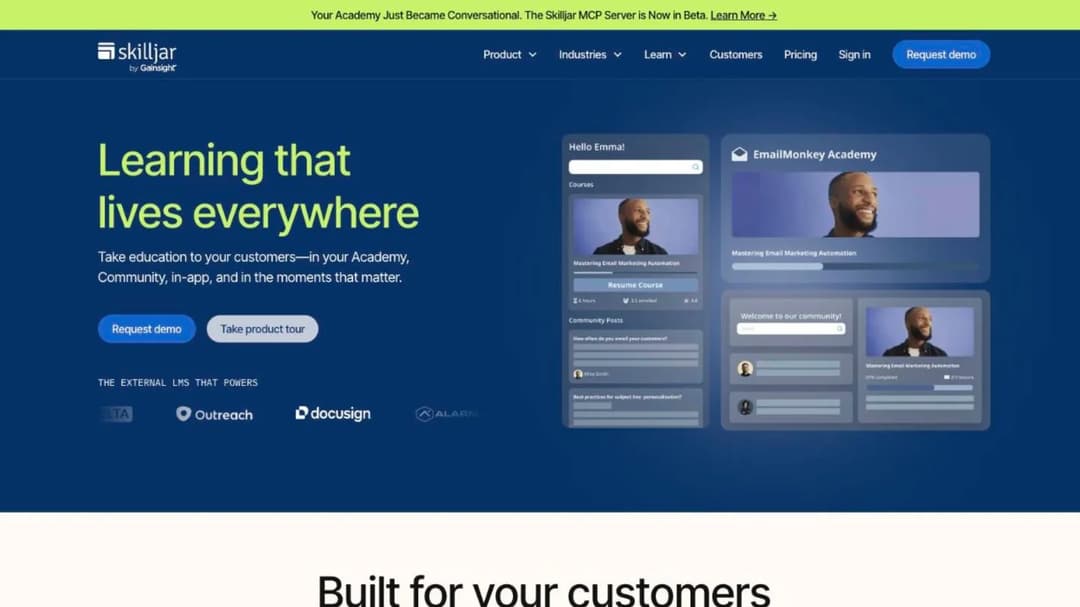
Best for: customer education teams building a branded academy with certifications, monetized training and Salesforce or Gainsight reporting.
Top Features
- A branded academy with custom themes, learning paths and certifications, including proctored exams
- Embed capability: Unified Login & Profile, Unified Navigation, Education Widgets in Community and Federated Search
- Monetized training through Stripe, PayPal and other gateways, plus content syndication to partners
- Integrations with Salesforce, Gainsight, Zendesk, Intercom and 60-plus others, with a PostgreSQL Data Connector
- Skilljar MCP Server (beta) for Claude, ChatGPT and Copilot
Skilljar is the customer education standard, and it states what it isn’t: “An LMS designed for compliance is simply not the best fit for customer training.” It doesn’t author content. It delivers SCORM, LCMS and AICC packages built in Articulate, Captivate or Camtasia, with no version stated.
Price is not published. The model is an annual subscription plus an active-user fee, and three add-ons carry printed prices: Content Syndication at $10,000, the Data Connector from $25,000, and Language Packs from $10,000 for five languages. There’s no trial and no free plan, and the only no-penalty exit is uptime below 99% for two consecutive months.
Compliance: SOC 2 Type II; ISO 27001 attributed to its cloud provider, not held in its own name; no HIPAA or business associate agreement; WCAG 2.2 AA rated “Partially Supports”; US hosting only. Results it publishes: Clever, 25% fewer support tickets; Automox, a 75% reduction in customer onboarding time. The Skilljar alternatives comparison reads the same agreement clause by clause.
Pros
- The deepest embed and single-login story on the course shelf
- An active-user fee with a yearly allocation that rolls forward, and no monthly cap
- Certifications with proctored exams, and monetized training
Cons
- No price, no trial, and an Initial Term whose length you learn from the Service Order
- Auto-renews in 12-month terms with 30 days’ notice, and early exit pays out the term
- No authoring tool, no EU hosting, ISO 27001 not in its own name, and no business associate agreement
9. Thought Industries
Best for: enterprise customer education teams that want a headless framework, a portal per customer account and monetization in 150 currencies.
Top Features
- In-platform authoring plus import through SCORM, xAPI, LTI or HTML embed
- Panorama multi-tenant, co-branded learning portals
- A headless framework, webhooks and APIs, plus a BI Connector syncing 90 tables into Power BI, Tableau or Looker
- Conversational AI Learning with cited answers, and delivery into Slack
- Monetize: subscriptions, bundles, training credits and ecommerce in 150 currencies through Stripe, Worldpay and Cybersource
Thought Industries names three tiers, Starter, Professional and Enterprise, and prints no figure on any of them. It publishes no mechanic, no minimum, no trial and no term, and the one clue to the contract is that “Onboarding services are a one-time cost for the first year of your contract.”
Its strength for this reader is delivery. The headless framework and APIs put lessons inside your product, Panorama gives each customer account its own portal, and SCORM Connect syndicates content out to a third-party domain or LMS.
Its Trust Center lists SOC 2 Type 2, ISO/IEC 27001, GDPR, HIPAA, CCPA, PCI DSS and TX-RAMP, with AWS hosting. Nothing on its pages describes a mobile app or a data-export process for leaving. Results it publishes: ArrowStream, a “100% renewal rate while cutting training staff time by 74%”; the Linux Foundation, 50% revenue growth after launch. No published exit process is the gap to press on at this end of the market, and Thought Industries alternatives presses it across the field.
Pros
- Headless delivery and multi-tenant portals published as platform features
- Import and export by SCORM, and content syndication to partners
- Monetization infrastructure a CS team can hand to finance
Cons
- No price, mechanic, minimum, trial or contract term on any page
- No SCORM version and no published exit process
- Enterprise scale: unlimited admin licenses on Starter, but the entry tier is a sales cycle
10. Intellum
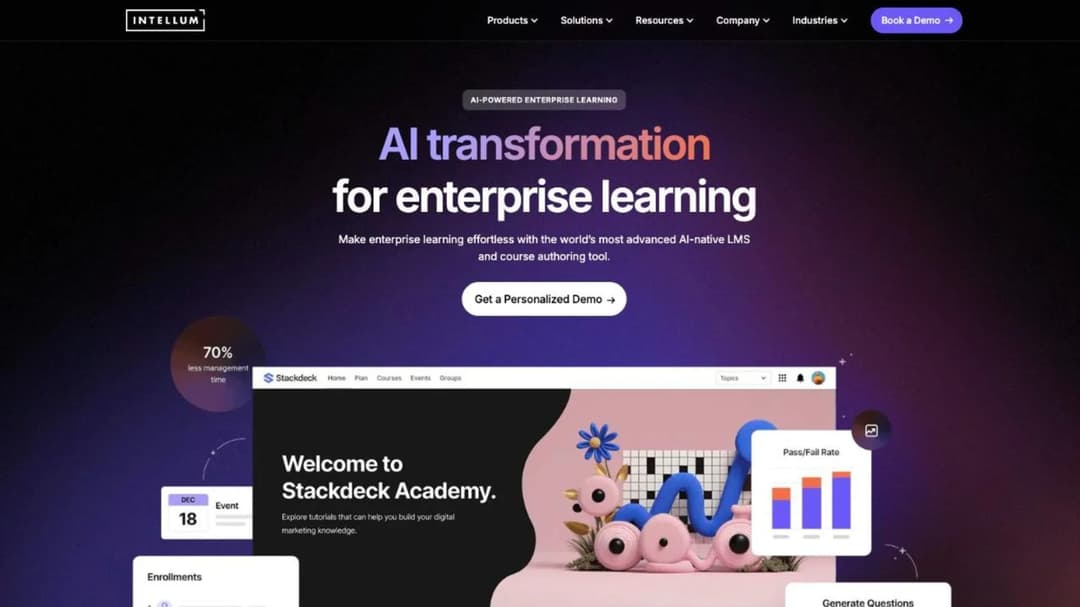
Best for: enterprise customer education at Meta or Pinterest scale, and any team that needs EU hosting or a HIPAA attestation on paper.
Top Features
- Creator, Manager and Learner AI Agents across authoring, administration and a persistent AI tutor
- Evolve authoring: a drag-and-drop editor, 50-plus interactions and SCORM 1.2 and 2004 export
- Native iOS and Android learning apps plus a responsive web app
- US or European hosting, with EU customers on AWS in Ireland
- Certifications with proctoring, and a BigQuery data connector
Intellum runs Meta’s Blueprint (2 million-plus external learners), Pinterest Academy and Gusto Academy, and it prices exactly one thing in public: Evolve, its authoring tool, at $49 per user a month (Personal) and $65 (Team), billed annually, with a 21-day trial on Team. The core LMS publishes no price, no minimum, no trial and no term; its Terms of Service defer all of that to a private Service Order.
What it does publish that this reader may need: a SOC 2 Type II report, “a third-party HIPAA attestation examination” (an attestation, not a business associate agreement, which no page mentions), GDPR and Data Privacy Framework certification, and EU hosting. No ISO 27001 appears. Results: Gusto, $200,000 in estimated incremental ARR from certifying 2,000 accountants; Pinterest, 170% growth in user base year over year. A HIPAA attestation is not a business associate agreement, and Intellum alternatives makes that distinction for every platform in its field.
Pros
- EU hosting and a HIPAA attestation, the pair the rest of the course shelf can’t offer
- Native mobile apps, and SCORM 1.2 and 2004 export from Evolve
- Named, attributed case studies at very large scale
Cons
- The core platform is unpriced, and every commercial term sits in a private Service Order
- Two different data windows on exit, and an SLA remedy that is credit-only
- Its Conversational Queries analytics feature is early access, not general availability
11. LearnWorlds
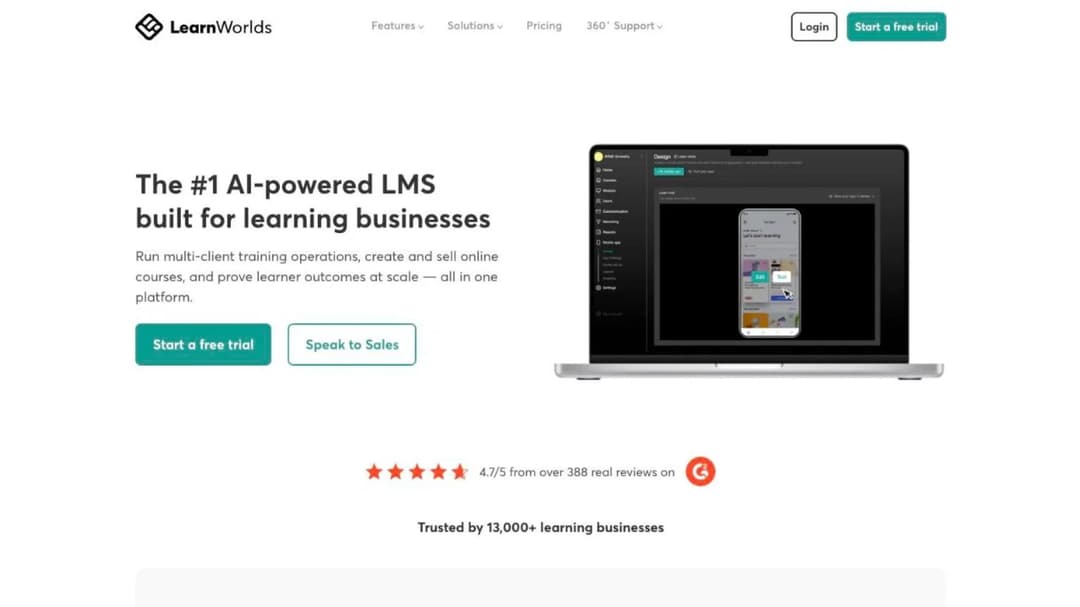
Best for: teams that want a branded academy site with a printed price and no engineering, and can live with a site rather than an in-app layer.
Top Features
- Flexible Courses, Interactive Video, Live Sessions and an Assessment Builder
- A Website Builder with templates and a white-label school
- LearnWorlds AI: outline, ebook, assessment and image generation on plan AI credits
- SCORM and HTML5 package import, 20 packages on Starter and unlimited above
- Mobile App Builder as a $149-a-month add-on, with offline video and push notifications
LearnWorlds calls itself “The #1 AI-powered LMS built for learning businesses”, its own claim, and it’s the cheapest printed academy here. Starter is $24 a month billed annually for 1,000 active learners a month and one admin, with a $5 fee per course enrollment. Pro Trainer is $79 a month annually for 2,000 active learners and five admins, with no enrollment fee. Learning Center is $249 a month annually for 2,000 active learners and 25 admins, and Corporate is quote-only.
“Active learner” is never defined, and no overage policy is published. Subscriptions auto-renew, cancel any time with no refund for the current term, and price changes need 30 days’ notice and apply at renewal.
Compliance: SOC 2 and ISO 27001 attributed to its cloud provider, not held in its own name; GDPR; no HIPAA; WCAG 2.2 AA self-rated “partially compliant”. Data centers sit in the eastern US, Frankfurt, São Paulo and Singapore. It’s listed last because it’s a school site, not an in-app layer, so your customers leave the product to learn. Results it publishes: Blip, customers onboarded 41% faster and support tickets down 15%. If LearnWorlds is the academy you’re weighing, the LearnWorlds alternatives comparison puts its field through the same price, contract and delivery questions.
Pros
- The lowest printed entry price on the course shelf, with a 30-day trial
- Cancel any time, no minimum term, and price changes only at renewal
- SCORM import and a mobile app add-on
Cons
- A branded site, not an in-app layer: its pages describe no embed, widget or API path into your product
- “Active learner” undefined, no overage policy, and a $5 per-enrollment fee on Starter
- SOC 2 and ISO 27001 not in its own name, and WCAG only partially met
Which MeltingSpot Alternative for Which Situation
The tables narrow the list; these rules pick from it. Each one is a condition you can check against your own product and ticket queue this week.
If the customer is inside your web app and lost mid-task, choose an on-screen tool, and start with Userpilot or Pendo. If the customer doesn’t know the workflow before opening the screen, choose a course platform, and start with Trainn or Mini Course Generator. If both are true, buy two tools with two meters rather than one hybrid, which charges you per active user for both jobs whether or not both are done.
If you’re under 2,000 monthly active users and want a price you can read before a demo, the on-screen options are Pendo Free (up to 500 MAU) and Userpilot Starter ($299 a month). On the course shelf, Mini Course Generator prints its plans in full and sizes them by a yearly learner allowance, which suits a customer base that visits in bursts around releases. Trainn Scale puts an academy and in-app tutorials on a printed $10,000 a year. If your MAU count is above 10,000, every on-screen vendor moves you to a quote, and the question becomes the overage rule.
If you already run Intercom, the shortest path to a course inside the Messenger is the MCG App for Intercom, and Userpilot, Pendo, Stonly, Skilljar and LearnWorlds each name Intercom as an integration. Ask each what the integration passes: events, users, or the course itself. If your customers talk to you through Zendesk instead, Stonly’s help desk integration is the one designed around the ticket.
If procurement needs a HIPAA attestation on paper, Intellum publishes one (an attestation examination, not a business associate agreement) and Thought Industries lists HIPAA among its Trust Center documents. On the on-screen shelf, WalkMe, Userpilot and Pendo all state HIPAA adherence, while Whatfix’s list doesn’t include it. If you handle patient data, ask for the business associate agreement itself before the demo.
If procurement needs European hosting, MeltingSpot’s Corporate tier, Whatfix, Intellum and LearnWorlds all publish EU data centers, and Skilljar hosts in the US only. Mini Course Generator publishes no certification, so if procurement needs one on paper it isn’t there.
If you need a mobile SDK inside your own native app, choose Userpilot or Pendo; if a native learning app of the vendor’s own is enough, Intellum ships one and LearnWorlds sells one for $149 a month. If procurement wants a 250-learner-plus enterprise vendor, Docebo and LearnUpon will appear in the RFP. Docebo’s agreement auto-renews for 12 months with 60 days’ notice and lets the renewal fee rise up to 10%, read clause by clause in the Docebo alternatives comparison. LearnUpon’s customer education product starts “From 300 Users”, and the LearnUpon alternatives comparison reads its terms the same way.
If you have a content team and no developer time, choose Trainn for videos from screen recordings, Mini Course Generator for courses from documents, or LearnWorlds for a site you never have to embed. If you have developer time and no content team, choose a guidance tool and write the tooltips yourself. If what you need is practice rather than instruction, MeltingSpot’s Roleplay and Whatfix’s Mirror sit alongside the AI role-play tools built for that job.
Whichever rule fires, the first check is the same: does the vendor put the delivery path on a named plan, and does it print the term?
If You Leave MeltingSpot: What Comes With You
MeltingSpot publishes no export path, so the migration starts from what you gave it, not from what it made. The first two steps happen before you give notice.
- Export the source documents. Collect the PDFs, docs and session replays the agent was trained on into one folder. That material is yours; the coaching content generated from it has no stated way out.
- List every coaching path and its trigger. For each one, write the audience segment, the triggering event (page, role, stage) and what the path teaches. This list is your migration spec.
- Sort each path onto a shelf. A path that fires on a field or a button becomes a guide in the tool you pick from the first five. A path that explains a concept or a workflow becomes a course.
- Rebuild the before-the-screen paths as courses. Start from the source documents in step one; a customer academy built in a weekend is the realistic scope for the first ten, and the metrics that survive a CFO tell you which ten to build first.
- Keep the on-screen paths as guides. Rebuild them in Userpilot, Pendo, Stonly, Whatfix or WalkMe, and wire them to the same events.
- Check the destination’s exit window before you sign it. The clauses are set out above, under what leaves with you. Run the export during the trial, not after the renewal.
Give notice only after step two is done, because the coaching paths you can’t list are the ones you’ll rebuild twice.
Decide the Shelf Before You Take the Renewal Call
Sort one week of tickets into on-screen and before-the-screen piles before anyone books a demo. If the on-screen pile is bigger and your product is a web app, MeltingSpot’s SaaS tier or a guidance tool with a printed MAU band is the right buy. The only thing left is the order form: the term, the notice period, the renewal price and the admin rule.
If the before-the-screen pile is bigger, stop paying a per-MAU rate for a course platform MeltingSpot says it isn’t, and build one course from your best help-center article this week. Ignore the hybrid pitch until you’ve priced both jobs separately.
When the course is written, customer training software puts it inside the product, tracks who finished, and lets you take it with you if you leave.
Frequently Asked Questions
Is MeltingSpot an LMS?
Not by its own scope statement. MeltingSpot describes itself as a hybrid of a digital adoption platform and an LMS, but its Digital Corporate Trainer page says “Your LMS stays for compliance modules and certifications.” It publishes no SCORM import or export, no course library and no export path. Treat it as a guidance layer that sits on top of a course platform, and price it as one.
What does MeltingSpot cost?
The self-serve SaaS tier starts at EUR 1.50 per active user per month, with a 15-day free trial and no free plan, and the Corporate tier is quote-only. MeltingSpot’s own comparison articles list its price as “Usage-based starting at $3,600/year”, and its case study prices a 400-user deployment at “under EUR 120 per user per year”; neither figure appears on the pricing page. Ask which one is on your order form, and whether admins count as active users.
Does MeltingSpot support SCORM?
MeltingSpot publishes no SCORM import or export capability. If content portability matters, the alternatives that state an export are WalkMe’s Learning Arc (SCORM 1.2 or 2004), Intellum’s Evolve (1.2 and 2004), Thought Industries’ SCORM Connect (no version stated) and Mini Course Generator (SCORM or PDF at any time). Userpilot, Pendo, Stonly and Trainn publish no SCORM at all.
Which MeltingSpot alternative works inside Intercom?
The MCG App for Intercom delivers a course inside the Intercom Messenger itself. Userpilot, Pendo, Stonly, Skilljar and LearnWorlds each name Intercom as an integration, but “integration” ranges from passing user attributes to embedding content, so ask each vendor what crosses the connection.
What’s the cheapest MeltingSpot alternative with a published price?
On the on-screen shelf, Pendo is free up to 500 monthly active users, and Userpilot starts at $299 a month for up to 2,000. On the course shelf, LearnWorlds starts at $24 a month billed annually, and Trainn at $19 a month for video creation without an academy. Cheapest depends on how your customers arrive: a tool priced on MAU gets expensive when a release brings everyone back at once.
How do I compare tools priced per active user?
In four steps. First, get each vendor’s written definition of an active user, because “interacts with the agent”, “watches for 5 seconds” and “unique visitor in 30 days” count different people. Second, count your own customers under each definition, using three months of product analytics. Third, ask whether admins, CSMs and support agents count, and what the overage rate is above the band. Fourth, price a yearly-allowance model against the same three months.
Sources
- MeltingSpot pricing, product, Digital Corporate Trainer, Roleplay and case-study pages, Terms of Use, and Terms and Conditions
- Userpilot pricing and security pages
- Pendo pricing page, pricing FAQ, and Software Services Agreement
- Whatfix pricing page, pricing FAQ, and security framework policy
- WalkMe pricing page, Learning Arc page, newsroom, and trust center
- Stonly pricing page, terms and conditions, and trust center
- Trainn pricing page and FAQ, Terms of Service, and trust and compliance page
- Skilljar pricing page, Subscription Services Agreement, Data Processing Agreement, security page, and VPAT
- Thought Industries pricing and platform pages, and Trust Center
- Intellum LMS and Evolve pricing pages, Platform Terms of Service, and Security, Privacy and Architecture Summary
- LearnWorlds pricing page, Terms of Use, and data security page
- Docebo Master Services Agreement, and LearnUpon Terms of Service and pricing page
- Mini Course Generator pricing page


