Slack to course sounds like the least promising way to build training and turns out to be the most accurate one.
Every other source has the same weakness: documentation describes what somebody thought should be written down. A busy #support-faq channel records what people actually didn’t know, in the words they used, ranked by how often it came up, updated continuously, for free.
That’s a better training needs analysis than most companies commission. The catch is that it arrives as six months of conversation with jokes in it.
Try Mini Course Generator free – turn the questions your team keeps asking into a course.
Key Takeaways
- A support or questions channel is the only training source that records gaps rather than intentions. It tells you what training is missing, not what somebody meant to document.
- Ask for the recurring themes first, as a list. Read that list before you generate anything – it’s a training needs analysis, and it’s frequently a surprise.
- Frequency is the signal. A question asked 14 times is a content problem; a question asked once is a person with an unusual case.
- Strip the specifics. Channels contain customer names, account numbers and internal grumbling, none of which belongs in a course.
- The answer in the thread is often wrong, or was right in March. Verify against the source of truth before it becomes training somebody is assessed on.
Why a Channel Beats a Document
The difference is which end of the gap the source sits on.
Documentation is written by somebody who knows the answer. It reflects what that person thought worth recording, structured how they thought about it. That’s useful and it’s an intention, not evidence.
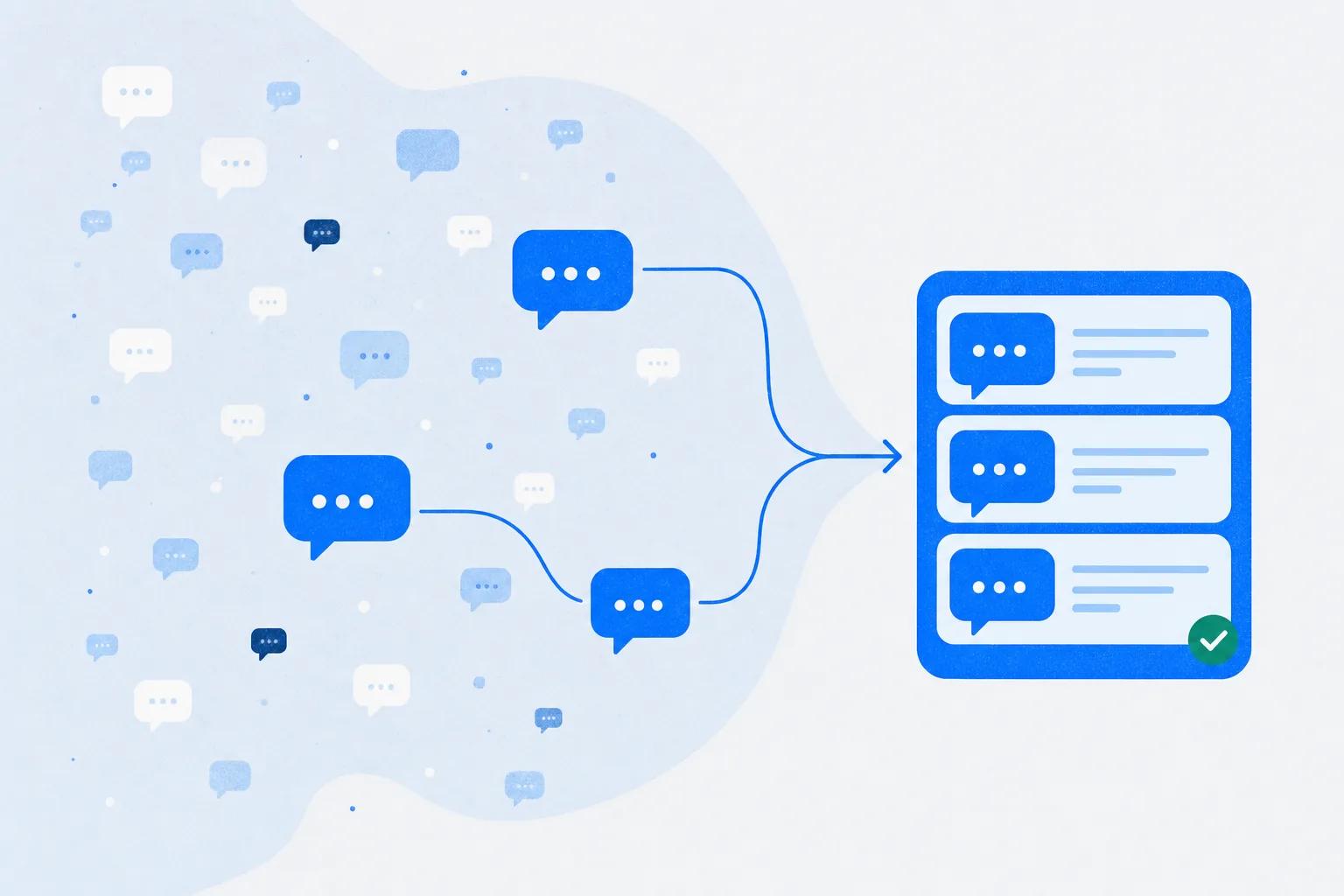
A channel is written by people who don’t know the answer. Every message is a gap, timestamped, in the asker’s own vocabulary. Twenty people asking the same thing in slightly different words is the clearest possible signal that a piece of training is missing, and it’s a signal nobody has to collect because it collects itself.
There’s a second, subtler advantage: the words are the learner’s words. Training written from documentation uses the vocabulary of the person who built the system. Training written from a support channel uses the vocabulary of the person who’s confused, which is who it’s for.
Start With the Themes, Not the Course
The step people skip, and the one that makes the difference. Don’t ask for a course first. Ask for a list.
“Read the last 6 months of #support-faq. Identify the 10 most frequently recurring questions or themes. For each, give me roughly how many times it came up, and one representative example. Don’t build anything yet.”
Read that list properly. Three things usually happen:
Something near the top surprises you. The question your team has answered 40 times is not the one you’d have guessed, and it’s often something you assumed was covered by existing training.
Something you built a course for isn’t on the list at all. Either it worked, or nobody’s doing that task.
Two themes turn out to be the same problem. Different symptoms, one missing concept underneath. That’s a single lesson, not two.
This list is worth ten minutes of a manager’s attention on its own, whether or not you build anything from it.
The Prompt
With the themes agreed, the build is one request. This assumes an assistant connected to Slack and to a course platform through an MCP server – the setup is four steps either way, covered in the Claude connectors walkthrough.
“Using themes 1, 3, 4 and 7 from that list, build a refresher course in Mini Course Generator. One lesson per theme, ordered by how often it came up. Write each lesson as the answer to the question people are actually asking, in plain language. After each, add a quiz question that presents a realistic customer situation and asks what the rep should do. Remove all customer names, account numbers and internal comments. Publish it and give me the link.”
Two clauses in there are non-negotiable.
“Ordered by how often it came up.” Frequency is your priority order, and it’s more reliable than a subject-matter expert’s sense of what’s important – experts systematically underrate the basics because they stopped finding them hard years ago.
“Remove all customer names, account numbers and internal comments.” Say it explicitly. Support channels contain named accounts, ticket references, and the occasional frank opinion about a customer. None of that survives into a course, and you don’t want to be the one who finds a specific example in shared training.
Four Things to Check Before It Ships
The answer in the thread may be wrong. This is the biggest risk and it’s specific to this source. Somebody answered confidently in a channel in March; the policy changed in June; the message is still there and reads as authoritative. Verify each lesson against the actual source of truth, not against the thread.
One-off questions look like themes to a model. A detailed thread about a genuinely unusual case can look important because it’s long. Frequency, not thread length, decides what’s a lesson.
Internal shorthand needs expanding. Channels are full of abbreviations and system nicknames that everybody present understood. In a course read by somebody who joined last week, they’re noise.
Tone needs a pass. Channel answers are terse and sometimes exasperated by the fifteenth asking. That register doesn’t transfer.
Budget twenty minutes for a four-lesson refresher. Most of it goes on the first item.
Which Channels Work
| Works well | Struggles |
|---|---|
| #support-faq, #ask-product, #help-* channels | General team or social channels |
| Channels where questions get answered by an expert | Channels where questions go unanswered |
| High-volume channels with 6+ months of history | New channels with thin history |
| Channels with a consistent question format | Channels that are mostly links and reactions |
| Anywhere the same question visibly recurs | Incident channels, which are one-offs by definition |
The predictor is whether questions in that channel get answered. An unanswered-questions channel is a perfect needs analysis and a useless content source – you’ll get an accurate list of gaps and nothing to fill them with, which is still worth having as long as you know that’s what you’re getting.
Running It on a Cycle
The strongest version of this isn’t a one-off. It’s quarterly, and it takes about half an hour.
“Compare the last 3 months of #support-faq against the refresher course we published in June. Which themes are still recurring at the same rate? Which are new? Which have dropped off?”
That question answers something training teams almost never get to measure: whether the course changed behaviour. A theme that was asked 40 times before the course and 6 times after is evidence. A theme that didn’t move means the lesson missed, and you now know which one.
It’s the same discipline as any other post-publish work – detection is the expensive part and the agent is good at it, which is the argument we made at length in what an agent does after publish.
The Short Version
A support channel is the only training source that records what people didn’t know rather than what somebody meant to write down. It’s continuously updated, frequency-ranked, and phrased in the learner’s own vocabulary.
Ask for the recurring themes as a list before you build anything, and read the list – it’s a free training needs analysis and it usually contains a surprise. Then build one lesson per theme, ordered by frequency, with the customer names and internal comments stripped explicitly.
The specific risk with this source is that a confident answer in a thread may have been true in March and false since June. Verify against the source of truth, not the thread.
Run it quarterly and you get something rarer than a course: evidence about whether the last one worked. If the questions your team keeps answering are customer questions, the same themes are also telling you what to publish externally – and your help center is the other half of that conversion, which is where customer training software picks the thread up.
Frequently Asked Questions
Can AI build a course from Slack messages?
Yes, with an assistant connected to Slack and to a course platform. The useful sequence is to ask for recurring themes first, review that list, then generate lessons from the themes you select. Going straight to a course skips the step where the source is most valuable.
Which Slack channels make good training sources?
Support and question channels where an expert answers – #support-faq, #ask-product, internal help channels – with at least six months of history. Incident channels and social channels don’t work, because the content is one-off by nature.
How do I keep customer data out of the course?
Instruct it explicitly: remove customer names, account numbers, ticket references and internal comments. Then read the output before publishing. Support channels contain named accounts and candid opinions, and neither belongs in shared training.
What if the answer in the thread is out of date?
Assume it might be. This is the main risk with conversational sources: a confident answer from March reads exactly like a current one. Verify each lesson against the actual policy or documentation before anyone is assessed on it.
How do I know which questions matter?
Frequency, not thread length. A question asked fourteen times is a content gap; a long detailed thread about one unusual case is a person with an edge case. Ask for approximate counts alongside the themes so you can sort on evidence.
Can this show whether the training worked?
Yes, and it’s the strongest reason to run it on a cycle. Compare the theme frequencies in the three months after publishing against the three before. A theme that dropped from forty mentions to six is a measurable result; one that didn’t move tells you which lesson missed.