

The best LMS for manufacturing is the one that can show a supervisor watched this person run the job, on the current version of the work instruction, and when that sign-off runs out. A finished module on a phone isn’t that record, and most platforms in this category stop at the finished module.
It matters more on a plant floor than almost anywhere else, because people stay. The US Bureau of Labor Statistics puts manufacturing’s average monthly quits rate at 1.4% in 2025, against 2.6% in retail, across a workforce of about 12.6 million in August 2026. A record that has to hold up for years, through rewrites and renewals, is a different purchase from a platform built to onboard a new store associate every month.
This guide gives you four tests in the order they cost you when they fail: proof a supervisor can sign, access on a shared terminal with no company email, languages, and whether you can actually buy it. Then it sorts thirteen platforms by the test each one passes, and says where our own product falls short.
Turn a work instruction you already have into a short course a shift can open on a phone, then decide which system holds the sign-off.
What an LMS for Manufacturing Has to Do
An LMS for manufacturing is a learning management system that assigns training to shift workers, delivers it to whatever device the floor actually has, and keeps a record of competence an auditor or a customer can read. The first two parts are ordinary. The third part is where a plant differs from an office, and it’s the part most feature grids skip.
If you’re new to how these systems are put together, what an LMS does covers the basics. The rest of this guide assumes you know them and focuses on the floor.
A finished module isn’t proof of competence
On a line, the question isn’t “did they complete the lockout module”. It’s “has a qualified person watched them do it, and when does that expire”. That’s a sign-off, and it has four parts: who signed, what they signed against, when, and when it renews.
Platforms handle it in three different ways, and the difference decides your shortlist.
- The sign-off is built in. iSpring’s standard plan lists “on-the-job training tools” and “360° feedback and competency profiles”.
- The sign-off is sold separately. eduMe’s plans page lists “in-person assessments with evidence capture” inside its Advanced Compliance module and SOP-generated checklists with evidence capture as a separate Checklists module. Both are add-ons to the core platform.
- There’s no sign-off, only completion. Most general LMSs record that a course was finished and a quiz passed. That’s useful, and it isn’t competence.
The five moves in how to train new employees end with a spot-check some weeks later. That spot-check is the record you’re buying software to hold.
So what: ask every vendor to show a supervisor signing someone off on a shared tablet, in the demo, before you look at anything else.
When the record already belongs to quality
In a regulated plant, check one thing before you run a selection at all. The training record often lives in the quality management system, not with L&D. Qualityze, a quality-software vendor rather than a learning vendor, sells training management as a module of its QMS, so training records sit beside the quality records an inspection looks at. It publishes no price.
If quality already owns training records, a second system means the same person’s qualification exists twice, in two states of currency. The auditor will find the older one. Clinical settings run into the same split, and the healthcare platform comparison works through it. Regulated plants that need audit-ready evidence beyond the LMS itself may also want the compliance LMS comparison. For safety-specific training records, see the safety training LMS comparison.
So what: ask your quality manager whether the record decision is already made. If it is, you’re buying delivery, not records.
What a Plant Workforce Looks Like in the Numbers
Three federal figures change what a manufacturer should buy, and none of them is about software.
People stay, so records have to renew
Manufacturing workers quit at 1.4% a month on average in 2025, according to the BLS Job Openings and Labor Turnover Survey. Retail ran at 2.6% and all industries at 2.0%. Manufacturing was at 2.4% in 2021, so the rate has fallen for four years. Total separations, which add layoffs and other exits, averaged 2.4% a month in 2025, down from 3.4% in 2021.
Low churn flips the retail playbook. A retailer worries about paying for seats that walk out the door. A plant worries about a machine qualification signed off in 2023 that nobody has renewed, or a work instruction rewritten last spring that half the second shift was trained on in its old form.
So what: weight renewal rules and version tracking above seat-counting mechanics. Your people will still be there in three years, and so will their records.
The average week is already past 40 hours
Production and nonsupervisory employees in manufacturing averaged 41.7 hours a week at $30.37 an hour in August 2026, per the BLS Current Employment Statistics. The Department of Labor treats job-related training as working time for non-exempt staff: it only falls outside paid hours if it’s outside normal hours, voluntary, not job related and done with no other work at the same time, and all four have to hold. Hours over 40 in a workweek are paid at no less than one and a half times the regular rate.
So “do the module on your phone before the shift” isn’t free, and for someone already at 41 hours it’s overtime.
A worked example for a 300-person plant
This is an illustration, with published figures only.
- Fifteen minutes of training a week, for 50 weeks, is 12.5 hours a person.
- At $30.37 an hour that’s $379.63 a person, or $113,887.50 a year across 300 people.
- If those minutes land past 40 hours, at time and a half, it’s $569.44 a person, or $170,831.25 a year.
Now the license. iSpring publishes $16,050 a year at 300 active users. TalentLMS Pro at 300 users is $449 a month plus $6 for each of the 200 users over its cap, so $1,649 a month, or $19,788 a year on annual billing.
The paid time is between 5.8 and 10.6 times the license, depending on the platform and whether the minutes fall inside the 40 hours. The cheapest decision in this whole purchase is scheduling the training inside the shift. The most expensive is a platform nobody can use in under fifteen minutes.
So what: agree the minutes per week with the plant manager before you compare prices. It’s the number that moves the budget. For the broader arithmetic across twenty vendors, see what an LMS costs.
The Four Tests to Run Before a Demo
Each test ends with the question to put to the vendor. Run them in this order, because a platform that fails the first one isn’t worth the second.
Test 1: Proof a supervisor can sign
A competence record needs three things beyond a completion: a person who signed, the version they signed against, and a renewal rule.
Renewal is where platforms differ most. TalentLMS can re-assign a course automatically when a certification expires, with certificate duration set anywhere from “Forever” to a fixed period. iSpring tracks certificate expiry and re-enrolls people. Kaizen Software’s Training Manager goes one step further and can require retraining on calendar time, on course version, or one time only.
Version-triggered retraining is the rule a rewritten work instruction needs. Calendar refreshers leave everyone signed off against the old procedure until the annual cycle comes round.
The paper version of all this is a training matrix, and the training matrix template sets out the states a qualification can be in, including Expired, which most templates drop. It’s also a fair guide to when a spreadsheet stops being enough: around 30 people, or the first time the matrix is used as audit evidence.
Ask: show me a supervisor signing a person off on a task, then show me who is overdue today, by name, and what happens when I publish a new version of the work instruction.
Test 2: Access on a shared device, with no company email
Many shift workers have no corporate email and no company phone. The floor has a kiosk in the break room, a tablet at the cell, or a rugged handheld three people share.
Three platforms have built for that in product:
- Axonify describes “Mobile, tablet, kiosk, desktop—the same experience everywhere”, integrates with Zebra Technologies handhelds, and its app asks for “an access code provided by your employer” rather than an email address.
- Connecteam ships a separate “Connecteam Kiosk” app for one device used by a whole shift, alongside its main worker app.
- 360Learning has a shared-device mode in which a course downloads once and stats are tracked per learner, and it supports username or employee-ID login with no email.
eduMe takes another route: no learner app at all, with training delivered by SMS, email, QR code or inside Microsoft Teams and Workday.
The failure to avoid is a shared tablet where everyone signs in as “Line 3”. Every completion then belongs to a login, not a person, and the record is worthless. The delivery side of this is covered in depth in the mobile LMS comparison, and frontline employee training covers the rollout.
Ask: three people share this tablet on one shift. Show me each of them signing in without an email address, and show me the three separate records.
Test 3: Offline that keeps the record
Steel buildings, cold rooms and the back of a warehouse lose signal. “Works offline” can mean the content downloads, or it can mean the completion survives and reaches the system when the device reconnects. Only the second one protects your record.
Three platforms here write the second sentence. TalentLMS: learners can “download courses, complete them offline, and sync their progress when back online”, with a footnote that it “applies to offline compatible content”. Absorb: progress “will sync to the LMS once they re-establish a connection”. Mitti: workers “access and complete courses without a connection, and progress syncs the moment they’re back online”.
iSpring and 360Learning offer offline learning in their apps without spelling out what happens to the record. Schoox describes “training materials that can be accessed offline”. Tovuti’s base plan lists a “native mobile app (offline)”. Axonify, Connecteam, eduMe and Mini Course Generator make no offline claim.
Ask: load a course we actually built, put the tablet in airplane mode, finish it, reconnect, and show me the completion with its timestamp in the admin report.
Test 4: Languages, split into the app and the course
“Supports 70 languages” usually means one of two things, and a plant needs to know which.
- The interface: the menus and buttons the worker has to navigate. iSpring lists 28 learner-portal languages. Absorb’s interface runs in 25.
- The course: the content translated for the learner. iSpring offers AI translation of course content into 70+ languages. Bites translates into 140, with captions and dubbed audio. Axonify puts its translation at 60-plus languages, through its Max AI assistant.
Some vendors give a number with no split. eduMe says 50-plus, and Schoox says 32 on its restaurant page.
Tovuti says “dozens”. 360Learning publishes no platform count and points instead to Safran, which it says supports 14 languages across its workforce.
A Spanish work instruction inside an English-only app still loses a worker at the login screen.
Ask: which languages does the interface run in, which can the course be translated into, and who reviews a machine-translated safety step before it goes live?
Before any test: can you buy it?
Price floors end a lot of shortlists before any of the four tests matter. Here’s what each platform in this guide publishes, as of September 2026.
| Platform | Published price | What it covers |
|---|---|---|
| TalentLMS | $119, $229 or $449 a month | Core 1-40 users, Grow 1-70, Pro 1-100 then $6 per extra user; Enterprise from 1,000 users |
| iSpring LMS | $6.91 per user per month | 100 active users ($8,286 a year); $4.46 at 300, $3.97 at 500 |
| 360Learning | $8 per user per month | Team plan, up to 100 users, no minimum |
| Tovuti | $7,500 a year | The first 100 learners, then scales |
| Mitti | $24 per seat per month | Billed annually ($29 monthly); free to 10 seats |
| Connecteam | $29, $49 or $99 a month per hub | First 30 users, then a per-user rate; courses sit in the HR & Skills hub |
| Employee Training Manager | $49 a month | Up to 30 employees |
| Kaizen Training Manager | $495 or $995, once | Single user or unlimited users, perpetual license |
| eduMe | $3.49 per user | 100-user minimum, stated in its own blog posts, not on its plans page |
| Axonify, Schoox, Absorb | Not published | Quote after a sales conversation |
Seat floors matter at plant scale. iSpring won’t sell below 100 active users, and eduMe’s stated minimum is 100.
Tovuti’s published figure starts at the first 100 learners. If you run one 60-person plant, the platforms that sell to small teams is the shorter list.
The 13 Best LMS Platforms for Manufacturing
There’s no single best LMS for manufacturing, because the thirteen below fail different tests. If the record is the risk, start with the first group. If the floor device is the risk, start with the second.
If the signal is the risk, the third. If the gap is that nobody has turned your work instructions into training yet, the fourth.
Every price, plan limit and capability below comes from the vendor’s own pages and published materials, quoted as printed; where a vendor publishes nothing, the entry says so. Within each group, platforms run from the most floor-specific to the most general. For the wider field across every use case and industry, the best LMS platforms guide runs the same kind of comparison at a general level.
| Platform | Sign-off or competence | Shared device / no email | Offline record | Languages | Published price |
|---|---|---|---|---|---|
| iSpring LMS | On-the-job tools, competency profiles, expiry tracking | Native app | Offline learning; record not stated | 28 interface, 70+ course | From $6.91/user/mo at 100 |
| Schoox | Not documented | Branded app | Access to materials only | 32 (restaurant page) | Not published |
| Tovuti | Checklists, certification tracking | Native app | App listed as offline | “Dozens” | $7,500/yr for 100 learners |
| Employee Training Manager | Competencies and licences register | No course delivery | No course delivery | Not stated | $49/mo to 30 employees |
| Kaizen Training Manager | Retraining by date or course version | No course delivery | No course delivery | Not stated | $495 or $995 once |
| Axonify | No sign-off claim | Kiosk, Zebra, access codes | None | 60-plus via AI | Not published |
| Connecteam | Courses and quizzes | Separate kiosk app | None | Not stated | Per hub, from $29/mo |
| 360Learning | E-signature check-in for sessions | Shared-device mode, employee ID | Offline access; record not stated | No count | $8/user/mo to 100 |
| eduMe | Evidence capture, as add-ons | SMS, QR, no app | None | 50-plus | $3.49/user, 100 minimum |
| TalentLMS | Expiry re-assignment | Native app | Yes, for compatible content | Not verified | From $119/mo |
| Absorb | Completion and certificates | Native app | Yes | 25 interface | Not published |
| Mitti | Training beside inspections | Native app | Yes | Not stated | $24/seat/mo annual |
| Mini Course Generator | Certificates, no supervisor sign-off | Link, magic link, no install | None | AI course translation | See pricing |
Group One: The Record Comes First
Five products for a plant whose biggest risk is the audit. Two of them don’t deliver a single course.
1. iSpring LMS
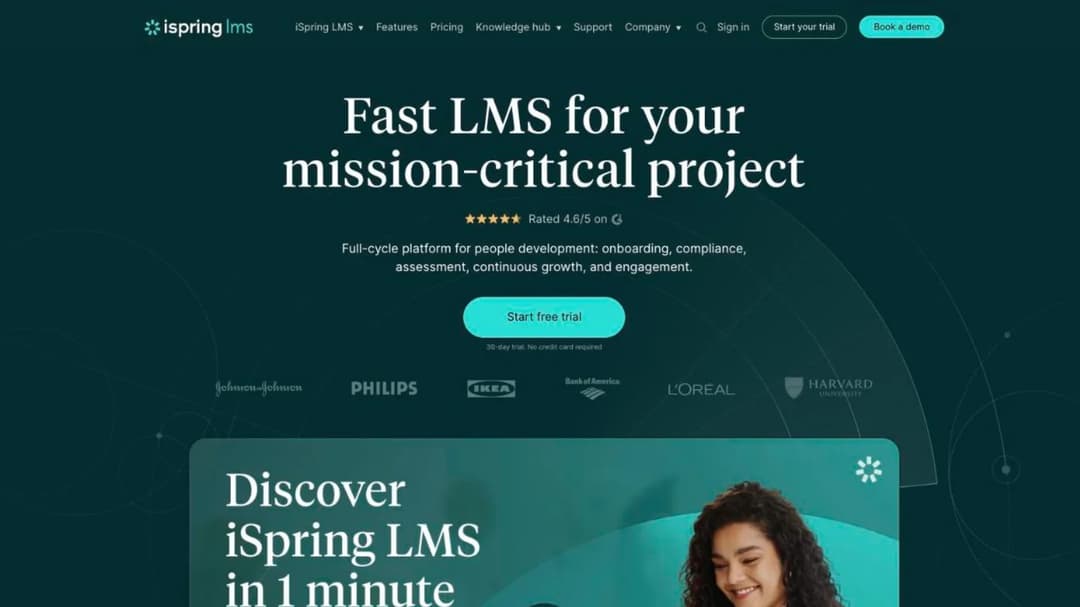
Best for: plants of 100 people and up that want delivery and a competence record from one vendor.
Top Features
- On-the-job training tools and competency profiles in the standard plan
- Compliance assignment with re-enrollment and certificate-expiry tracking
- Learner interface in 28 languages, AI course translation into 70+
- Native apps with offline learning
- SCORM 1.2 and 2004 import from any authoring tool
iSpring is the delivery platform here that comes closest to a records system without being one. Its standard plan lists “on-the-job training tools” and “360° feedback and competency profiles”, and its compliance line names the regulations customers train staff against, OSHA among them. That’s a statement about training support, not a certification iSpring holds.
The language split is published in full: a 28-language learner portal and AI translation of course content into 70-plus languages. Its apps support offline learning, though iSpring’s pages don’t say what happens to a completion on reconnect, so make that a demo question.
It meters on active users, defined as anyone who “has logged in at least once during a month”, which suits a stable workforce with a few people on leave.
Pricing: $6.91 per user per month at 100 active users ($8,286 a year), $4.46 at 300 ($16,050), $3.97 at 500 ($23,790). Enterprise is quoted. No plan below 100 users.
Pros
- Competence and on-the-job tools in the base plan, not an add-on
- Interface and course languages published separately
- A full price ladder you can budget from without a call
Cons
- Won’t sell below 100 active users
- Offline record behavior isn’t published
- No supervisor sign-off workflow is described in the plan wording beyond “on-the-job training tools”
2. Schoox
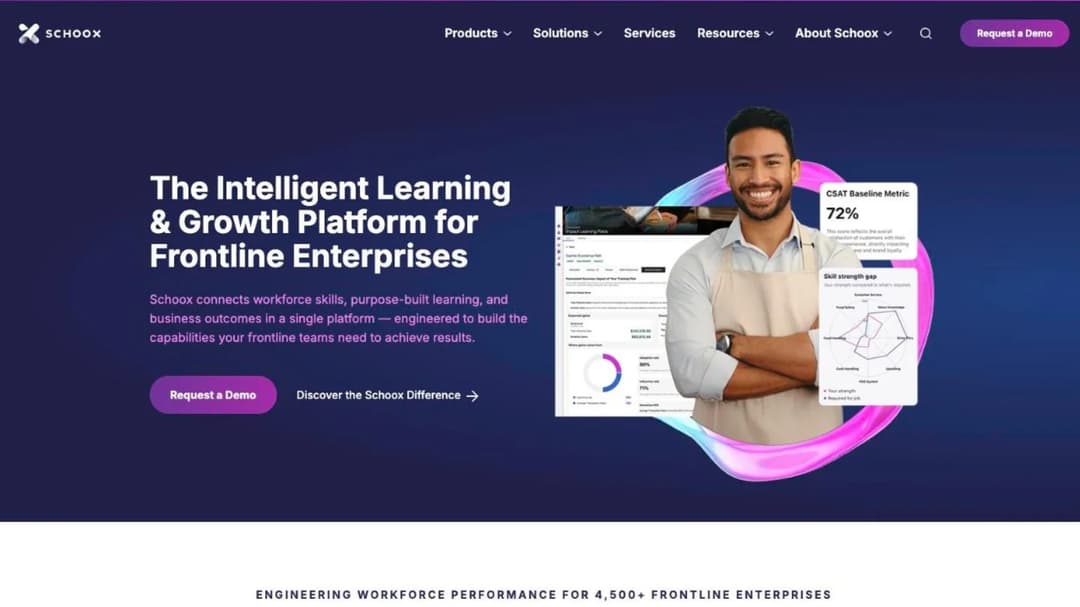
Best for: multi-site operators who want separate academies by brand or region and a branded app, and can live with a quote.
Top Features
- Separate academies by brand, region or site
- Branded mobile app “at no additional cost”
- HRIS connections including ADP, Oracle, Paylocity, SAP, UKG and Workday
- Content marketplace of more than 100,000 courses from 13 providers
- Pricing scaled partly to how often learners log in, not just headcount
Schoox is built for frontline estates, and it names OSHA on its manufacturing pages. What it doesn’t publish matters more for the sign-off test. No supervisor sign-off or observation workflow is described anywhere on its site, and no certificate-expiry or renewal language either. Its real strength for a multi-plant operator is administrative: separate academies by brand, region or site, not a documented competence record.
Two things to check. Offline is described as “training materials that can be accessed offline”, which is access, not a synced record. And it’s mid-migration between two apps: the new Schoox app is rated 1.64 from 56 iPhone ratings, while Schoox Classic carries a “We’re moving!” notice.
Pricing depends on “how many learners you have; whether they’re internal, external, or a combination of both; how often learners will access the platform”. That last variable can favor a plant where most people train a few times a year.
Pricing: not published.
Pros
- Separate academies by brand, region or site, useful for a multi-plant rollout
- Branded app at no extra cost
- Priced partly on how often people use it
Cons
- No supervisor sign-off, observation or renewal-tracking language published
- No price published
- Two apps live during the migration, and the new one is rated poorly
3. Tovuti
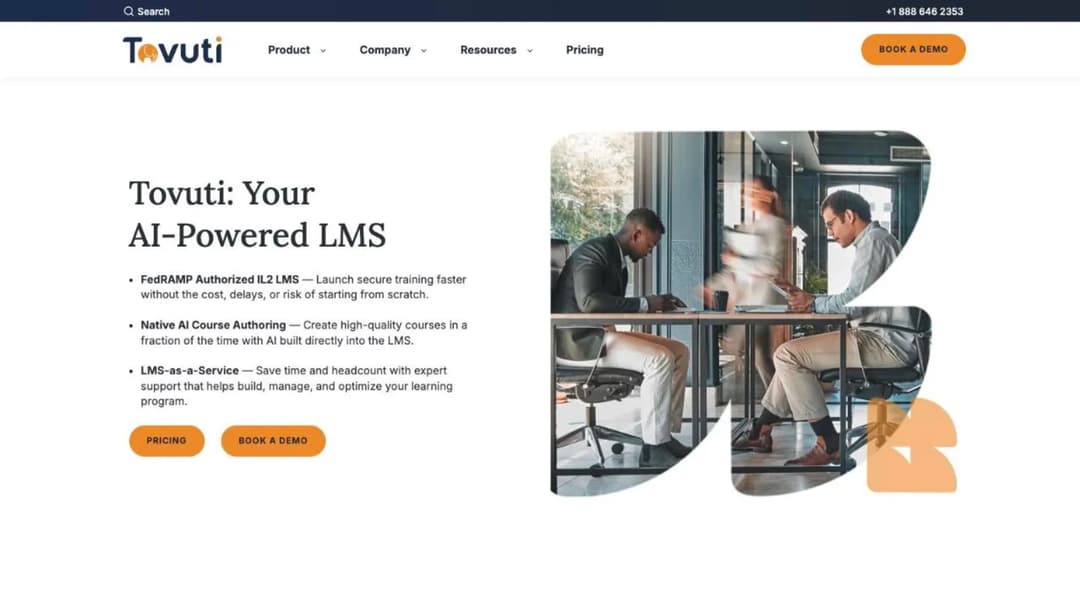
Best for: a manufacturer of 100 learners or more that wants one annual number and checklists in the same tool.
Top Features
- Certifications and compliance tracking in the base plan
- Checklists among 40-plus interactive content types
- Automated assignments and reminders
- Native mobile app listed as offline in the base plan
- Branded portals
Tovuti names manufacturing among the sectors it sells to, and it’s one of the few platforms here that prints an all-in annual figure. The base plan lists “Certifications & compliance tracking”, “Automated assignments & reminders” and “Branded portals & native mobile app (offline)”. Checklists are one of its 40-plus content types, which gives a supervisor something to complete on the floor.
One contradiction to settle before you sign. The pricing page includes the offline native app in the base plan, while a features page says fully branded iOS and Android apps under your own name cost extra. Ask which app the base price buys.
Languages are “dozens”, with no count published.
Pricing: “$7,500 / year for your first 100 learners, then scales”. The per-learner rate above 100 isn’t published.
Pros
- A published annual price for the first 100 learners
- Checklists and certification tracking without an add-on
- An offline app listed in the base plan
Cons
- The rate above 100 learners isn’t published
- Branded apps may cost extra, and the two pages disagree
- No language count
4. Employee Training Manager
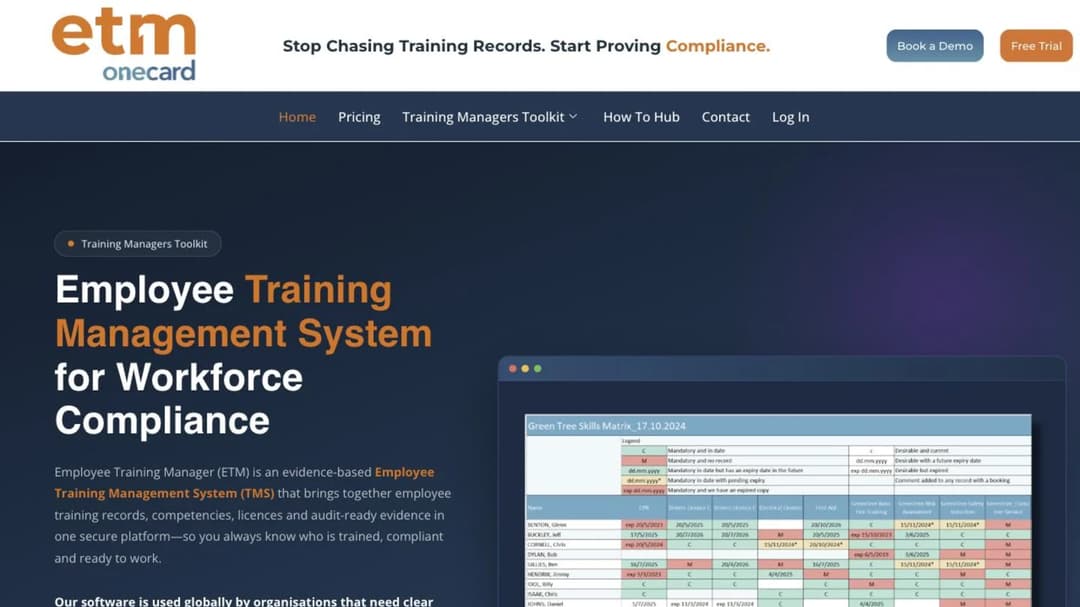
Best for: a plant whose gap is the register of competencies and licences, not the courses.
Top Features
- Training records, competencies, licences and compliance evidence
- Requirements held against roles and people
- Renewals held against dates
- Reports built for someone outside your team to read
- Works beside an existing LMS
Employee Training Manager is a training management system, and it says plainly that delivering content is the LMS’s job while managing the evidence is its own. Manufacturing is among the sectors it names, beside mining, construction, logistics and utilities.
That makes it the honest answer to a common plant problem. You already have training, on paper, in a classroom or in an LMS.
What you don’t have is one place that says who holds which competency and when it lapses. Put this beside a feature grid of LMSs and it looks thin, because it doesn’t deliver courses. Put it beside a filing cabinet before an audit and it’s the only serious option.
Pricing: from $49 a month for up to 30 employees, with a 14-day free trial and no credit card.
Pros
- Built around competencies and licences, not completions
- A real starting price for a real headcount
- A trial with no card, so you can load your own records first
Cons
- No course delivery, so you still need something that trains
- The published price stops at 30 employees
- No shared-device or offline story, because learners don’t use it
5. Training Manager by Kaizen Software
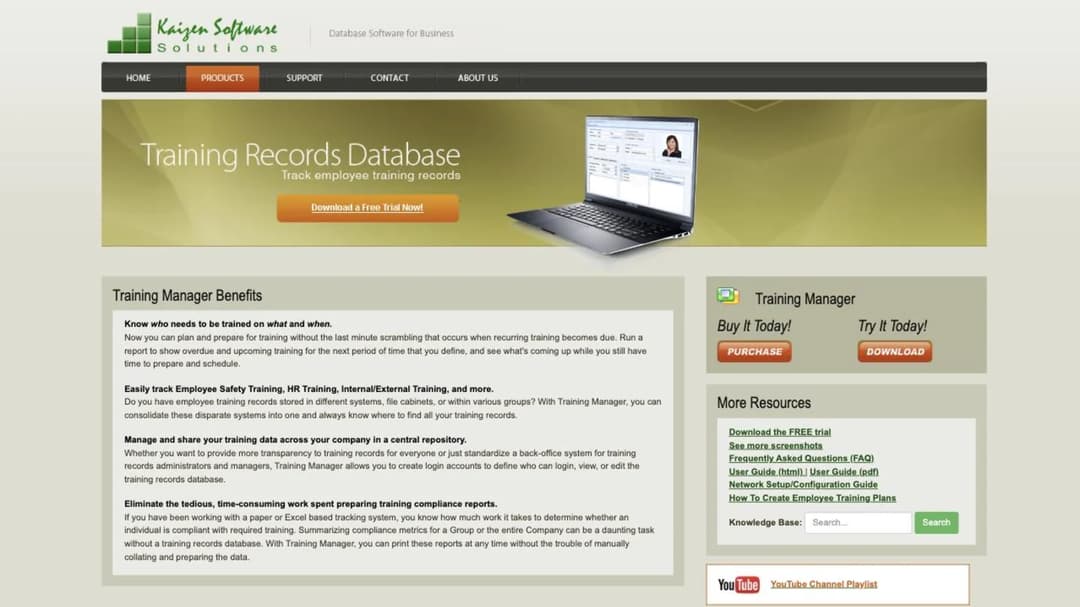
Best for: a single site that wants a register bought once, with retraining tied to the version of the instruction.
Top Features
- Training assigned by individual, job function or group
- Retraining required on calendar time, course version or one time only
- Printable compliance status reports
- Audit-trail report of data changes
- Network-shared or web edition
Training Manager is a training-records database with no e-learning in it. Its standout rule is version-triggered retraining: publish a new version of a course and everyone who took the old one becomes due again. When a work instruction changes after a quality finding, that’s the behavior you want, and calendar refreshers can’t express it.
Assignment by job function means a new press operator inherits every requirement for the role on day one, instead of someone adding them by hand.
Pricing: a perpetual license. Standard Edition for one user is $495, Enterprise Edition for unlimited users is $995, and the Web Edition is priced “Based on personnel”. A trial download is available.
Pros
- Retraining on course version, which a changing instruction needs
- Bought once, with nothing to renew on the desktop editions
- Role-based assignment that survives people moving jobs
Cons
- No course delivery or learner experience
- The network edition assumes IT support a small team may not have
- The web edition’s price isn’t published
Group Two: Built for the Floor Device
Four platforms that have thought about who’s holding the handset. None of them publishes an offline record.
6. Axonify
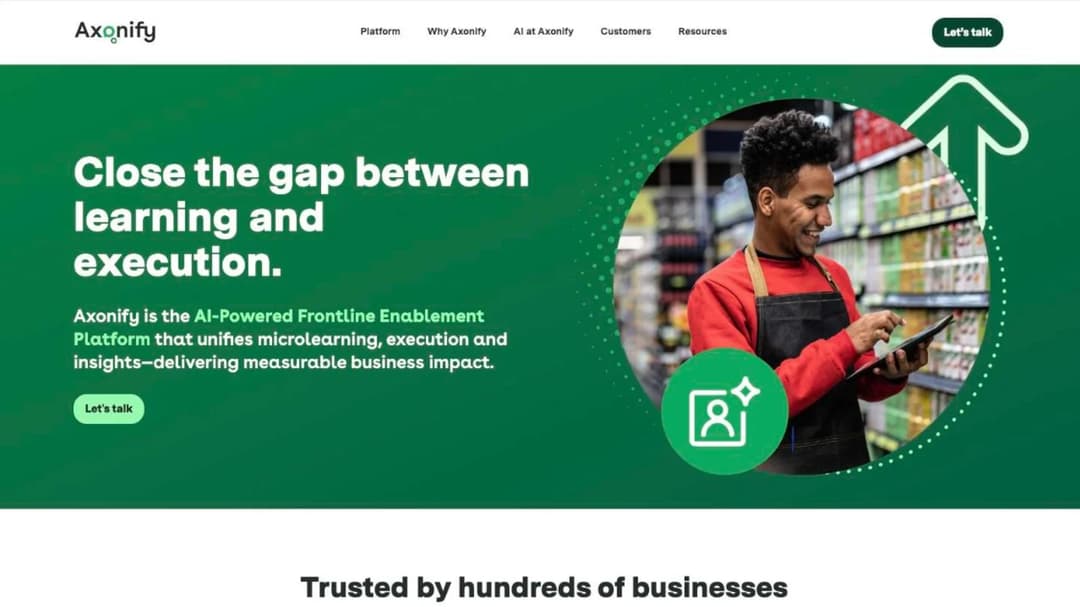
Best for: large operations running training on kiosks, tablets and Zebra handhelds.
Top Features
- The same experience on mobile, tablet, kiosk and desktop
- Zebra Technologies handheld integration
- Employer-issued access codes instead of email sign-up
- Translation into 60-plus languages through its Max AI assistant
- HRIS connections including Workday, UKG Dimensions, SAP SuccessFactors and ADP
Axonify is the platform in this guide that names shared company devices in product. It promises “Mobile, tablet, kiosk, desktop—the same experience everywhere”, delivers “daily training and communications directly on the Zebra devices your frontline uses every day”, and its app asks for “an access code provided by your employer”. It names Walmart, Kroger, Lowe’s and AT&T among its customers.
What it doesn’t publish matters for a plant. There’s no offline claim, no certificate-expiry or renewal language, and no supervisor sign-off workflow. Its compliance language is generic. Axonify is strong at getting a short daily session onto a shared device and weaker on the record an auditor reads.
Pricing: not published.
Pros
- Shared devices and rugged handhelds are supported by name
- No email address needed to get in
- A widely used frontline app, with 28,043 iPhone ratings
Cons
- No offline claim
- No published renewal or sign-off capability
- No price, and an enterprise-shaped sales process
7. Connecteam
Best for: a plant of 10 to 200 people already using Connecteam for shifts, with a break-room terminal.
Top Features
- A separate Connecteam Kiosk app for one shared device
- Courses and quizzes in the HR & Skills hub
- Scheduling, time off and documents in the same app
- A free-for-life plan for up to 10 users
- Published per-hub pricing
Connecteam is a shift-management app that holds courses, and for a plant already running rotas in it, that’s the right way round. The worker app carries 58,108 iPhone ratings, and the separate “Connecteam Kiosk” app exists for the single terminal a whole shift shares.
The pricing needs reading. Courses and quizzes live in the HR & Skills hub, which is sold separately from the Operations and Communications hubs. A plant that wants shift communications and training buys two hubs. Archived users still count toward the headcount, a trap covered in the free LMS comparison.
There’s no offline mode in either app and no published sign-off beyond quizzes.
Pricing: per hub. Basic $29 a month for the first 30 users, then $0.50 to $0.80 per extra user; Advanced $49, then $1.50 to $2.50; Expert $99, then $3.00 to $4.20. Annual billing saves 18%. Free for life up to 10 users.
Pros
- A dedicated kiosk app for a shared terminal
- Training lives in the app workers already open for their shifts
- Published prices, including a real free tier
Cons
- Training and comms are separate purchases
- No offline mode
- Archived users count toward your headcount
8. 360Learning
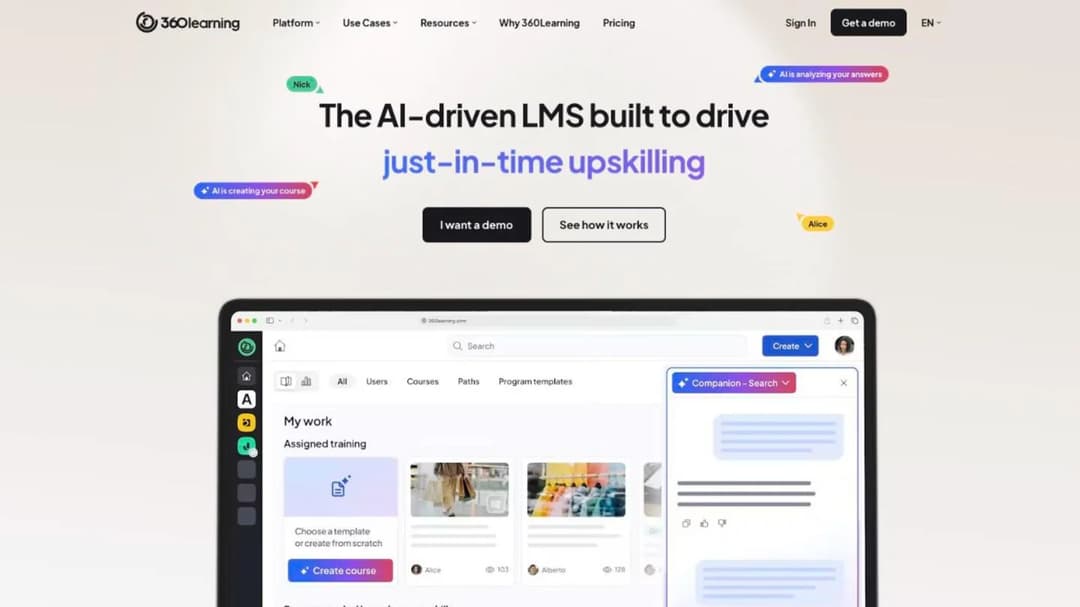
Best for: plants of up to 100 learners on a monthly plan, or larger manufacturers that want a shared-device mode and employee-ID login.
Top Features
- Shared-device mode, with stats tracked per learner on one tablet
- Username or employee-ID login with no email, plus magic-link self-registration
- Native apps with offline access
- Instructor-led session check-in with “audit-proof e-signature”
- One-click automated course translation
360Learning passes the shared-device test more completely than any general platform here. A course downloads once to a tablet and each learner’s progress is tracked separately, and people can sign in with an employee ID instead of an email. For classroom and toolbox-talk sessions, self check-in with an audit-proof e-signature gives you attendance evidence.
It also names manufacturers. 360Learning says ArcelorMittal reached a “93% course completion rate” with “100,000+ active learners migrated”, that Safran runs “92,000 employees on a single learning platform” in 14 languages, and that Ishida saved “230K paper sheets”. Those are the vendor’s own accounts of its customers, and they’re a good reason to ask for a manufacturing reference call.
It describes no export of a course built inside it, and no platform-wide language count. More on how it compares in our 360Learning alternatives guide.
Pricing: Team is $8 per user per month for up to 100 users, billed monthly, with no minimum number of users. Business and Enterprise are quoted.
Pros
- Per-learner tracking on a shared tablet, with no email needed
- E-signature check-in for in-person sessions
- A monthly plan with no user minimum
Cons
- No course export described
- What happens to an offline completion isn’t spelled out
- Larger plans are quoted only
9. eduMe
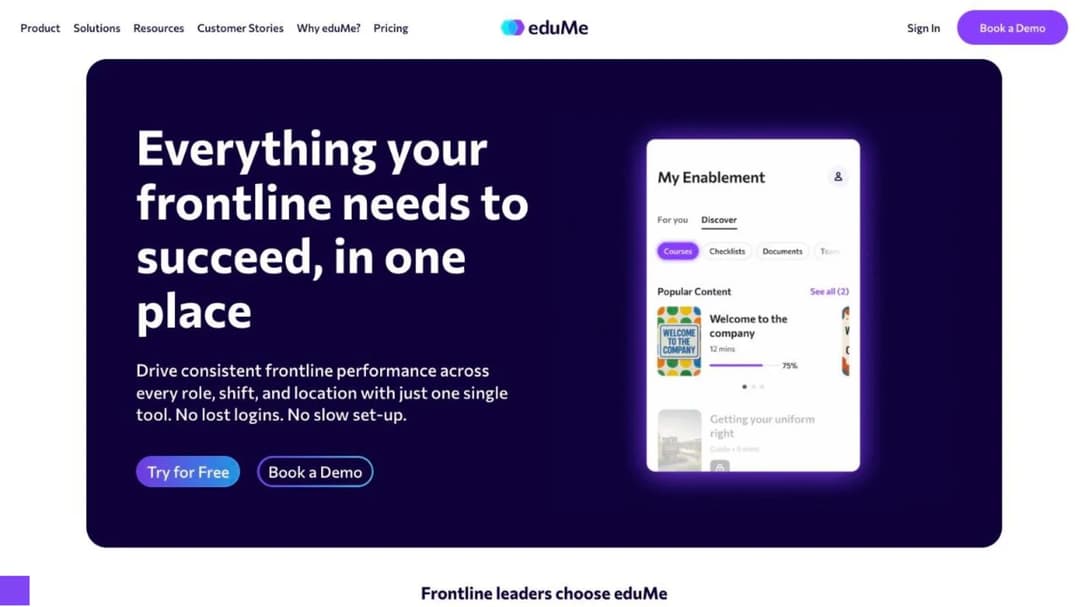
Best for: manufacturers whose workers already live in Teams or Workday, and who want evidence capture as a module.
Top Features
- No learner app: delivery by SMS, email, QR code, Teams or Workday
- In-person assessments with evidence capture (Advanced Compliance add-on)
- SOP-generated checklists with evidence capture (Checklists add-on)
- Broadcasts with acknowledgement tracking
- 50-plus languages
eduMe answers the no-email question without an app. Learners reach training “in one tap through tools like Workday and Microsoft Teams, within your proprietary employee app, or alternatively via SMS, email or QR code”. A QR code on the machine guard is a real delivery route here. eduMe names BorgWarner among its customer stories.
For a plant, the interesting part is the add-ons. In-person assessments with evidence capture and SOP-generated checklists are exactly the sign-off this guide asks about, and both are priced outside the core platform. The quote you get has to name them.
There’s no offline mode. Its license agreement renews for 12 months unless you give 90 days’ written notice. Our eduMe alternatives guide covers the contract in detail.
Pricing: no price on its plans page. Its own blog posts state “$3.49 per user, with a minimum of 100 users”; treat that as a starting point for the conversation.
Pros
- QR, SMS and Teams delivery with no app and no email
- Evidence capture for in-person assessments exists as a product
- Checklists generated from SOPs
Cons
- The sign-off features are paid add-ons
- No offline mode
- A 100-user minimum and a 90-day renewal notice
Group Three: Offline That Keeps the Record
Three platforms that say in writing what happens to a completion when the signal comes back.
10. TalentLMS
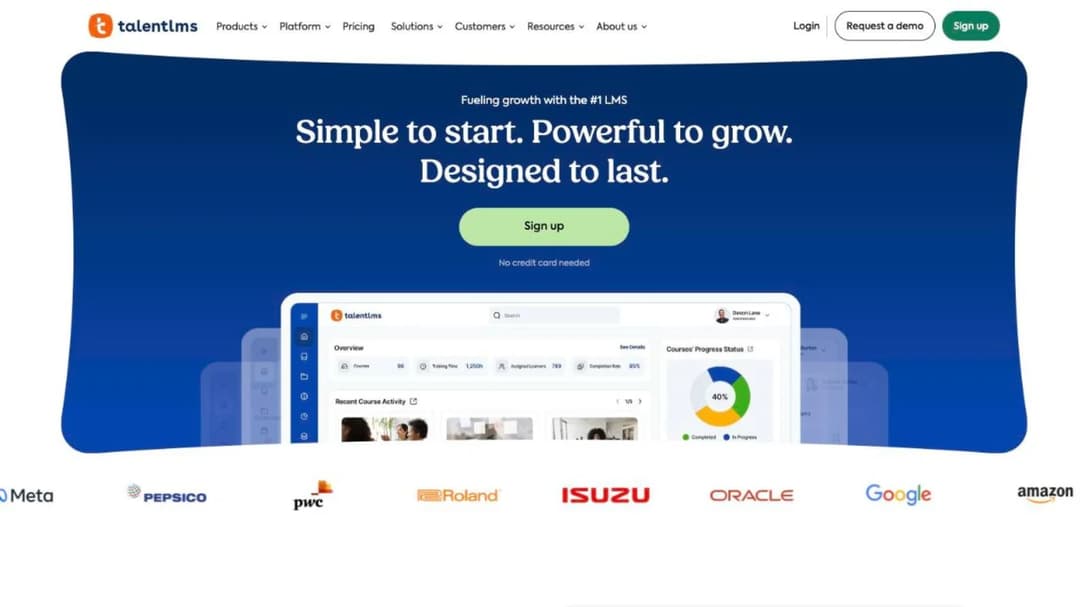
Best for: a single plant of up to a few hundred people that wants to buy without a sales call.
Top Features
- Offline download, completion and sync, for compatible content
- Automatic course re-assignment when a certification expires
- Certificate duration from “Forever” to a set period
- Published price ladder with per-user overage
- Branches for separate sites
TalentLMS is the platform you can price for a plant this afternoon. Learners “can download courses, complete them offline, and sync their progress when back online”, and the footnote says it “applies to offline compatible content”, which isn’t defined. Test it with a course you built.
On renewal, it can re-assign a course when a certification expires, which covers calendar refreshers. It doesn’t publish version-triggered retraining or supervisor observation.
Two limits. It imports SCORM 1.2 only and doesn’t export SCORM. Its branded app is Android-only and costs extra. How SCORM content moves between systems is explained in what a SCORM file is.
Pricing: free for 5 users and 10 courses. Core $119 a month for 1-40 users, Grow $229 for 1-70, Pro $449 for 1-100 plus $6 per extra user, all on annual billing; monthly billing is 20% higher. Enterprise starts at 1,000 users, with a flexible option from 500.
Pros
- Offline completion that syncs, stated in writing
- Automatic re-assignment on certification expiry
- Every price and seat band published
Cons
- “Offline compatible content” isn’t defined
- SCORM 1.2 import only, no export
- Branded app on Android only, at extra cost
11. Absorb
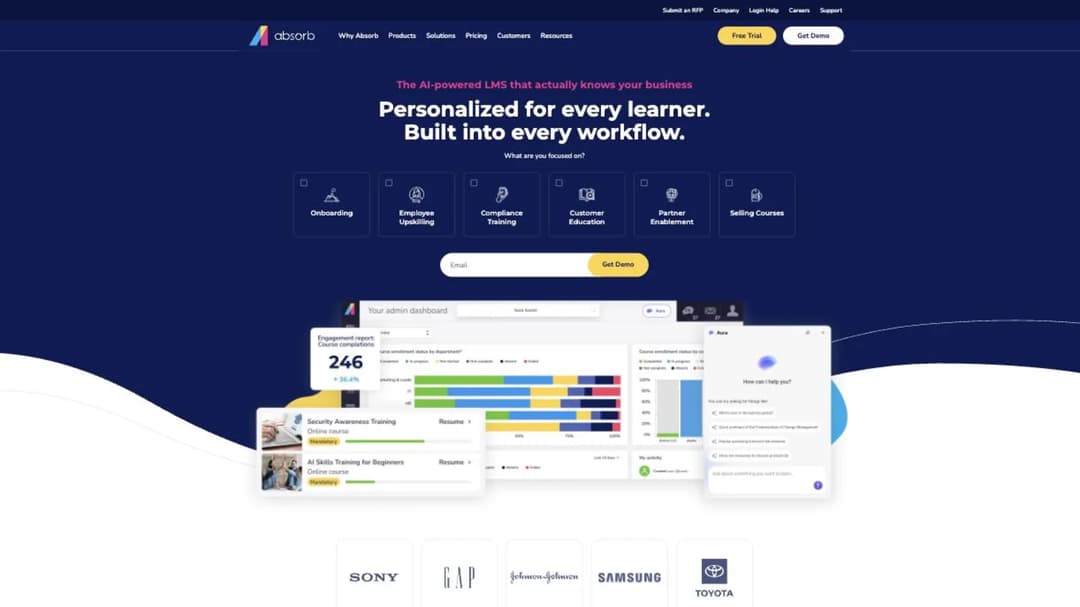
Best for: multi-plant manufacturers that need offline delivery and separate portals by site or language.
Top Features
- Offline training in the Absorb Learn app, with progress sync
- Multi-tenant portals by role, location or language
- Interface in 25 languages
- SCORM 1.2 and 2004, import and export
- HRIS connections including ADP, Workday, UKG Pro and Dayforce, plus Deputy scheduling
Absorb’s site now sits at absorbai.com, but the product is still called Absorb LMS. Its offline sentence names the mechanism: learners download content “and their progress will sync to the LMS once they re-establish a connection.”
For a company with several plants, the portal structure matters. Absorb describes itself as a multi-tenant LMS that can create “unique learner portals based on any number of criteria, including roles, locations, languages and more”, so a plant in Mexico and a plant in Ohio can each run in their own language and content set.
It doesn’t publish a supervisor sign-off workflow, and its app has few ratings. More in our Absorb alternatives guide.
Pricing: not published. The pricing page asks you to pick one of eight learner bands, from 1-50 to 25,000+, and submit contact details before a quote.
Pros
- Offline completion with sync, in writing
- Separate portals per plant, role or language
- SCORM in and out, both versions
Cons
- No published price
- No published sign-off or observation workflow
- The learner app has only 14 iPhone ratings
12. Mitti
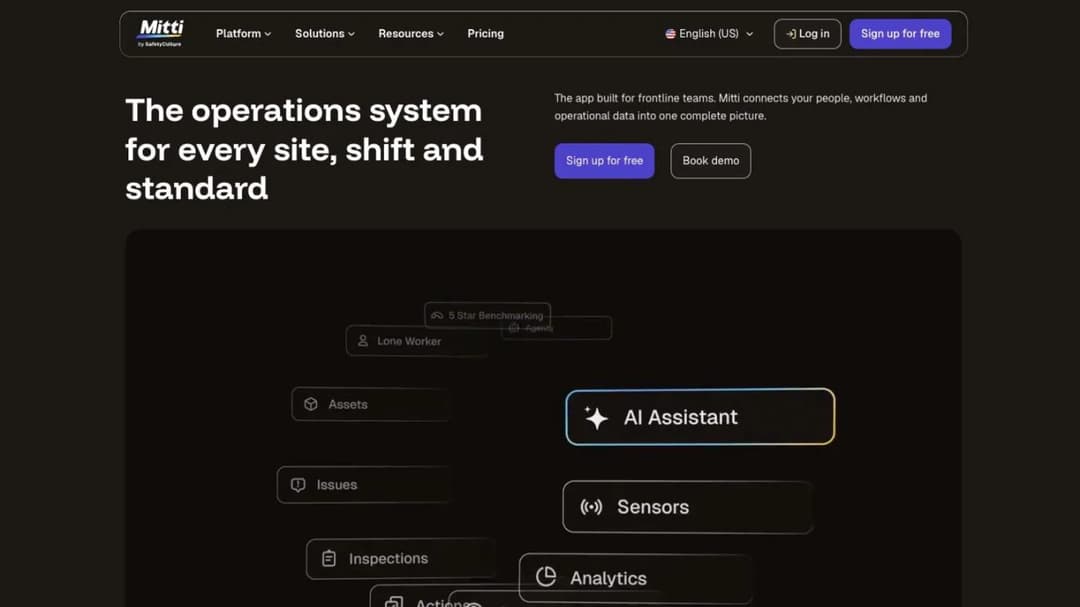
Best for: plants that also want inspections and asset checks in the same app as training.
Top Features
- Offline course completion with progress sync
- Training alongside inspections, assets, compliance and insurance
- More than 1,000 editable ready-made courses
- Free for up to 10 seats
- Published per-seat pricing with unlimited seats
Mitti is the platform most people still call EdApp; it was SC Training in between, and its learner app is still listed as “EdApp: Mobile LMS”. It now sits inside SafetyCulture’s operations suite, where training is one module of five beside inspections, assets, compliance and insurance.
For a plant that already runs inspections on SafetyCulture, that’s a real advantage: the checklist on the machine and the course about the machine live in one system. Its offline wording is the complete kind: workers “access and complete courses without a connection, and progress syncs the moment they’re back online.”
The trade is price. Per-seat pricing across a whole operations suite adds up at plant headcount: 300 people on Premium is $86,400 a year.
Pricing: free to 10 seats. Premium $24 per seat per month billed annually, or $29 monthly, with unlimited seats. Enterprise is quoted.
Pros
- Offline completion with sync, stated plainly
- Inspections and training in one app
- A published per-seat price
Cons
- Expensive per head if training is all you need
- Three names across the contract, the platform and the app store
- The learner app’s last update was March 2026
Group Four: Your Own Work Instructions, Fast
13. Mini Course Generator
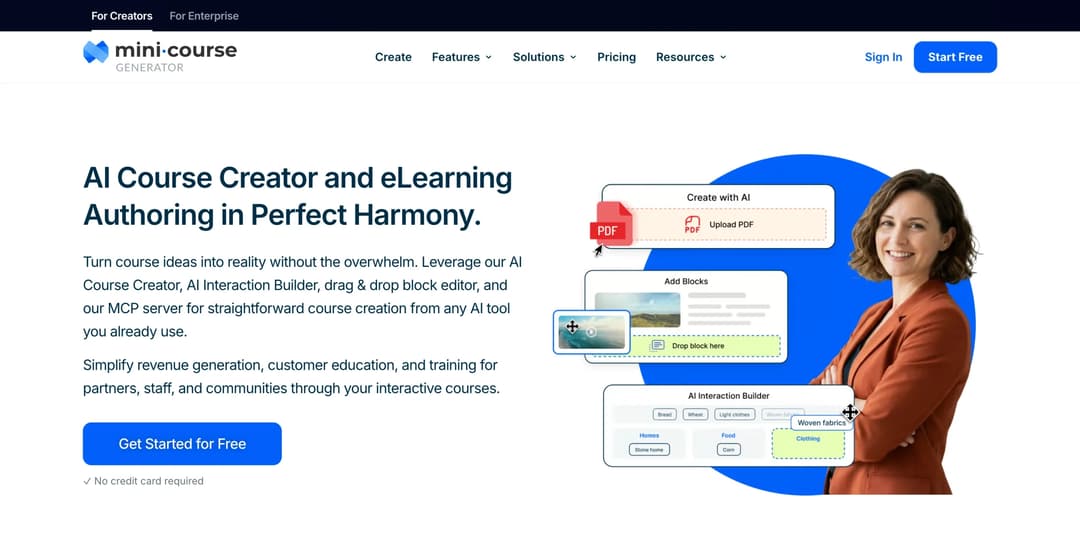
Best for: turning the work instructions, SOPs and safety briefings a plant already has into short phone courses the same week, delivered by link.
Top Features
- AI Course Creator and PDF to Course Creator for existing documents
- AI Interaction Builder, including Image hotspots and Simulations
- Gateways, including magic links for password-less access
- Share links, embeds, and SCORM or PDF export
- Certificates & Badges, learning analytics and learner tracking
Mini Course Generator is our product. It’s an AI course creator with an LMS attached, and on this page it does one job: the content.
A PDF work instruction goes in, and a short course with image hotspots on the machine photo, a scenario and a quiz comes out. The course opens from a link or a QR code on a personal phone, with no install, and learner access settings such as magic links mean no company email is needed. AI course translation and an accessibility widget with AI voice-over help with a mixed-language workforce.
Where it stops, plainly. There’s no iPhone or Android app and no offline mode, so a course won’t run where there’s no signal. There’s no kiosk mode or shared-device sign-in.
There’s no supervisor sign-off or observation checklist, no recertification schedule by role, and no skills matrix. HRIS connections go through Zapier, Make and webhooks, and SSO for learners is on the Custom plan.
It can still sit beside a records system. Courses export as SCORM, so the training you build can run inside the LMS or register that holds the sign-off.
Every plan opens with 14 days of full access and no credit card; the plans are on the pricing page.
Pros
- A work instruction becomes a course the same day, without an agency
- Opens from a link or QR code with no app and no email
- SCORM export lets the content live in another system
Cons
- No offline mode and no mobile app
- No supervisor sign-off, observation or skills matrix
- No kiosk or shared-device sign-in
How to Choose an LMS for Manufacturing
Four questions, asked in this order, usually cut thirteen names to three. The same questions sit in a longer guide to choosing an LMS if you’re writing a formal selection.
Who owns the training record in your plant?
Ask quality and EHS before you ask vendors. If a QMS already holds training records, you’re buying delivery and the sign-off stays where it is. If nobody holds them, you’re buying a record, and group one is your starting point.
Some plants need both halves from two vendors: a register like Employee Training Manager or Kaizen for competence, and a delivery tool for the courses. That’s a legitimate architecture, not a failure to find one product. The records side is unpacked further in the employee training software comparison.
The rule: name the system of record in one sentence before the first demo.
Does the platform know who’s holding the shared device?
Walk the floor and count the devices. If workers carry their own phones, link-and-QR delivery works. If a shift shares a tablet, only a platform with per-person sign-in on a shared device keeps the record honest: 360Learning’s shared-device mode, Axonify’s access codes, Connecteam’s kiosk app.
If the cell has no signal, add the offline test and keep the three platforms that sync the record: TalentLMS, Absorb and Mitti.
The rule: pick the device model first. It removes more names than any feature.
What happens when the work instruction changes?
A quality finding rewrites a procedure on Tuesday. By Friday, who is trained on the new version, and who is still signed off on the old one?
Kaizen retrains on course version. TalentLMS and iSpring re-assign on expiry, which is calendar-based. Most platforms need an admin to re-assign by hand.
Put a rewritten instruction through the demo and watch what the report says. For what an admin report should show you, see LMS reporting, and for the questions to ask on the call, LMS demo questions.
The rule: if your instructions change often, version-triggered retraining is a requirement, not a nice-to-have.
Can you actually buy it at your headcount?
Check the floor before the demo. iSpring and eduMe start at 100. Tovuti prices from the first 100 learners.
TalentLMS, 360Learning, Connecteam and Employee Training Manager sell to a small plant. Axonify, Schoox and Absorb don’t publish a number.
Then go back to the worked example. At 300 people, the paid training time runs into six figures a year and the license into five. A platform a worker can finish in ten minutes at the start of a shift saves more than any discount.
The rule: get the seat floor and the per-user price in the same email as the demo invitation.
Buy the Sign-Off First, Then the Screen
Decide where the competence record lives before you look at a single interface. If quality owns it, shortlist on device and offline. If nobody does, shortlist on the sign-off, and accept that the answer may be a register plus a delivery tool rather than one platform.
Then run three demo tests on the finalists: a supervisor signs someone off on a shared tablet, a course is finished in airplane mode and syncs, and a rewritten instruction makes the right people due again. A plan for your own rollout, once you’ve chosen, starts from an employee training plan template and a new hire training plan.
When the gap is the training itself, build the short, interactive course from the work instruction you already have and put it in front of one shift this week.
Frequently Asked Questions
What is the best LMS for manufacturing?
It depends which test your plant fails. For the competence record, iSpring LMS or Tovuti, or a register such as Employee Training Manager beside your current training. For shared devices, 360Learning, Axonify or Connecteam. For areas with no signal, TalentLMS, Absorb or Mitti, which sync a completion on reconnect.
Can an LMS replace our paper sign-off sheets?
Only if it records who signed, against which version of the instruction, and when it renews. iSpring describes on-the-job tools and competency profiles, eduMe sells evidence capture as add-ons, and records systems like Kaizen Training Manager retrain on course version. A platform that records only completions won’t replace the sheet.
Do we have to pay workers for training time?
For non-exempt employees, job-related training is working time under the Department of Labor’s rules, and hours over 40 in a workweek are paid at time and a half. With manufacturing’s average week at 41.7 hours, schedule training inside the shift wherever you can.
How do we train workers who don’t have a company email?
Use a platform with a no-email path: employee-ID login and shared-device mode (360Learning), employer access codes (Axonify), a kiosk app (Connecteam), SMS or QR delivery (eduMe), or a link with magic-link access (Mini Course Generator). On a shared tablet, make sure each person signs in separately.
Should training records live in the LMS or the quality system?
If your plant runs a QMS that already holds training records, keep them there and use the LMS for delivery. Two systems holding the same qualification drift apart. If no system holds them, choose a platform or register that can, and link it to your other systems through its integrations or a SCORM or xAPI export, covered in xAPI vs SCORM.
Sources
- US Bureau of Labor Statistics, Job Openings and Labor Turnover Survey – quits and total separations rates, manufacturing, retail trade and all industries, 2021 and 2025 annual averages
- US Bureau of Labor Statistics, Current Employment Statistics – manufacturing employment, average weekly hours and average hourly earnings of production and nonsupervisory employees, August 2026
- US Department of Labor, Fact Sheet #22: Hours Worked Under the FLSA, and its overtime pay guidance
- iSpring LMS pricing, compliance training and product pages
- Schoox site, manufacturing and pricing pages, and app listings
- Tovuti pricing and features pages
- Employee Training Manager site
- Kaizen Software Training Manager product and purchase pages
- Axonify platform page and app listing
- Connecteam pricing page and app listings
- 360Learning pricing, mobile learning and customer pages
- eduMe plans page, license agreement and blog pricing references
- TalentLMS pricing and mobile pages
- Absorb pricing, platform and mobile pages
- Mitti pricing and training pages
- Qualityze training management page
- Mini Course Generator pricing


