

A $100 course sale on Teachable’s Starter plan leaves you $89.30. The platform fee takes $7.50, and card processing takes another $3.20 at 2.9% plus 30 cents, so the rate you’re actually paying is 10.7%. That arithmetic is why most people start reading about Teachable alternatives in the first place.
Here’s the part the number hides: 7.5% is a plan choice, not a property of the platform. Builder, Growth and Custom all show 0%, and that zero has a condition attached to it. And the fee isn’t even the biggest thing on your account you don’t control, because Teachable’s terms hand every buyer a fourteen-day full refund that you can’t shorten on your own.
So this guide runs the arithmetic before it runs the list. What the fee costs at home and abroad, what the contract decides for you, then eight platforms compared on the three things that genuinely differ between them: the shape of the fee, who controls the refund, and what you can take with you when you go.
Sell your course with no commission taken – the pay-wall sits on the course itself, and the money lands in your own account.
The Short Answer: Upgrade, Switch, or Stay
Switching platforms costs a weekend if you sell one course and a month if you run a membership. Before you spend either, run one test: does 7.5% of your monthly sales cost more than the $40 gap between Starter and Builder?
If you sell under $533 a month, stay on Starter. The annual price gap from Starter to Builder is $40 a month ($69 against $29), and 7.5% of your sales only reaches $40 once you’re selling $533. On monthly billing the gap is $50 ($89 against $39) and the line moves to $667. Below it, the fee everybody tells you to escape is the cheapest thing on your account.
If you sell above that line and the fee is your only problem, upgrade. Builder costs $40 a month more on annual billing and charges no platform fee. A migration to fix a $40 problem is a bad trade, and the upgrade takes ten minutes.
If the problem isn’t the fee, the rest of this page is for you. One admin seat until the $139 tier. A refund window you didn’t write and can’t shorten. No file you can hand a company that asks for one. Or a business model that never fitted a course catalogue in the first place. Those are the four reasons to actually move, and each one points at a different platform.
What Teachable Actually Costs
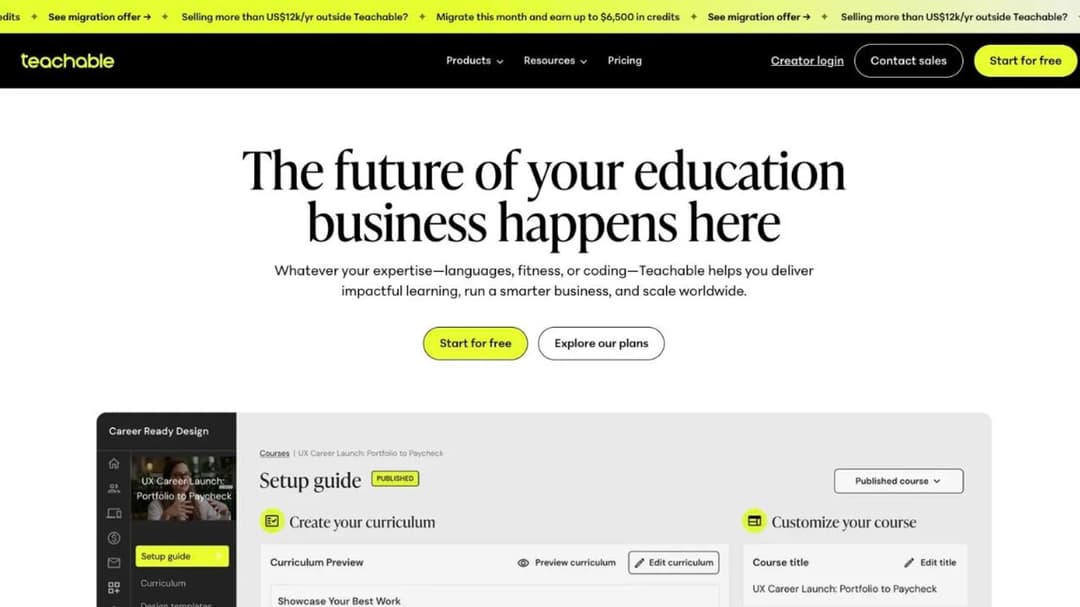
Teachable sells four plans: Starter, Builder, Growth and Custom. If you’re holding plan names like Basic or Pro in your head, they’re not on the price list any more, so check which tier you’re actually on before you compare anything.
| Plan | Monthly | Annual | Transaction fee | Products | Admin seats |
|---|---|---|---|---|---|
| Starter | $39/mo | $29/mo | 7.5% | 5 | 1 |
| Builder | $89/mo | $69/mo | 0% on Teachable’s own payment rails | 10 | 1 |
| Growth | $189/mo | $139/mo | 0% on Teachable’s own payment rails | 50 | 5 |
| Custom | Quote only | Quote only | 0% on Teachable’s own payment rails | Not published | Not published |
Card processing sits on top of that column on every tier, including the ones that show 0%. Prices as of September 2026.
The 7.5% is a Starter-only fee, with a condition attached
That fee applies to exactly one plan. Everything above Starter shows 0%, and the crossover between paying the fee and paying for the upgrade is a single number you can check against your own sales.
On annual billing, Starter is $29 a month and Builder is $69, a gap of $40. Seven and a half percent of your sales reaches $40 at $533 of monthly sales. On monthly billing the gap is $50 and the line sits at $667.
Now the condition, which is the part worth knowing before you upgrade. Teachable’s own pricing FAQ puts it like this: “There are 0% transaction fees on the Builder, Growth and Custom plans for those using teachable:pay or Monthly Payment Gateway. There is a 7.5% transaction fee on the Starter plan. Standard processing fees may still apply.”
So the zero isn’t unconditional. It’s zero if you also take payment the way Teachable prefers. If you had planned to route sales through your own provider on Builder, price that plan again before you buy it, and name the tier rather than the platform when you complain about the fee.
What a $100 sale leaves, at home and abroad
The headline percentage isn’t the rate you pay. Card processing is published separately, and it changes depending on where your buyer lives and what they pay with.
| A $100 sale on Starter | Platform fee | Processing | You keep |
|---|---|---|---|
| US card | $7.50 | 2.9% + 30¢ = $3.20 | $89.30 |
| International card | $7.50 | 3.9% + 30¢ = $4.20 | $88.30 |
| International PayPal | $7.50 | 4.99% + 49¢ = $5.48 | $87.02 |
Teachable says it serves more than 100 million students across 180 countries, so for a lot of creators the international line is the normal line, not the exception. Work out your own split between home and abroad before you trust the 2.9% figure.
Two more deductions sit in the same fee block. A disputed sale costs a flat $15 chargeback fee, which means a charged-back $47 course costs you more than it ever earned. And an optional BackOffice add-on, tied to automated payout and tax management for affiliates and authors, carries a 2% to 2.8% fee of its own – so a creator running an affiliate program can be paying three deductions on one sale.
The caps that move you up a tier have nothing to do with the fee
Plenty of Teachable upgrades have nothing to do with money coming off a sale. They’re seat counts and feature gates, and they’re only written down in the plan comparison.
Products run 5 on Starter, 10 on Builder and 50 on Growth – five on Starter, not one. Teachable’s FAQ also explains the counting rule: “Each one counts as 1 product toward your plan limit – regardless of how many videos, modules, or files it contains… Memberships and bundles don’t count toward your product limit. Unpublished drafts don’t count either.” If you sell one course, one bundle and keep three drafts open, you’re using one product of your five.
Admin seats are the harder cap. Starter and Builder both give you one, and five seats only arrive at Growth, which is $189 a month or $139 annually. Hire a VA to load lessons or an editor to fix captions and the seat count pushes you to the $139 tier on its own, whatever you sell.
Three more gates are worth knowing in advance. Custom domains, CSS snippets and built-in email marketing all start at Builder, so a Starter course can’t live on your own domain and can’t email its buyers from inside the platform. Removing Teachable’s branding, issuing certificates, bulk student imports and custom user roles all start at Growth, and the integrated affiliate program starts at Builder. The API publishes a number on Growth only – 10,000 requests a month and 100 a minute – while Starter and Builder show “Contact Sales” instead, and video storage reads “Up to 1TB” on every tier with no published overage price.
No free plan, and seven days to decide
The honest answer to the free question is short. Teachable’s FAQ says it plainly: “Teachable is a paid service that includes a 7-day free trial and a 30-day money-back guarantee.” There’s no free tier, and no amount of looking will produce one.
Seven days is short for a platform you’d move a business onto. You can’t run a launch, watch a drip sequence land and test a refund inside a week. The 30-day money-back guarantee on your own subscription is the real evaluation window, so buy the month, build the thing properly, and put the refund deadline in your calendar on day one.
The Terms That Decide Things You Thought You Controlled
Fees are the loud part of a platform contract. The quiet part decides your refund policy, your recourse if a payout goes wrong, and whether your content still exists after you cancel. All three are written down in Teachable’s terms of use.
Every buyer gets fourteen days, whatever your refund policy says
Teachable’s terms state that “All Students purchasing courses that are a part of the Teachable Native Gateways are entitled to a fourteen (14) day full refund from the date of purchase.” A creator can’t set a shorter window without Teachable’s approval.
Read that against a high-ticket launch. If you sell a $997 program to forty people, the platform has just written a two-week, no-conditions return policy over the top of whatever your sales page said. On those numbers the exposure dwarfs 7.5%.
It also changes how you sequence a launch. Don’t count the revenue, don’t pay the contractors and don’t switch platforms until the fourteenth day after the last sale has passed.
You get thirty days on your own subscription
The same terms give the creator a thirty-day, no-questions-asked refund on their own subscription, monthly or annual. That cuts against everything else on this page, which is exactly why it belongs here.
If you’re weighing an upgrade rather than an exit, buy Builder for a month and use it properly. If you hate it, the money comes back. That’s a longer and more honest trial than the seven days on offer.
A revenue dispute goes to arbitration, not to court
Teachable’s terms send disputes to binding confidential arbitration administered by JAMS, under New York law, with an explicit jury-trial waiver and an individual-claims-only clause. No court, no class action, no group of creators filing together.
That matters in one specific scenario: a payout that doesn’t arrive, or a sales figure you can’t reconcile. Your recourse is a private arbitration you pay to attend, not a small-claims filing. It’s not a reason to leave on its own, and it is a reason to keep your own records of every sale rather than trusting a dashboard you can lose access to.
What survives cancellation, and what may not
The termination language is the one to act on. Teachable’s terms say that on termination your user content “may be irretrievable,” and that “Teachable may keep a copy of Your User Content after termination.”
The asymmetry runs one way: your copy may be gone, their copy may not. There’s no undo and no support ticket that reverses it.
So export while the account is live and paid, not on the day you cancel. Video files, lesson copy, quiz text, PDFs, your student list – everything you’d have to rebuild from scratch. Keeping your material in a portable format is a twenty-minute job today and an impossible one the week after.
What to Check on Any Platform You Shortlist
Four checks, in the order that decides the most money first. Run all four on anything you’re weighing up, including staying where you are.
1. Fee shape before fee size
There are only three fee shapes in this market, and which one is cheapest depends on your ticket price and your monthly volume – not on which percentage looks smaller.
| Fee shape | Who charges it | What it takes from a $100 sale | When it wins |
|---|---|---|---|
| A percentage of the sale | Teachable Starter 7.5%, Skool Hobby 10% | $7.50, $10.00 | Low monthly volume, any ticket price |
| A flat fee per enrollment | LearnWorlds Starter, $5 | $5.00 | High ticket prices |
| No platform fee, bigger subscription | Kajabi, Mini Course Generator | Nothing beyond processing | Steady volume at any price |
The third row carries its own asterisk on one platform. Kajabi charges no commission, but it adds 2% on Basic, 1% on Growth and 0.5% on Pro when you route payments through a third-party provider, on top of that provider’s own fees. Teachable’s 0% has the matching condition described above. “No transaction fee” almost always means “no transaction fee if you bank our way.”
Now the two crossovers, each of which you can check in one line on your own numbers.
A percentage and a flat fee are identical at a $66.67 ticket. Five dollars is 7.5% of $66.67. Sell a $29 mini course and the flat $5 is 17% of the sale, which is worse than any percentage here. Sell a $197 program and $5 is 2.5%, which beats every percentage here. So if you sell cheap, prefer the percentage; if you sell expensive, prefer the flat fee.
Skool’s 10% beats Teachable’s 7.5% below $1,200 a month of sales. Hobby costs $9 a month plus 10%; Teachable Starter costs $39 a month plus 7.5%. Set $9 + 10% against $39 + 7.5% and they meet at $1,200 of monthly sales. Below that, the bigger percentage is the cheaper plan, because the subscription is doing most of the damage.
That’s the rule worth keeping when the prices change again: compare total cost at your own volume, never headline percentages. It’s the same sum that decides whether a marketplace or your own checkout pays better, and the first thing to settle when you’re planning how to sell courses at all.
2. How your buyers actually get in
This is the check that catches people out on the way out of Teachable, because it’s the one thing Teachable does better than almost everything else here.
- Teachable ships free native iOS and Android apps on every tier, with offline viewing.
- Kajabi includes a free customer app on every plan; a branded app is a $199 a month add-on, included on Pro.
- LearnWorlds sells its app builder as a $149 a month add-on.
- Thinkific gates a branded app to its quote-only tier.
- LearnDash sells an app add-on at $1,199 a year, plus your own developer accounts.
- Moodle bundles its official app free.
- Mini Course Generator has no native app; courses open from a share link or an embed with no login.
If your buyers finish courses on a phone, on a commute, offline, the app is a real part of what you’re giving up. Price it honestly before you move.
The login is the other half. A course that demands an account, an email verification and a password loses people between the payment and lesson one, and a $37 mini course can’t afford that. If that’s your product, prefer a platform where the course opens from a link and build the course landing page so checkout hands straight over to the first lesson.
3. What you can hand a company
Sooner or later a company offers to buy your course for its team and asks for a SCORM package – the file format most corporate training systems import. Here’s where each platform stands.
- Teachable: SCORM appears nowhere on its site – not on pricing, not on the features pages, not in the support centre’s course-compliance article. There’s no published answer to give.
- Kajabi: states it doesn’t support LMS formats like SCORM or HTML5 files.
- LearnWorlds: imports packages, capped at 20 within 2 GB on Starter.
- TalentLMS: imports SCORM 1.2, and states you can’t create SCORM files in it.
- Moodle: plays SCORM 1.2 and AICC, and never generates a package itself.
- LearnDash: documents that content built in LearnDash isn’t SCORM compliant.
- Mini Course Generator: exports courses as SCORM or PDF at any time, and its SCORM Upload Block also accepts a package made elsewhere and reports on how learners interact with it.
Notice that importing and exporting are opposite capabilities sold under one word. If a corporate buyer is plausible for you, ask in writing: “can I export a package I can hand to a client?” – not “do you support SCORM?” The difference between SCORM and xAPI matters far less than that distinction, and if you want to see what a two-way setup looks like, the upload side is documented here.
4. Trials and exits
The trial decides whether a bad choice is reversible, and almost nobody compares them before signing up.
| Platform | Trial | The exit position |
|---|---|---|
| Teachable | 7 days | 30-day money-back on your subscription; your buyers get 14 days on native-gateway purchases |
| Thinkific | 30 days | No refunds unless Thinkific made the error; content may be deleted on cancellation |
| Kajabi | 30 days | Full refund within 30 days of the first charge, nothing after |
| LearnWorlds | 30 days | Cancel any time on auto-renew, no refund |
| Skool | Not published | Not published; a two-months-free promotion was running as of September 2026 |
| Mini Course Generator | 14 days, full access, no card | No minimum annual commitment |
| LearnDash | 48 hours, no card | Terms state a one-year minimum initial term |
| Moodle (MoodleCloud) | 28 days, no card | Auto-renews annually; cancel by stopping the payment |
| TalentLMS | No trial length published | A free plan for up to 5 users and 10 courses is the way in |
Two things fall out of that table. A seven-day trial can’t tell you what a thirty-day one can, so budget the evaluation and not just the subscription. And the refund you care about is rarely the one on the pricing page – it’s the clause that decides what happens to your content and your buyers when you leave.
How the Teachable Alternatives Compare
Every price, plan limit and contract term below is the published figure as of September 2026, taken from the platform’s own pricing page and published agreements and quoted as printed; where a platform publishes nothing, the entry says so. The order runs from the platforms that keep Teachable’s shape – one subscription covering the builder, the checkout and the community – to the ones that change the model entirely.
| Platform | Entry paid plan | What it takes from a $100 sale | Trial | Export | Best for |
|---|---|---|---|---|---|
| Teachable | $39/mo ($29 annual) | $10.70 on Starter | 7 days | No SCORM published | The account you already have |
| Thinkific | $54/mo ($40 annual) | $2.90 | 30 days | SCORM on the quote-only tier | A like-for-like swap |
| Kajabi | $179/mo ($143 annual) | $3.20 | 30 days | No SCORM of any kind | Subscription instead of a cut |
| LearnWorlds | $29/mo ($24 annual) | $5 per enrollment on Starter | 30 days | SCORM import, 20 on Starter | Higher-ticket courses |
| Skool | $9/mo Hobby | $10.00 Hobby, $2.90 Pro | Not published | Not published | A paid group |
| Mini Course Generator | Published on the pricing page | No commission, no transaction fee | 14 days, no card | SCORM or PDF, any time | Short courses opened from a link |
| LearnDash | $259/year | Your processor’s rate only | 48 hours | Not SCORM compliant | A WordPress site you own |
| Moodle | $170/year | Stripe from the $510/year plan | 28 days | SCORM playback only | Owning the software |
| TalentLMS | Free to 5 users, then $95.20/mo annual | Not published | No trial published | SCORM 1.2 import only | A company buying it for staff |
The 8 Best Teachable Alternatives
1. Thinkific
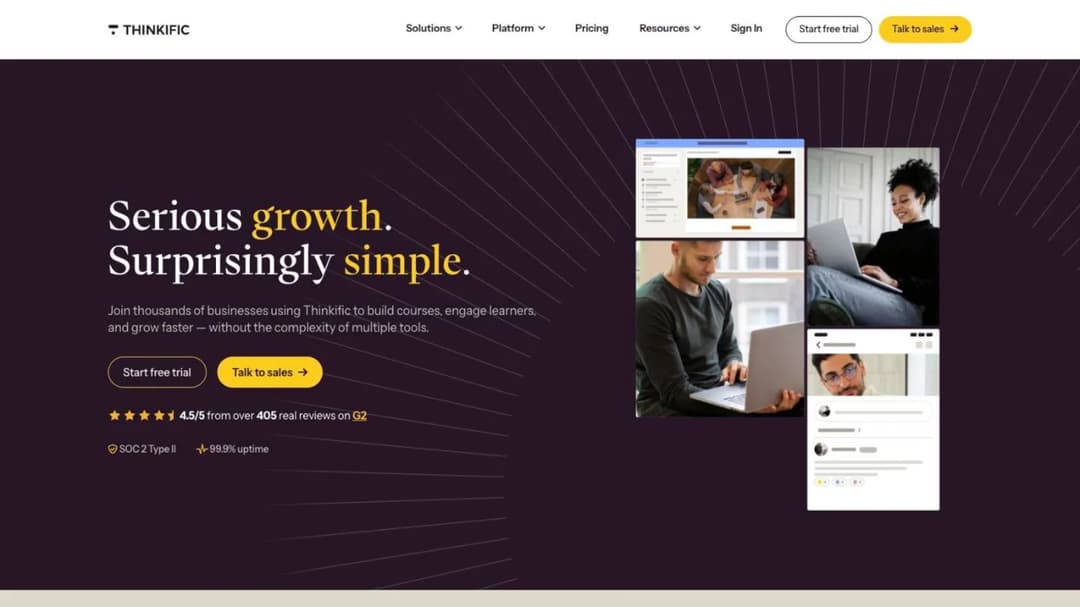
Best for: creators who want the closest like-for-like swap, with no platform fee on any plan and only payment processing coming off a sale.
Top features
- Course builder with drip scheduling, quizzes, assignments and certificates
- Live cohorts, memberships, bundles and payment plans from the Start tier
- Communities with course-gated access on every self-serve plan
- Automated sales tax and VAT, plus multi-currency checkout
- Revenue and churn reporting, with API access on the Grow tier
Thinkific is where Teachable creators land most often, because almost nothing about the setup has to be rethought. Courses, communities, checkout and email all sit in one account, and the fee shape is simpler than Teachable’s: 2.9% through Thinkific Payments, on every plan, with no separate platform cut sitting on top of it. On a $100 sale that’s $97.10 against Teachable Starter’s $89.30.
Run the crossover before you get excited about that, because the subscription is $15 a month higher. Fifteen dollars is 7.5% of $200, so the saving only begins above $200 of monthly sales, and below that figure Teachable Starter is the cheaper account of the two.
The trade shows up higher on the ladder. Your course carries Thinkific’s name until you’re paying $219 a month ($164 annually), which is $30 more than Teachable charges for the same thing. Thinkific’s terms also permit permanent deletion of all your content once the subscription ends, while Thinkific may keep a copy for its own purposes – so the export-before-you-cancel rule matters more here, not less. If Thinkific is the platform you’re actually weighing up, the Thinkific comparison runs its own field through these same fee and exit questions.
Pricing: Basic $54/mo ($40 annual), Start $109/mo ($82 annual), Grow $219/mo ($164 annual), Plus quote-only. Payment processing 2.9% on every self-serve plan. Thirty-day trial. Prices as of September 2026.
Pros
- No platform fee on any plan, so the sale cut is processing only
- Live cohorts, memberships and payment plans that Teachable splits across tiers
- A full month to test it, where Teachable gives you a week
- Unlimited courses from the entry plan rather than a five-product cap
Cons
- Costs $15 a month more than Teachable Starter, so below $200 of monthly sales it is the more expensive account
- Branding removal costs $219 a month, $30 more than Teachable’s equivalent
- Its terms permit deleting all your content when you cancel
- No refunds unless Thinkific made the error
- No free native app for buyers; a branded app sits on the quote-only tier
2. Kajabi
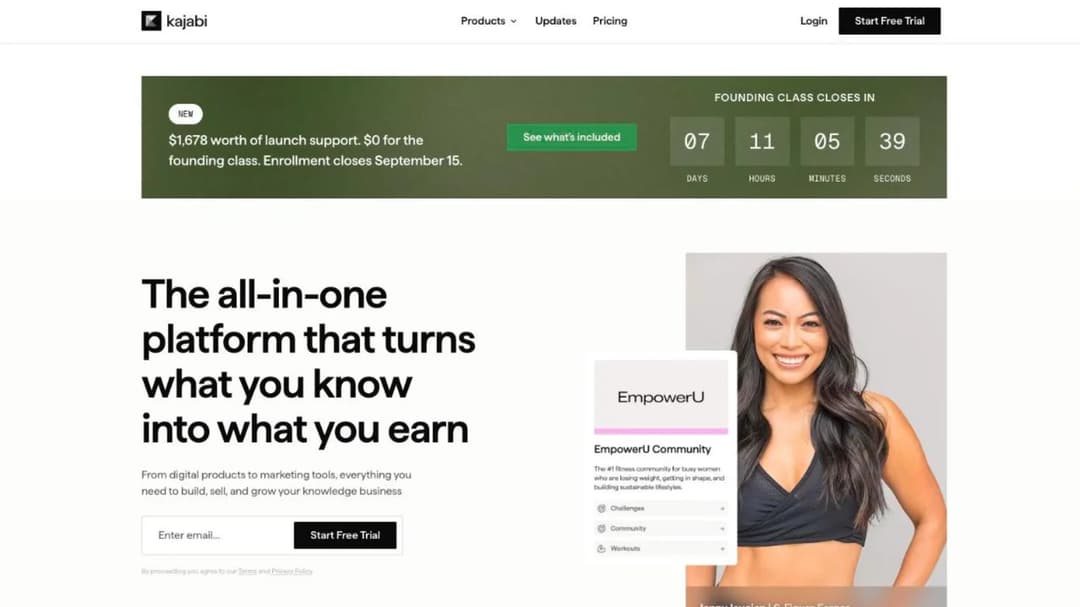
Best for: creators who’d rather pay a bigger subscription than a cut of every sale, and who want the email tool and the funnels inside the same account.
Top features
- Courses, coaching, communities, memberships, podcasts and downloads in one account
- Unlimited marketing emails, landing pages and funnels on every tier
- Contact CRM with segmentation, so the list lives beside the product
- Free customer app on every plan, branded app included on Pro
- An AI assistant included on every plan
Kajabi is the cleanest statement of “subscription instead of a cut” in this comparison. There’s no platform commission at any tier, and processing through Kajabi Payments runs 2.9% + 30¢ on Basic, 2.8% on Growth and 2.7% on Pro, so the rate falls as you climb. A $100 sale on Basic leaves you $96.80.
What you pay for that is entry. Basic is $179 a month, more than four times Teachable’s Starter, and the surcharge for using your own processor – 2% on Basic, 1% on Growth, 0.5% on Pro – sits on top of that provider’s own fees. The maths only works if you’d otherwise be paying separately for an email platform and a funnel builder, which many creators leaving Teachable Starter are not. There’s also no SCORM support of any kind, so the corporate door is closed rather than merely unanswered.
Pricing: Basic $179/mo ($143 annual), 5 products, 2,500 contacts, 2 admins. Growth $249/mo ($199 annual), 50 products, 25,000 contacts, 11 admins. Pro $499/mo ($399 annual). Third-party processor surcharge 2% / 1% / 0.5% by tier. Thirty-day trial. Prices as of September 2026.
Pros
- No platform commission at any tier, and the processing rate improves as you move up
- Email, funnels and a contact CRM included rather than bought separately
- A customer app at every price point, where most platforms here sell one as an add-on
- Thirty-day trial, plus a full refund if you cancel within 30 days of the first charge
Cons
- Entry costs $179 a month against Teachable Starter’s $39
- Using your own payment provider costs 2% down to 0.5% on top of that provider’s fees
- No SCORM or HTML5 support at all
- Five products on Basic, which is the same cap Teachable applies at a fifth of the price
3. LearnWorlds
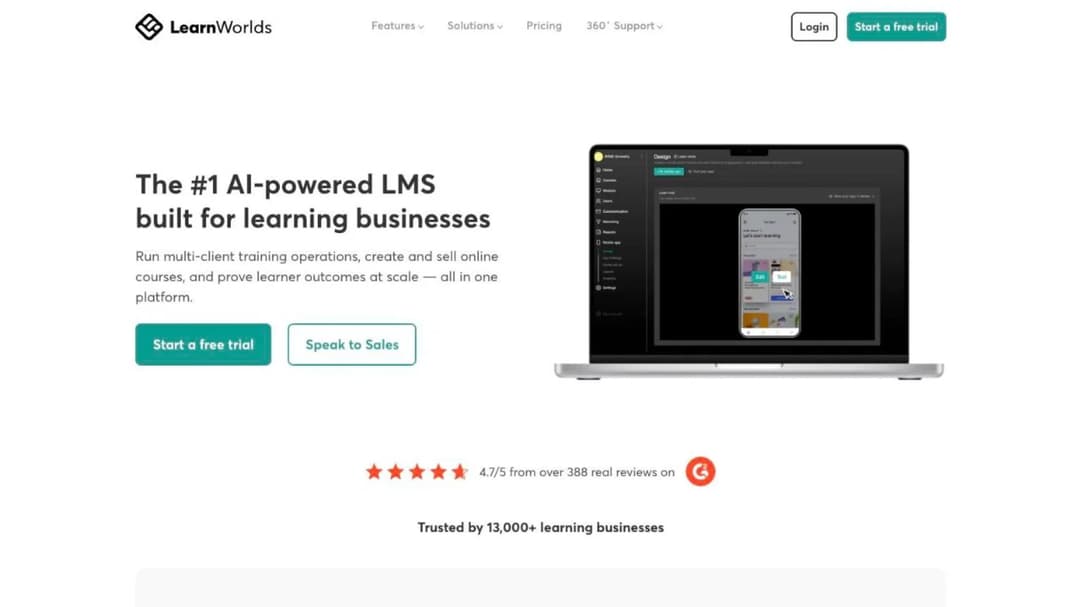
Best for: creators selling a higher-ticket course who can start above the entry tier, where the per-enrollment fee disappears.
Top features
- Interactive video with questions, links and branching inside the player
- AI-assisted course outlines, assessments and ebook generation
- Website and landing-page builder for a branded school site
- SCORM and HTML5 package import, plus LTI for external tools
- Mobile app builder as a paid add-on, published to your own developer accounts
LearnWorlds carries the third fee shape in this comparison, and it’s the one that rewards expensive courses. Starter charges $5 for every paid course enrollment on top of the subscription, and every tier above it charges nothing per enrollment at all.
Run that against your ticket price rather than against a percentage. On a $29 mini course, $5 is 17% of the sale – worse than Teachable’s 7.5% by a distance. On a $197 program it’s 2.5%, which beats Teachable Starter outright. The plan to buy is usually Pro Trainer at $99 a month ($79 annually), where the enrollment fee is gone and the subscription is the whole cost. That upgrade also lifts the SCORM cap, which on Starter stops at 20 packages inside 2 GB – the LearnWorlds comparison works through what else moves between those two tiers.
Pricing: Starter $29/mo ($24 annual) plus $5 per paid enrollment. Pro Trainer $99/mo ($79 annual), no enrollment fee. Learning Center $299/mo ($249 annual). Corporate quote-only. Thirty-day trial. Prices as of September 2026.
Pros
- No enrollment fee and no platform cut from Pro Trainer up
- Interactive video that most platforms here don’t attempt
- Imports SCORM packages, so a client’s existing material can come in
- Four weeks of evaluation, enough to run a launch through it before the enrollment fee starts counting
Cons
- $5 per enrollment on Starter makes the cheapest plan the wrong plan for a cheap course
- The white-label site is headline copy without a named tier
- A branded app costs $149 a month on top of any plan
- Cancelling stops the renewal but earns no refund
4. Skool
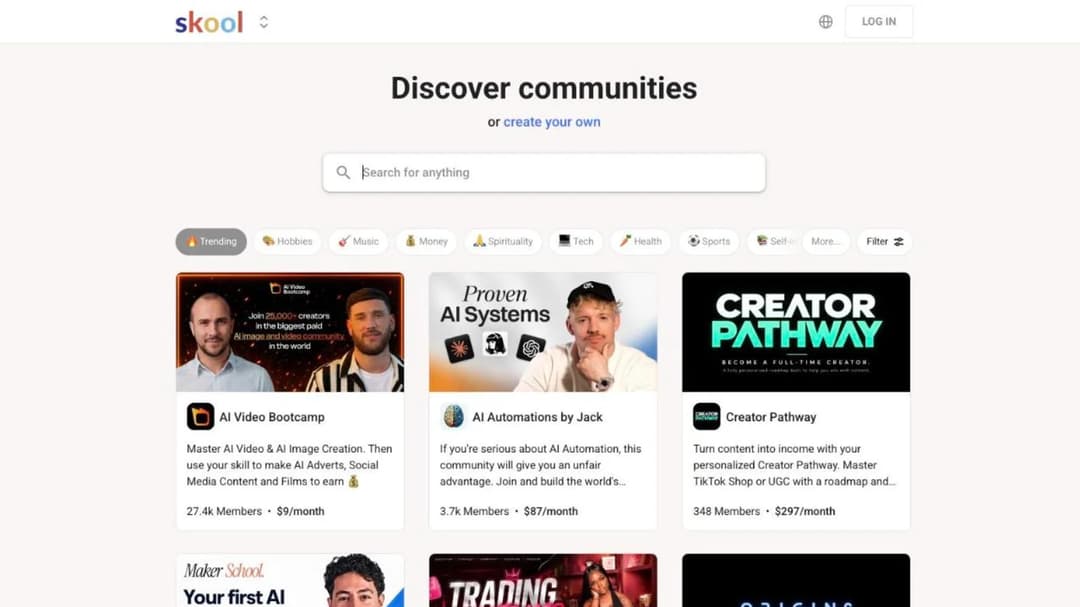
Best for: coaches whose product is really the group, with the course attached to it rather than the other way round.
Top features
- One feed where the community, the courses and the calls live together
- Unlimited members, courses, videos and live calls on both plans
- Custom URL on both plans
- Built-in affiliate program
- Two plans and nothing in between, so there’s no ladder to be upsold into
Skool is where the model starts to change. The group is the product, the course sits inside it, and the pricing is two lines: Hobby at $9 a month with a 10% transaction fee, Pro at $99 a month with 2.9%.
That 10% looks like the steepest number on this page and often isn’t. Set $9 + 10% against Teachable Starter’s $39 + 7.5% and Skool is cheaper on total cost up to $1,200 of monthly sales. The same sum inside Skool’s own ladder puts Hobby ahead of Pro until you’re selling around $1,270 a month. What Skool doesn’t publish matters too: no trial length, no contract term, no SCORM and no detail on course structure beyond the unlimited-everything list, so check the lesson mechanics during the two-months-free promotion rather than after. If you’re turning coaching sessions into a group program, that simplicity is the point.
Pricing: Hobby $9/mo with a 10% transaction fee. Pro $99/mo with a 2.9% transaction fee. Both list unlimited members, courses, videos and live calls. No trial length published; a two-months-free promotion was running as of September 2026. Prices as of September 2026.
Pros
- $9 a month is the lowest published entry price here, and it beats Teachable Starter below $1,200 of monthly sales
- Nothing metered: members, courses, videos and calls are all uncapped on the $9 plan too
- The group is the product rather than a tab nobody opens
- No tier ladder and no branding gate to climb
Cons
- 10% applies from your first dollar on the cheap plan, and it’s the largest percentage here
- No trial length, refund policy or contract term published
- No SCORM, so a corporate request has no answer
- Course structure beyond “unlimited” isn’t documented, so it needs testing before you commit
5. Mini Course Generator
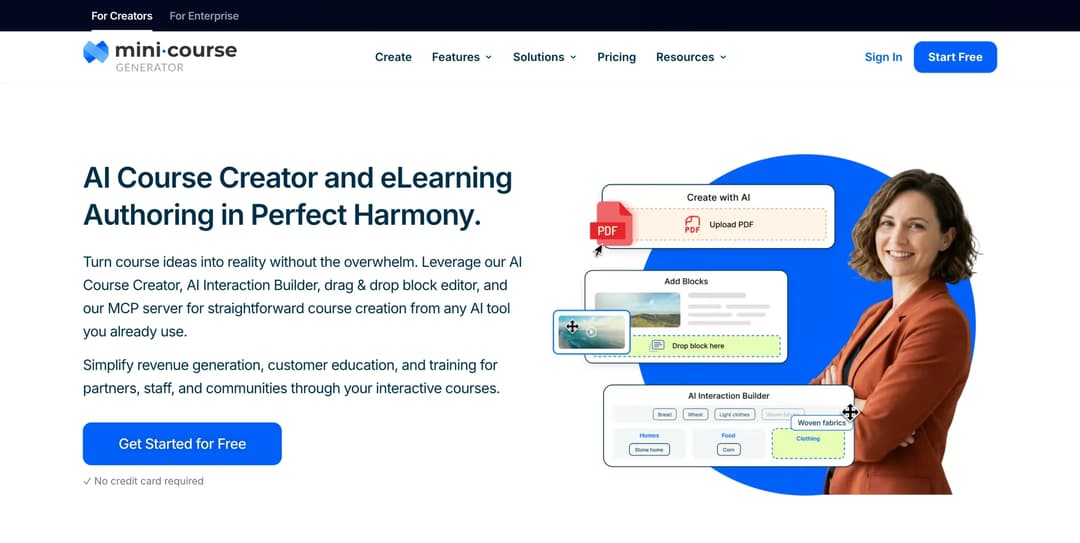
Mini Course Generator is our product; it’s listed for the job it does, not ranked above the others.
Best for: creators whose material already exists as a PDF, a workbook or a video library, who want it selling as a short course this week and want the whole sale.
Top features
- AI Course Creator, drafting a full course from your own material with Hallucination-Proof generation
- PDF to Course Creator, turning an ebook, workbook or deck you already sell into a course
- AI Interaction Builder for Branching Scenarios, Flashcards and mini-games, Interactive Quizzes and Drag-and-Drop Activities, plus an AI Quiz Builder
- Gateways: six access options including a pay-wall and double opt-in, with magic links for password-less access
- Community Boards inside the lesson, and SCORM or PDF export at any time
Teachable assumes the course is a catalogue you’ll build over weeks and host on a Teachable site. Mini Course Generator assumes the material already exists and the bottleneck is turning it into something people finish. The AI Course Creator drafts from your own documents rather than the open internet, and if your material is already on YouTube it can build the course from the videos.
On the money, the three things this page has been about are answered directly. There’s no commission and no transaction fee taken from your revenue – the platform states it doesn’t have access to your sales data at all, and funds transfer to your own account. The badge comes off on every paid plan rather than at a branding tier. And content stays portable: export as SCORM or PDF at any time, so nothing becomes irretrievable because a subscription lapsed.
Access is built for buyers who won’t create an account. Courses open from a share link or an embed, so a buyer goes from checkout to lesson one without a password. Plans are sized by a yearly learner allowance rather than permanent seats, and a learner is anyone who takes your courses, so a quiet month doesn’t cost you a tier. For creators who already work inside Claude or ChatGPT, the MCG MCP Server builds and updates courses through the assistant itself, and the SCORM Upload Block accepts a package made elsewhere and reports on how learners interact with it. If the short format is new to you, worked examples are here and a format comparison is here.
Pricing: published in full on the pricing page, with 14 days of full access and no credit card, zero implementation or onboarding fees, and no minimum annual commitment. Dynamic SCORM export sits on the business plans.
Pros
- No commission and no transaction fee taken from a sale
- Badge removal included on every paid plan rather than at a branding tier
- SCORM or PDF export at any time, so the content leaves when you do
- Courses open from a link with no login, which suits a low-priced course better than an account wall
- Plans sized by a yearly learner allowance rather than permanent seats
Cons
- No native mobile app, where Teachable ships free iOS and Android apps on every tier
- No built-in email marketing, affiliate program, upsells or abandoned-cart recovery; Teachable gives you upsells and cart recovery on Starter, and the other two from Builder up
- Memberships and coaching aren’t product types here, so a recurring-billing membership needs another tool
- Built for short courses, so a twenty-hour video curriculum isn’t what it’s designed around
- REST API, Headless LMS and SSO for learners sit on the Custom plan only
6. LearnDash
Best for: creators who already run a WordPress site and want the course to live on it, with no per-sale cut at any volume.
Top features
- Course, lesson, topic and quiz builder with eight question types
- MemberDash membership platform included on every tier
- Certificate builder, focus mode and video progression gating
- ProPanel reporting with completion drop-off points on the higher tiers
- Groups, seat selling and a front-end instructor role on Elite
LearnDash changes who owns the stack. It’s a WordPress plugin rather than a hosted platform, so there’s no platform fee for the simple reason that there’s no platform – selling runs through Stripe, PayPal or WooCommerce at the processor’s own rate, and nothing sits between you and the payment except the gateway.
Budget three lines rather than one. The plugin is an annual licence from $259, hosting is separate and yours to arrange, and a mobile app is a $1,199-a-year add-on plus your own developer accounts. The trial is 48 hours with no card, which is the shortest look at any platform here and not enough time to rebuild a course – so plan what you’ll test before you start the clock. If you want a course embedded on a WordPress page without running the plugin stack at all, there’s a lighter route.
Pricing: Essentials $259/year, Pro $399/year, Elite $599/year, billed annually per site. Mobile app add-on $1,199/year plus developer accounts. Forty-eight-hour trial, no credit card. Prices as of September 2026.
Pros
- No per-learner or per-sale fee at any volume, on any tier
- Your site, your branding, your checkout and your customer list
- Membership tiers included on every plan rather than sold as an add-on
- Unlimited courses and learners, so a launch spike costs nothing extra
Cons
- Three purchases to budget for – plugin, hosting and app – rather than one subscription
- Content built in LearnDash isn’t SCORM compliant, and playback needs a third-party add-on
- A 48-hour trial against Teachable’s seven days and Thinkific’s thirty
- The terms state a one-year minimum initial term, whatever the product page suggests
7. Moodle
Best for: the creator teaching a fixed cohort who’d rather own the software outright than rent a platform.
Top features
- Free, open-source core under the GPL, hostable on your own server with no licence fee
- MoodleCloud hosting priced by registered users and storage
- SCORM 1.2 and AICC playback, plus H5P interactive content
- Video conferencing bundled for smaller groups
- A pluggable AI subsystem you wire to your own provider keys
“Is there a free version” has a real answer here, and it’s more precise than the marketing. The Moodle software is free under the GPL and you can host it yourself for the price of a server and your own time. MoodleCloud, the hosted version, has no permanent free plan – only a 28-day trial, then $170 a year for 50 users and 1 GB of storage.
The shape of the pricing is the thing to check against your own business. Tiers are sized by registered users and storage, not by revenue, and selling through Stripe only appears from the $510-a-year plan up. A course with an open audience outgrows that ladder fast; a cohort of forty students a term never does. One practical note: prices are shown in US dollars but billed annually in Australian dollars, so your card will see a converted amount.
Pricing: MoodleCloud Starter $170/year for 50 users and 1 GB. Mini $280/year for 100 users. Small $510/year for 200 users, the first tier that sells courses through Stripe. Twenty-eight-day trial, no card. Prices shown in USD and billed in AUD. Prices as of September 2026.
Pros
- The software is free and yours; nobody can delete your installation
- No per-sale fee of any kind
- Plays SCORM packages, so a client’s existing material runs
- Translated into more than 120 languages, with a free official mobile app
Cons
- Selling courses needs the $510-a-year plan or higher
- Priced by registered users, which is the wrong shape for an open audience
- Never generates a SCORM package itself, so you can’t hand one to a client
- Self-hosting makes you the person on call when it breaks
8. TalentLMS
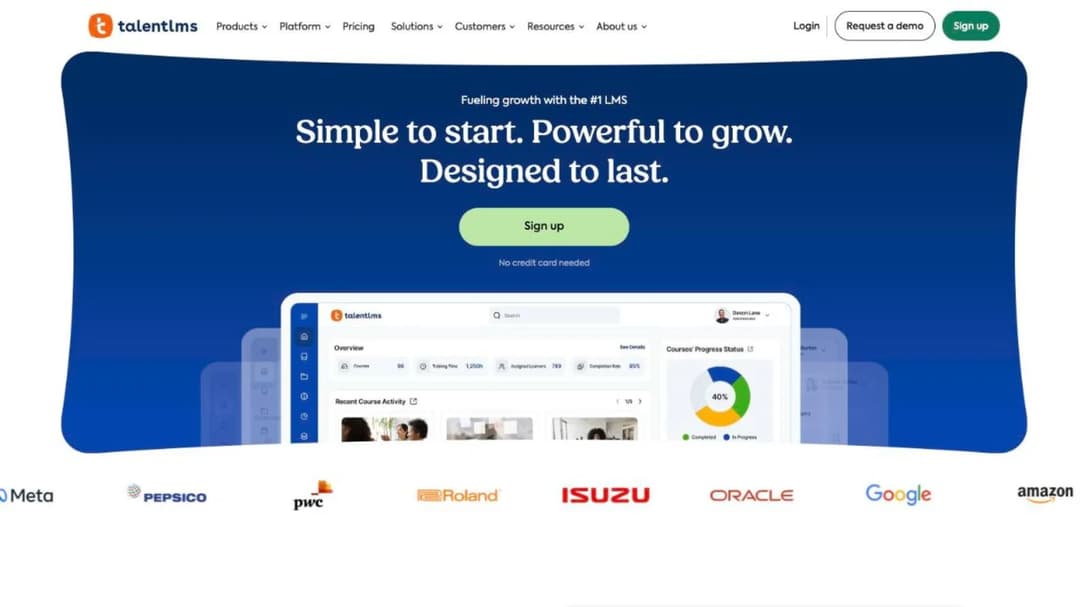
Best for: the moment a company wants to buy your course for its team, and asks for reporting you can’t produce today.
Top features
- Published plan ladder priced by user band, plus a free plan for up to 5 users and 10 courses
- Separate branches, so a client’s team gets its own portal
- SCORM 1.2, xAPI and cmi5 import, plus LTI
- Certificate expiry with automatic re-assignment when a certificate lapses
- Stripe, PayPal, Shopify and WooCommerce for selling, with SAML and Okta for logins
TalentLMS is the odd one here on purpose. It’s built for training a company’s staff rather than selling to the public, and it earns its place because that’s exactly the request Teachable has no answer for: a company that wants your course inside its own system, with completion reporting attached.
Check the billing model before you get attached to it. Pricing runs by user band rather than by product – Core at $119 a month billed monthly, or $95.20 a month billed annually, for up to 100 users; Grow at $229 ($183.20 annually) for 500; Pro at $449 ($359.20 annually). For a public course with a thousand buyers that model is wrong in an expensive way. For a client’s team of sixty it’s the cleanest thing on this page. The wider view of what these systems actually cost and what small businesses buy is worth reading before that conversation starts.
Pricing: Free plan for up to 5 users and 10 courses. Core $119/mo billed monthly or $95.20/mo billed annually, up to 100 users. Grow $229/mo ($183.20 annually) up to 500 users. Pro $449/mo ($359.20 annually). No trial length published. Prices as of September 2026.
Pros
- The whole ladder is published without a sales call
- A genuinely free plan for a first handful of learners
- Imports SCORM, xAPI and cmi5, so a client’s existing content comes in
- Certificate expiry and re-assignment handled natively rather than in a spreadsheet
Cons
- Priced per user, which is the wrong shape for a course sold to an open audience
- Import only: you can’t create a SCORM file in TalentLMS
- No trial length is published, so the free plan is the only way to test it
- Built for internal training, so the storefront a creator expects isn’t the focus
Which Teachable Alternative Fits Your Situation
Five forks, in the order they actually decide things.
If you sell under $533 a month
Stay on Starter and spend the effort on the offer. Seven and a half percent of $400 is $30, and the upgrade that removes it costs $40. No migration ever pays that back, and the weekend you’d spend moving is worth more in a launch than in a settings panel.
Revisit the number when your monthly sales cross $533 on annual billing or $667 on monthly, and revisit it sooner if your problem turns out to be a seat count rather than a fee. If sales are the constraint rather than fees, testing the idea before building more of it is the better use of the same weekend.
If you sell a low-priced mini course
Below a $66.67 ticket, a percentage beats a flat enrollment fee, so price against the platforms that take nothing at all. A $5 enrollment fee is 17% of a $29 sale. Teachable’s 7.5% is $2.18 on the same sale, and Mini Course Generator takes no commission or transaction fee on it.
The other thing that decides a cheap course is friction. Every account wall between the checkout and lesson one costs you completions, and completions are what sell the next thing. Short formats that open from a link exist for that reason.
If you sell a high-ticket program
Above a $66.67 ticket the flat enrollment fee wins, and the refund clause matters more than the fee anyway. On a $997 program, LearnWorlds Pro Trainer at $79 a month takes nothing per sale, and Kajabi takes no commission either, though its $179 entry price is the trade – the Kajabi comparison covers who ends up leaving it and why.
Then read the refund terms before the price list. Teachable gives your buyer fourteen days on any native-gateway purchase and won’t let you shorten it without approval; Kajabi and LearnWorlds leave the buyer’s refund policy to you. On four figures a sale, that clause is worth more than any percentage on this page.
If the group is really the product
If your members would still pay with an empty course library, buy a community platform; if they’d leave, buy a course platform. Skool is the one here built that way: $9 a month plus 10% below $1,200 of monthly sales, its $99 Pro tier above that.
If the course is the product and the community is a bonus, Thinkific and Kajabi both hold a community inside a course platform, and Community Boards sit inside the lesson itself in Mini Course Generator.
If a company wants to buy your course for its team
Export is the requirement, not a migration. You don’t need to move your whole business because one buyer wants a file; you need a platform that produces one. TalentLMS and Moodle are the two here built for a corporate buyer, and Mini Course Generator exports SCORM or PDF at any time from the setup you already sell on. If the client already runs Moodle and isn’t happy with it, the Moodle comparison covers what teams move to.
If the client is big enough to have a training department with its own system, the conversation becomes theirs rather than yours. The Docebo comparison and the LearnUpon comparison cover the platforms that buyer is choosing between, and the Skilljar comparison covers the customer-education end of it.
How to Leave Teachable Without Losing Your Students
Do these in order. Only the first is impossible to do later.
- Export everything while the account is live and paid. Video files, lesson copy, quiz text, PDFs, your student list, your sales records. Teachable’s terms say user content “may be irretrievable” after termination, and that Teachable may keep a copy of it. There’s no undo on that step and no ticket that reverses it.
- Don’t migrate mid-launch. Every buyer from the last fourteen days still holds a full-refund right on a purchase made through Teachable’s native gateway. Let the window close before you move the checkout, or you’ll be processing refunds on a platform you’ve stopped paying for.
- Use the thirty-day money-back window rather than the seven-day trial. Buy the month on whichever platform you’re testing, build a real course on it, and put the refund deadline in your calendar the day you sign up.
- Rebuild one small paid product, not the catalogue. Take your cheapest course, put it on the new platform, and run a real sale through the new checkout with your own card. Watch the buyer’s first two minutes: the email, the login if there is one, the first lesson loading on a phone.
- Move buyers last. Keep the Teachable site live until the new checkout has taken a real payment and delivered a real lesson. Then email the people who bought from you with one link and no instructions.
- Cancel, then close the account. Check the renewal date first, because an annual term you’ve already paid for is spent either way, and timing the cancellation for the end of it costs you nothing.
Export first, cancel second. Everything else on that list is recoverable.
Put your next course behind a pay-wall Gateway and hand the buyer a link – no account to create, no password to forget, and the money lands in your own account. If the course is a free one, the double opt-in Gateway turns it into a list-builder instead.
Frequently Asked Questions
Is there a free alternative to Teachable?
Teachable publishes no free plan at all – it’s a paid service with a seven-day trial and a 30-day money-back guarantee. Among the platforms here, TalentLMS runs a free plan for up to 5 users and 10 courses, and Moodle’s software is free to download and host yourself, though MoodleCloud hosting starts at $170 a year. Free software and free hosting aren’t the same thing, and only the second one saves you work. The wider set of no-cost options is worth a look if free is a hard requirement rather than a preference.
Which is better, Udemy or Teachable?
They’re not the same kind of decision. A marketplace lends you an audience you couldn’t reach and charges for it in the split, and the buyer belongs to the marketplace rather than to you – no email address, no pricing control, no second offer. Teachable charges you a subscription and leaves you to find the buyers, and the list you build is yours to sell to again. If you have no audience and want distribution, a marketplace is a route in. If you already have a list, selling to it through your own checkout keeps far more of each sale and every buyer.
Which is better, Thinkific or Teachable?
It depends on what you sell in a month. Thinkific Basic is $54 against Teachable Starter’s $39, but it charges 2.9% processing with no platform fee at all, so a $100 sale leaves you $97.10 instead of $89.30. The $15 subscription gap equals 7.5% of $200, so below $200 of monthly sales Teachable Starter costs less, and above it Thinkific does, by a margin that widens with every sale. A difference of a few dollars a month is not on its own worth a migration. Above the entry tier it flips: Teachable charges no platform fee from Builder up, removes its branding $30 cheaper, and gives your buyers a free native app on every plan. The full Thinkific comparison covers what leaving either one costs.
What are the top 10 online learning sites?
If you’re selling rather than studying, that question is really “where should my course live”, and the shortlist is much shorter than ten. Teachable, Thinkific, Kajabi, LearnWorlds and Skool if you want a hosted platform with a checkout; LearnDash or Moodle if you’d rather own the stack; TalentLMS if your buyer is a company; Mini Course Generator if the material exists already and you want it live as a short course. Which one wins depends on your ticket price and your monthly volume, which is the arithmetic near the top of this page – and on whether you’re building a catalogue or a single evergreen offer.
Does Teachable charge transaction fees?
Yes, on one plan. Starter takes 7.5% of every sale; Builder, Growth and Custom show 0%, on the condition that you take payment through teachable:pay or the Monthly Payment Gateway. Card processing applies on every tier regardless: 2.9% + 30¢ on US cards, 3.9% + 30¢ on international cards and 4.99% + 49¢ on international PayPal, plus a flat $15 fee on any chargeback. So a $100 US sale on Starter leaves $89.30, and the same sale on Builder leaves $96.80.
Can I export my Teachable course as a SCORM package?
SCORM appears nowhere on Teachable’s site – not on the pricing or features pages, and not in the support centre’s course-compliance article – so there’s no published answer either way. If a corporate buyer has asked you for a package, plan on producing it somewhere else: Mini Course Generator exports SCORM or PDF at any time, and TalentLMS and Moodle can play a package a client sends you, even though neither creates one.
Sources
- Teachable pricing page and pricing FAQ, terms of use, security page and about page, read September 2026
- Thinkific pricing page and terms of service, read September 2026
- Kajabi pricing page and help centre documentation on supported file formats, read September 2026
- LearnWorlds pricing page, SCORM documentation and terms of use, read September 2026
- Skool pricing page, read September 2026
- LearnDash product and pricing pages at Liquid Web, SCORM documentation and terms and conditions, read September 2026
- MoodleCloud standard plans page and Moodle SCORM documentation, read September 2026
- TalentLMS pricing page and SCORM compatibility documentation, read September 2026
- Mini Course Generator pricing page and product documentation


