Claude Skills for course creators is a category that mostly doesn’t exist yet. Most of what has been written about Skills so far is about two other things.
The first is developer material: how Skills are structured, how to write one, how they compose. Accurate, and aimed at somebody building tooling. The second is a wave of “Claude Skills for teachers” posts – lesson plans, rubrics, marking – which are about K-12 classrooms and don’t transfer to corporate training, because the artefacts are different and nothing has to end up in an LMS.
Neither answers the question a person who builds workplace training is actually asking. Here’s that answer, including the parts where the honest response is “not yet”.
Try Mini Course Generator free – install a learning Skill and see what comes out.
Key Takeaways
- Skills and connectors solve different problems. A connector gives Claude access to a system. A Skill gives Claude a repeatable capability that produces a portable artefact.
- For training work the useful Skills are the ones producing something assessable and exportable – a graded activity you can put in an LMS – not the ones producing documents.
- The “Claude Skills for teachers” wave is real and mostly irrelevant to L&D. Classroom artefacts don’t need SCORM, a completion record, or an audit trail.
- Installing one is a single command:
npx skills add minicoursegenerator/edu-role-play.- Judge a Skill by running it, not by its page. Give it one real scenario from your own training and check two things: the score and the SCORM import.
Skills and Connectors Are Not the Same Thing
They get discussed together and behave differently, and mixing them up produces the wrong tool choice.
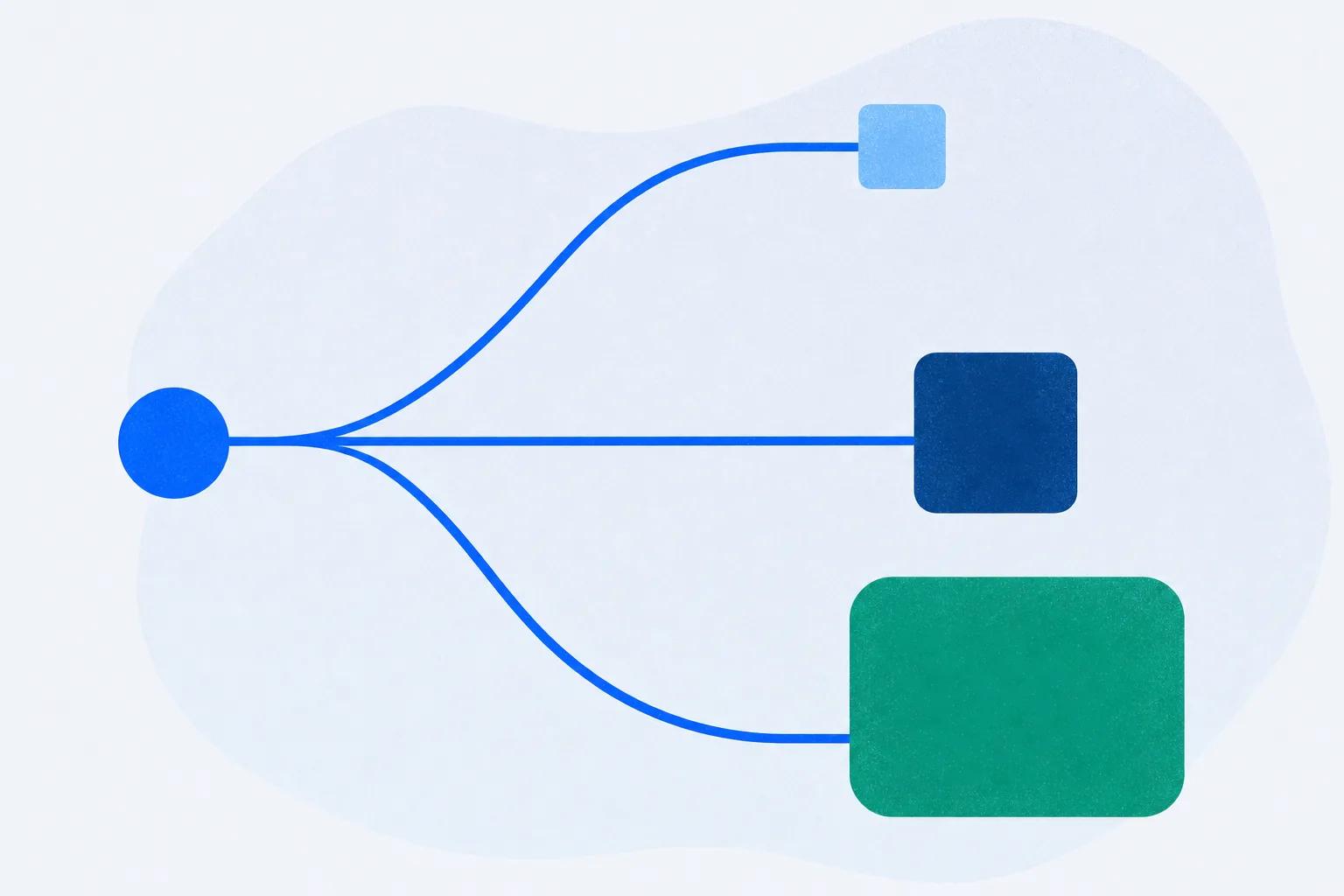
A connector gives Claude access. Enable one and Claude can read your Drive, your Confluence, your course platform. It’s about reach: what Claude can see and, with a custom connector to an MCP server, what it can do inside another system.
A Skill gives Claude a capability. It’s a package of instructions and assets that tells Claude how to produce a particular kind of thing well and consistently. The output is an artefact you own.
| Connector | Skill | |
|---|---|---|
| What it adds | Access to a system | A repeatable way to produce something |
| What you get back | Actions taken in that system | A file, portable and self-contained |
| Needs an account elsewhere | Yes | No |
| Good for | Building courses in a platform | Building one activity to put somewhere else |
| Survives without the vendor | No | Yes |
You’ll want both, for different halves of the job. We put the full decision side by side in Skills vs MCP for course creation – this piece is the hands-on tour rather than the architecture argument.
What Makes a Skill Useful for Training
A filter worth applying, because most Skills that touch education fail it.
The question is: does the output get assessed, and can it leave?
Assessed. Training that produces no score produces no evidence. A Skill that writes a beautiful lesson document has moved the writing problem, not the training problem, because nothing about it tells you whether anyone learned anything.
Exportable. Corporate training almost always has to run inside a system somebody else administers – Cornerstone, Moodle, SuccessFactors, whatever HR bought. A Skill whose output only works inside one vendor’s environment fails at the boundary that matters most.
Apply those two tests and the field narrows fast. Skills that generate documents, outlines, quiz text or lesson plans all fail the first. Skills that build interactive activities inside a proprietary player fail the second.
What passes: Skills that generate a graded, interactive activity packaged as SCORM. That’s a small category, and it’s the one that’s actually useful to somebody whose training has to end up in a corporate LMS.
Installing One
One command, and it’s the same shape regardless of which Skill:
npx skills add minicoursegenerator/edu-role-play
Then describe what you want. For the role-play Skill, that means a persona, a scenario and a rubric:
“Build a role-play for support reps handling an angry customer whose order arrived damaged. The customer opens hostile and calms if the rep acknowledges the impact before explaining policy. Grade against four criteria: acknowledged the impact, established the facts before proposing, offered a specific remedy, closed with a next step and a date. Export as SCORM.”
What comes back is a self-contained package that runs in a browser and reports its rubric score through cmi.core.score.raw and completion through cmi.core.lesson_status. It uploads into any LMS that imports SCORM, with no integration and no account with us.
The deeper version of rubric design – and why an agreeable AI counterpart wastes everyone’s time – is in building a rubric-graded roleplay.
The “Claude Skills for Teachers” Wave
Worth addressing directly, because it’s where most of the attention has gone so far, and it sends L&D people down the wrong path.
There’s genuine enthusiasm around Skills in education, and the material is real: lesson planning, differentiation, rubric writing, marking assistance, parent communication. For a classroom teacher, several of these save meaningful time.
Almost none of it transfers to workplace training, for three structural reasons.
The artefact is different. A teacher needs a lesson plan they will deliver in person. An L&D team needs an object learners interact with unsupervised, at scale, with a record.
The record matters. A classroom teacher knows whether the class understood, because they were there. Corporate training has to prove completion to somebody who wasn’t, and sometimes to an auditor.
The delivery constraint is different. A teacher decides how their lesson is delivered. An L&D team delivers through a system chosen by procurement three years ago, which is why export format is the constraint teachers never have to think about.
If you’re in L&D and teacher-focused Skills have felt off to you, that’s why. Skip them – the gap is structural, not a matter of adapting the prompts.
Composing Skills and Connectors
The pattern worth learning, once you have both available: they operate at different layers and combine cleanly.
A realistic sequence for a support-team refresher:
- Connector reads the source. Claude pulls the recurring themes out of your support channel – the Slack recipe covers this properly.
- Connector builds the course. The course platform connector creates lessons for those themes, publishes, and returns a link.
- Skill produces the hard part. For the theme that needs practice rather than explanation, the role-play Skill generates a graded simulation.
- The Skill’s output goes wherever it must. Inside the course, or exported as SCORM into the corporate LMS if the compliance record lives there.
Nothing about that requires the two to know about each other. The connector handles the system; the Skill handles the artefact; you decide where each output lands.
## Test a Skill Before You Plan Around It
A Skill’s page tells you what it is designed to produce. Running it tells you what it actually produces for your scenario, your rubric and your LMS, and that is the version you’ll be living with.
**The test takes about half an hour, and most of that is reading the output.** Install the Skill, give it one scenario your team really trains on, and check two things: whether the score reflects your rubric rather than a generic one, and whether the SCORM package imports cleanly into the LMS your learners actually use. With the role-play Skill, that means running the conversation twice, once well and once badly, and confirming the two scores land far enough apart to mean something.
The general habit worth adopting: before planning a programme around any Skill, run it once on your own material. Not read the page – run it. A demo shows the scenario the Skill handles best; your own scenario shows the one you’ll ship.
What’s Genuinely Missing
An honest list of what doesn’t exist well yet, so you know where the ceiling is.
Skills that read learner results. By design, a Skill produces an artefact and stops. Anything that depends on knowing what happened after publish needs a connection, which is the whole basis of the Skills-versus-MCP distinction.
Skills for the boring compulsory formats. Most corporate compliance training is a linear module with an end-of-module quiz. It’s unglamorous, it’s enormous in volume, and it’s under-served by a category currently focused on the interesting activity types.
Consistency across a course. Skills produce activities individually. Nothing yet enforces a consistent voice, difficulty curve or rubric philosophy across twelve activities in one programme, so that consistency is still a human job.
The Short Version
Claude Skills for course creators is a smaller field than it looks, because most of the attention so far has gone to developers and classroom teachers, and neither transfers.
The filter that matters: does the output get assessed, and can it leave? Skills that produce documents, outlines or quiz text fail the first test. Skills that produce activities locked inside one vendor’s player fail the second. What passes is the small category producing graded, interactive activities packaged as SCORM.
Connectors and Skills solve different halves. Use a connector when the course should live in a platform that will also deliver and track it. Use a Skill when you need one portable, graded artefact for a system you don’t control.
And judge a Skill by running it, not by its page: one real scenario, then check the score and the import before you plan around it. The [AI Role-play Skill](/skills/role-play/) installs in a single command, which makes it an easy first test.
Frequently Asked Questions
What are Claude Skills?
Packages of instructions and assets that give Claude a repeatable way to produce a specific kind of output. Unlike a connector, which grants access to a system, a Skill produces a self-contained artefact you keep – which for training work usually means a graded interactive activity.
Are Claude Skills useful for corporate training?
The ones that produce assessable, exportable output are. Skills that generate documents or lesson plans move the writing problem rather than the training problem. The useful test is whether the output can be scored and whether it runs in an LMS you don’t control.
How do I install a Claude Skill?
One command – for example `npx skills add minicoursegenerator/edu-role-play`. Then describe what you want in conversation. Installing takes about thirty seconds, so a trial run on your own scenario is the quickest way to see what a Skill actually produces.
Do Claude Skills for teachers work for workplace training?
Generally not. Classroom Skills produce lesson plans a human delivers in person, with no need for a completion record or an export format. Corporate training needs an artefact learners use unsupervised, scored, inside a system procurement chose. The gap is structural.
What is the difference between a Claude Skill and a connector?
A connector gives Claude access to a system so it can read or act there. A Skill gives Claude a capability that produces a portable file. A connector’s value depends on the connected system; a Skill’s output survives without it.
### How do I tell whether a Claude Skill is worth using for training?
Run it on one real scenario from your own training rather than judging it from its description. Check whether the output is scored against your rubric and whether it imports into the LMS your learners use. A Skill that passes both is worth building a programme around; one that fails either is a document generator with extra steps.