This post was originally shared with our users via email on June 24, 2026.
You’ve always been able to build a whole interactive course with AI in Mini Course Generator. But the moment you wanted to add just one more AI-assisted page that fit with the rest, you were back to doing it manually.
Not anymore.
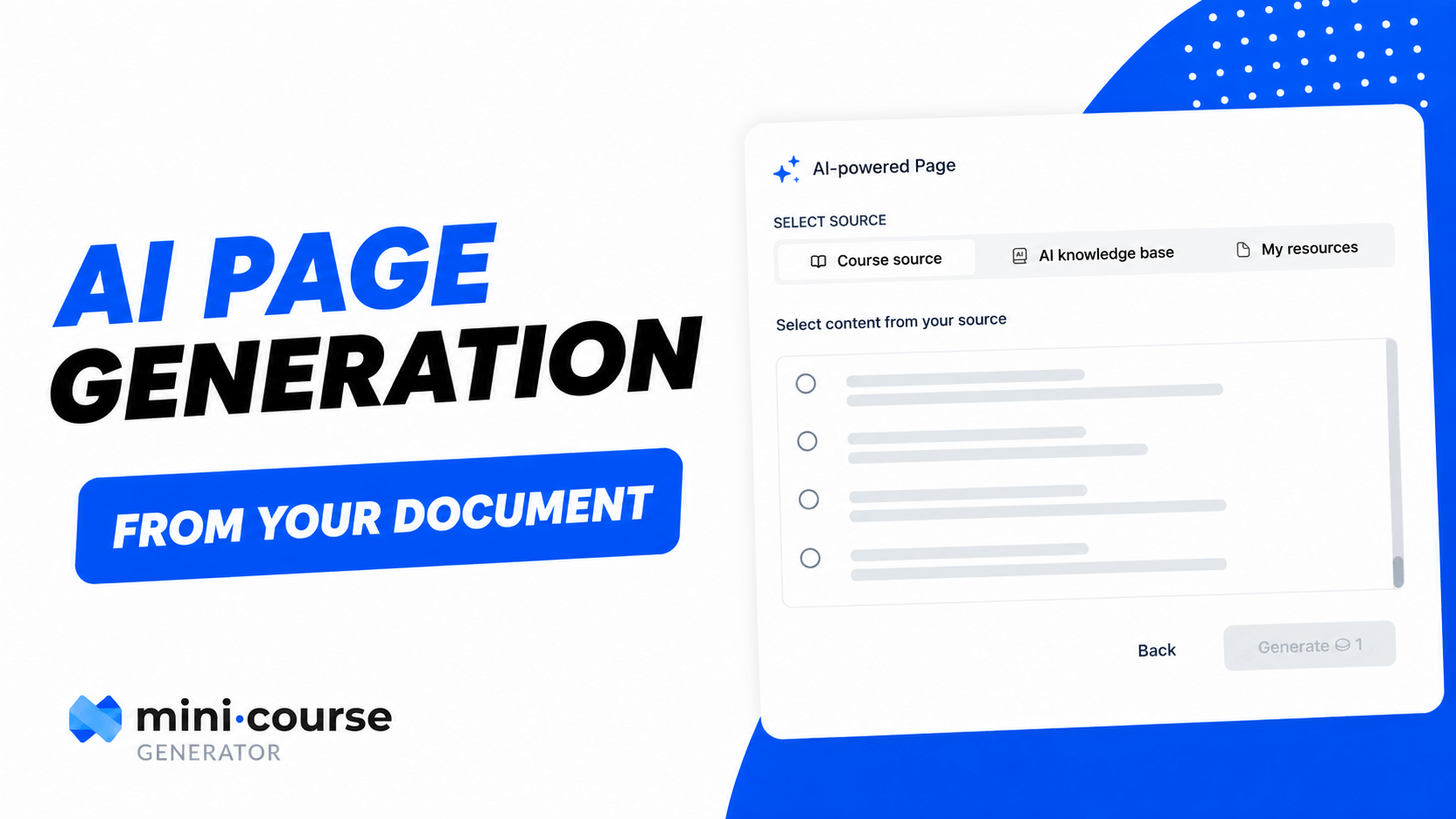
Introducing AI Page Generation. ✨
Now you can add new pages to any course with AI, anytime, not just at creation. Open a course, choose to generate a page, and pick where the content comes from:
📄 From your original PDF: If you built the course from a PDF, generate a new page from that same source. No re-uploading, no digging for the file.
📤 From a new PDF: Upload a fresh document and turn it straight into polished lesson page.
✍️ From a simple prompt: No source at all? Just describe what you want to teach, and AI writes the page for you.
📽 Watch how AI Page Generation works 👇
🎥 Missed our webinar? Here’s the recording.
A big thank you to everyone who joined us live for How to Become an Agentic Educator in the AI Agent Era. We went end to end: connecting your favorite LLM to MCG, generating videos and custom SCORM activities, and shipping them straight into your course with the new SCORM block, all from a single prompt.
The links we mentioned during the session:
🔦 Step-by-step setup guide: https://intercom.help/mini-course-generator/en/articles/1505…
📦 SCORM Block help article: https://intercom.help/mini-course-generator/en/articles/1553…
🎓 Courses we built through MCP during the webinar: